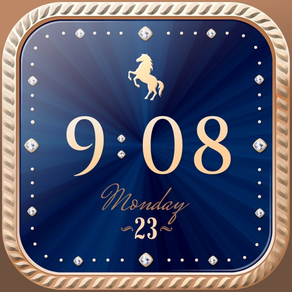
24k Clock Widget

24k Clock Widget


Free

1.0.5for iPhone, iPad
Age Rating
4+
Apps in this category do not contain restricted content.
9+
Apps in this category may contain mild or occasional cartoon, fantasy or real-life violence, as well as occasional or mild adult, sexually suggestive or horrifying content and may not be suitable for children under 9 years of age.
12+
Apps in this category may contain occasional mild indecent language, frequent or intense cartoon or real-life violence, minor or occasional adult or sexually suggestive material, and simulated gambling, and may be for children under 12 years of age.
17+
You must be at least 17 years old to access this App.
Apps in this category may contain frequent and intense offensive language; Frequent and intense cartoon, fantasy or realistic violence: frequent and intense adult, scary and sexually suggestive subjects: as well as sexual content, nudity, tobacco, alcohol and drugs, may not be suitable for children under 17 years of age.
24k Clock Widget Screenshots
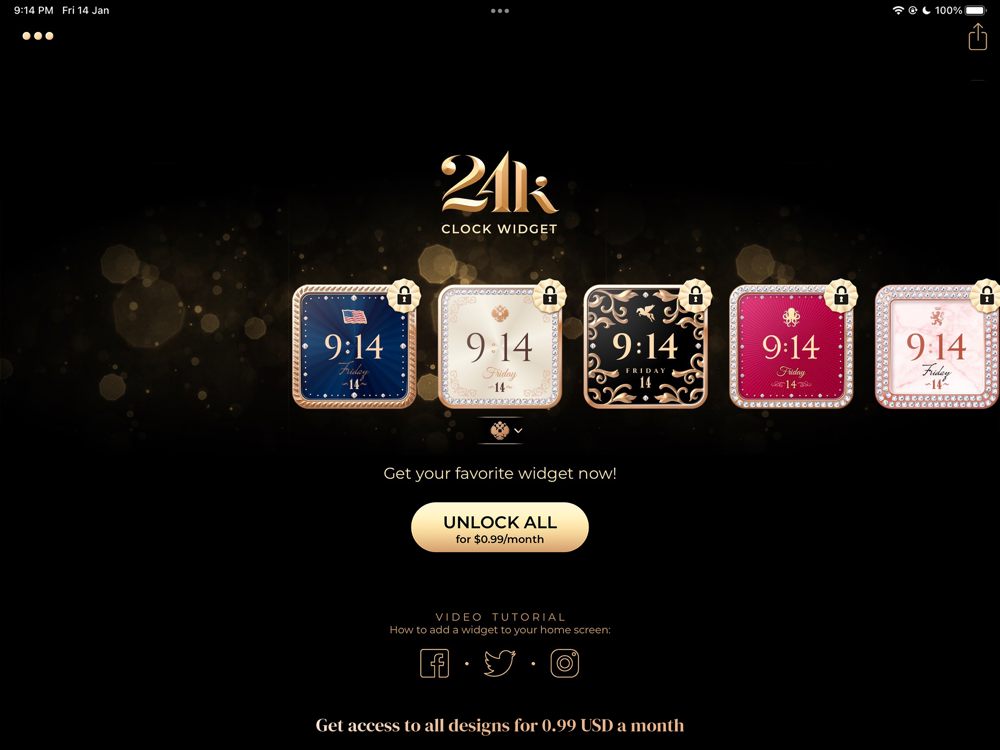
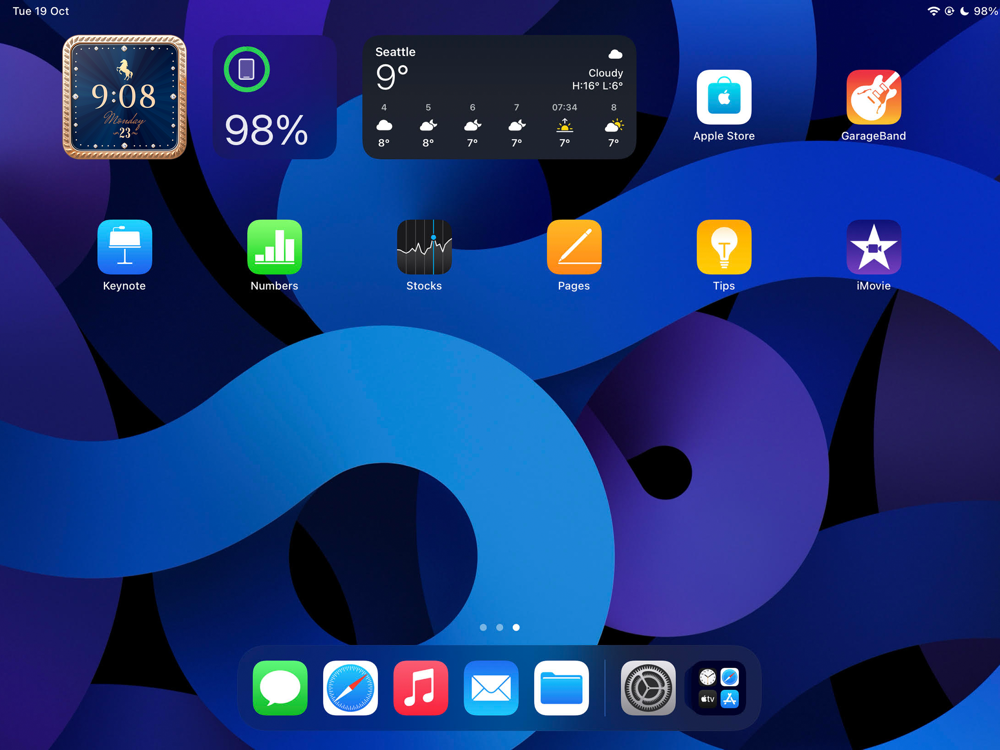
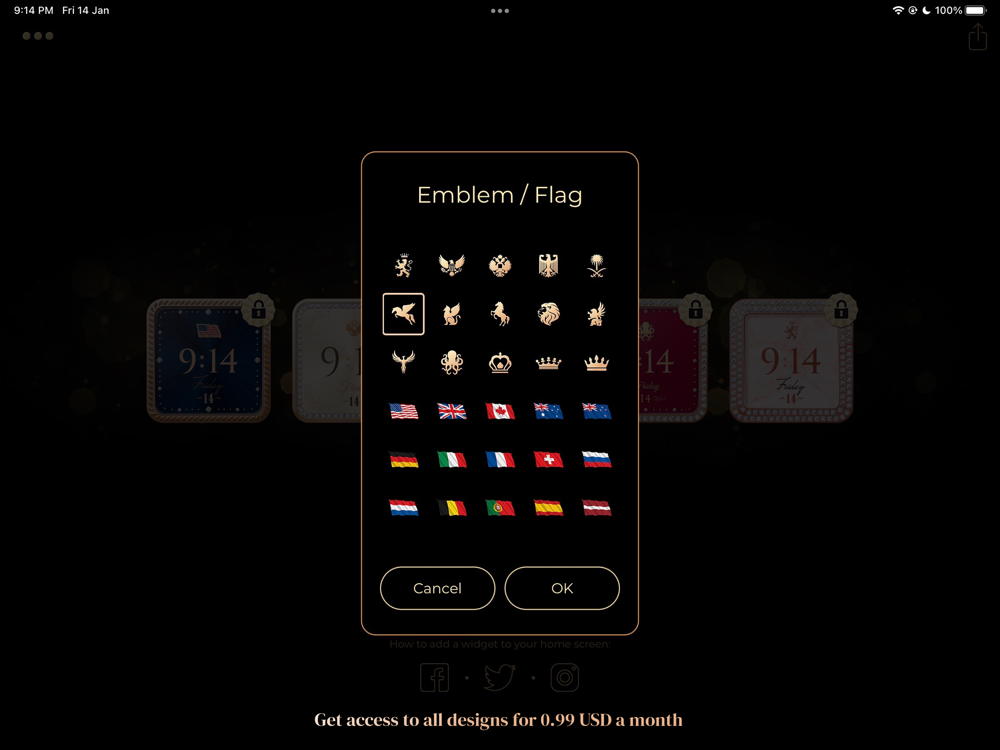
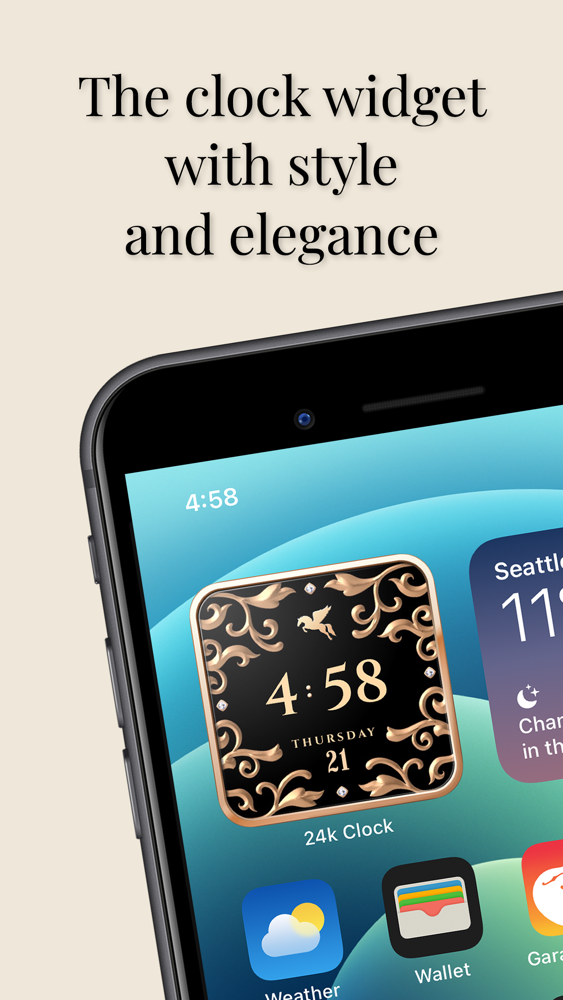
24k Clock Widget poster24k Clock Widget poster24k Clock Widget poster
24k Clock Widget poster24k Clock Widget poster24k Clock Widget poster24k Clock Widget poster24k Clock Widget poster

About 24k Clock Widget

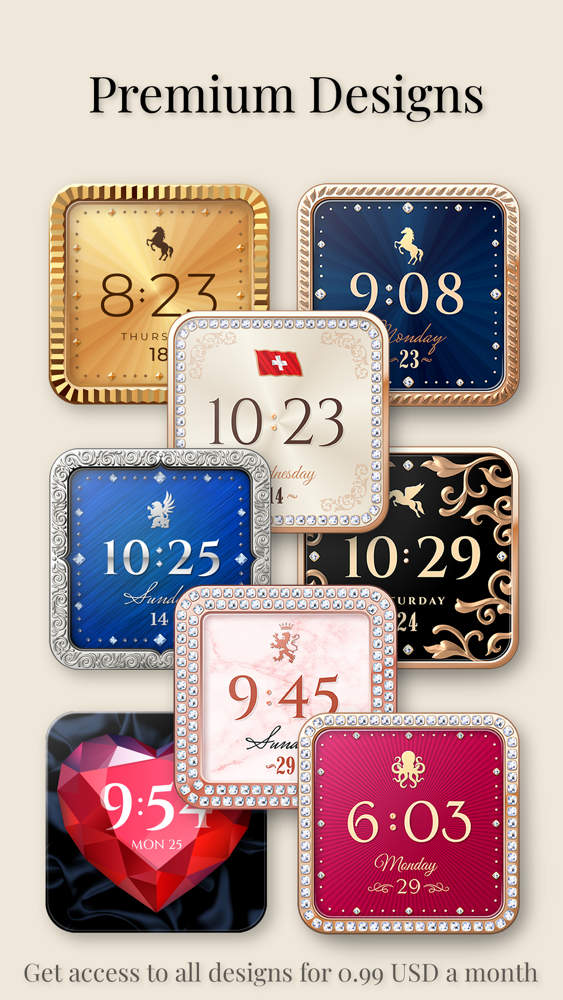
Designed to give your phone an exclusive look.
Jazz up your phone’s home screen with the 24k Clock widget!
- Unique designs
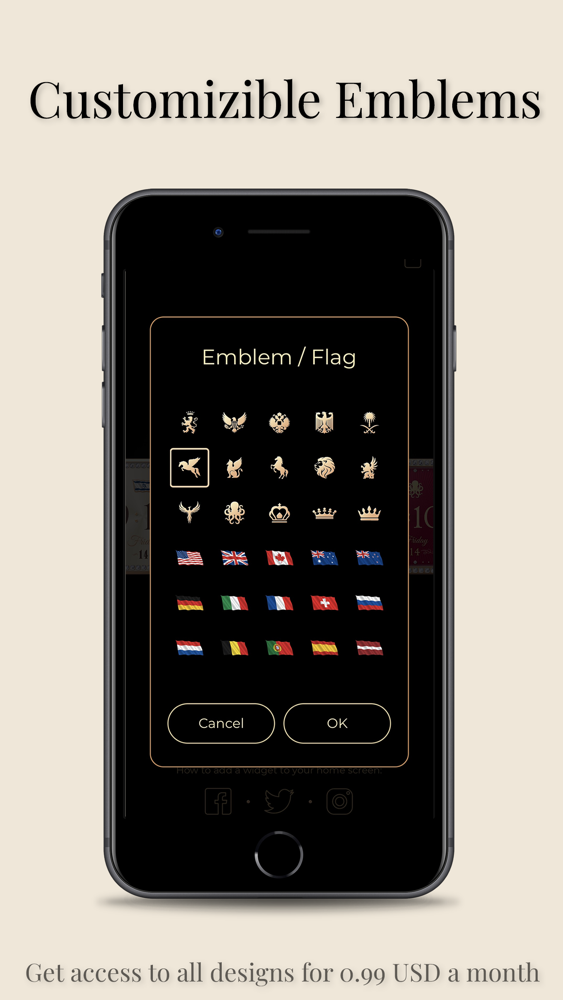
- Customizable emblems
- Date & day of the week

Add style to your phone!

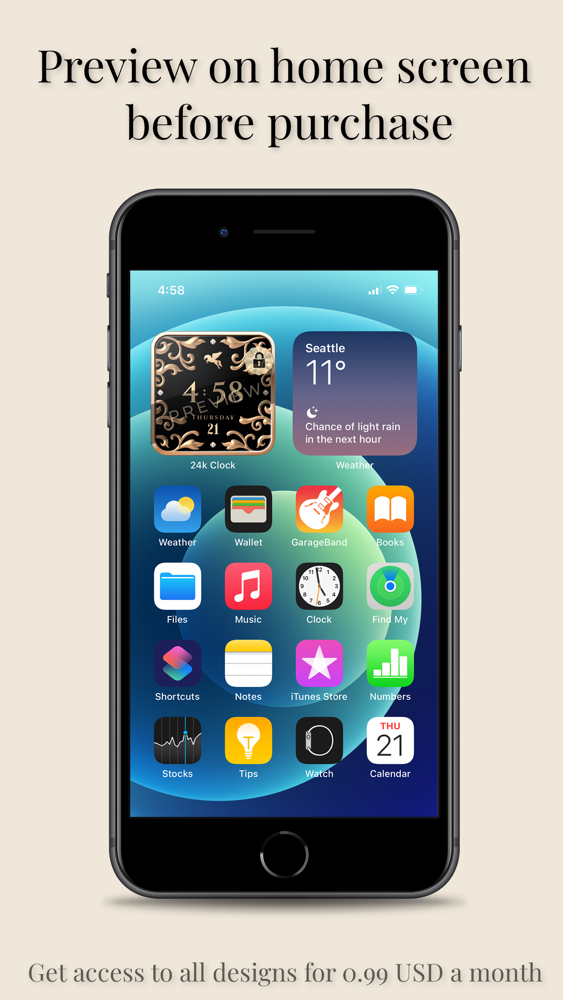
You can preview all 24k Clock widgets on your home screen before purchase.

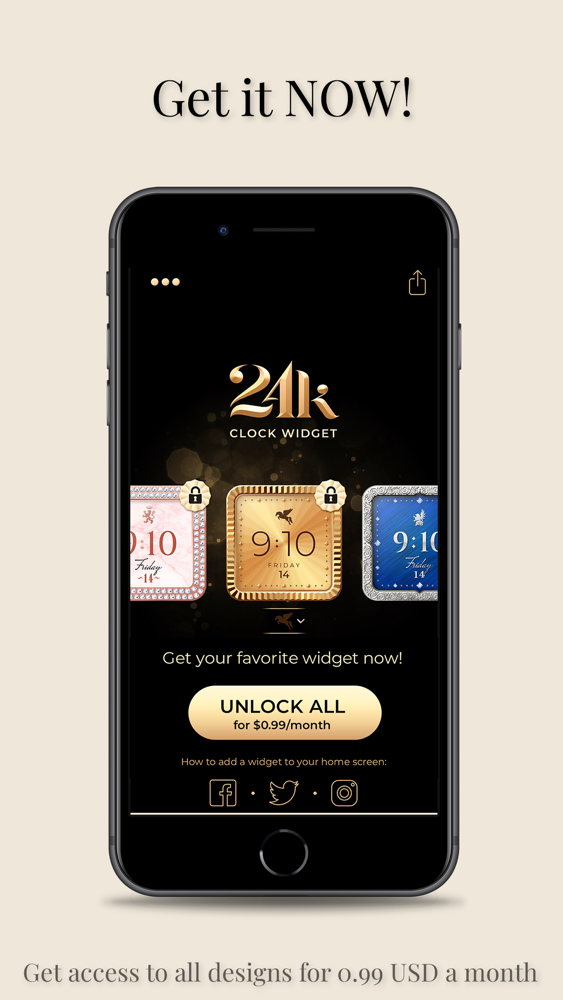
Purchase your subscription for just 0.99 USD a month.
* Access to all 24k Clock widgets
* Billed monthly
* This purchase will be transacted through your iTunes account upon purchase approval.
* Subscription will renew automatically 24 hours before your subscription ends.
* You can manage or cancel this subscription in your iTunes account settings.

How to add widgets to your Home Screen:
* From the Home Screen, touch and hold a widget or an empty area until the apps jiggle.
* Tap the Add button + in the upper-left corner.
* Select 24k Clock, then tap Add Widget.
* Tap Done.

Terms of use:
https://www.apple.com/legal/internet-services/itunes/dev/stdeula/

Show More

What's New in the Latest Version 1.0.5

Last updated on Feb 21, 2022
Old Versions
New zodiac emblems
Show More
Version History
1.0.5
Feb 21, 2022
New zodiac emblems
1.0.4
Jan 28, 2022
New Designs

24k Clock Widget FAQ

Click here to learn how to download 24k Clock Widget in restricted country or region.
Check the following list to see the minimum requirements of 24k Clock Widget.
iPhone
iPad
24k Clock Widget supports English

24k Clock Widget Alternative

You May Also Like