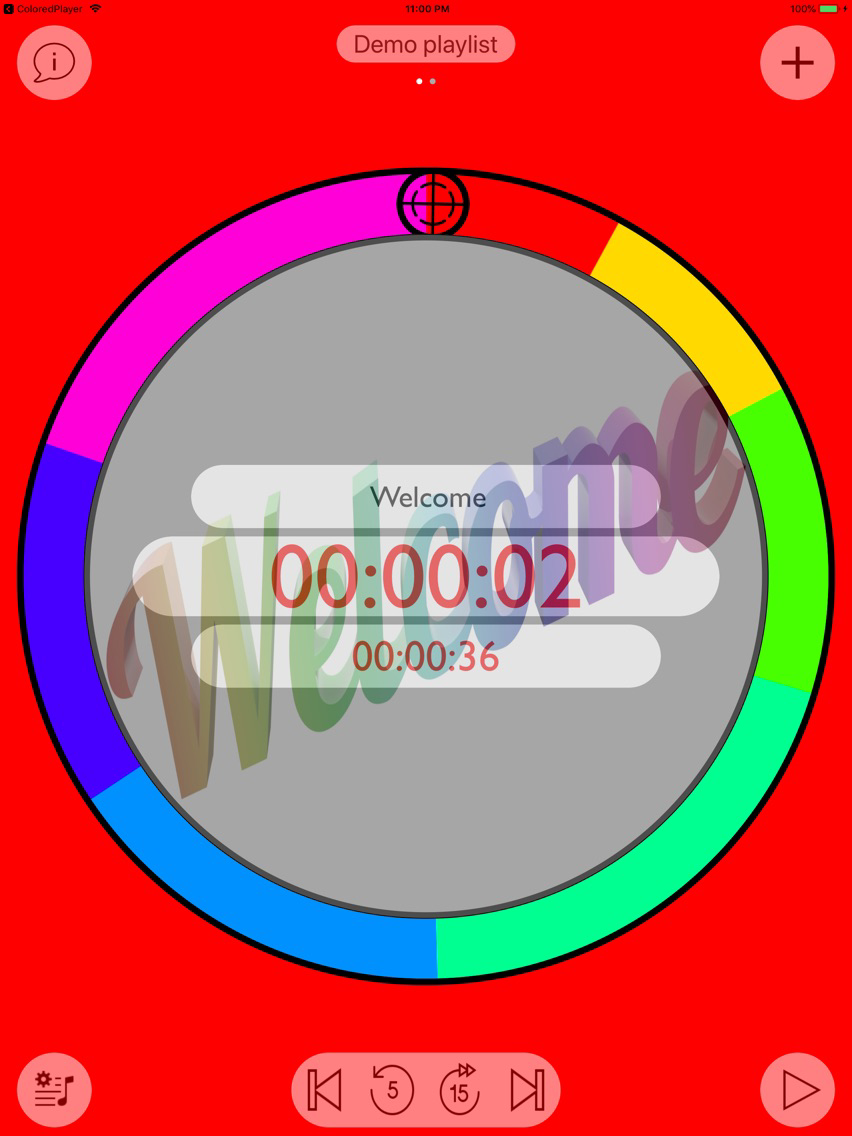
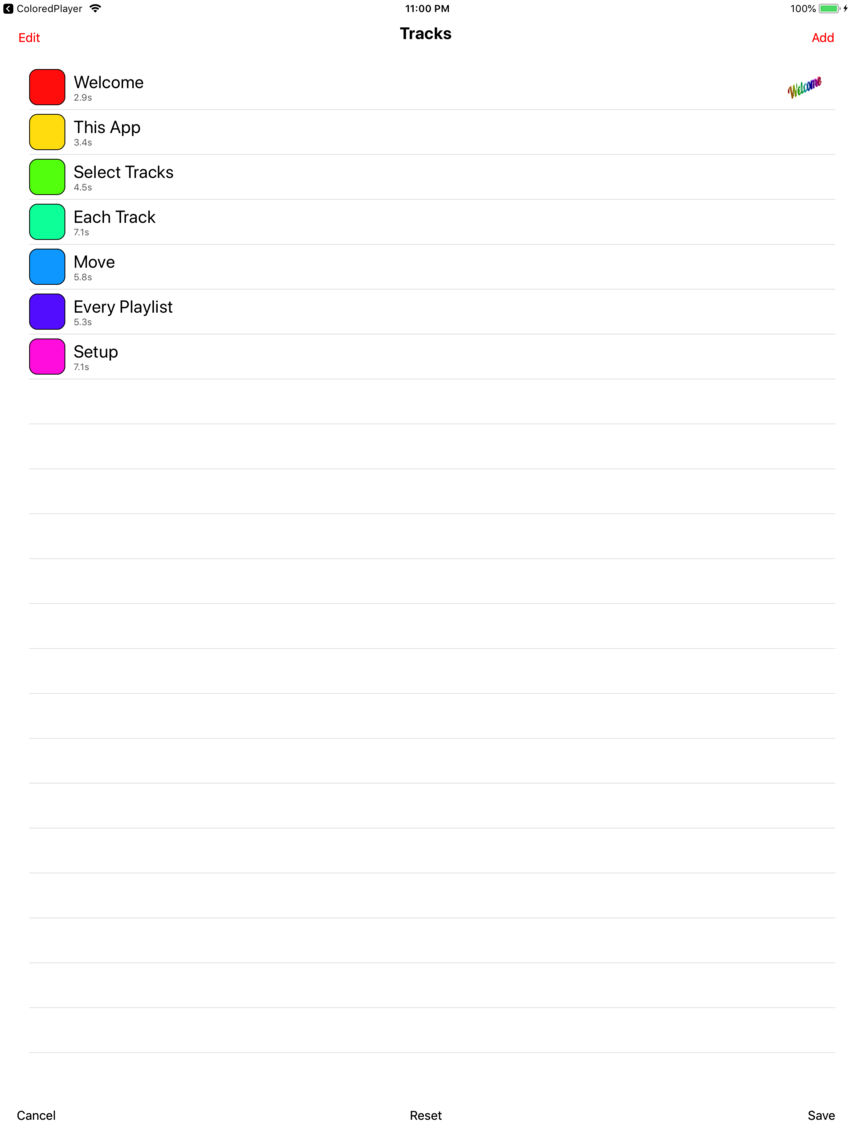
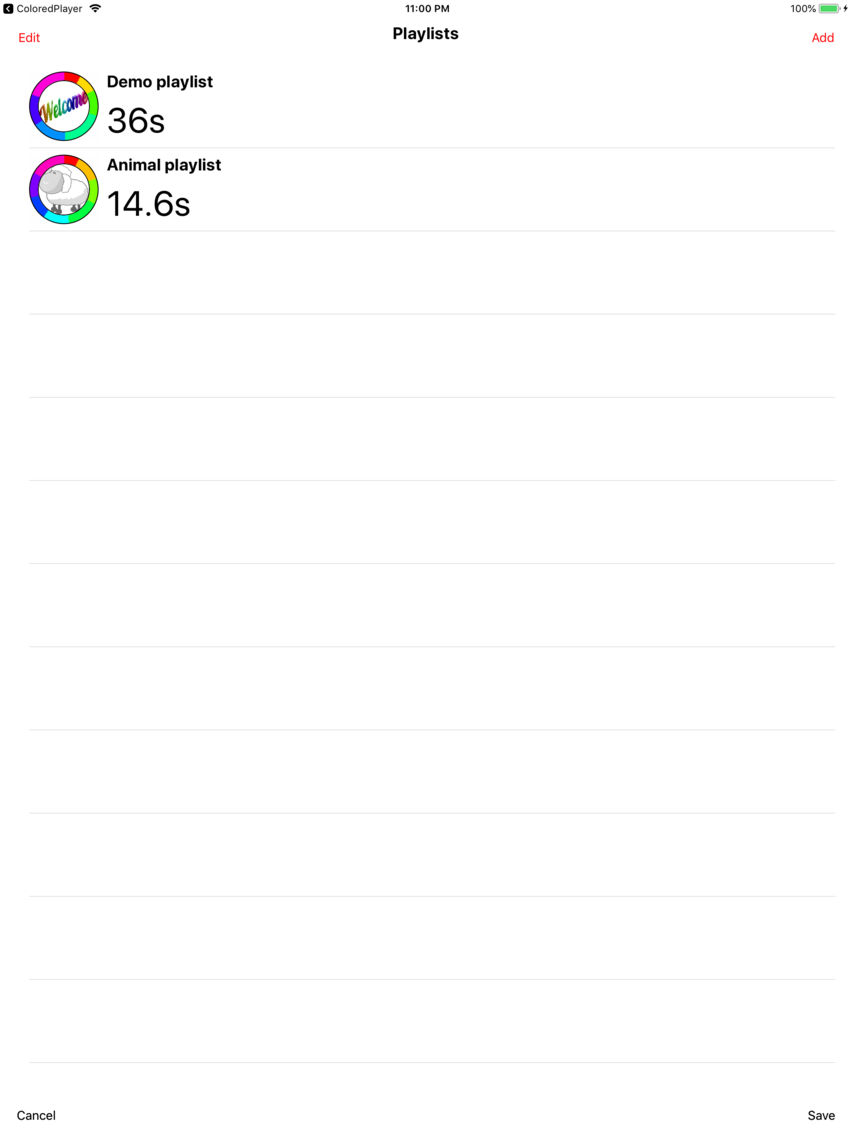
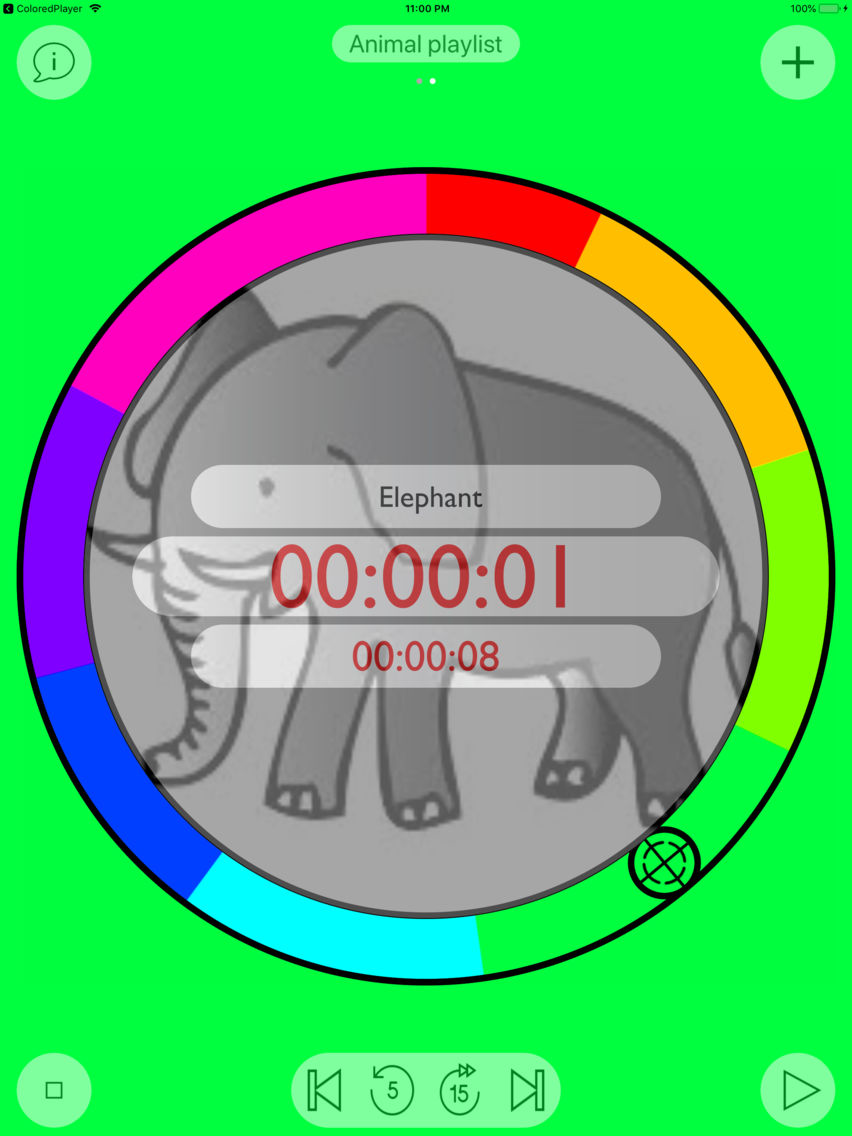
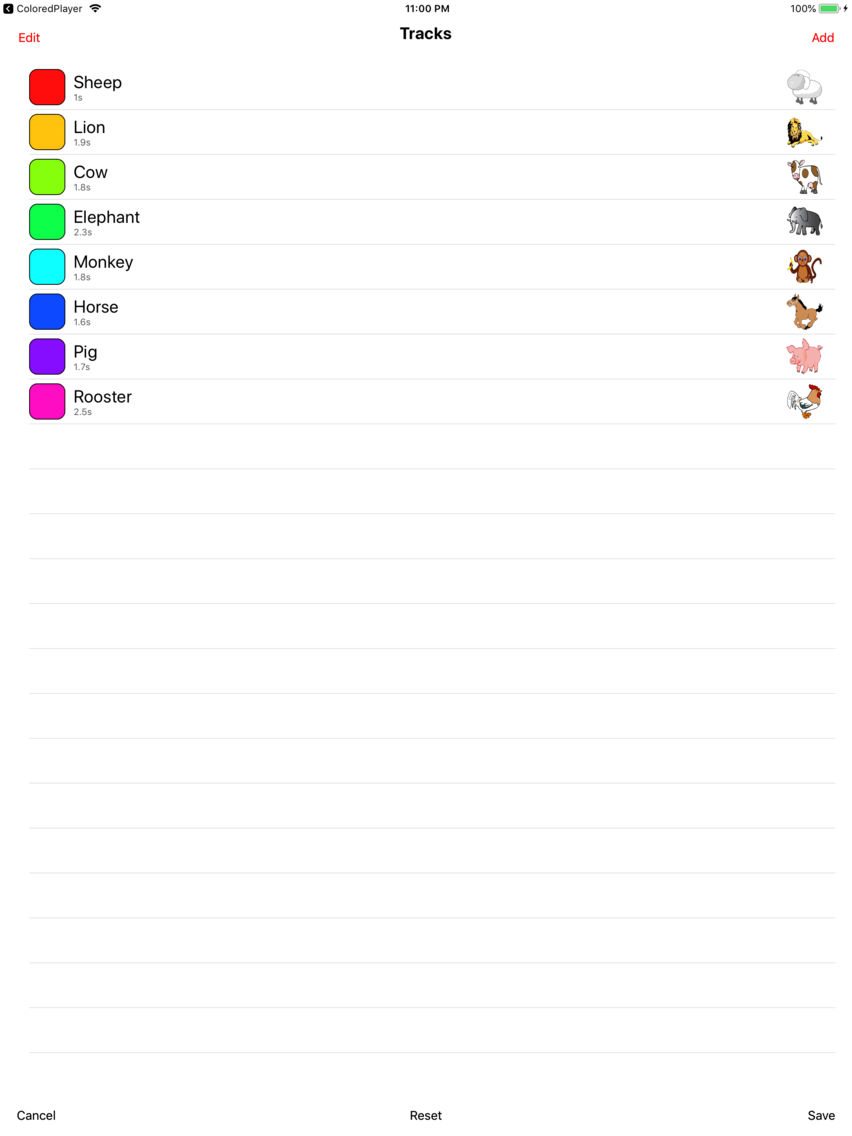
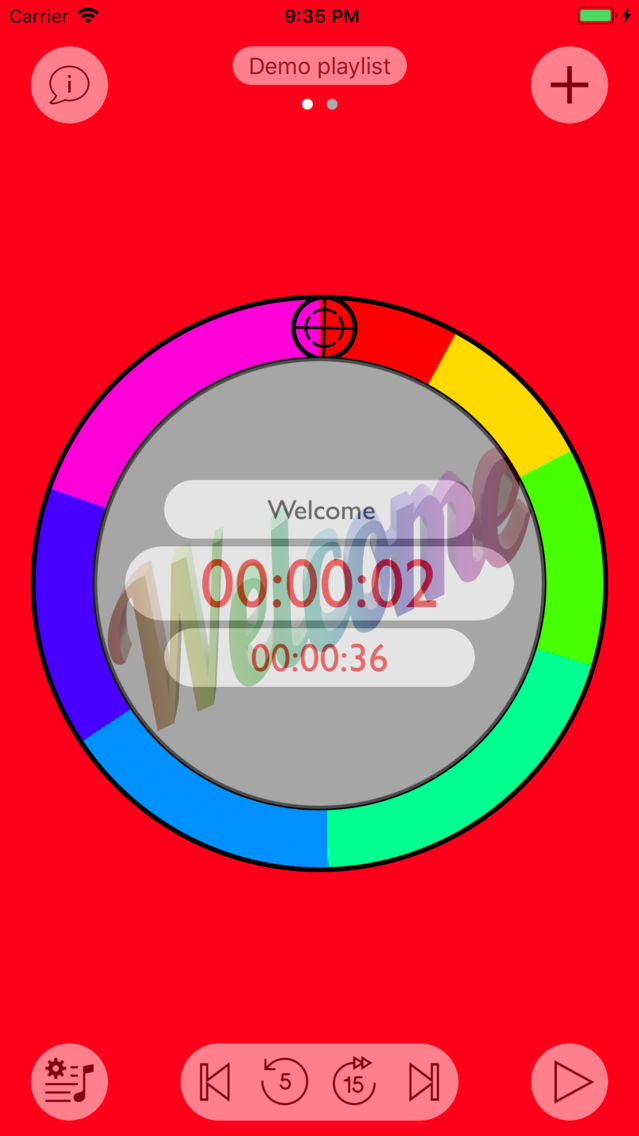
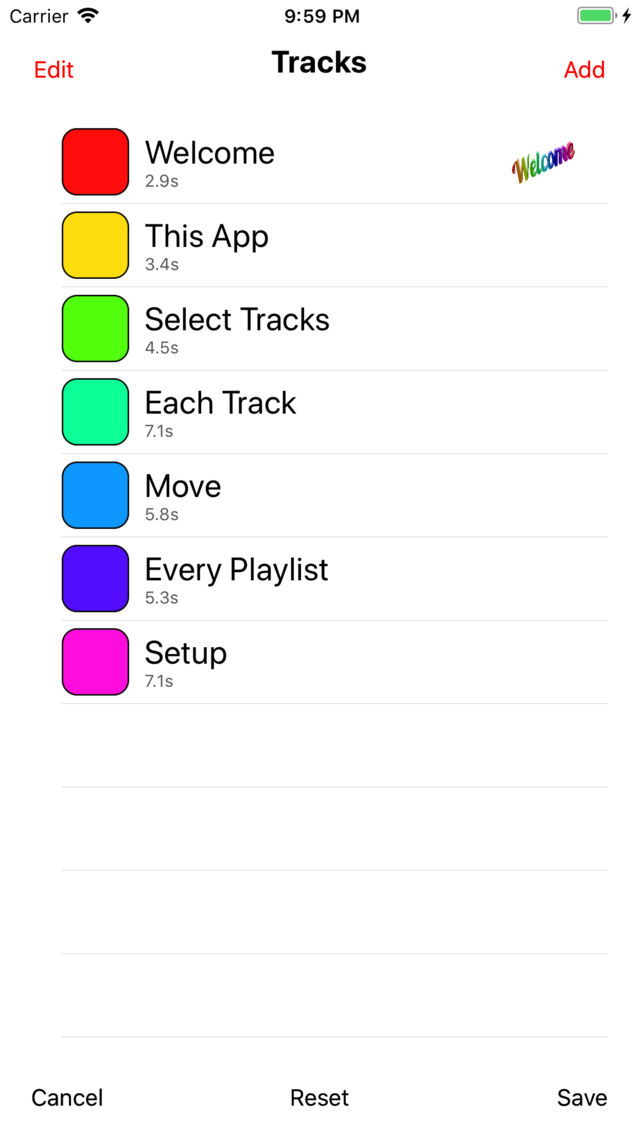
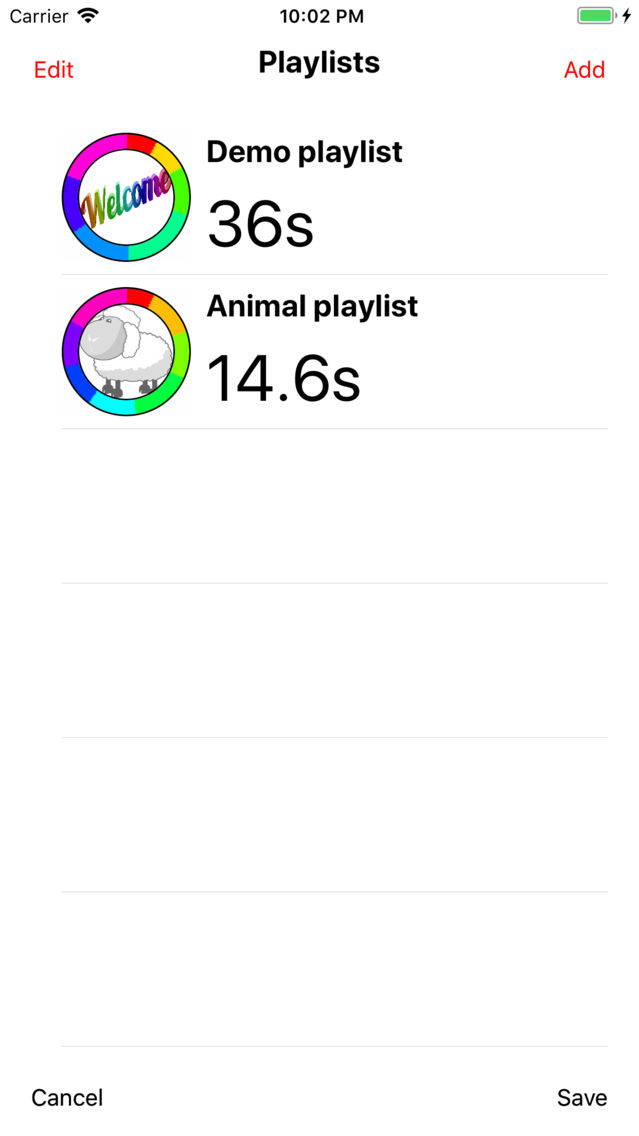
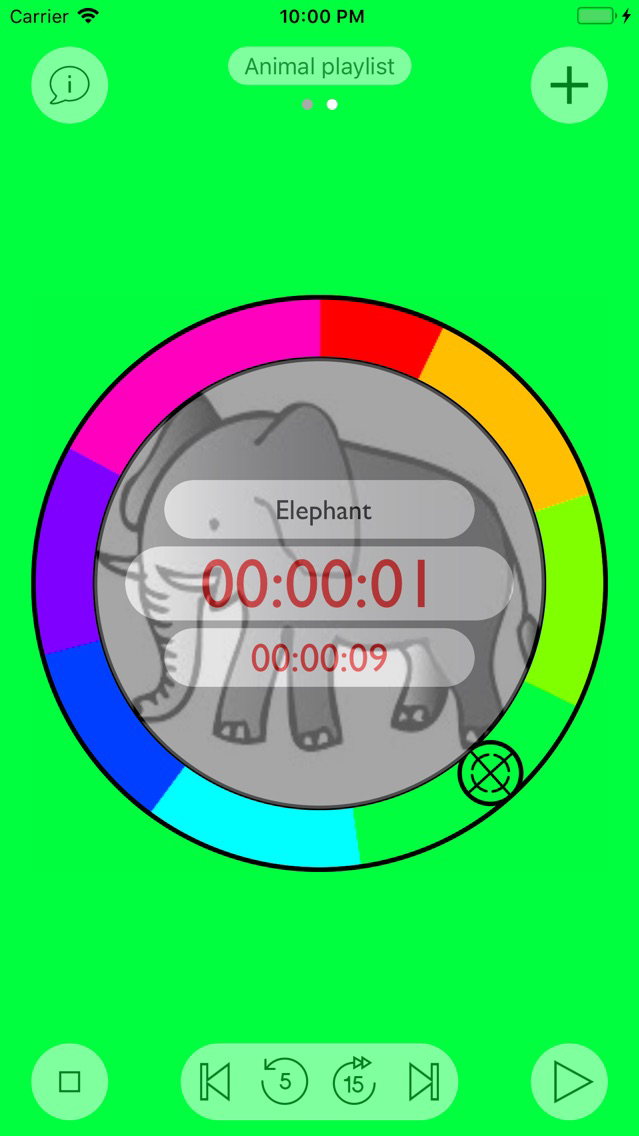
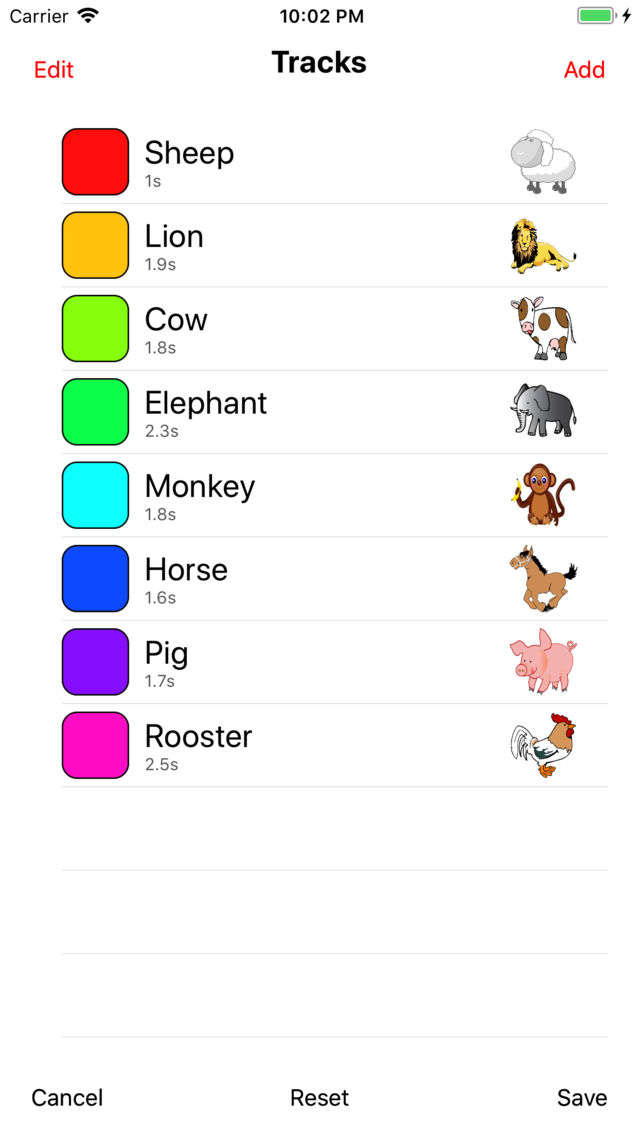
Here is a quick overview on how to use ColoredPlayer: The current playlist is visualized as a color wheel. Each color correponds to a different track of the playlist. They are shown on the colorwheel in proportion to their playtime. The playlist gets played upon pressing the “play” button in the lower right. As the hair cross moves around from the 12 o’clock position the background color changes according to the color of each track. The name of the track and its played time as well as that of the playlist are shown in the center. The player can be paused at any time by pressing the “pause” button. While the timer is running or paused, it is possible to move back or forth along the playlist by dragging the hair cross to a different position. In the lower center their are controls allowing you to skip to the next or previous track, to replay the last 5 seconds or skip 15 seconds forward. While the playlist is playing or paused, press the “stop” button in the lower left to stop the playlist. When the playlist is stopped you can edit it by pressing the “playlist” button in the lower left, allowing you to add or delete tracks in your playlist, or change their order. Finally ColoredPlayer can handle multiple playlists. Swipe left or right to move between playlists and press the name of the current playlist timer on the top to open a dialog for viewing, adding, deleting and configuring the names of your playlists.