cryp Screenshots
About cryp
How to use the app.
Encryption:
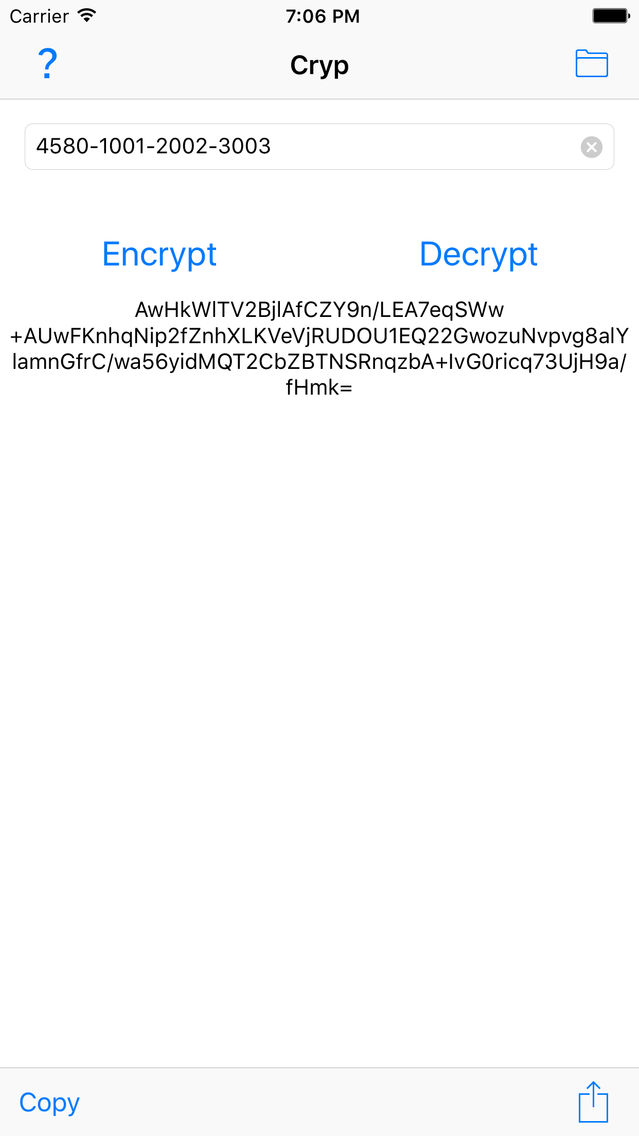
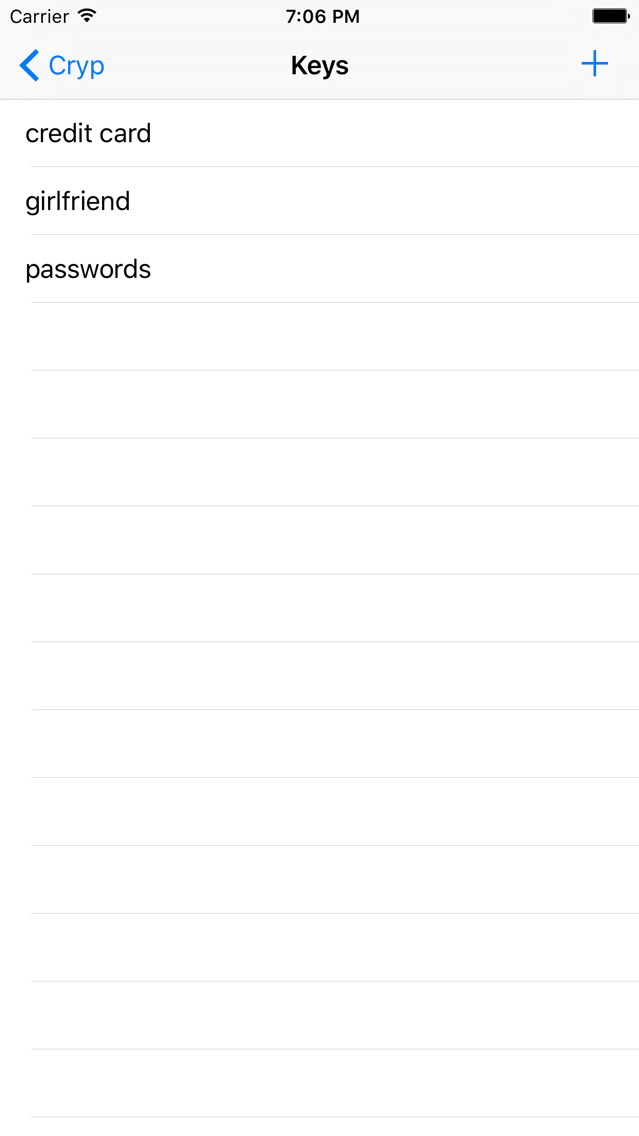
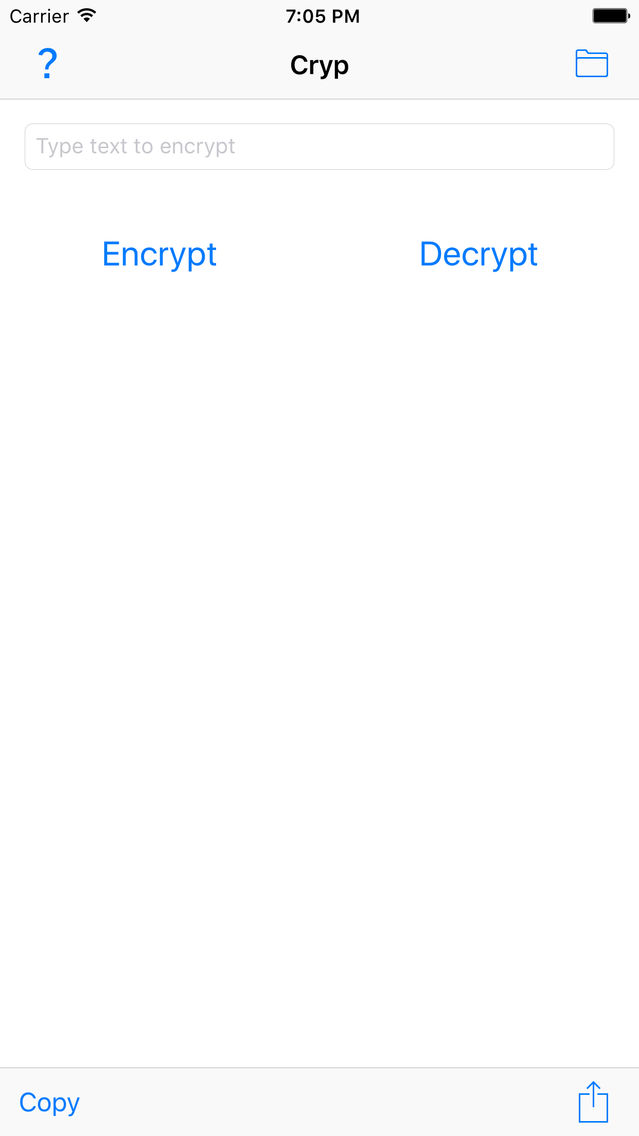
Type a text you wish to encrypt, select or create a key, and voilà! you have the encrypted string that you can share however you want
Decryption:
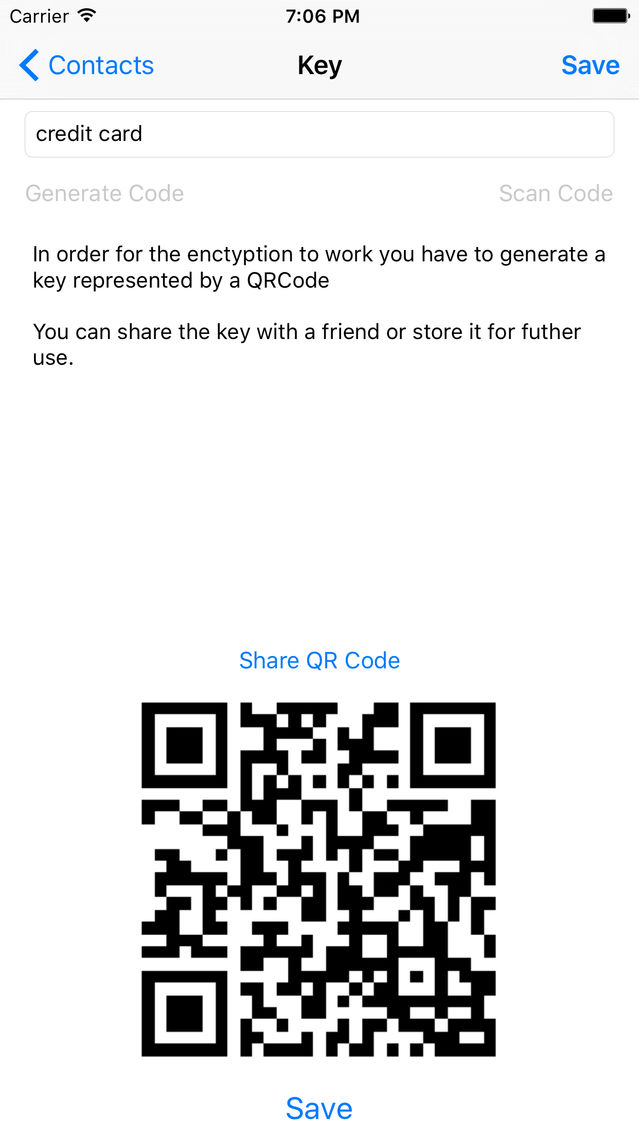
Paste the received text in the app, use the relevant key (if you don't have the key, ask the sender go give you his key QRCode), and voilà, you have the original text

Encryption:
Type a text you wish to encrypt, select or create a key, and voilà! you have the encrypted string that you can share however you want
Decryption:
Paste the received text in the app, use the relevant key (if you don't have the key, ask the sender go give you his key QRCode), and voilà, you have the original text
Show More
What's New in the Latest Version 1.0
Last updated on Aug 18, 2021
Old Versions
This update is signed with Apple’s latest signing certificate. No new features are included.
Show More
Version History
1.0
Mar 14, 2016
This update is signed with Apple’s latest signing certificate. No new features are included.
cryp FAQ
Click here to learn how to download cryp in restricted country or region.
Check the following list to see the minimum requirements of cryp.
iPhone
cryp supports English