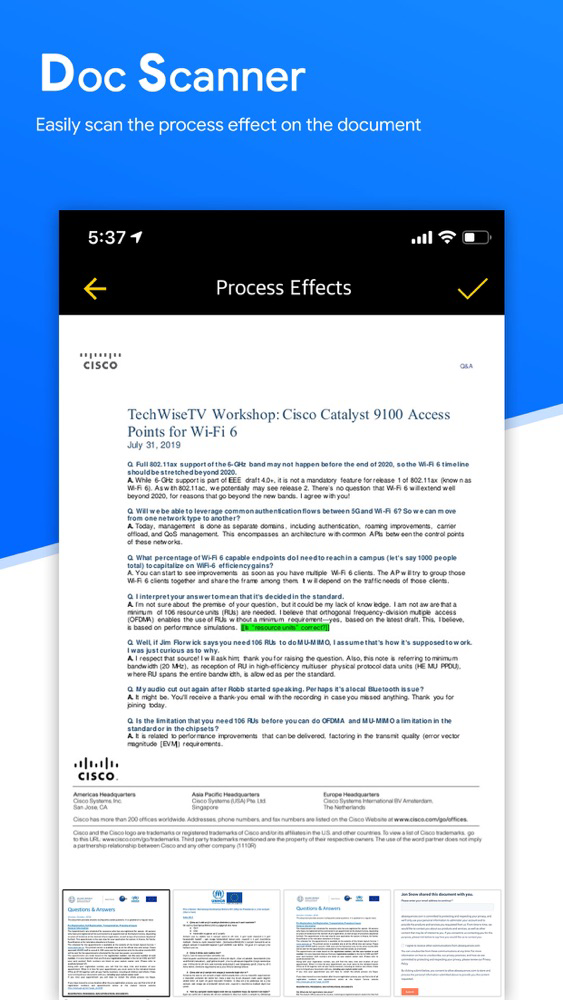
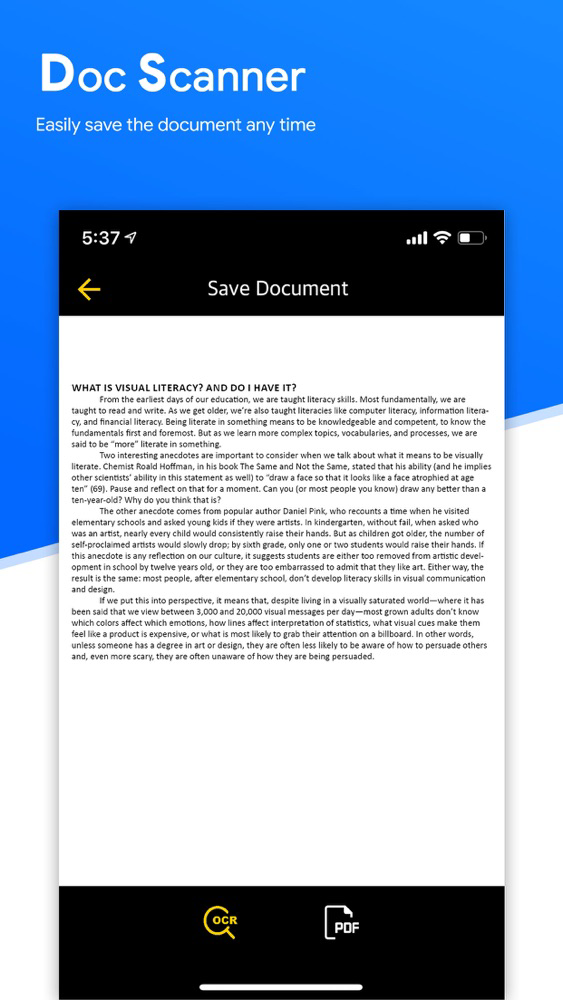
Sometimes in a single day you need your different documents scanned multiple times. In that situation if everything is planned you will definitely not suffer more. But if the need to scan that document arises one by one it will be a disaster for sure.
To rescue you from that situation we brings you a portable Doc Scanner. This Doc scanner you let you scan your documents anytime anywhere.
There are some additional features as well in the app which makes your document after scanning more professional and good to look at.
Let's take a tour of that attractive features::
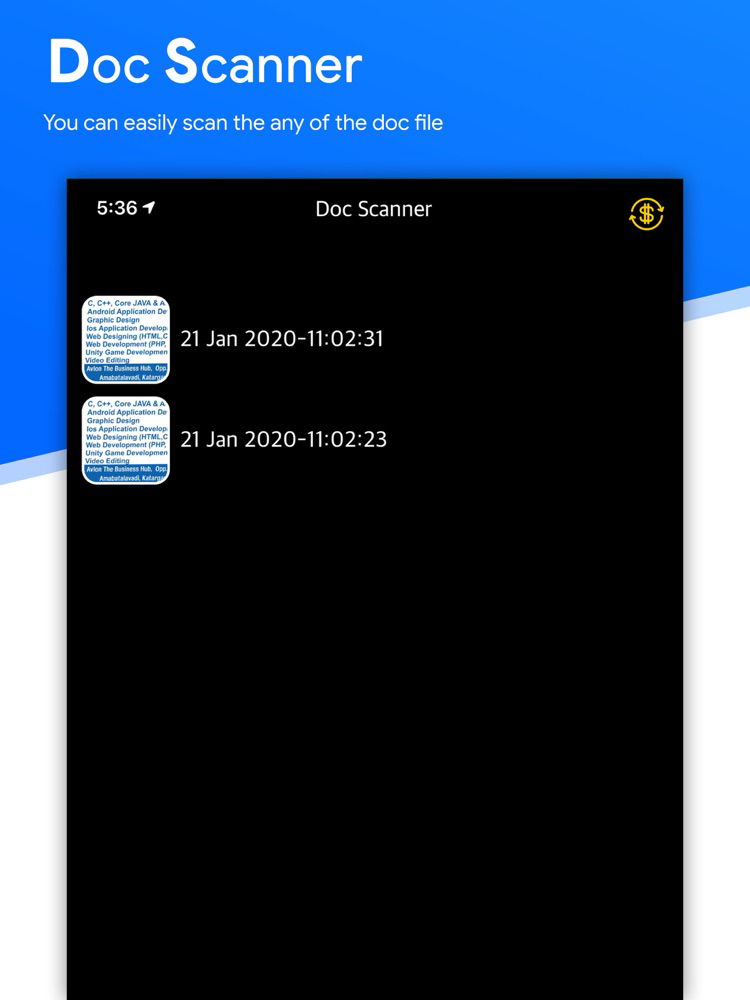
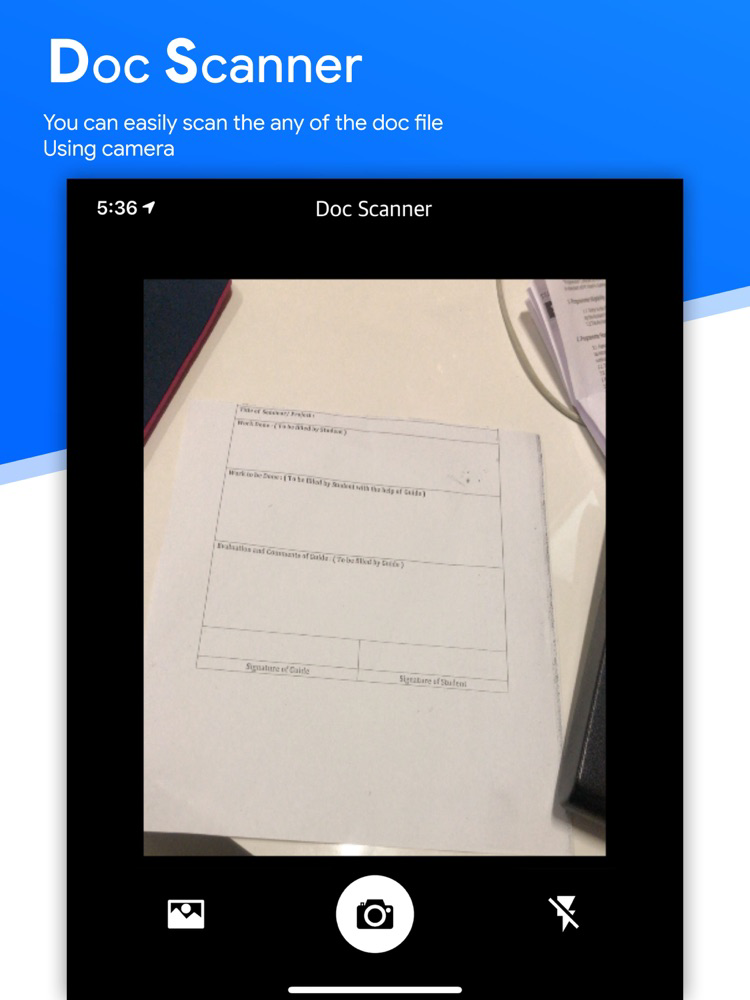
* Scan your document.
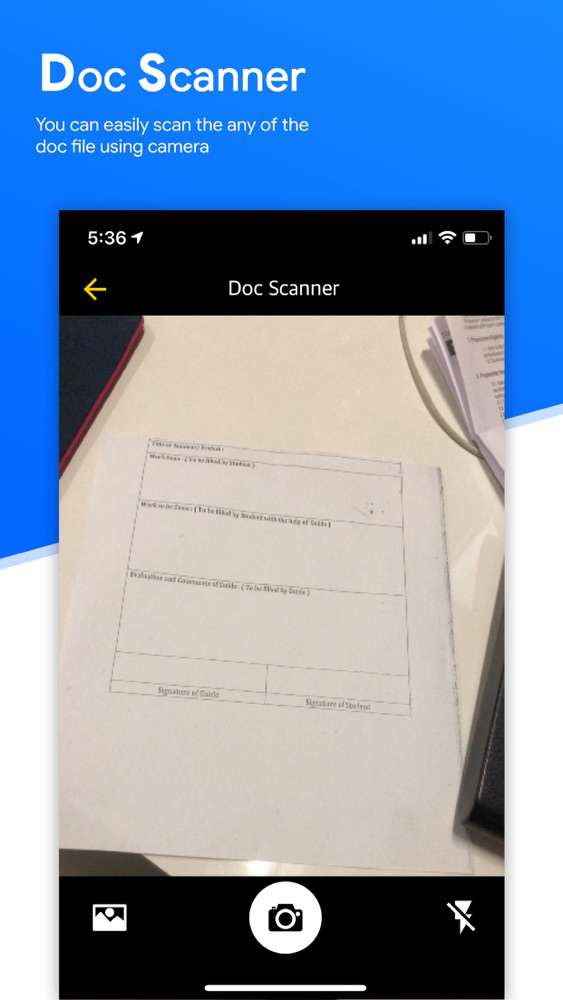
* auto detect document from camera and still image.
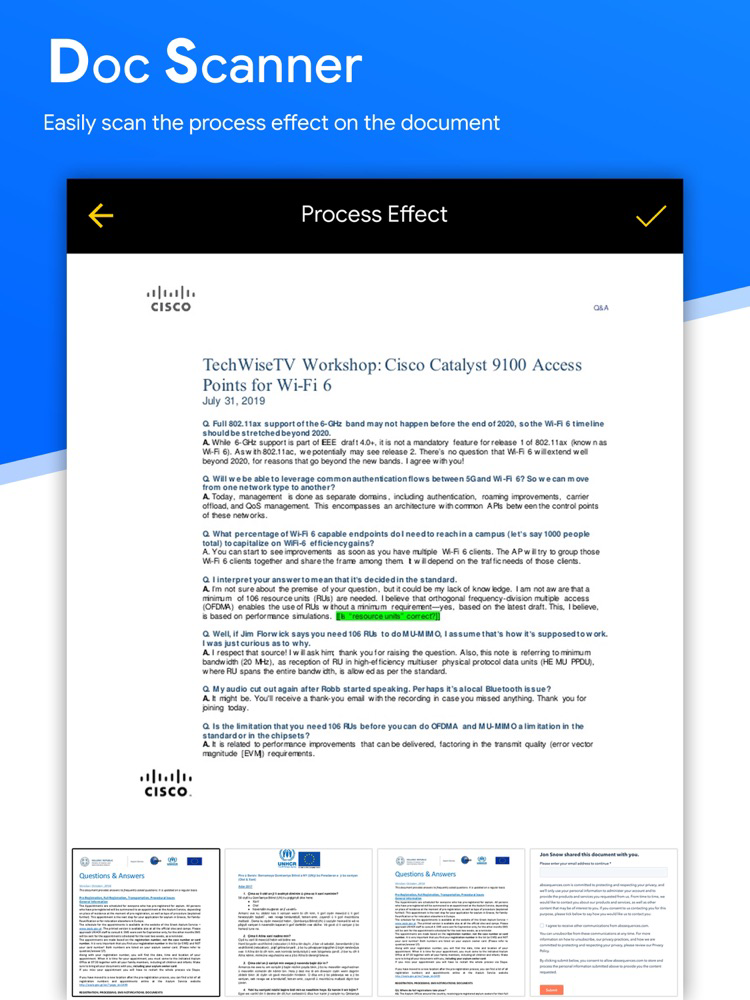
* Enhance the scan quality automatically/Manually.
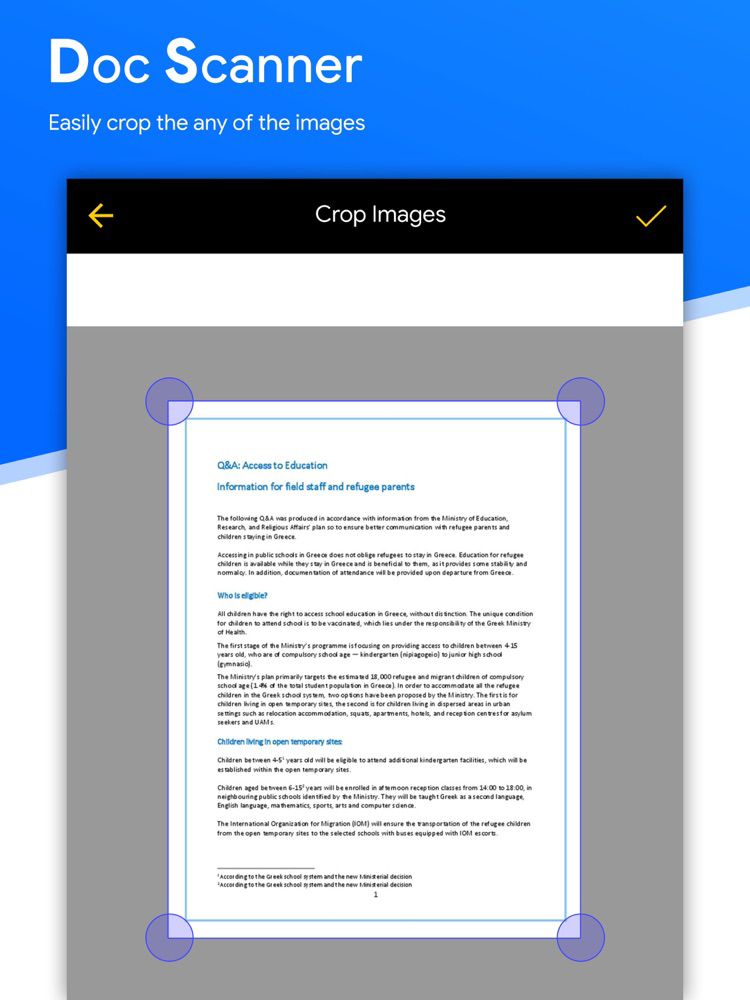
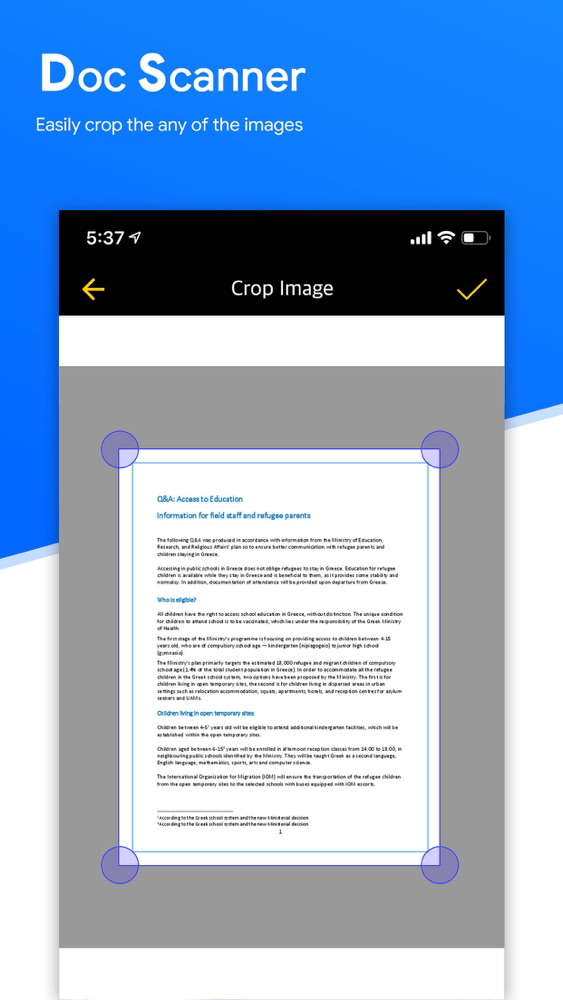
* Enhancement includes smart cropping and many more.
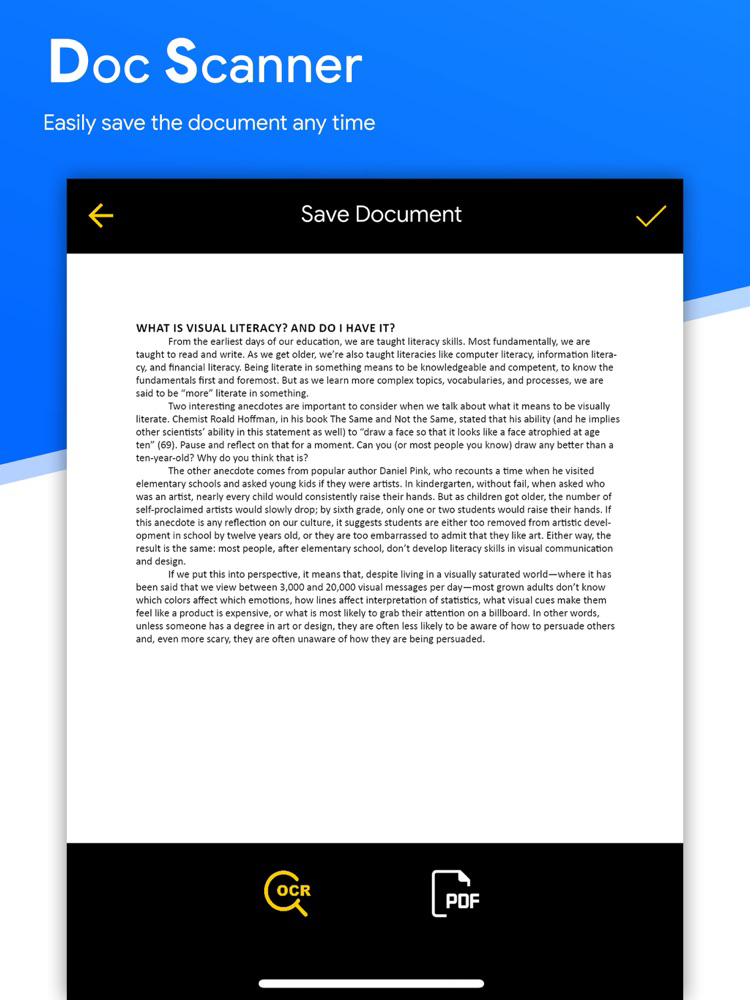
* convert your document to OCR easily
* Optimize your PDF into modes like B/W, Lighten, Color and dark.
* Turn scans into clear and and sharp PDF.
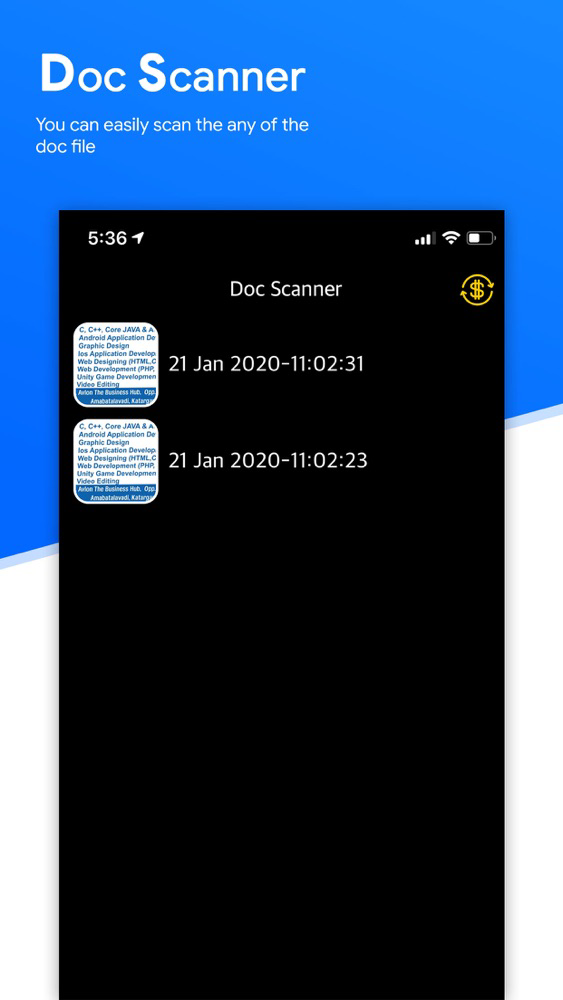
* Arrange your doc in folder and sub folders.
* Share PDF/JPEG files.
* Turns your old documents into a clear and sharp one by removing the noise.
Features at a glance :
- Best Document Scanner - It has all of the features that a scanner should have.
- Portable Document Scanner - By having this document scanner in your phone, you can save your time and efforts by quickly scanning anything on the fly.
- Best Document Scanner Lite - Scans are saved to your device in image or PDF format.
- PDF Document Scanner - Scans PDF with edge detection feature additionally.
- All type of Doc Scan - Scan in color, Grey, Sky Blue.
- PDF Creator - Convert scanned images to the best quality PDF file.
- OCR Text Recognition - The OCR Text Recognition let you recognize text from images then edit texts or share text to other apps.
- High Quality Scans - The scan quality is of no match, You just get your documents digitally original.
- Images to PDF Converter - You can select some image from Image Gallery and convert it into a PDF file as document.
- Flashlight - This scanner app also have Flash light feature that helps you in taking scans in low-light environment.
===========================
DocScanner subscription options:
===========================
$3.49 per month (with 3-day trial)
$31.99 per year
At the end of 3-day trial period and auto renewable subscription will be activated at the price of $3.49/mo.
Your DocScanner subscription will automatically renew 24-hours prior to the end of each term (month or year correspondingly) and your card will be charged through your iTunes account. You can turn off auto-renewal at any time in your iTunes account settings, but refunds will not be provided for any unused period of the term. An unused portion of free trial period will also be forfeited once any of the subscription options is purchased.
DocScanner Terms of Use: https://parthbapodariya02233.blogspot.com/p/terms-of-use.html
DocScanner Privacy Policy: https://parthbapodariya02233.blogspot.com/p/this-page-is-used-to-inform-visitors_16.html