Age Rating
4+
Apps in this category do not contain restricted content.
9+
Apps in this category may contain mild or occasional cartoon, fantasy or real-life violence, as well as occasional or mild adult, sexually suggestive or horrifying content and may not be suitable for children under 9 years of age.
12+
Apps in this category may contain occasional mild indecent language, frequent or intense cartoon or real-life violence, minor or occasional adult or sexually suggestive material, and simulated gambling, and may be for children under 12 years of age.
17+
You must be at least 17 years old to access this App.
Apps in this category may contain frequent and intense offensive language; Frequent and intense cartoon, fantasy or realistic violence: frequent and intense adult, scary and sexually suggestive subjects: as well as sexual content, nudity, tobacco, alcohol and drugs, may not be suitable for children under 17 years of age.
iOAK Screenshots
iOAK posteriOAK posteriOAK posteriOAK posteriOAK poster

About iOAK

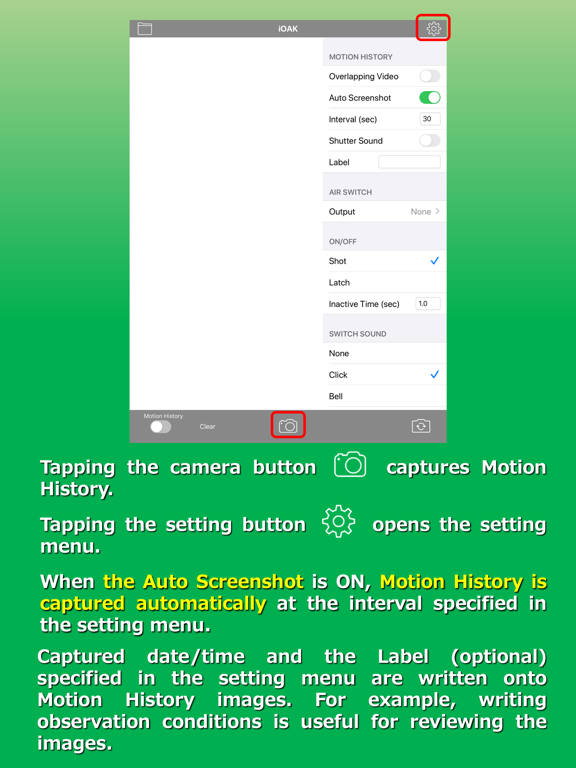
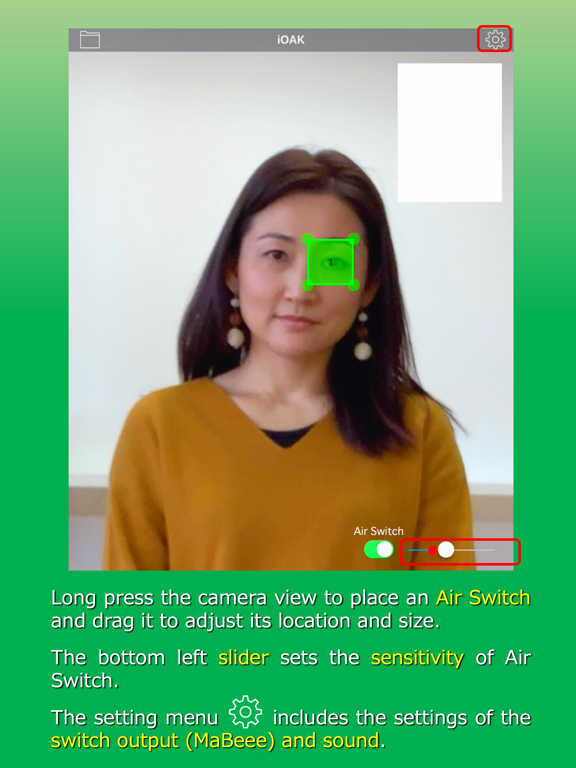
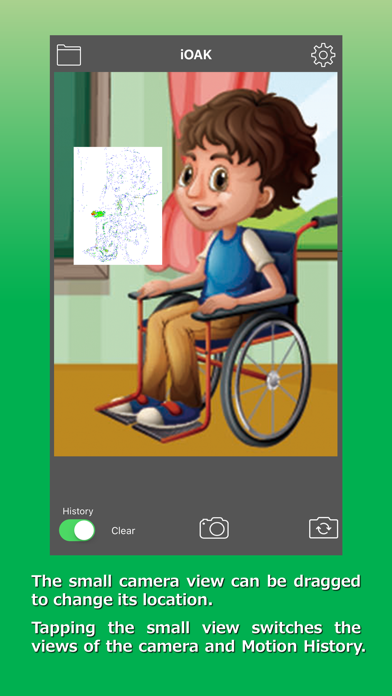
iOAK uses the camera to visualize the movement of the user and enables them to control switches.

Key Functions:
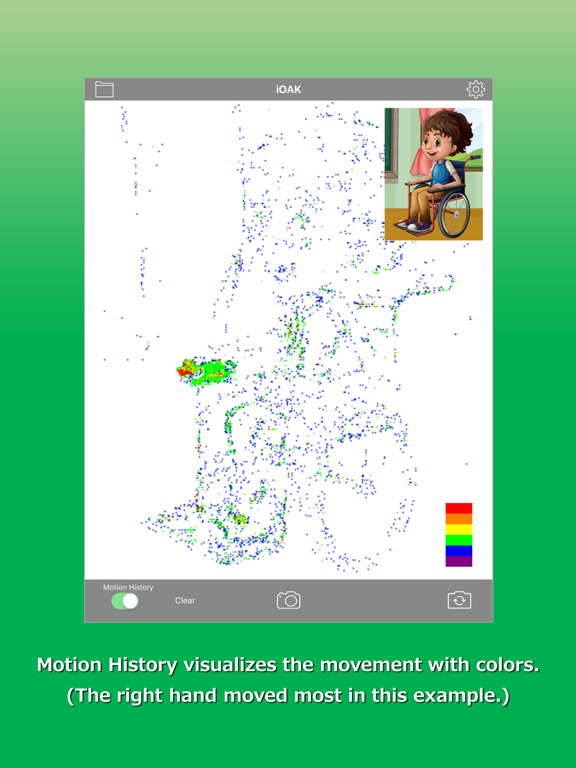
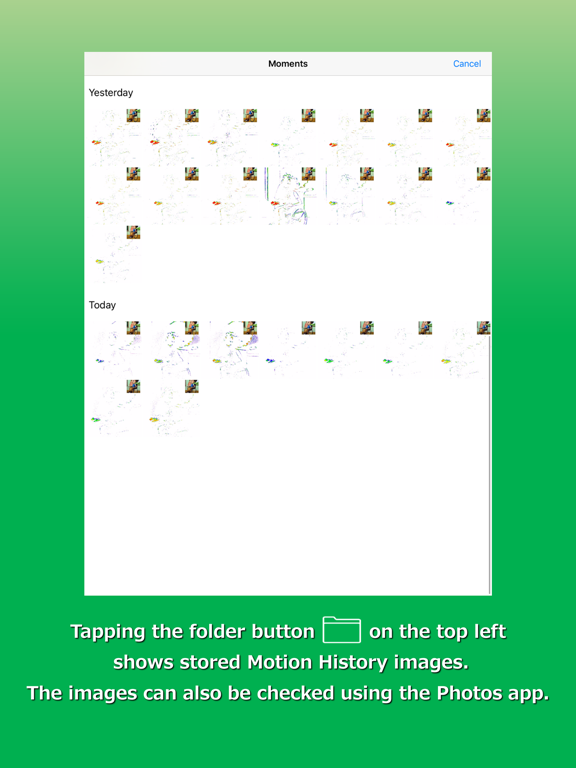
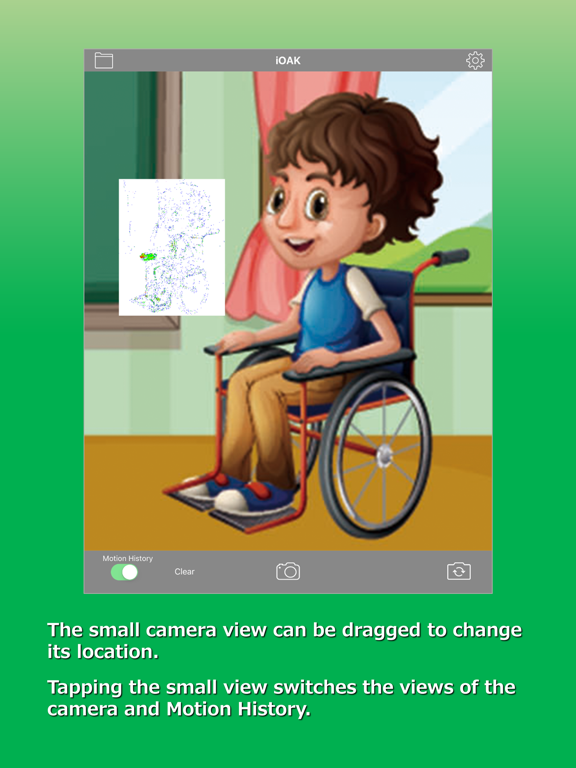
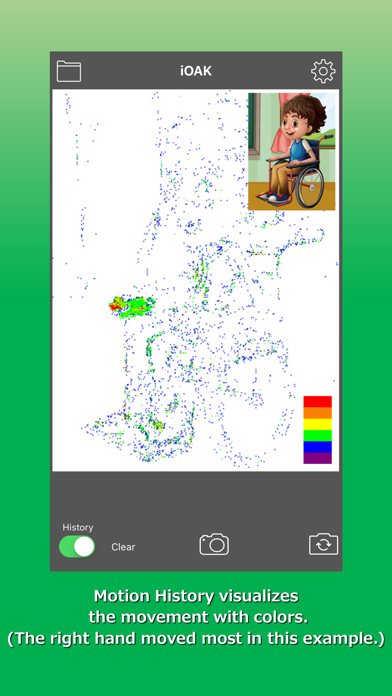
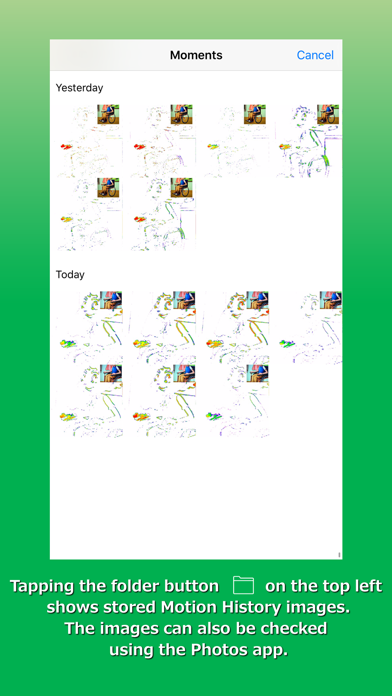
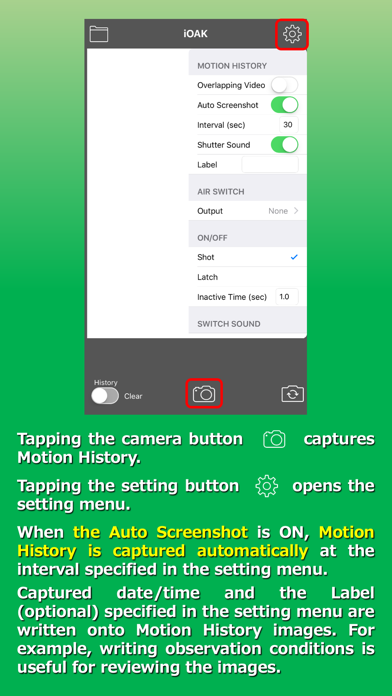
- Motion History
This function colors the moved body parts with purple, blue, …, and red according to the frequency of the movement.

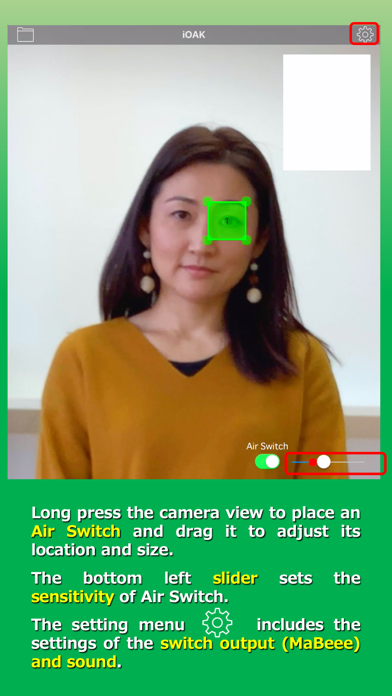
- Air Switches
Draw rectangles on the camera screen to serve as non-contact switches, called “Air Switches.” These can be activated by detecting movement within the designated areas. A red circle indicating the magnitude of the detected movement moves left or right along a slider on the screen. When it crosses the position of the sensitivity adjustment knob, a switch signal is output.

For switch output integration, the user can select an external switch connected via Bluetooth (such as a "Relay" or the battery-shaped switch "MaBeee"), or the built-in “Home” or “Shortcuts” apps on the iPhone/iPad.
- The “Relay” device works with equipment that accepts switch input.
- The “MaBeee” device controls battery-operated equipment.
- The “Home” app allows control of smart home devices, i.e., smart lights, plugs, and remotes, compatible with "Matter" or "HomeKit".
- The “Shortcuts” app allows execution of a series of predefined actions (Shortcuts) on the iPhone or iPad. (*)

(*) When linking with the “Shortcuts” app, add the “Open iOAK” action at the end of the registered “Shortcut” (the sequence of actions) so that it automatically returns to “iOAK” operation after executing the Shortcut.

Compatible relay products are as follows:
- DSD TECH SH-BT01A Bluetooth Module
- DSD TECH 2-Channel Bluetooth 4.0 BLE Relay Module
- DSD TECH SH-BT04B Bluetooth Module
- TinySine TOSR141 - 4 Channel Bluetooth Relay
- Switch Science ISP1507 Bluetooth-Relay Board

Show More

What's New in the Latest Version 1.4.1

Last updated on Jan 29, 2026
Old Versions
- This version fixes an issue where motion history was not saved correctly for recorded videos.
Show More
Version History
1.4.1
Jan 29, 2026
- This version fixes an issue where motion history was not saved correctly for recorded videos.

iOAK Price

Today:
$4.99
Lowest:
$1.99
Highest:
$4.99

iOAK FAQ

Click here to learn how to download iOAK in restricted country or region.
Check the following list to see the minimum requirements of iOAK.
iPhone
iPad

Related Videos

Latest introduction video of iOAK on iPhone

iOAK Alternative

You May Also Like

Get more from atacLab Co., Ltd.