Limits for Salesforce

Limits for Salesforce


Free

2.0.0for iPhone, iPad
Age Rating
4+
Apps in this category do not contain restricted content.
9+
Apps in this category may contain mild or occasional cartoon, fantasy or real-life violence, as well as occasional or mild adult, sexually suggestive or horrifying content and may not be suitable for children under 9 years of age.
12+
Apps in this category may contain occasional mild indecent language, frequent or intense cartoon or real-life violence, minor or occasional adult or sexually suggestive material, and simulated gambling, and may be for children under 12 years of age.
17+
You must be at least 17 years old to access this App.
Apps in this category may contain frequent and intense offensive language; Frequent and intense cartoon, fantasy or realistic violence: frequent and intense adult, scary and sexually suggestive subjects: as well as sexual content, nudity, tobacco, alcohol and drugs, may not be suitable for children under 17 years of age.
Limits for Salesforce Screenshots
Limits for Salesforce posterLimits for Salesforce posterLimits for Salesforce posterLimits for Salesforce posterLimits for Salesforce posterLimits for Salesforce poster

About Limits for Salesforce

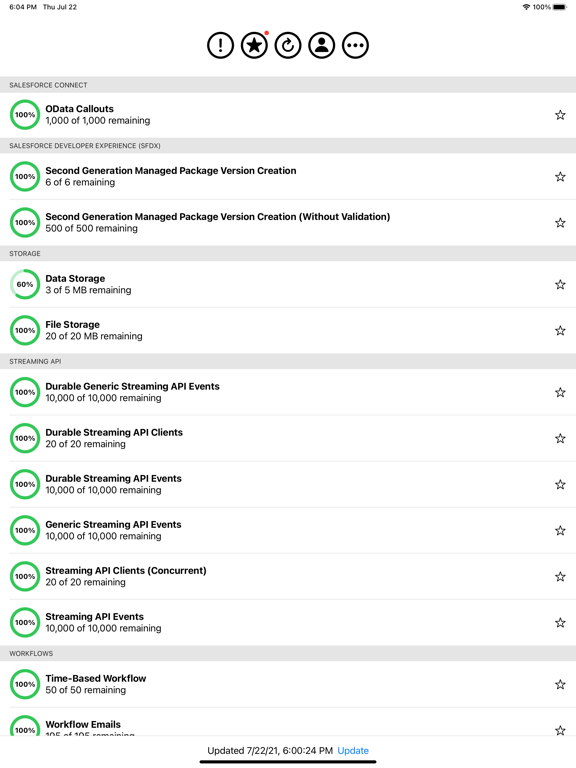
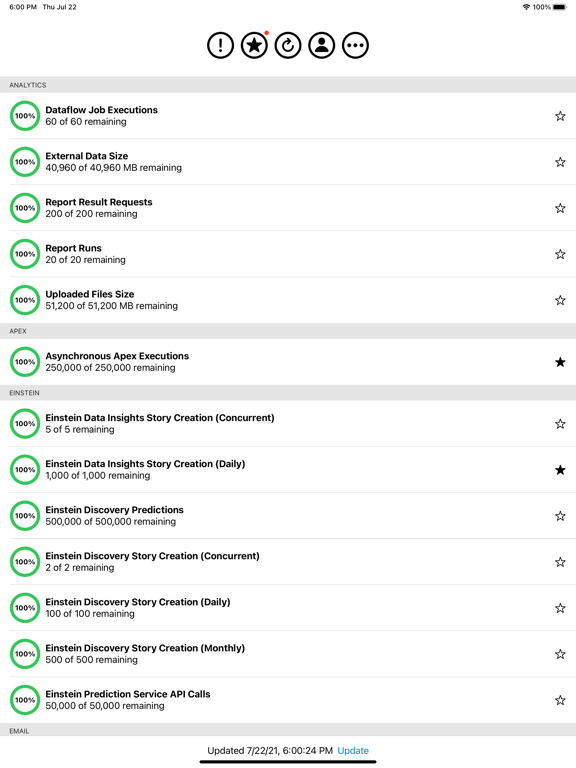
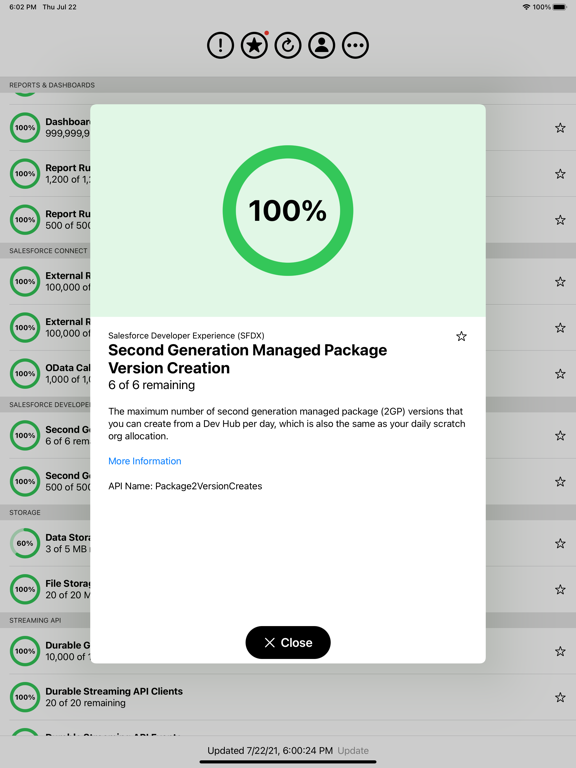
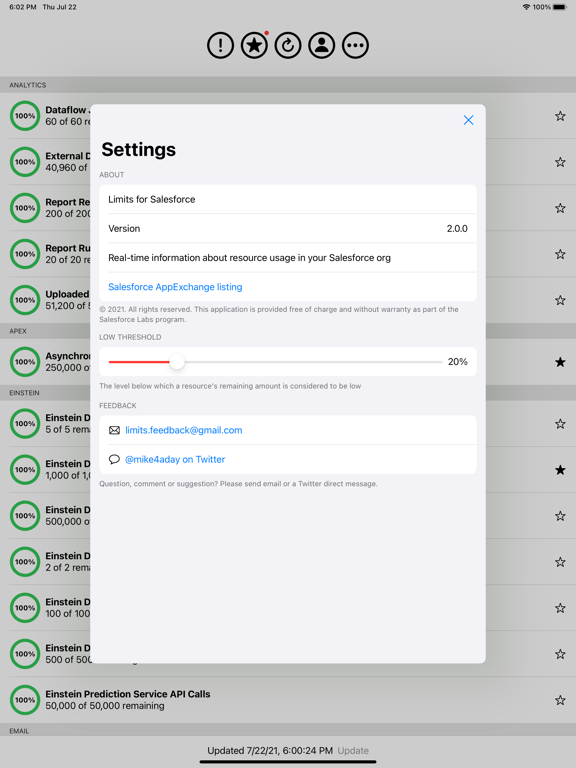
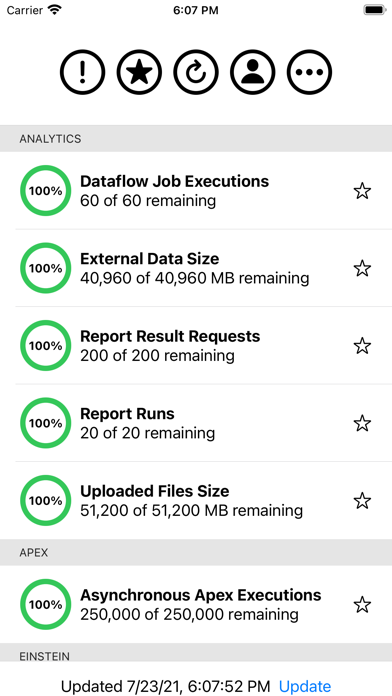
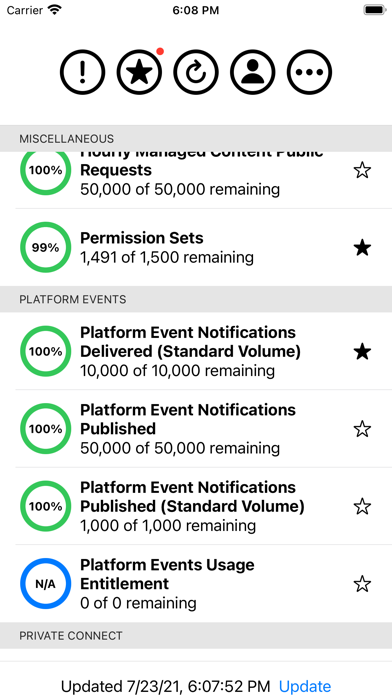
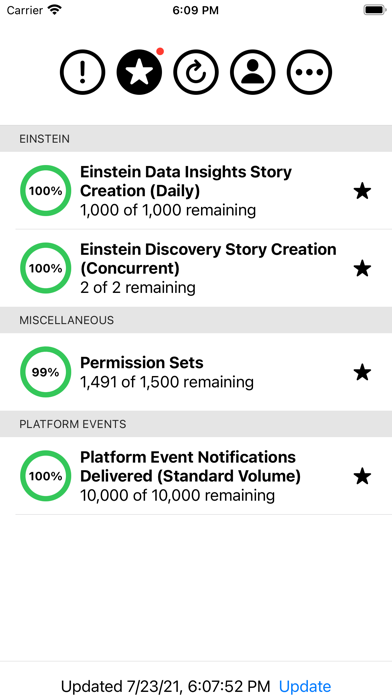
Displays real-time information about resource usage in your Salesforce org, such as:

* Concurrent requests for results of asynchronous report runs
* Concurrent synchronous report runs
* Daily API calls
* Daily Batch Apex and future method executions
* Daily Bulk API calls
* Daily generic streaming events
* Daily number of mass emails sent to external email addresses
* Daily number of single emails sent to external email addresses
* Daily Streaming API events
* Daily workflow emails
* Data storage
* File storage
* Hourly asynchronous report runs
* Hourly dashboard refreshes
* Hourly dashboard status requests
* Hourly OData callouts
* Hourly requests for dashboard results
* Hourly synchronous report runs
* Hourly workflow time triggers
* Permission sets
* Streaming API concurrent clients

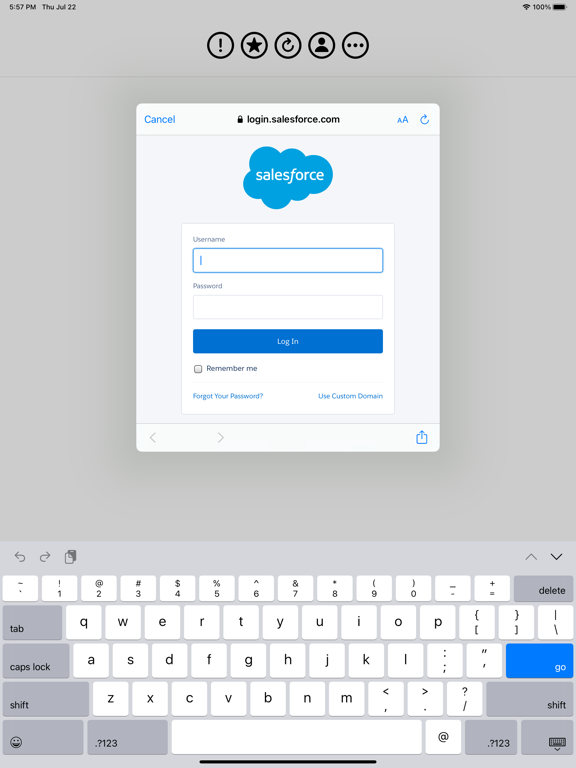
The Limits app does not collect or store your Salesforce username and password.

Link to install the optional Connected App in your Salesforce org:
https://login.salesforce.com/packaging/installPackage.apexp?p0=04t3600000101oy

Show More

What's New in the Latest Version 2.0.0

Last updated on Jul 28, 2021
Old Versions
* New user interface
* Fixed bug that caused the app to crash when scrolling to the bottom of the list of limits
Show More
Version History
2.0.0
Jul 28, 2021
* New user interface
* Fixed bug that caused the app to crash when scrolling to the bottom of the list of limits

Limits for Salesforce FAQ

Click here to learn how to download Limits for Salesforce in restricted country or region.
Check the following list to see the minimum requirements of Limits for Salesforce.
iPhone
iPad

Limits for Salesforce Alternative

You May Also Like

Get more from Mike Epstein