LiveTechPro
Remote Video Support
Free
16.0.0for iPhone, iPad
CERATIZIT Deutschland GmbH
Developer
67.1 MB
Size
Dec 1, 2024
Update Date
Productivity
Category
4+
Age Rating
Age Rating
LiveTechPro Screenshots
About LiveTechPro
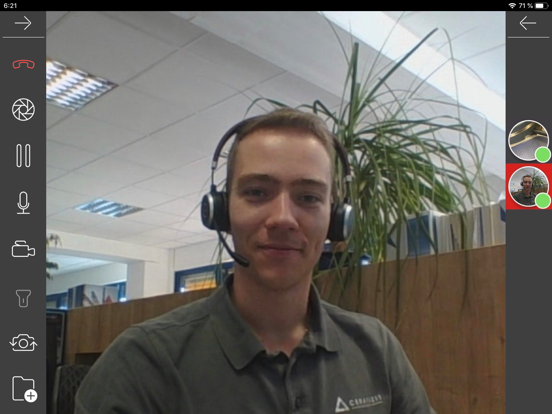
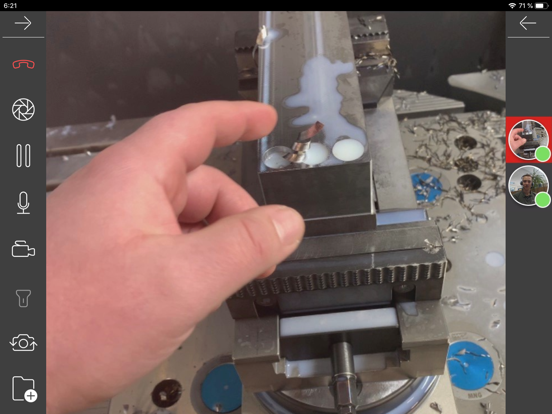
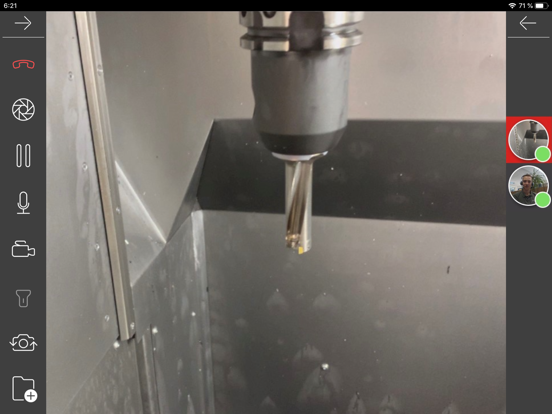
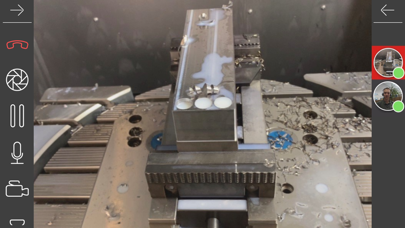
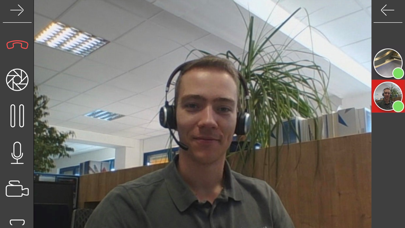
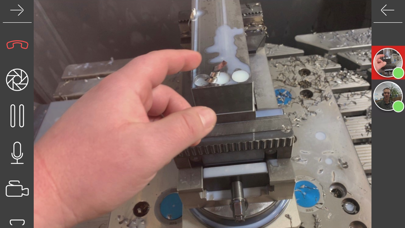
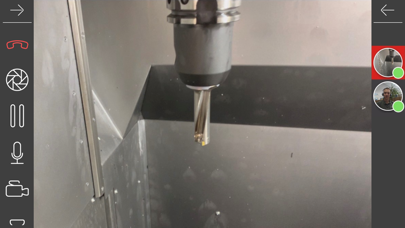
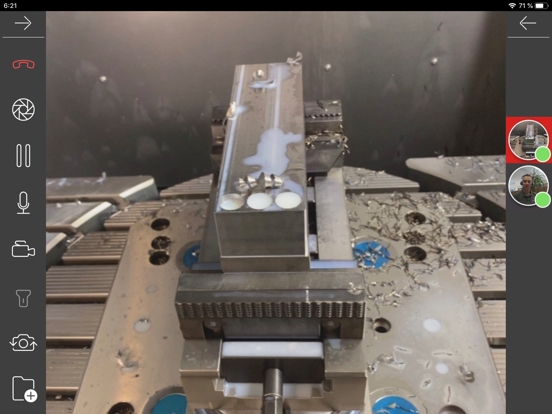
With the innovative "Live TechPro" solution, CERATIZIT offers you the possibility of immediate and competent visual support in case of a fault or process optimization. A bidirectional video and audio connection connects your on-site technician with the application engineers from CERATIZIT -you can rely on us to reach you in seconds and support your on-site technicians live in your production.
Show More
What's New in the Latest Version 16.0.0
Last updated on Dec 1, 2024
Old Versions
- Next-Gen Communication: Our new call interface makes mobile communication via smartphones and tablets better than ever before.
- Enhanced Case Creation: External users, such as customers, can now create cases with photos and videos.
- Digital Handwritten Signatures: Maintenance, inspections, and service tasks can now be completed with a digital handwritten signature.
- Optimized Chats: The new chat features offer improved organization and a practical search function.
- Enhanced Case Creation: External users, such as customers, can now create cases with photos and videos.
- Digital Handwritten Signatures: Maintenance, inspections, and service tasks can now be completed with a digital handwritten signature.
- Optimized Chats: The new chat features offer improved organization and a practical search function.
Show More
Version History
16.0.0
Dec 1, 2024
- Next-Gen Communication: Our new call interface makes mobile communication via smartphones and tablets better than ever before.
- Enhanced Case Creation: External users, such as customers, can now create cases with photos and videos.
- Digital Handwritten Signatures: Maintenance, inspections, and service tasks can now be completed with a digital handwritten signature.
- Optimized Chats: The new chat features offer improved organization and a practical search function.
- Enhanced Case Creation: External users, such as customers, can now create cases with photos and videos.
- Digital Handwritten Signatures: Maintenance, inspections, and service tasks can now be completed with a digital handwritten signature.
- Optimized Chats: The new chat features offer improved organization and a practical search function.
15.0.0
May 5, 2024
- Next Gen Cases as an Extensive Ticketing System: Filter, organize, and save views to structure your tasks and organization.
- Simplified call joining flow, especially for first-time users.
- Mixed small improvements
- Simplified call joining flow, especially for first-time users.
- Mixed small improvements
14.0.0
Dec 10, 2023
- Flexible Case details: Use case types with predefined or custom case details to structure use case related metadata.
- Case filters: Streamlined case list view and first-level filters to efficiently manage and assign cases within your organization.
- Face Anonymization: Anonymize faces during a video call.
- Several security and performance improvements, bugfixes.
- Case filters: Streamlined case list view and first-level filters to efficiently manage and assign cases within your organization.
- Face Anonymization: Anonymize faces during a video call.
- Several security and performance improvements, bugfixes.
13.0.0
Jul 1, 2023
• Screensharing: Share your entire Screen during a video call
• Speaking Detection: Identifying and actively showing who is talking during the video call
• Video call settings: Set the video call quality individually depending on the circumstances during the video call
• Several security and performance improvements
• Speaking Detection: Identifying and actively showing who is talking during the video call
• Video call settings: Set the video call quality individually depending on the circumstances during the video call
• Several security and performance improvements
12.0.0
Apr 29, 2023
Visual Assistance Call:
o Multi-Session Call
- Reopening calls for regular and recurring appointments
- Display missed calls
- Display all sessions
o Call Module Improvements
- Out-of-Call navigation via picture-in-picture
- Chat-Overlay Redesign
- Call-Chat for externals
o Multi-Session Call
- Reopening calls for regular and recurring appointments
- Display missed calls
- Display all sessions
o Call Module Improvements
- Out-of-Call navigation via picture-in-picture
- Chat-Overlay Redesign
- Call-Chat for externals
11.0.0
Nov 13, 2022
• Videocall improvements:
- Feature to mute other participants
- Improved automatic rejoin
- Pre-Call UI
• Pre-fill username for guests: add guest user information to autofill within call invitation link
• Mixed small improvements
- Feature to mute other participants
- Improved automatic rejoin
- Pre-Call UI
• Pre-fill username for guests: add guest user information to autofill within call invitation link
• Mixed small improvements
10.0.2
Oct 17, 2022
Small bug fixes for iOS 16
10.0.0
Jul 9, 2022
• Chat for externals: chat functionality is now available for external users
• Hyperlinks: links you store in chats, cases, products, etc. are now clickable and redirect to the dedicated webpage
• Revised client navigation
• Copy chat messages on mobile applications
• Change password function for externals
• Pre-fill username for guests: provided user information of guest user, who already had used your solution, are pre-filled when using your system again
• Multiple small improvements
• Hyperlinks: links you store in chats, cases, products, etc. are now clickable and redirect to the dedicated webpage
• Revised client navigation
• Copy chat messages on mobile applications
• Change password function for externals
• Pre-fill username for guests: provided user information of guest user, who already had used your solution, are pre-filled when using your system again
• Multiple small improvements
9.1.0
Mar 24, 2022
Multi-User Call
· Remote support video calls with up to 20 participants
· Improved handling of video and audio streams (bandwidth requirements)
1. Reduced and constant upload rate (regardless of the number of participants in the call)
2. Reduced download rate for smaller videos in side menu (dynamic improvement of video quality after switching main view)
3. Increased video quality for screen sharing (screensharing)
4. Increased video quality for live stream in web application
· Customized UI / UX design in video call
1. Activity based arrangement of participants
2. Highlighted audio status of participants
3. Changed appearance of participants (based on video/audio status and in video call or not in video call)
· Various stability improvements
AR Viewer
· Viewing 3D models of your machines in the mobile applications
· Zooming, rotating and panning in the 3D viewer with simple touch gestures
Workflows
· Export of workflow reports
· Remote support video calls with up to 20 participants
· Improved handling of video and audio streams (bandwidth requirements)
1. Reduced and constant upload rate (regardless of the number of participants in the call)
2. Reduced download rate for smaller videos in side menu (dynamic improvement of video quality after switching main view)
3. Increased video quality for screen sharing (screensharing)
4. Increased video quality for live stream in web application
· Customized UI / UX design in video call
1. Activity based arrangement of participants
2. Highlighted audio status of participants
3. Changed appearance of participants (based on video/audio status and in video call or not in video call)
· Various stability improvements
AR Viewer
· Viewing 3D models of your machines in the mobile applications
· Zooming, rotating and panning in the 3D viewer with simple touch gestures
Workflows
· Export of workflow reports
9.0.0
Feb 19, 2022
Multi-User Call
· Remote support video calls with up to 20 participants
· Improved handling of video and audio streams (bandwidth requirements)
1. Reduced and constant upload rate (regardless of the number of participants in the call)
2. Reduced download rate for smaller videos in side menu (dynamic improvement of video quality after switching main view)
3. Increased video quality for screen sharing (screensharing)
4. Increased video quality for live stream in web application
· Customized UI / UX design in video call
1. Activity based arrangement of participants
2. Highlighted audio status of participants
3. Changed appearance of participants (based on video/audio status and in video call or not in video call)
· Various stability improvements
AR Viewer
· Viewing 3D models of your machines in the mobile applications
· Zooming, rotating and panning in the 3D viewer with simple touch gestures
Workflows
· Export of workflow reports
· Remote support video calls with up to 20 participants
· Improved handling of video and audio streams (bandwidth requirements)
1. Reduced and constant upload rate (regardless of the number of participants in the call)
2. Reduced download rate for smaller videos in side menu (dynamic improvement of video quality after switching main view)
3. Increased video quality for screen sharing (screensharing)
4. Increased video quality for live stream in web application
· Customized UI / UX design in video call
1. Activity based arrangement of participants
2. Highlighted audio status of participants
3. Changed appearance of participants (based on video/audio status and in video call or not in video call)
· Various stability improvements
AR Viewer
· Viewing 3D models of your machines in the mobile applications
· Zooming, rotating and panning in the 3D viewer with simple touch gestures
Workflows
· Export of workflow reports
8.0.0
Oct 23, 2021
Workflows module
- The Workflows module can now be accessed and used on all devices.
- The Workflows module now offers you the option of mapping training courses or work steps in detail, for example.
- You have the possibility to precisely document various use cases step-by-step and to map the ideal use case using different types of "instructions".
- Link specific workflows to products using QR codes.
Design overhaul
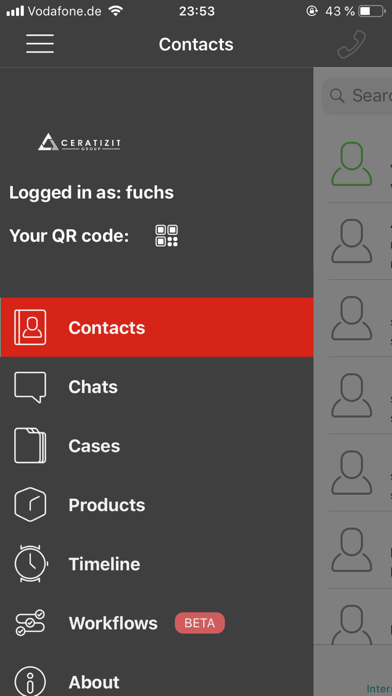
- Benefit from the redesign of the main menu, which now groups individual sections by topic.
Calendar invitations
- Take advantage of the ability to schedule, reschedule, or cancel remote assistance video calls, always keeping all participants informed of the current status via email.
Simplification of file import into cases
- Easily copy entire folder structures and files contained therein into a case on your remote support platform using a "drag and drop" function.
Various bug fixes and improvements
- The Workflows module can now be accessed and used on all devices.
- The Workflows module now offers you the option of mapping training courses or work steps in detail, for example.
- You have the possibility to precisely document various use cases step-by-step and to map the ideal use case using different types of "instructions".
- Link specific workflows to products using QR codes.
Design overhaul
- Benefit from the redesign of the main menu, which now groups individual sections by topic.
Calendar invitations
- Take advantage of the ability to schedule, reschedule, or cancel remote assistance video calls, always keeping all participants informed of the current status via email.
Simplification of file import into cases
- Easily copy entire folder structures and files contained therein into a case on your remote support platform using a "drag and drop" function.
Various bug fixes and improvements
7.1.0
Jul 23, 2021
* GLB / GLTF Support: The AR Editor can now be used with an additional filetype for 3D models.
* Export of users: Platform administrators can get an overview of the current users of the platform
* Chat translation to Russian: The translation function is now also available for the Russian language
* Guest user reconnection in Web: a guest user can come back to the same video call in case of connection loss
* Various bug fixes and improvements
* Export of users: Platform administrators can get an overview of the current users of the platform
* Chat translation to Russian: The translation function is now also available for the Russian language
* Guest user reconnection in Web: a guest user can come back to the same video call in case of connection loss
* Various bug fixes and improvements
7.0
May 8, 2021
• Guest Users: Invite guests to a call via a link. Guest users do not need to create an account and can join the videocall via link directly from their browser.
• Shared Pointer: Share your pointer to draw the attention of other participants in the call to specific areas in the video call.
• Navigation Mode: Navigate other participants in the call to the right place with our new Navigation Mode.
• Zoom: View hidden areas of the video image in detail from a distance.

• Shared Pointer: Share your pointer to draw the attention of other participants in the call to specific areas in the video call.
• Navigation Mode: Navigate other participants in the call to the right place with our new Navigation Mode.
• Zoom: View hidden areas of the video image in detail from a distance.
6.0
Dec 7, 2020
LiveTechPro FAQ
Click here to learn how to download LiveTechPro in restricted country or region.
Check the following list to see the minimum requirements of LiveTechPro.
iPhone
Requires iOS 16.0 or later.
iPad
Requires iPadOS 16.0 or later.
LiveTechPro supports English, French, German, Portuguese, Simplified Chinese, Spanish, Turkish