Mappedin Scan

Mappedin Scan


Free

2.3.2for iPhone, iPad
Age Rating
4+
Apps in this category do not contain restricted content.
9+
Apps in this category may contain mild or occasional cartoon, fantasy or real-life violence, as well as occasional or mild adult, sexually suggestive or horrifying content and may not be suitable for children under 9 years of age.
12+
Apps in this category may contain occasional mild indecent language, frequent or intense cartoon or real-life violence, minor or occasional adult or sexually suggestive material, and simulated gambling, and may be for children under 12 years of age.
17+
You must be at least 17 years old to access this App.
Apps in this category may contain frequent and intense offensive language; Frequent and intense cartoon, fantasy or realistic violence: frequent and intense adult, scary and sexually suggestive subjects: as well as sexual content, nudity, tobacco, alcohol and drugs, may not be suitable for children under 17 years of age.
Mappedin Scan Screenshots
Mappedin Scan posterMappedin Scan posterMappedin Scan poster

About Mappedin Scan

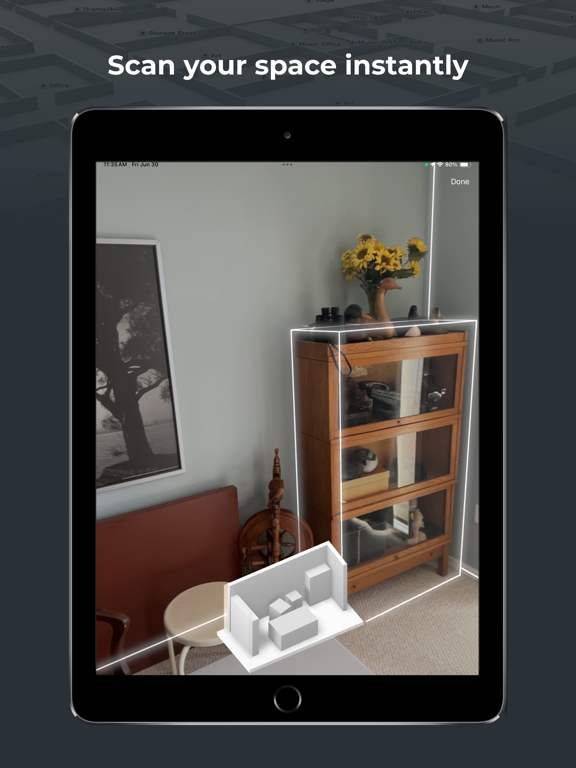
Indoor maps made easy. Mappedin makes it effortless to create beautifully rendered 3D maps. Quickly scan any space using LiDAR technology. Upload maps to Mappedin to unlock full editing features or export to open file types to be used anywhere.

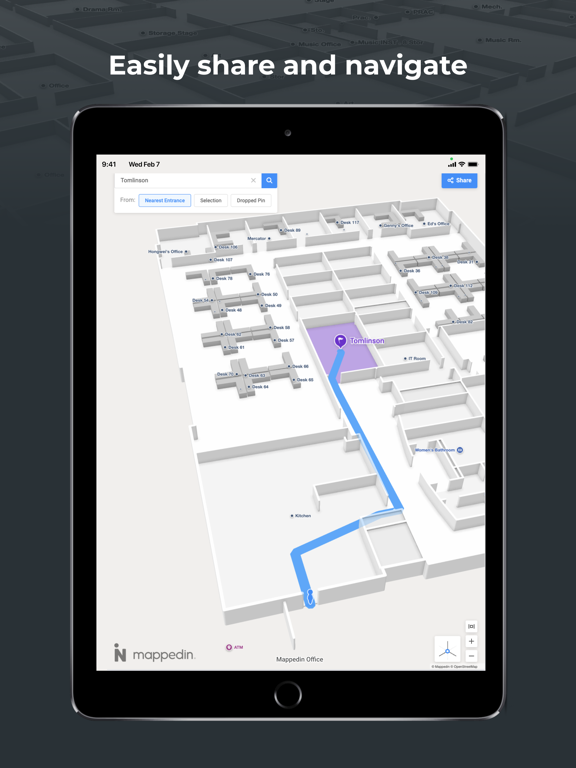
Mappedin’s AI mapping technology does the heavy lifting. Automated features make the creation of smart, navigable 3D maps that are both accurate and easy. With Mappedin, you can quickly edit and publish your maps to help visitors find their way.

Use the Mappedin iOS App to:
- Scan any room and create a map in seconds
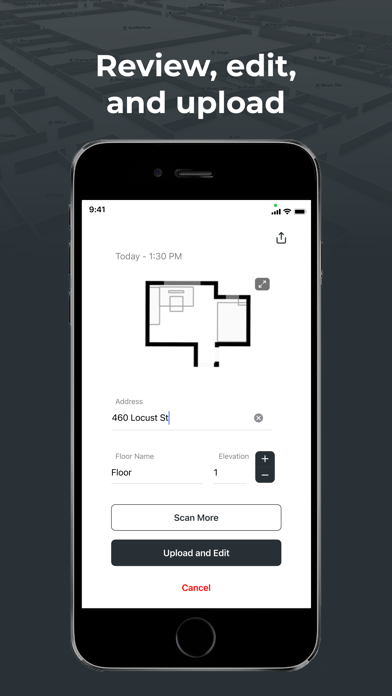
- Upload your maps to Mappedin for a full map editing experience
- Export your maps as a PDF, SVG, PNG, USDZ, and GeoJSON to use with any third-party software

Additional Mappedin features:
- Sign up and start mapping for free on mappedin.com
- Available plans to unlock more powerful mapping tools and features
- Place objects like walls, doors, and desks automatically with AI technology
- Add descriptions, images, and links
- Integrate and embed your map on any website
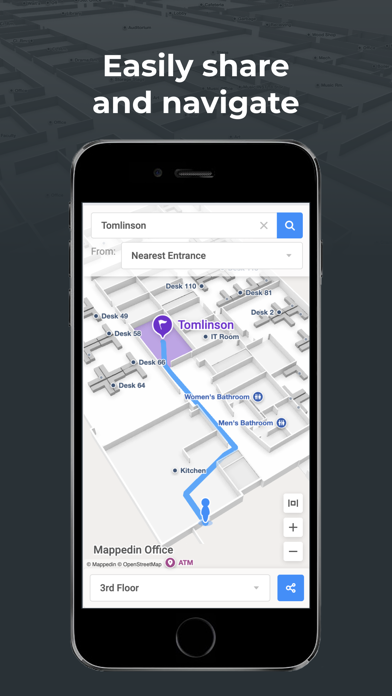
- Create routes to help visitors and crowds navigate spaces

The Mappedin iOS app requires a device with iOS 17 with the latest “RoomPlan API" LiDAR to scan and generate your indoor map. The following devices meet this requirement: iPhone 12 Pro, iPad Pro, or any later generations.

Have questions? Get in touch at help@mappedin.com.

Connect with us:
facebook.com/mappedin
twitter.com/mappedin
instagram.com/mappedinatwork
linkedin.com/company/mappedin

Show More

What's New in the Latest Version 2.3.2

Last updated on Jun 18, 2025
Old Versions
- bug fix
Show More
Version History
2.3.2
Jun 18, 2025
- bug fix

Mappedin Scan FAQ

Click here to learn how to download Mappedin Scan in restricted country or region.
Check the following list to see the minimum requirements of Mappedin Scan.
iPhone
iPad

Related Videos

Latest introduction video of Mappedin Scan on iPhone

Mappedin Scan Alternative

You May Also Like

Get more from Mappedin, Inc.