No Touch®
Free
1.0for iPhone, iPod touch
Age Rating
No Touch® Screenshots
About No Touch®
The No Touch® elevator control system from C.E. Electronics, Inc. streamlines the process of using the elevator without needing to touch common surfaces.
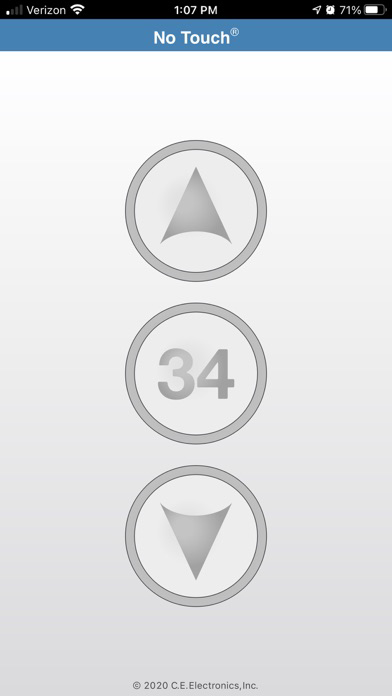
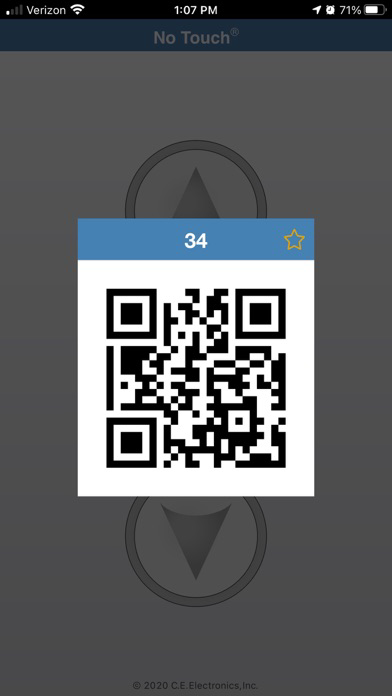
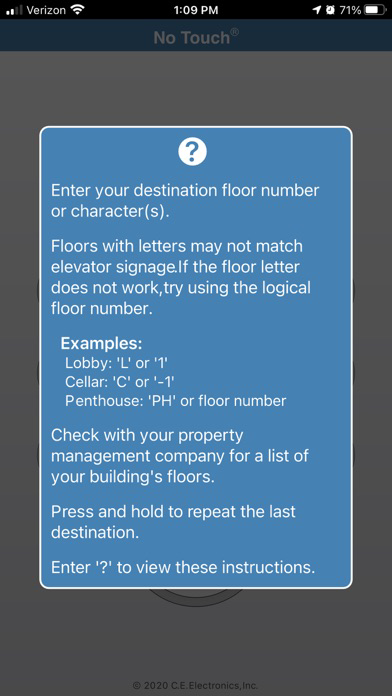
To call an elevator, simply use the up or down buttons in the app to generate the appropriate QR code. Alternatively, type in the floor that you wish to travel to, generate that floor's QR code, and the scanner in the hall will place the appropriate call for up or down. Next, present the floor QR code to the scanner in the elevator and the button in the elevator will light as if it were pressed.
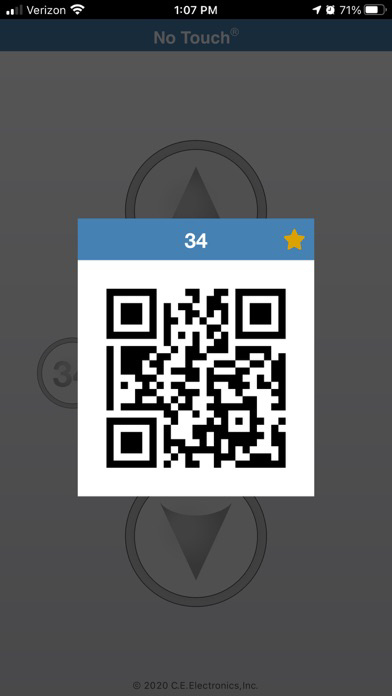
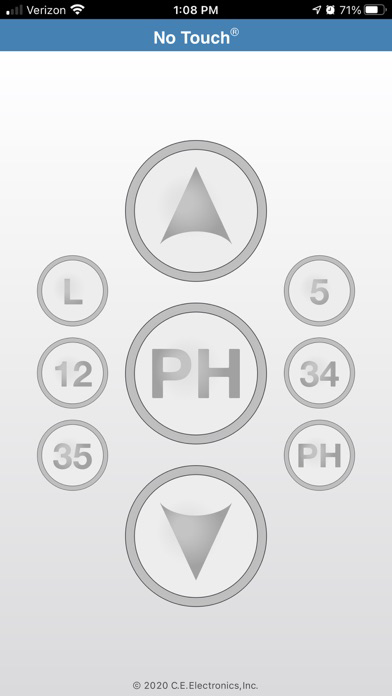
Frequent destinations can be added as favorites for fast and convenient use. Press and hold the last destination to use it again without retyping.

To call an elevator, simply use the up or down buttons in the app to generate the appropriate QR code. Alternatively, type in the floor that you wish to travel to, generate that floor's QR code, and the scanner in the hall will place the appropriate call for up or down. Next, present the floor QR code to the scanner in the elevator and the button in the elevator will light as if it were pressed.
Frequent destinations can be added as favorites for fast and convenient use. Press and hold the last destination to use it again without retyping.

Show More
What's New in the Latest Version 1.0
Last updated on Feb 24, 2021
Version History
1.0
Feb 24, 2021
No Touch® FAQ
Click here to learn how to download No Touch® in restricted country or region.
Check the following list to see the minimum requirements of No Touch®.
iPhone
Nécessite iOS 12.0 ou version ultérieure.
iPod touch
Nécessite iOS 12.0 ou version ultérieure.