Privacy.com: Virtual Cards
Free
3.3.28for iPhone, iPad
Age Rating
Privacy.com: Virtual Cards Screenshots
About Privacy.com: Virtual Cards
Stop exposing your credit or debit card information and protect your online payments with Privacy. Join over 250,000 users who have saved millions of dollars by using Privacy to block unwanted charges from compromised cards, overcharging, hidden fees, and forgotten subscriptions.
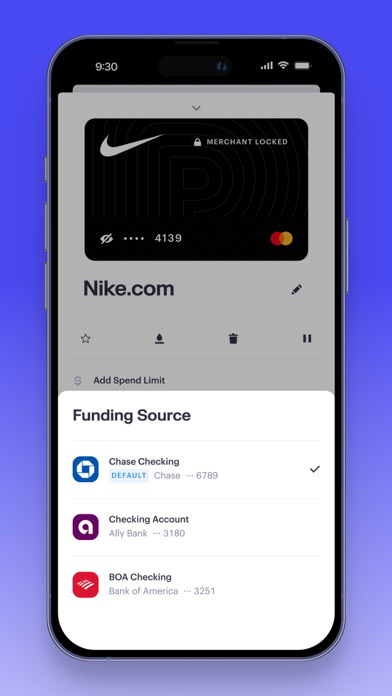
Getting started with Privacy is simple: create your account, verify your information, securely link your bank account or debit card, and request your first virtual card. Start shopping and enjoy the added layer of protection Privacy provides to protect you from payment card theft and fraud.
Benefits:
- Shield your true financial information: Our Privacy Cards mask your debit card or bank account number to help protect you from card theft and fraud. Pay with greater privacy and security anytime, anywhere on desktop or on mobile.
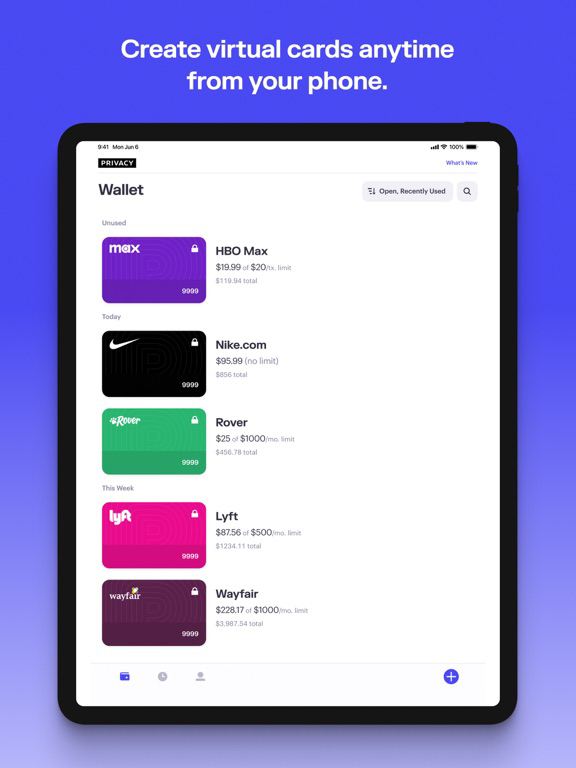
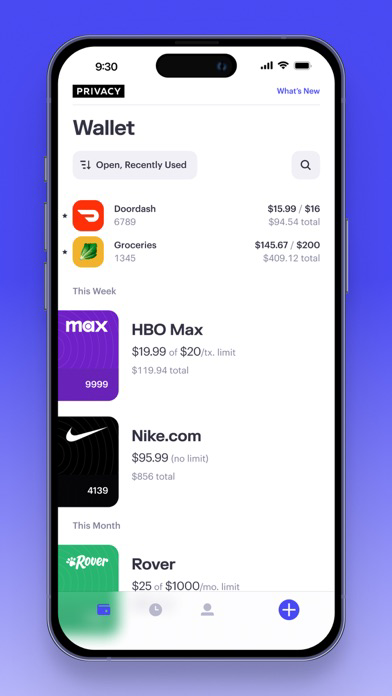
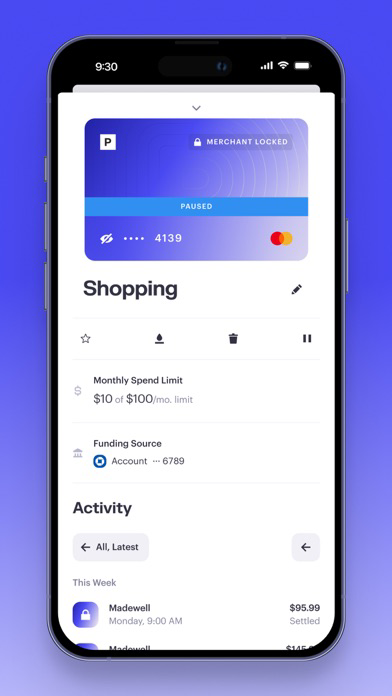
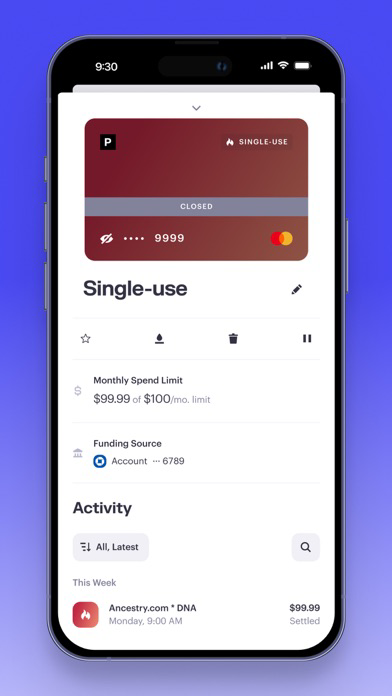
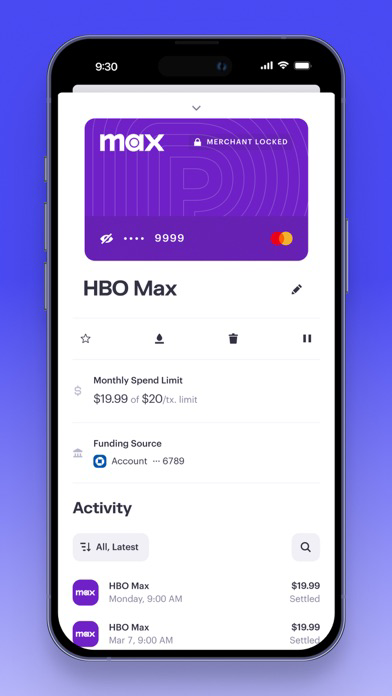
- Create merchant-locked and one-time-use cards: Our cards automatically "lock" to the first merchant they are used at, so if the merchant is ever breached, the card number can never be used anywhere else. You can also create one-time-use cards that automatically close after a single transaction.
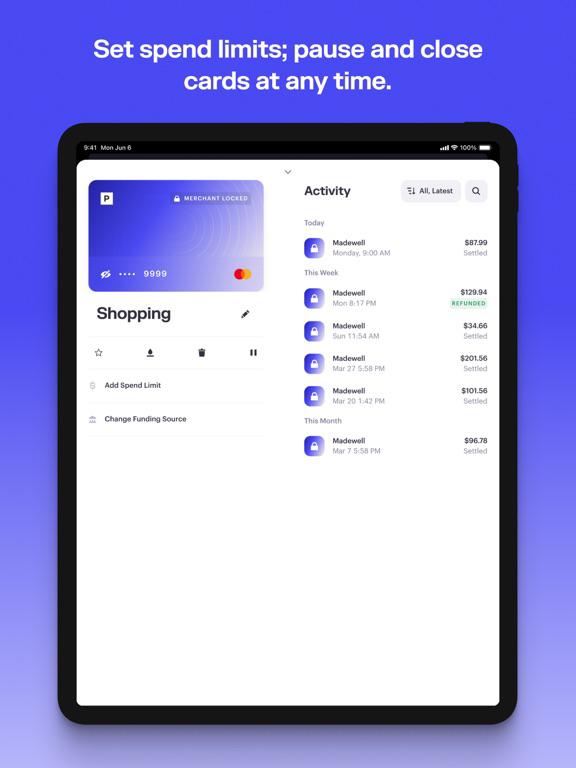
- Take complete control over your spending: Set customizable spending limits to prevent overcharging and block hidden fees—perfect for managing subscriptions and recurring expenses. If a transaction goes over the limit, we will automatically decline it.
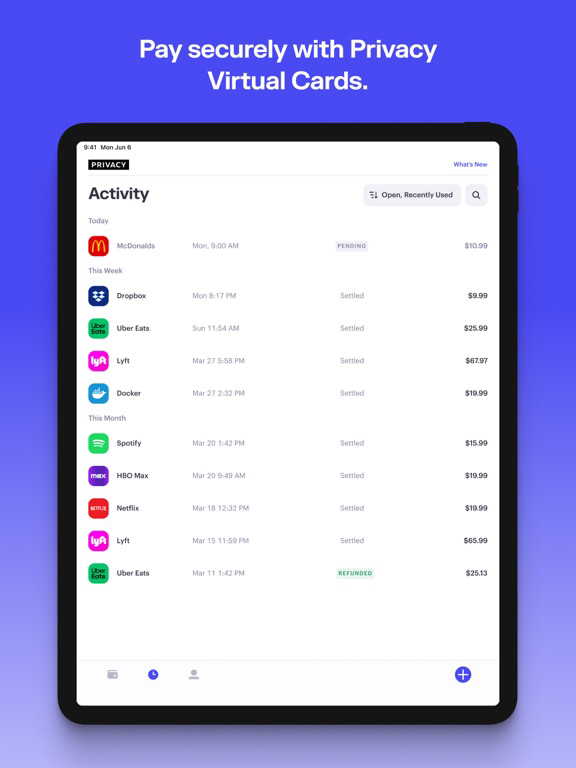
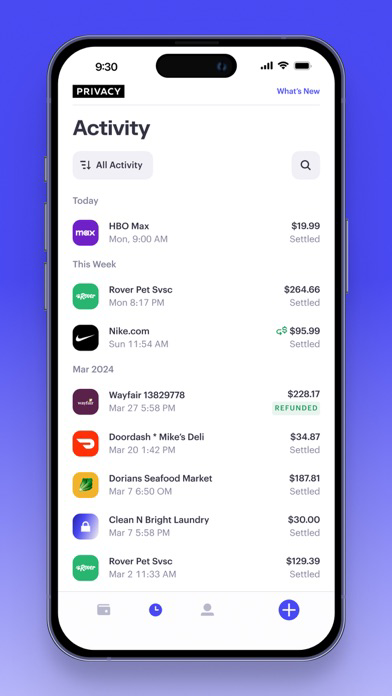
- Leverage real-time transaction monitoring: Receive notifications any time a Privacy Card is used. Easily pause, unpause, and close Privacy Cards any time with just one push of a button.
Privacy’s core product is free to use on domestic transactions, because, like other card companies, we collect transaction fees from merchants. Privacy Cards can be used at most merchants that accept credit and debit cards.
The security of our users’ personal information and data is critical to everything that we do at Privacy. You can review our security policies at https://privacy.com/security.
Read about us in Forbes, Wirecutter, and The Wall Street Journal!
For support, questions, or more information, please contact us at support@privacy.com.
Getting started with Privacy is simple: create your account, verify your information, securely link your bank account or debit card, and request your first virtual card. Start shopping and enjoy the added layer of protection Privacy provides to protect you from payment card theft and fraud.
Benefits:
- Shield your true financial information: Our Privacy Cards mask your debit card or bank account number to help protect you from card theft and fraud. Pay with greater privacy and security anytime, anywhere on desktop or on mobile.
- Create merchant-locked and one-time-use cards: Our cards automatically "lock" to the first merchant they are used at, so if the merchant is ever breached, the card number can never be used anywhere else. You can also create one-time-use cards that automatically close after a single transaction.
- Take complete control over your spending: Set customizable spending limits to prevent overcharging and block hidden fees—perfect for managing subscriptions and recurring expenses. If a transaction goes over the limit, we will automatically decline it.
- Leverage real-time transaction monitoring: Receive notifications any time a Privacy Card is used. Easily pause, unpause, and close Privacy Cards any time with just one push of a button.
Privacy’s core product is free to use on domestic transactions, because, like other card companies, we collect transaction fees from merchants. Privacy Cards can be used at most merchants that accept credit and debit cards.
The security of our users’ personal information and data is critical to everything that we do at Privacy. You can review our security policies at https://privacy.com/security.
Read about us in Forbes, Wirecutter, and The Wall Street Journal!
For support, questions, or more information, please contact us at support@privacy.com.
Show More
What's New in the Latest Version 3.3.28
Last updated on Jun 1, 2026
Old Versions
Bug fixes and improvements
Show More
Version History
3.3.28
Jun 1, 2026
Bug fixes and improvements
Privacy.com: Virtual Cards FAQ
Privacy.com: Virtual Cards is available in regions other than the following restricted countries:
Australia,Benin,Germany,Dominica,Spain,Latvia,Montserrat,Seychelles,Uzbekistan,Albania,Sri Lanka,Mexico,Chad,Belarus,Kazakhstan,Mongolia,Pakistan,British Virgin Islands,South Africa,Ireland,Morocco,Burkina Faso,Indonesia,Tonga,Angola,Cameroon,Guinea-bissau,Russia,Slovenia,Anguilla,Nepal,Ecuador,Honduras,Kyrgyzstan,South Korea,St. Lucia,Mauritius,Philippines,Saudi Arabia,Venezuela,Yemen,Bhutan,Dominican Republic,Finland,New Zealand,Zimbabwe,Armenia,Gambia,Palau,Jamaica,St. Kitts and Nevis,Nigeria,Taiwan,Tanzania,Kosovo,Azerbaijan,Bermuda,Malta,Romania,Senegal,Turks and Caicos,Turkey,United Arab Emirates,Bahamas,United Kingdom,Iceland,Panama,Papua New Guinea,Belgium,Canada,Fiji,Cayman Islands,Montenegro,Mozambique,Netherlands,Portugal,Egypt,Libya,Moldova,Sao Tome & Principe,Afghanistan,Barbados,Bahrain,Cape Verde,Lao Peoples Democratic Republic,Lebanon,Mauritania,Rwanda,Ghana,Italy,Japan,Norway,Swaziland,Bulgaria,Bolivia,Cambodia,Nauru,Peru,Paraguay,Trinidad and Tobago,Ukraine,Micronesia,Gabon,India,Jordan,Myanmar,Macao,Malawi,Switzerland,Algeria,France,Guatemala,Malaysia,Namibia,Serbia,Antigua And Barbuda,Chile,Iraq,Luxembourg,Nicaragua,Oman,Qatar,Sierra Leone,Tunisia,Kuwait,Lithuania,Uganda,Austria,Estonia,Thailand,Turkmenistan,Bosnia & Herzegovina,Botswana,Grenada,Kenya,Madagascar,Congo,Cyprus,Guyana,Croatia,Sweden,St. Vincent & The Grenadines,Vietnam,Singapore,Slovakia,Congo, Democratic Republic,Colombia,Hungary,Niger,Tajikistan,Vanuatu,Israel,Liberia,Mali,Solomon Islands,Belize,Cote Divoire,Costa Rica,Hong Kong,Macedonia,Poland,Suriname,Brunei Darussalam,China,Czech Republic,Denmark,Georgia,El Salvador,Uruguay,Zambia,Argentina,Brazil,Greece,Maldives

Check the following list to see the minimum requirements of Privacy.com: Virtual Cards.
iPhone
iPad
Click here to learn how to download Privacy.com: Virtual Cards in restricted country or region.