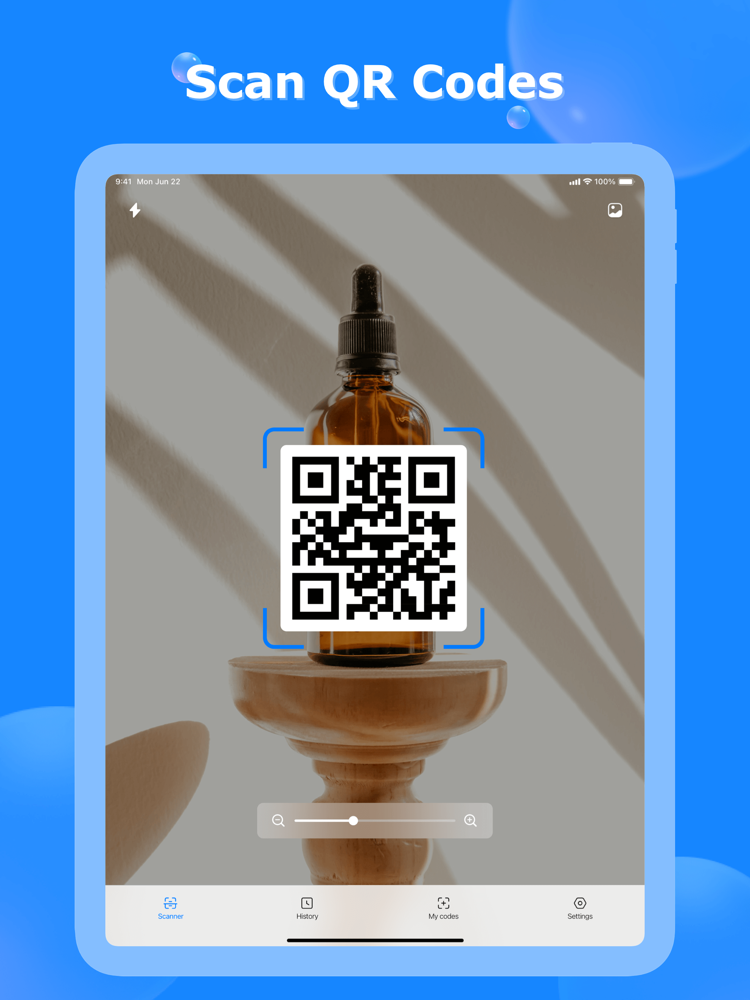
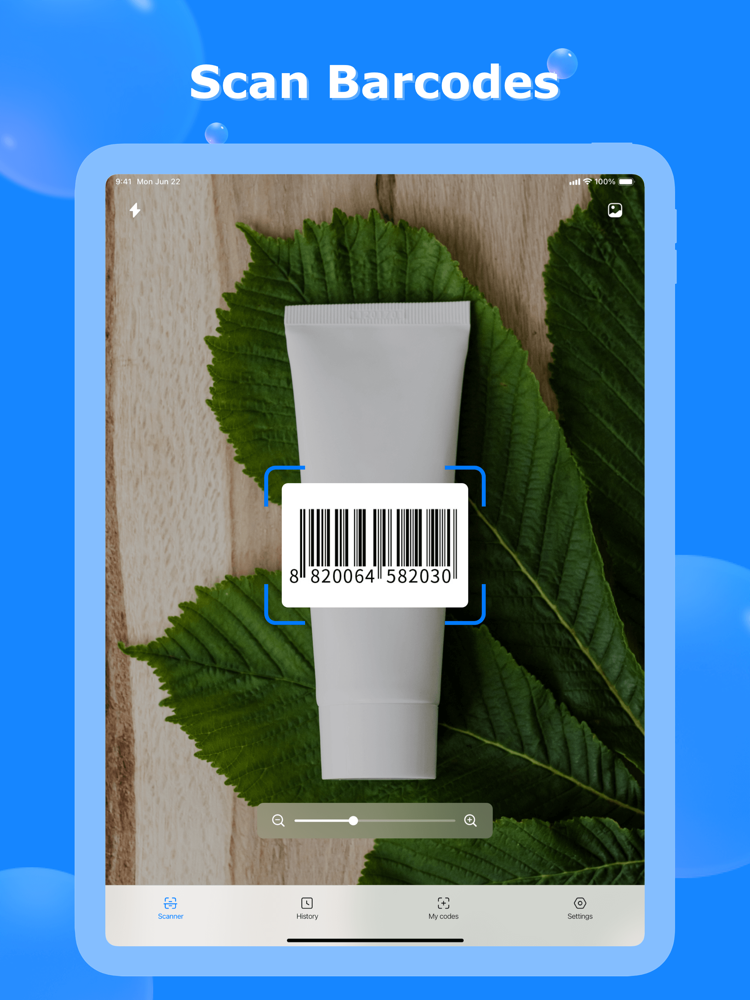
QR Code Scanner is a very fast and easy-to-use QRcode reader app with a scanner and a generator.
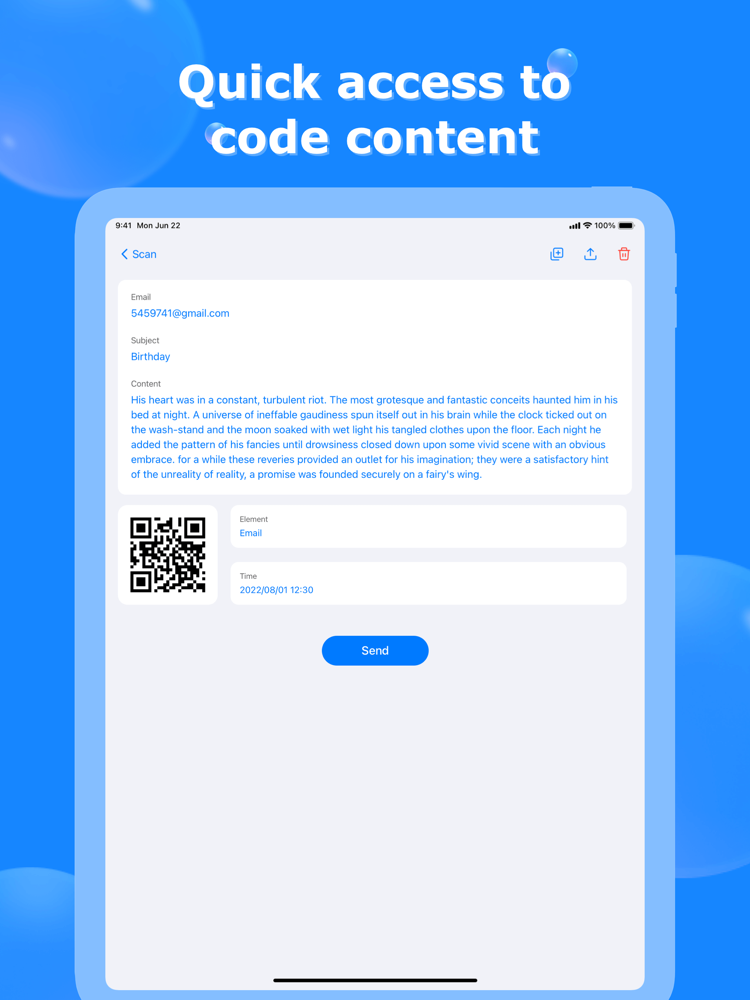
It can read, recognize, and decode all kinds of QR codes and barcodes: WiFi QR code, URL, books barcode, text, contacts, Email, phone number, business card, products, location, calendar, coupon codes, etc.
Try it now!
Get what you need with a single tap on QR Code Scanner!
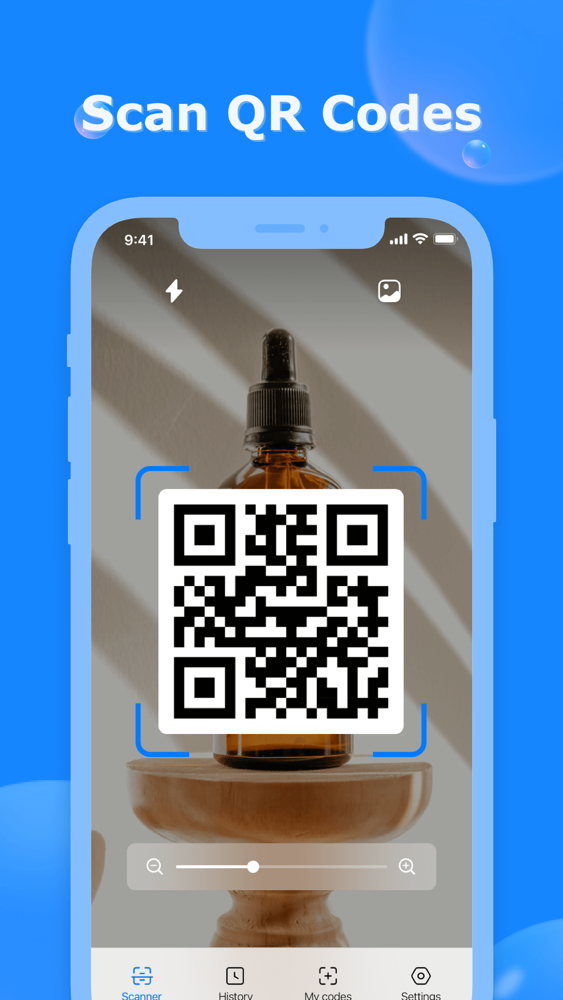
===== How to Use the QRcode Scanner ===== 1. Click scanner on QR Code Scanner
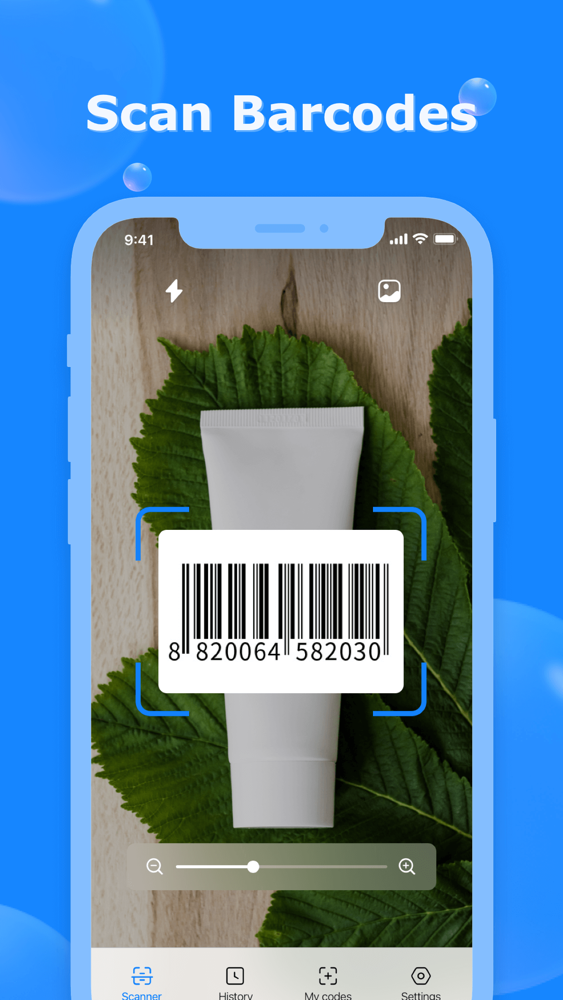
2. Point camera to the QR-code/bar-code
3. Auto read and recognize
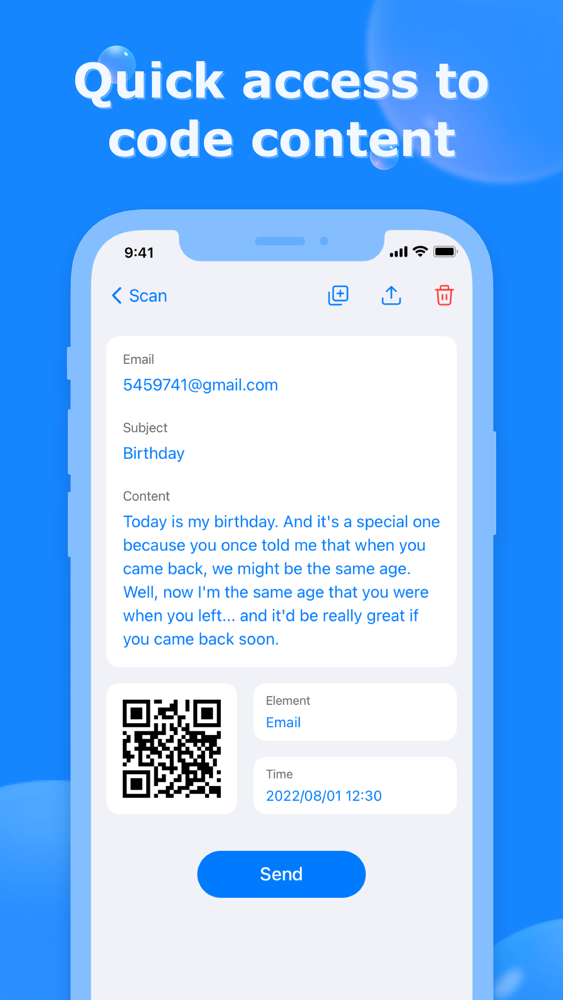
4. Show results and relevant options
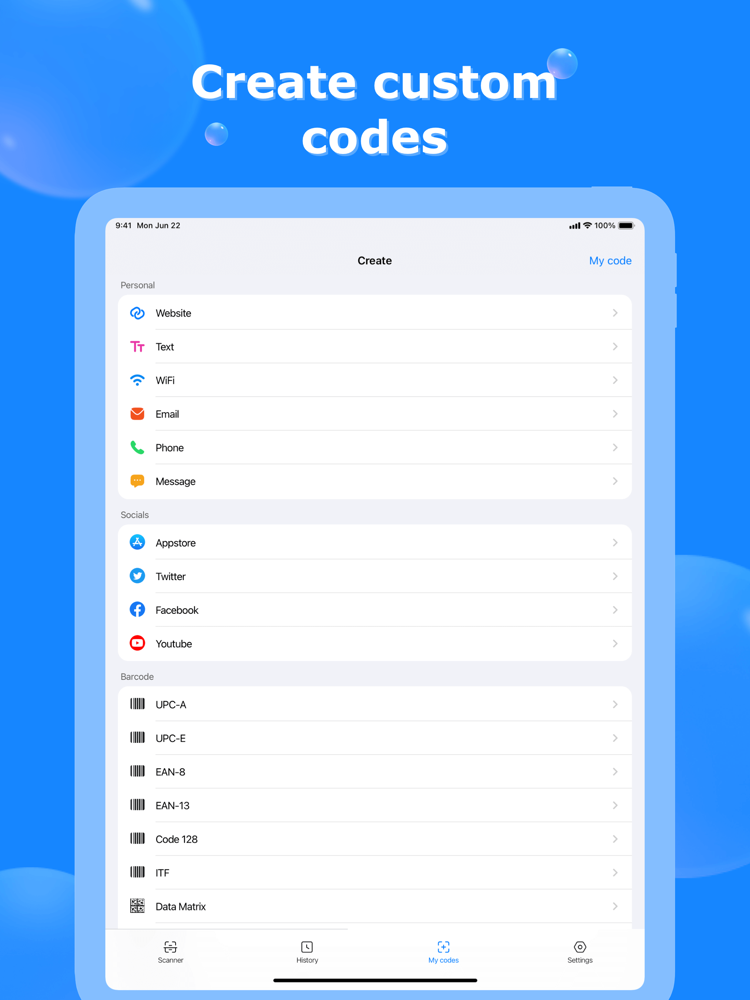
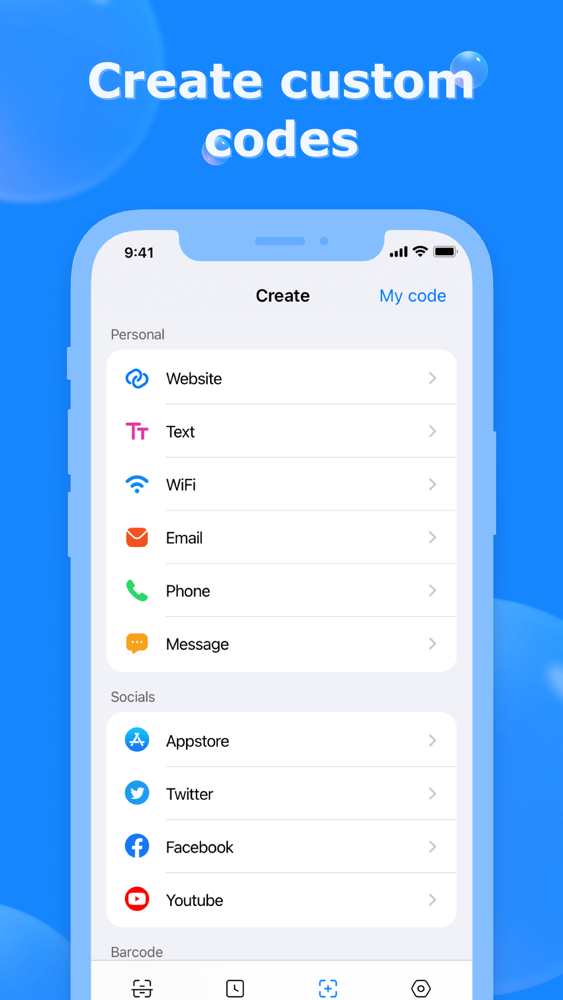
===== How to Use the QRcode Generator ===== 1. Tap the generate QR code button
2. Paste your content
3. Auto Generate QR code or Barcode
4. Choose image style
5. Save image or share your QRcode
===== More Features =====
- QR Code scanner: Simple and friendly-use scanner to read and decode any QRCode at a lightning-fast speed
- QR Code generator: Create your customized barcode/ QRCode
- Support flashlight: Auto open flashlight when recognizing barcode / QR code in the dark - Auto zoom in / out with any orientation: Read far away and magnify small QR code or barcode regardless of the orientation
- Create QR Code from clipboard: Generate QR or barcode with copied text on your iPhone
- Auto detect and locate QR code: Available for choosing a certain QR when detecting multiple QRcodes
- No network required: QR Code Scanner app available for offline use
- Fast detect code format: Auto recognize all supported QR code / barcode at a glance
- Support all formats: Reads most codes in linear format or 2D format, including QR Code, Codabar, barcode, Code 93, Code 128, Data Matrix,
- Fast QR Code scanner app for mixed-use: Read promotion and coupon codes, recognize WiFi, scan aadhar card, and more
- Share to social media: Scan or create QRCode and redirect to your website or social media like YouTube, Instagram, Twitter, Whatsapp, Facebook, Tik Tok, etc.
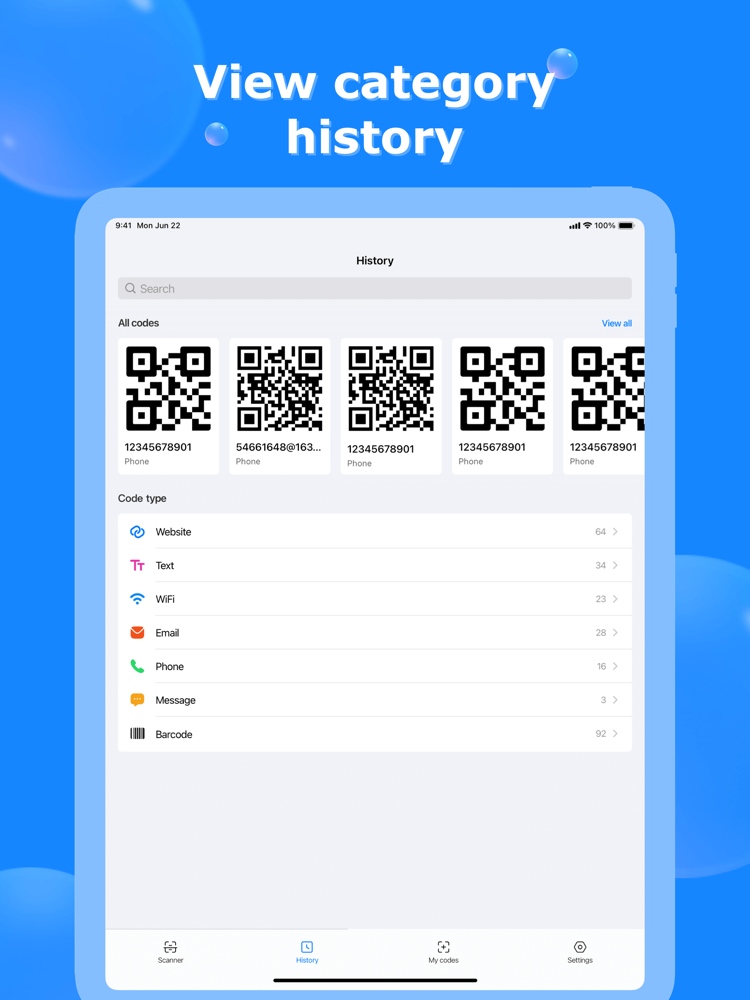
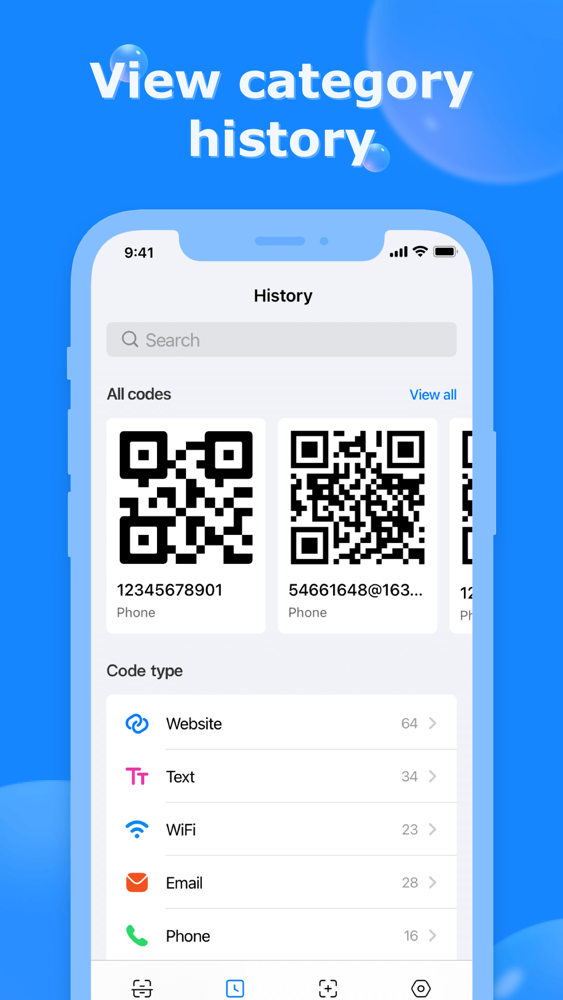
- Support front / rear camera: Read accurate QR info for you from any camera on iPhone - Save history: Keep all scanned or generated QR / Barcode for reuse
- Read from Gallery: Available for QR code scanning from iPhone gallery
- Simple, attractive, and clean design: Tiny and fast QR Code scanner designed for you
QR Code Scanner for you!
QR Code Generator for you! Download QR Code Scanner now!