Zeit for Timing
Companion app for Timing
Free
1.1.0for iPhone, iPod touch
Age Rating
Zeit for Timing Screenshots
About Zeit for Timing
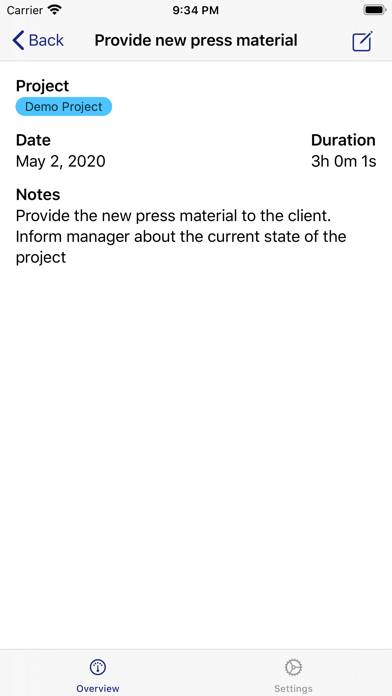
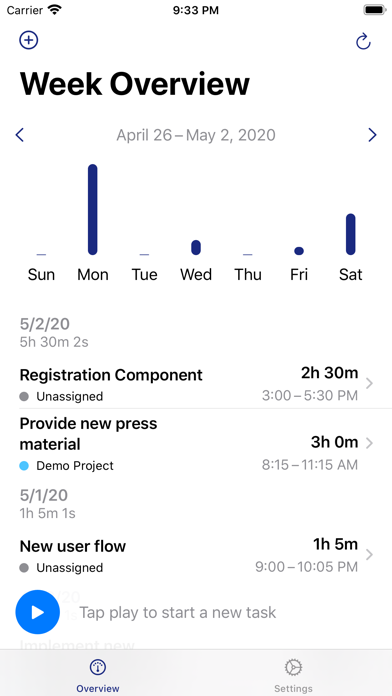
Zeit is a native companion app for the Timing Mac App. Ever wanted to browse through your history of time tracking entries but not sitting in front of your Mac ? Then Zeit is the app for you.
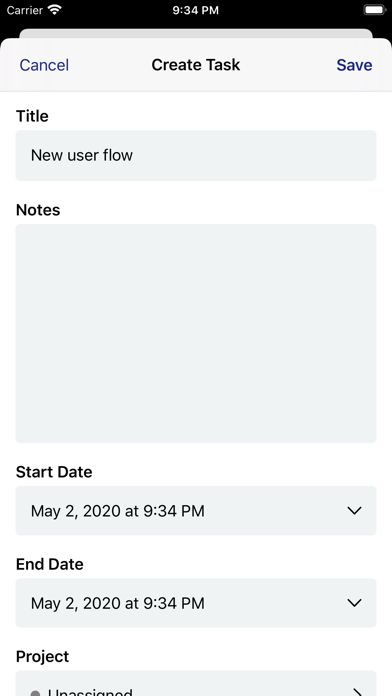
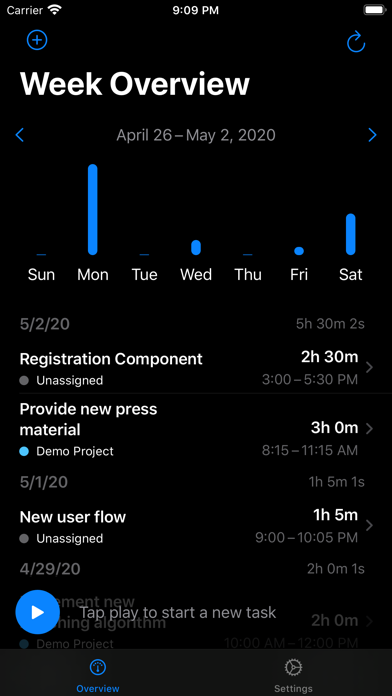
Zeit allows you to view your time tracking entries directly on your iPhone. You can edit, delete or create new time tracking entries right from you phone. You want to start time tracking even if you don't have your Mac at hand ? No worries, Zeit got you covered. Directly start time tracking from your iPhone. Later on you can switch back to the Mac and have your tracking already started.

Show More
What's New in the Latest Version 1.1.0
Last updated on Jun 24, 2020
Old Versions
-- New --
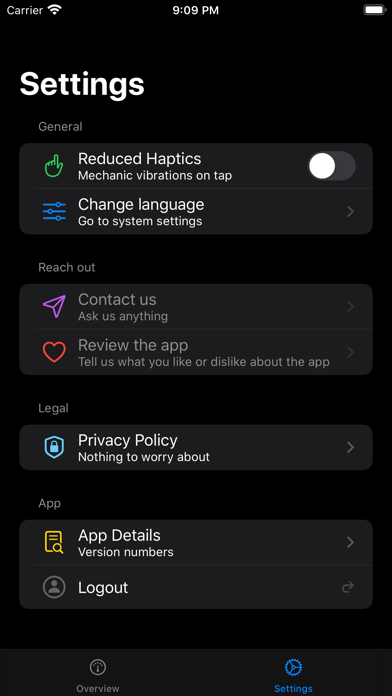
- Dark mode support
- Filter for hiding or showing archived projects when creating or editing a task
- Filter projects when creating or editing a task
- Accessibility: Better voice control labels
- Jump to current week by pressing on date range in the week overview
-- Tweaks --
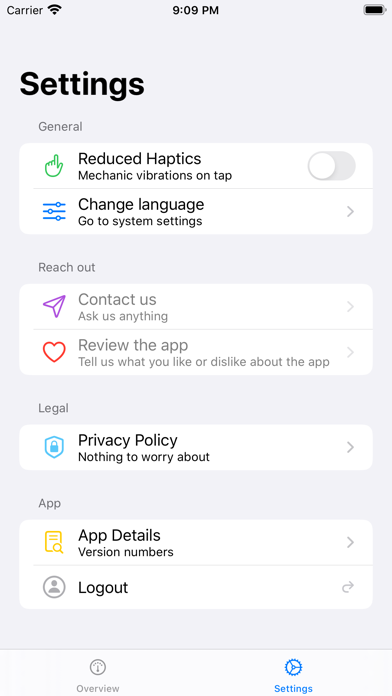
- Improved settings menu
- Option to delete tasks via the context menu on the week overview
- Dark mode support
- Filter for hiding or showing archived projects when creating or editing a task
- Filter projects when creating or editing a task
- Accessibility: Better voice control labels
- Jump to current week by pressing on date range in the week overview
-- Tweaks --
- Improved settings menu
- Option to delete tasks via the context menu on the week overview
Show More
Version History
1.1.0
Jun 24, 2020
-- New --
- Dark mode support
- Filter for hiding or showing archived projects when creating or editing a task
- Filter projects when creating or editing a task
- Accessibility: Better voice control labels
- Jump to current week by pressing on date range in the week overview
-- Tweaks --
- Improved settings menu
- Option to delete tasks via the context menu on the week overview
- Dark mode support
- Filter for hiding or showing archived projects when creating or editing a task
- Filter projects when creating or editing a task
- Accessibility: Better voice control labels
- Jump to current week by pressing on date range in the week overview
-- Tweaks --
- Improved settings menu
- Option to delete tasks via the context menu on the week overview
1.0.1
May 30, 2020
This version of Zeit fixes some wrong translations as well as changes some texts on the login view to mitigate some misunderstandings.
1.0
May 5, 2020
Zeit for Timing FAQ
Click here to learn how to download Zeit for Timing in restricted country or region.
Check the following list to see the minimum requirements of Zeit for Timing.
iPhone
Requires iOS 13.0 or later.
iPod touch
Requires iOS 13.0 or later.
Zeit for Timing supports English, German