Streaming Remote Control

Streaming Remote Control


FreeBest Deal Ever
2.1for iPhone, iPad
Age Rating
4+
Apps in this category do not contain restricted content.
9+
Apps in this category may contain mild or occasional cartoon, fantasy or real-life violence, as well as occasional or mild adult, sexually suggestive or horrifying content and may not be suitable for children under 9 years of age.
12+
Apps in this category may contain occasional mild indecent language, frequent or intense cartoon or real-life violence, minor or occasional adult or sexually suggestive material, and simulated gambling, and may be for children under 12 years of age.
17+
You must be at least 17 years old to access this App.
Apps in this category may contain frequent and intense offensive language; Frequent and intense cartoon, fantasy or realistic violence: frequent and intense adult, scary and sexually suggestive subjects: as well as sexual content, nudity, tobacco, alcohol and drugs, may not be suitable for children under 17 years of age.
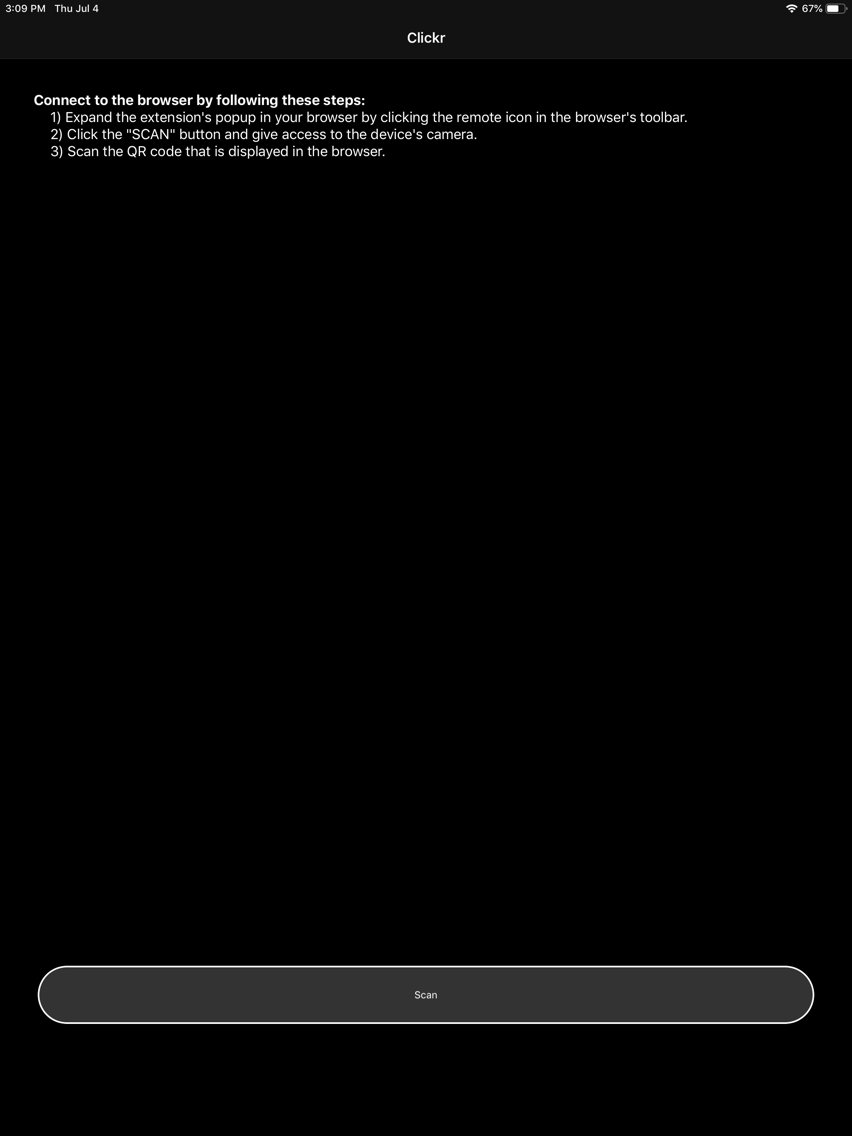
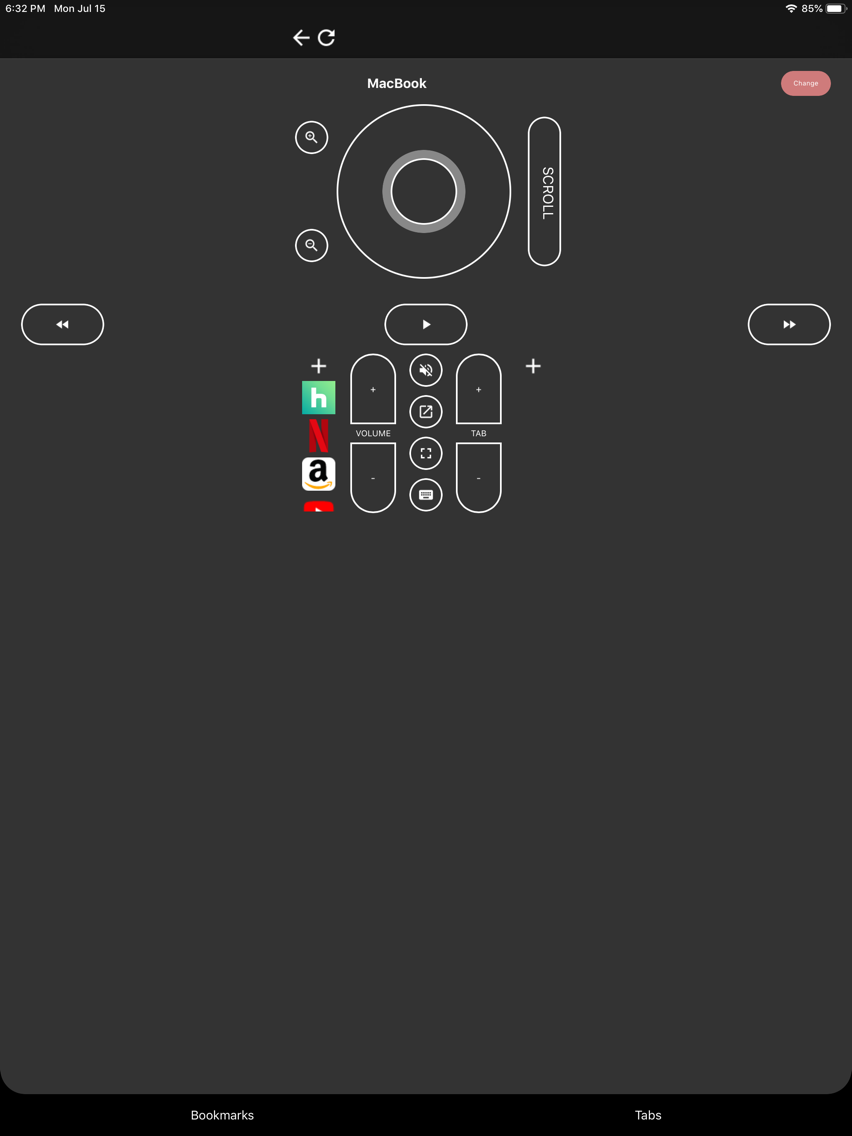
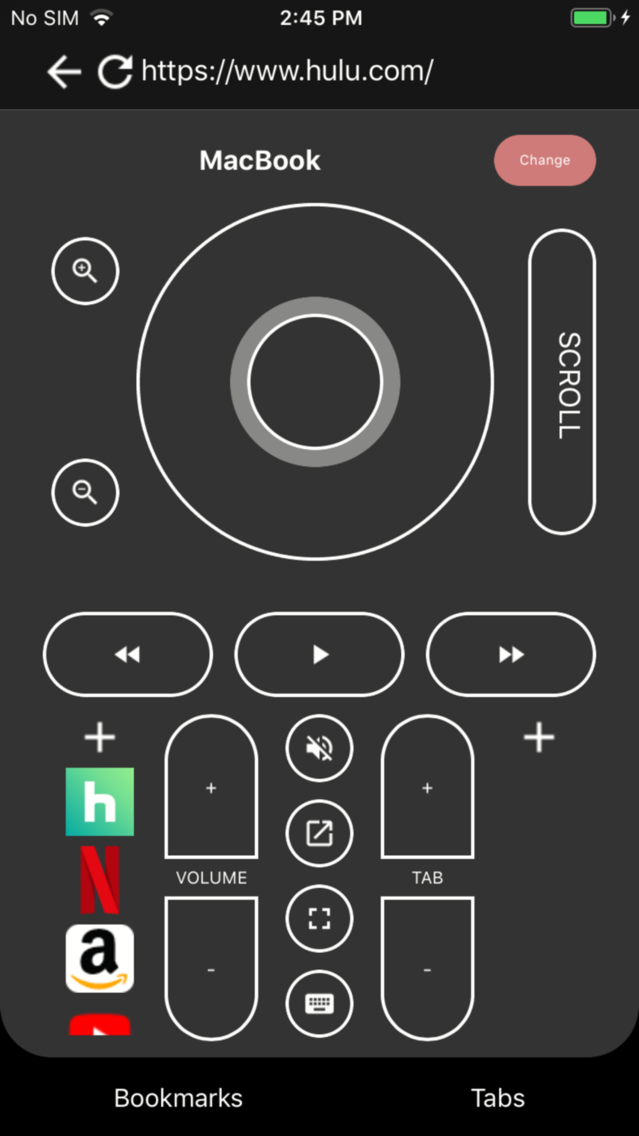
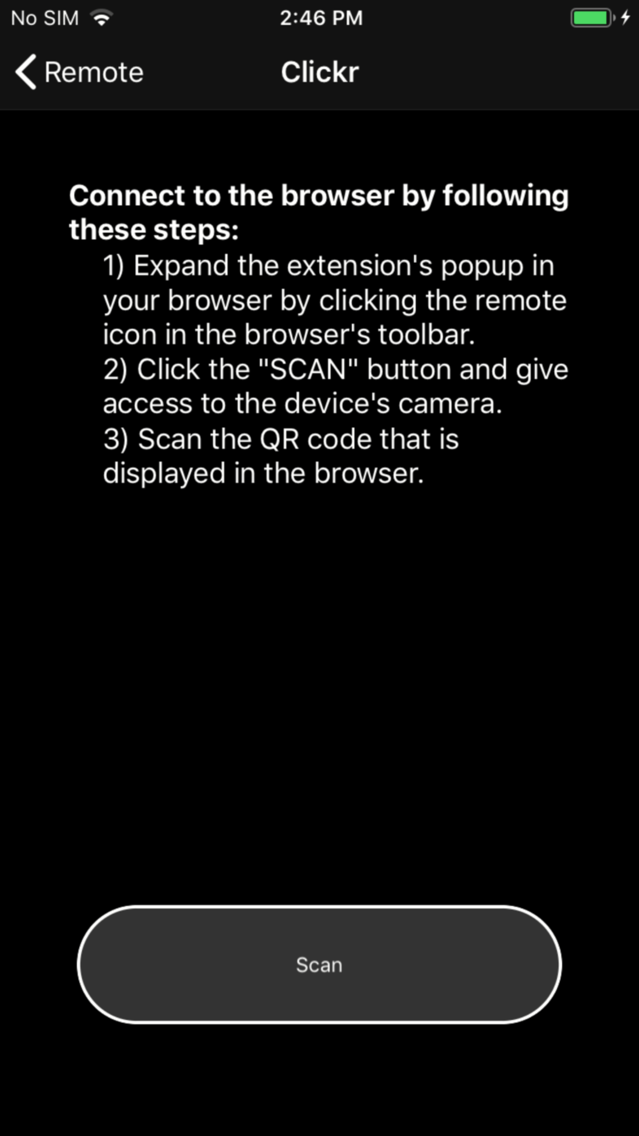
Streaming Remote Control Screenshots
Streaming Remote Control PlakatStreaming Remote Control Plakat

About Streaming Remote Control

Control Netflix, Hulu, HBO, YouTube, Amazon Prime, Comcast, and many more with your mobile device!

Streaming Remote gives you full control over your browser from your phone with an intuitive and simple remote control interface. After installing the Chrome or Firefox extension you can easily connect your phone to your browser and have full control of browsing, watching videos and filling out forms, all from the comfort of your couch.

This app requires a Chrome extension to work. Install the extension in chrome at: tinyurl.com/browser-rc

Streaming Remote uses web accessibility standards to allow users to navigate web sites displayed on a monitor or TV, turning your iPhone into a highly functional remote control. After installing the extension, a small remote control will appear on your browser's toolbar next to the web site's url. Clicking this will display a large QR code. Next. install and open the app. You will see a large "Scan" button at the bottom. Tap that and scan the QR code in your browser's window. That's it! Your phone is now a remote control that can easily navigate your favorite websites!

Show More

Was ist neu in der neuesten Version 2.1

Last updated on Oct 3, 2019
Alte Versionen
In app purchase doesn't need to be restored with every app launch anymore
User will be notified if they try to buy in app purchase but account is not allowed
Show More
Version History
2.1
Oct 3, 2019
In app purchase doesn't need to be restored with every app launch anymore
User will be notified if they try to buy in app purchase but account is not allowed
2.0
Oct 2, 2019
App is now free with ads, adding in-app purchase to remove.
Adding settings page with haptic feedback option
1.2
Sep 25, 2019
Framework update, add remote arrows, updated bookmarks page
1.1
Aug 11, 2019
Updating description to more easily connect to the browser extension.
1.0
Aug 8, 2019

Streaming Remote Control Preis

Heute:
Free
Am günstigsten:
Free
Am teuersten:
$1.99

Streaming Remote Control FAQ

Klicken Sie hier, um zu erfahren, wie Sie Streaming Remote Control in eingeschränkten Ländern oder Regionen herunterladen können.
Überprüfen Sie die folgende Liste, um die Mindestanforderungen von Streaming Remote Control zu sehen.
iPhone
iPad
Streaming Remote Control unterstützt English

Streaming Remote Control Alternative

Das könnte Ihnen auch gefallen