QR Code Reader - Barcode Reader

QR Code Reader - Barcode Reader


Free

1.1for iPhone, iPad
Age Rating
4+
Apps in this category do not contain restricted content.
9+
Apps in this category may contain mild or occasional cartoon, fantasy or real-life violence, as well as occasional or mild adult, sexually suggestive or horrifying content and may not be suitable for children under 9 years of age.
12+
Apps in this category may contain occasional mild indecent language, frequent or intense cartoon or real-life violence, minor or occasional adult or sexually suggestive material, and simulated gambling, and may be for children under 12 years of age.
17+
You must be at least 17 years old to access this App.
Apps in this category may contain frequent and intense offensive language; Frequent and intense cartoon, fantasy or realistic violence: frequent and intense adult, scary and sexually suggestive subjects: as well as sexual content, nudity, tobacco, alcohol and drugs, may not be suitable for children under 17 years of age.
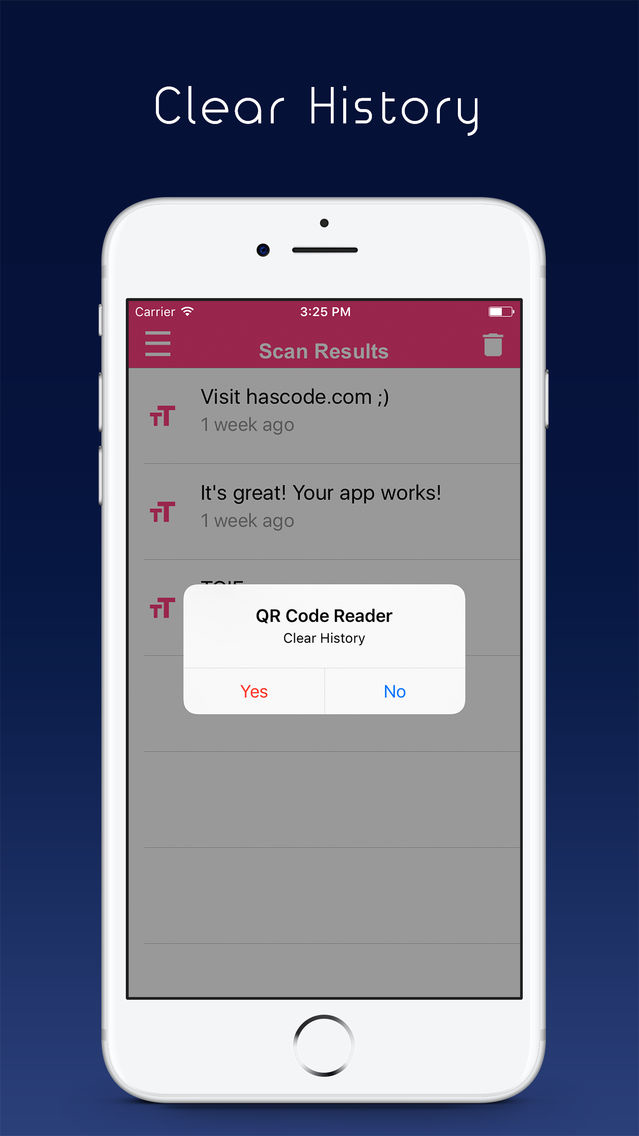
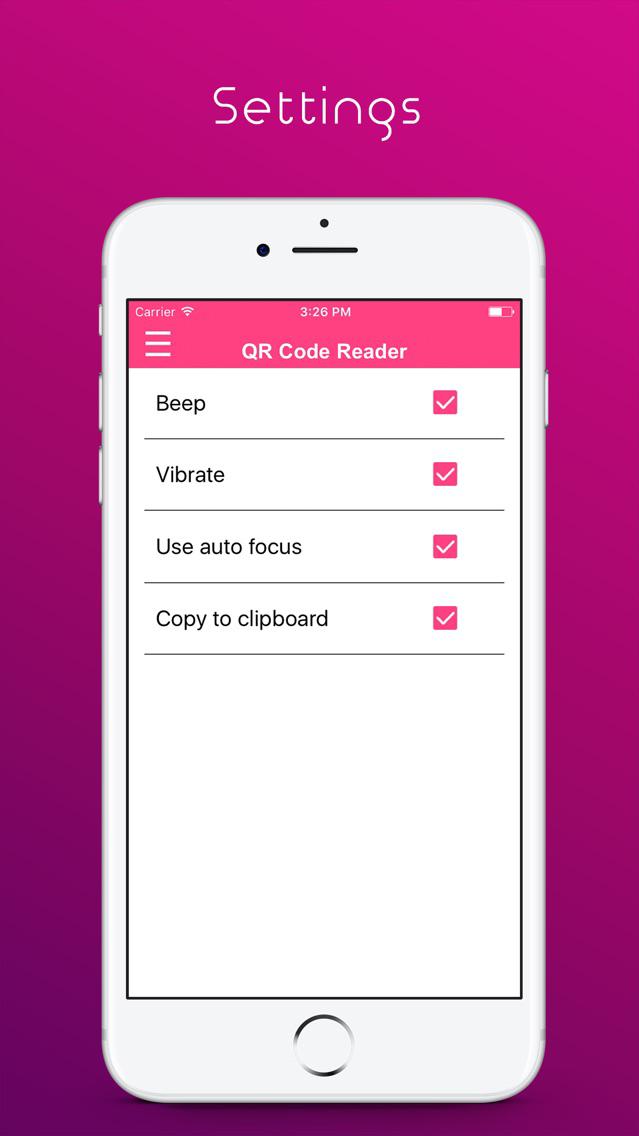
QR Code Reader - Barcode Reader Screenshots
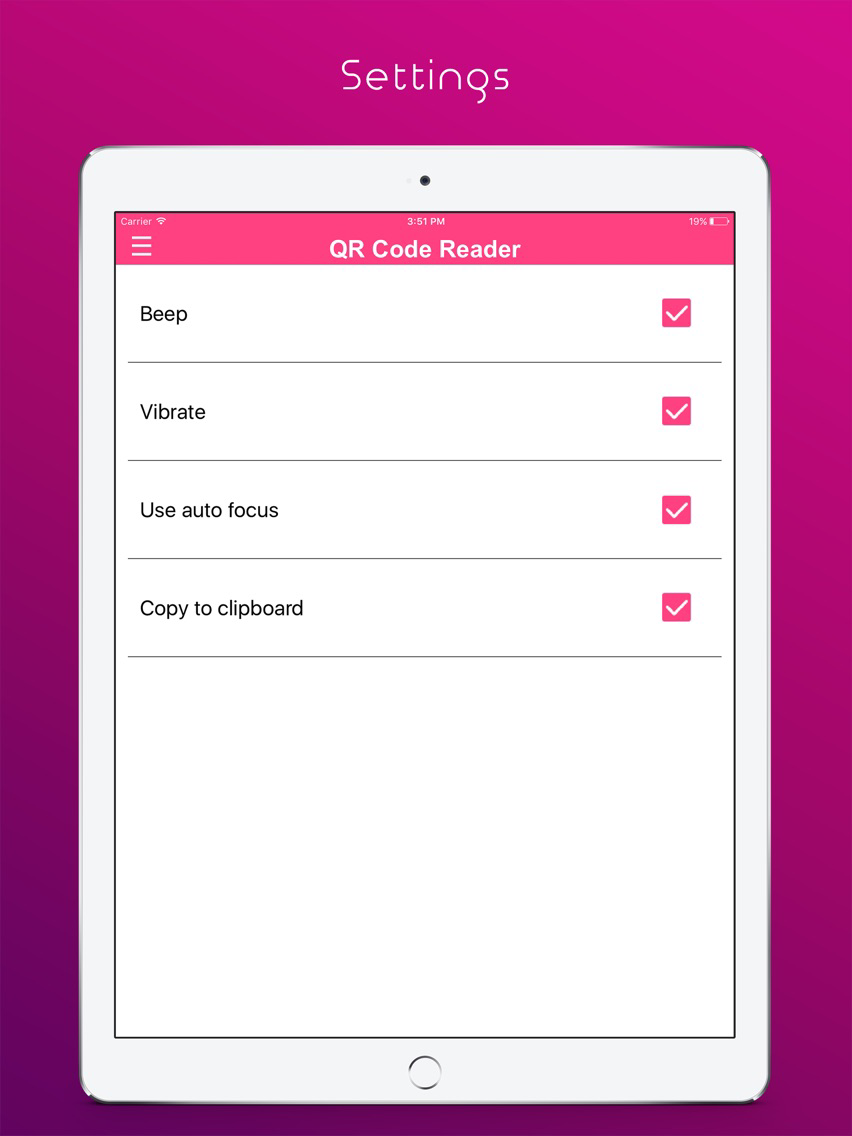
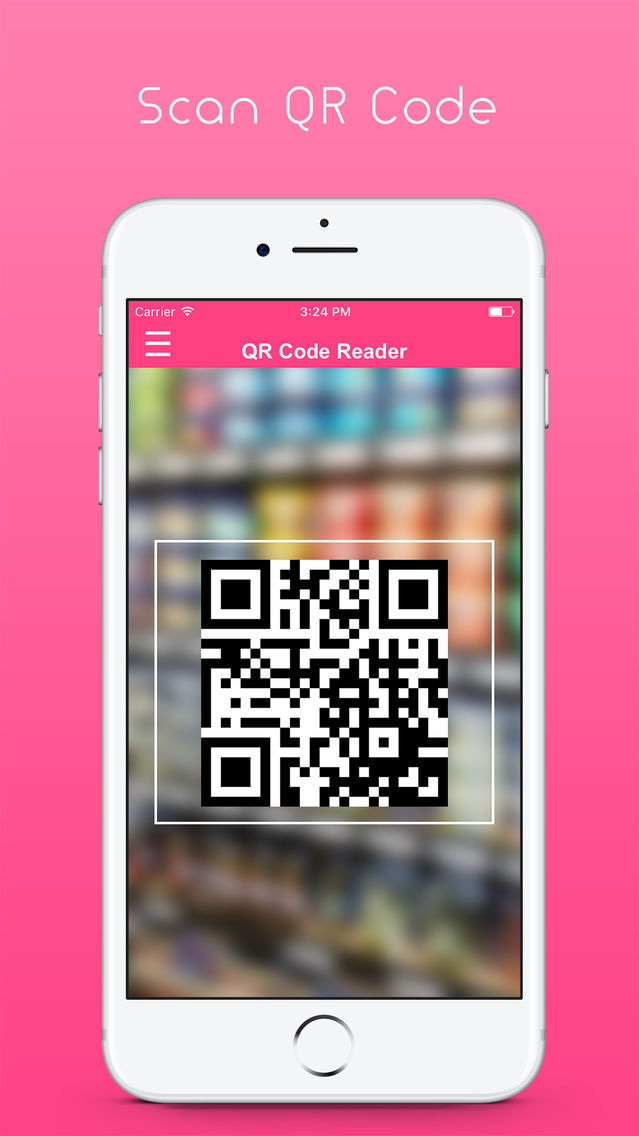
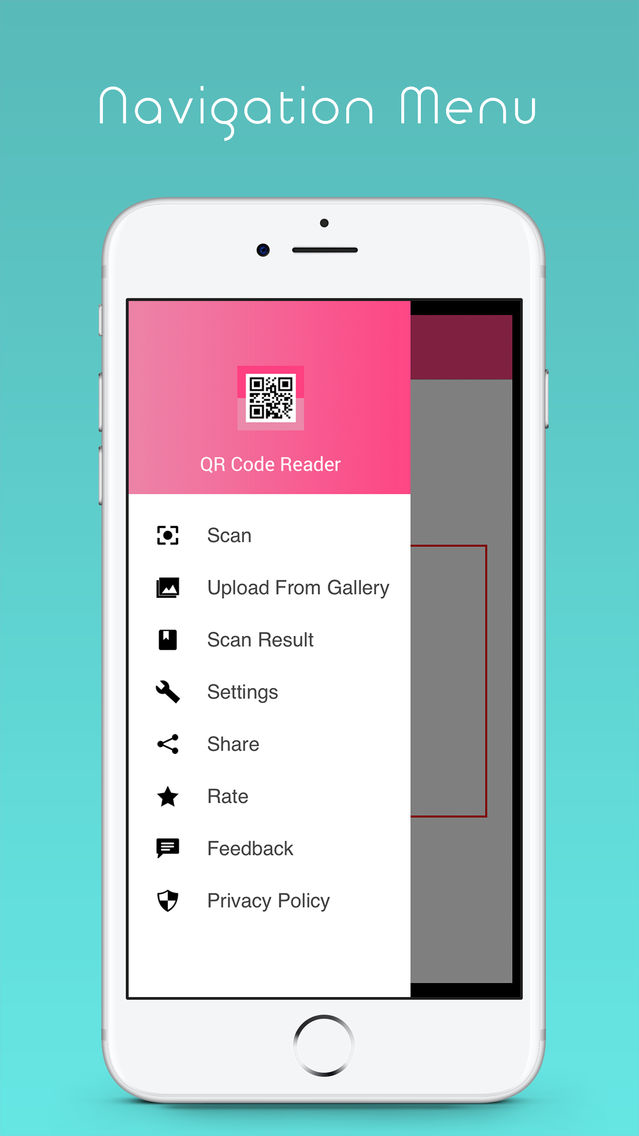
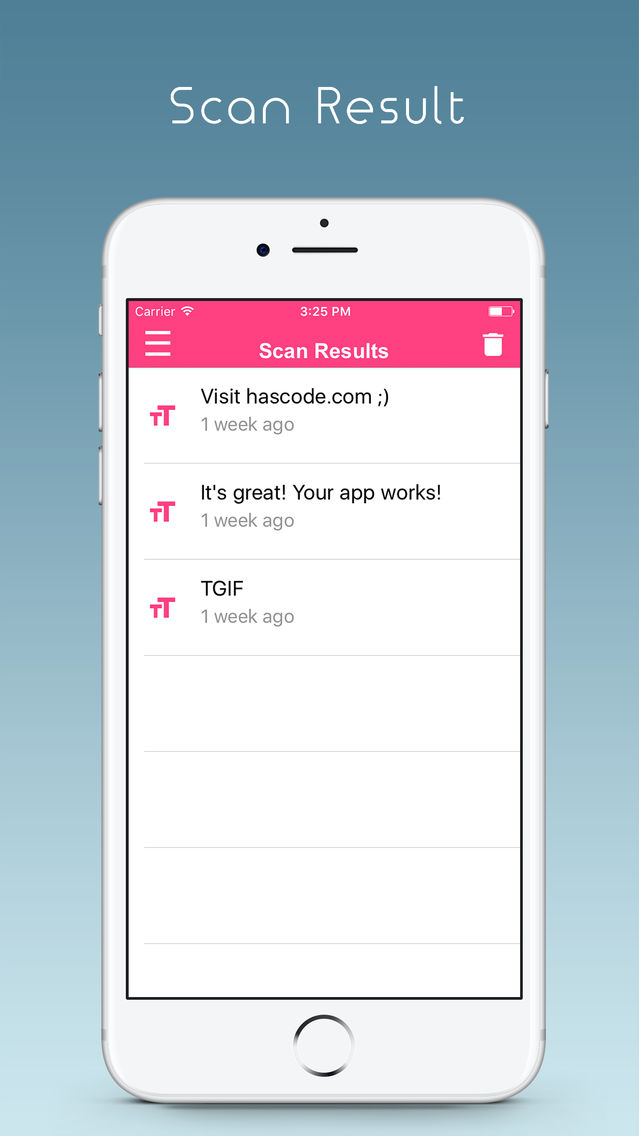
QR Code Reader - Barcode Reader posterQR Code Reader - Barcode Reader posterQR Code Reader - Barcode Reader posterQR Code Reader - Barcode Reader posterQR Code Reader - Barcode Reader poster

About QR Code Reader - Barcode Reader

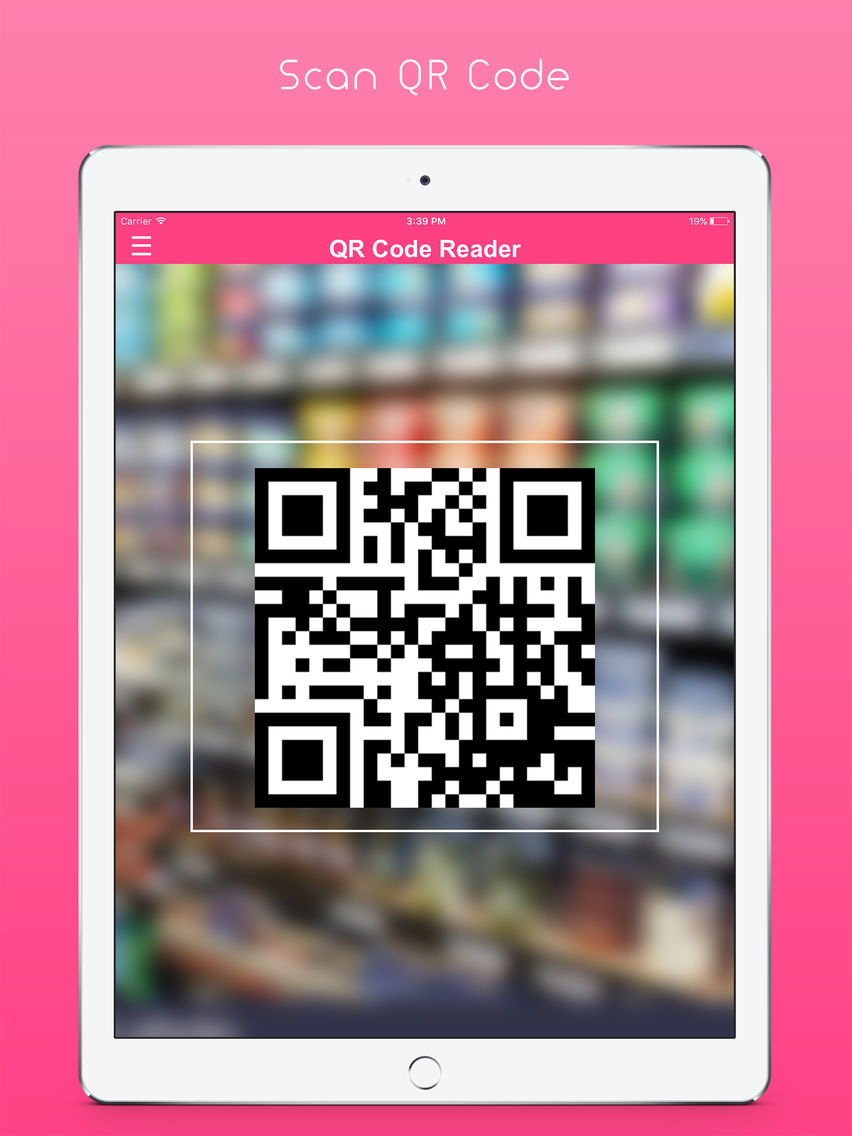
Powerful QR code reader and barcode scanner that supports all major barcode formats such as ISBN, EAN, UPC and others. Use QR code reader with best UI design and better user experience.
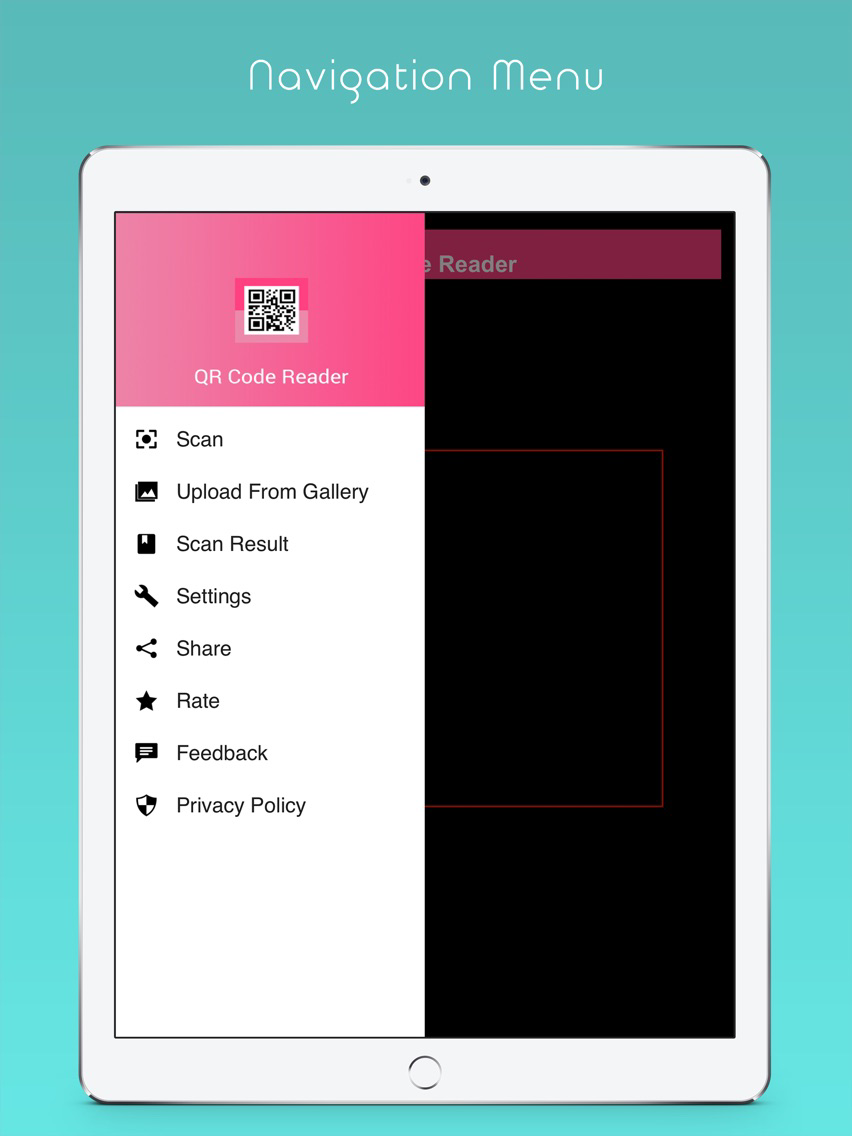
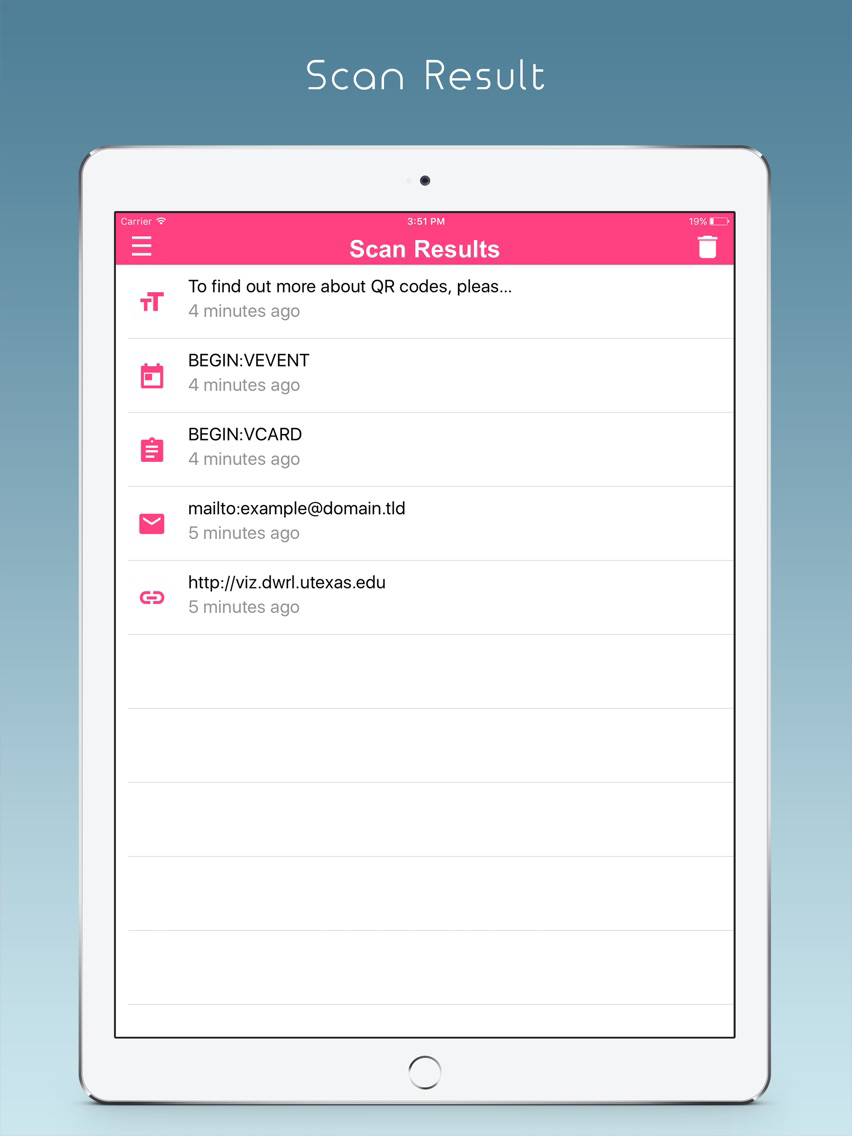
QR Code Reader can scan and read all QR / barcode types including text, URL, ISBN, product, contact, email, Wi-Fi and many other formats.

QR code reader Features:

- Scan and read all types of QR code and barcode.

- Fastest QR code scanner, just simply point to QR or barcode you want to scan and app will automatically detect and scan it.

- Share your scanning result and history via email, contacts and on social networks like Facebook, Google plus, Dropbox, Whatsapp, etc and much more.

HOW QR Code Reader Works:

- Just open the app, point the camera at the targeted code, and you done it.

- QR Code reader and barcode scanner will automatically recognize QR code your camera is pointing at. No need to take a photo or press a button. Within a second you get result.

Show More

What's New in the Latest Version 1.1

Last updated on Apr 17, 2017
Old Versions
Bug Fixed.
Show More
Version History
1.1
Apr 12, 2017
Bug Fixed.

QR Code Reader - Barcode Reader FAQ

Click here to learn how to download QR Code Reader - Barcode Reader in restricted country or region.
Check the following list to see the minimum requirements of QR Code Reader - Barcode Reader.
iPhone
iPad
QR Code Reader - Barcode Reader supports English

QR Code Reader - Barcode Reader Alternative

You May Also Like