*** The secure PIN-code management App for all debit and credit cards and any other sensitive number combinations! ***
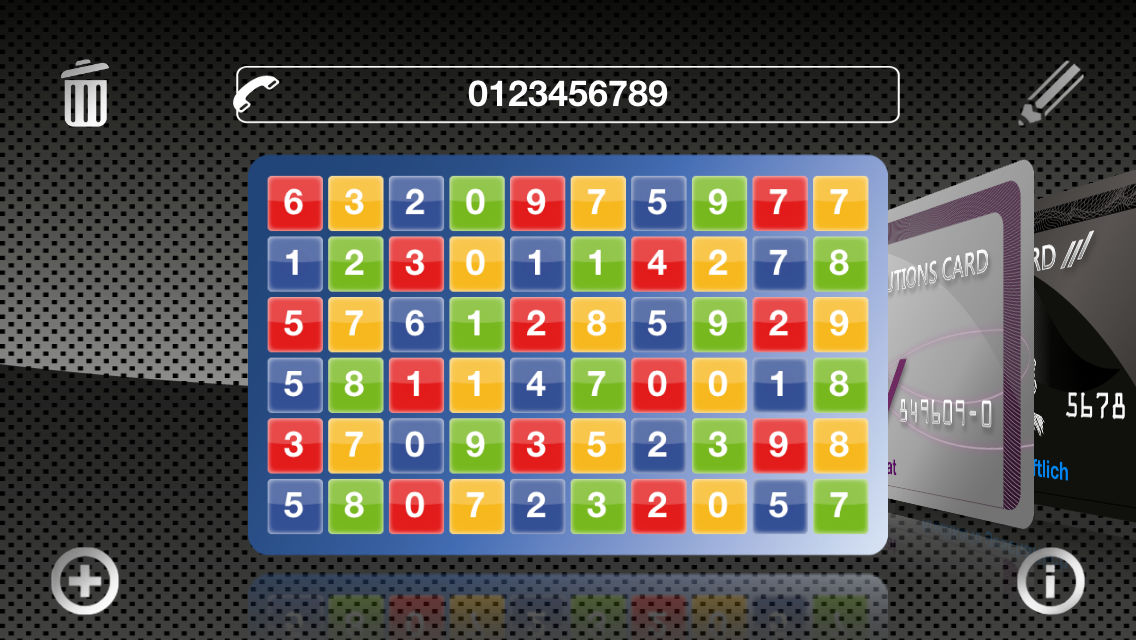
Encrypt all your PIN numbers with a new innovative and secure method. To use this App you need to remember a particular pattern (e.g. by color) you selected previously. You and you alone will then be able to recognize the PIN using the pattern selected previously. With this method, no master password is required anymore.
Security:
This App, compared to other existing solutions, only works with screen shots which contain the hidden PIN combination.
This approach guarantees maximum security:
No sequences, numbers or patterns are stored on the mobile phone at any time. No internet connections are required when using this App!
For security reasons information for a particular card cannot be modified. If changes are required the card needs to be deleted and the process for selecting a new pattern for your PIN needs to be repeated.
Instructions and Tips for use:
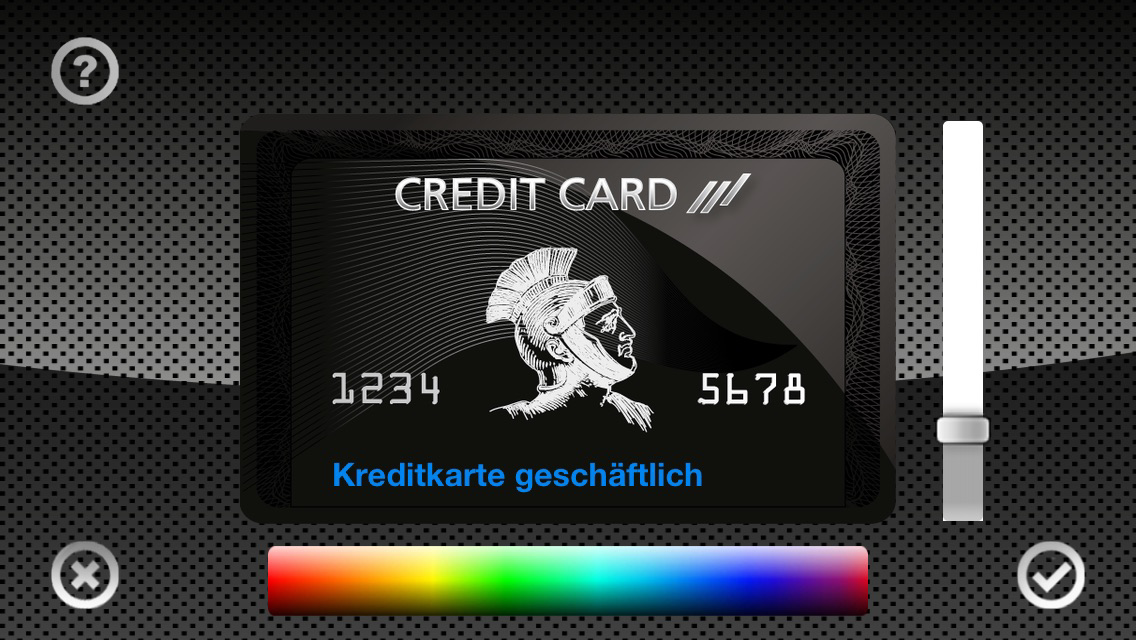
- Choose your card from a number of templates or take pictures of your own debit and credit cards using the camera available on your mobile device.
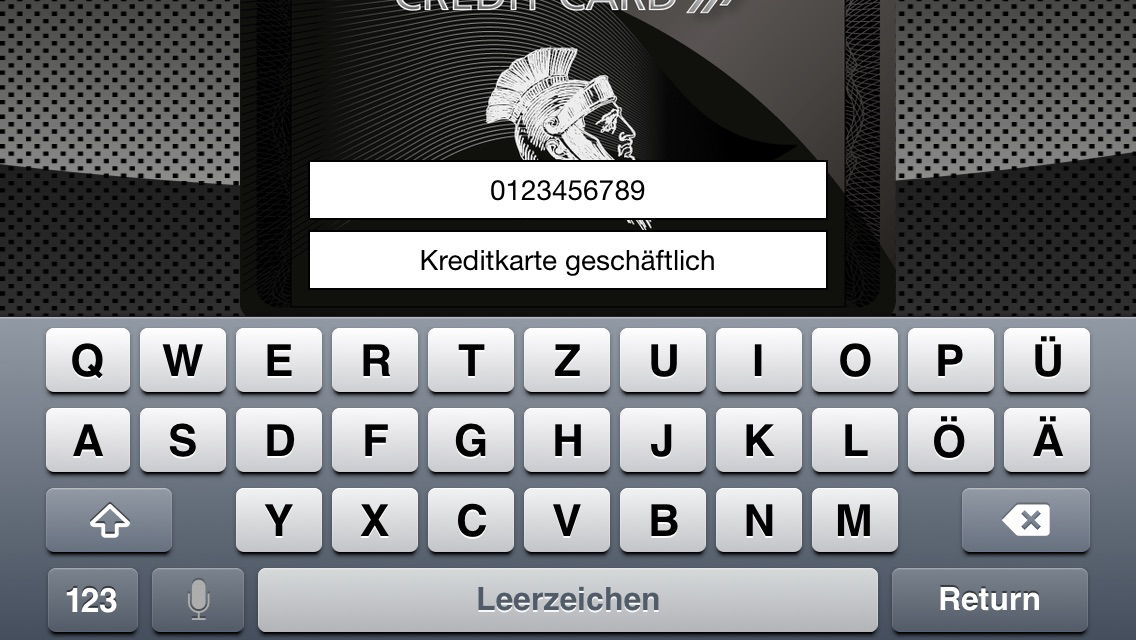
- Give your card an individual name such as "VISA Private" or "Master Business".
- Add a hotline number to your card in case of an emergency. In this way you have everything at hand, in particular if deactivation of a card is required.
- Choose a pattern by color, shape or position and enter your PIN.
- The remaining fields will be filled with random numbers, so the actual PIN is not recognizable by others.
- That’s it!
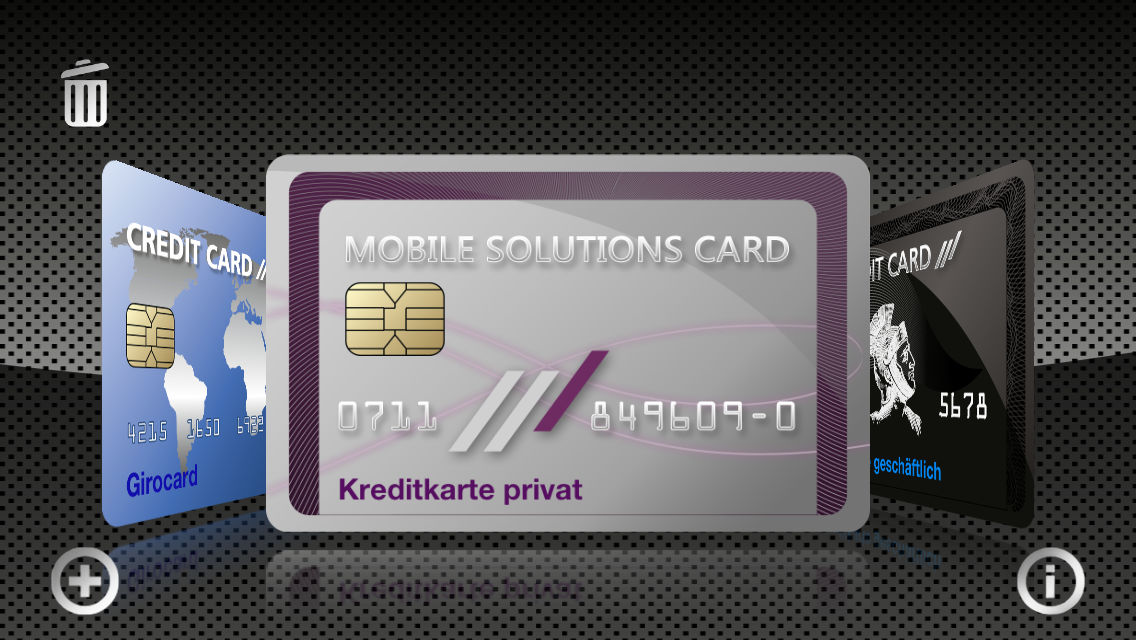
- Deleting cards: Go to the cover flow screen and search for the card you want to delete. Click and hold the selected card. The DELETE button will appear. You can also use the DELETE button in the upper left corner.
If you have any suggestions, comments or questions send an email to mobilesolutions@gigatronik.com
Enjoy PIN!
GIGATRONIK Mobile Solutions