My Notes
Taking Notes Made Simple
Gratuit
2.7for iPhone, iPad and more
7.1
158 Ratings
CodeByUK Limited
Developer
60,4 Mo
Size
Jul 19, 2020
Update Date
Productivity
Category
4+
Age Rating
Age Rating
My Notes Captures d'écran
About My Notes
My Notes is Quick and Simple Notes App to write quick notes on your iPad or iPhone
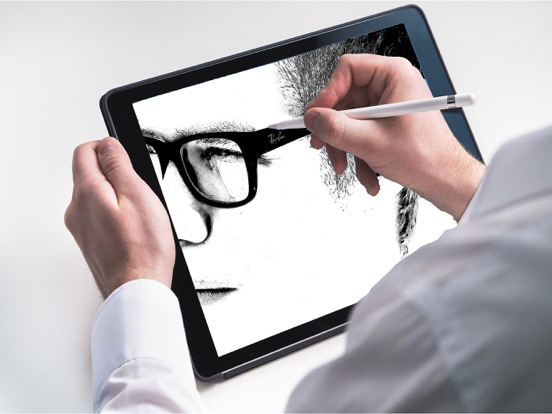
Designed for the iPad pro and the Apple pencil, But works great on any other iPads and iPhones
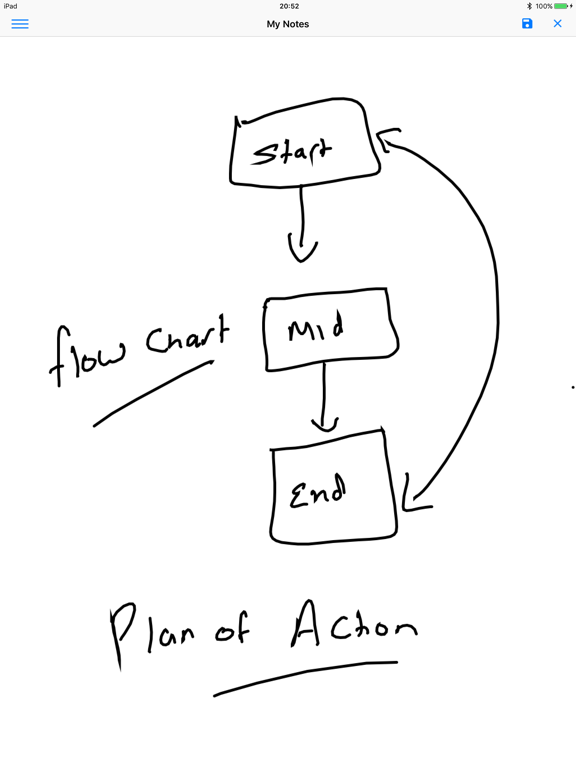
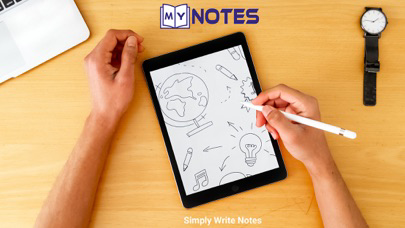
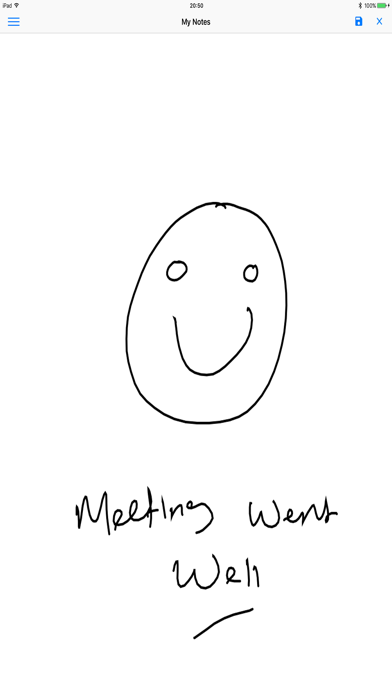
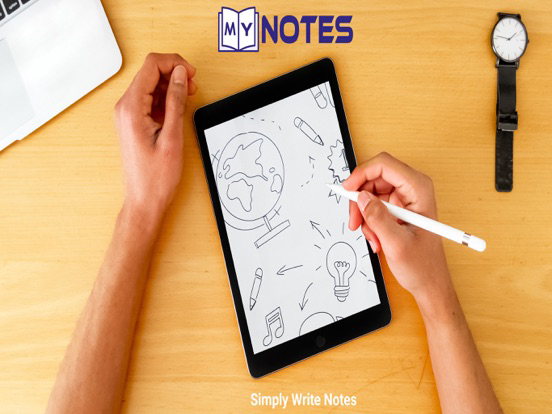
Hand write notes, Sketch, draw notes. Compatible with Apple Pencil
View and Edit your notes from a Sliding Navigation
The objective of this app is to replace your Paper based notepad/drawing pad
If you are an artist doodle away.
** New Features Added **
* Pen Tool Box , now you can choose various Brush colours and Brush Sizes
* Share Your Note, via Email, Whats App, iMessage, One Note
* Smoother Lines
* Pen Pressure Responder
* New Eraser Function Now you can erase with your finger
* Natural Pencil drawing
* New Apple Pencil Features

Designed for the iPad pro and the Apple pencil, But works great on any other iPads and iPhones
Hand write notes, Sketch, draw notes. Compatible with Apple Pencil
View and Edit your notes from a Sliding Navigation
The objective of this app is to replace your Paper based notepad/drawing pad
If you are an artist doodle away.
** New Features Added **
* Pen Tool Box , now you can choose various Brush colours and Brush Sizes
* Share Your Note, via Email, Whats App, iMessage, One Note
* Smoother Lines
* Pen Pressure Responder
* New Eraser Function Now you can erase with your finger
* Natural Pencil drawing
* New Apple Pencil Features
Show More
Quoi de neuf dans la dernière version 2.7
Last updated on Jul 19, 2020
Vieilles Versions
Improved Colour Selector and Ui Fixes
Show More
Version History
2.7
Jul 19, 2020
Improved Colour Selector and Ui Fixes
2.6
Jul 16, 2020
Bug Fixes for saving Ntes
2.5
Jul 15, 2020
Updated UI and introduction of Adverts
2.3
Jun 3, 2017
You can use app, without saving feature
New App Icon
New App Icon
2.1
May 16, 2017
New Colours
Delete Stored Notes
Updated Drawing Canvas
Delete Stored Notes
Updated Drawing Canvas
2.0
May 9, 2017
* New Pencil Features
* Smoother Lines
* Pen Pressure Responder
* New Eraser Function Now you can erase with your finger
* Natural Pencil drawing
* Smoother Lines
* Pen Pressure Responder
* New Eraser Function Now you can erase with your finger
* Natural Pencil drawing
1.5
May 2, 2017
* Pen Tool Box , now you can choose various Brush colours and Brush Sizes
* Eraser
* Share Your Note, via Email, Whats App, iMessage, One Note
* Eraser
* Share Your Note, via Email, Whats App, iMessage, One Note
1.0
Apr 25, 2017
My Notes FAQ
Cliquez ici pour savoir comment télécharger My Notes dans un pays ou une région restreints.
Consultez la liste suivante pour voir les exigences minimales de My Notes.
iPhone
Nécessite iOS 10.0 ou version ultérieure.
iPad
Nécessite iPadOS 10.0 ou version ultérieure.
iPod touch
Nécessite iOS 10.0 ou version ultérieure.
My Notes prend en charge Anglais