IPEVO Visualizer
無料
4.1.1for iPhone, iPad
Age Rating
IPEVO Visualizer スクリーンショット
About IPEVO Visualizer
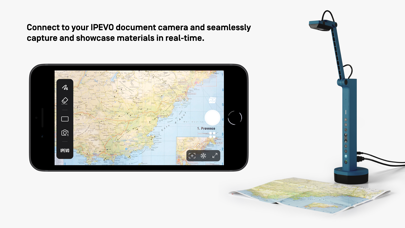
Visualizer software for IPEVO cameras to maximize teaching presentation and sharing efficiency.
Key Features Overview:
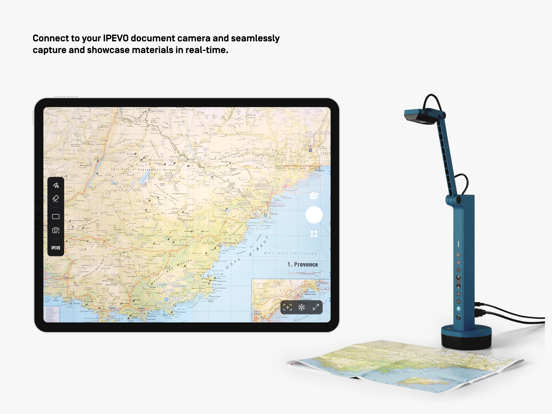
• Effortlessly connect to your IPEVO educational camera via Wi-Fi or a wired connection, enabling image display on your mobile device. Compatible with both front and rear camera
options to meet diverse needs.
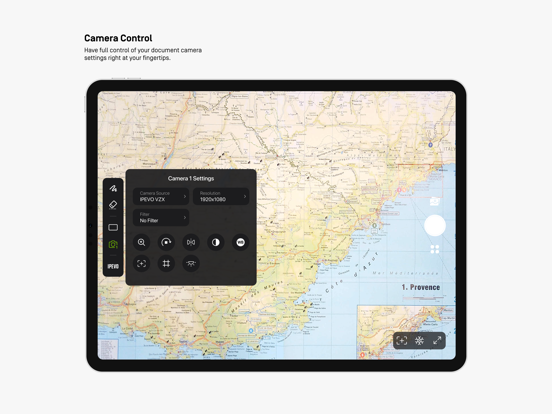
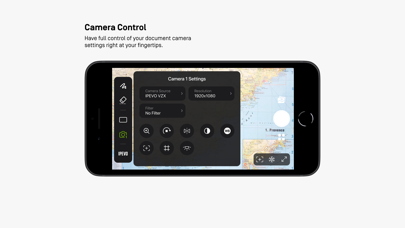
• Total camera control: Adjust screen size, rotate images, fine-tune resolution, and manage exposure settings, all at your fingertips.
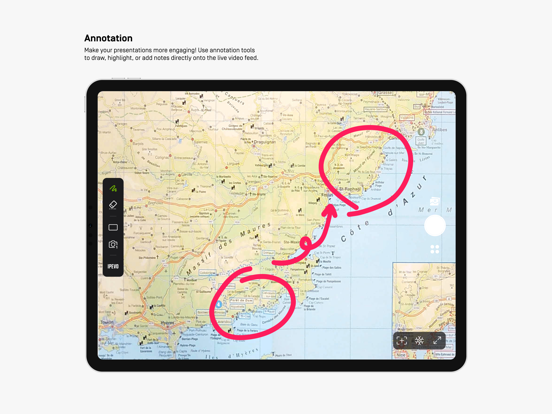
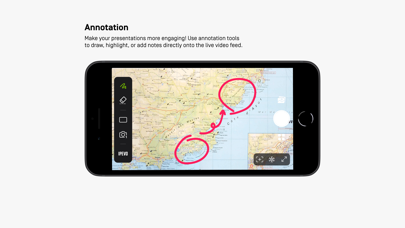
• Captivating on-screen annotations: Elevate your presentations with our annotation tools, allowing you to draw, mark, and add comments directly on live images, adding more
engagement to your content.
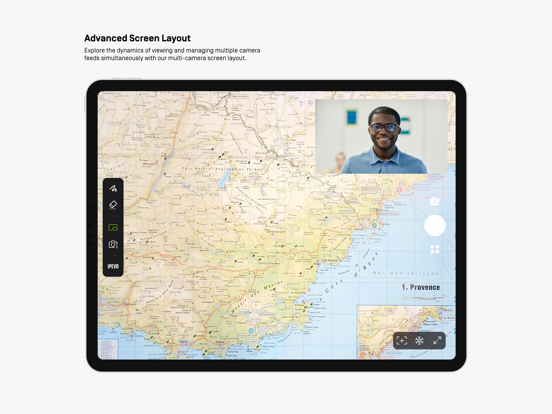
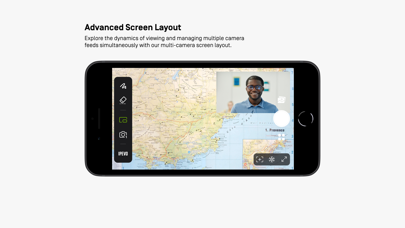
• Advanced screen layouts: Showcase real-time content from two cameras simultaneously using split-screen and picture-in-picture functionality. Furthermore, utilize the floating
window mode to interactively display content alongside your desktop or other software, offering endless presentation possibilities.
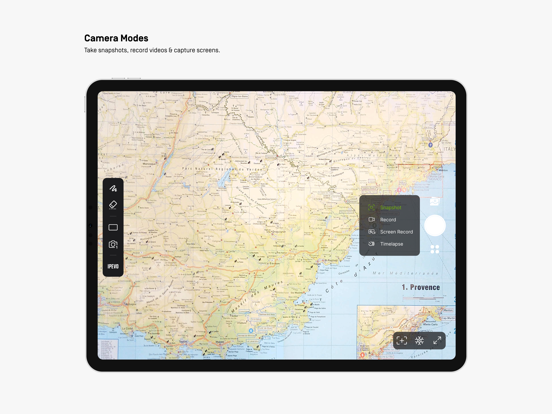
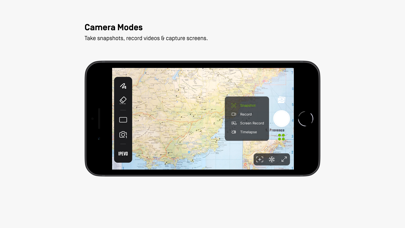
• Image capture capabilities: Easily capture images from your camera or device screen, record videos, and even enjoy time-lapse photography functionality.
Experience the Visualizer educational software now, unlocking a whole new realm of teaching potential and delivering an unparalleled educational experience!

Key Features Overview:
• Effortlessly connect to your IPEVO educational camera via Wi-Fi or a wired connection, enabling image display on your mobile device. Compatible with both front and rear camera
options to meet diverse needs.
• Total camera control: Adjust screen size, rotate images, fine-tune resolution, and manage exposure settings, all at your fingertips.
• Captivating on-screen annotations: Elevate your presentations with our annotation tools, allowing you to draw, mark, and add comments directly on live images, adding more
engagement to your content.
• Advanced screen layouts: Showcase real-time content from two cameras simultaneously using split-screen and picture-in-picture functionality. Furthermore, utilize the floating
window mode to interactively display content alongside your desktop or other software, offering endless presentation possibilities.
• Image capture capabilities: Easily capture images from your camera or device screen, record videos, and even enjoy time-lapse photography functionality.
Experience the Visualizer educational software now, unlocking a whole new realm of teaching potential and delivering an unparalleled educational experience!
Show More
最新バージョン 4.1.1 の更新情報
Last updated on 2025年05月16日
旧バージョン
Fixed minor bugs.
Show More
Version History
4.1.1
2025年05月16日
Fixed minor bugs.
IPEVO Visualizer FAQ
ここをクリック!地理的に制限されているアプリのダウンロード方法をご参考ください。
次のリストをチェックして、IPEVO Visualizerの最低システム要件をご確認ください。
iPhone
iPad