Math Notebook
Free
1.21.1for iPhone, iPad
Age Rating
Math Notebook スクリーンショット
About Math Notebook
NOTEBOOK FEATURES
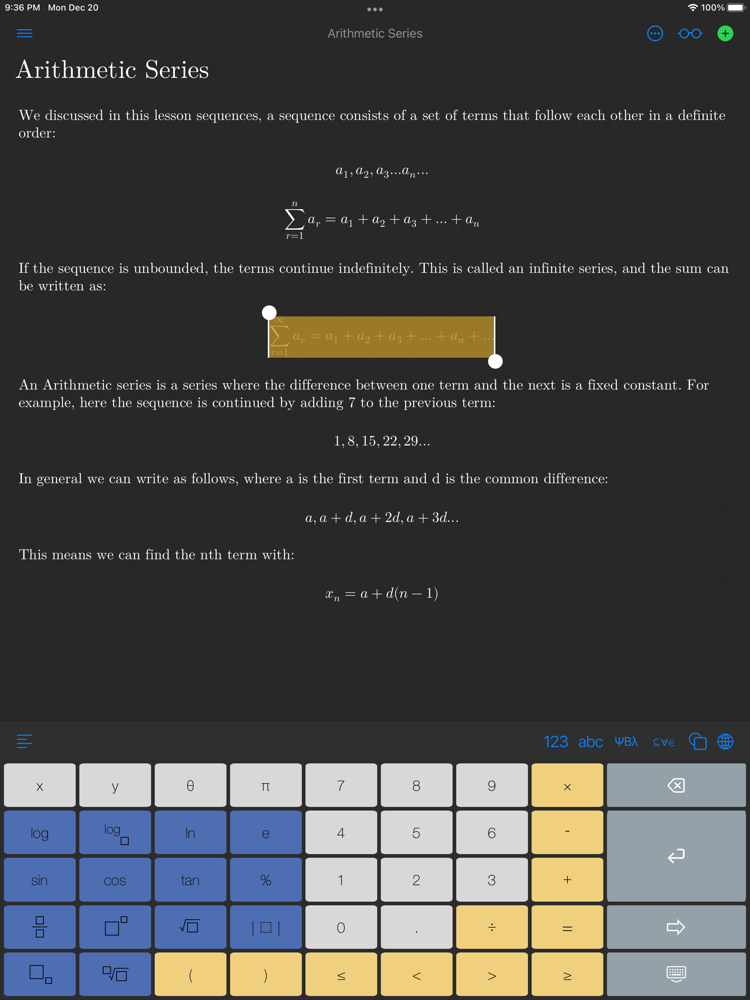
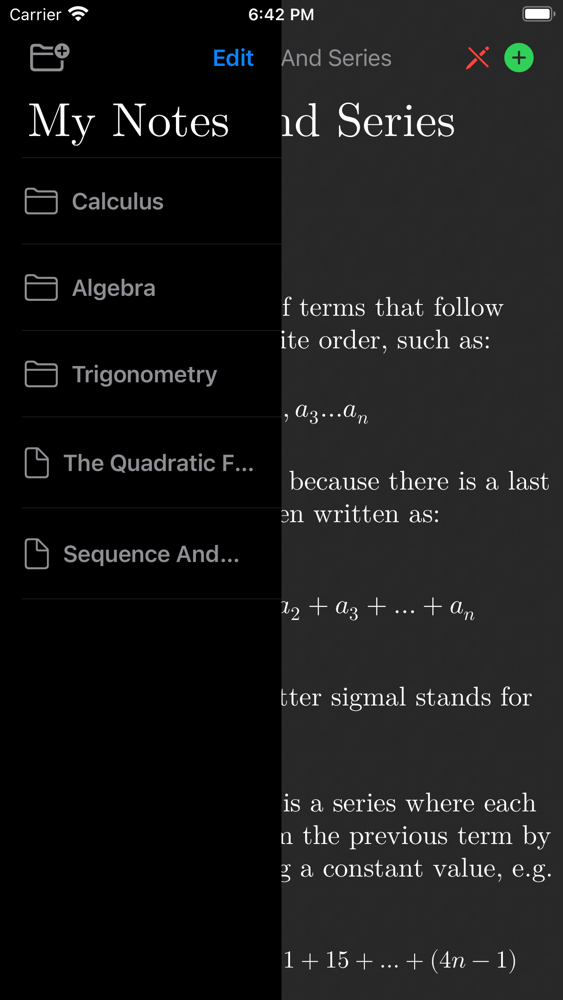
• Collect your math knowledge by writing gorgeous math notes.
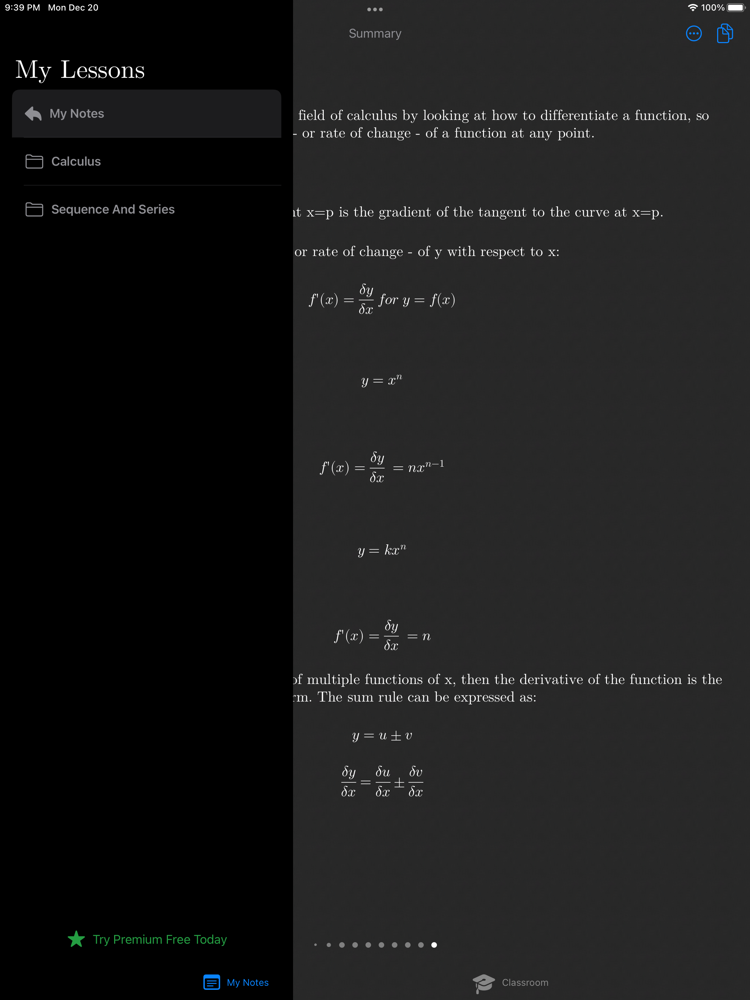
• Master math topics by organizing your notes into folders.
• Beautiful equation typesetting for clear and easy reading.
• Sync notes automatically between your devices with iCloud.
• Auto-suggest calculator to assist you, just swipe right to complete the equation.
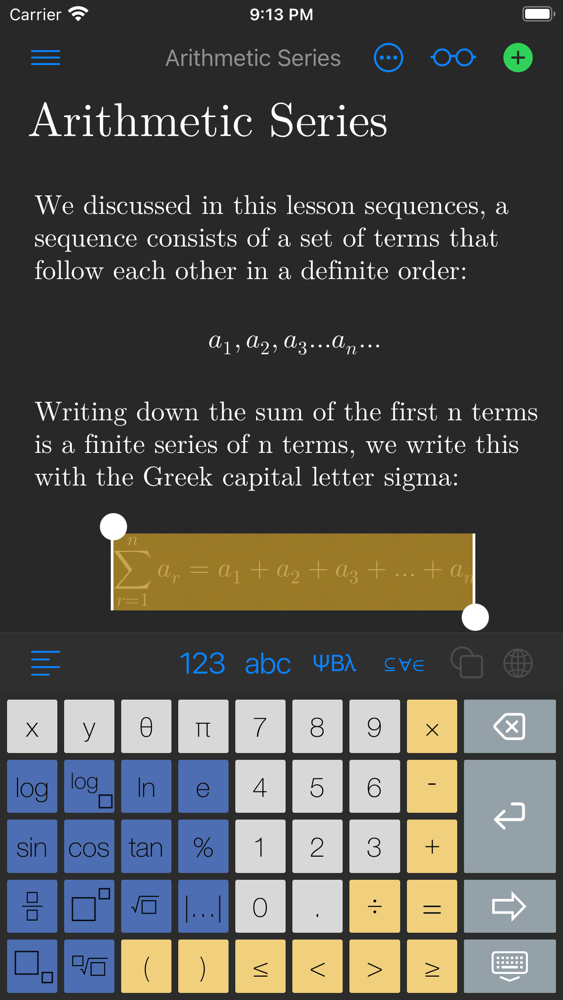
• Elegant keyboards with symbols for arithmetic, algebra, inequalities, calculus, Greek alphabet, matrices, set and number theory.
• Switch to standard keyboard for writing standard multilingual text notes.
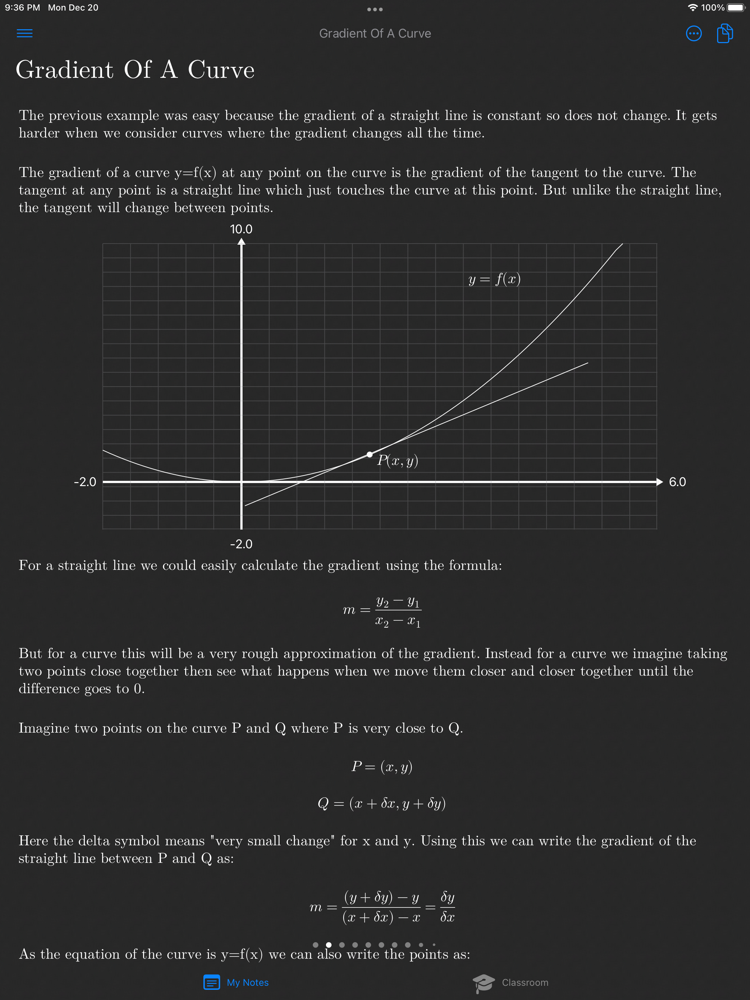
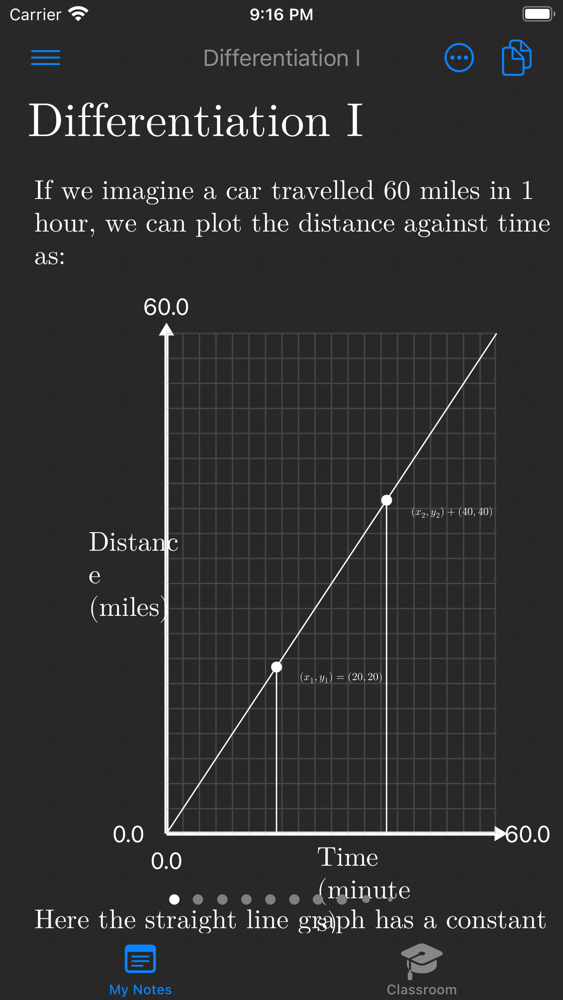
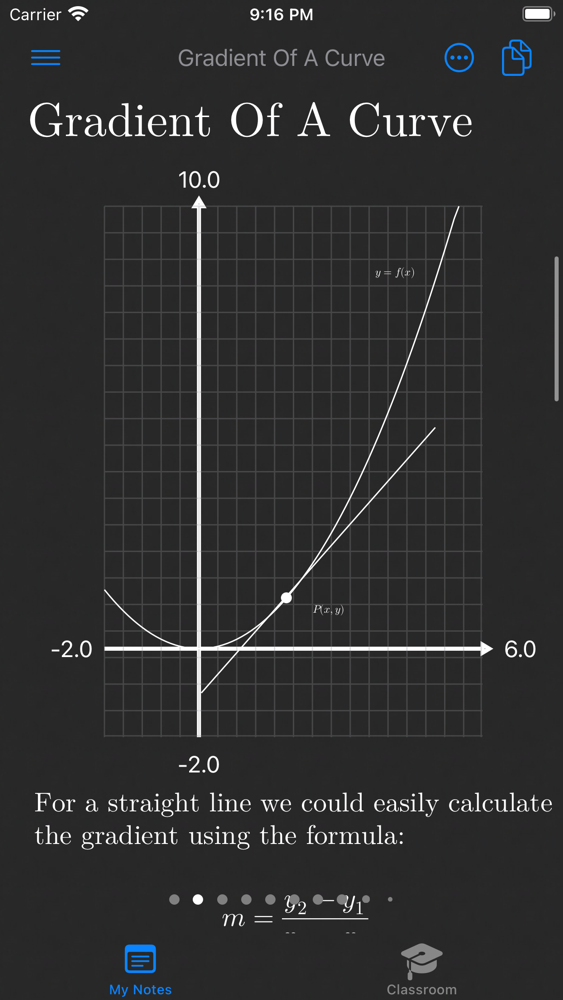
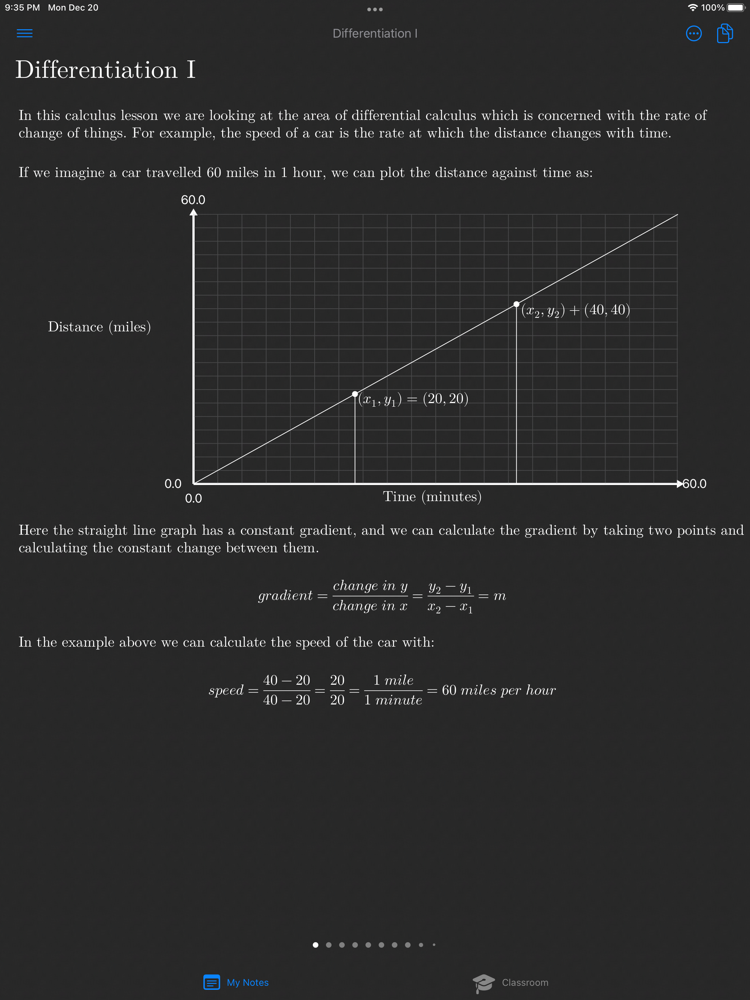
• Chart graphs on x-y coordinate plane.
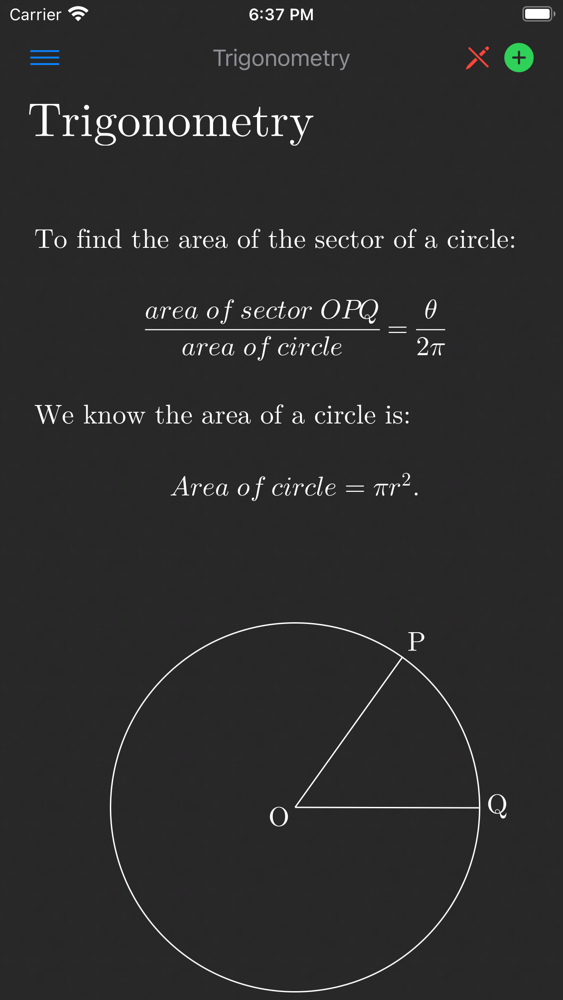
• Draw shapes, lines, curves, circles, triangles and more for trigonometry and geometry.
• Highlight equations, cut, copy and paste equations between notes and external apps.
• LaTeX compatible: copy and paste standard LaTeX from the Internet or external apps to render beautifully in your notes.
• Light & dark mode.
• Read mode to scan notes without editing.
FREE
• Math Notebook is free to download and use.
• The FREE version is limited to 15 notes.
• Added cloud storage can be purchased with the PREMIUM In-App Purchase.
CLASSROOM AREA (new!)
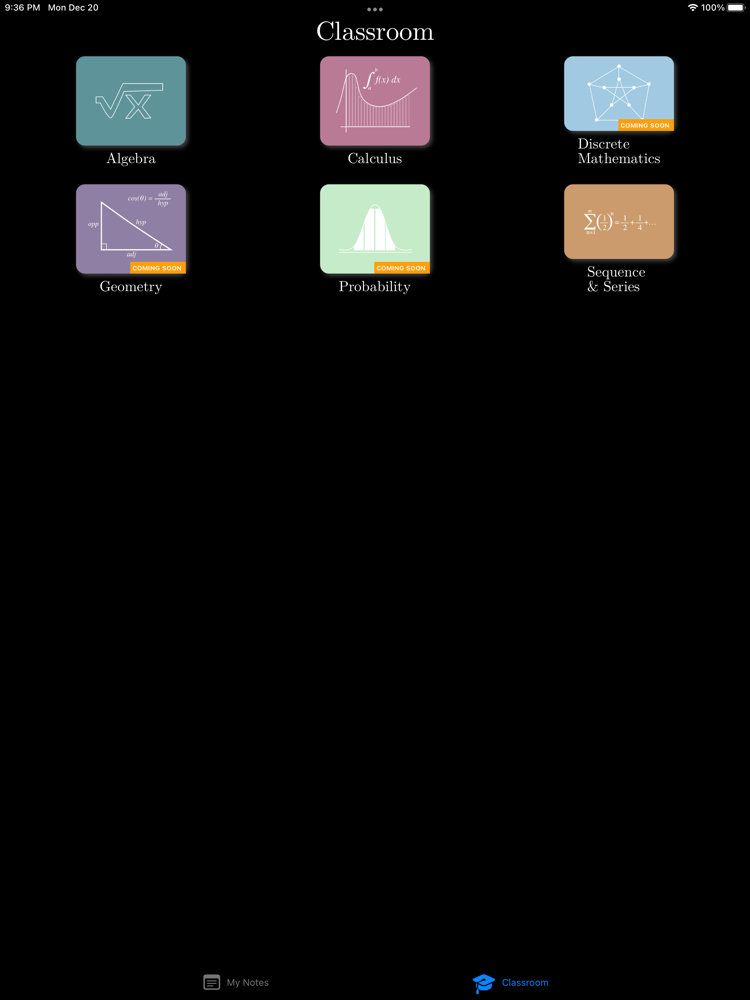
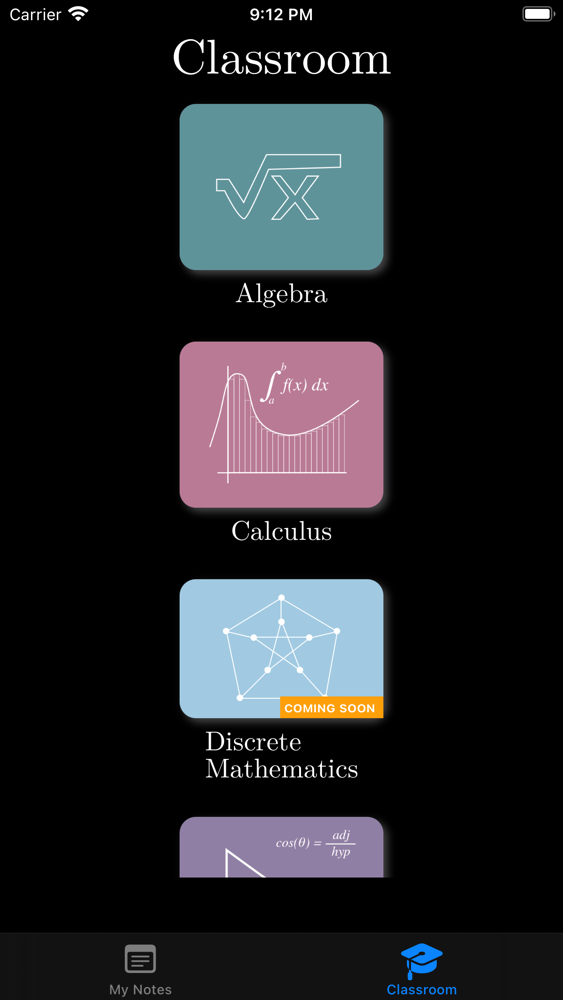
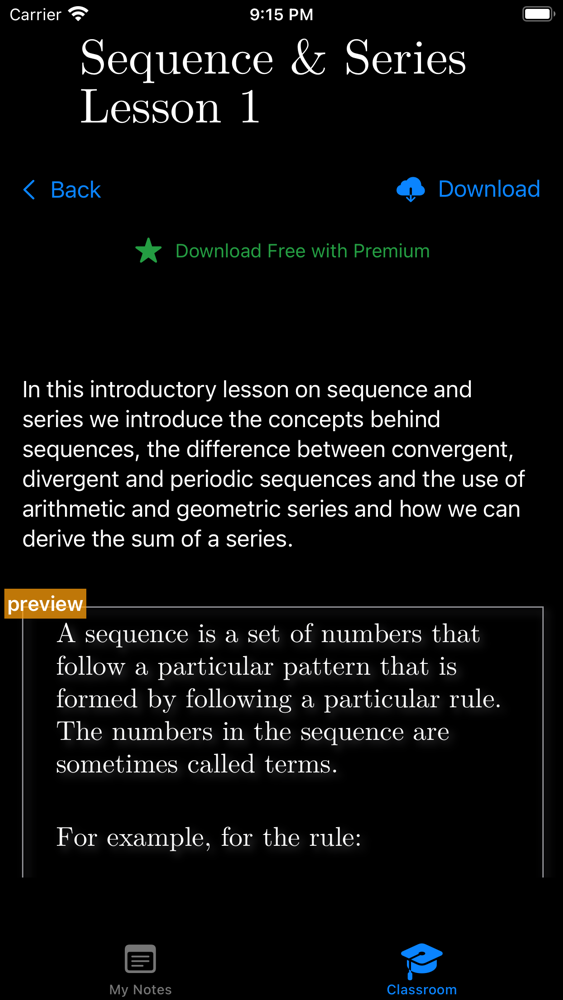
• Download math lessons from the Classroom area from a range of topics: algebra, calculus, geometry, sequence and series and more.
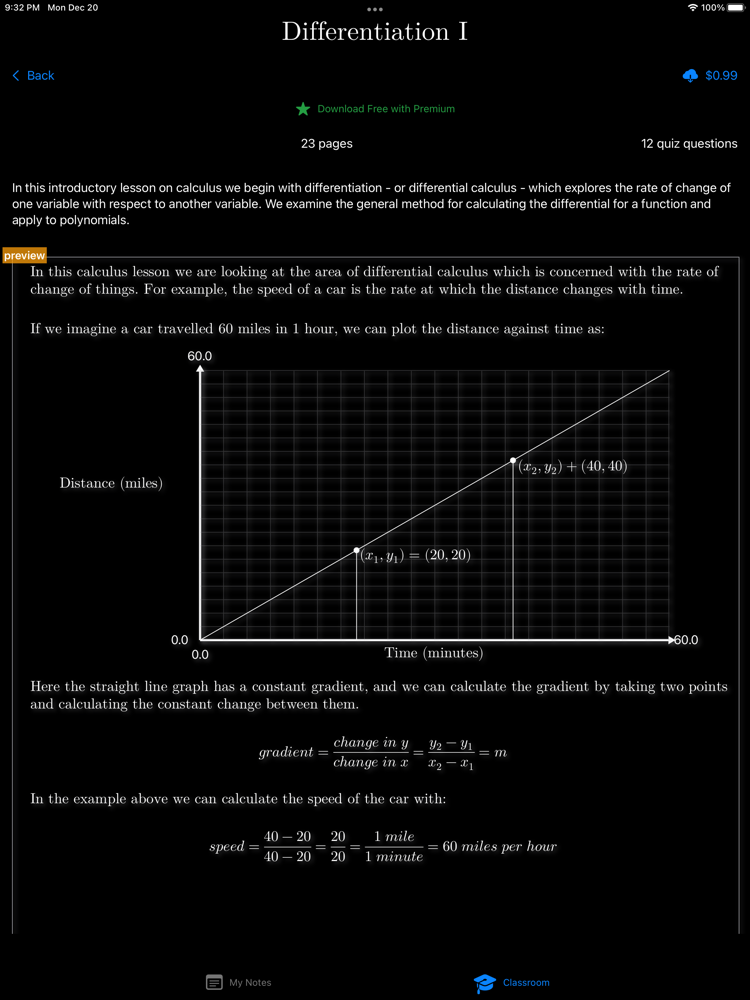
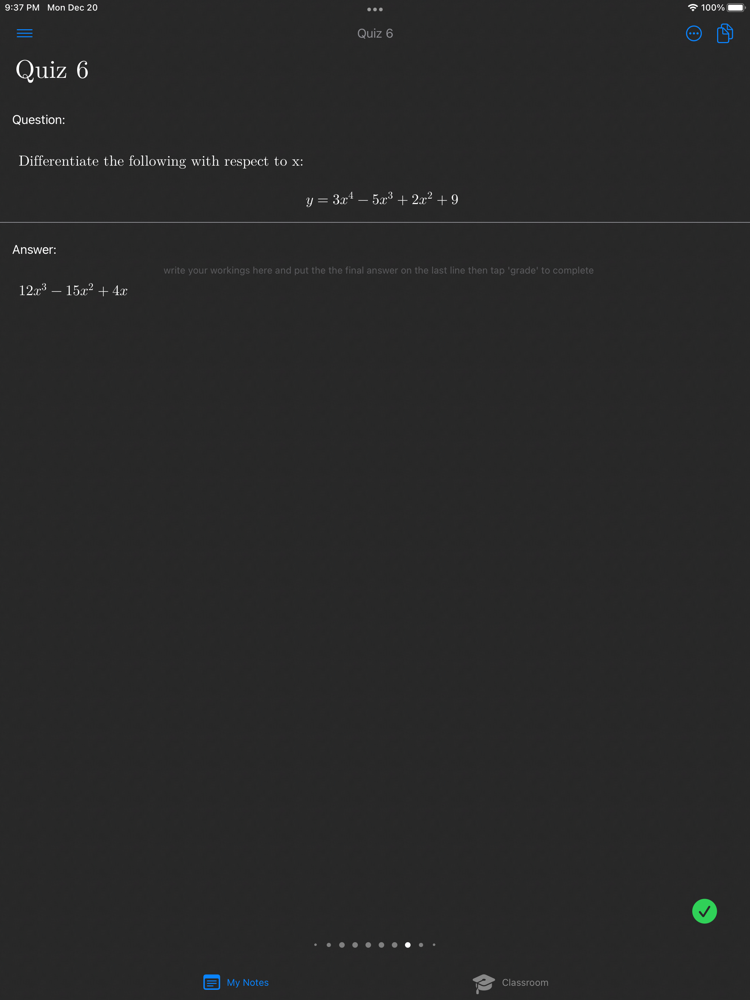
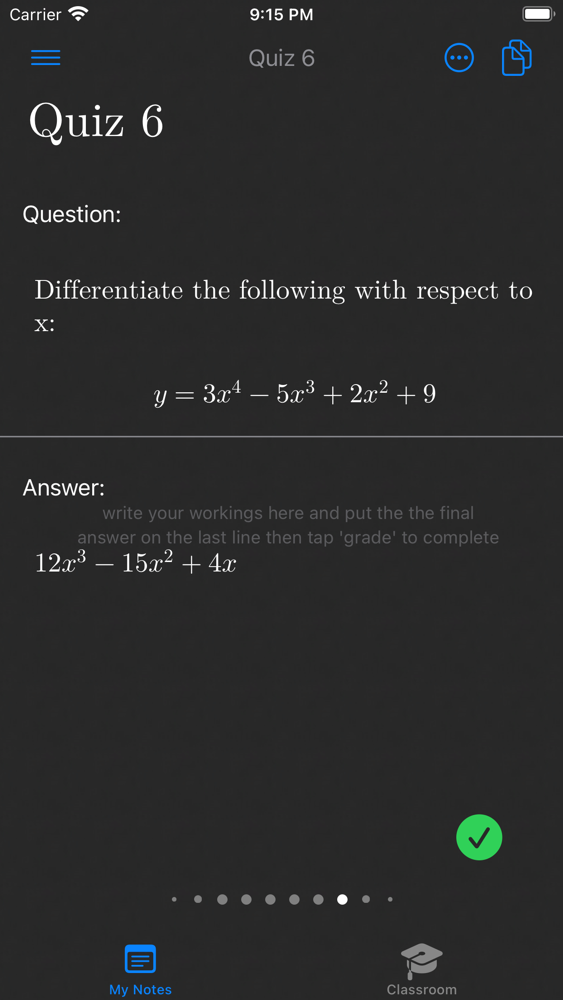
• Master a particular math topic and complete the quiz questions to hone your knowledge.
• $0.99/lesson or 4 free lessons/month as a PREMIUM subscriber.
• Copy lesson content to your notes to edit and update for your own classes.
PREMIUM SUBSCRIPTION
You may purchase an auto-renewing subscription through an In-App Purchase.
• Auto-renewable subscription.
• $1.99/month for 1 year.
• 4 free math lessons per month downloadable from the Classroom area.
• Your subscription will be charged to your iTunes account at confirmation of purchase and will automatically renew (at the duration selected) unless auto-renew is turned off at least 24 hours before the end of the current period.
• Current subscription may not be cancelled during the active subscription period; however, you can manage your subscription and/or turn off auto-renewal by visiting your iTunes Account Settings after purchase.
• Privacy policy: http://phron.io/privacy.html.
• Terms of Use: http://phron.io/terms.html.

• Collect your math knowledge by writing gorgeous math notes.
• Master math topics by organizing your notes into folders.
• Beautiful equation typesetting for clear and easy reading.
• Sync notes automatically between your devices with iCloud.
• Auto-suggest calculator to assist you, just swipe right to complete the equation.
• Elegant keyboards with symbols for arithmetic, algebra, inequalities, calculus, Greek alphabet, matrices, set and number theory.
• Switch to standard keyboard for writing standard multilingual text notes.
• Chart graphs on x-y coordinate plane.
• Draw shapes, lines, curves, circles, triangles and more for trigonometry and geometry.
• Highlight equations, cut, copy and paste equations between notes and external apps.
• LaTeX compatible: copy and paste standard LaTeX from the Internet or external apps to render beautifully in your notes.
• Light & dark mode.
• Read mode to scan notes without editing.
FREE
• Math Notebook is free to download and use.
• The FREE version is limited to 15 notes.
• Added cloud storage can be purchased with the PREMIUM In-App Purchase.
CLASSROOM AREA (new!)
• Download math lessons from the Classroom area from a range of topics: algebra, calculus, geometry, sequence and series and more.
• Master a particular math topic and complete the quiz questions to hone your knowledge.
• $0.99/lesson or 4 free lessons/month as a PREMIUM subscriber.
• Copy lesson content to your notes to edit and update for your own classes.
PREMIUM SUBSCRIPTION
You may purchase an auto-renewing subscription through an In-App Purchase.
• Auto-renewable subscription.
• $1.99/month for 1 year.
• 4 free math lessons per month downloadable from the Classroom area.
• Your subscription will be charged to your iTunes account at confirmation of purchase and will automatically renew (at the duration selected) unless auto-renew is turned off at least 24 hours before the end of the current period.
• Current subscription may not be cancelled during the active subscription period; however, you can manage your subscription and/or turn off auto-renewal by visiting your iTunes Account Settings after purchase.
• Privacy policy: http://phron.io/privacy.html.
• Terms of Use: http://phron.io/terms.html.
Show More
最新バージョン 1.21.1 の更新情報
Last updated on 2022年01月07日
旧バージョン
Various fixes:
- prevent swipe page transition from occurring as user navigates the sidebar.
- fix TextLabel to allow user to select and insert at the end of the line.
- fix graph setting dialog so it doesn't close when keyboard is dismissed
- fix crash caused by Simultaneous accesses error when user backspaces to line above.
- prevent swipe page transition from occurring as user navigates the sidebar.
- fix TextLabel to allow user to select and insert at the end of the line.
- fix graph setting dialog so it doesn't close when keyboard is dismissed
- fix crash caused by Simultaneous accesses error when user backspaces to line above.
Show More
Version History
1.21.1
2022年01月07日
Various fixes:
- prevent swipe page transition from occurring as user navigates the sidebar.
- fix TextLabel to allow user to select and insert at the end of the line.
- fix graph setting dialog so it doesn't close when keyboard is dismissed
- fix crash caused by Simultaneous accesses error when user backspaces to line above.
- prevent swipe page transition from occurring as user navigates the sidebar.
- fix TextLabel to allow user to select and insert at the end of the line.
- fix graph setting dialog so it doesn't close when keyboard is dismissed
- fix crash caused by Simultaneous accesses error when user backspaces to line above.
1.10.2
2021年09月29日
Drawing area bug fixes:
- Allow user to edit math and text labels
- Prevent duplicating drawing area on return/enter pressed in keyboard
- Allow user to edit math and text labels
- Prevent duplicating drawing area on return/enter pressed in keyboard
Math Notebook FAQ
ここをクリック!地理的に制限されているアプリのダウンロード方法をご参考ください。
次のリストをチェックして、Math Notebookの最低システム要件をご確認ください。
iPhone
iPad
Math Notebookは次の言語がサポートされています。 English