My HTML Pro
$1.99
4.0for iPhone, iPad
Age Rating
My HTML Pro スクリーンショット
About My HTML Pro
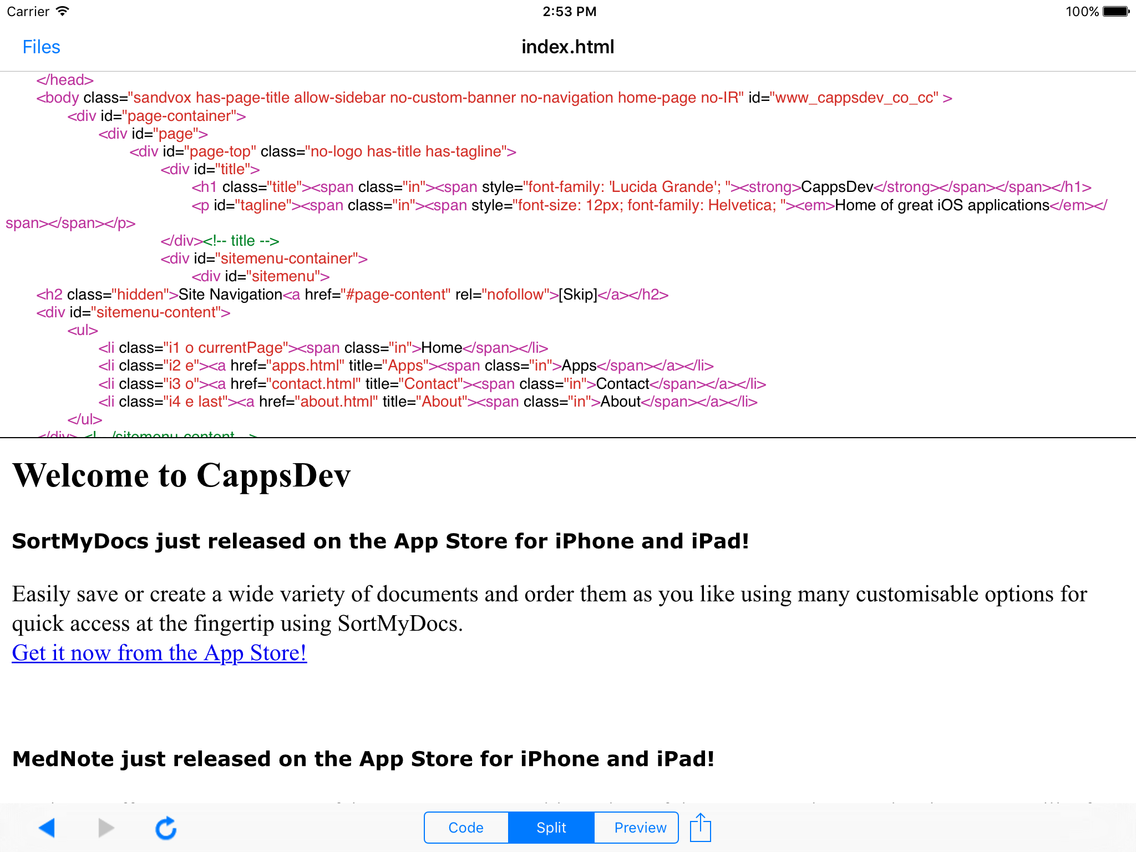
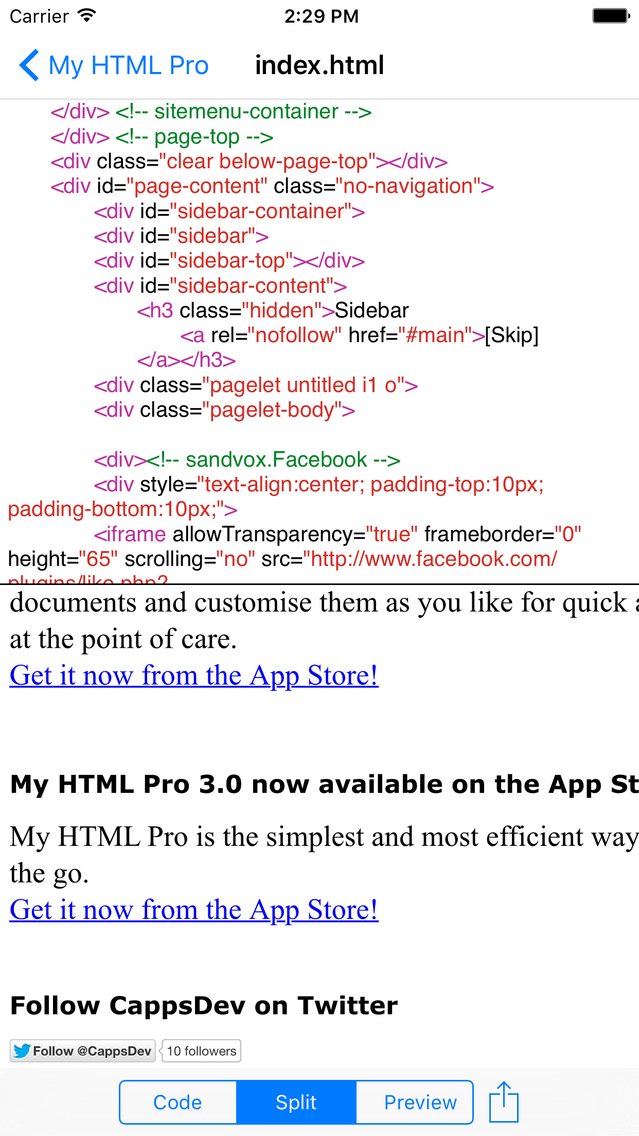
My HTML Pro is the simplest and most efficient way to edit web pages on the go. With its intuitive interface, full syntax highlighting and many other useful features editing HTML code on your iOS device has never been this easy. It is also a universal app so you can use it on both your iPhone and iPad at no extra charge.
FEATURES
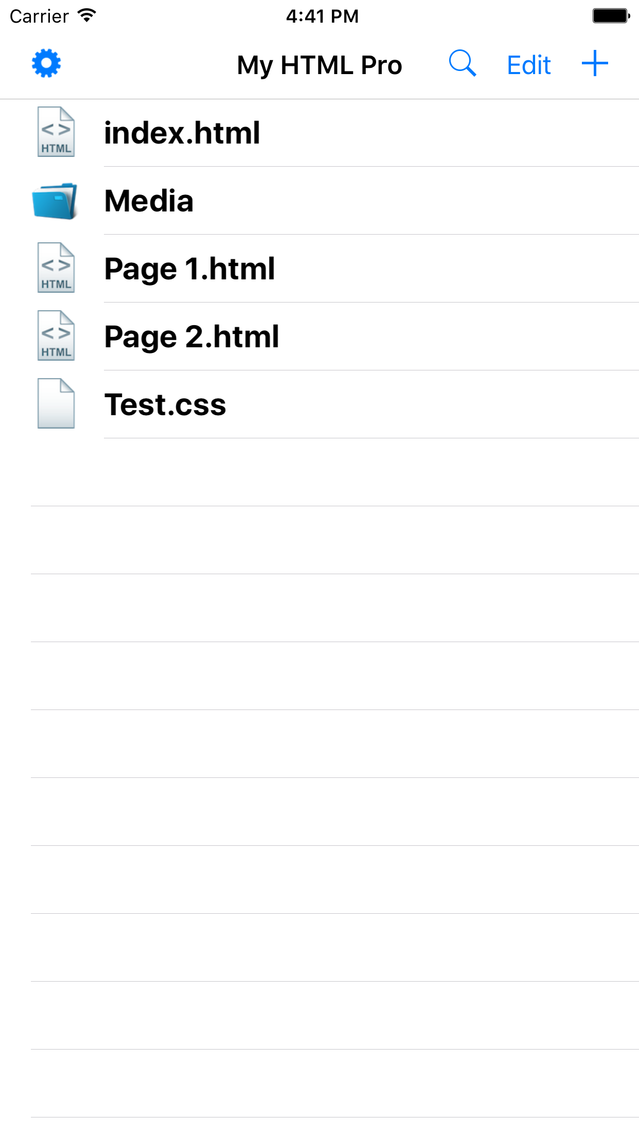
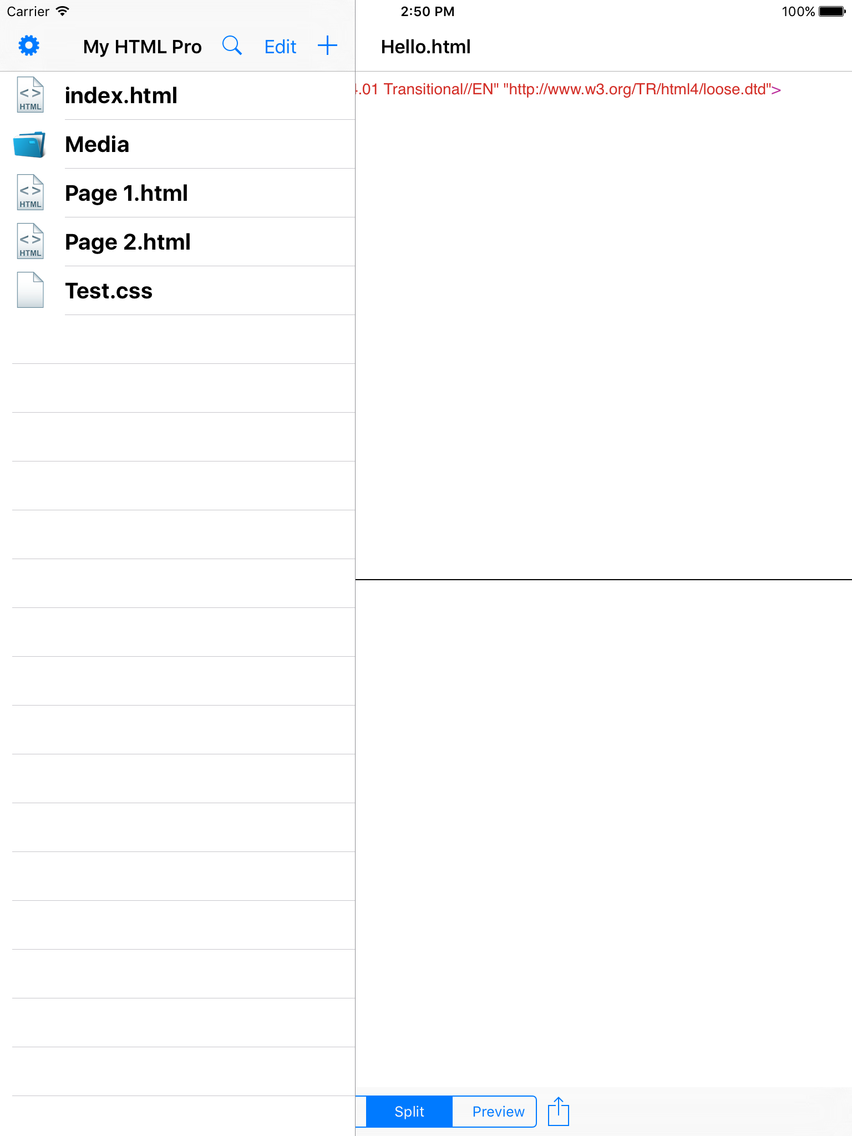
• Simple intuitive interface to quickly edit and manage files
• Easily find any file or folder with the search tool
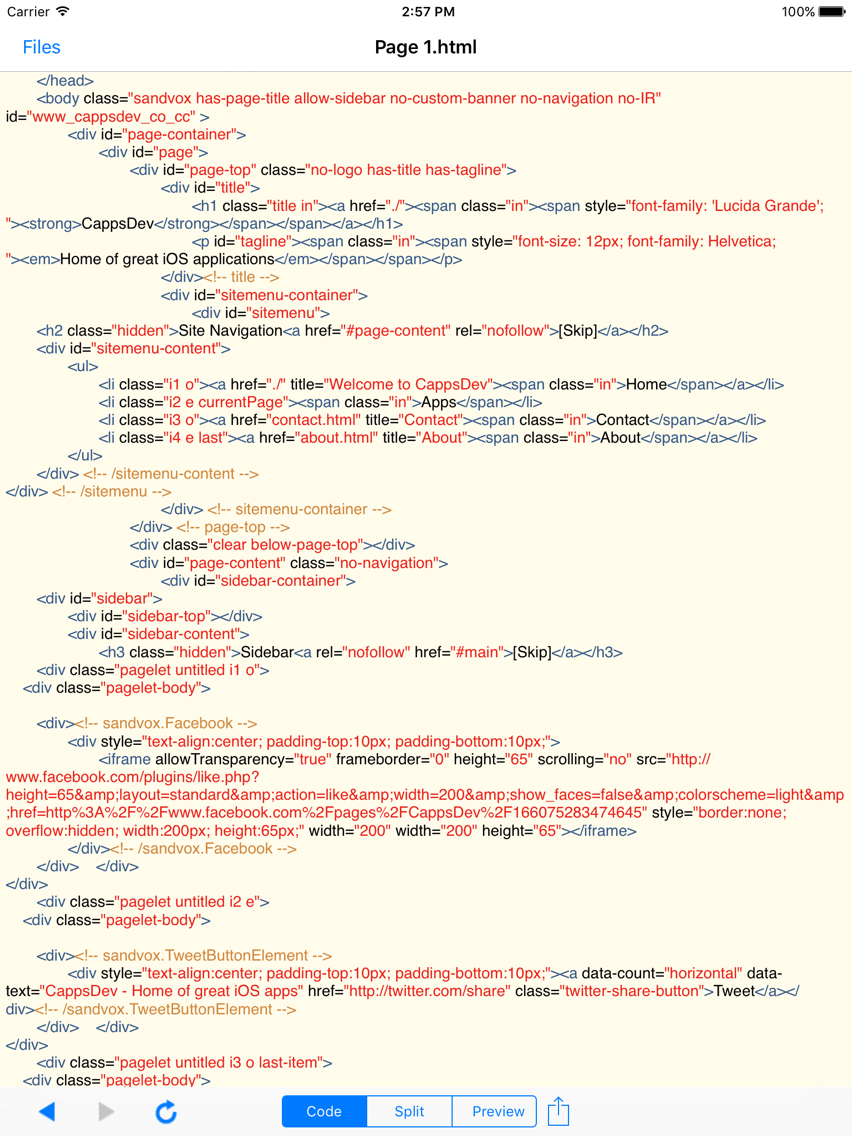
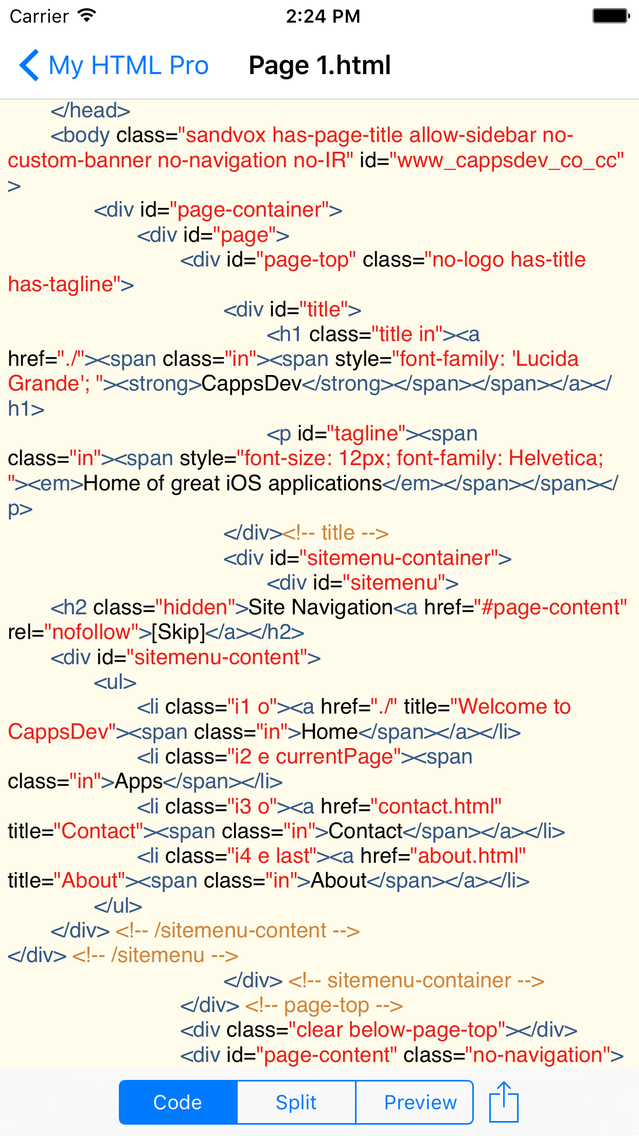
• Full syntax highlighting for many different file types
• Auto-indentation
• Many useful keys easily accessible from a swipe keypad (iPad)
• Fleksy keyboard integration
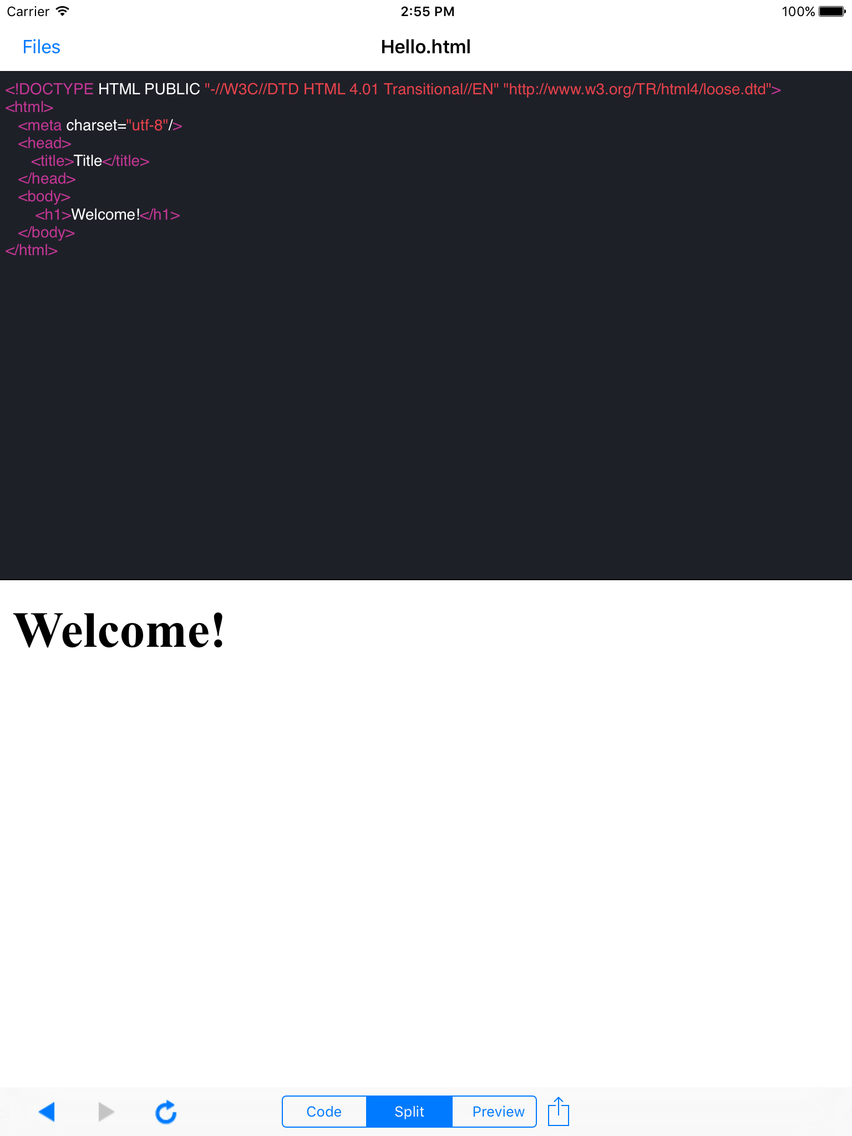
• Automatically preview your webpages
• Choose your preferred default DOCTYPE
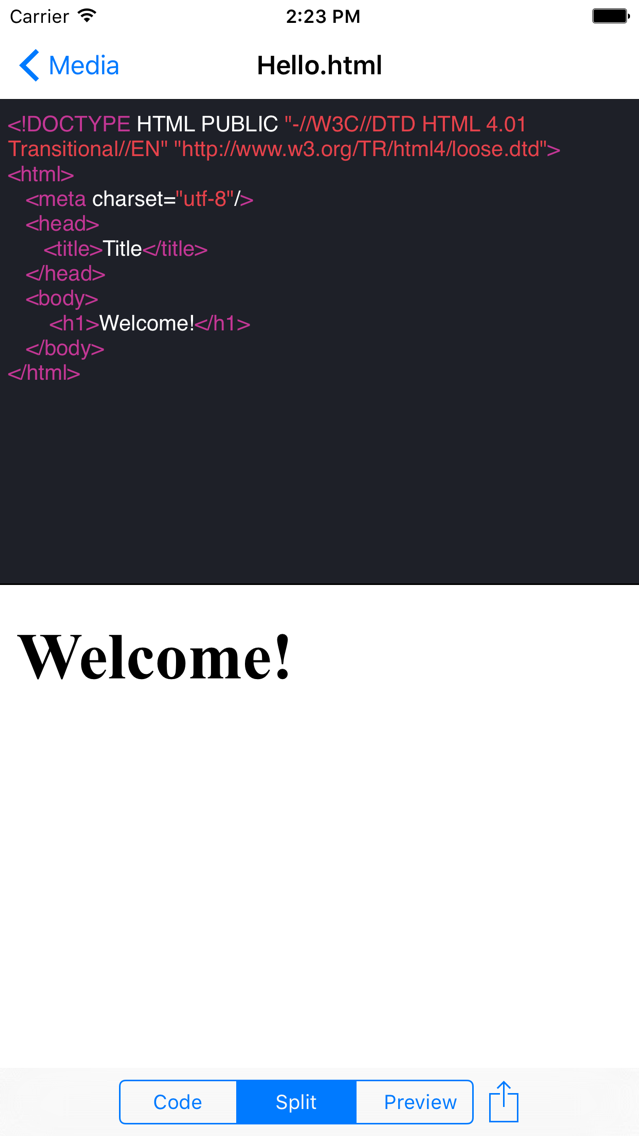
• 7 different great themes to choose from
• 3 different views in the editor including split, code and preview
• Choose a preferred font type and font size from the settings
• Open any text based files
• Load and save files from a URL
• Import files using iTunes file sharing or other supported apps
• Export files using iTunes file sharing, other apps or via email
Email us at cyril@cappsdev.com if you have any questions, suggestions or problems with the app.

FEATURES
• Simple intuitive interface to quickly edit and manage files
• Easily find any file or folder with the search tool
• Full syntax highlighting for many different file types
• Auto-indentation
• Many useful keys easily accessible from a swipe keypad (iPad)
• Fleksy keyboard integration
• Automatically preview your webpages
• Choose your preferred default DOCTYPE
• 7 different great themes to choose from
• 3 different views in the editor including split, code and preview
• Choose a preferred font type and font size from the settings
• Open any text based files
• Load and save files from a URL
• Import files using iTunes file sharing or other supported apps
• Export files using iTunes file sharing, other apps or via email
Email us at cyril@cappsdev.com if you have any questions, suggestions or problems with the app.
Show More
最新バージョン 4.0 の更新情報
Last updated on 2015年10月21日
旧バージョン
*Don't forget to rate it on the App Store to keep great free updates coming*
• iOS 9 compatibility!
• Optimized for the new iPhone 6S and 6S Plus
• Hide the file manager in any orientation on the iPad
• Files are now autosaved
• Ability to instantly name downloaded files
• Tweaked user interface
• Improved syntax highlighting
• Fixed a bug where files would be saved with the wrong encoding
• Many other bug fixes and improvements
Like us on Facebook at http://www.facebook.com/CappsDev
Follow us on Twitter at http://twitter.com/CappsDev
• iOS 9 compatibility!
• Optimized for the new iPhone 6S and 6S Plus
• Hide the file manager in any orientation on the iPad
• Files are now autosaved
• Ability to instantly name downloaded files
• Tweaked user interface
• Improved syntax highlighting
• Fixed a bug where files would be saved with the wrong encoding
• Many other bug fixes and improvements
Like us on Facebook at http://www.facebook.com/CappsDev
Follow us on Twitter at http://twitter.com/CappsDev
Show More
Version History
4.0
2015年10月21日
*Don't forget to rate it on the App Store to keep great free updates coming*
• iOS 9 compatibility!
• Optimized for the new iPhone 6S and 6S Plus
• Hide the file manager in any orientation on the iPad
• Files are now autosaved
• Ability to instantly name downloaded files
• Tweaked user interface
• Improved syntax highlighting
• Fixed a bug where files would be saved with the wrong encoding
• Many other bug fixes and improvements
Like us on Facebook at http://www.facebook.com/CappsDev
Follow us on Twitter at http://twitter.com/CappsDev
• iOS 9 compatibility!
• Optimized for the new iPhone 6S and 6S Plus
• Hide the file manager in any orientation on the iPad
• Files are now autosaved
• Ability to instantly name downloaded files
• Tweaked user interface
• Improved syntax highlighting
• Fixed a bug where files would be saved with the wrong encoding
• Many other bug fixes and improvements
Like us on Facebook at http://www.facebook.com/CappsDev
Follow us on Twitter at http://twitter.com/CappsDev
My HTML Pro FAQ
ここをクリック!地理的に制限されているアプリのダウンロード方法をご参考ください。
次のリストをチェックして、My HTML Proの最低システム要件をご確認ください。
iPhone
iPad
My HTML Proは次の言語がサポートされています。 English