PPTControl

PPTControl


無料

2.3.6for iPhone, iPad
Bastian Aunkofer
Developer
2025年03月04日
Update Date
Utilities
Category
Age Rating
4+
Apps in this category do not contain restricted content.
9+
Apps in this category may contain mild or occasional cartoon, fantasy or real-life violence, as well as occasional or mild adult, sexually suggestive or horrifying content and may not be suitable for children under 9 years of age.
12+
Apps in this category may contain occasional mild indecent language, frequent or intense cartoon or real-life violence, minor or occasional adult or sexually suggestive material, and simulated gambling, and may be for children under 12 years of age.
17+
You must be at least 17 years old to access this App.
Apps in this category may contain frequent and intense offensive language; Frequent and intense cartoon, fantasy or realistic violence: frequent and intense adult, scary and sexually suggestive subjects: as well as sexual content, nudity, tobacco, alcohol and drugs, may not be suitable for children under 17 years of age.
PPTControl スクリーンショット
PPTControl ポスターPPTControl ポスターPPTControl ポスターPPTControl ポスターPPTControl ポスター

About PPTControl

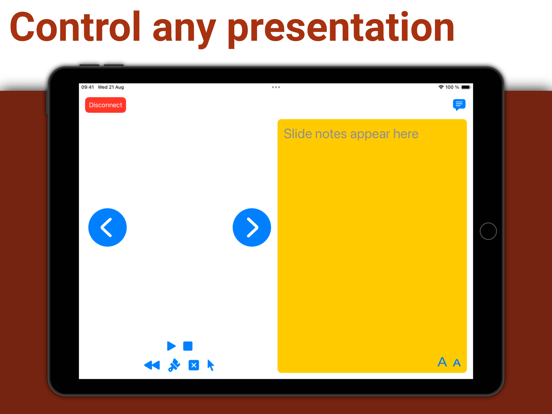
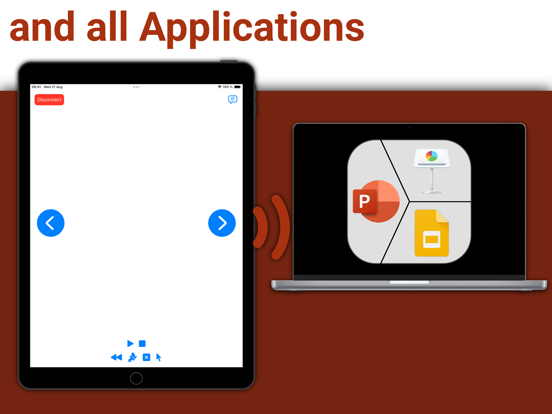
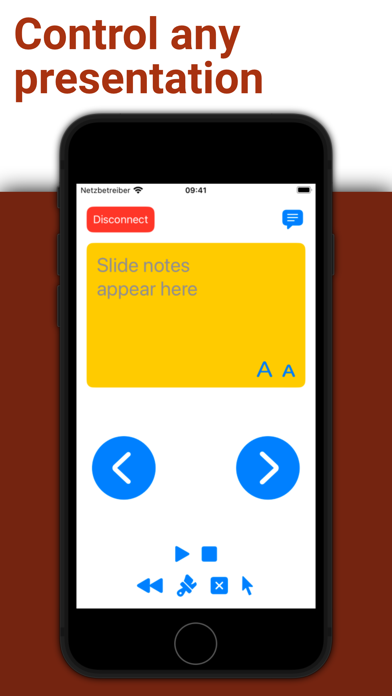
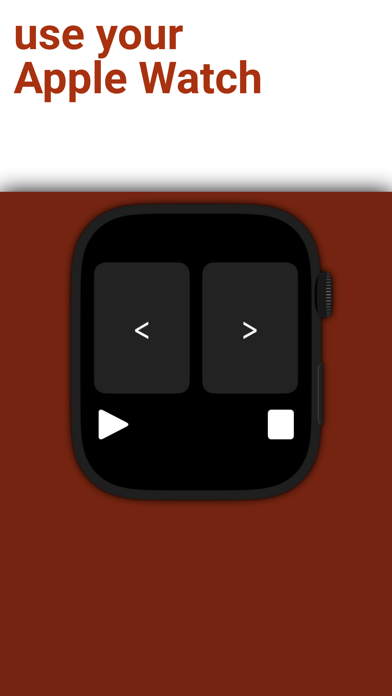
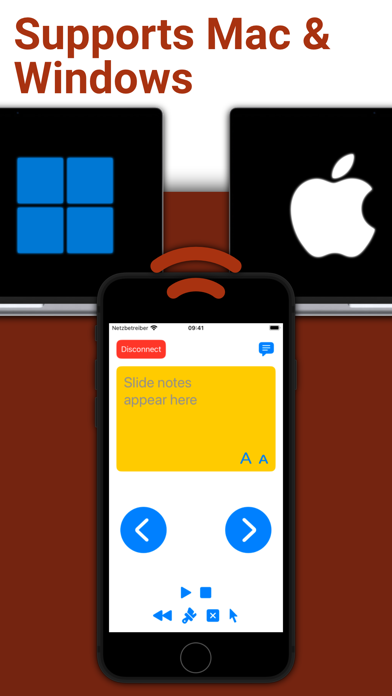
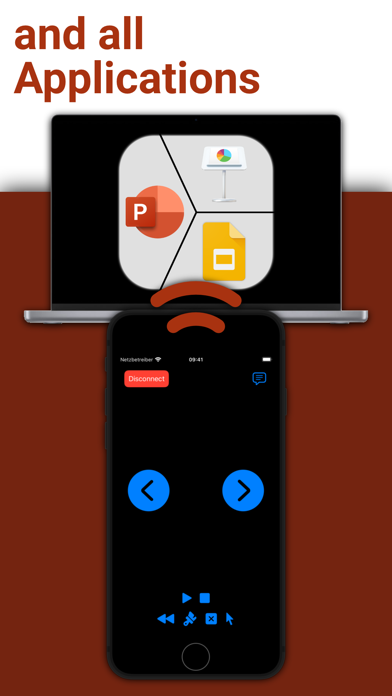
Take full control of your presentations with ease using your iPhone, iPad, or Apple Watch.
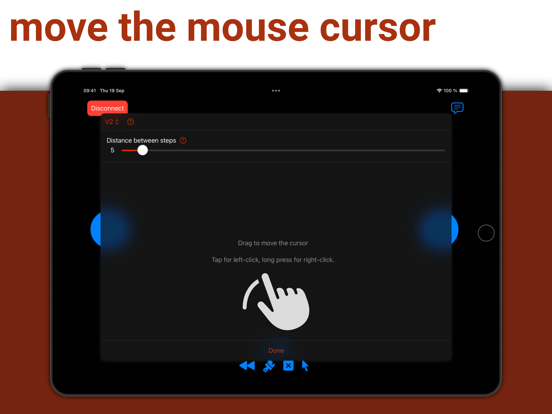
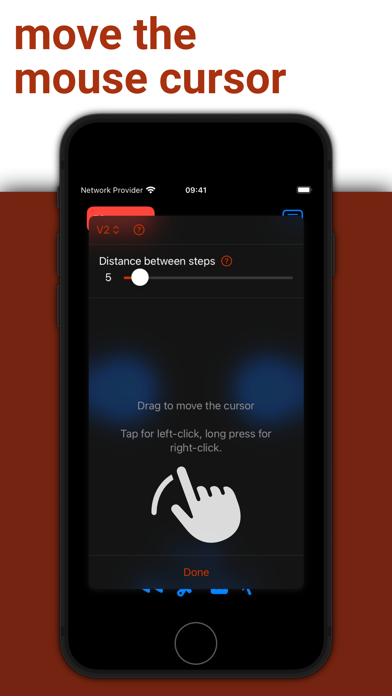
Simply start PPTControl, follow the steps and connect seamlessly to your computer. With just a few taps, you can navigate through slides, highlight key points, and impress your audience — all from the palm of your hand.

Getting started is simple:
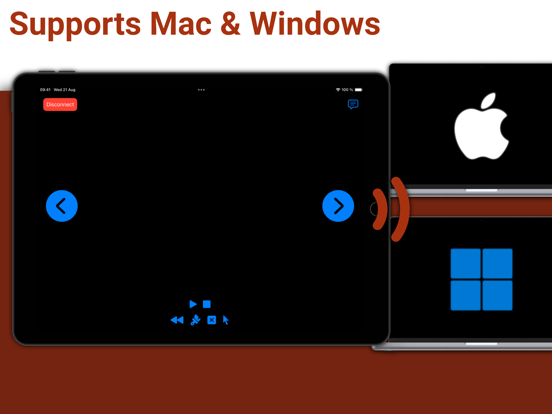
1. Install and launch this PPTControl Desktop on the computer. You can download it at: bit.ly/pptl. Make sure you grant required permissions.
2. Open PPTControl and select your computer from the list.
3. Accept the connection on your computer, and you’re ready to go!

Requirements:
- A Bluetooth connection is necessary, so both your computer and iPhone/iPad must support Bluetooth.
- To control via Apple Watch, ensure your iPhone is connected to the presentation device (due to Apple’s restrictions).

Elevate your presentations with PPTControl — your remote control for effortless, professional presentations.
For more information and downloads, visit https://pptcontrol.app.

Show More

最新バージョン 2.3.6 の更新情報

Last updated on 2025年03月04日
旧バージョン
- Start slideshow from current slide by disabling "Play presentation from first slide"
- Bug fixes & stability improvements

Thank you for using PPTControl!
Show More
Version History
2.3.6
2025年03月04日
- Start slideshow from current slide by disabling "Play presentation from first slide"
- Bug fixes & stability improvements

Thank you for using PPTControl!

PPTControl FAQ

ここをクリック!地理的に制限されているアプリのダウンロード方法をご参考ください。
次のリストをチェックして、PPTControlの最低システム要件をご確認ください。
iPhone
iPad

PPTControlの類似アプリ

あなたも好きかも

Bastian Aunkofer からもっと手に入れる