PC Authenticator
Free
1.0.2for iPhone, iPad
Age Rating
PC Authenticator 스크린 샷
About PC Authenticator
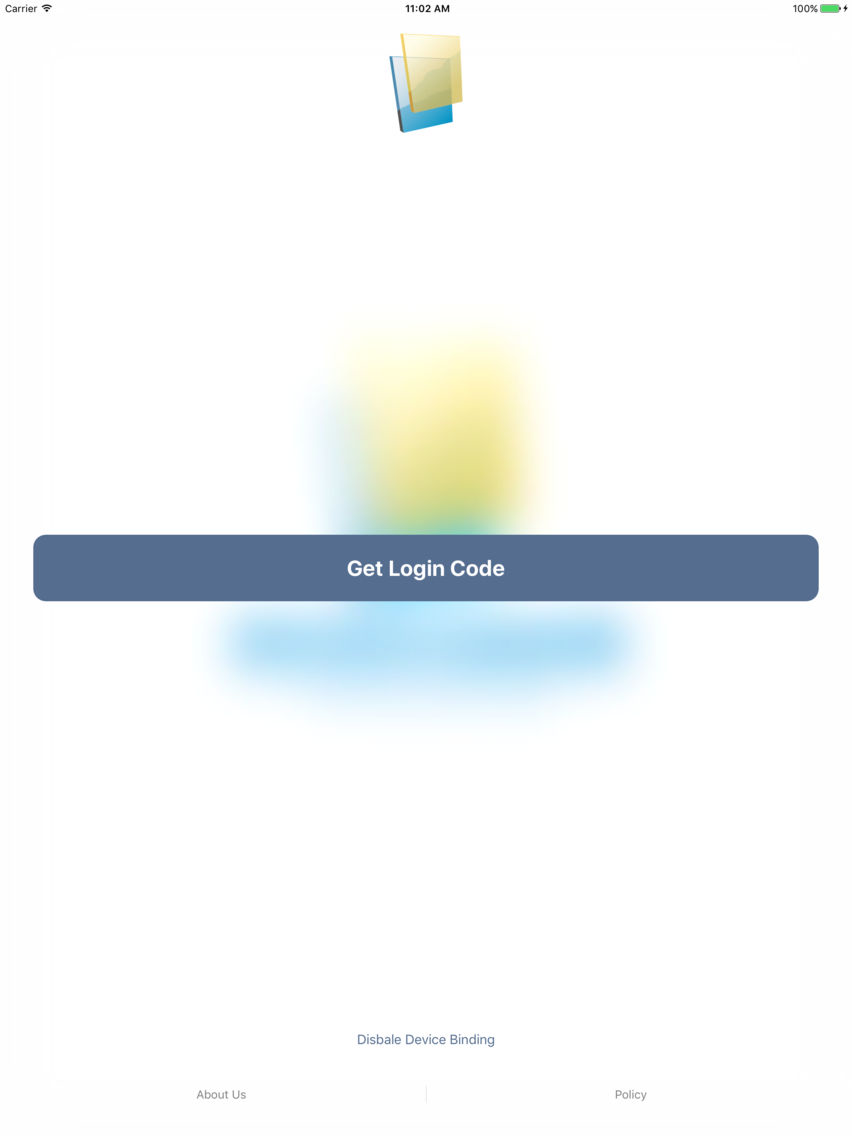
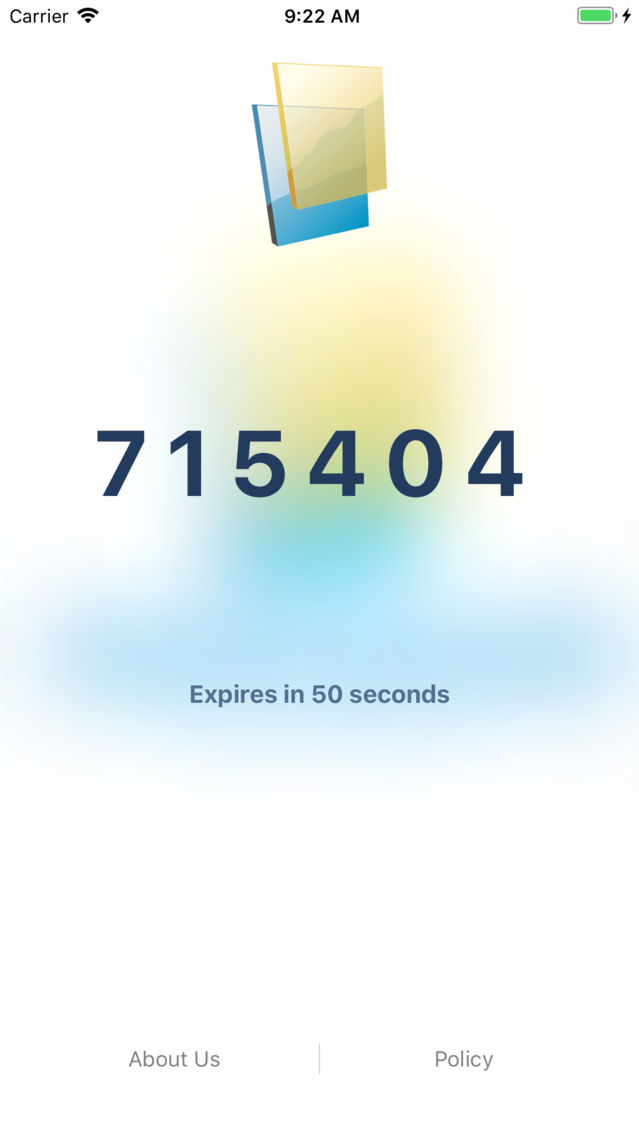
PC Authenticator works with Two-Step Verification for your Paochu Account to provide an additional layer of security when logging in.
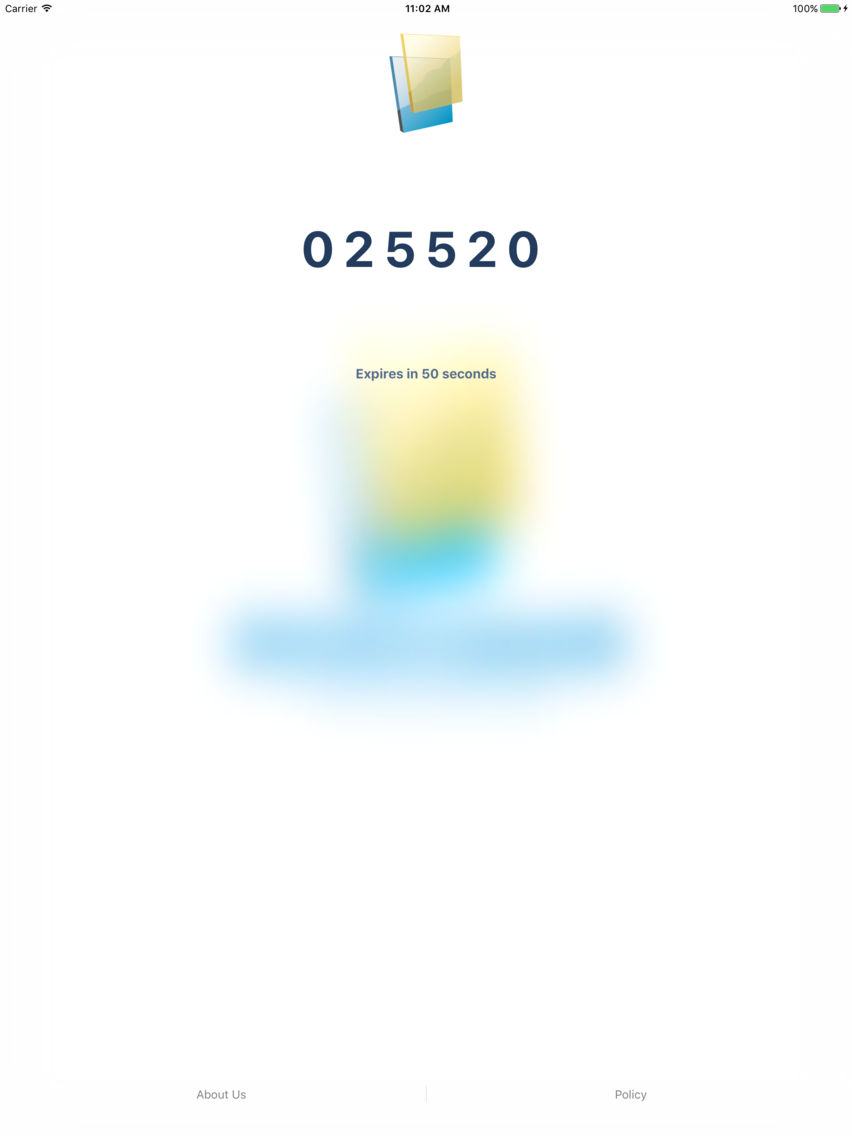
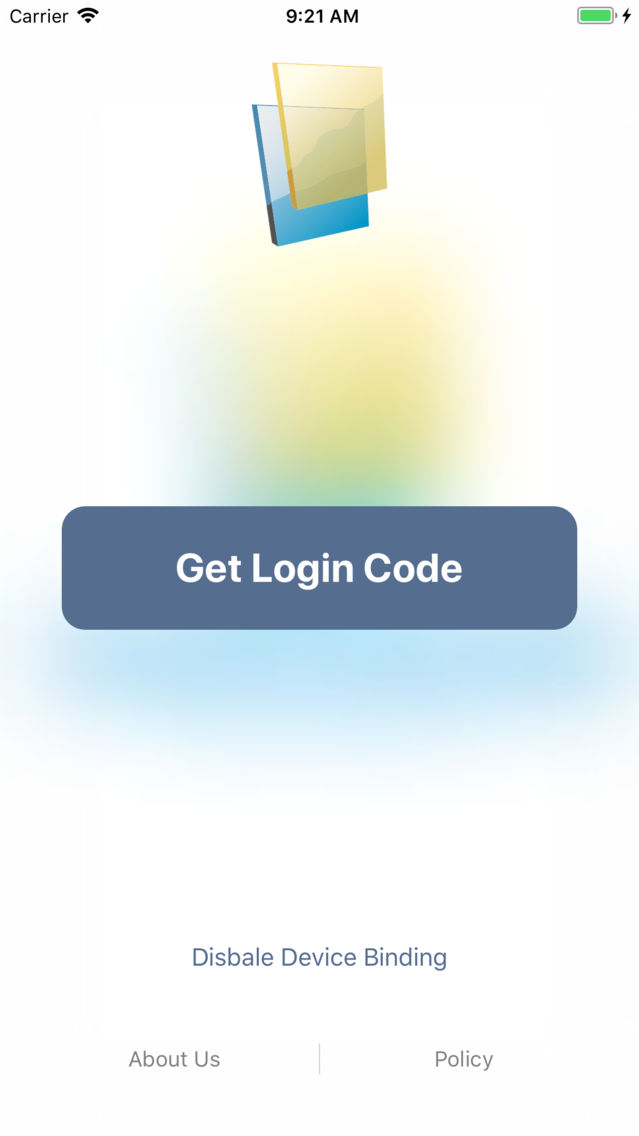
With Two-Step Verification, logging into your account will require both your password and a verification code which you can generate with this app. Once configured, you can get verification codes without the need of network or cellular connection.
Features include:
- Easy setup
- Support offline code generation
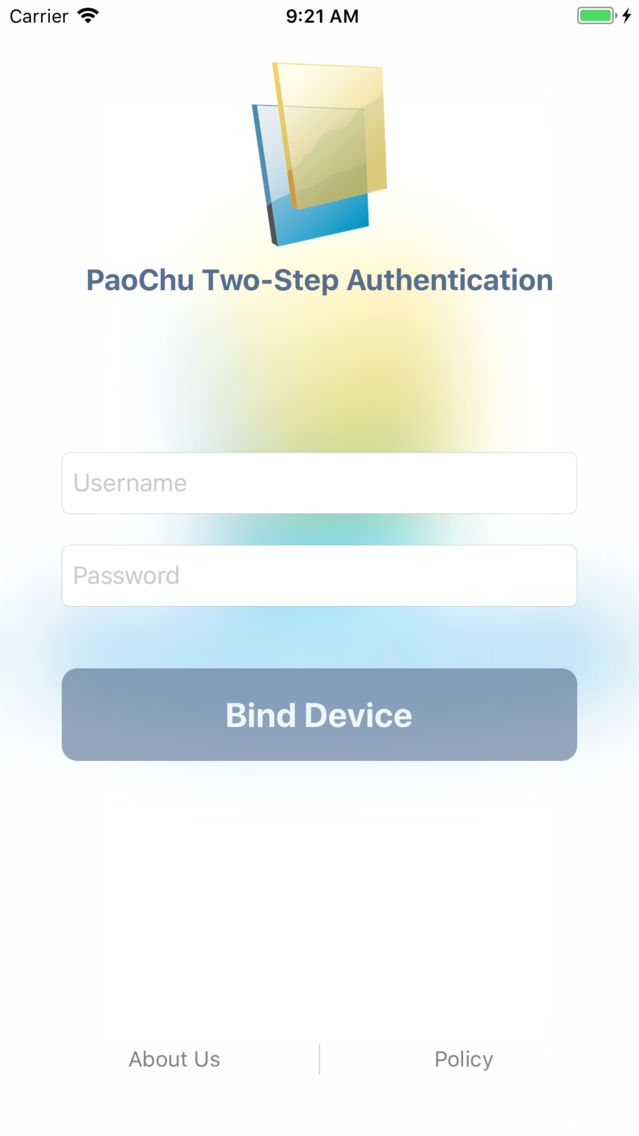
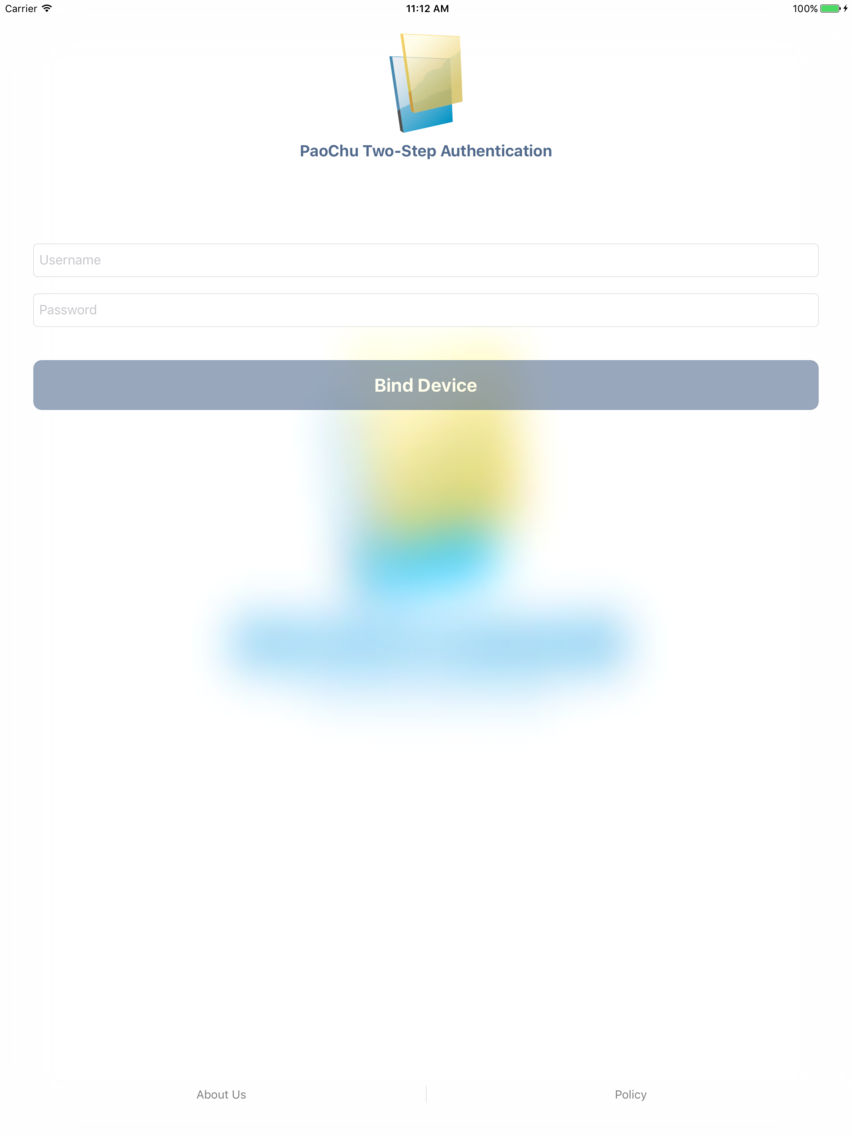
Important: You can bind ONLY ONE device for your Paochu Account!

With Two-Step Verification, logging into your account will require both your password and a verification code which you can generate with this app. Once configured, you can get verification codes without the need of network or cellular connection.
Features include:
- Easy setup
- Support offline code generation
Important: You can bind ONLY ONE device for your Paochu Account!
Show More
최신 버전 1.0.2의 새로운 기능
Last updated on Apr 9, 2018
Version History
1.0.2
Apr 9, 2018
PC Authenticator FAQ
제한된 국가 또는 지역에서 PC Authenticator를 다운로드하는 방법을 알아보려면 여기를 클릭하십시오.
PC Authenticator의 최소 요구 사항을 보려면 다음 목록을 확인하십시오.
iPhone
iPad
PC Authenticator은 다음 언어를 지원합니다. Chinese, English