QR Code Reader - QuickMark Barcode Scanner

QR Code Reader - QuickMark Barcode Scanner


무료

4.8.5for iPhone, iPad
Age Rating
4+
Apps in this category do not contain restricted content.
9+
Apps in this category may contain mild or occasional cartoon, fantasy or real-life violence, as well as occasional or mild adult, sexually suggestive or horrifying content and may not be suitable for children under 9 years of age.
12+
Apps in this category may contain occasional mild indecent language, frequent or intense cartoon or real-life violence, minor or occasional adult or sexually suggestive material, and simulated gambling, and may be for children under 12 years of age.
17+
You must be at least 17 years old to access this App.
Apps in this category may contain frequent and intense offensive language; Frequent and intense cartoon, fantasy or realistic violence: frequent and intense adult, scary and sexually suggestive subjects: as well as sexual content, nudity, tobacco, alcohol and drugs, may not be suitable for children under 17 years of age.
QR Code Reader - QuickMark Barcode Scanner 스크린 샷
QR Code Reader - QuickMark Barcode Scanner 포스터QR Code Reader - QuickMark Barcode Scanner 포스터QR Code Reader - QuickMark Barcode Scanner 포스터QR Code Reader - QuickMark Barcode Scanner 포스터

About QR Code Reader - QuickMark Barcode Scanner

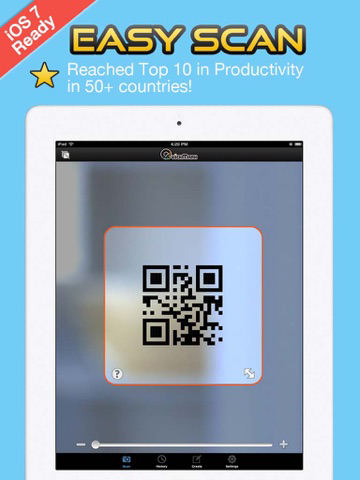
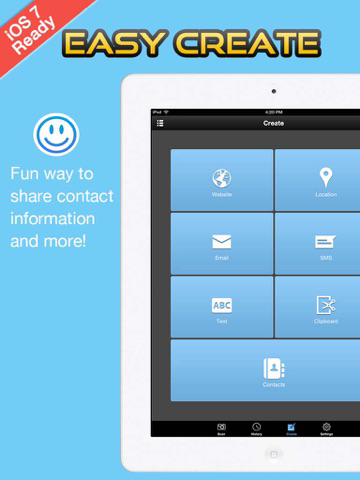
The most powerful yet simple to use QR Code reader and generator.

* QuickMark is Google's recommended barcode reader and selected partner for Google's Favorite Places campaign! http://Qck.mk/N9fLa

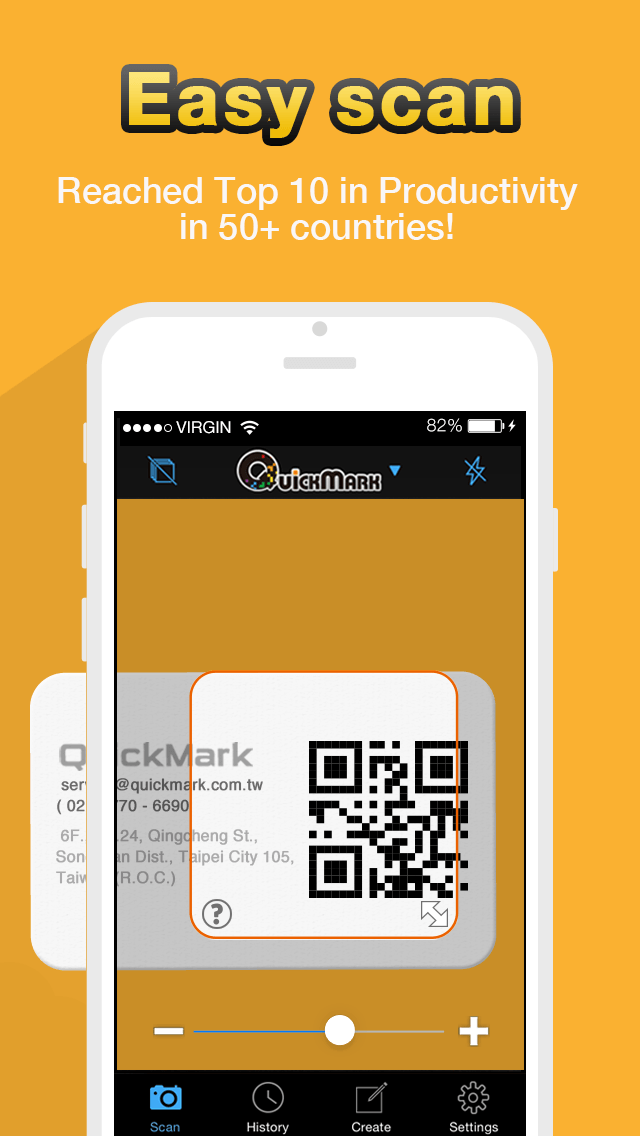
Simply launch QuickMark, locate the barcode within the camera viewfinder to read its contents.

Supported barcode formats:
- 2D barcodes: QR Code, Data Matrix, Quick Code.
- 1D barcodes: EAN8/13 (Products, Books), Code 39 (Bills), Code 128 (Packages).

Things you can do by reading a QR Code:
- Access a web link
- Make a phone call
- Send an email
- Add a phone contact
- Navigate Google Maps to a specific POI
- Add event to Calendar
- Supports Structured Append barcodes

Other notable features:
* Decode barcode images from Photo Album
* Send scanned results to connected MAC on same LAN via Wi-Fi
* Preview web links and maps
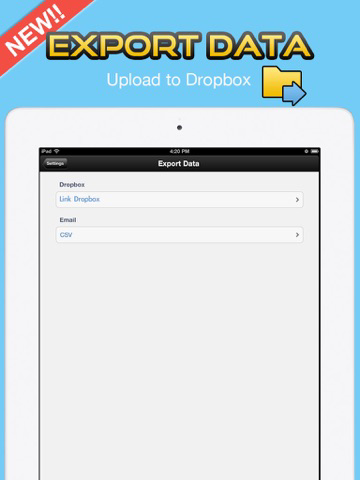
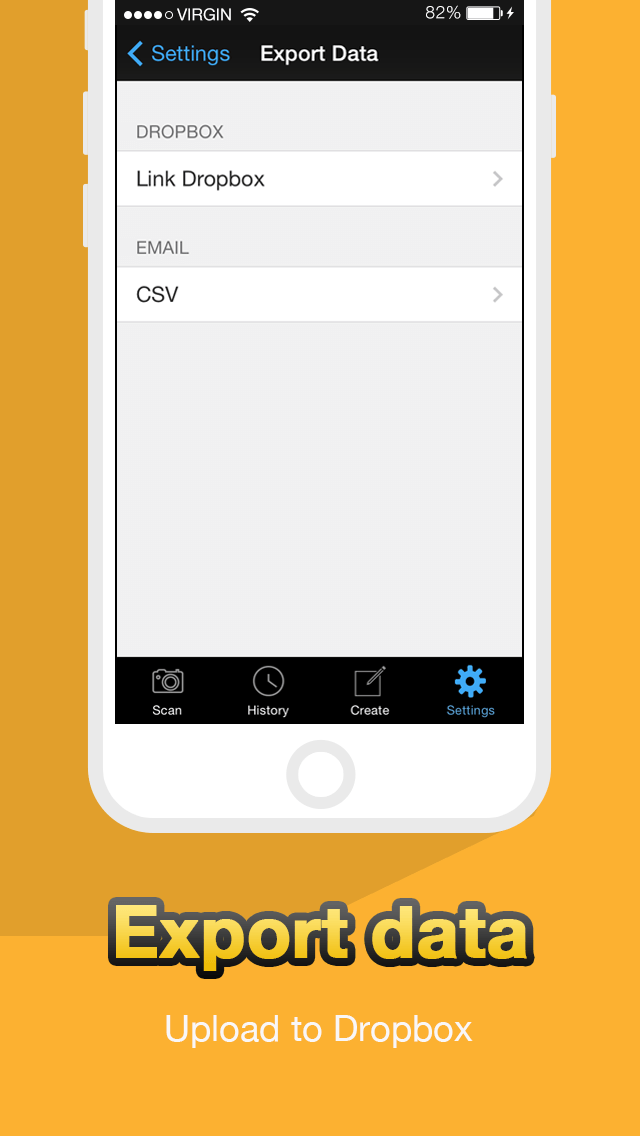
* Export scan history (.csv) to Dropbox
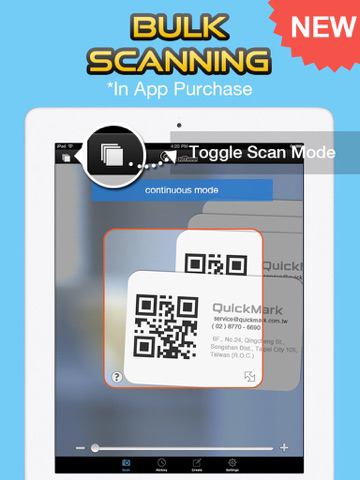
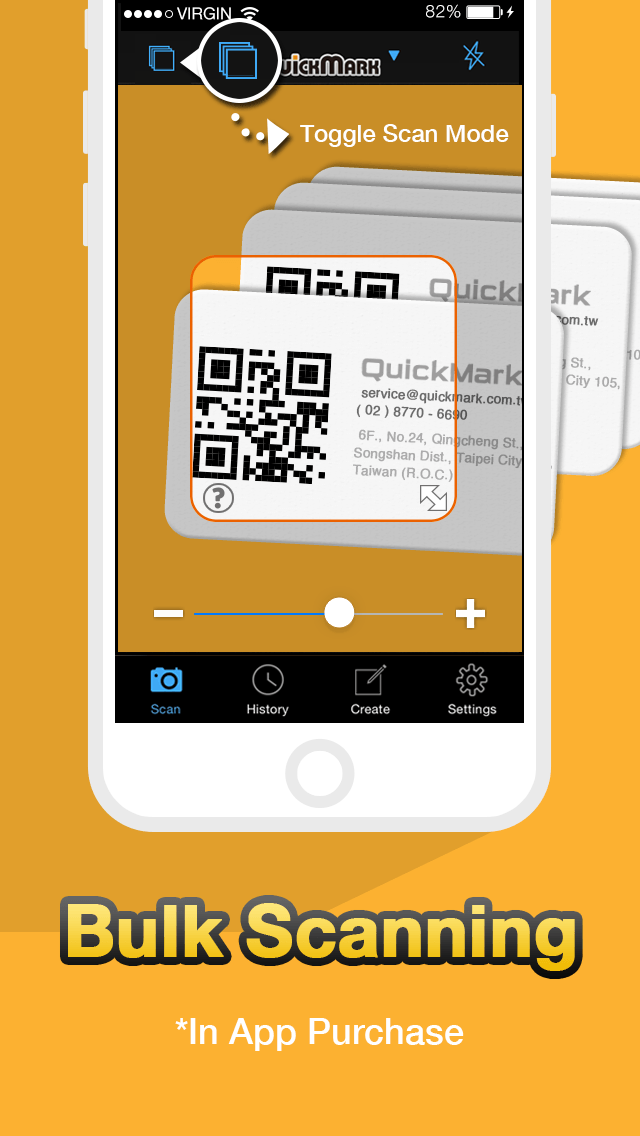
* Continuous (bulk) scanning (In-App Purchase)
* See how many times an URL or product barcode is scanned by QuickMark (only URL and 1D barcodes are sent to our servers for calculation)

QR Code is registered trademark of DENSO WAVE INCORPORATED

Show More

최신 버전 4.8.5의 새로운 기능

Last updated on Mar 19, 2016
오래된 버전
This update from Apple will improve the functionality of this app. No new features are included.

- Fix problem when restoring In-App Purchase
- Continuous Scan will ignore a barcode if its data is duplicate of last scanned barcode
- Restore option to open URL in Chrome
- Auto-Open URL will now work with Custom URL Settings
Show More
Version History
4.8.5
Mar 19, 2016
This update from Apple will improve the functionality of this app. No new features are included.

- Fix problem when restoring In-App Purchase
- Continuous Scan will ignore a barcode if its data is duplicate of last scanned barcode
- Restore option to open URL in Chrome
- Auto-Open URL will now work with Custom URL Settings

QR Code Reader - QuickMark Barcode Scanner FAQ

제한된 국가 또는 지역에서 QR Code Reader - QuickMark Barcode Scanner를 다운로드하는 방법을 알아보려면 여기를 클릭하십시오.
QR Code Reader - QuickMark Barcode Scanner의 최소 요구 사항을 보려면 다음 목록을 확인하십시오.
iPhone
iPad

QR Code Reader - QuickMark Barcode Scanner 대안

당신은 또한 좋아할 수도 있습니다

AngleTech Inc.에서 더 많은 것을 얻기