QR Code Scanner-Barcode Reader
Free
1.3for iPhone, iPad
Age Rating
QR Code Scanner-Barcode Reader 스크린 샷
About QR Code Scanner-Barcode Reader
QR Code Scanner is a very fast and easy-to-use QRcode reader app with a scanner and a generator.
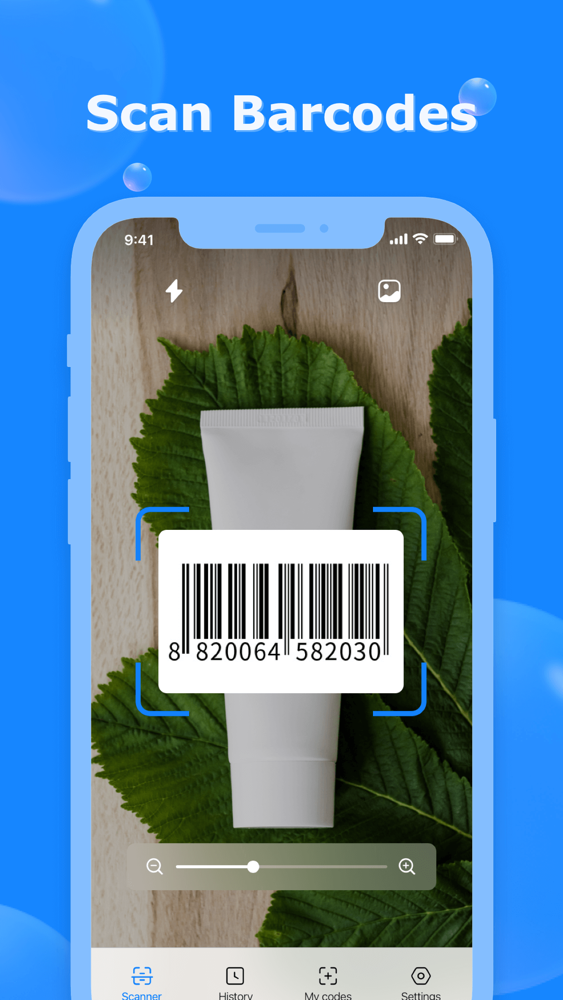
It can read, recognize, and decode all kinds of QR codes and barcodes: WiFi QR code, URL, books barcode, text, contacts, Email, phone number, business card, products, location, calendar, coupon codes, etc.
Try it now!
Get what you need with a single tap on QR Code Scanner!
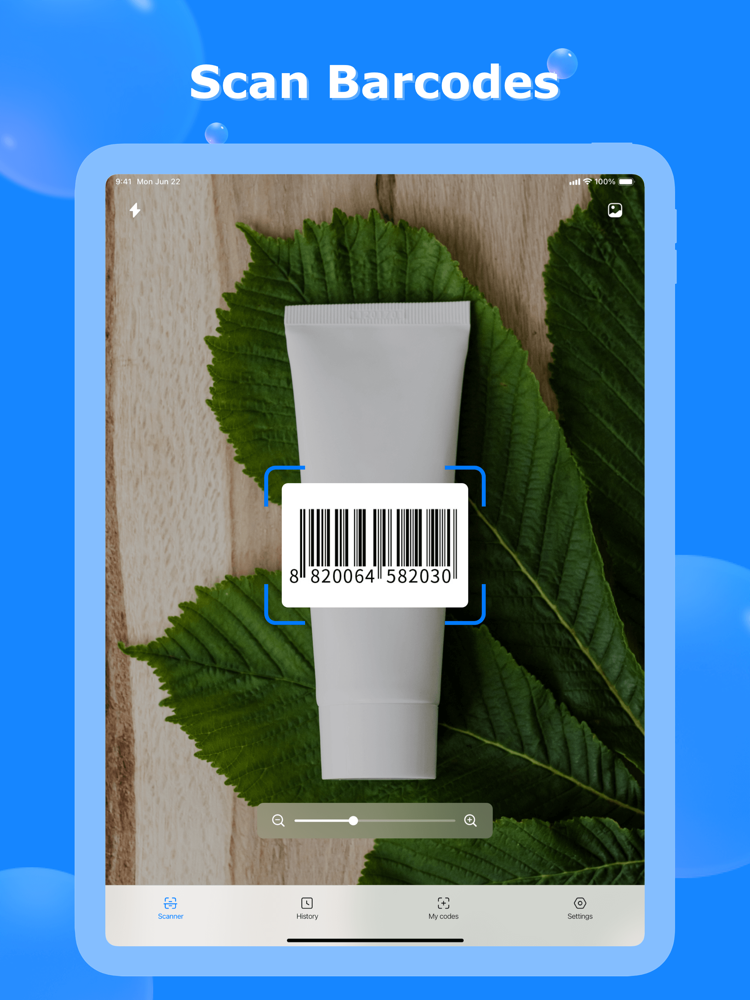
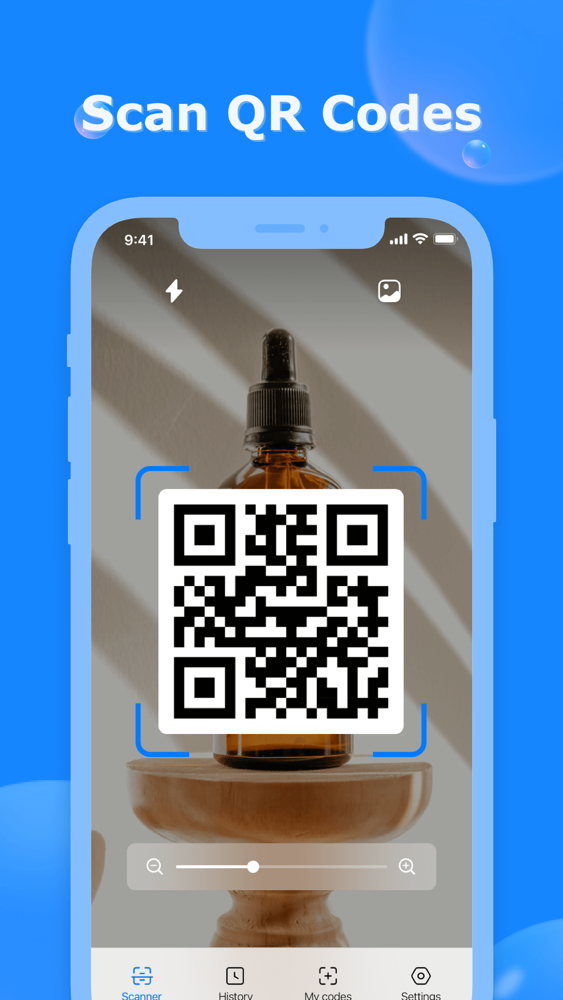
===== How to Use the QRcode Scanner ===== 1. Click scanner on QR Code Scanner
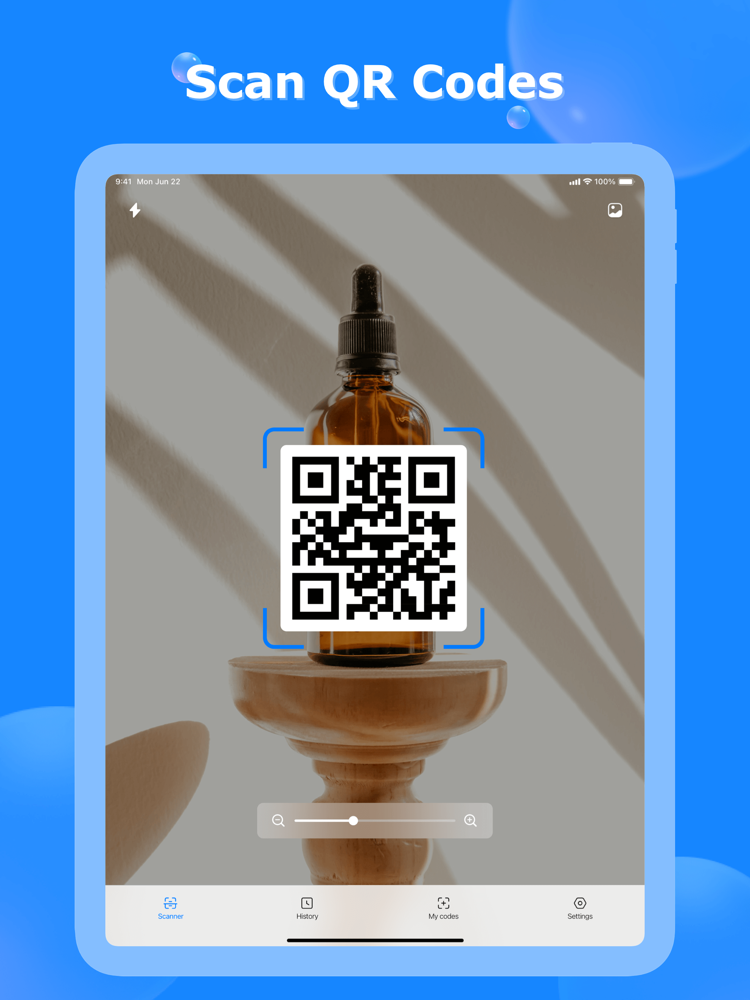
2. Point camera to the QR-code/bar-code
3. Auto read and recognize
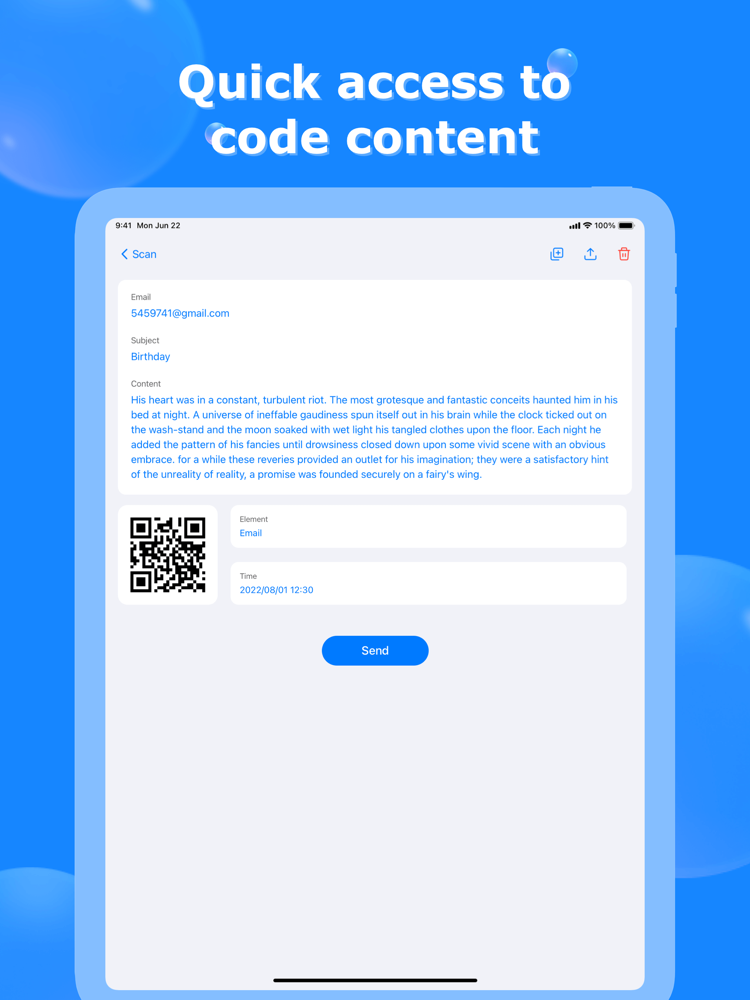
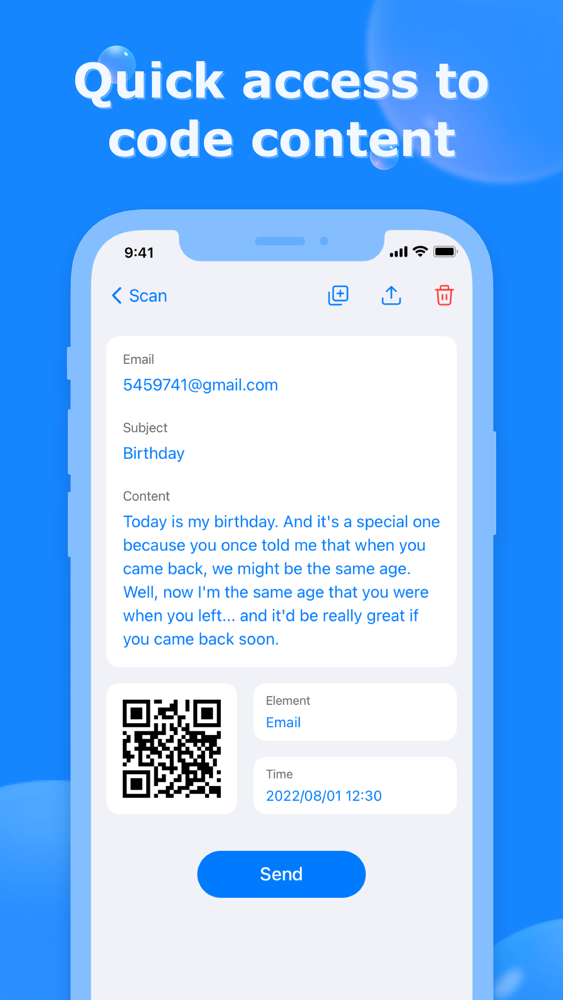
4. Show results and relevant options
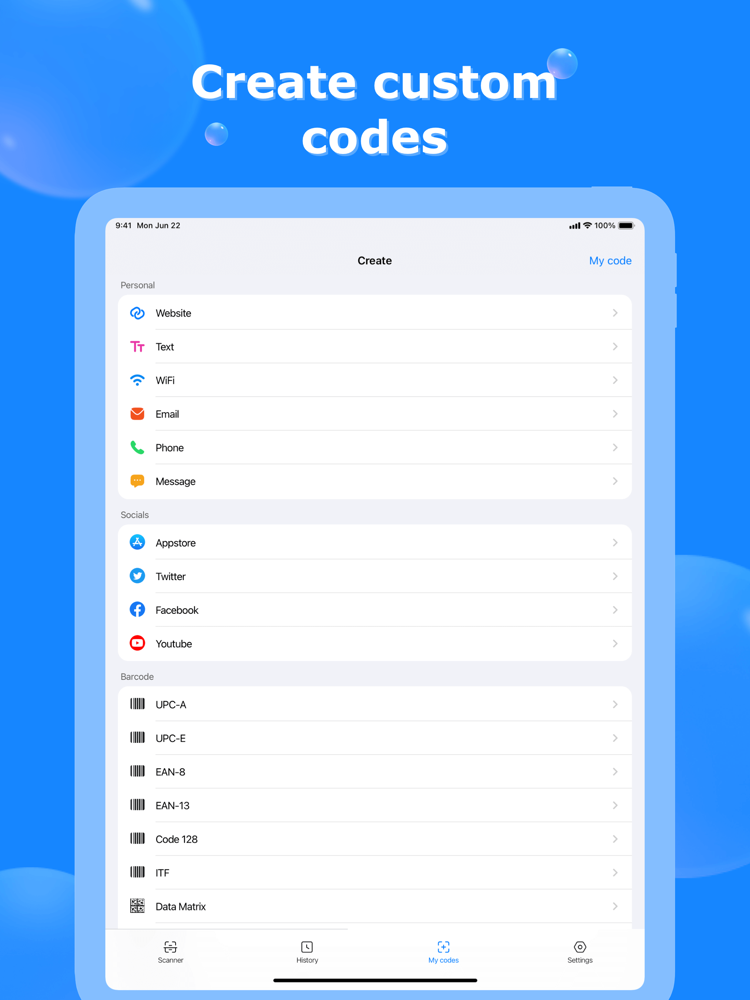
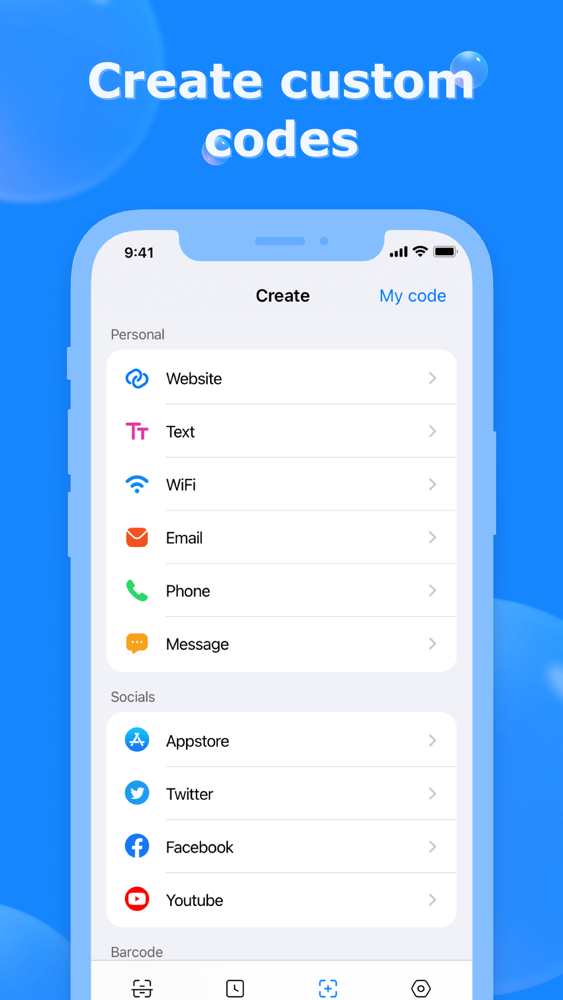
===== How to Use the QRcode Generator ===== 1. Tap the generate QR code button
2. Paste your content
3. Auto Generate QR code or Barcode
4. Choose image style
5. Save image or share your QRcode
===== More Features =====
- QR Code scanner: Simple and friendly-use scanner to read and decode any QRCode at a lightning-fast speed
- QR Code generator: Create your customized barcode/ QRCode
- Support flashlight: Auto open flashlight when recognizing barcode / QR code in the dark - Auto zoom in / out with any orientation: Read far away and magnify small QR code or barcode regardless of the orientation
- Create QR Code from clipboard: Generate QR or barcode with copied text on your iPhone
- Auto detect and locate QR code: Available for choosing a certain QR when detecting multiple QRcodes
- No network required: QR Code Scanner app available for offline use
- Fast detect code format: Auto recognize all supported QR code / barcode at a glance
- Support all formats: Reads most codes in linear format or 2D format, including QR Code, Codabar, barcode, Code 93, Code 128, Data Matrix,
- Fast QR Code scanner app for mixed-use: Read promotion and coupon codes, recognize WiFi, scan aadhar card, and more
- Share to social media: Scan or create QRCode and redirect to your website or social media like YouTube, Instagram, Twitter, Whatsapp, Facebook, Tik Tok, etc.
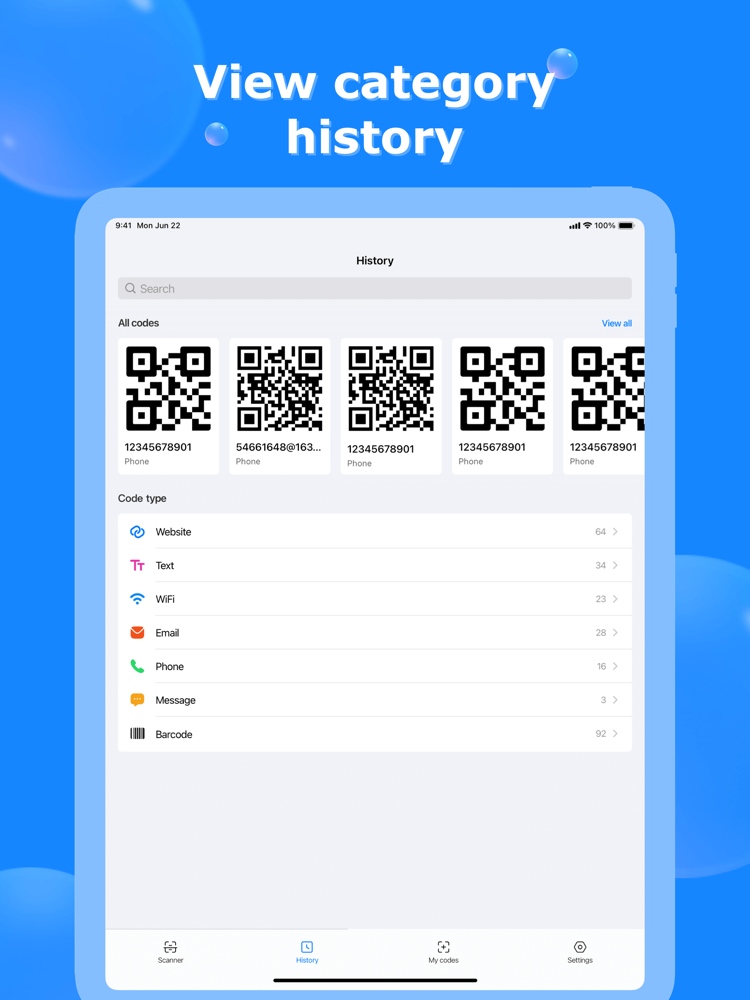
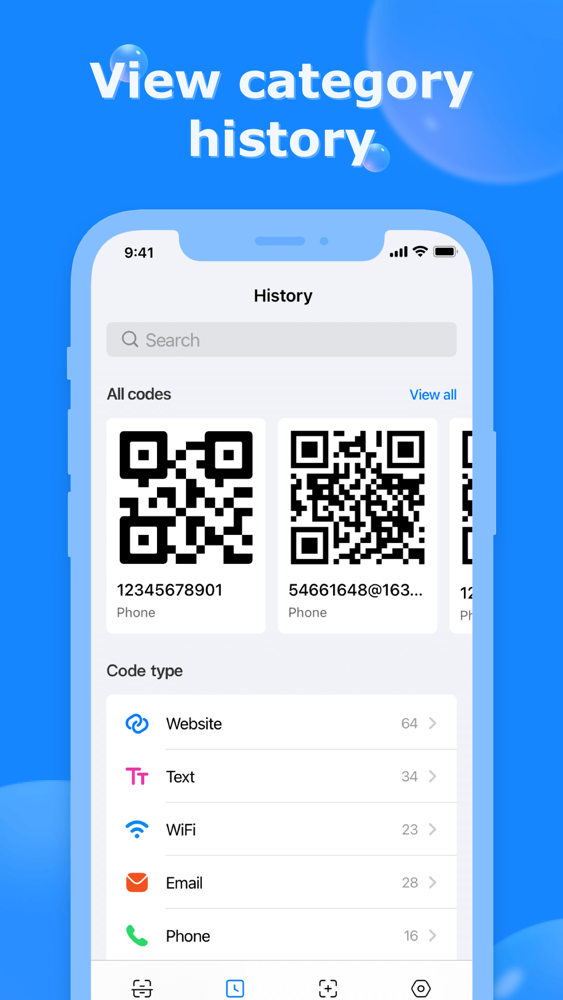
- Support front / rear camera: Read accurate QR info for you from any camera on iPhone - Save history: Keep all scanned or generated QR / Barcode for reuse
- Read from Gallery: Available for QR code scanning from iPhone gallery
- Simple, attractive, and clean design: Tiny and fast QR Code scanner designed for you
QR Code Scanner for you!
QR Code Generator for you! Download QR Code Scanner now!

It can read, recognize, and decode all kinds of QR codes and barcodes: WiFi QR code, URL, books barcode, text, contacts, Email, phone number, business card, products, location, calendar, coupon codes, etc.
Try it now!
Get what you need with a single tap on QR Code Scanner!
===== How to Use the QRcode Scanner ===== 1. Click scanner on QR Code Scanner
2. Point camera to the QR-code/bar-code
3. Auto read and recognize
4. Show results and relevant options
===== How to Use the QRcode Generator ===== 1. Tap the generate QR code button
2. Paste your content
3. Auto Generate QR code or Barcode
4. Choose image style
5. Save image or share your QRcode
===== More Features =====
- QR Code scanner: Simple and friendly-use scanner to read and decode any QRCode at a lightning-fast speed
- QR Code generator: Create your customized barcode/ QRCode
- Support flashlight: Auto open flashlight when recognizing barcode / QR code in the dark - Auto zoom in / out with any orientation: Read far away and magnify small QR code or barcode regardless of the orientation
- Create QR Code from clipboard: Generate QR or barcode with copied text on your iPhone
- Auto detect and locate QR code: Available for choosing a certain QR when detecting multiple QRcodes
- No network required: QR Code Scanner app available for offline use
- Fast detect code format: Auto recognize all supported QR code / barcode at a glance
- Support all formats: Reads most codes in linear format or 2D format, including QR Code, Codabar, barcode, Code 93, Code 128, Data Matrix,
- Fast QR Code scanner app for mixed-use: Read promotion and coupon codes, recognize WiFi, scan aadhar card, and more
- Share to social media: Scan or create QRCode and redirect to your website or social media like YouTube, Instagram, Twitter, Whatsapp, Facebook, Tik Tok, etc.
- Support front / rear camera: Read accurate QR info for you from any camera on iPhone - Save history: Keep all scanned or generated QR / Barcode for reuse
- Read from Gallery: Available for QR code scanning from iPhone gallery
- Simple, attractive, and clean design: Tiny and fast QR Code scanner designed for you
QR Code Scanner for you!
QR Code Generator for you! Download QR Code Scanner now!
Show More
최신 버전 1.3의 새로운 기능
Last updated on Nov 9, 2022
오래된 버전
Support to create 9 barcode formats: UPC-A, UPC-E, EAN-8, EAN-13, ITF, AZTEC, Code 39, PDF-417
Show More
Version History
1.3
Nov 9, 2022
Support to create 9 barcode formats: UPC-A, UPC-E, EAN-8, EAN-13, ITF, AZTEC, Code 39, PDF-417
1.2
Jul 8, 2021
Update UI.
QR Code Scanner-Barcode Reader FAQ
제한된 국가 또는 지역에서 QR Code Scanner-Barcode Reader를 다운로드하는 방법을 알아보려면 여기를 클릭하십시오.
QR Code Scanner-Barcode Reader의 최소 요구 사항을 보려면 다음 목록을 확인하십시오.
iPhone
iPad
QR Code Scanner-Barcode Reader은 다음 언어를 지원합니다. English, French, German, Italian, Portuguese, Spanish