Text Editor: The All-in-One Text Editor for iOS
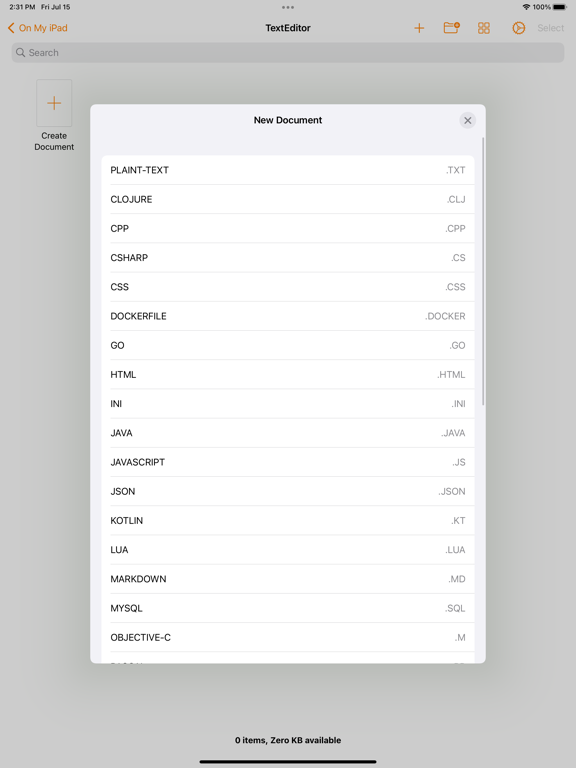
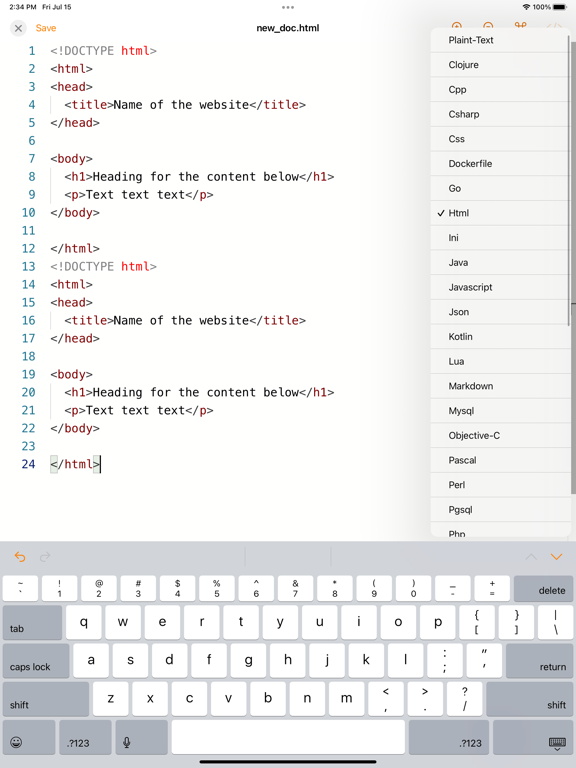
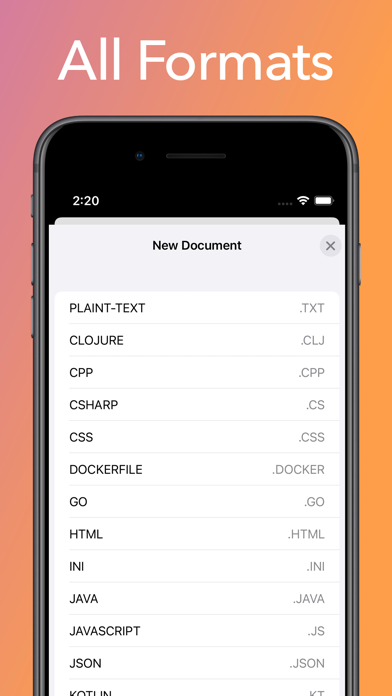
Text Editor is a powerful and feature-rich text editor app designed for iOS and MacOS that allows you to edit any format with ease. Whether you're working with JavaScript, TypeScript, HTML, CSS, Clojure, C++, C#, Dockerfile, Go, GraphQL, INI, Java, JSON, Kotlin, Lua, Markdown, MySQL, Objective-C, Pascal, Perl, PostgreSQL, PHP, Plain Text, PowerShell, Pug, Python, Redis, Ruby, Rust, Scala, Shell, SQL, Swift, Visual Basic, XML, YAML, or any other format, Text Editor has got you covered.
Key Features:
Auto-Save: Never lose your work again. Text Editor automatically saves your changes in real-time, ensuring that your progress is continuously preserved.
Share Content: Easily share your edited files with others. Text Editor provides seamless sharing options, allowing you to send your content via email, messaging apps, or cloud storage platforms.
Document Browser: Access and manage your files effortlessly using the built-in document browser. Navigate through your file system, organize your documents into folders, and locate your files quickly.
Rename, Delete, and Create Files: Text Editor gives you full control over your files. Rename, delete, and create new files directly within the app, streamlining your file management process.
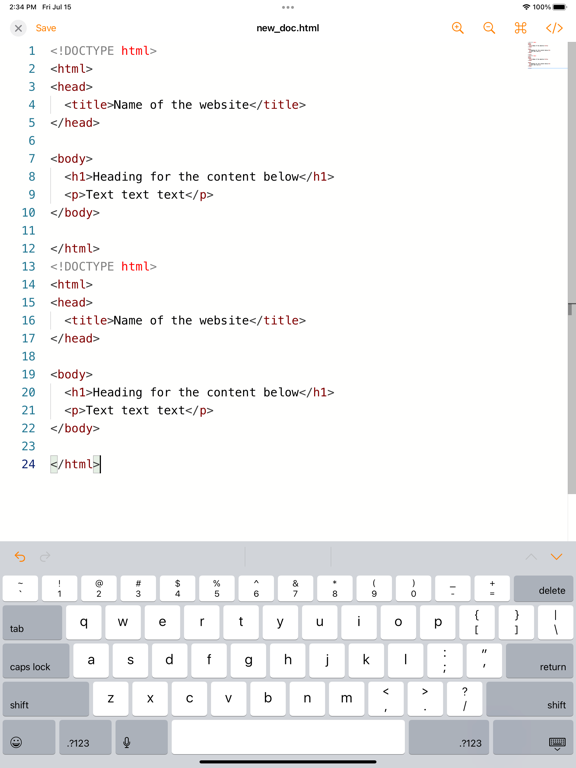
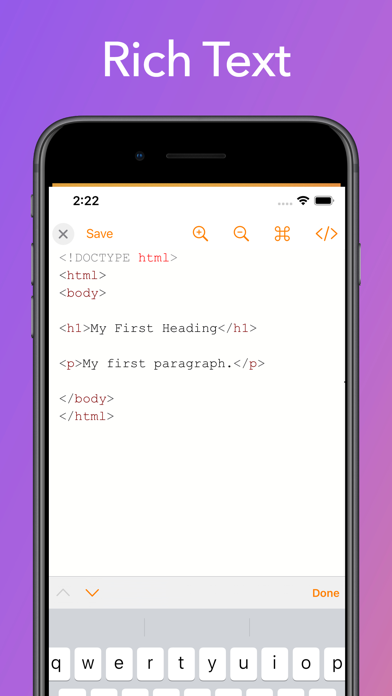
Font Size Customization: Customize the font size to ensure optimal readability. Text Editor lets you adjust the font size according to your preferences, enhancing your editing experience.
Line Numbers: Keep track of your code structure with line numbers. Text Editor displays line numbers for easy reference and navigation within your files.
Minimalistic Interface: Enjoy a distraction-free editing environment with Text Editor minimalistic interface. Focus solely on your content without unnecessary clutter or distractions.
Themes: Personalize your editing experience with different themes. Text Editor offers a selection of themes, allowing you to choose the one that suits your style and preference.
Zoom In/Out: Text Editor provides zoom functionality, enabling you to zoom in or out to focus on specific sections of your code or text.
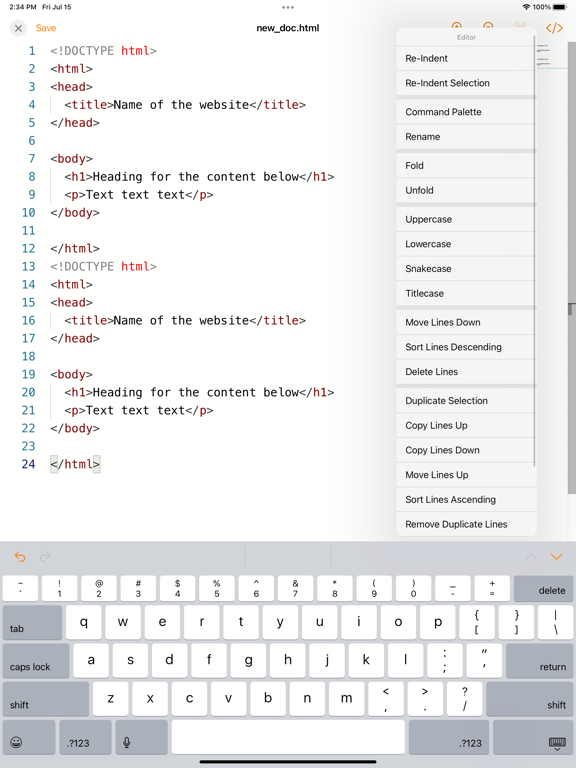
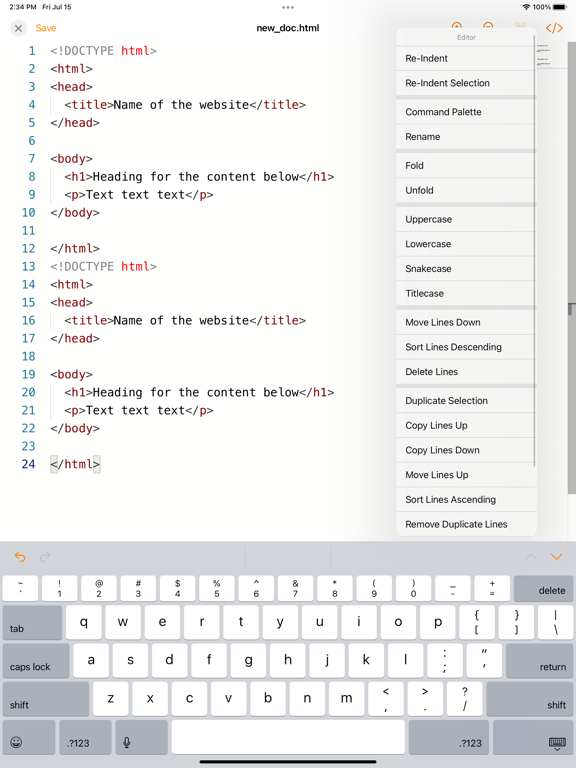
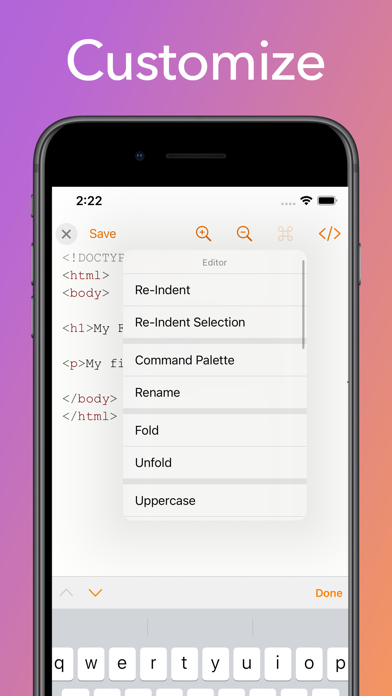
Re-Indentation: Maintain consistent code formatting with Text Editor's re-indentation feature. Easily adjust the indentation of your code blocks, ensuring clean and organized code.
Wonderful Command Palette: Access Powerful Features with Ease
The text editor comes equipped with a fantastic command palette that provides quick access to a wide range of powerful features and functionalities. With just a few keystrokes, you can effortlessly execute commands, search for actions, navigate through menus, and customize your editing experience. The command palette enhances productivity by offering a streamlined way to perform tasks, saving you time and effort in finding and utilizing the editor's capabilities.
Text Editor is the go-to text editor for iOS users who require a comprehensive solution for editing any format. With its robust feature set, including auto-save, sharing options, document browser, file management capabilities, font customization, line numbers, minimal interface, themes, zoom, and re-indentation, Text Editor empowers you to edit your files with efficiency and precision. Experience the power of Text Editor and take your text editing to new heights.