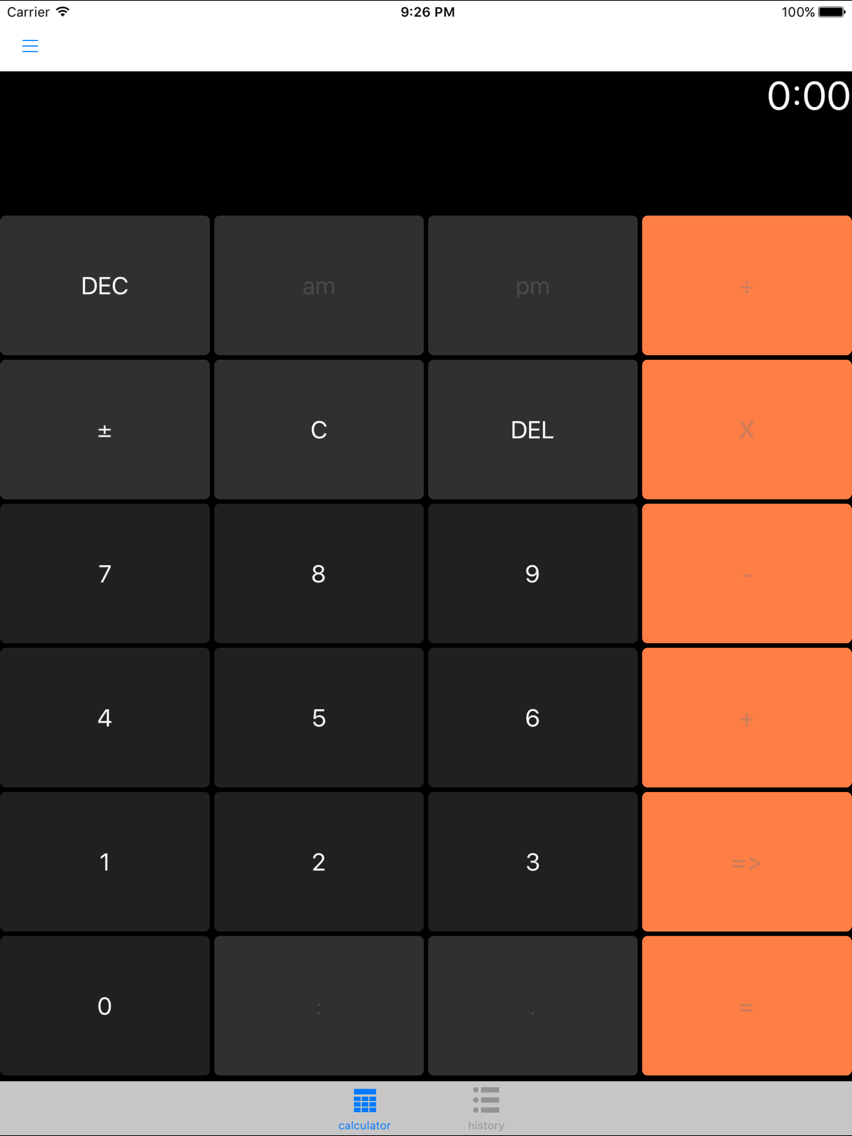
TimePlusTime includes two time calculators: A time span calculator that adds time spans and a flexible time calculator that does time calculations with time spans and times. In the advanced calculator the times can be in hh:mm format or in decimal format, e.g. 2:30 or 2.5.
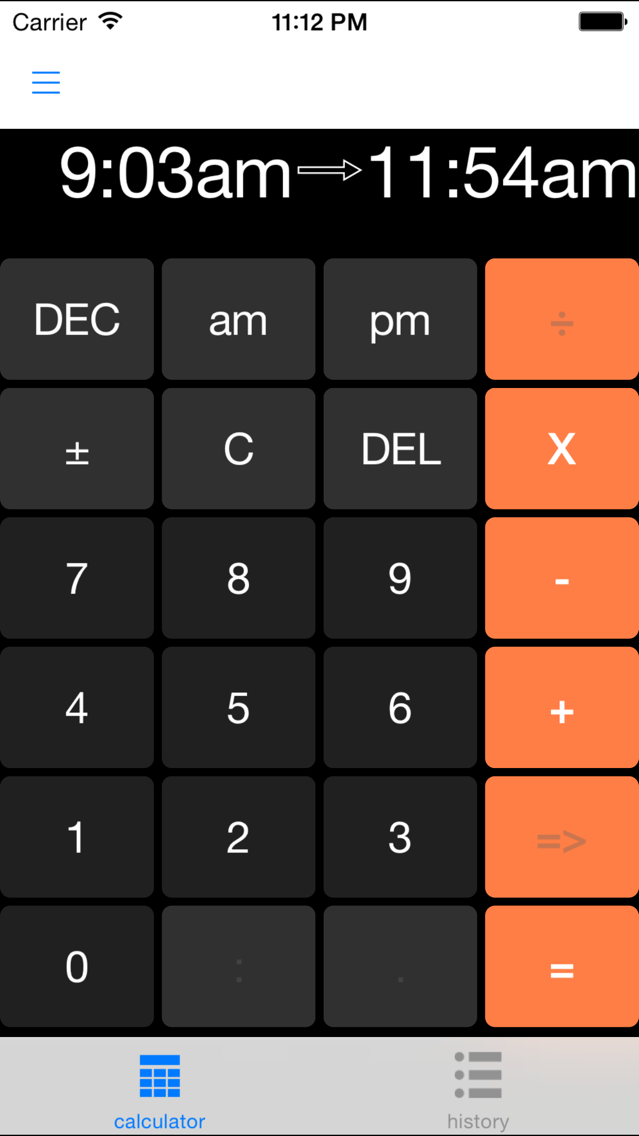
The Advanced calculator is a very flexible hours and minutes calculator.
It can be used to add (or subtract) a column of times to get the total time:
2:22
+3:12
+6:42
-15
-----------
12:01
In the example above -15 is -15 minutes. If you enter a value without the ':' it is assumed to be minutes.
It can be used to add decimal times:
2.25
2.5
----
4:45
The display output is normally hours:minutes, but can be changed to decimal format by hitting the DEC key)
It can be used to add times in hours and minutes with times in decimal format.
2:30
2.25
------
4:45
You can also enter time spans and add with other times spans or times
9:10am->11:56am
+ 1:12pm->3:33pm
- 10
-------
4:57
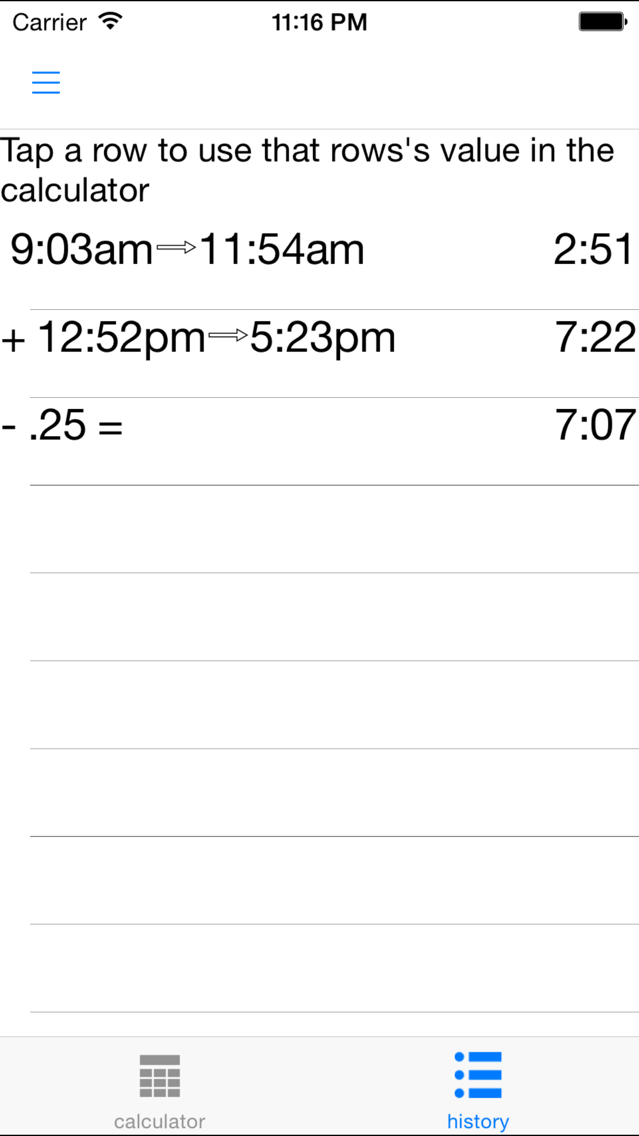
The history tab page shows a record of the calculator entries (similar to paper tape in a physical calculator). If you tap on a row in the list of history entries, the subtotal from that row will be entered as the start of a new calculation in the calculator.
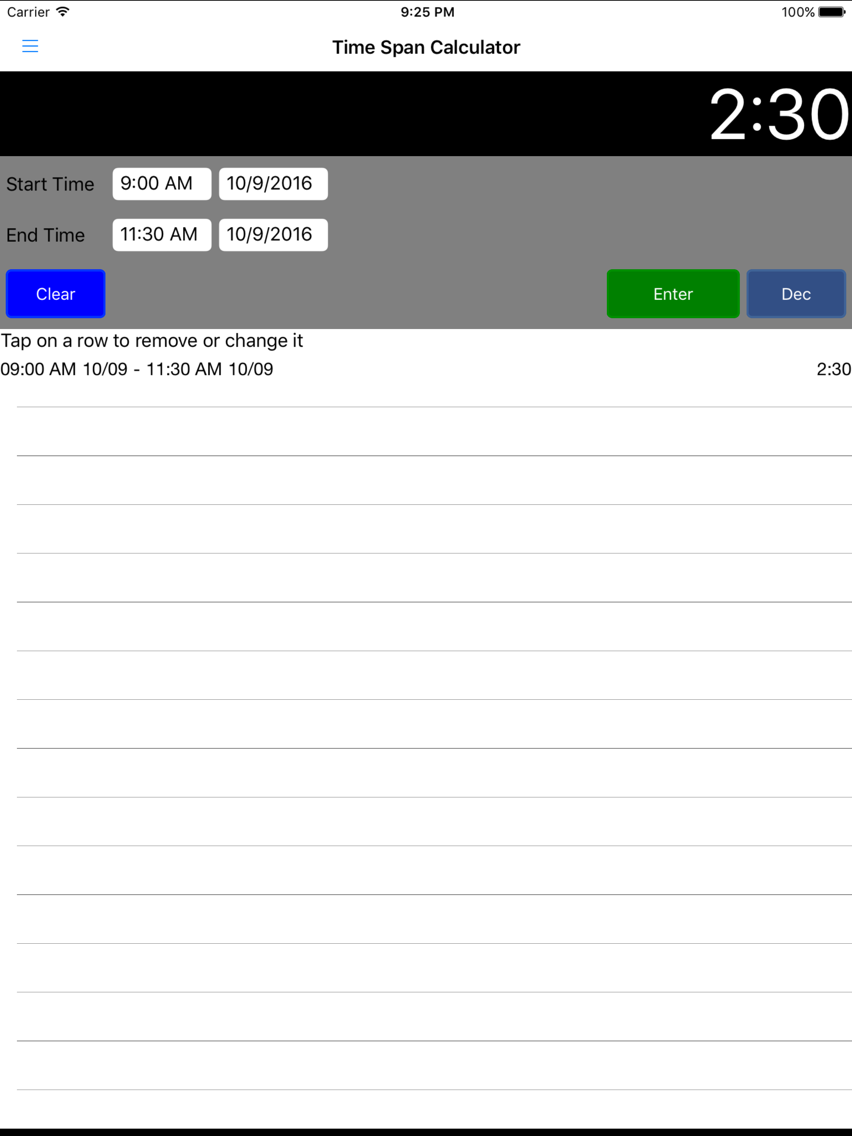
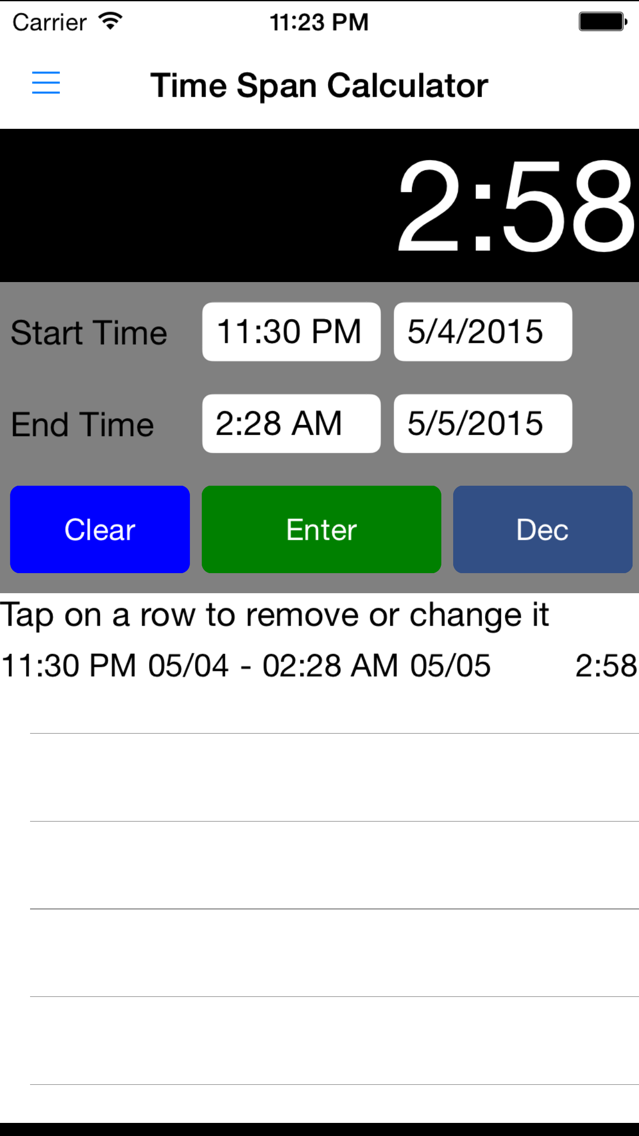
The Time Span calculator is a time calculator specifically for calculating the total time for an activity when you have start and end times.
For instance if you worked these hours:
Start: 9:13 AM
Break: 11:46 AM
Restart: 12:30 PM
2nd Break: 3:05 PM
Restart: 3:16 PM
End: 5:02 PM
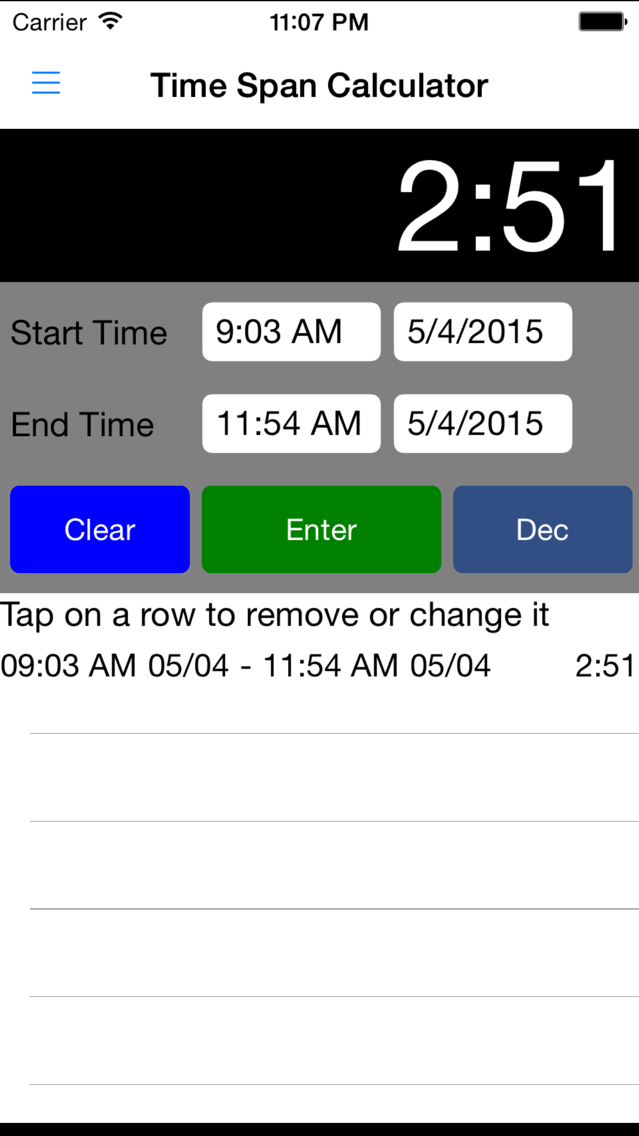
You would enter 9:13 AM and 11:46 AM for the Start and End time respectively. Then hit the Enter button. You will see the total time in the top right and a record or what you just entered below the Clear and Enter buttons.
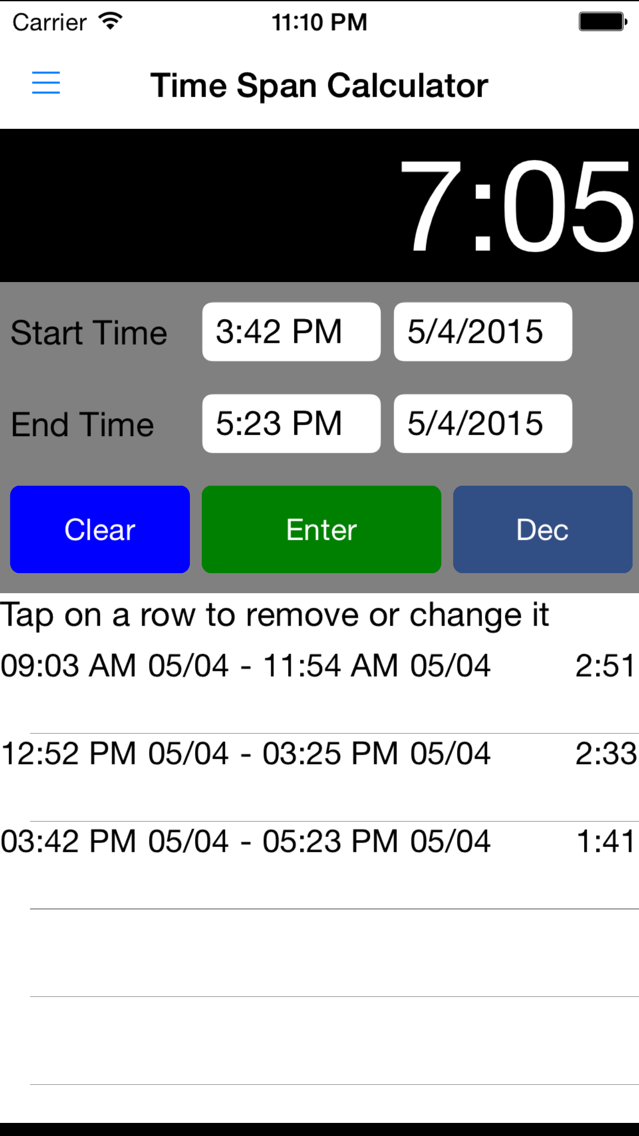
Next enter a Start time of 12:30 PM and an end time of 3:05 PM. The total time will update to 5:08 and there will be a new entry in the list of time periods. Finally, enter a Start Time of 3:16 and an End Time of 5:02. The total time is now 6:54.
If you made a mistake in entering one of the stop or end times you can always correct it. For instance, in the second time interval, you entered 12:30 to 3:05. If you really meant to enter 12:35 to 3:05, then tap on that row in the list. The Start and End times will be updated with those values. Change 12:30 to 12:35 and hit the Enter key. The times in the list and the total time will be updated for these new values.
The display of the total time defaults to hours:minutes. You can change this to hours in decimal format by pressing the DEC key; for instance 2:15 becomes 2.25 after pressing the DEC key. To change back to hours and minutes press the DEC again.
To start over, press the Clear button.