Perspective Grid Tool - Adjust
HK$ 58.00
1.0for Mac
Clovis Michel Pedroso Picanco
Developer
5.8 MB
Size
2018年03月20日
Update Date
Graphics & Design
Category
4+
Age Rating
Age Rating
Perspective Grid Tool - Adjust 螢幕截圖
About Perspective Grid Tool - Adjust
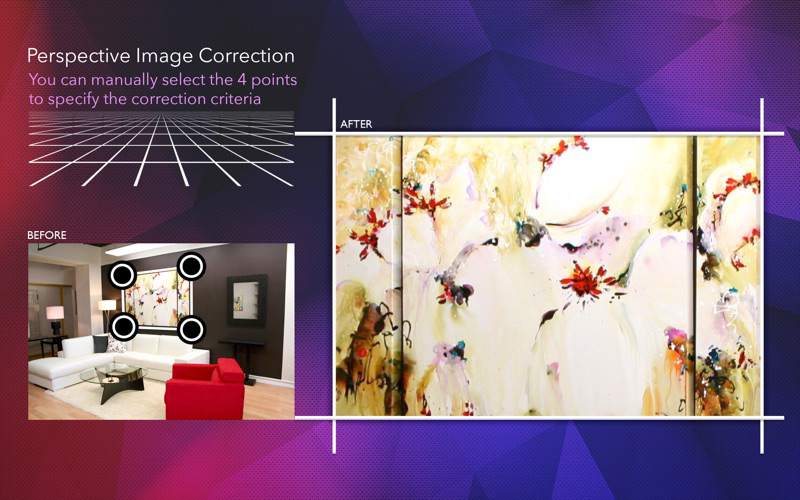
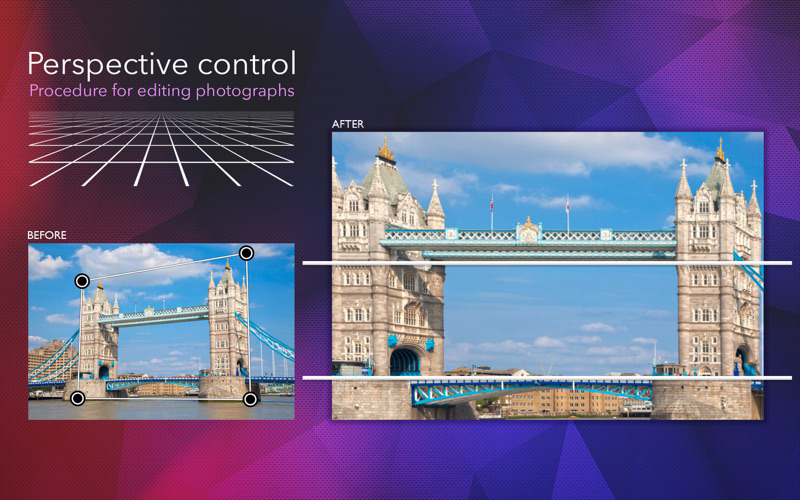
Sometimes the angle of your pictures is not quite right. Are you looking for a quick and easy way to fix the perspective of your photos? That’s what Perspective Grid Tool - Adjust does for you. Additionally, we offer 7 additional filters for an even better looking result.
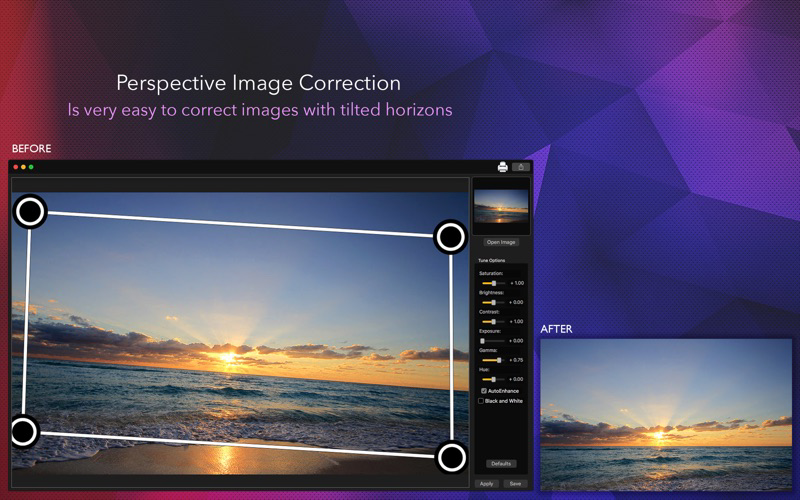
With a very easy to use interface, you can correct the perspective of any image in seconds, just load your image in, drag the control points to where you want the perspective to be, and click Apply. If you’re not satisfied with the result, click reset and try again!
Features:
1) Very simple and easy to use interface
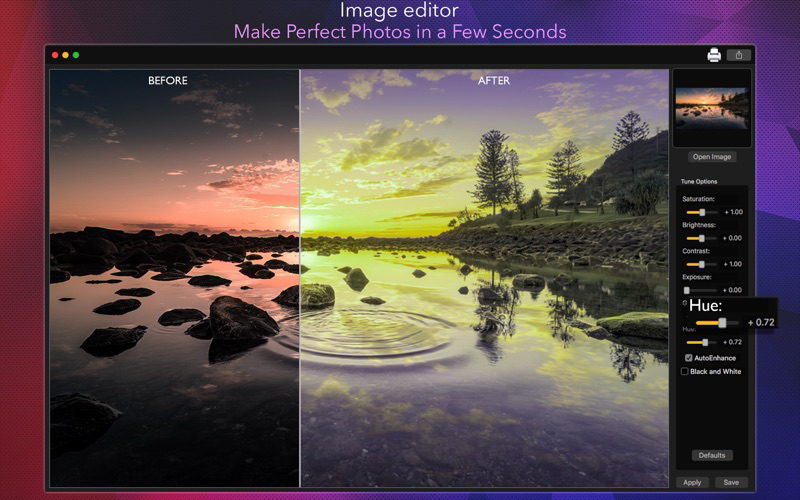
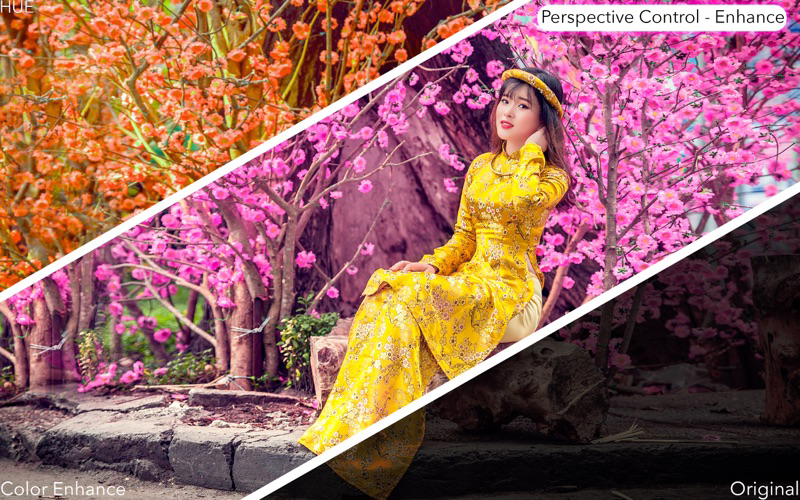
2) Preprocessing filters with 8 Color options: saturation, brightness, contrast, exposure, gamma, hue, automatic color enhance and black & white effect.
3) Zoom feature: makes it easier to drag the control points to the exact spot you want them to be.
4) Saving in different formats: JPG, PNG, BMP, JPG2000 and TIFF, with multiple features when saving such as resizing, rescaling and compressing.
5) Printing your work or sharing it on social media.
How to use:
1) Load your image into the app using the Open Image button.
2) Set the control points to the object you want it’ perspective fixed. When you’re done, click Apply.
3) Use the sliders and checkboxes on the right hand side to filter your image.
4) After fixing the perspective and filtering the result, click Save or the printer icon to share your result.

With a very easy to use interface, you can correct the perspective of any image in seconds, just load your image in, drag the control points to where you want the perspective to be, and click Apply. If you’re not satisfied with the result, click reset and try again!
Features:
1) Very simple and easy to use interface
2) Preprocessing filters with 8 Color options: saturation, brightness, contrast, exposure, gamma, hue, automatic color enhance and black & white effect.
3) Zoom feature: makes it easier to drag the control points to the exact spot you want them to be.
4) Saving in different formats: JPG, PNG, BMP, JPG2000 and TIFF, with multiple features when saving such as resizing, rescaling and compressing.
5) Printing your work or sharing it on social media.
How to use:
1) Load your image into the app using the Open Image button.
2) Set the control points to the object you want it’ perspective fixed. When you’re done, click Apply.
3) Use the sliders and checkboxes on the right hand side to filter your image.
4) After fixing the perspective and filtering the result, click Save or the printer icon to share your result.
Show More
最新版本1.0更新日誌
Last updated on 2018年03月20日
Version History
1.0
2018年03月20日
Perspective Grid Tool - Adjust FAQ
點擊此處瞭解如何在受限國家或地區下載Perspective Grid Tool - Adjust。
以下為Perspective Grid Tool - Adjust的最低配置要求。
Mac
須使用 macOS 10.11 或以上版本。