Animalize
Free
1.11for iPhone
Age Rating
Animalize Screenshots
About Animalize
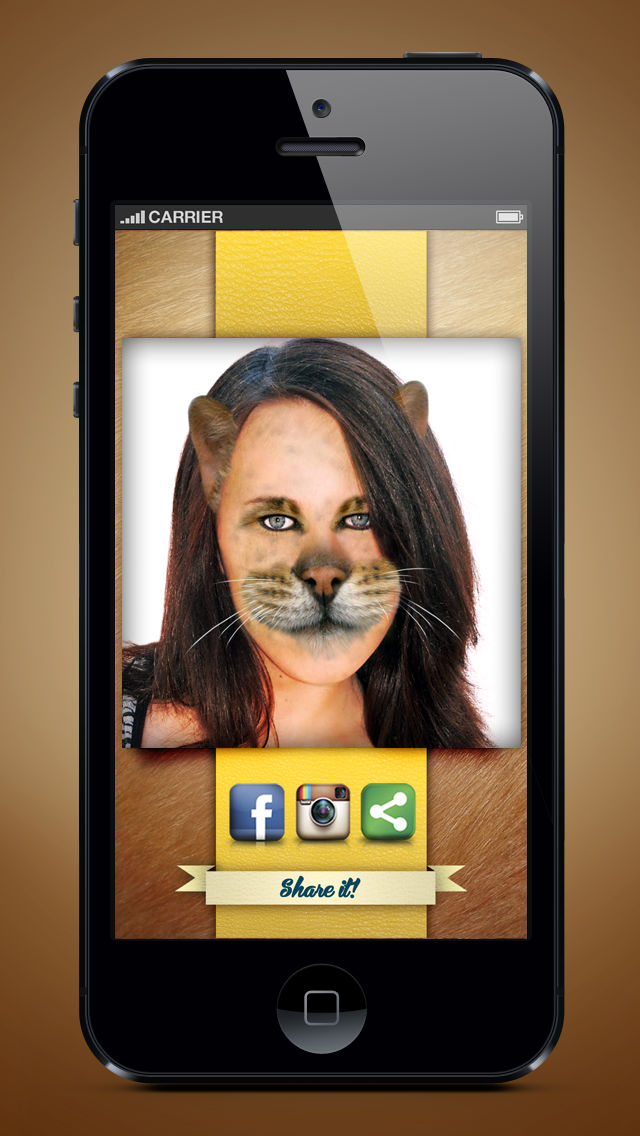
Welcome to Animalize! The first APP morphing application that allows you to transform your face into the one of an animal!
You can choose between different kinds of animal: dog, cat, pig, monkey, mouse and many more that our team will add to make the app even more complete, unique and fun (birds, snakes, frogs...)!
Transformation is very simple!
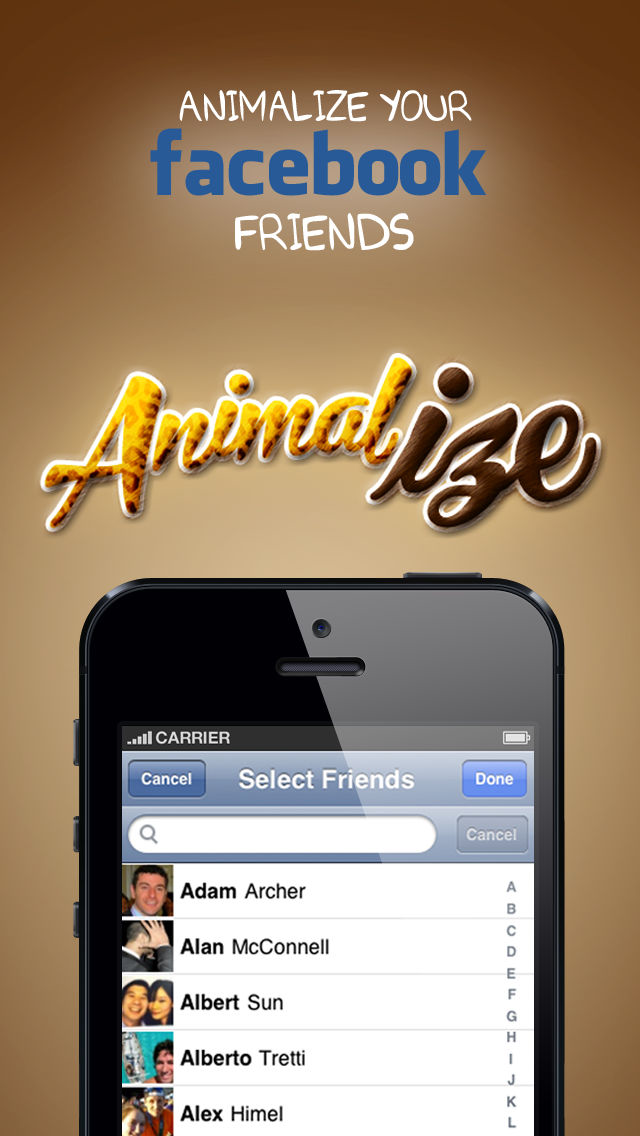
-Take photos of your facebook friends
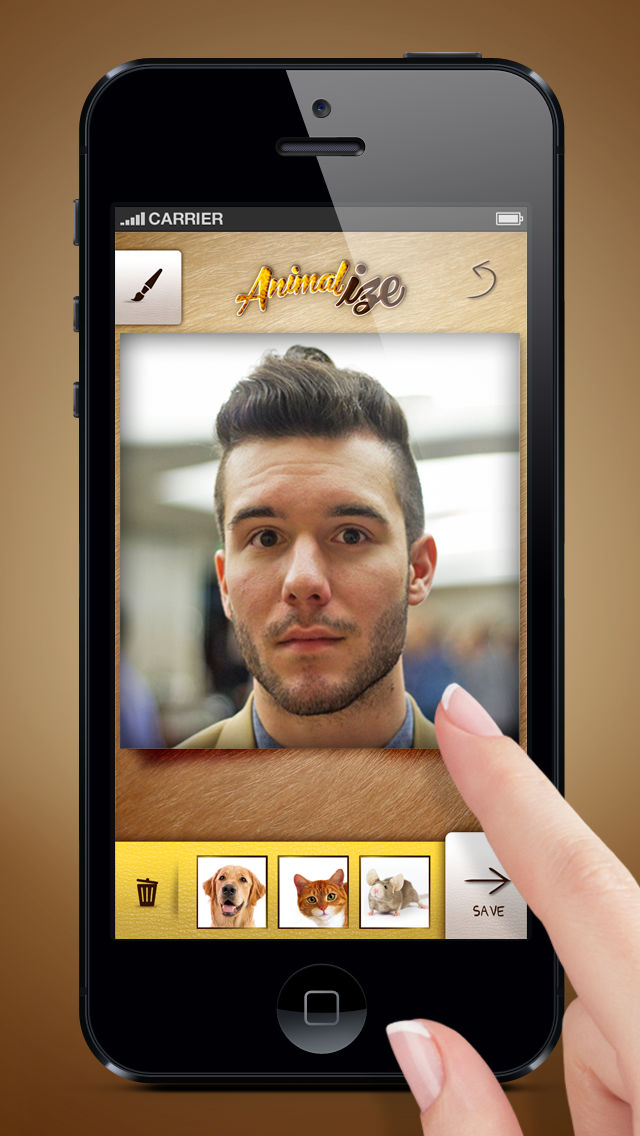
-Take a pic, pick one from the gallery* or choose one from the Facebook profile pic of your friends
- Select and cut the portion of photo that you wish to transform.
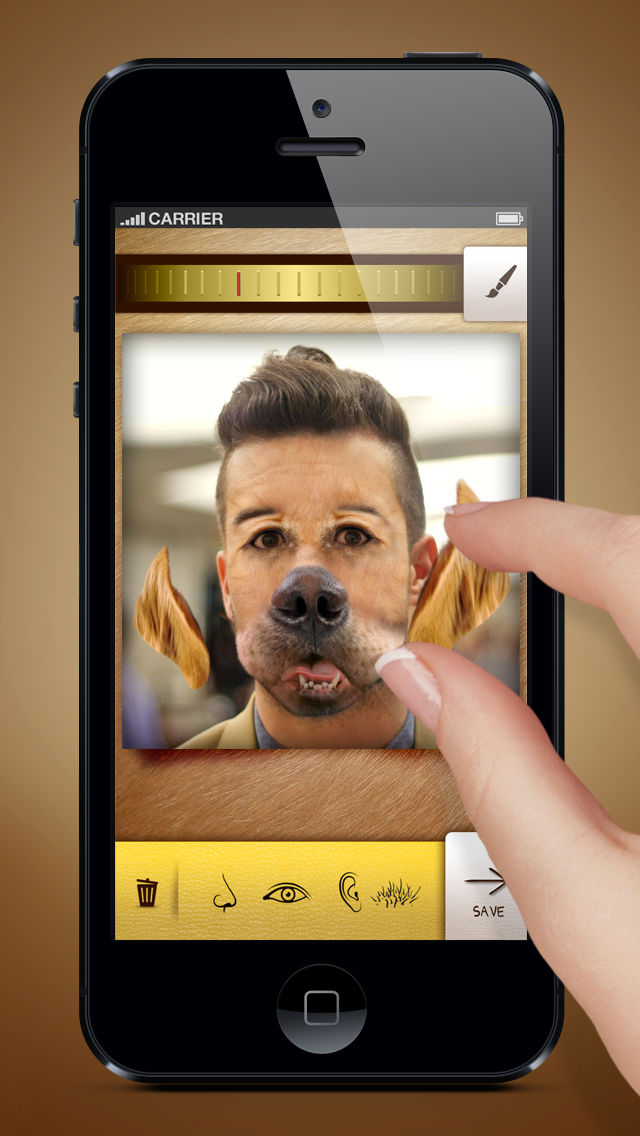
- Select the animal you want to use and move the features onto the photo. You can put the nose, eyes, mouth, ears and hair. For best results, we recommend that you always start from the hair, trying to cover more skin surface as possible, and then place the other features!
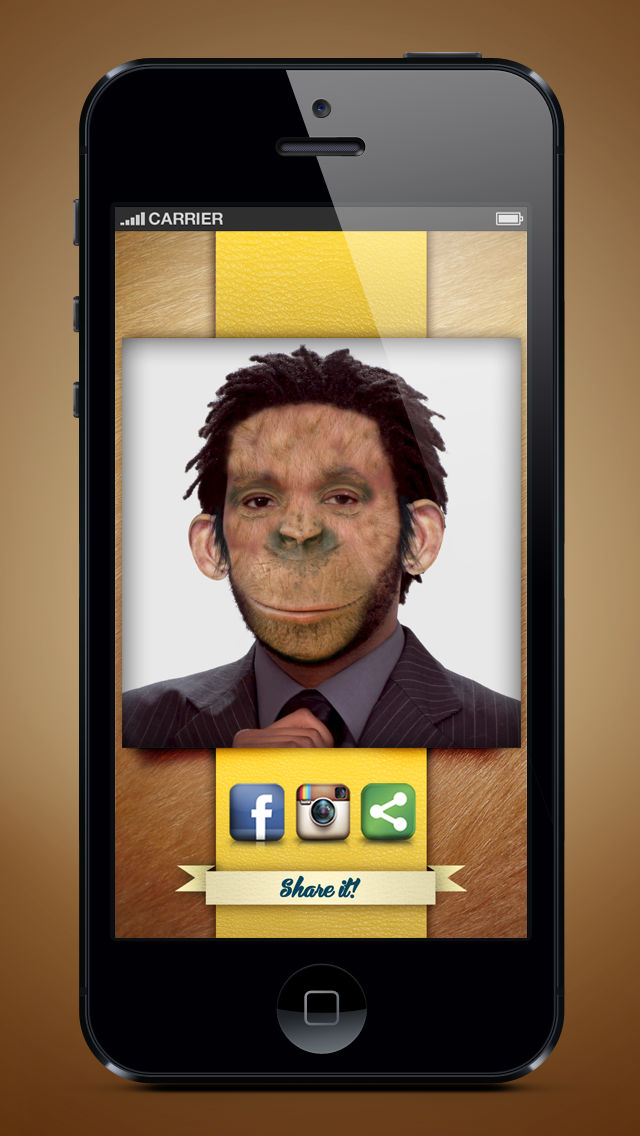
- Save the picture and share it with your friends! You can also use Facebook, Instagram, Twitter, Whatsapp, FB Messenger, Google+ and every software that allows multimedia sharing!
The picture is saved in the “Animalize” folder in your medialibrary (so that you can easily find all of your creations!)
Happy Animalizing!

You can choose between different kinds of animal: dog, cat, pig, monkey, mouse and many more that our team will add to make the app even more complete, unique and fun (birds, snakes, frogs...)!
Transformation is very simple!
-Take photos of your facebook friends
-Take a pic, pick one from the gallery* or choose one from the Facebook profile pic of your friends
- Select and cut the portion of photo that you wish to transform.
- Select the animal you want to use and move the features onto the photo. You can put the nose, eyes, mouth, ears and hair. For best results, we recommend that you always start from the hair, trying to cover more skin surface as possible, and then place the other features!
- Save the picture and share it with your friends! You can also use Facebook, Instagram, Twitter, Whatsapp, FB Messenger, Google+ and every software that allows multimedia sharing!
The picture is saved in the “Animalize” folder in your medialibrary (so that you can easily find all of your creations!)
Happy Animalizing!
Show More
What's New in the Latest Version 1.11
Last updated on Jan 21, 2014
Old Versions
Fix Bug Share with facebook
Show More
Version History
1.11
Jun 13, 2013
Fix Bug Share with facebook
Animalize FAQ
Click here to learn how to download Animalize in restricted country or region.
Check the following list to see the minimum requirements of Animalize.
iPhone
Animalize supports Catalan, Chinese, Czech, Danish, Dutch, English, Finnish, French, German, Greek, Hebrew, Hungarian, Italian, Japanese, Korean, Norwegian Bokmål, Polish, Portuguese, Romanian, Russian, Slovak, Spanish, Swedish, Turkish