Blaise Data Entry Client
Free
5.20.1171for iPhone, iPad
Age Rating
Blaise Data Entry Client Screenshots
About Blaise Data Entry Client
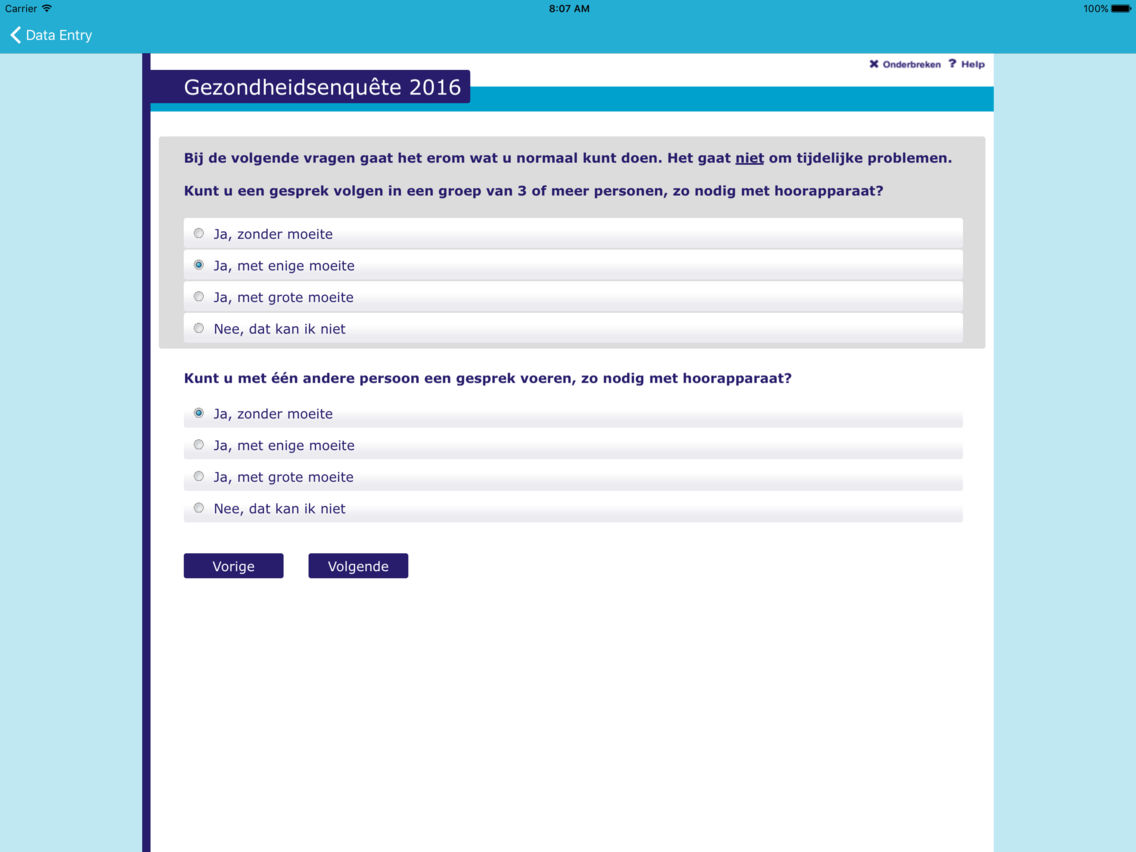
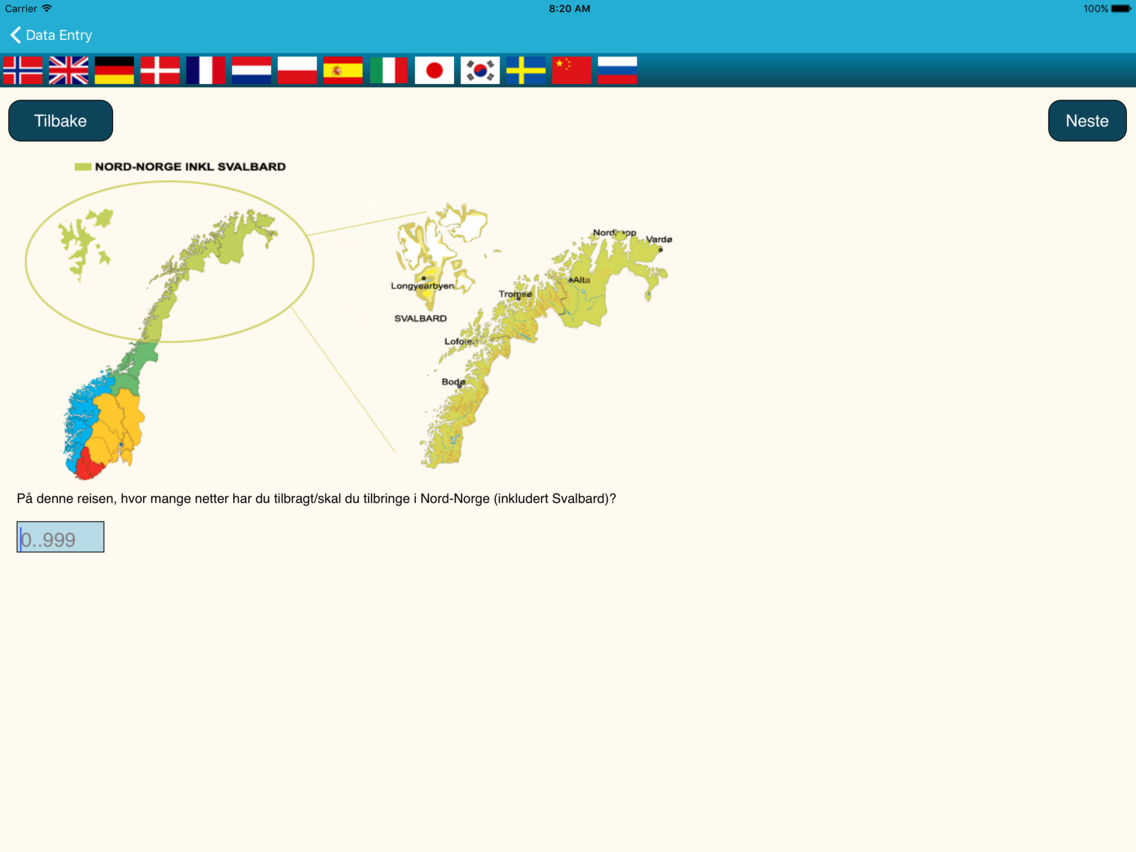
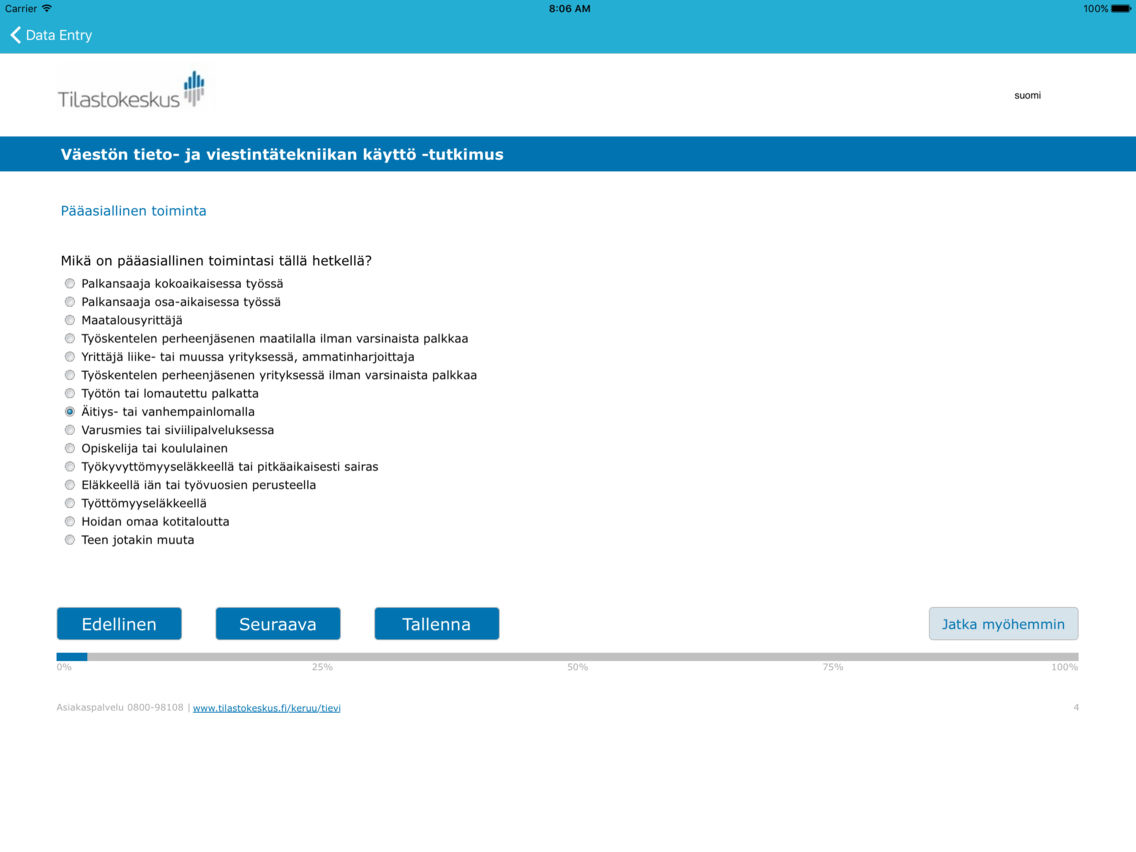
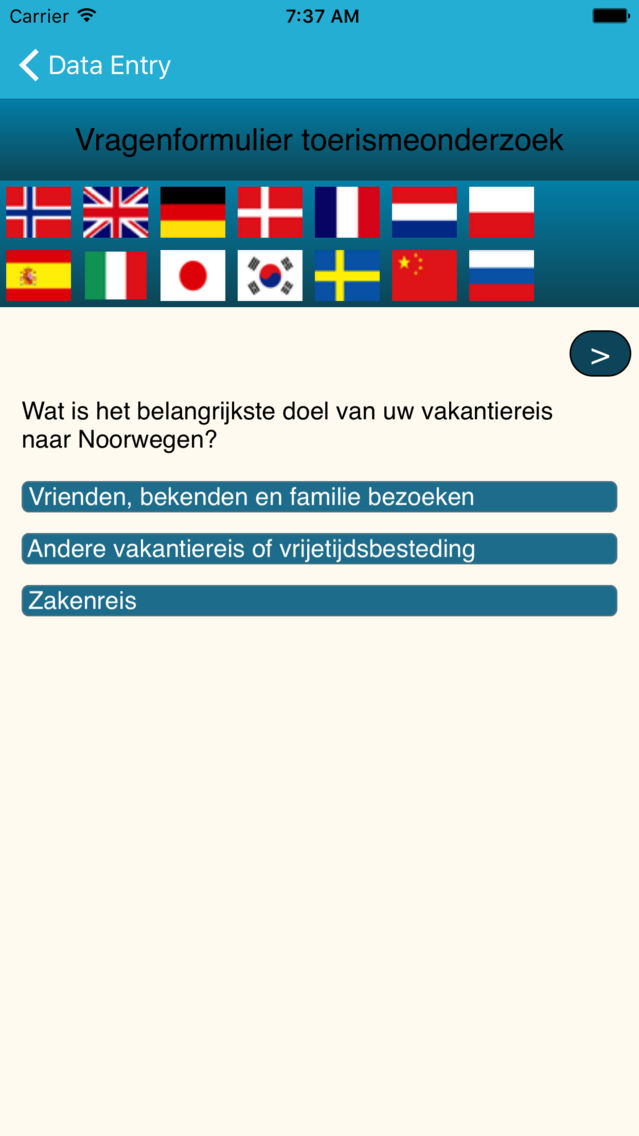
This app can be used as a data entry client for Blaise 5.2. Earlier Blaise versions are not supported because this new version uses token based security to communicate with the server. Token based security was not used by older Blaise 5 versions.
Blaise is a powerful and flexible software package used worldwide for statistical and scientific reserach. The software is developed and maintained by Statistics Netherlands.
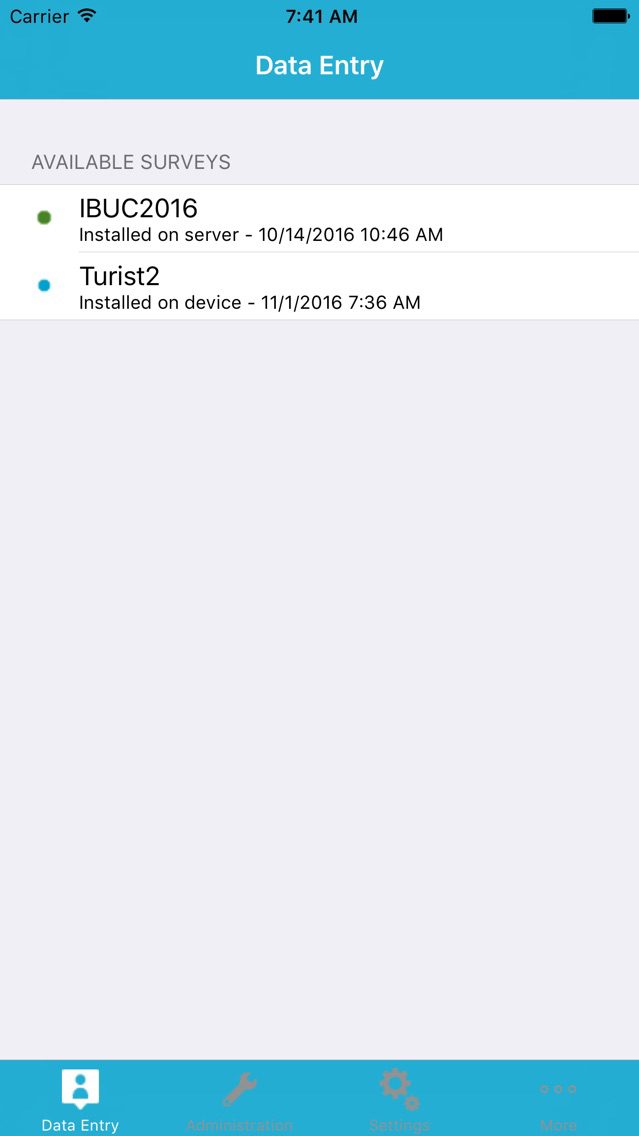
This app can be used for both online and offline surveys.
For online surveys it is required to have an internet connection for the duration of the survey, since the survey is running on a Blaise server park in this case. The app sends the answers to the questions to the server and the server calculates a response based on the given answers and the rules and checks that have been defined for the survey. The response is sent back to the app and displayed to the user.
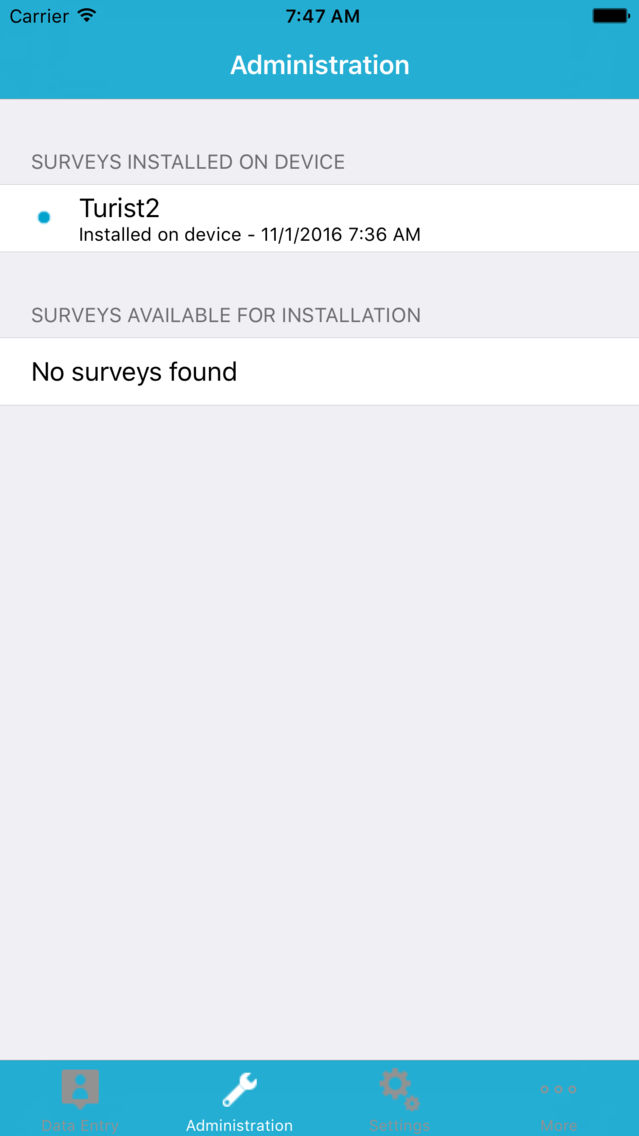
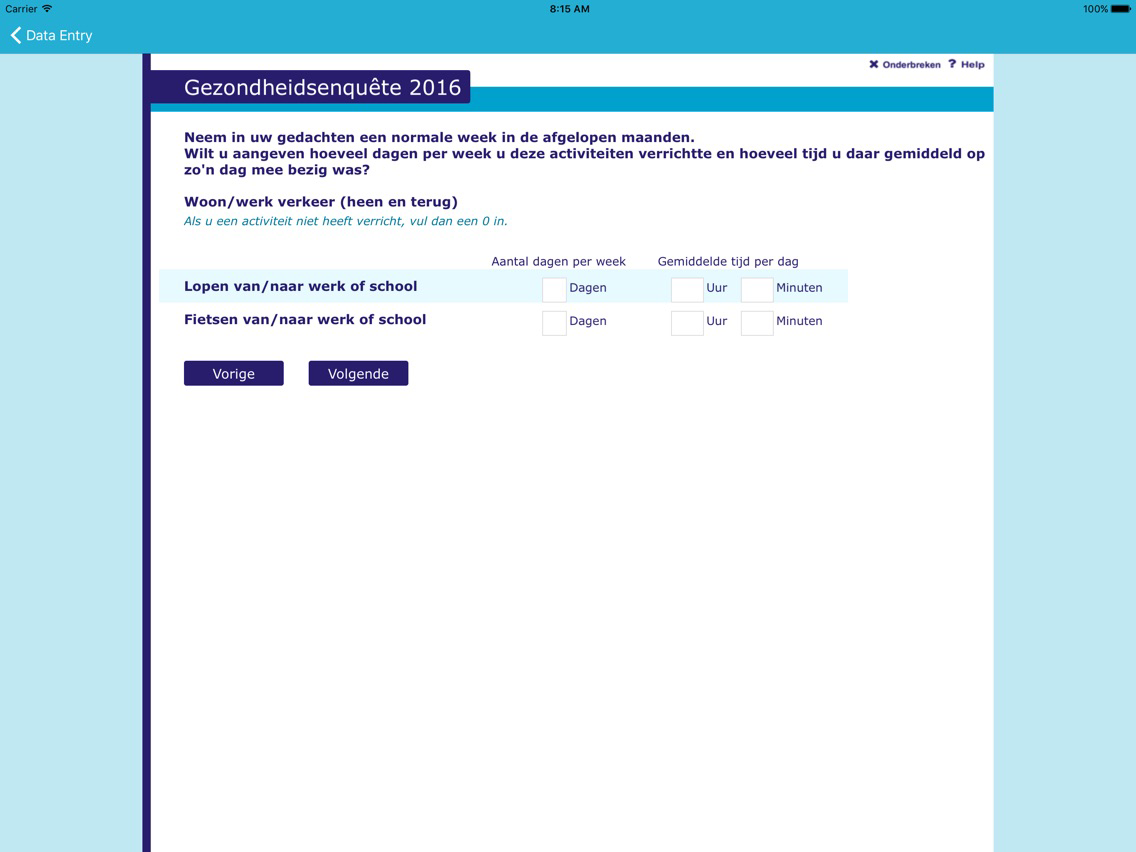
It is also possible to run a Blaise 5 survey offline. In order to do this you first need to download a survey package to the device. The app has the ability to do this. Once the survey is installed on your device, you don't need an internet connection any more to run the survey; the Blaise rules- and checking mechanism will then be performed on the device.
The collected data is stored in a secure location on the device and can be uploaded to the server at any time.

Blaise is a powerful and flexible software package used worldwide for statistical and scientific reserach. The software is developed and maintained by Statistics Netherlands.
This app can be used for both online and offline surveys.
For online surveys it is required to have an internet connection for the duration of the survey, since the survey is running on a Blaise server park in this case. The app sends the answers to the questions to the server and the server calculates a response based on the given answers and the rules and checks that have been defined for the survey. The response is sent back to the app and displayed to the user.
It is also possible to run a Blaise 5 survey offline. In order to do this you first need to download a survey package to the device. The app has the ability to do this. Once the survey is installed on your device, you don't need an internet connection any more to run the survey; the Blaise rules- and checking mechanism will then be performed on the device.
The collected data is stored in a secure location on the device and can be uploaded to the server at any time.
Show More
What's New in the Latest Version 5.20.1171
Last updated on Apr 5, 2017
Old Versions
Interview pages can now use the full screen. This is especially useful for smaller devices, i.e iPhones.
Https support has been added as a communication protocol.
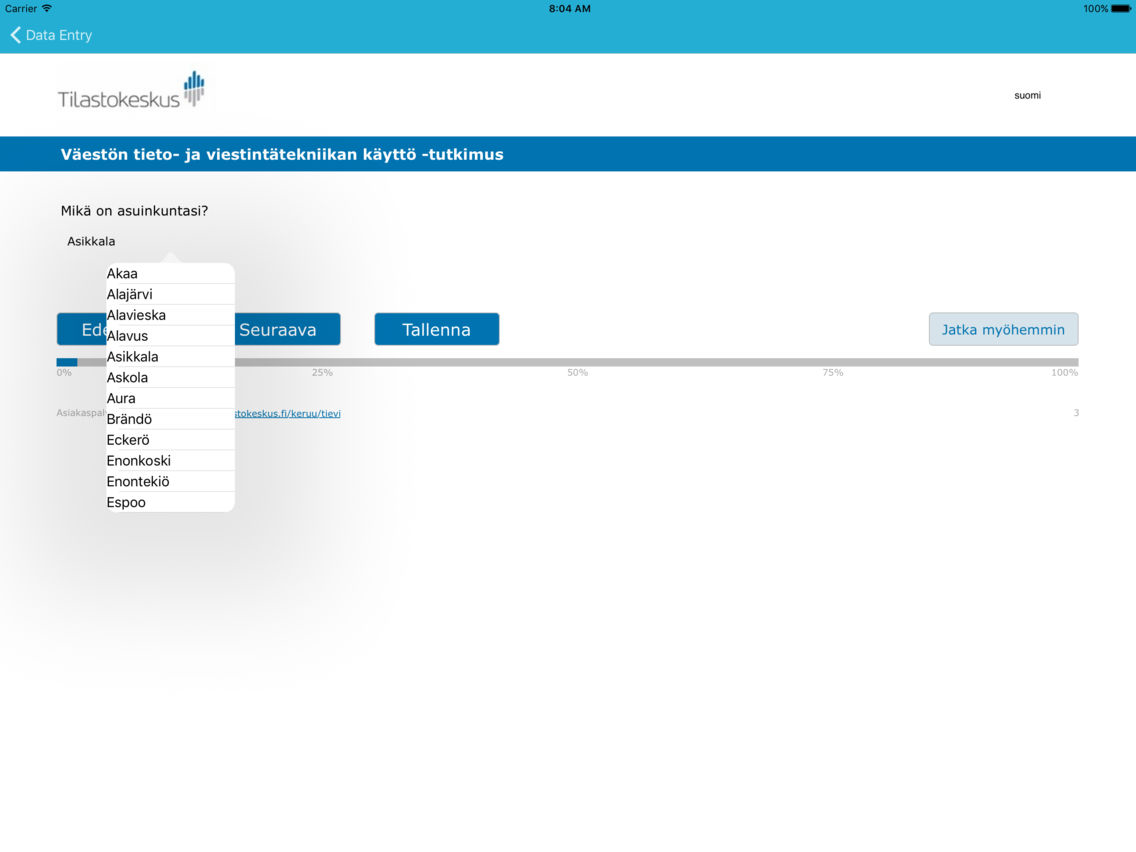
The classification control has been added
Contains several improvements and bug fixes.
Show More
Version History
5.20.1171
Nov 2, 2016
Interview pages can now use the full screen. This is especially useful for smaller devices, i.e iPhones.
Https support has been added as a communication protocol.
The classification control has been added
Contains several improvements and bug fixes.
Blaise Data Entry Client FAQ
Click here to learn how to download Blaise Data Entry Client in restricted country or region.
Check the following list to see the minimum requirements of Blaise Data Entry Client.
iPhone
iPad
Blaise Data Entry Client supports Dutch, English, French