CloudConvert
Free
1.1.5for iPhone, iPad
Age Rating
CloudConvert Screenshots
About CloudConvert
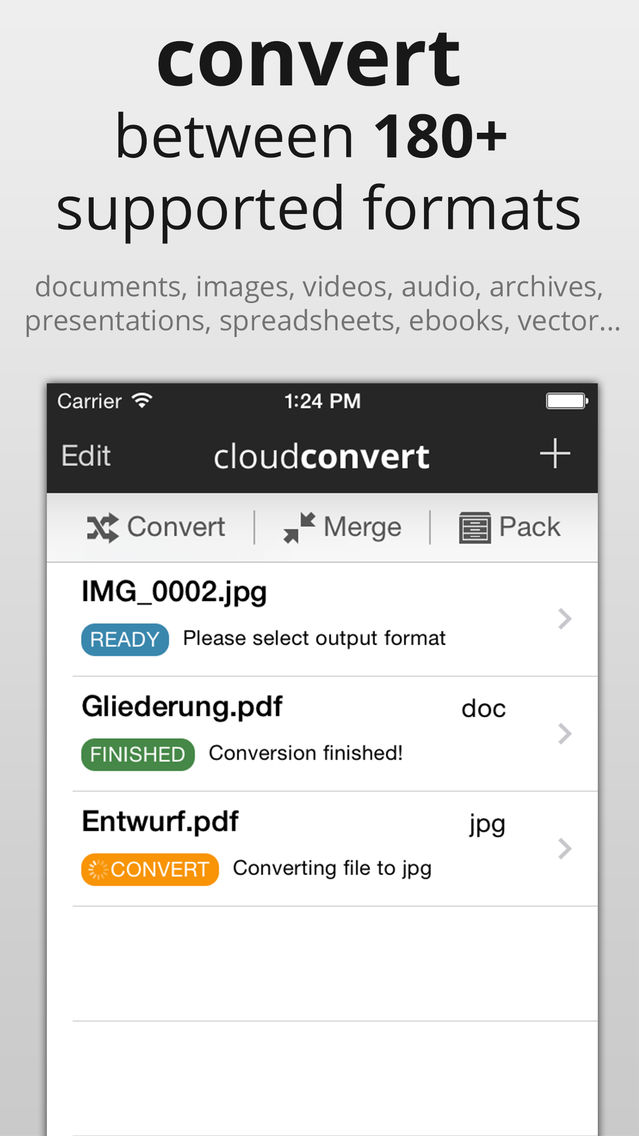
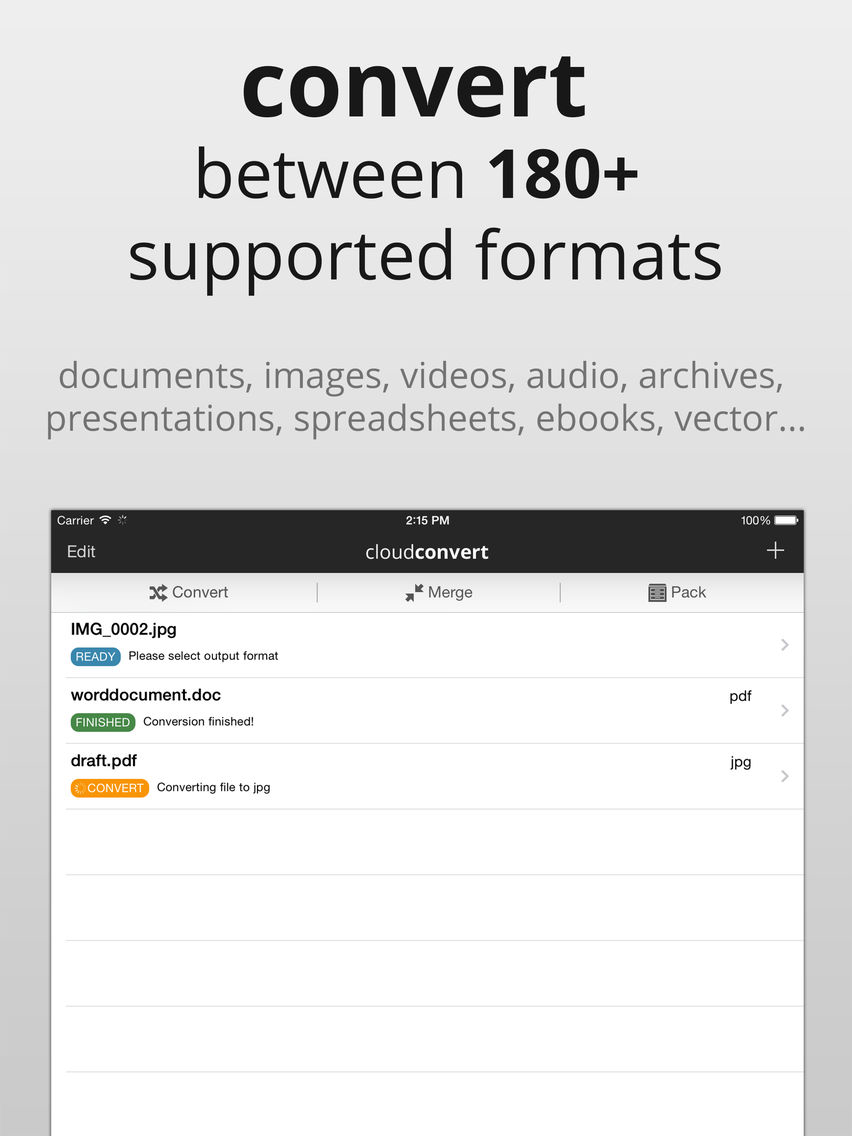
CloudConvert is a file conversion utility. More than 200 different formats are supported:
- document (PDF, DOC, DOCX, ODT, RTF, TXT...)
- image (PNG, JPG, SVG, WEBP, TIF, RAW...)
- video (MP4, MKV, AVI, MPG, 3GP, FLV, WMV, OGG...)
- audio (MP3, AAC, M4A, FLAC, WMA, WAV...)
- ebook (MOBI, EPBUB, CBC, AZW...)
- archive (ZIP, RAR, 7Z, TAR.BZ2...)
- spreadsheet (XLS, XLSX, ODS, CSV...)
- presentation (PPT, PPTX, ODP...)
Some example conversions:
* DOCX / PPTX / XLSX to PDF
* PDF to DOC
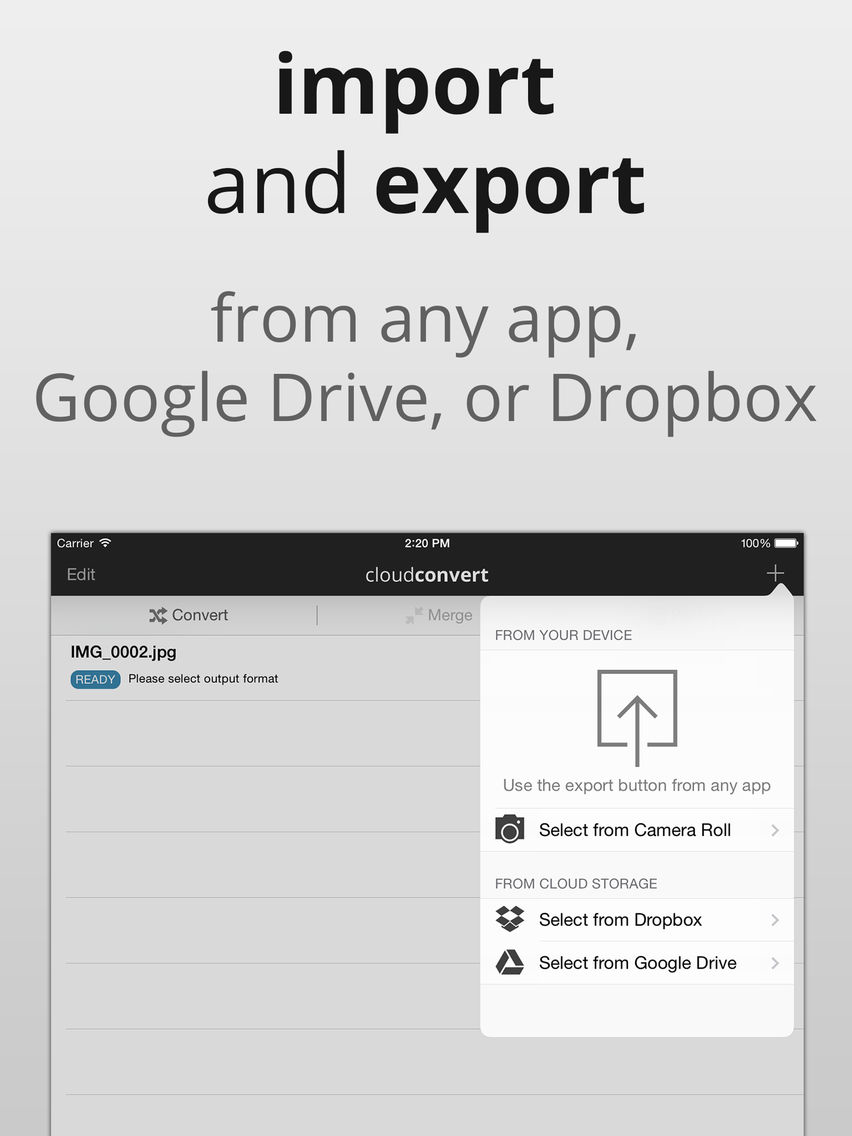
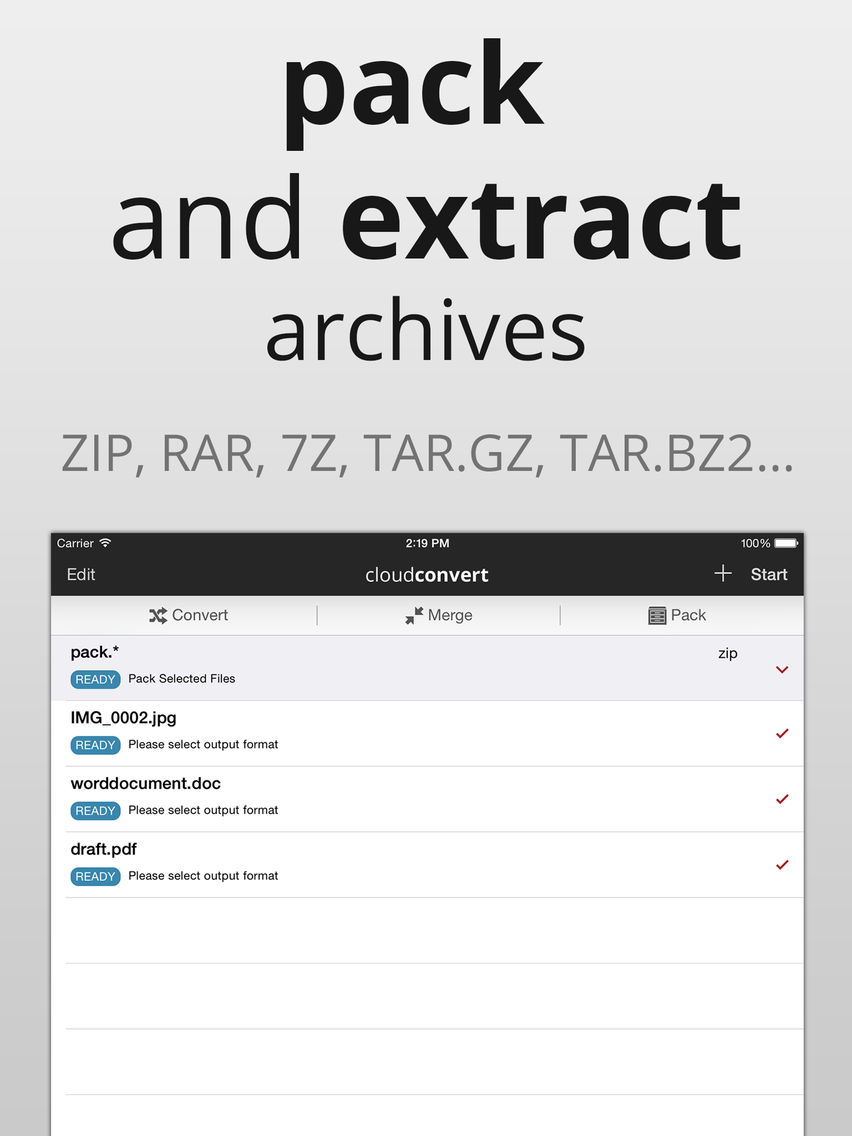
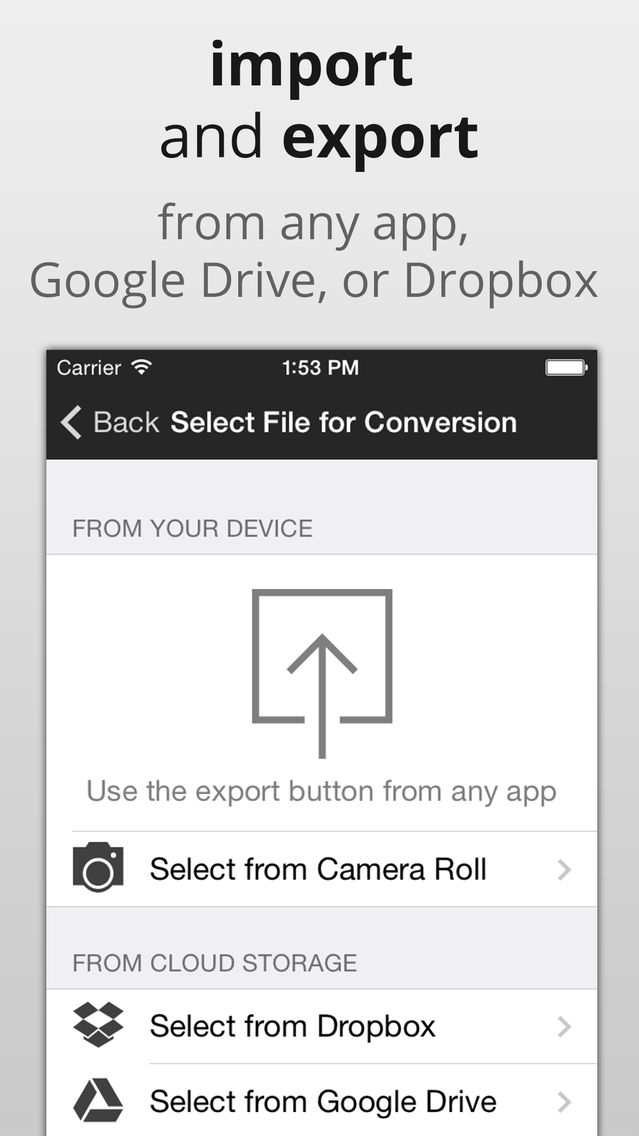
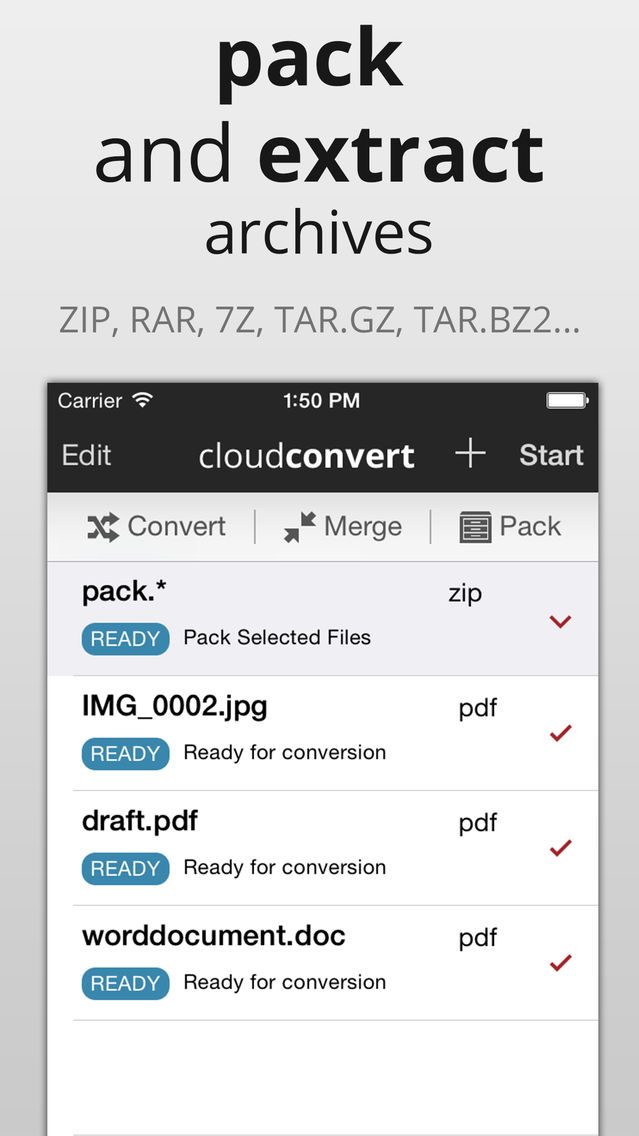
* extract ZIP, RAR etc in Google Drive / Dropbox
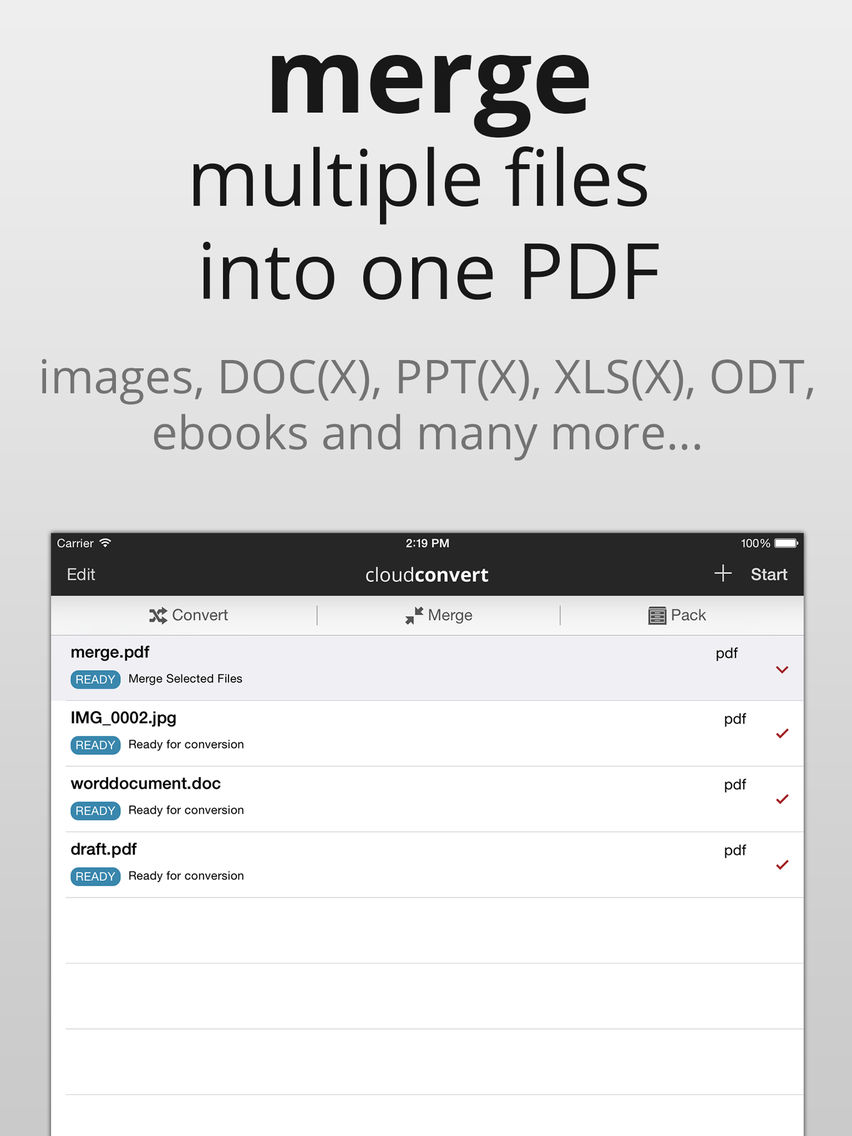
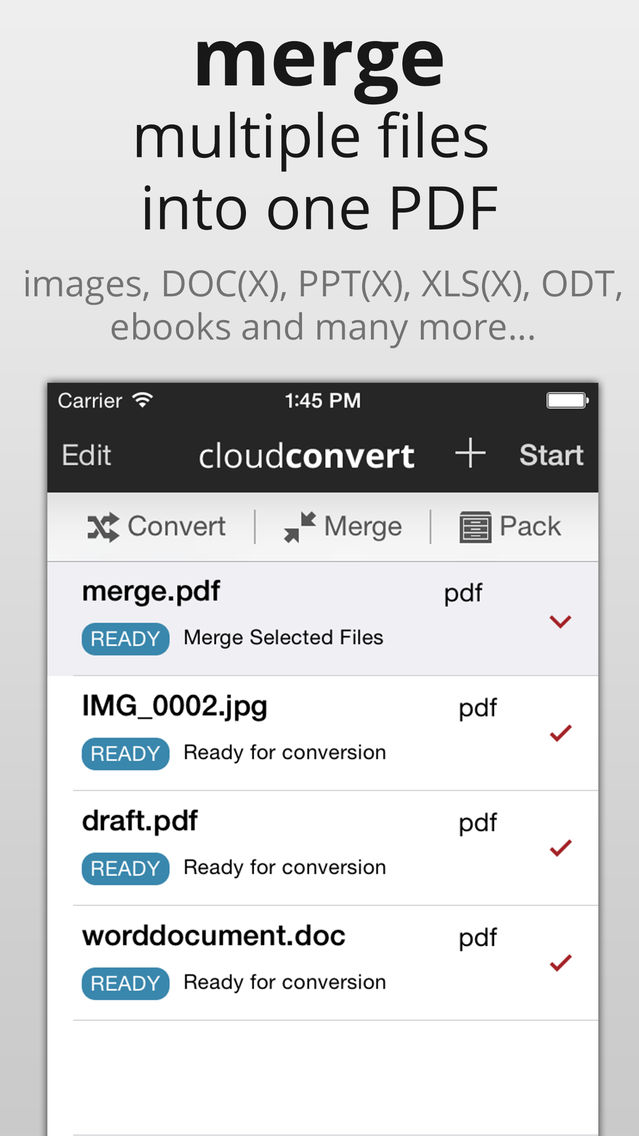
* combine multiple PDFs, JPGs, DOCs into one PDF
* remove / add password protection of PDF files
* compress PDF files
* AVI to MP4
* M4A to MP3
* MOBI to PDF
* PNG to JPG
* and many many more. just try it out!
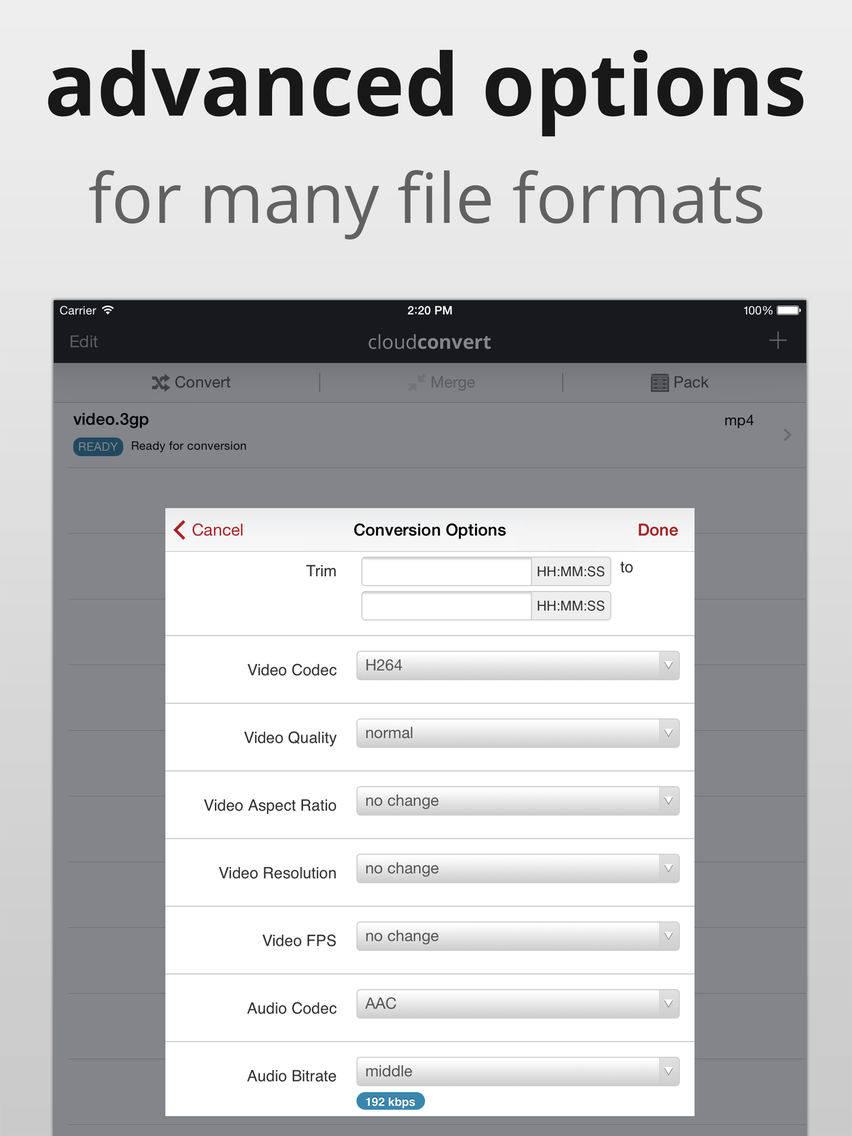
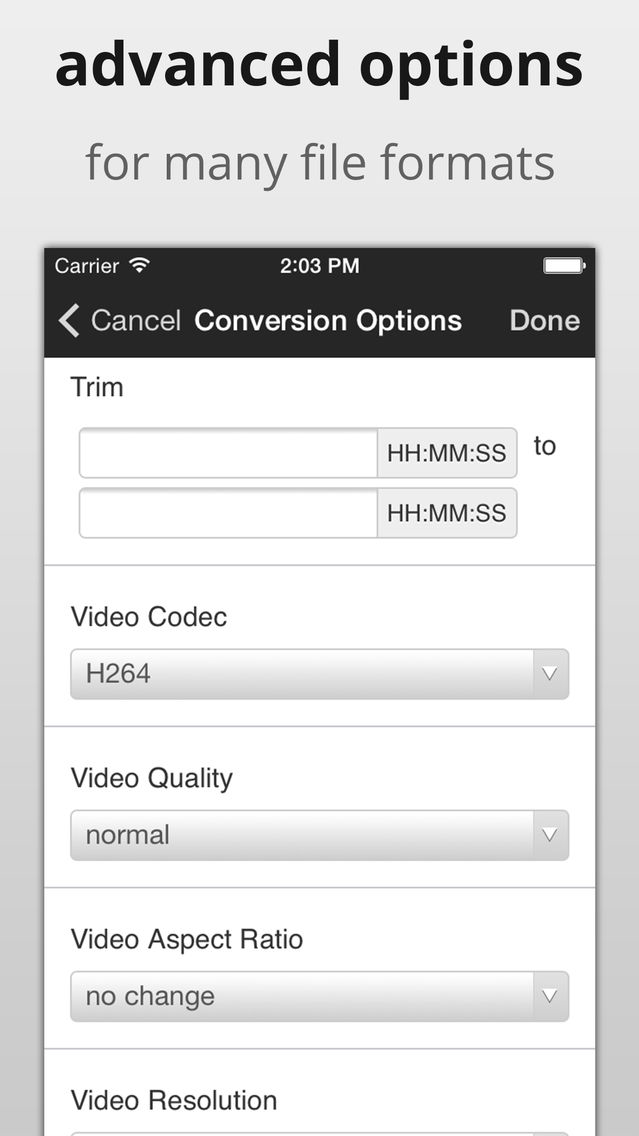
Most formats offer advanced options. So it is possible to specify custom settings like codecs, bitrate, resolution etc. for video conversions.
Please note that this app uses the online CloudConvert service (https://cloudconvert.com). This means that your files are uploaded to this service and afterwards downloaded on your device again. Therefore we recommend to not use our service with huge files on cellular. All files are transferred SSL encrypted and deleted immediately after the conversion is finished.
You can freely convert up to 10 files per day. Buying additional conversions can extend this limit. The functionality of this app for free users is not restricted except for this daily limit!
If you have any issues or feedback for us, contact us at: https://cloudconvert.com/contact Thank you!

- document (PDF, DOC, DOCX, ODT, RTF, TXT...)
- image (PNG, JPG, SVG, WEBP, TIF, RAW...)
- video (MP4, MKV, AVI, MPG, 3GP, FLV, WMV, OGG...)
- audio (MP3, AAC, M4A, FLAC, WMA, WAV...)
- ebook (MOBI, EPBUB, CBC, AZW...)
- archive (ZIP, RAR, 7Z, TAR.BZ2...)
- spreadsheet (XLS, XLSX, ODS, CSV...)
- presentation (PPT, PPTX, ODP...)
Some example conversions:
* DOCX / PPTX / XLSX to PDF
* PDF to DOC
* extract ZIP, RAR etc in Google Drive / Dropbox
* combine multiple PDFs, JPGs, DOCs into one PDF
* remove / add password protection of PDF files
* compress PDF files
* AVI to MP4
* M4A to MP3
* MOBI to PDF
* PNG to JPG
* and many many more. just try it out!
Most formats offer advanced options. So it is possible to specify custom settings like codecs, bitrate, resolution etc. for video conversions.
Please note that this app uses the online CloudConvert service (https://cloudconvert.com). This means that your files are uploaded to this service and afterwards downloaded on your device again. Therefore we recommend to not use our service with huge files on cellular. All files are transferred SSL encrypted and deleted immediately after the conversion is finished.
You can freely convert up to 10 files per day. Buying additional conversions can extend this limit. The functionality of this app for free users is not restricted except for this daily limit!
If you have any issues or feedback for us, contact us at: https://cloudconvert.com/contact Thank you!
Show More
What's New in the Latest Version 1.1.5
Last updated on Sep 3, 2016
Old Versions
- Support for new modes: Compress PDF, Unlock PDF, Protect PDF
- Fixes for Merge PDF and Archive Creation/Extraction
- Other bugfixes and stability improvements
- Fixes for Merge PDF and Archive Creation/Extraction
- Other bugfixes and stability improvements
Show More
Version History
1.1.5
Sep 3, 2016
- Support for new modes: Compress PDF, Unlock PDF, Protect PDF
- Fixes for Merge PDF and Archive Creation/Extraction
- Other bugfixes and stability improvements
- Fixes for Merge PDF and Archive Creation/Extraction
- Other bugfixes and stability improvements
1.1.4
Sep 1, 2016
- Support for new modes: Compress PDF, Unlock PDF, Protect PDF
- Fixes for Merge PDF and Archive Creation/Extraction
- Other bugfixes and stability improvements
- Fixes for Merge PDF and Archive Creation/Extraction
- Other bugfixes and stability improvements
1.1.3
Apr 10, 2015
Bugfixes and stability improvements.
CloudConvert never prompts you for a review. If you feel generous and have a couple of minutes, please leave a review. It makes a huge difference to us. Thank you in advance!
1.1.2
Dec 4, 2014
Bugfixes and stability improvements
1.1.1
Oct 20, 2014
Bugfixes and stability improvements
1.1.0
Oct 8, 2014
- Ready for iOS 8 & iPhone 6 (Plus)
- iCloud Drive support
- Bugfixes and stability improvements
- iCloud Drive support
- Bugfixes and stability improvements
1.0.2
May 15, 2014
Bugfixes and stability improvements
1.0.1
Apr 30, 2014
- Support for Pages, Keynote, Numbers files (experimental)
- Crash reporting
- Bug fixes
- Crash reporting
- Bug fixes
1.0.0
Apr 19, 2014
CloudConvert FAQ
Click here to learn how to download CloudConvert in restricted country or region.
Check the following list to see the minimum requirements of CloudConvert.
iPhone
iPad
CloudConvert supports English