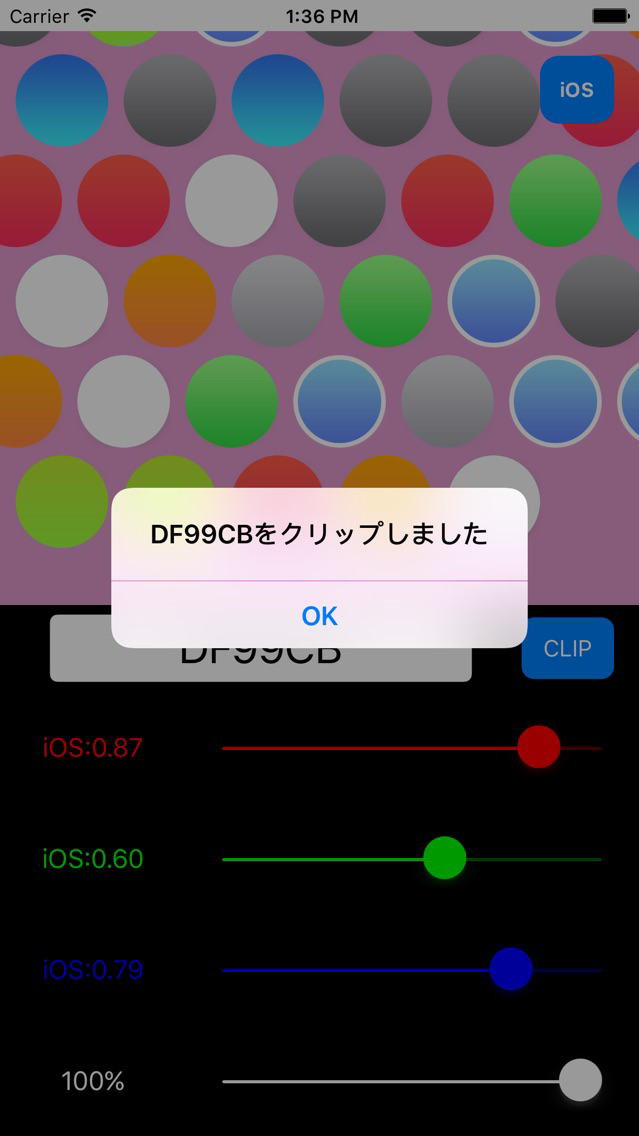
----- description ------
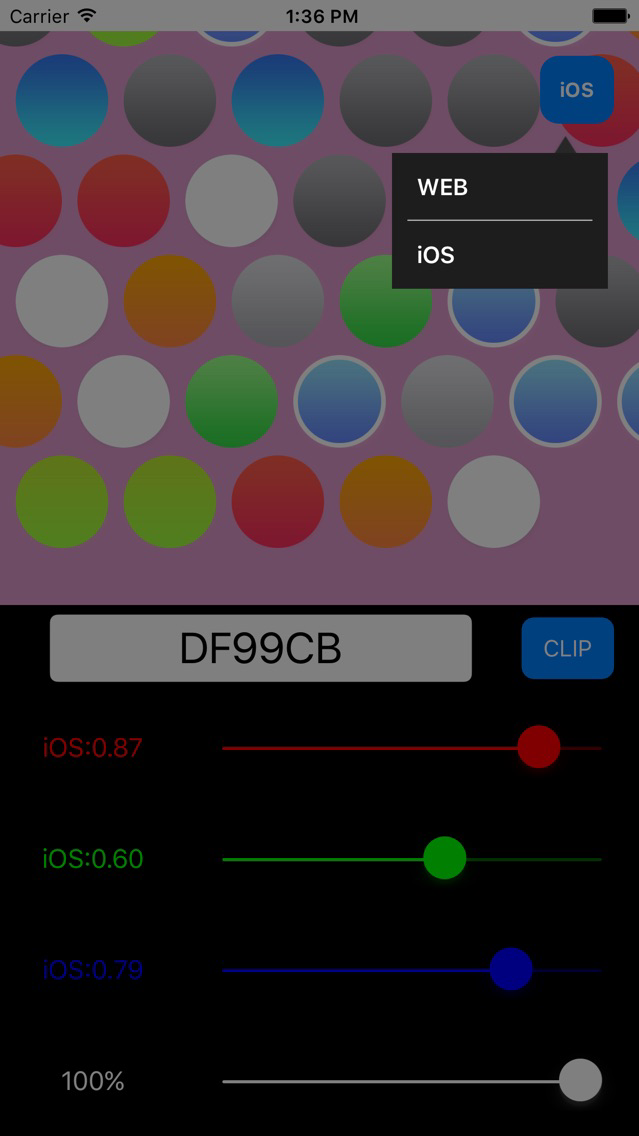
This is an application that the hexadecimal color code to convert the RGB values and 0-1 of iOS color value of decimal calculation.
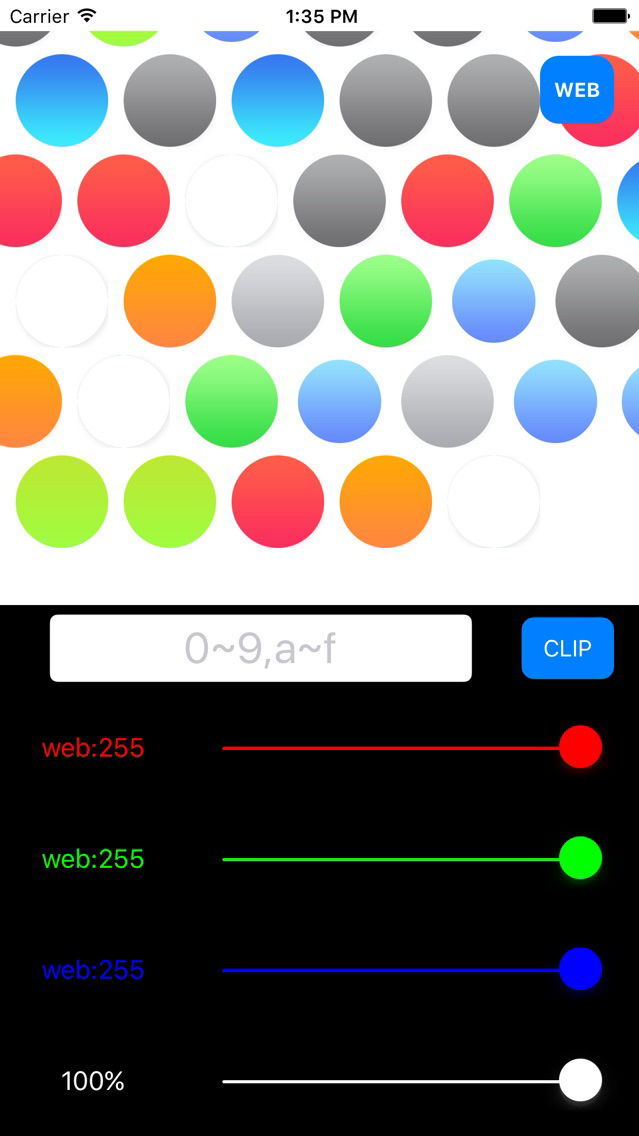
At the same time to display the three types of color values, you will be able to check the color of the value that is being displayed at the same time.
Color sky color and hat logo part of the scenery, and can be found in such as color of women's nails, you can check the fun colors.
We are complete all in one screen, there is no need for screen switching.
When I suffered to decide color at the time of application development, such as WEB and mobile, with intuitive operation, you can try a variety of colors.
----- function -----
-- Color confirmation of --
Confirmation of color, the color of the sky and the hat logo part of the scenery of the photo, you can see, such as the color of the women's nails.
-- The conversion by the input --
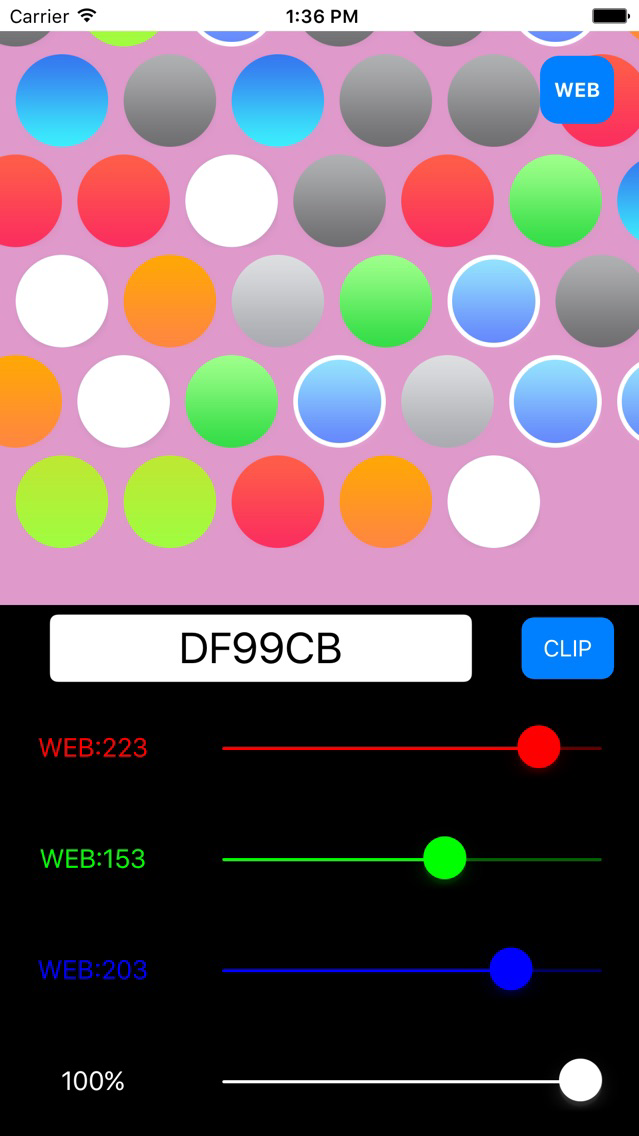
If you enter the color code in the input area of the balloon part, RGB values, it is converted to iOS color value, it will appear to the left of the slider.
Also, you can check the actual color of the color code that you entered in the confirmation part of color.
For input, I will only accept hexadecimal color code.
Specifically, you will be prompted to enter a six-digit characters that are configured with a letter of up to numbers and A ~ F of up to 0-9.
If you enter the other characters, an error message is displayed.
-- The conversion by slider --
If you operate the slider part, RGB value, iOS color values can be varied, you can also check the color of that time in the confirmation part of color.
Also, you can check is converted to a color code to input part of the balloon is the value at that time.
Since during the operation of the slider part also continue to simultaneous conversion, without keyboard input, you can check the three types of conversion calculation of color values.
Alpha value is slider part also can be selected, not only color, you can also check the transmission.
Diamond mark according to transparent and looks like is seen through.