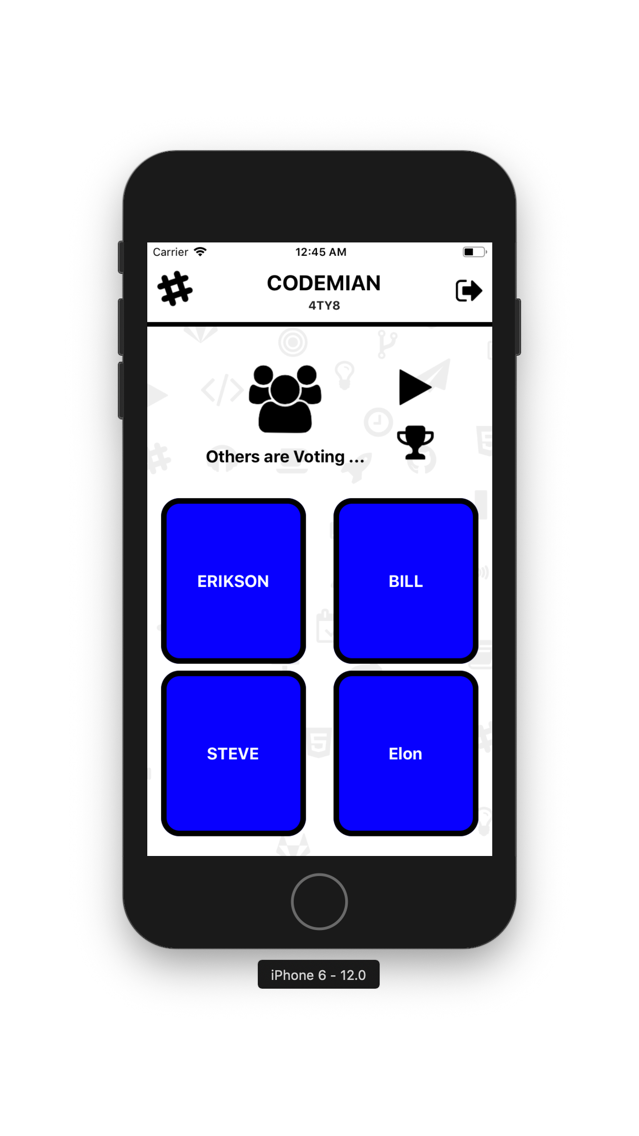
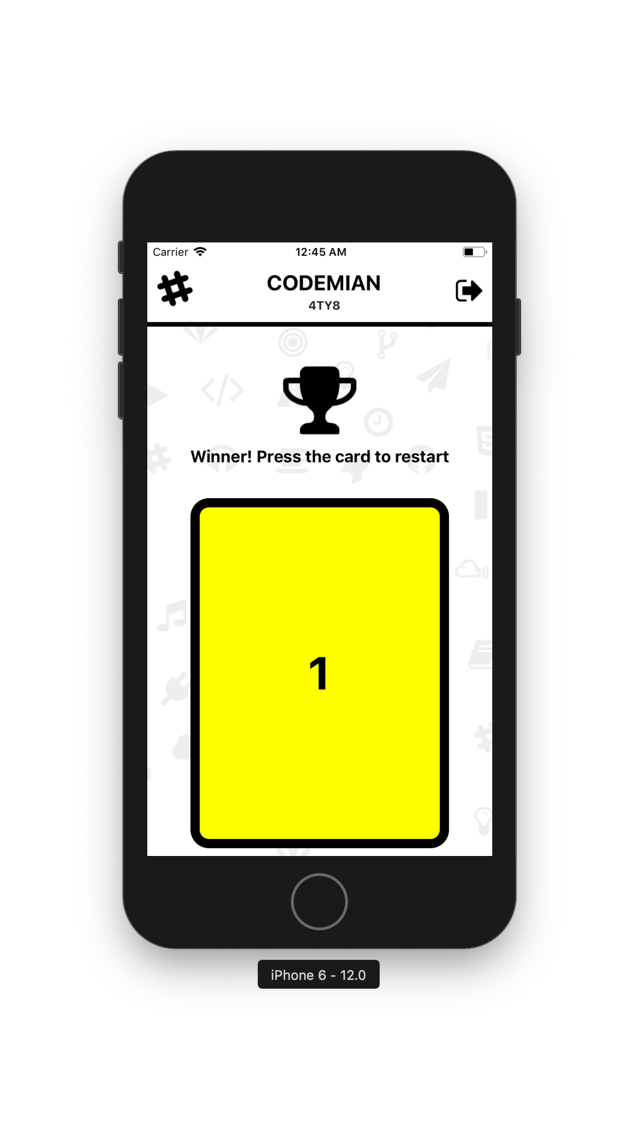
Deck Screenshots
About Deck
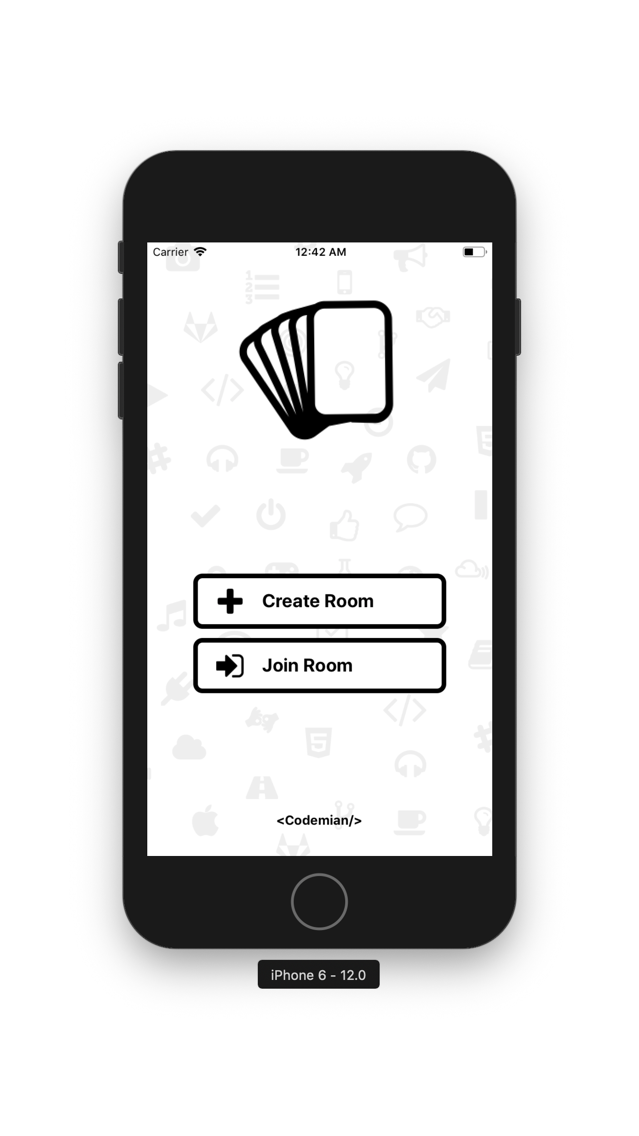
Plan your tasks with your team with the best application to create and join planning rooms.
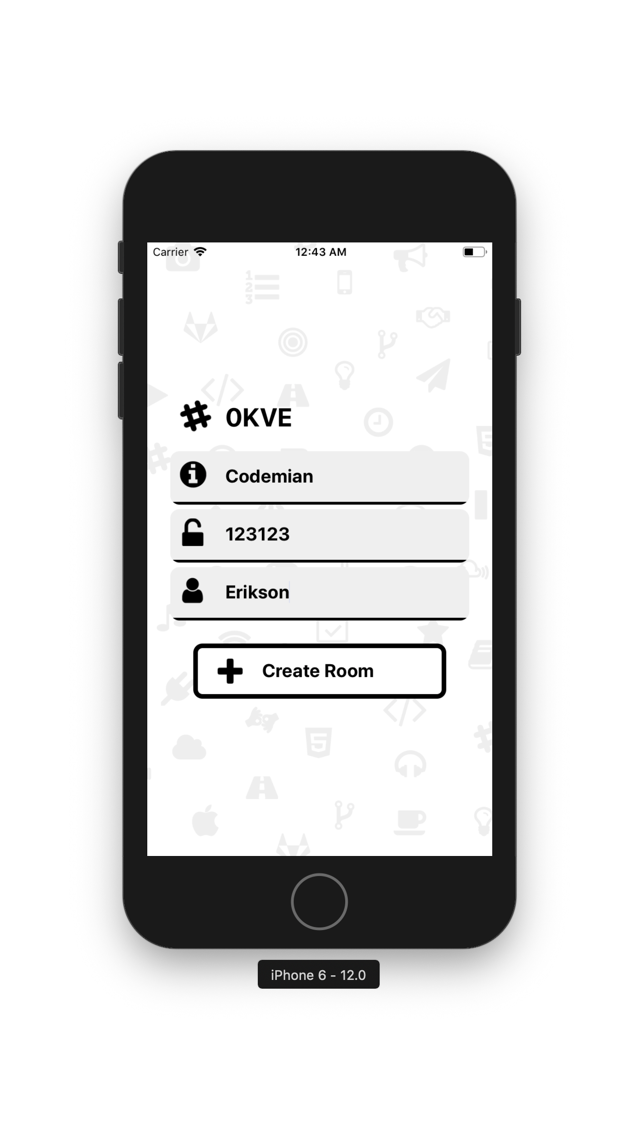
Create a planning room and invite your teammates to join your room.
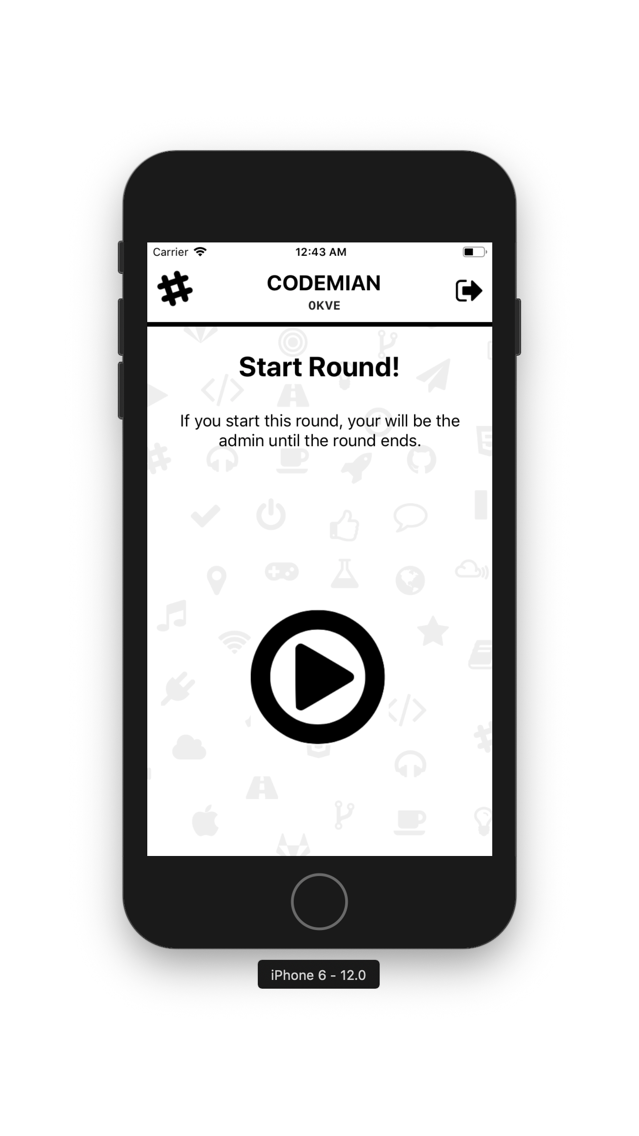
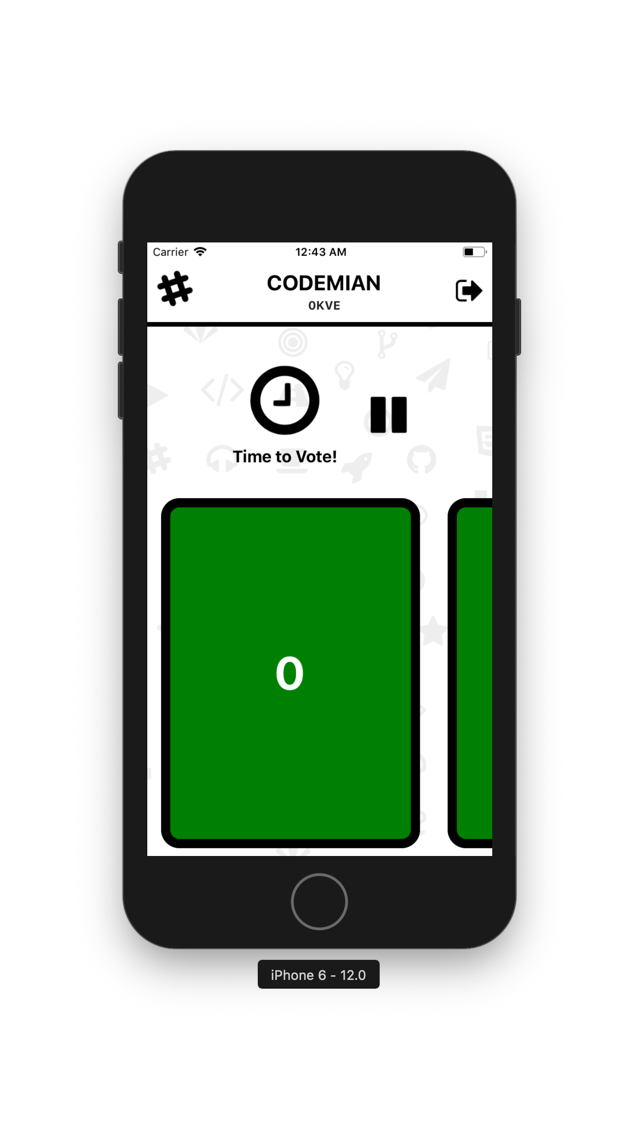
Once you are ready, start the planning session and estimate the tasks by choosing a card and wait for the others participant to send their estimation. When the planning session’s admin(the user who starts the session) decides there te enough votes, he will stop the actual planning session and the participants will see the result.
All this magic happens in real-time. So let’s start the planning sessions with Deck!!

Create a planning room and invite your teammates to join your room.
Once you are ready, start the planning session and estimate the tasks by choosing a card and wait for the others participant to send their estimation. When the planning session’s admin(the user who starts the session) decides there te enough votes, he will stop the actual planning session and the participants will see the result.
All this magic happens in real-time. So let’s start the planning sessions with Deck!!

Show More
What's New in the Latest Version 2
Last updated on Jul 5, 2019
Old Versions
Users are able to see when there are more than one winner card and some bugs has been fixed.
Show More
Version History
2
Jul 5, 2019
Users are able to see when there are more than one winner card and some bugs has been fixed.
1.1
Jan 29, 2019
Improvements in the Form UI.
Added the Company Logo.
Deck FAQ
Click here to learn how to download Deck in restricted country or region.
Check the following list to see the minimum requirements of Deck.
iPhone
Deck supports English