Age Rating
DesignToolsSt Screenshots
About DesignToolsSt
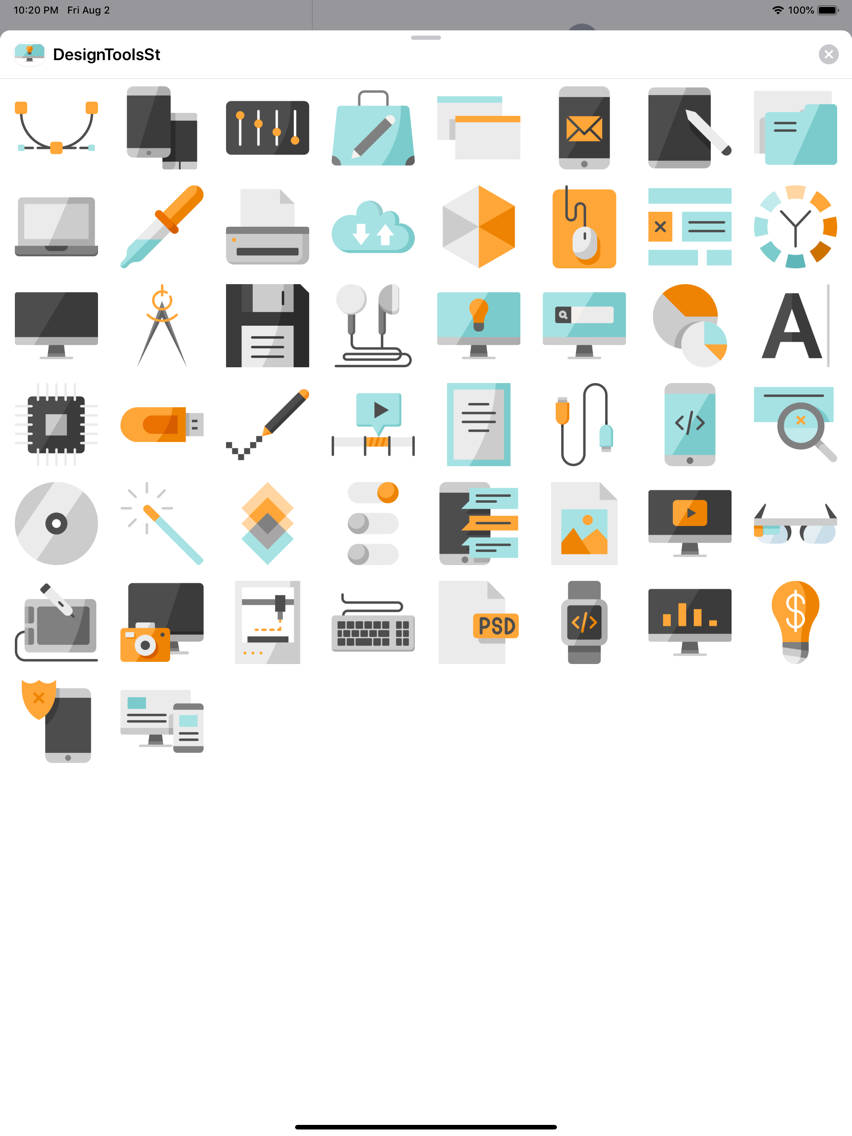
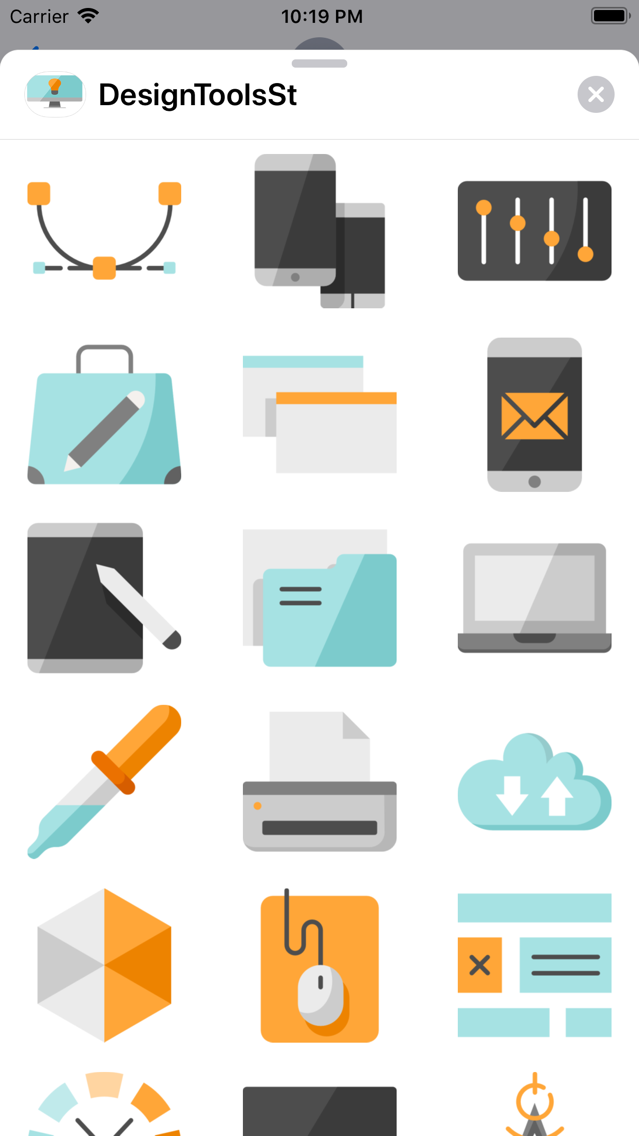
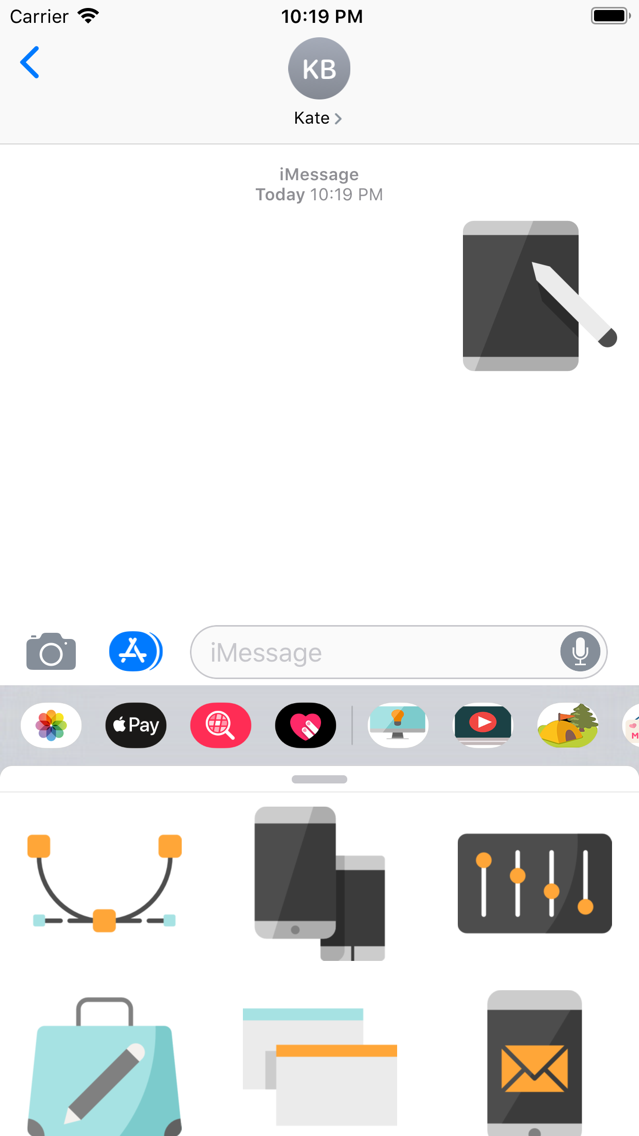
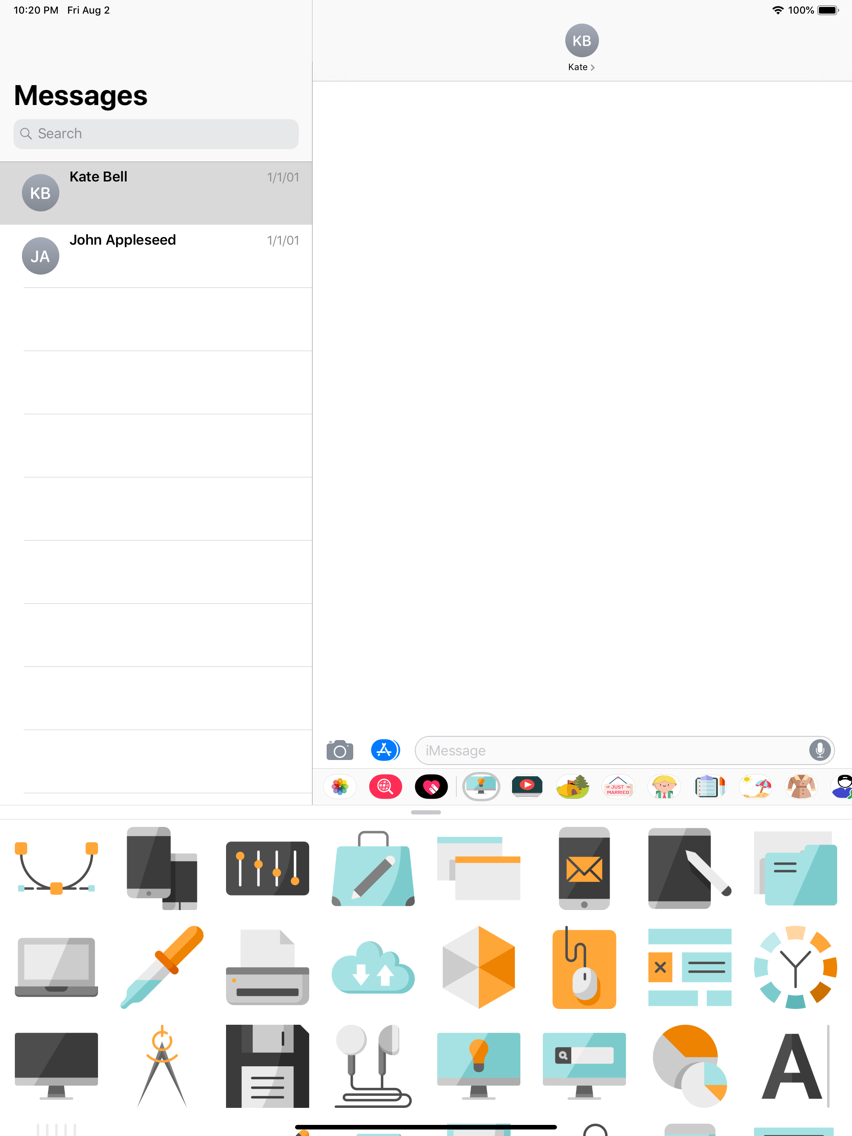
The DesignToolsSt is a small sticker, which are show the 50 Design tools sticker in cartoon.
Have fun and thank you for your support to DesignToolsSt !
How to Use
----------------------------------------------
To use Stickers for iMessage app, please follow these simple steps:
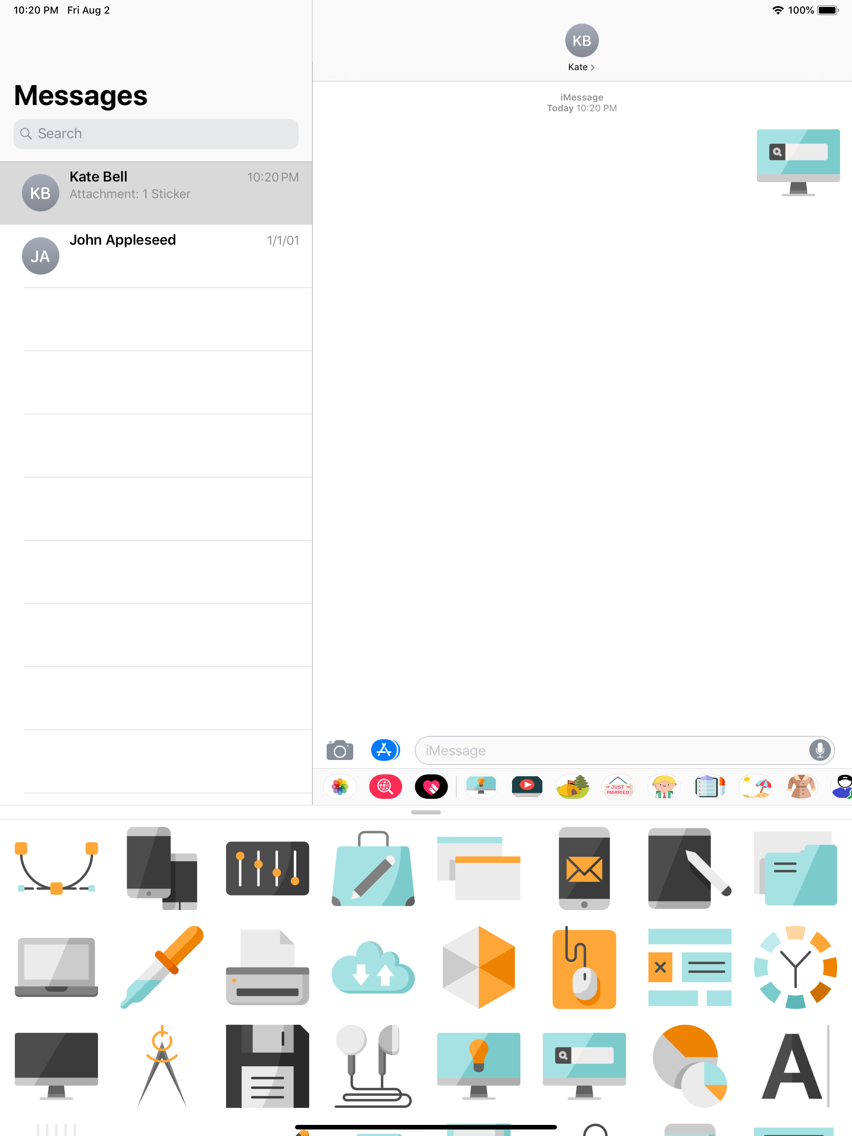
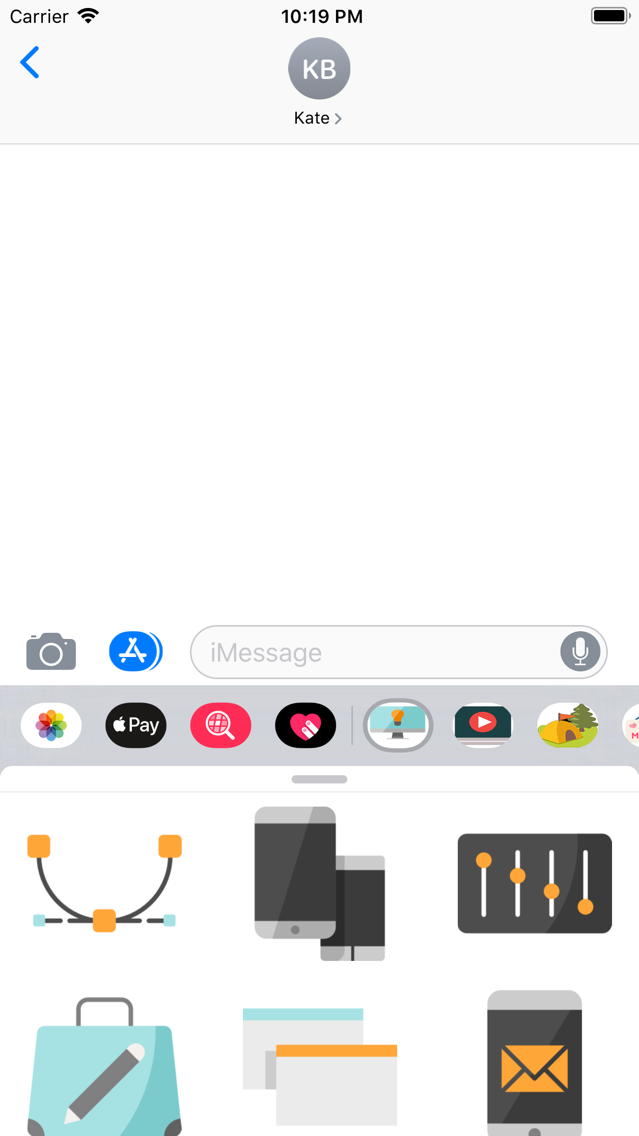
1) Open or start a conversation in iMessage
2) In an iMessage conversation, tap the App Store icon beside
3) Tap the "Stickers app" icon at the bottom
4) You can start to use the app
5) In chat, tap to send stickers to your friends or touch and hold to put stickers on top of a bubble

Have fun and thank you for your support to DesignToolsSt !
How to Use
----------------------------------------------
To use Stickers for iMessage app, please follow these simple steps:
1) Open or start a conversation in iMessage
2) In an iMessage conversation, tap the App Store icon beside
3) Tap the "Stickers app" icon at the bottom
4) You can start to use the app
5) In chat, tap to send stickers to your friends or touch and hold to put stickers on top of a bubble
Show More
What's New in the Latest Version 1.0
Last updated on Aug 24, 2019
Version History
1.0
Aug 6, 2019
DesignToolsSt Price
Today:
$349.99
Lowest:
Free
Highest:
$349.99
DesignToolsSt FAQ
Click here to learn how to download DesignToolsSt in restricted country or region.
Check the following list to see the minimum requirements of DesignToolsSt.
iPhone
iPad
DesignToolsSt supports English