Entry Notes

Entry Notes


$2.99Best Deal Ever
1.4for iPhone, iPad
Age Rating
4+
Apps in this category do not contain restricted content.
9+
Apps in this category may contain mild or occasional cartoon, fantasy or real-life violence, as well as occasional or mild adult, sexually suggestive or horrifying content and may not be suitable for children under 9 years of age.
12+
Apps in this category may contain occasional mild indecent language, frequent or intense cartoon or real-life violence, minor or occasional adult or sexually suggestive material, and simulated gambling, and may be for children under 12 years of age.
17+
You must be at least 17 years old to access this App.
Apps in this category may contain frequent and intense offensive language; Frequent and intense cartoon, fantasy or realistic violence: frequent and intense adult, scary and sexually suggestive subjects: as well as sexual content, nudity, tobacco, alcohol and drugs, may not be suitable for children under 17 years of age.
Entry Notes Screenshots
Entry Notes posterEntry Notes posterEntry Notes posterEntry Notes posterEntry Notes poster

About Entry Notes

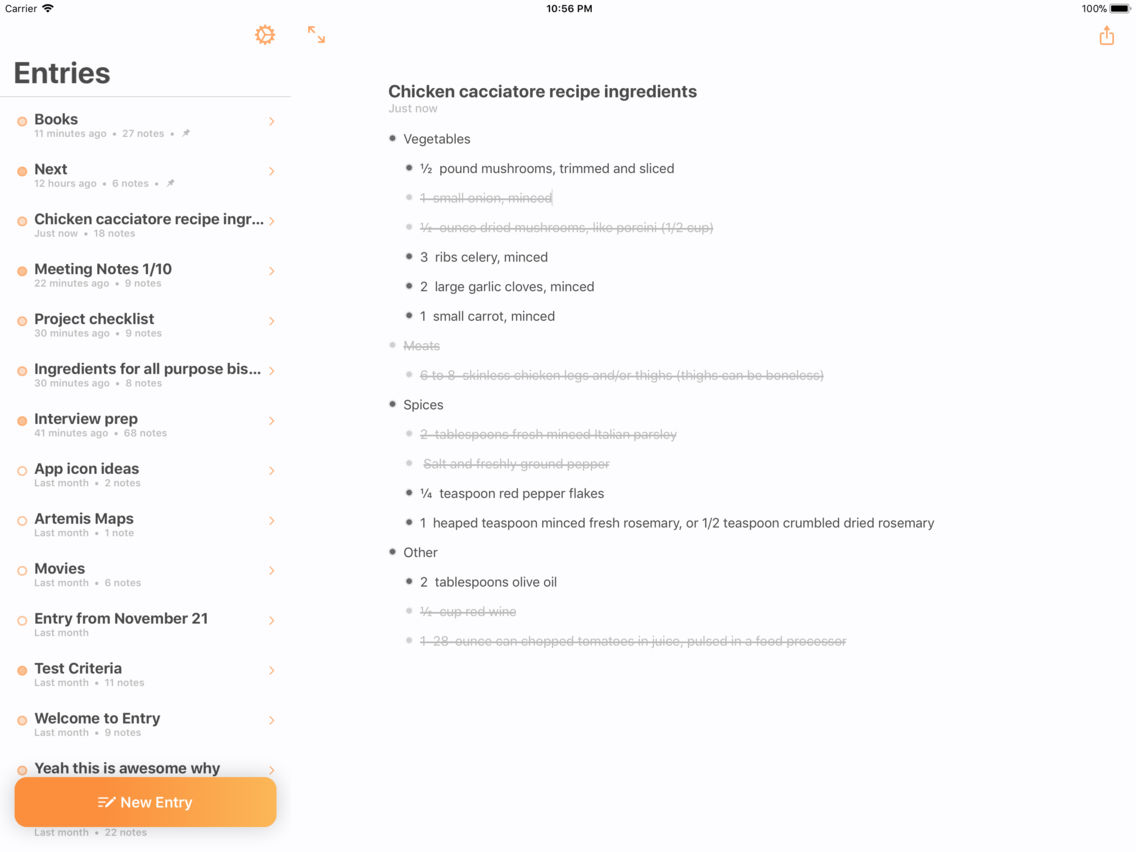
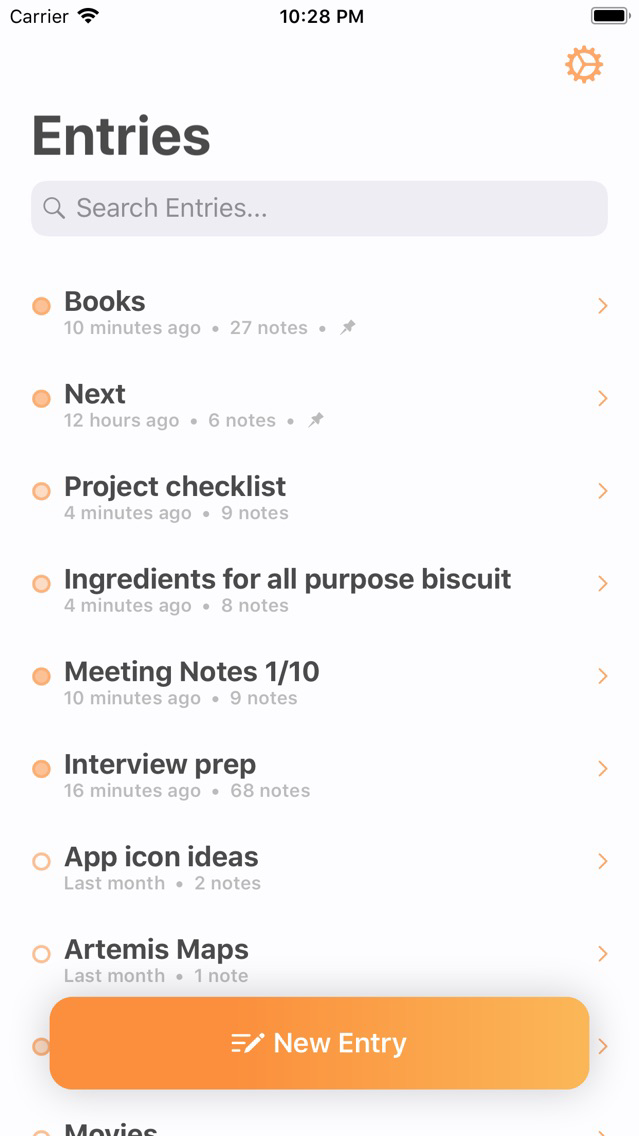
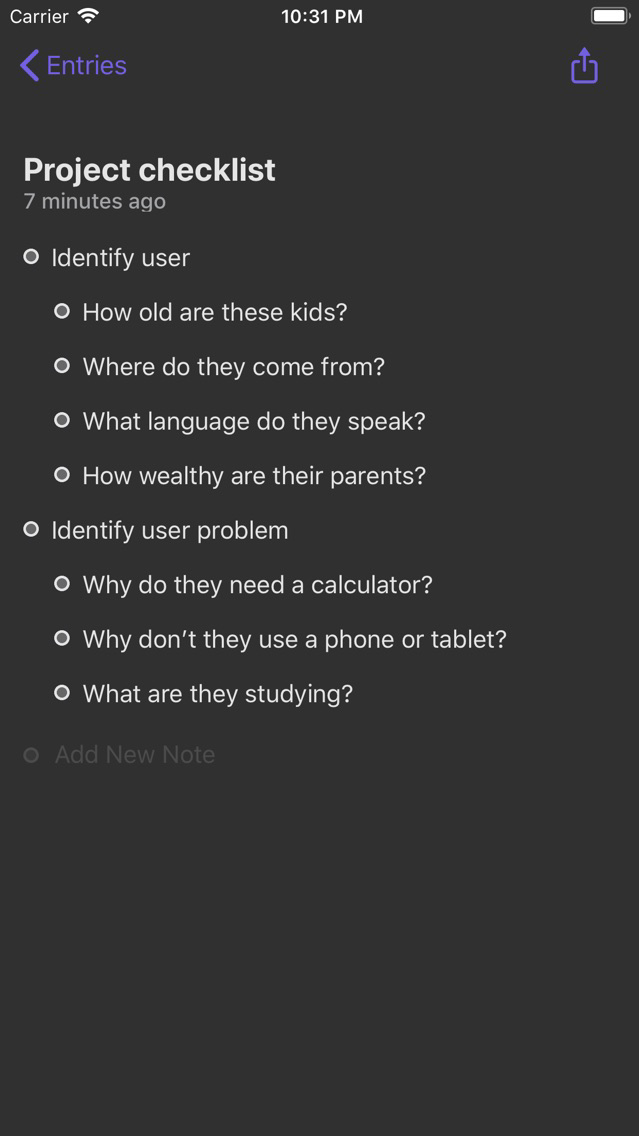
Entry is a modern, fast bulleted-list app that makes taking notes on the go organized, efficient and most importantly, fun.

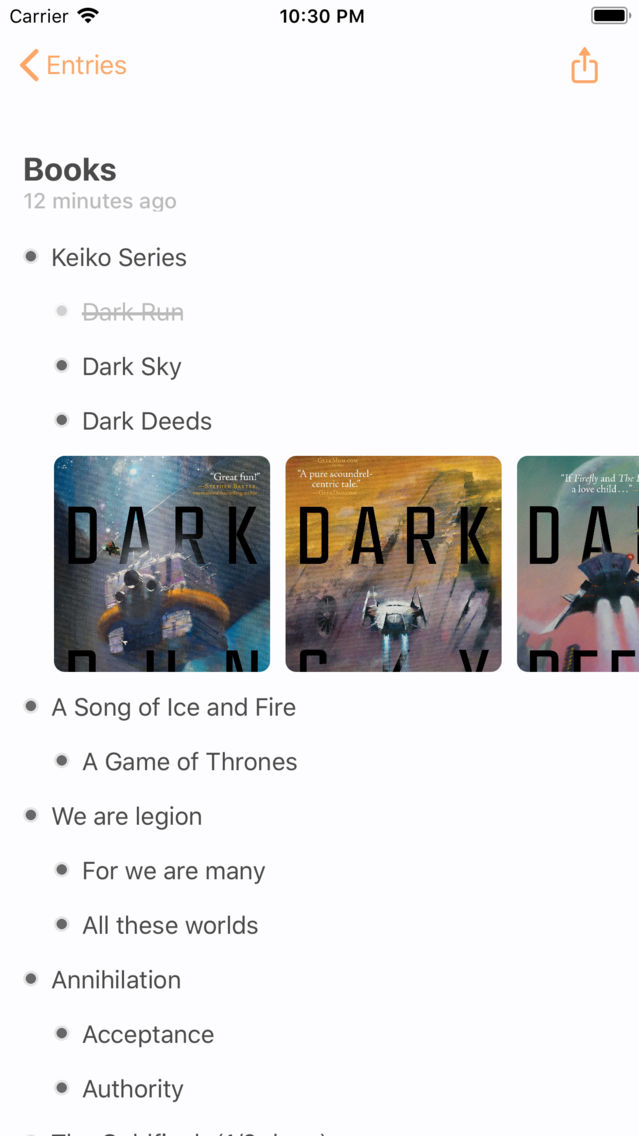
One-tap create and you're writing. Use the keyboard bar to quickly indent a bullet or add an in-line photo. Photos are inserted in-line and resized so they don't get in the way of your content. You can add multiple photos in-line as well.

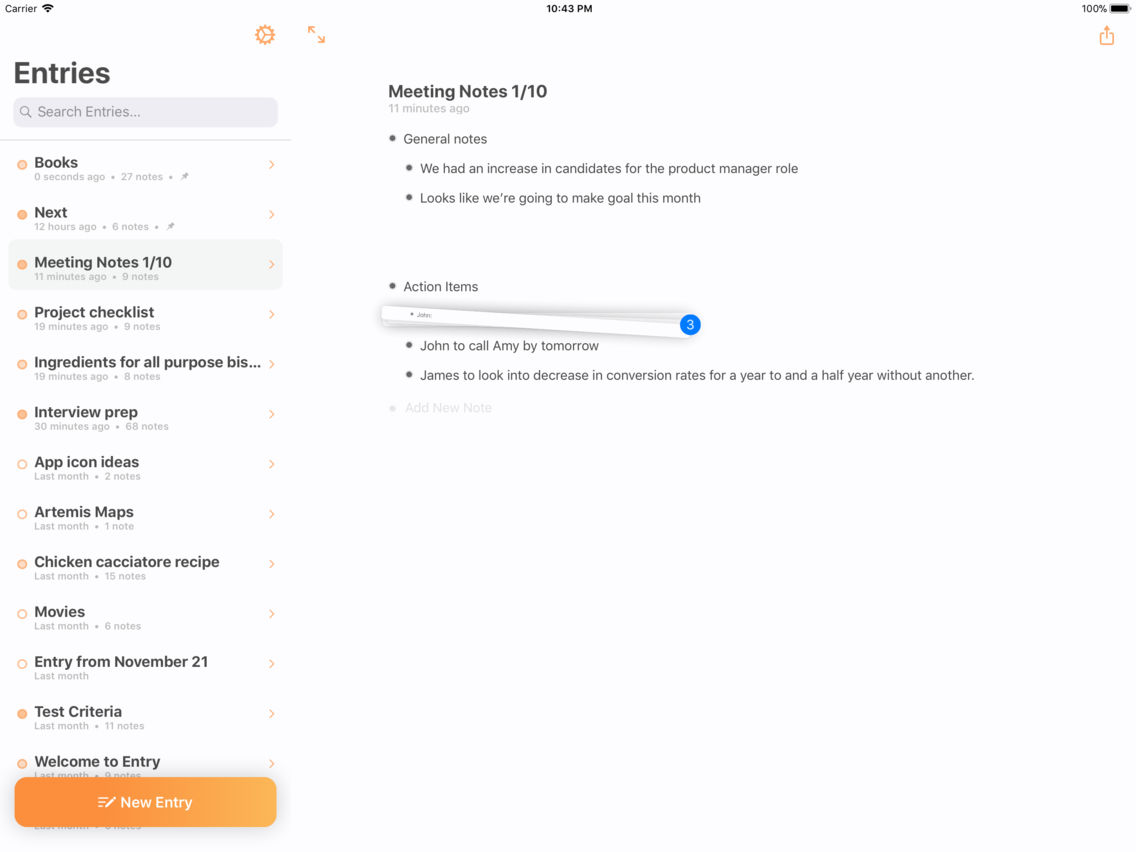
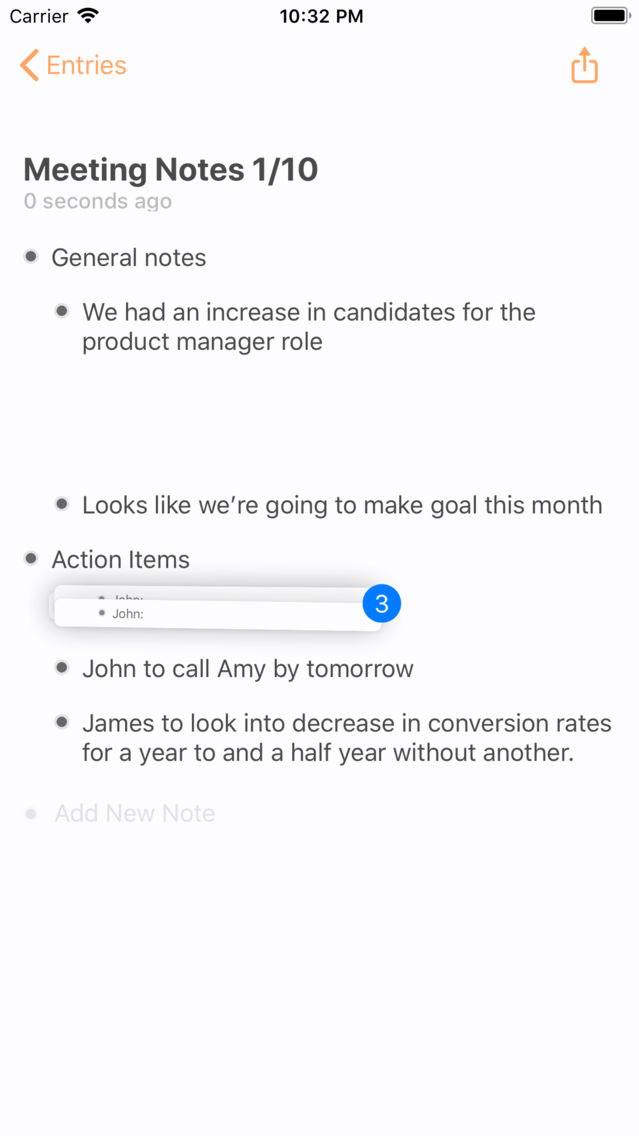
Organize your bullets using Drag and Drop. Tap and hold a bullet line and drag them to another area. If the bullet has any child, indented bullets, it'll grab those as well.

Feature Details:

Quick Entry.
• One tap create entry button and you're typing your new note

Sync
• All entries are synced across your iOS devices signed into the same iCloud account

In-line images.
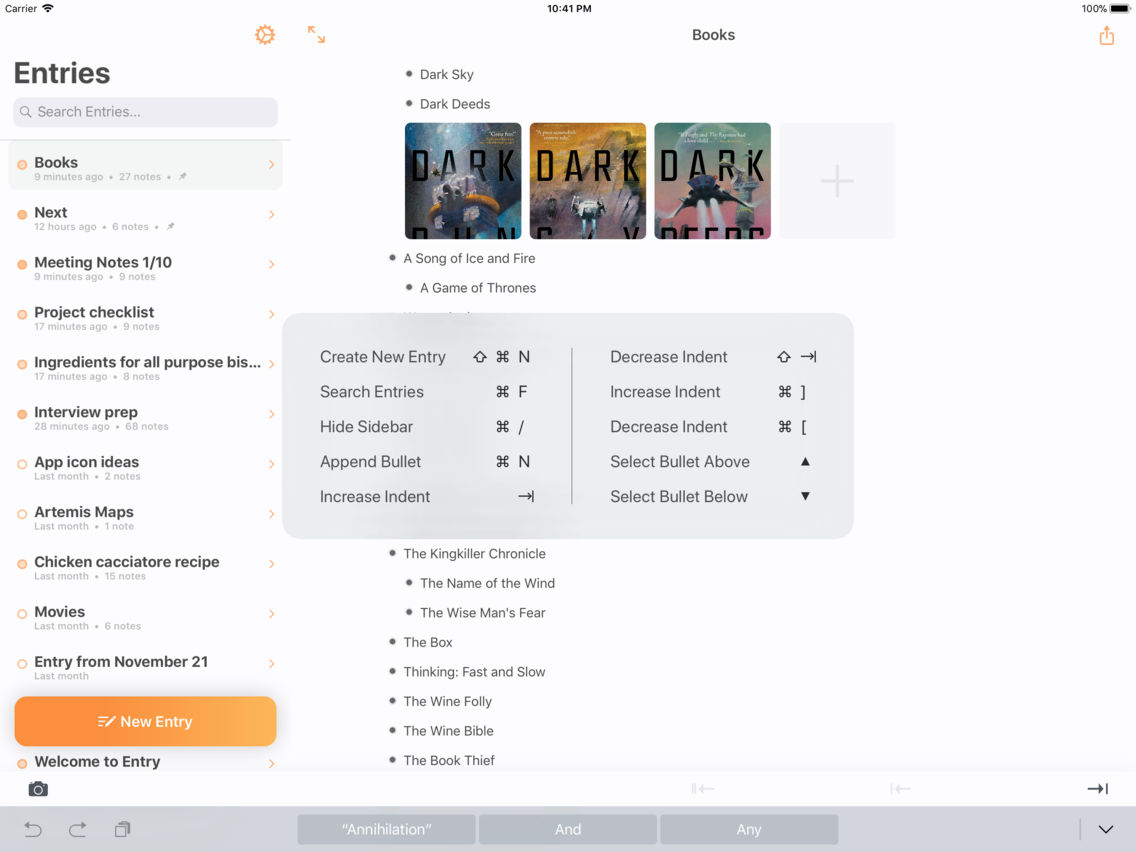
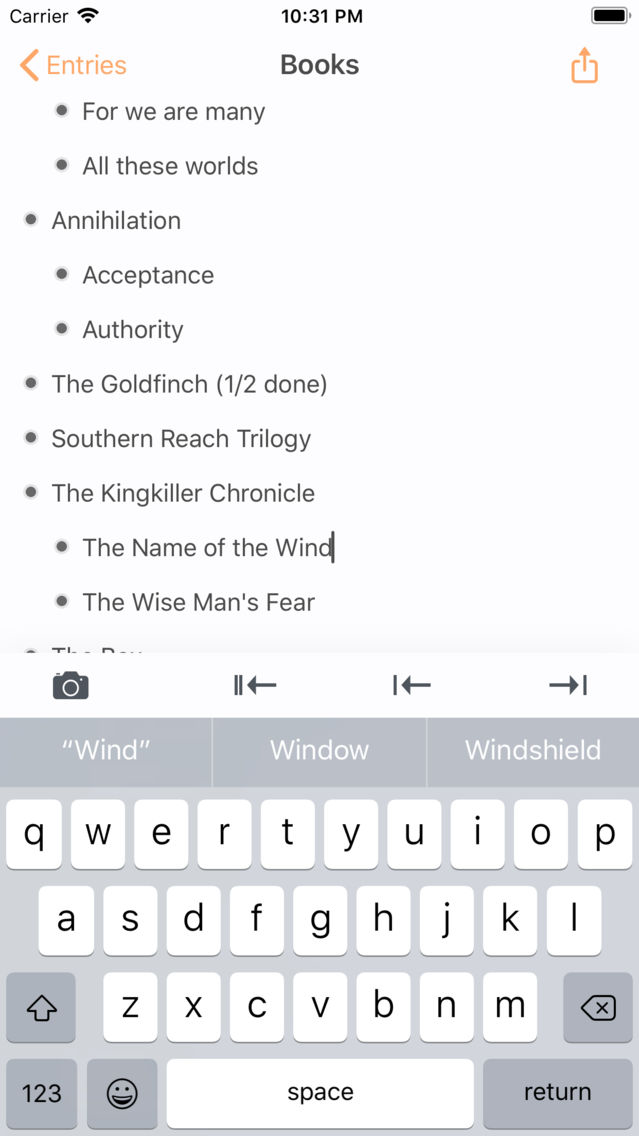
• When editing a bullet, tap the camera button on the keyboard bar to insert an image from your album
• Tap the + button to the right of the images to insert another

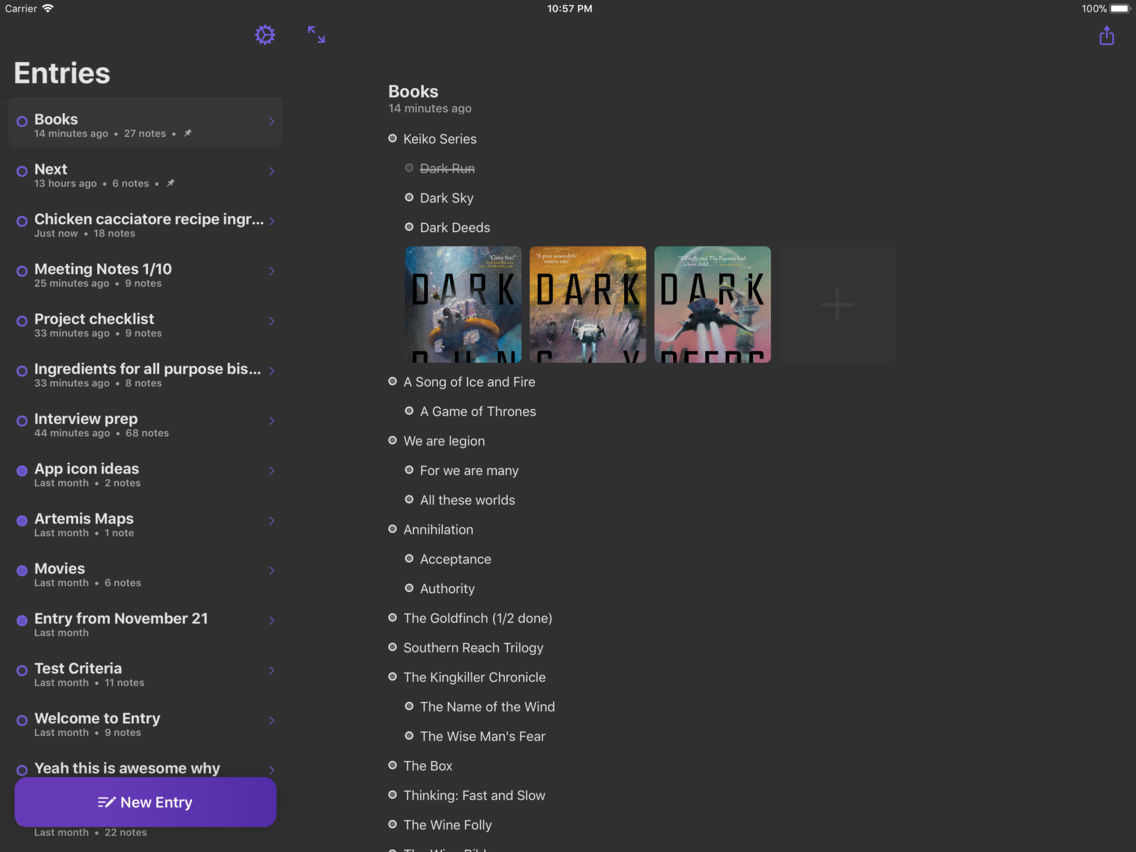
Dark Mode.
• From the home page, tap the Settings gear -> Themes -> Set Dark Mode On


Collapse Bullets
• Tap any bullet with indented child and it'll collapse them. Tap it again to expand it.

Drag and Drop.
• Select any bullet and automatically drag them anywhere to insert them. If you select a bullet with indented child bullets, it'll select and drag them all
• Drag or paste a bulleted-list and it'll automatically create multiple bullets
• On iPad, drag text from another app and drop it and it'll add a new entry bullet.

Quick indent.
• A keyboard bar that allows you to quickly indent or outdent a bullet.

Swipe left to cross off.
• Mark items as complete by swiping left

Search
• Pull down from the home menu to trigger the search screen

Pin to Top.
• 3D Touch or long press on an entry to pin to top

Hardware Keyboard Shortcuts
• Indent, navigate up and down, add new entries all with hardware keyboard shortcuts

Export
• Export a single entry's to your clipboard with fully formatted text ready to send
• Bulk export all your Entries within Settings

Show More

What's New in the Latest Version 1.4

Last updated on Nov 28, 2018
Old Versions
In this version: - Entry now works 100% offline and without a need to register or log in. You can log out and choose to use Entry offline. - Fixed a bug that would prevent cells from expanding vertically automatically when using speech-to-text. ---- Version 1.3: - Support for iOS 12.1 and the latest iPads ---- Version 1.2: Improvements: - Support for iOS 12 and newer iOS devices - Improved search. Now search will return a list of entries that contain matching text in its title or any of its bullets. - Improved support for Right-To-Left languages Bug Fixes: - Fixed a date display issue in the home page
Show More
Version History
1.4
Jan 25, 2018
In this version: - Entry now works 100% offline and without a need to register or log in. You can log out and choose to use Entry offline. - Fixed a bug that would prevent cells from expanding vertically automatically when using speech-to-text. ---- Version 1.3: - Support for iOS 12.1 and the latest iPads ---- Version 1.2: Improvements: - Support for iOS 12 and newer iOS devices - Improved search. Now search will return a list of entries that contain matching text in its title or any of its bullets. - Improved support for Right-To-Left languages Bug Fixes: - Fixed a date display issue in the home page

Entry Notes Price

Today:
$2.99
Lowest:
$2.99
Highest:
$4.99

Entry Notes FAQ

Click here to learn how to download Entry Notes in restricted country or region.
Check the following list to see the minimum requirements of Entry Notes.
iPhone
iPad
Entry Notes supports English

Entry Notes Alternative

You May Also Like