Use your iPad or iPhone to shed some light on your photography. Control color temperature and brightness from your iPhone. Use your iOS devices as fill lights for your portrait or closeup photography. Get the best results by setting the desired light color temperature. You can control the light settings and the focus plane from another iOS device acting as a wireless controller.
Fill Light is the perfect app for photographers who need some extra light by using the iPad or iPhone you already have. Great for wedding photography, closeup product photography, and creative photography.
Get the color you need:
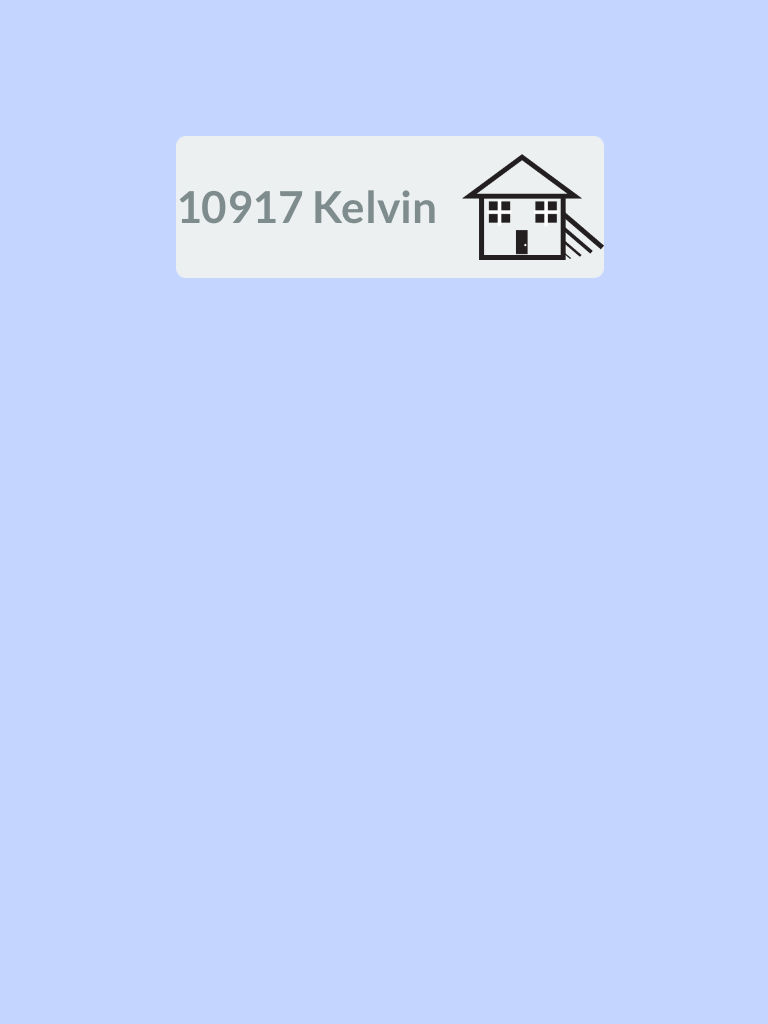
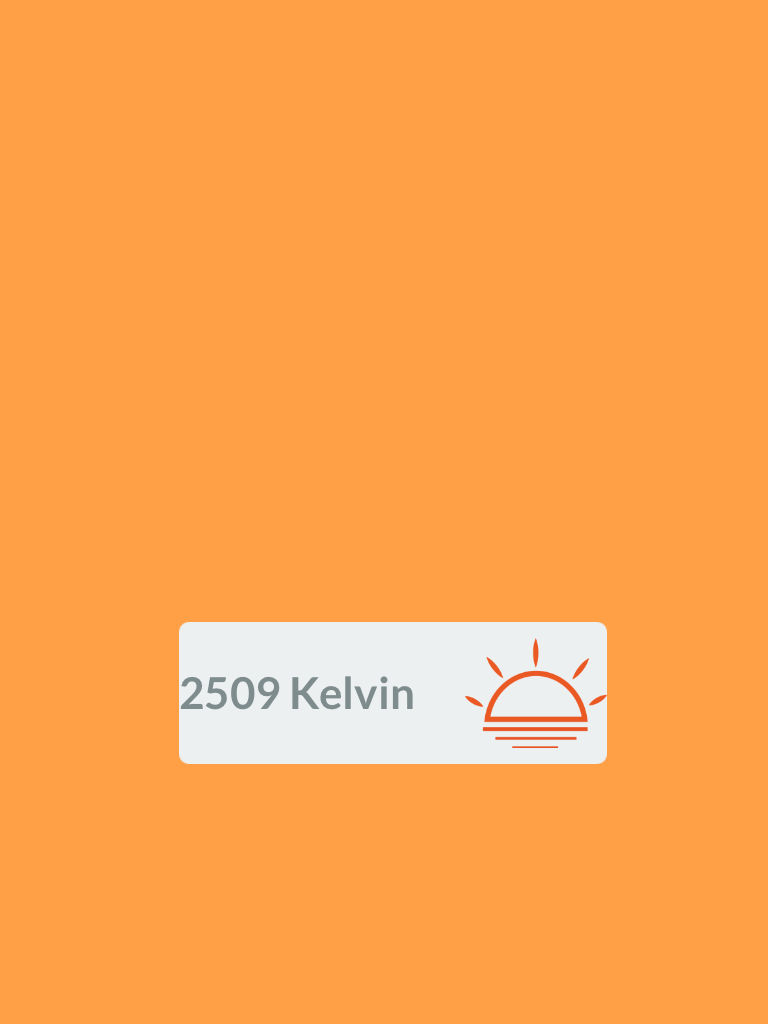
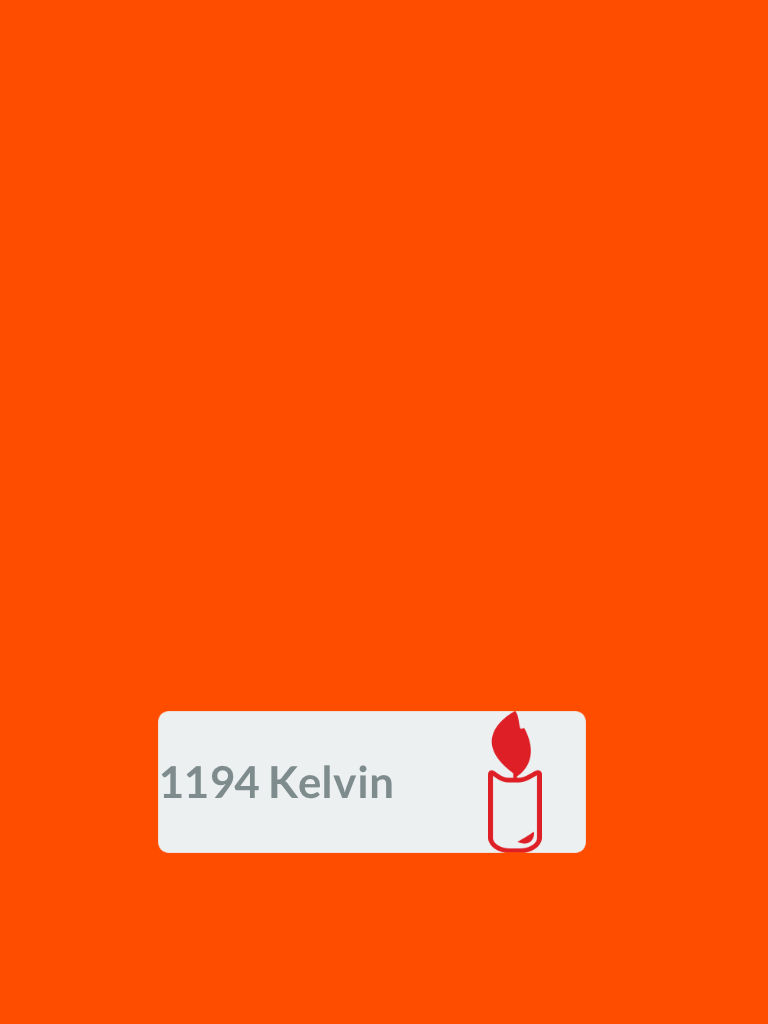
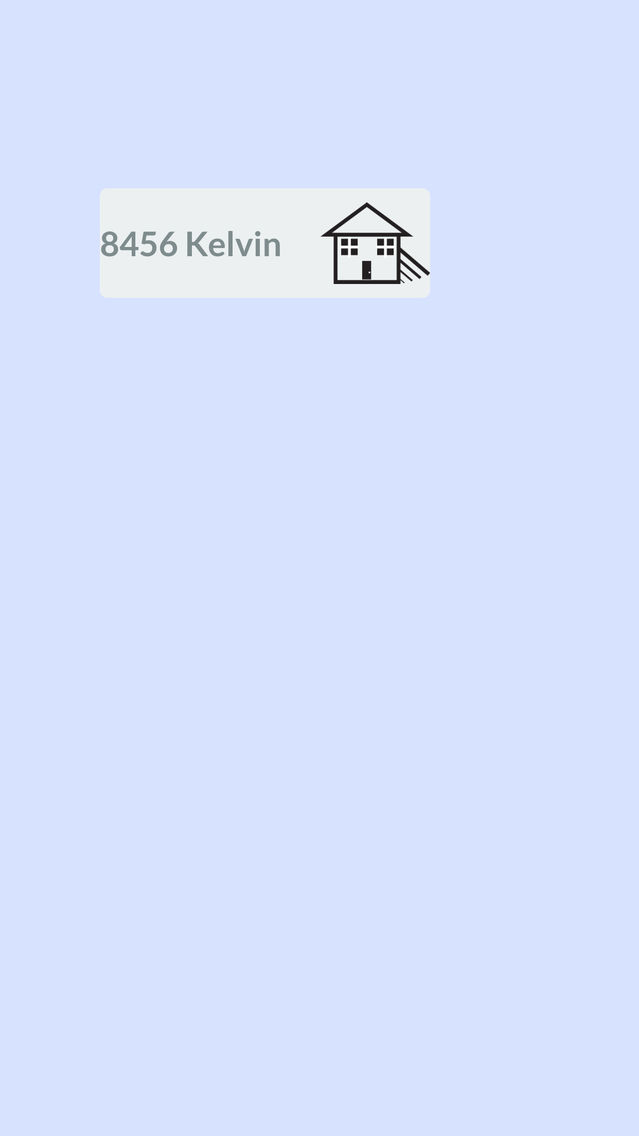
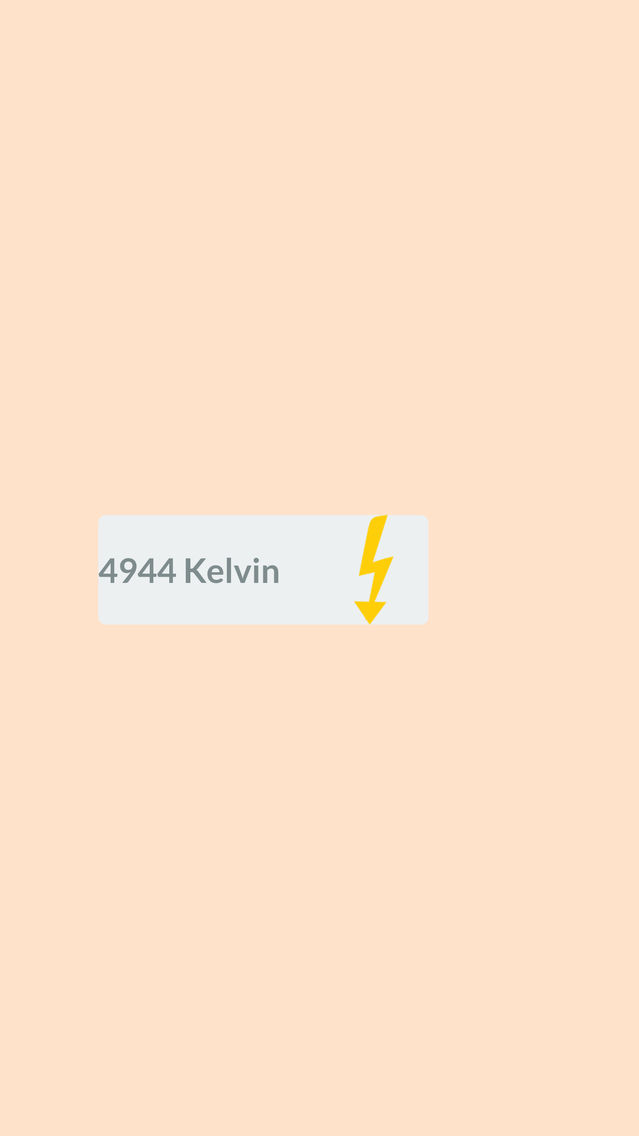
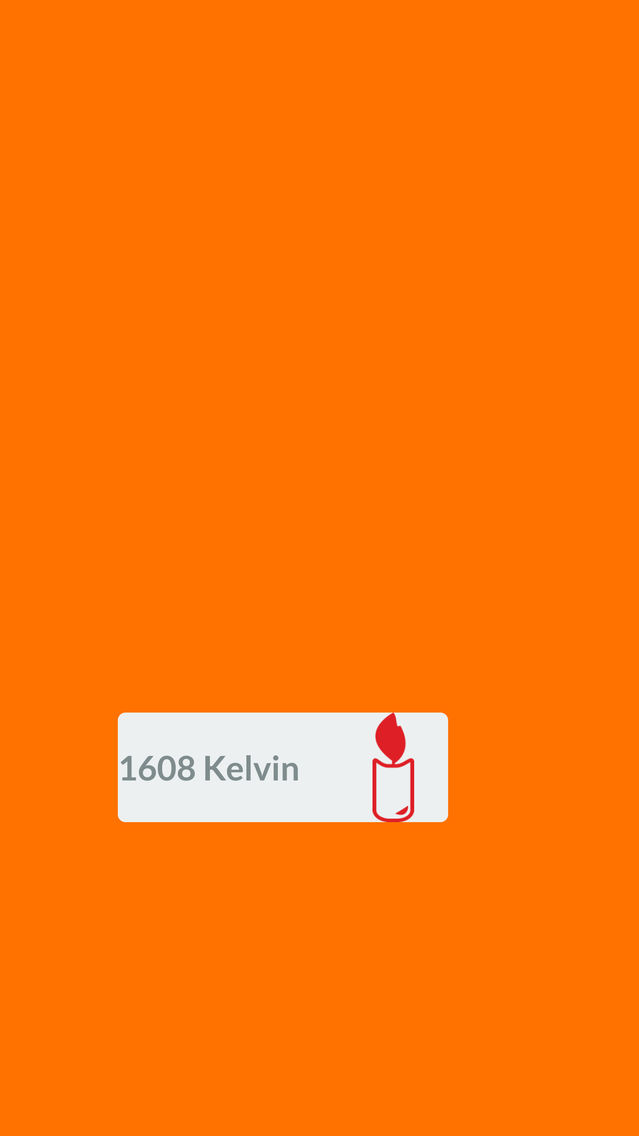
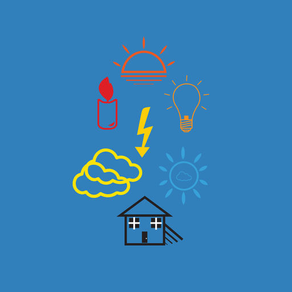
With a simple touch get a full range of color temperatures. Control the brightness with a flick of your finger. Matching your studio lights or light meter? Key in your own specific color temperature. You get the creative control over the light coming from your iPad. For the novice shooter simply match the icons to your white balance settings in your camera.
Control your light:
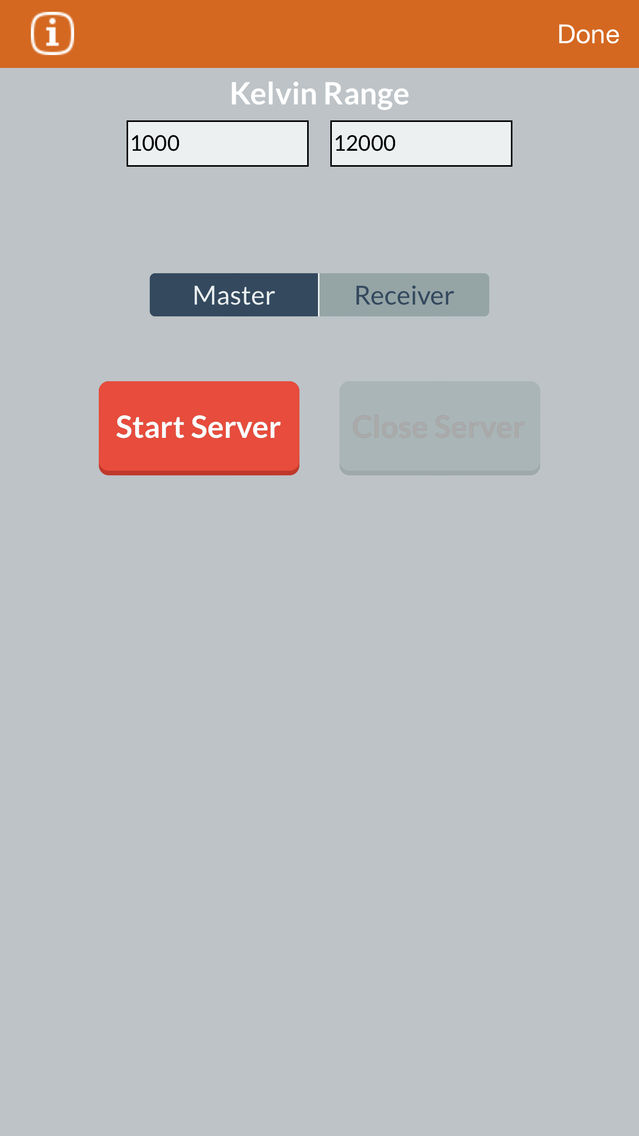
Fill Light allows you to control the brightness and color temperature from another iOS device on the same wireless network. Keep multiple devices the same color temperature and only adjust one. Sync setup via Wifi is super simple and can be done easily in the field.
Get creative with color:
Use the Fill Light App to create dramatic artistic effects using complimentary colors. Fill Light works great for video productions by allowing you to put light coming from anywhere. Use hardware you already have to bring detail to a scene. Fill the light of a dashboard across your actor's face using the app.
Instructions:
Swipe up and down to set the correct color temperature.
Swipe left and right to control the brightness of the light.
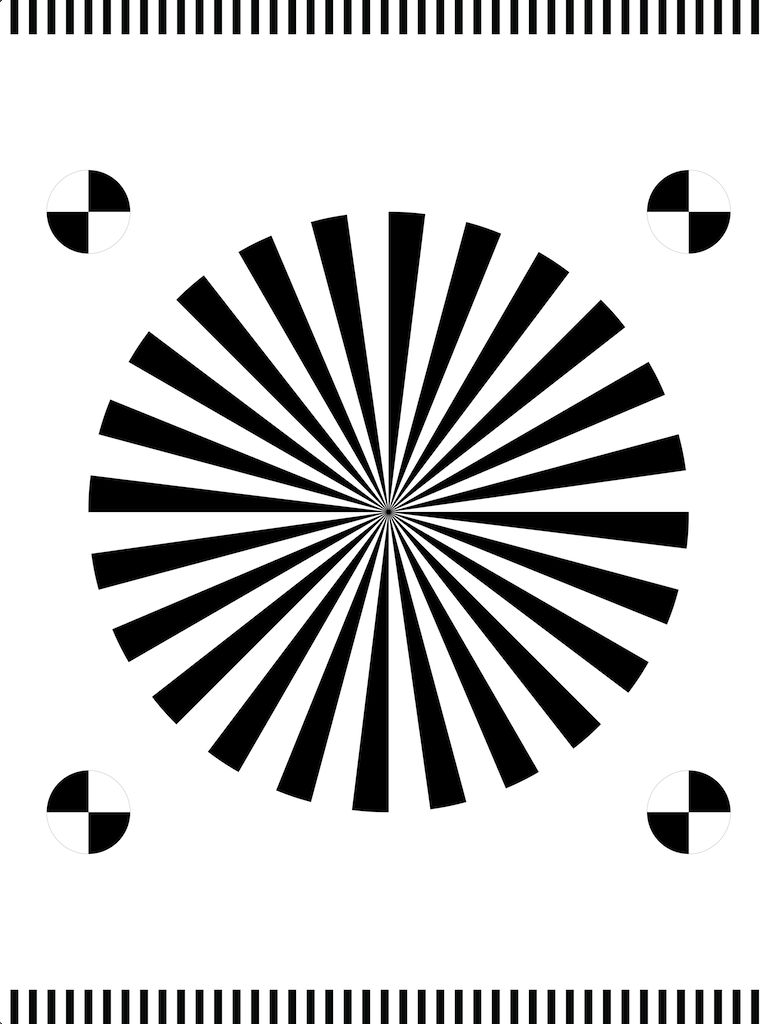
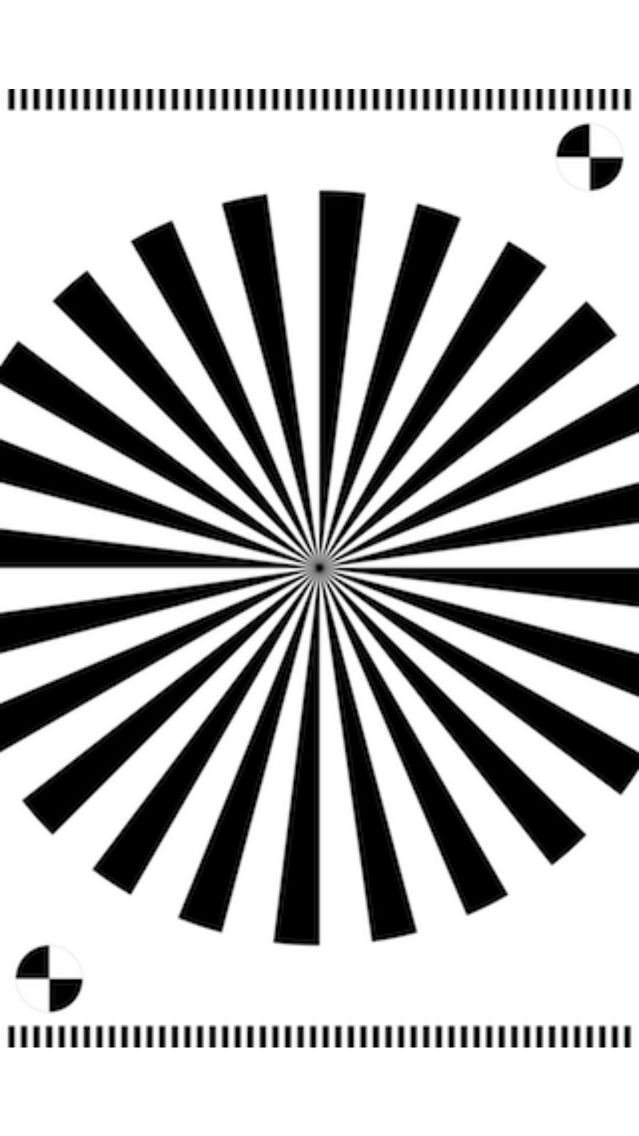
Use the focus grid as a guide to adjust your DSLR Focus
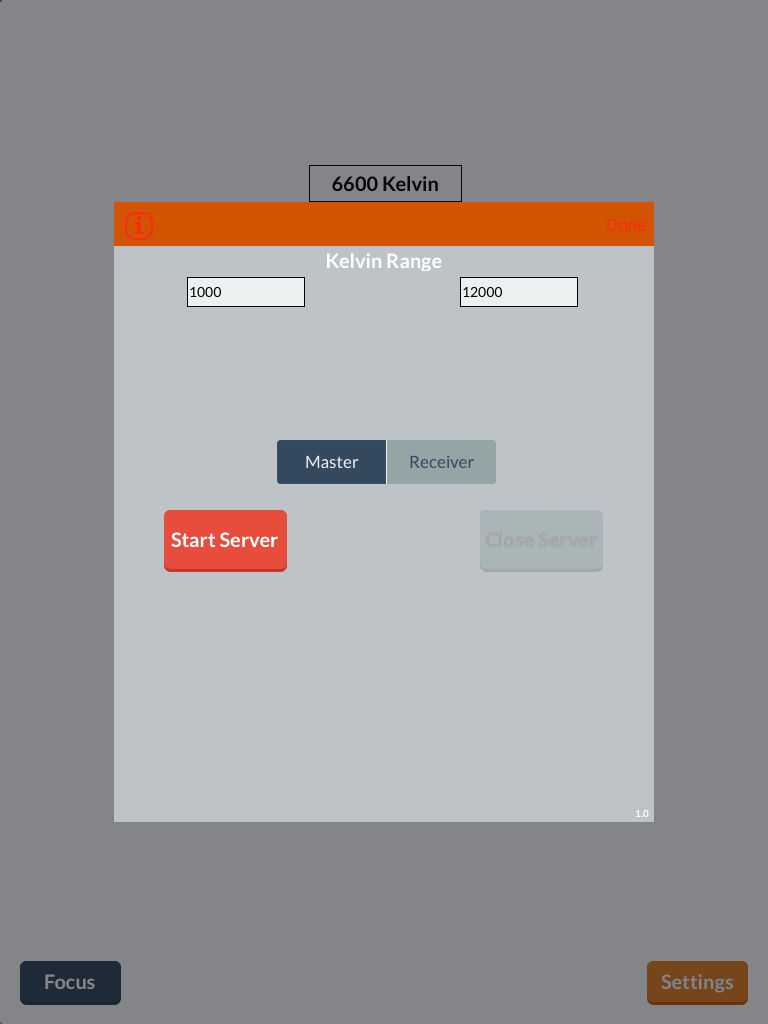
Use the server settings to control the color from another device.
Share your creative uses of #filllight.
Our team loves feedback. Send us your feature requests at www.filllightapp.com
-Fill Light Team