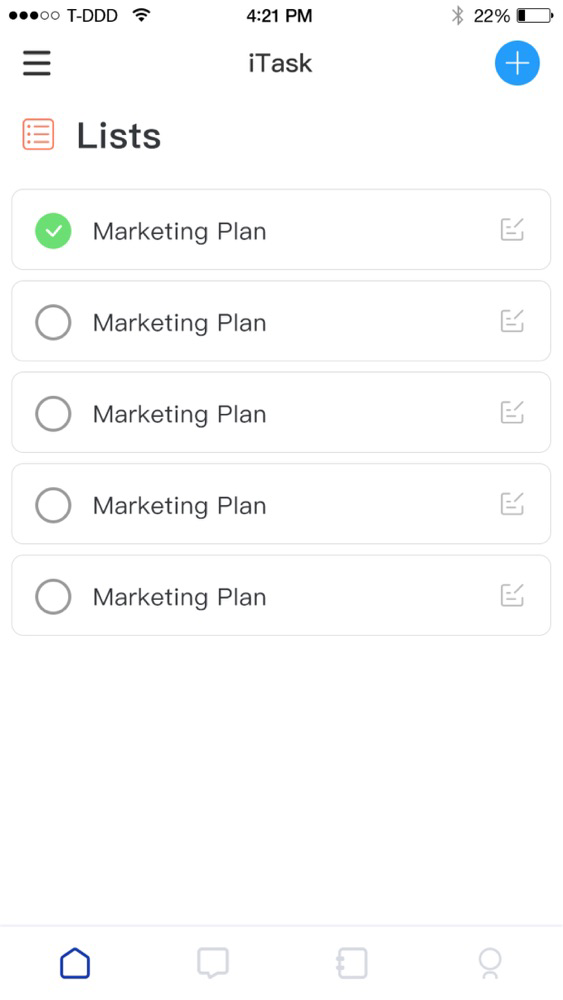
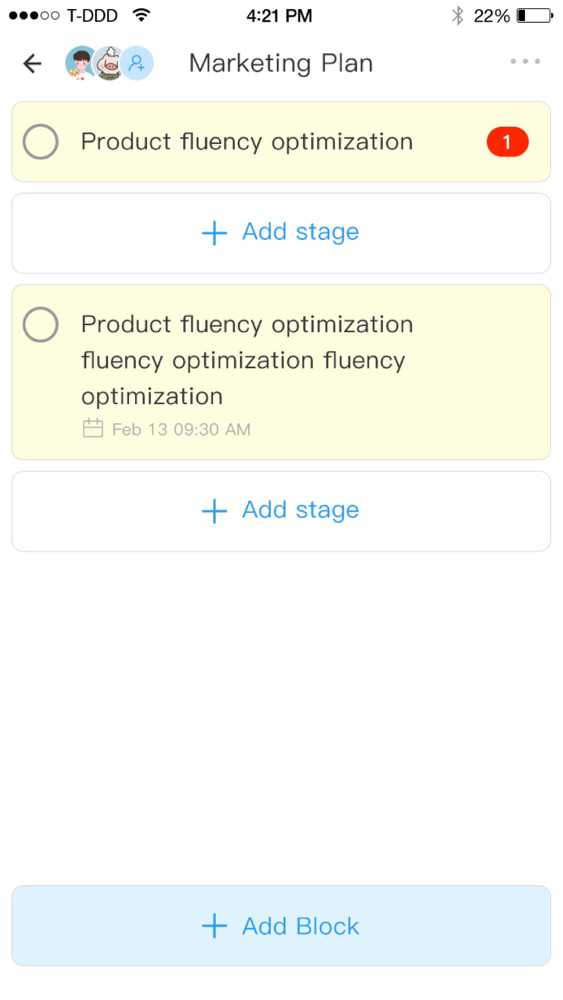
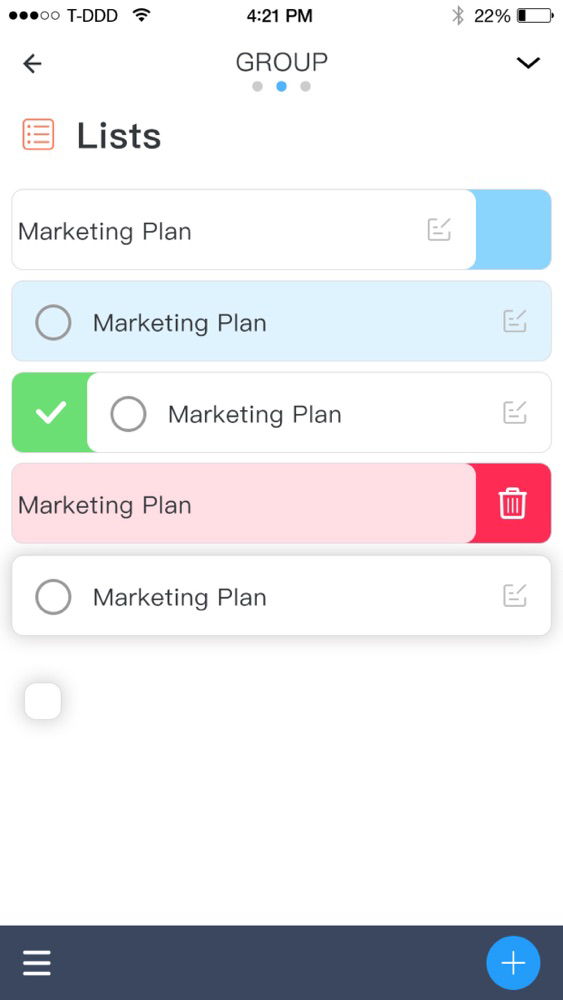
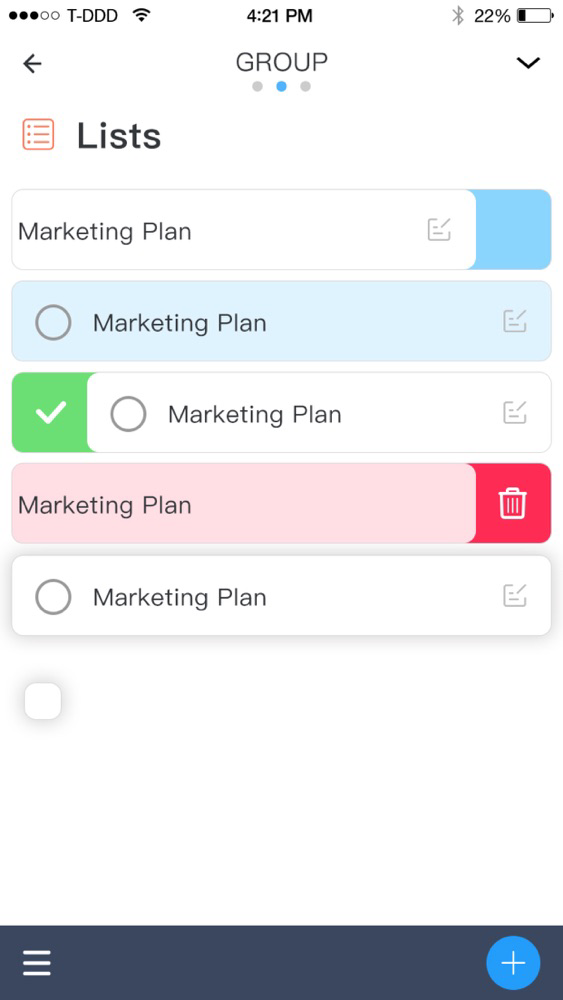
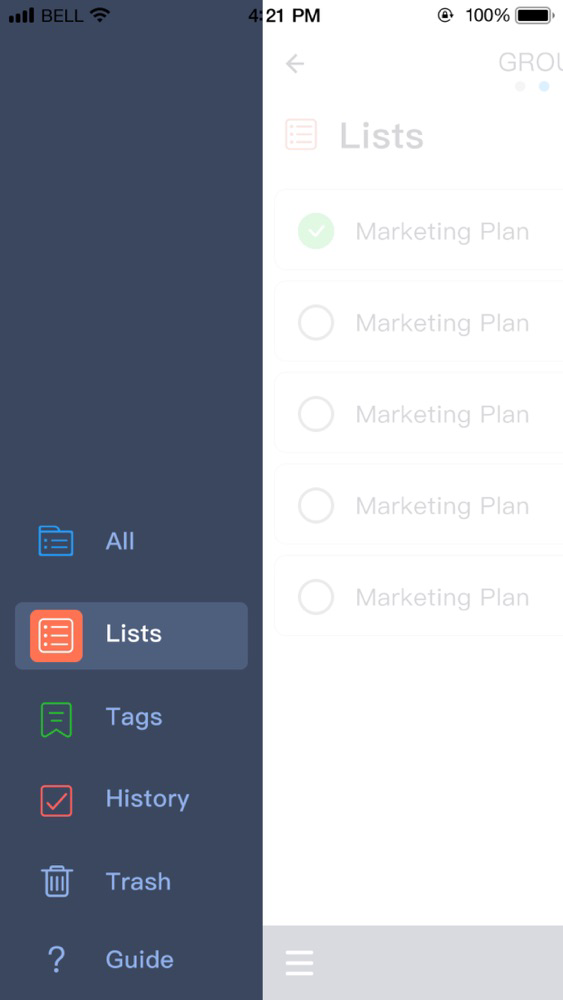
iTask Screenshots
About iTask
Team Coordination
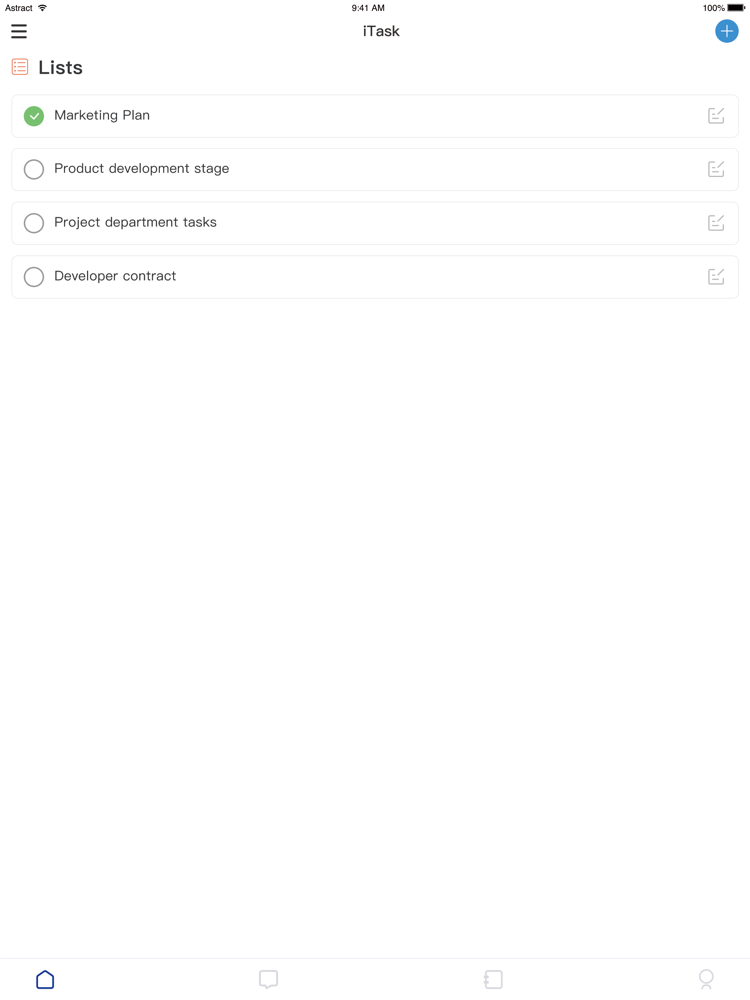
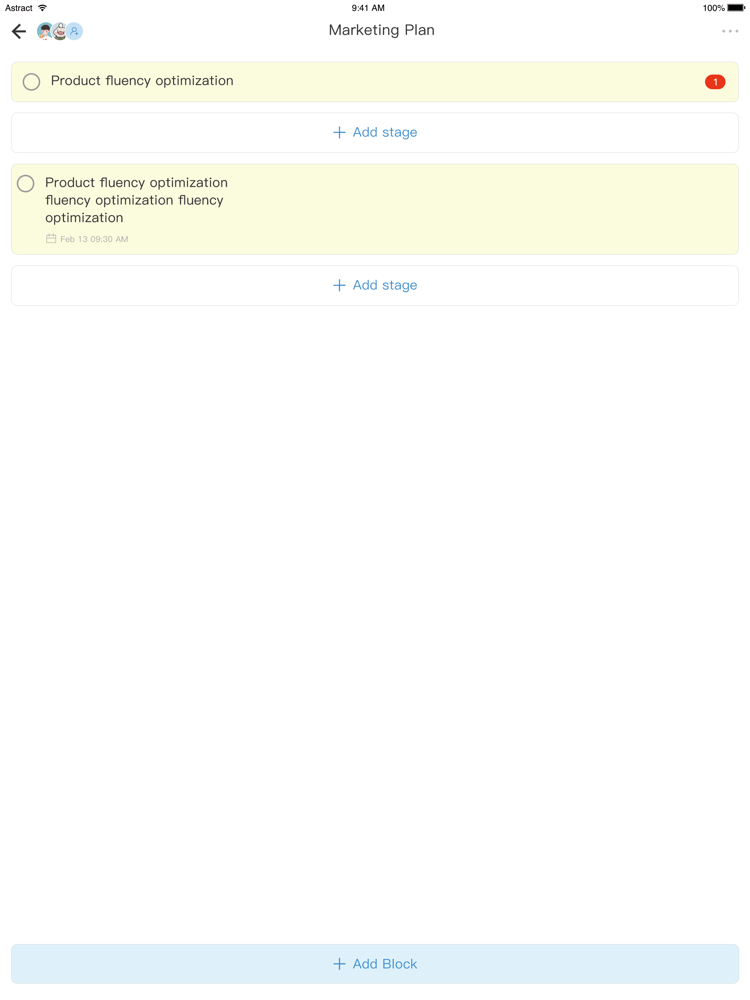
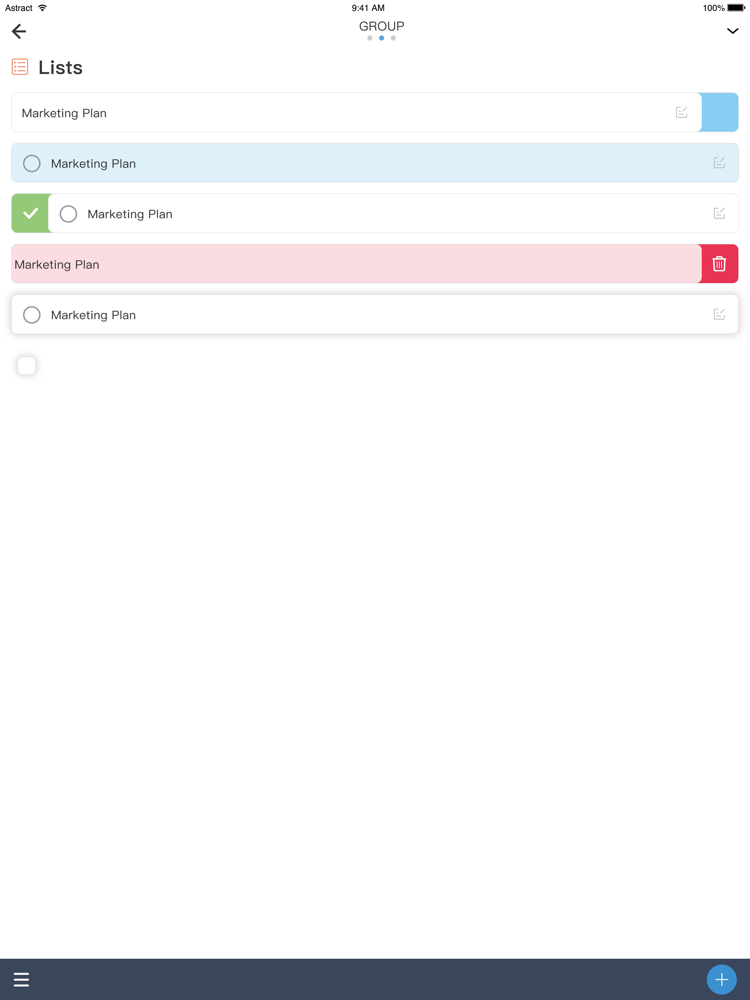
Integrated enterprises collaborative management platform, covering online communication, projects management, tasks management, schedule, online document application, satisfy the personalised management requirement of the different industries and different scenarios.
Online documentation
Multiple online tools include collecting documentation, electric forms, thinking notes etc, support real-time editing by many people collaboratively,@ colleagues, comment many interactive functions etc, those will let our team cooperation more convenient and communication more fully.
Voice&video conference
In group chat or calendar conference invitation, audio and video conference can be easily opened, live conference of 10000 people can be launched with one key, screen or document can be easily shared, and remote collaboration such as on-site.
Instant Chat
Swiped Frequently, missed a lot of important news? On ITask can reply to a single message, there is no confusion even discussing many different topics, communication between members can be more focussed and smooth.

Integrated enterprises collaborative management platform, covering online communication, projects management, tasks management, schedule, online document application, satisfy the personalised management requirement of the different industries and different scenarios.
Online documentation
Multiple online tools include collecting documentation, electric forms, thinking notes etc, support real-time editing by many people collaboratively,@ colleagues, comment many interactive functions etc, those will let our team cooperation more convenient and communication more fully.
Voice&video conference
In group chat or calendar conference invitation, audio and video conference can be easily opened, live conference of 10000 people can be launched with one key, screen or document can be easily shared, and remote collaboration such as on-site.
Instant Chat
Swiped Frequently, missed a lot of important news? On ITask can reply to a single message, there is no confusion even discussing many different topics, communication between members can be more focussed and smooth.
Show More
What's New in the Latest Version 1.0.2
Last updated on Nov 5, 2020
Old Versions
Fixed the problem of abnormal display of the video call window;
Fixed the issue that the project creator would crash when he added himself as a task/subtask performer;
Fixed the issue that when the project creator is the executor of the task/subtask, it will crash when removed;
Optimized the problem that the display of the number of executors would be delayed after the executor of the task/subtask was removed;
Optimized the display of the project name at the top of the conversation page;
Fixed the issue that the project creator would crash when he added himself as a task/subtask performer;
Fixed the issue that when the project creator is the executor of the task/subtask, it will crash when removed;
Optimized the problem that the display of the number of executors would be delayed after the executor of the task/subtask was removed;
Optimized the display of the project name at the top of the conversation page;
Show More
Version History
1.0.2
Nov 5, 2020
Fixed the problem of abnormal display of the video call window;
Fixed the issue that the project creator would crash when he added himself as a task/subtask performer;
Fixed the issue that when the project creator is the executor of the task/subtask, it will crash when removed;
Optimized the problem that the display of the number of executors would be delayed after the executor of the task/subtask was removed;
Optimized the display of the project name at the top of the conversation page;
Fixed the issue that the project creator would crash when he added himself as a task/subtask performer;
Fixed the issue that when the project creator is the executor of the task/subtask, it will crash when removed;
Optimized the problem that the display of the number of executors would be delayed after the executor of the task/subtask was removed;
Optimized the display of the project name at the top of the conversation page;
1.0.1
Sep 28, 2020
Fixed the problem that there is no avatar in the creation task;
Fixed an error in the name of the list, and the executor list was changed to project members
Fixed the problem that the project, task/subtask, and sidebar item label categories might not be opened after clicking the sliding operation;
Fixed the problem that members of facilitator status should not be displayed in project members;
Fixed the problem that when entering a task/subtask, there is a chance that the task description cannot be edited;
Fixed the problem that when there are less than 7 login devices, the login will prompt the user to delete one device if there are too many login devices, and a blank device column will appear in the delete list, and its deletion will be stuck;
Fixed the problem that a blank page would appear when the group chat interface was displayed after the group chat was created (group members have been added);
Fixed the issue of crashing when entering Settings-Phone-"Remove Mobile Number";
Fixed the problem that you may not be able to enter the next level interface when you click "Task";
Fixed the problem that the list of members added to the task cannot be displayed in real time;
Fixed the problem that an error will be reported after entering the verification code-"Next" when registering Itask;
Optimized the loading of the first landing page (pulling the conversation list, loading friend information, configuring user information, etc.);
Optimized the mechanism of synchronous refresh task/subtask;
Optimized the synchronization refresh mechanism of the project list;
Optimized the task details, expand and collapse, add arrow to indicate Icon;
Optimized that after the task details are expanded, clicking outside the task details card will collapse the expanded task details;
Optimized the vibration effect and loading animation effect after clicking on an item in the project list;
Optimized the effect of clicking on a project in the project list to complete;
Optimized the keyboard effect of the session pop-up;
Optimized when the task/subtask list is full of one screen, add a new task/subtask, after completing the addition, the column of the newly added task/subtask should be displayed;
Optimized the prompt message that the network cannot be opened: the network connection is abnormal, please check the network;
Optimized the return function in the upper left corner of the conversation page;
Fixed an error in the name of the list, and the executor list was changed to project members
Fixed the problem that the project, task/subtask, and sidebar item label categories might not be opened after clicking the sliding operation;
Fixed the problem that members of facilitator status should not be displayed in project members;
Fixed the problem that when entering a task/subtask, there is a chance that the task description cannot be edited;
Fixed the problem that when there are less than 7 login devices, the login will prompt the user to delete one device if there are too many login devices, and a blank device column will appear in the delete list, and its deletion will be stuck;
Fixed the problem that a blank page would appear when the group chat interface was displayed after the group chat was created (group members have been added);
Fixed the issue of crashing when entering Settings-Phone-"Remove Mobile Number";
Fixed the problem that you may not be able to enter the next level interface when you click "Task";
Fixed the problem that the list of members added to the task cannot be displayed in real time;
Fixed the problem that an error will be reported after entering the verification code-"Next" when registering Itask;
Optimized the loading of the first landing page (pulling the conversation list, loading friend information, configuring user information, etc.);
Optimized the mechanism of synchronous refresh task/subtask;
Optimized the synchronization refresh mechanism of the project list;
Optimized the task details, expand and collapse, add arrow to indicate Icon;
Optimized that after the task details are expanded, clicking outside the task details card will collapse the expanded task details;
Optimized the vibration effect and loading animation effect after clicking on an item in the project list;
Optimized the effect of clicking on a project in the project list to complete;
Optimized the keyboard effect of the session pop-up;
Optimized when the task/subtask list is full of one screen, add a new task/subtask, after completing the addition, the column of the newly added task/subtask should be displayed;
Optimized the prompt message that the network cannot be opened: the network connection is abnormal, please check the network;
Optimized the return function in the upper left corner of the conversation page;
1.0
Sep 4, 2020
iTask FAQ
Click here to learn how to download iTask in restricted country or region.
Check the following list to see the minimum requirements of iTask.
iPhone
iPad
iTask supports Arabic, Chinese, Danish, Dutch, English, Estonian, Finnish, French, German, Italian, Japanese, Korean, Lithuanian, Polish, Portuguese, Russian, Slovenian, Spanish, Turkish, Ukrainian