Business Card Reader Manual
It is very simple with the Business Card Reader App
I will take a picture of your business card the app will automatically text you my business card information.
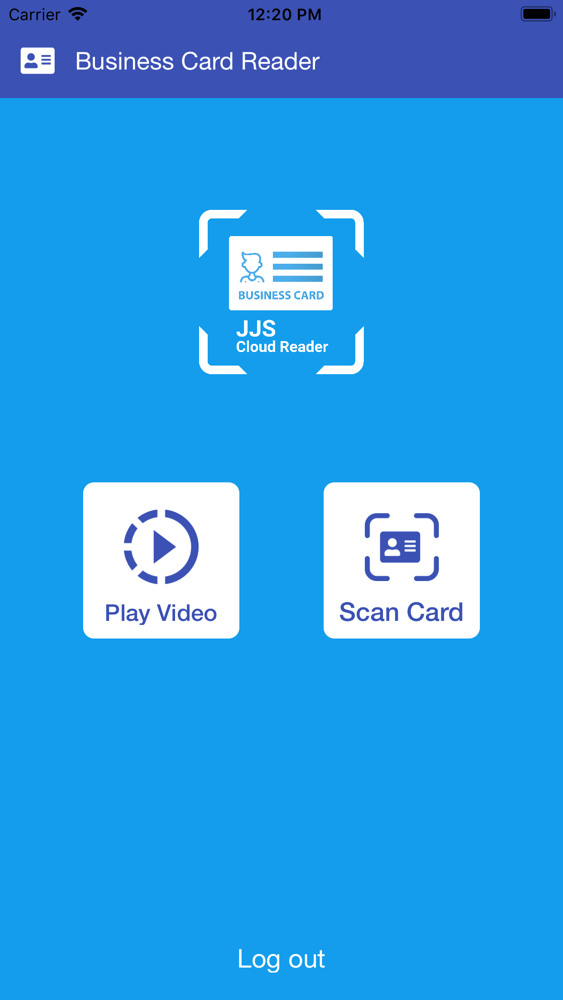
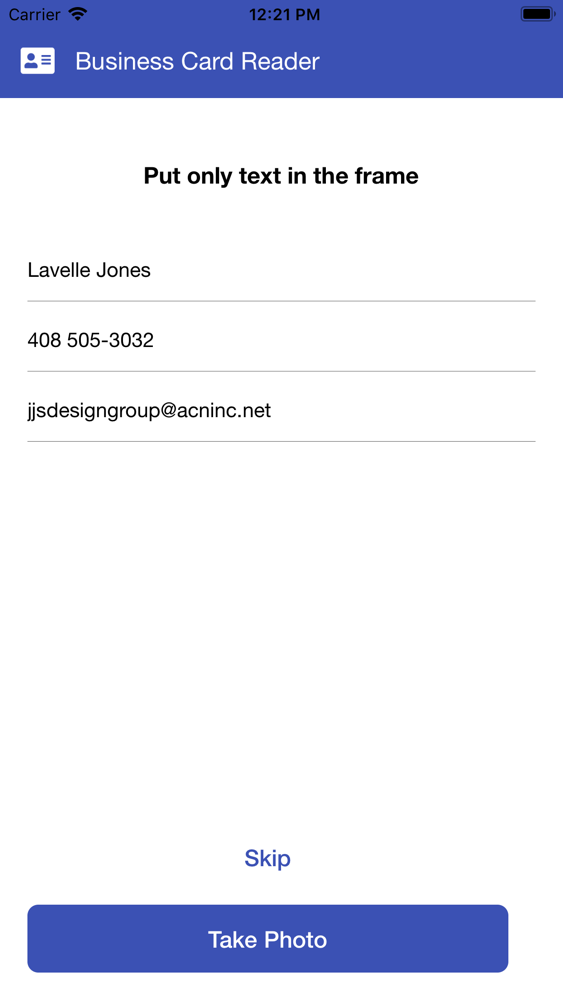
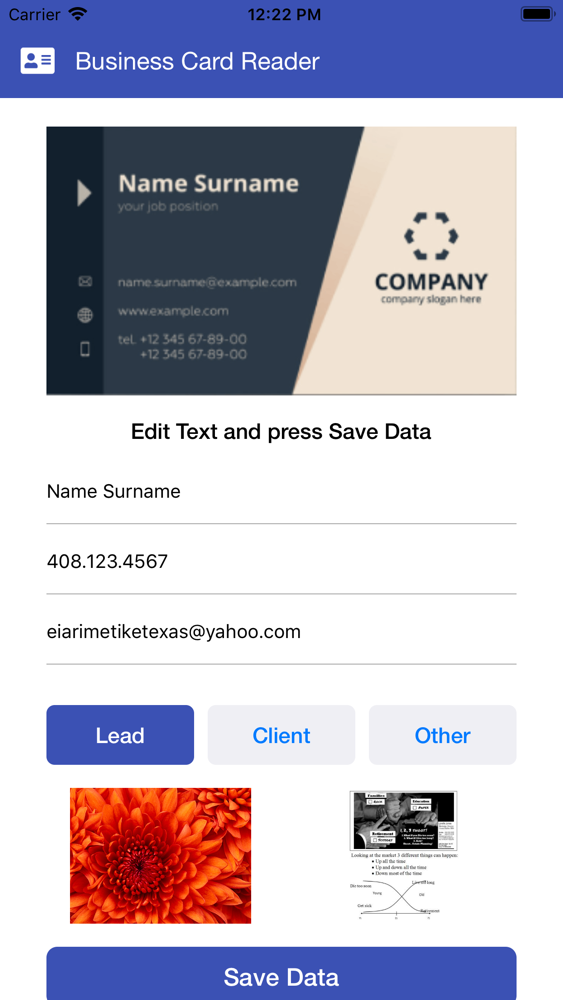
Well the business card reader app will cut your workflow down to just a few quick steps. Open the app on your phone, snap a quick picture of the business card and the app will automatically recognize the text plus add your contact to my personal cloud database with the image of your business card. The app can also play a video on my cell phone that will explain to you more about the app. And there is more the app will text you my business card formation with a flier explaining more about the business card reader.
What makes a good business card reader App?
Just taking a photo of business cards isn't enough. Scanning them at your computer isn't much better. That will take away precious time you could spend doing other things, and you'll often still have to type in text yourself or copy and paste it from OCR (optical character recognition) App.
A good business card reader app will cut that workflow down to just a few quick steps. Open the app on your phone, snap a quick picture of the business card (often without even tapping the camera shutter button), and the app will automatically recognize the text and add the contact to your personal cloud database
Business Card Recognition reader with a high-level framework to extract contact information from business cards. The advanced image processing and highly accurate OCR intelligently captures important fields such as name, email, and phone,, even on business cards with artistic designs and mixed background and font colors. The business card reader will also store the card image,
• Find and extract contact information from any business card, including:
o Name
o Email
o Phone Number
o Image of the card
• Export business card information to database to import into contact lists
• background and font colors
• World-class accuracy and speed