Mobilyzor

Mobilyzor


Free

1.08for iPhone, iPad
Age Rating
4+
Apps in this category do not contain restricted content.
9+
Apps in this category may contain mild or occasional cartoon, fantasy or real-life violence, as well as occasional or mild adult, sexually suggestive or horrifying content and may not be suitable for children under 9 years of age.
12+
Apps in this category may contain occasional mild indecent language, frequent or intense cartoon or real-life violence, minor or occasional adult or sexually suggestive material, and simulated gambling, and may be for children under 12 years of age.
17+
You must be at least 17 years old to access this App.
Apps in this category may contain frequent and intense offensive language; Frequent and intense cartoon, fantasy or realistic violence: frequent and intense adult, scary and sexually suggestive subjects: as well as sexual content, nudity, tobacco, alcohol and drugs, may not be suitable for children under 17 years of age.
Mobilyzor Screenshots
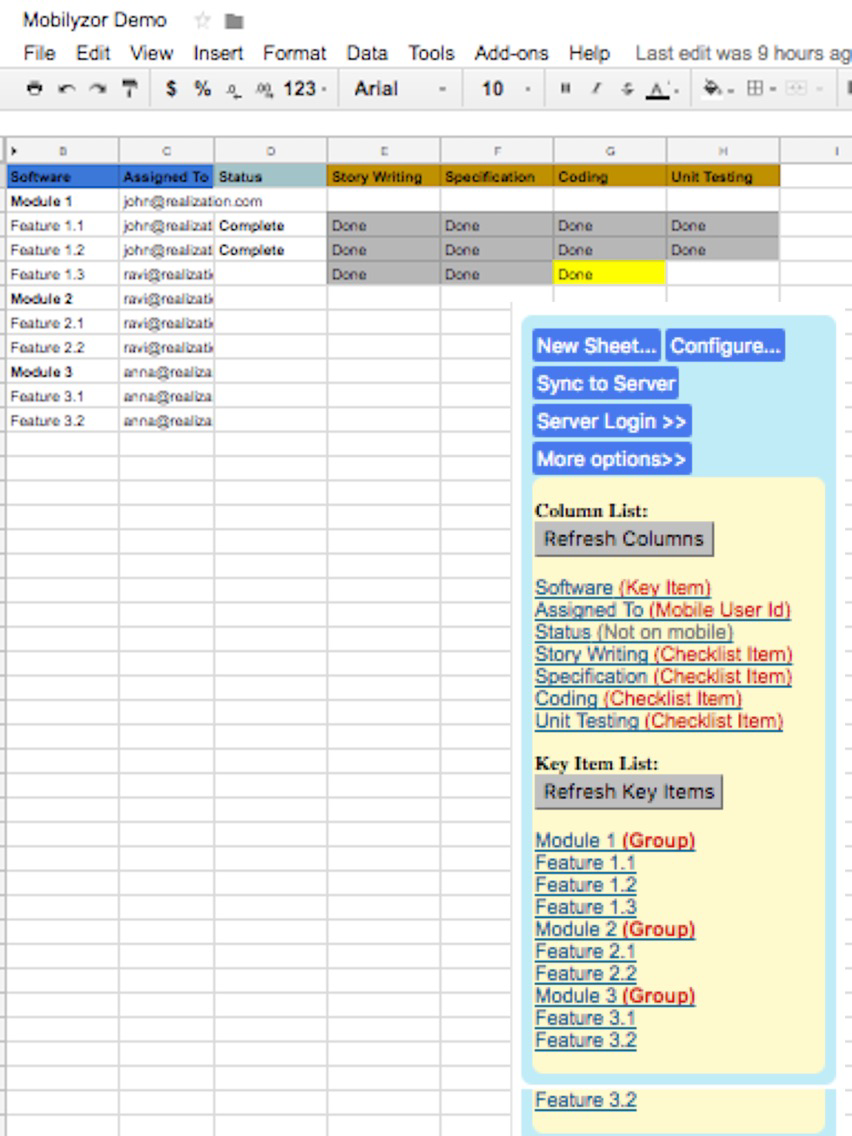
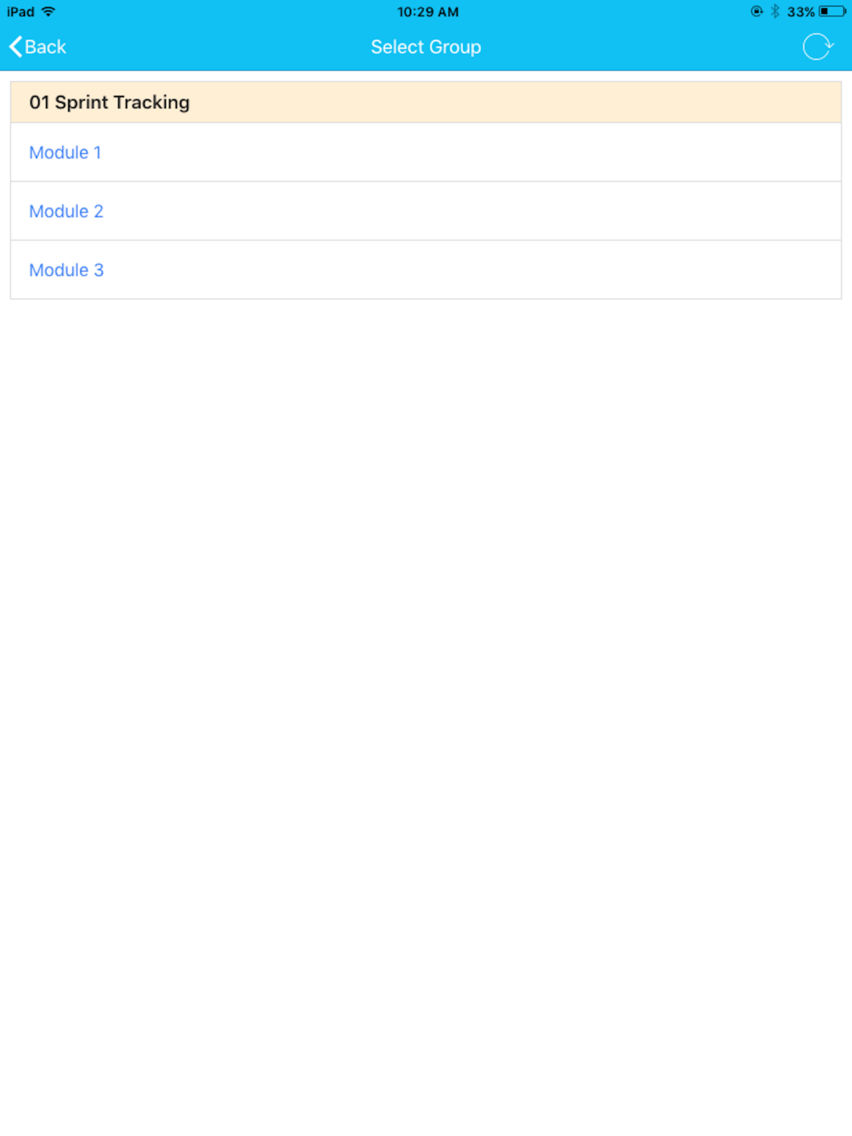
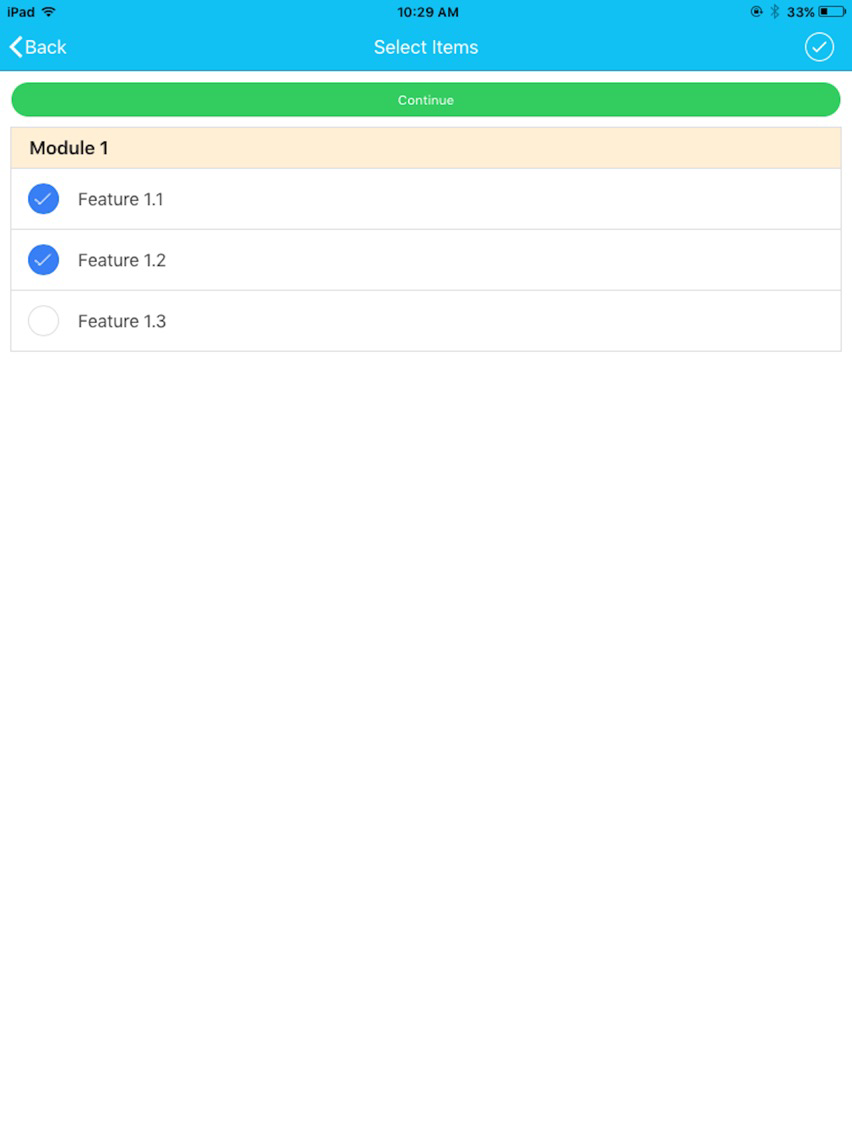
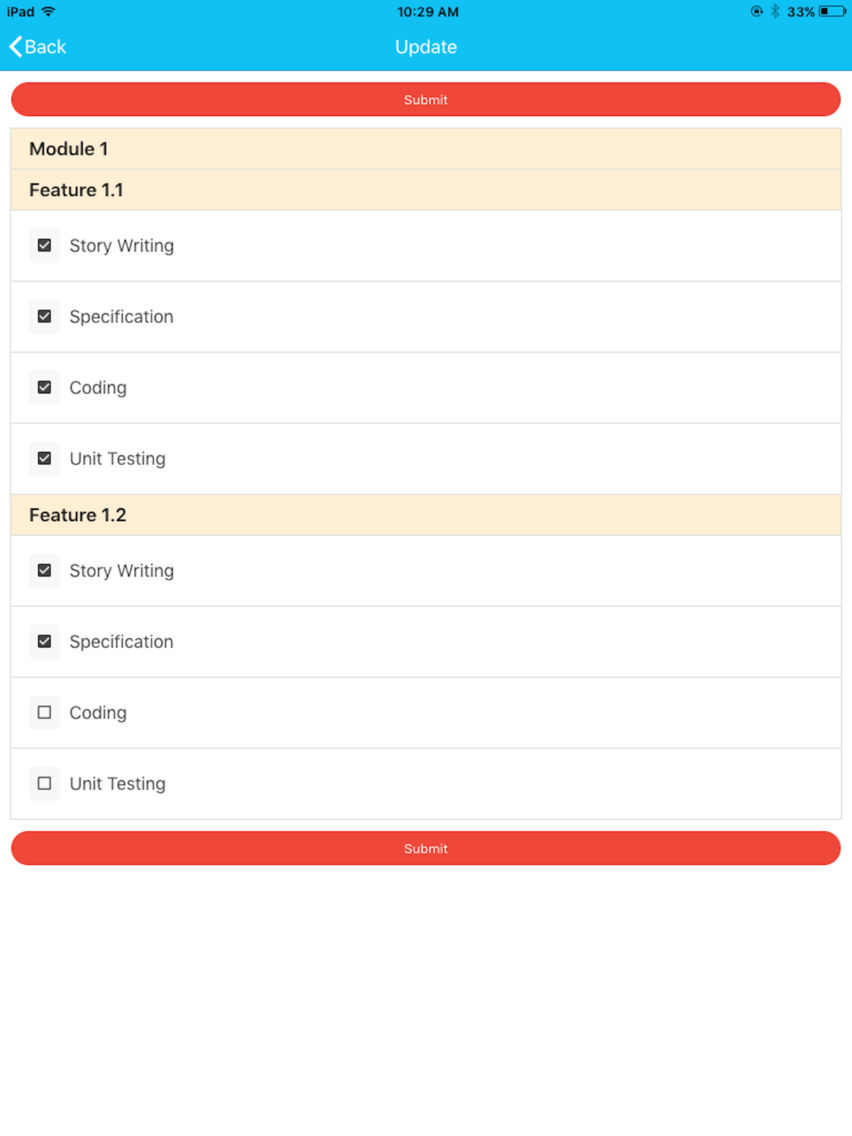
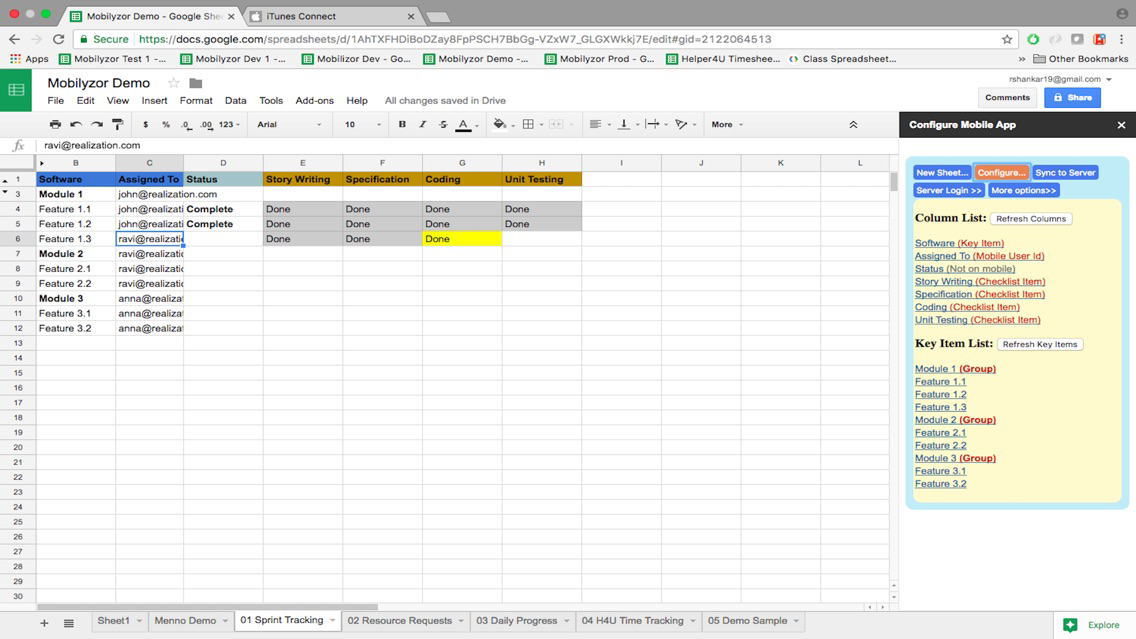
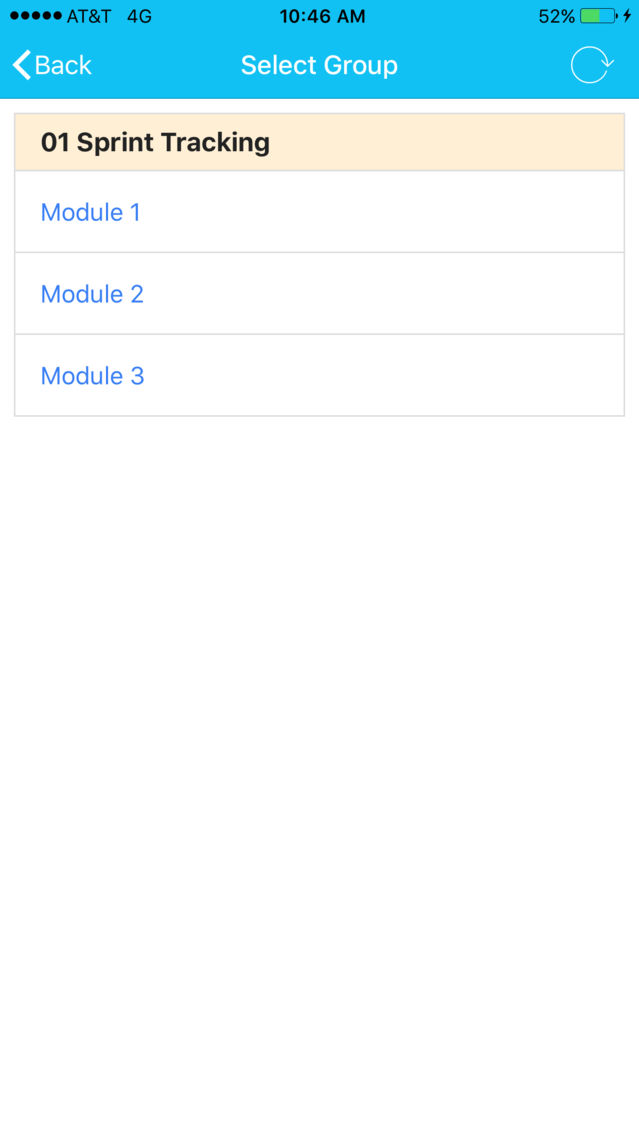
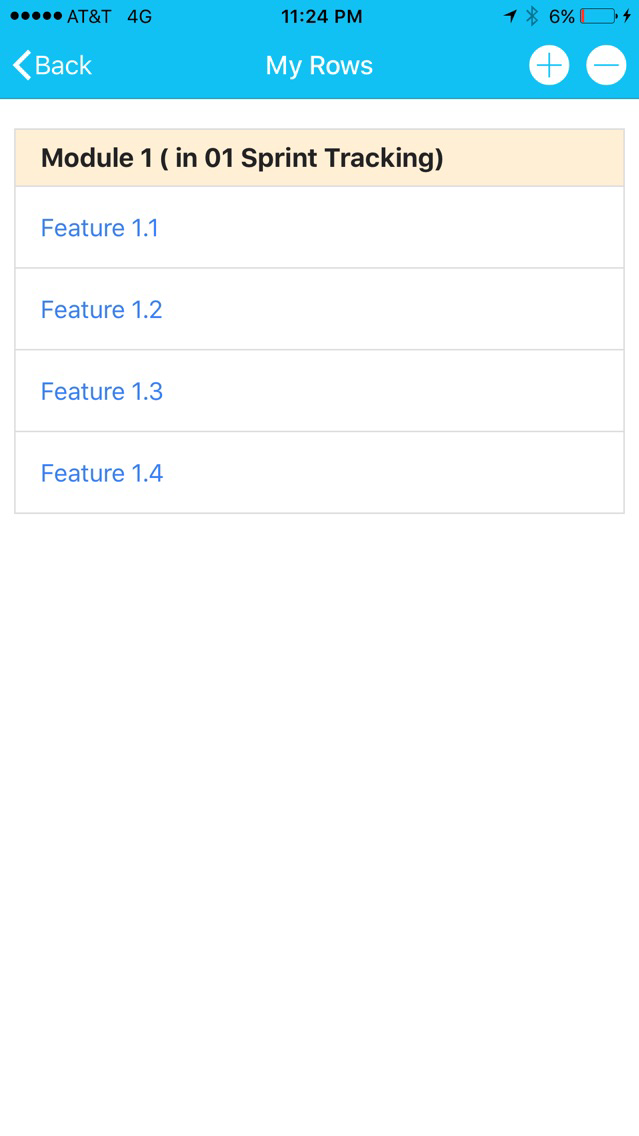
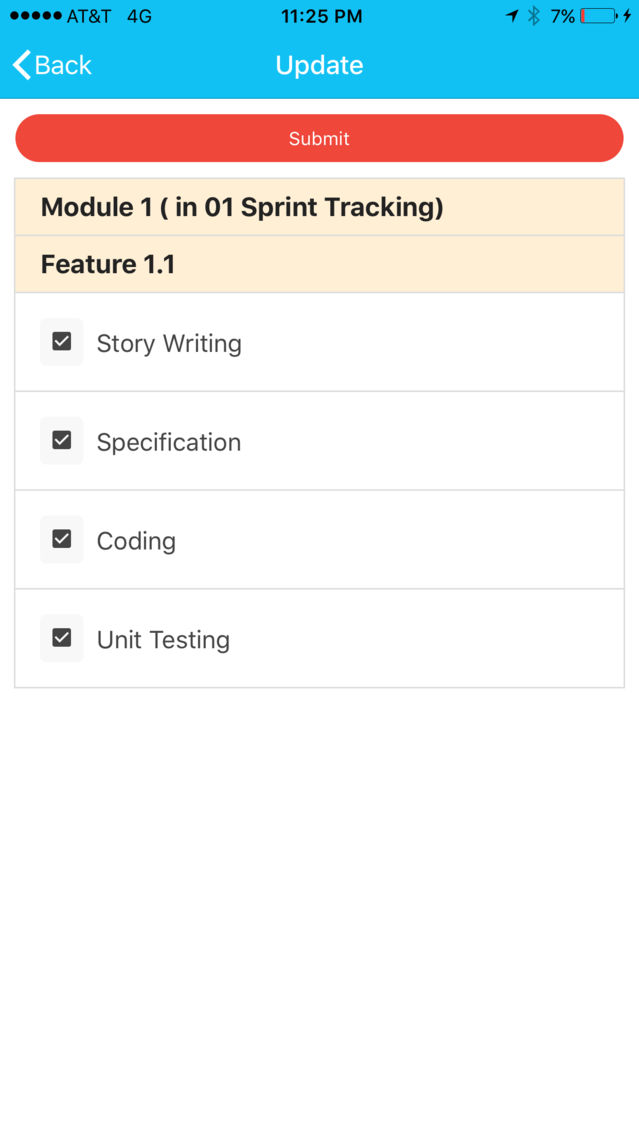
Mobilyzor posterMobilyzor posterMobilyzor posterMobilyzor poster

About Mobilyzor

What does Mobilyzor do?
Using Mobilyzor, you can now Create and Deploy a mobile app for your Google spreadsheet on the fly in minutes. Your team members can view and provide updates to your Google Spreadsheet using the mobile app.

Google spreadsheet is great for small business managers to create a business process such as time-tracking, project/task management, inventory updates, sales updates, etc. But sharing the sheet with your team securely and getting their inputs using their mobile is cumbersome if not impossible. Now you can bring your business process to mobile in minutes. Your team members can access and provide inputs using the mobile app.

Features:
- Mobile app generated for your google sheet in a few minutes (no coding needed)
- Multiple users can update the spreadsheet using a simple app interface rather than updating cells in a sheet.
- Add columns/rows to your spreadsheet and the mobile app UI updates dynamically
- Assign rows to team members, they can see and update rows only they have access to
- Restrict what columns in your spreadsheet your team can view/update, or make them read only
- Import data from another spreadsheet

How do I start?
Install the google sheet Mobilyzor Add On, create your spreadsheet and 'appify' it in minutes. Assign the rows in your spreadsheet to your team members. Ask your team members to download the Mobilyzor App from the App Store and they are ready to view their data and provide updates. To get the Add On, contact rshankar19@gmail.com.

Show More

What's New in the Latest Version 1.08

Last updated on Dec 29, 2017
Old Versions
1) Filtering based on field values in "My Rows" page. 2) App Icon has changed.
Show More
Version History
1.08
Mar 8, 2017
1) Filtering based on field values in "My Rows" page. 2) App Icon has changed.

Mobilyzor FAQ

Click here to learn how to download Mobilyzor in restricted country or region.
Check the following list to see the minimum requirements of Mobilyzor.
iPhone
iPad
Mobilyzor supports English

Mobilyzor Alternative

You May Also Like