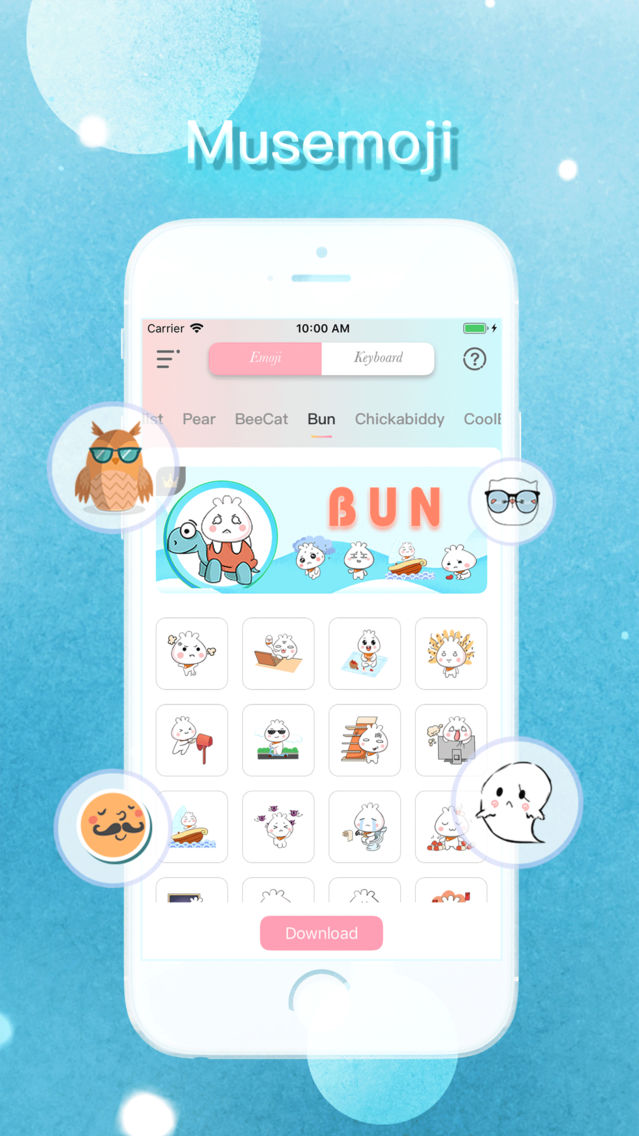
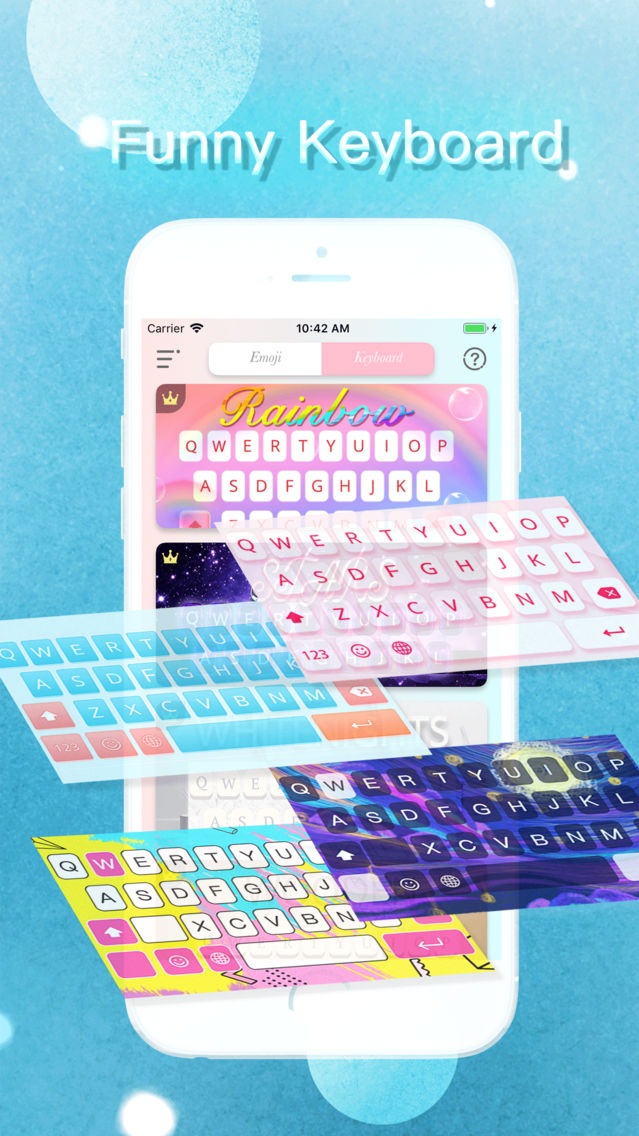
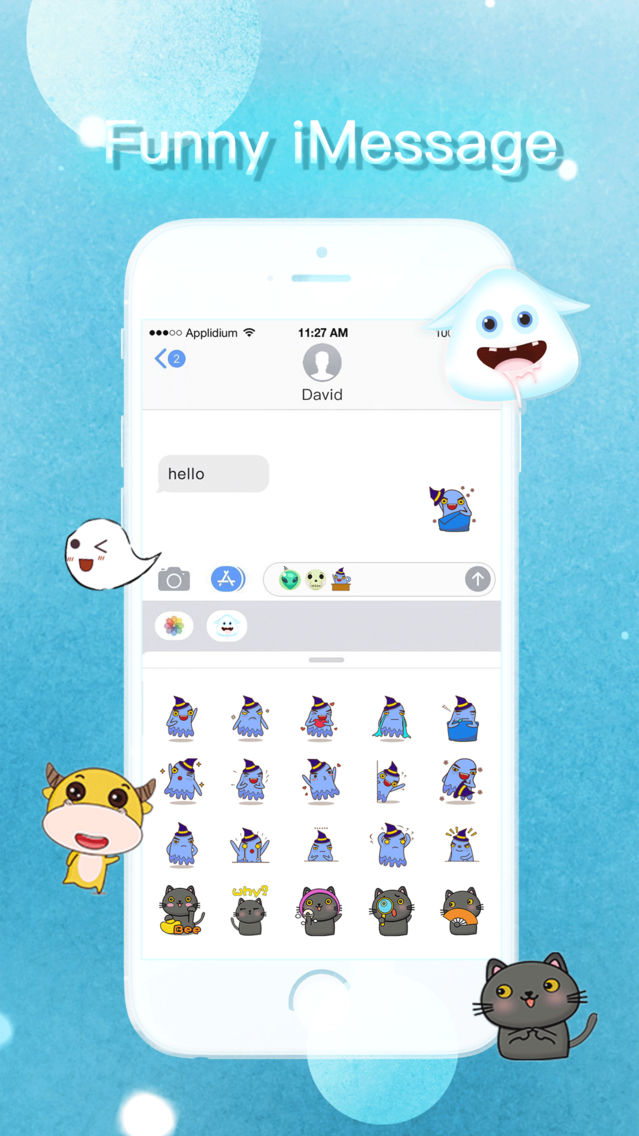
Musemoji is the latest emoji keyboard with variety emojis, combines all the things you could dream of into a single keyboard. Cool emoji for IOS, cool emoticons, stickers, cool gifs, smart typing and massive keyboard themes are all in Emoji Keyboard.
1. Musemoji - Musemoji Highlights:
- Best emoji keyboard IOS keyboard with 1200+ Emoji & cute Emoticons, face emoji keyboard, Emoji Stickers.
- Share funny emoji stickers face emoji & emoticon with keyboard emoji.
- Best keyboard with personalized keyboard background and keyboard themes with emojis.
- Custom keyboard: Set your photo as emoji keyboard background.
- Font keyboard: Cool fonts based on Unicode and autocorrect typos.
- Gif Keyboard: Share GIFs Instantly with s smart keyboard for IOS keyboard & GIF keyboard.
- Smart Keyboard for IOS - Type faster with smart keyboard autocorrection, next word prediction & emoji prediction.
- Swipe to type - Cute emoji keyboard offers gesture typing with dynamic floating effect.
- Multilingual cool keyboard for IOS keyboard free with 30+ languages.
Cute emoji keyboard has funny emoji keyboard - emoji maker, sticker maker, cool fonts, smart keyboard IOS keyboard, custom keyboard maker, stylish keyboard background, face emoji. Make your IOS keyboard funnier and faster with the keyboard with emoji!
2. Musemoji – Step Up your face emoji game.
Emoji Keyboard, a smart keyboard IOS keyboard for IOS and emoji maker, is specially designed for who likes animated emoji, cute emoticons, emoji sticker and gifs. 1200+ animated emoji & Emoticons in cute emoji keyboard makes typing funnier!
3. Musemoji - Type Fast & Fun with Animated Emoji Sticker.
Sticker keyboard (keyboard with animated emojis) by Emoji Sticker with emoji stickers, emoticons and GIFs. Install the emoji keyboard IOS with sticker maker & emoji maker to enjoy stickers, cute emoticons and GIFs.
Subscribe Features
Unlimited usage, $0.99/week or $39.99/year and auto-renew :
1. Remove all ads.
2. Update new custom category weekly
3. Create and push unique custom emoji
4. Unlock all keyboard theme and emoji category
Subscription Options:
1. Payment will be charged to iTunes Account at confirmation of purchases.
2. Subscription automatically renews unless auto-renew is turned off at least 24 hours before the end of the current period.
3. Account will be charged for renewal within 24 hours prior to the end of the current period, and identify the cost of the renewal.
4. Subscriptions may be managed by the user and auto-renewal may be turned off by going to the user's account settings after purchase.
5. Any unused portion of a free trial period, if offered, will be forfeited when the user purchases a subscription to that publication,where applicable.
6. Subscriptions may be managed by the user and auto-renewal may be turned off by going to the user's Account Settings after purchase.
You can cancel your subscription via this url: https://support.apple.com/en-us/HT202039
Privacy Policy : https://sites.google.com/view/musemoji/privacy-policy
EULA : https://sites.google.com/view/musemoji/terms-of-service