MyPointer Pro
Free
1.02for iPhone
Age Rating
MyPointer Pro Screenshots
About MyPointer Pro
App MyPointer supports Powerpoint presentations, wireless mouse, laser pointer functions.
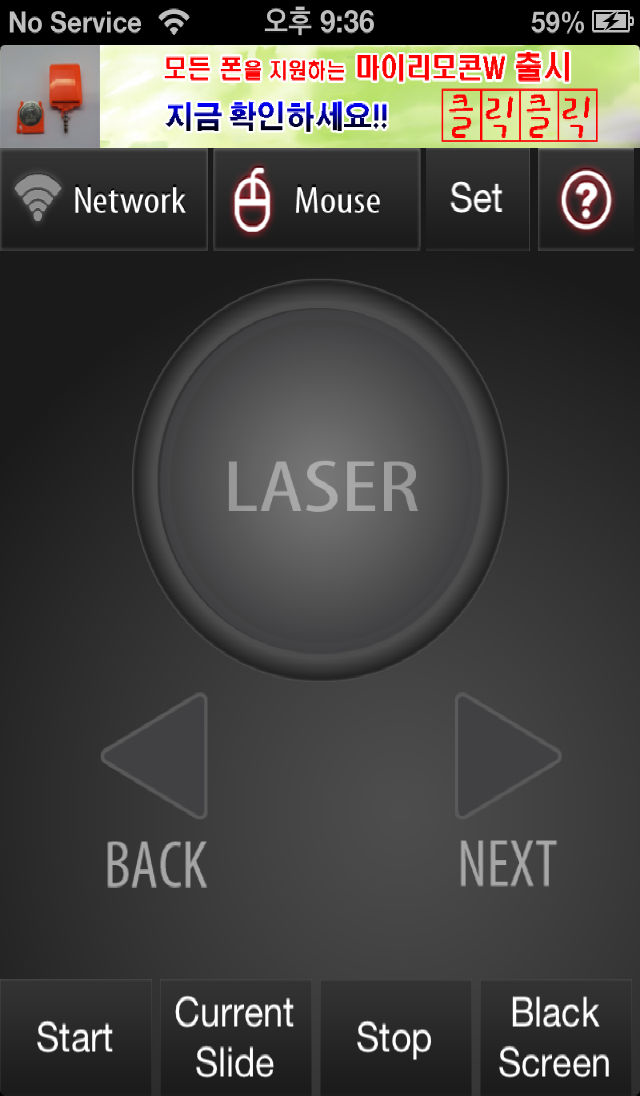
* PPT presentation functions
- Start a slideshow
- Starting at the current slide
- Stop Slideshow
- Show a black screen
- See next slide
- View the previous slide
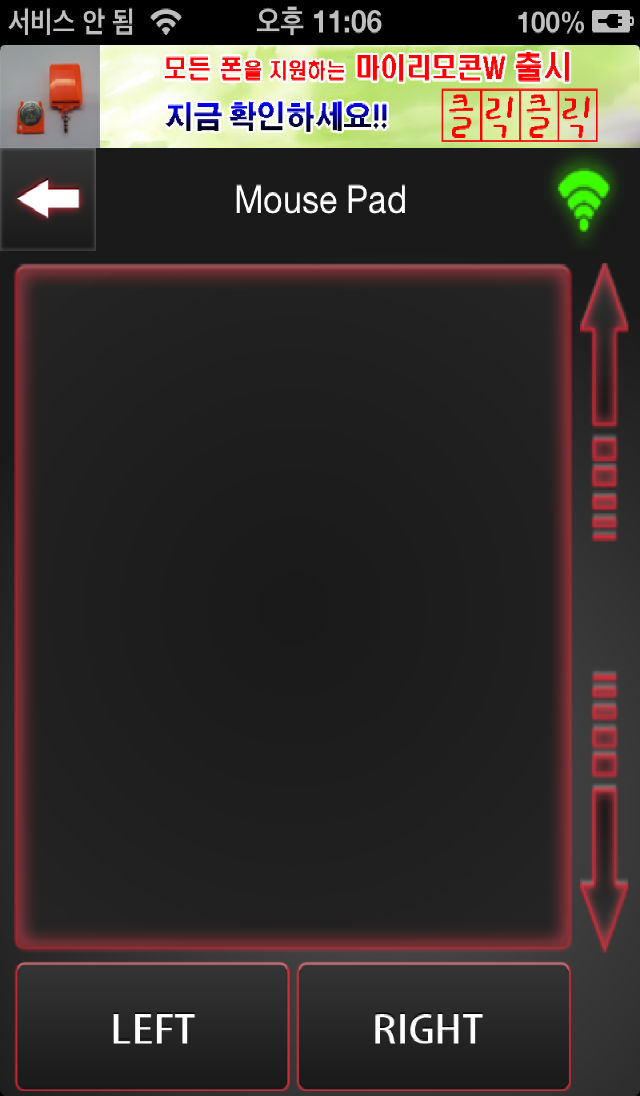
* Mouse Function
- supports all the wireless mouse function
(left button, right button, left button + drag, short one click, Mouse wheel ,two finger scroll etc.)
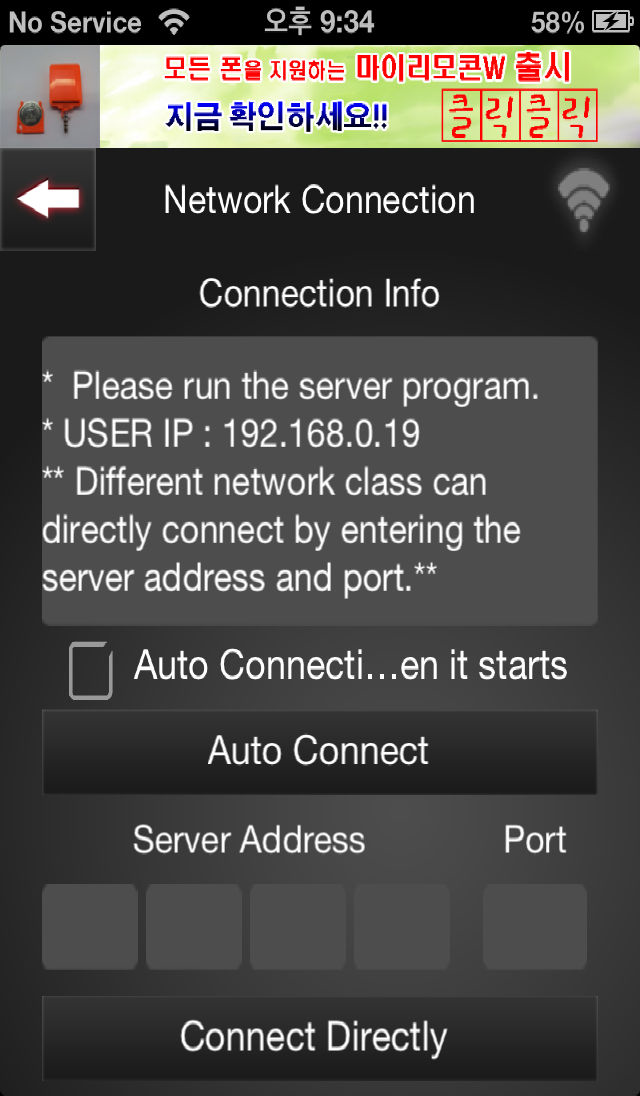
* Support network environment
- You can download a server program from our home page(http://myremocon.com).
- Private IP: WIFI, hot spot
(you can use the automatic settings or use manul input)
- Public IP: 3G, LTE, etc.
you can use manually input by informations(ex:IP, port) the server program is shown. and then enter the MyPointer App's connection button.
* Laser feature
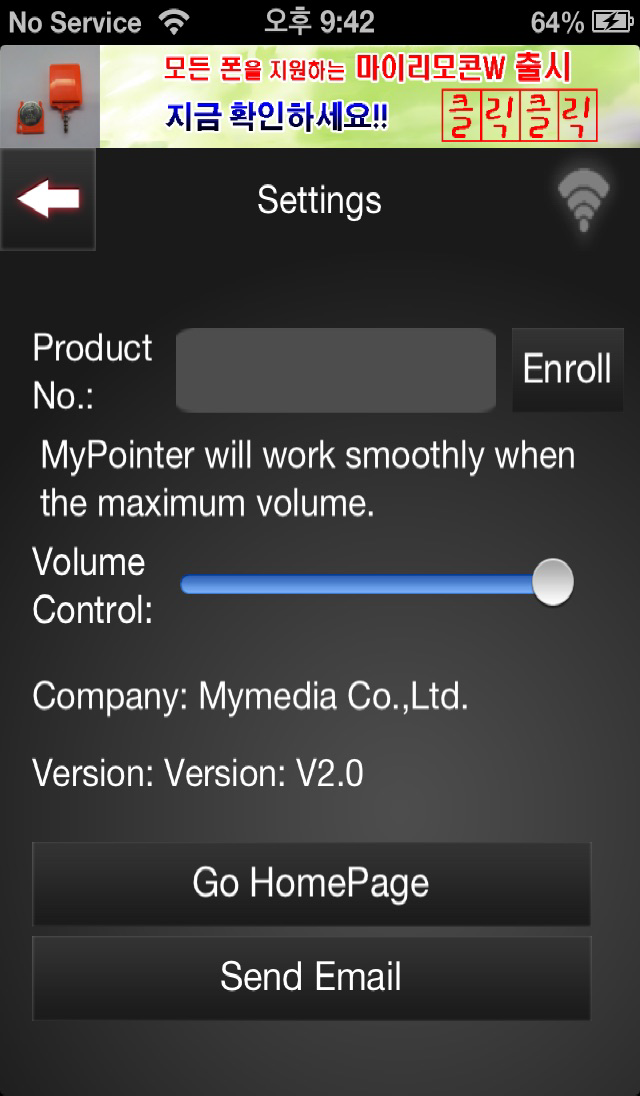
after purchasing MyPointerW dongle to our website and then after you register Product number. you can use Laser capabilities.
please refer to the help menu for detailed usage.

* PPT presentation functions
- Start a slideshow
- Starting at the current slide
- Stop Slideshow
- Show a black screen
- See next slide
- View the previous slide
* Mouse Function
- supports all the wireless mouse function
(left button, right button, left button + drag, short one click, Mouse wheel ,two finger scroll etc.)
* Support network environment
- You can download a server program from our home page(http://myremocon.com).
- Private IP: WIFI, hot spot
(you can use the automatic settings or use manul input)
- Public IP: 3G, LTE, etc.
you can use manually input by informations(ex:IP, port) the server program is shown. and then enter the MyPointer App's connection button.
* Laser feature
after purchasing MyPointerW dongle to our website and then after you register Product number. you can use Laser capabilities.
please refer to the help menu for detailed usage.
Show More
What's New in the Latest Version 1.02
Last updated on Jan 10, 2014
Old Versions
* crash bugs in ios7 fixed.
* add screen upside-down option in setting window.
Show More
Version History
1.02
Mar 26, 2013
* crash bugs in ios7 fixed.
* add screen upside-down option in setting window.
MyPointer Pro FAQ
Click here to learn how to download MyPointer Pro in restricted country or region.
Check the following list to see the minimum requirements of MyPointer Pro.
iPhone
MyPointer Pro supports English, Korean