Note Taking: Notes & Notebook
Notepad plus Markdown Writer
Free
1.5.16for iPhone, iPad
Age Rating
Note Taking: Notes & Notebook Screenshots
About Note Taking: Notes & Notebook
Note Taking: Notes & Notebook is very flexible way to organize notes, thoughts ideas, tasks, todo, checklist, reminders, errands or anything you want to capture using tags.
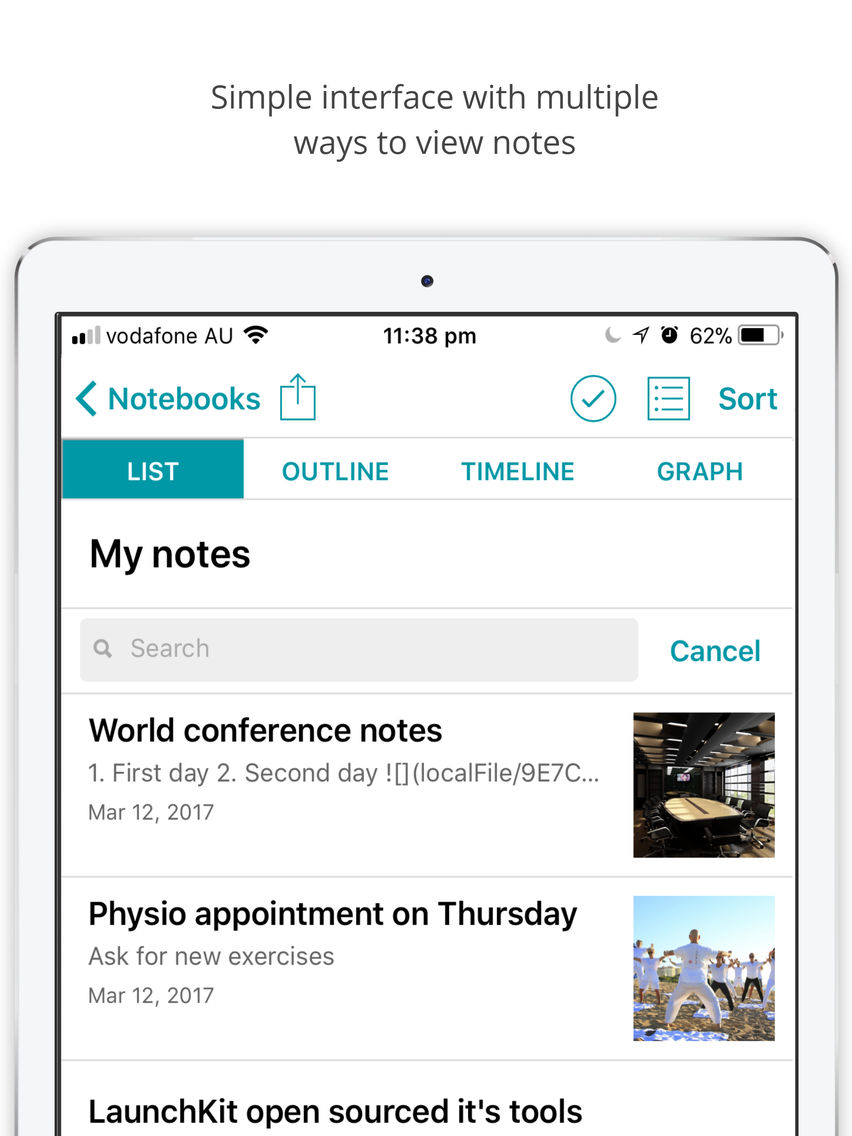
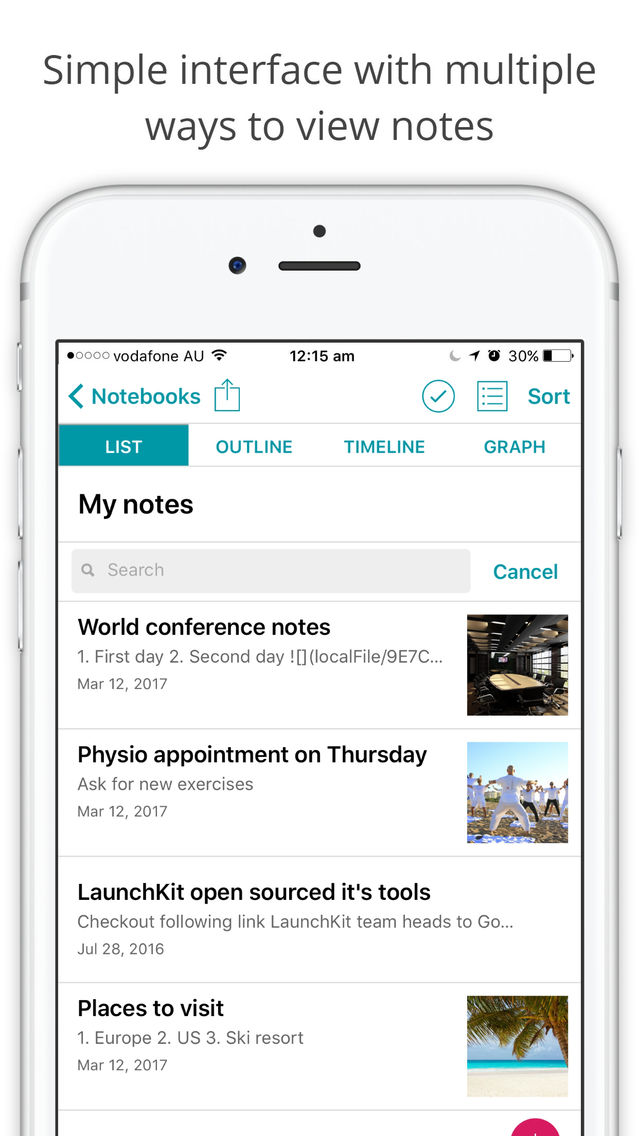
The most intuitive and easiest way to access your notes using many different ways to search including full text search.
Main features
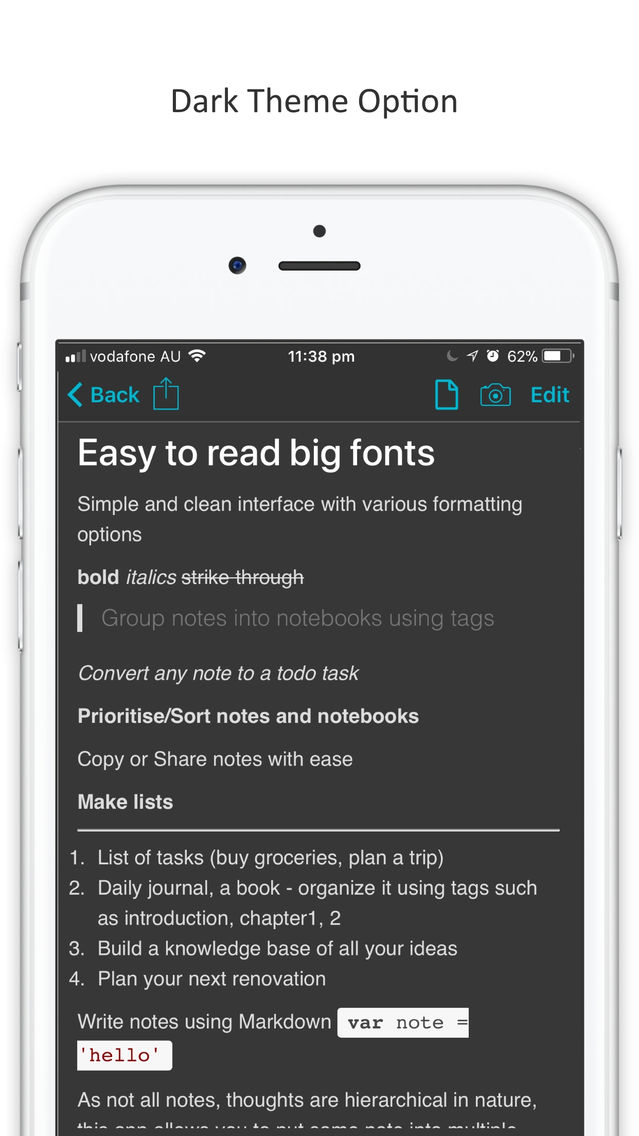
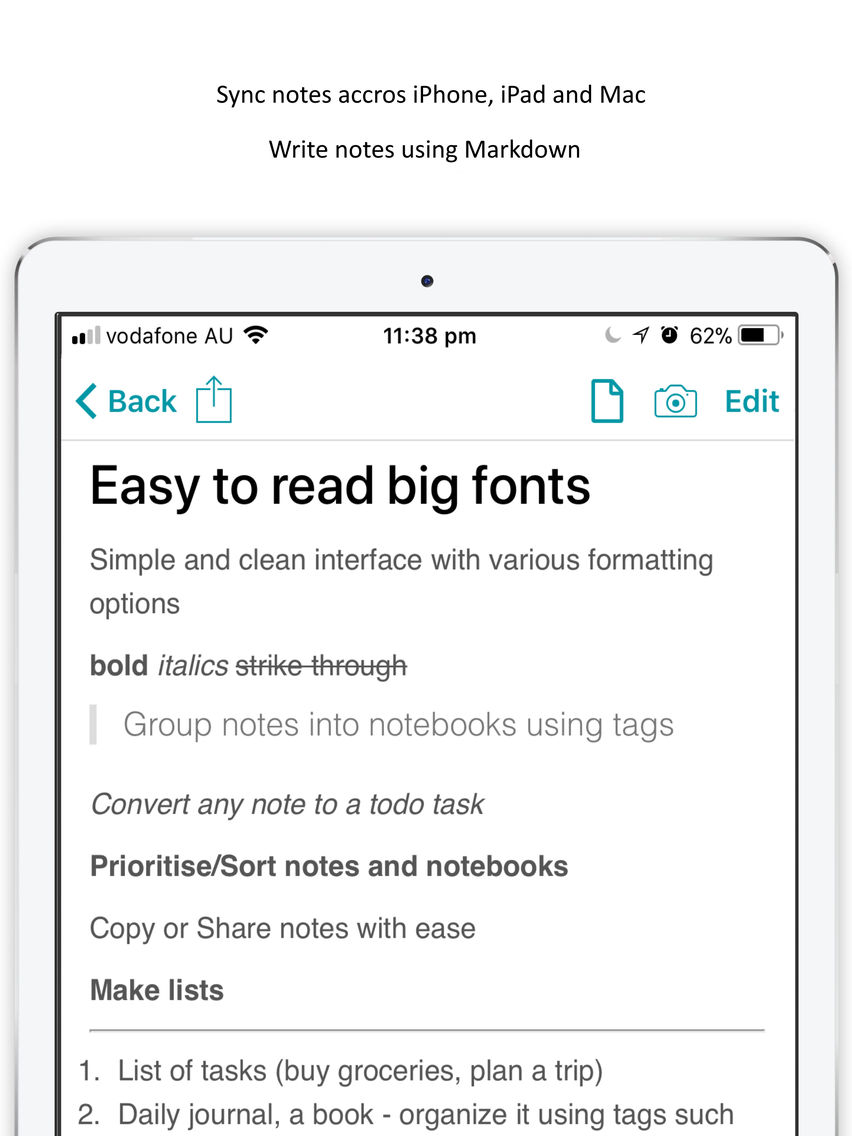
- Easy to read big fonts with simple and clean interface
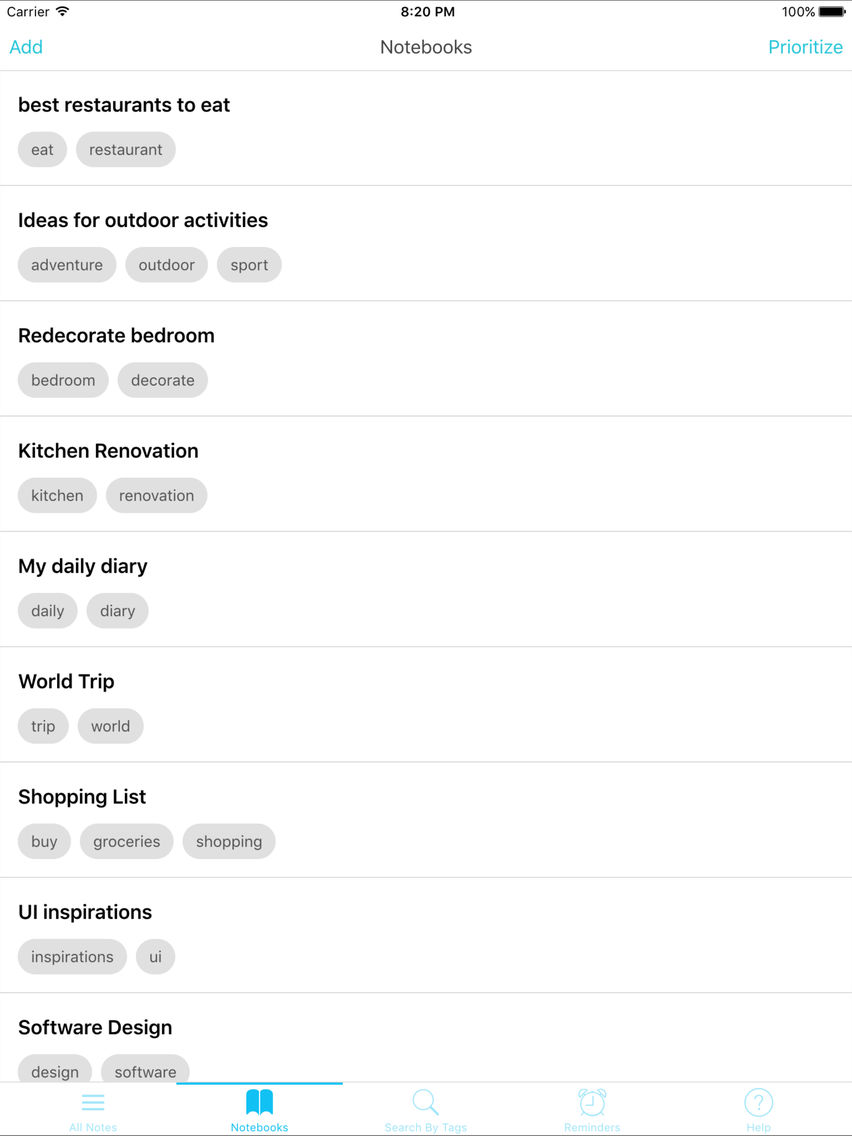
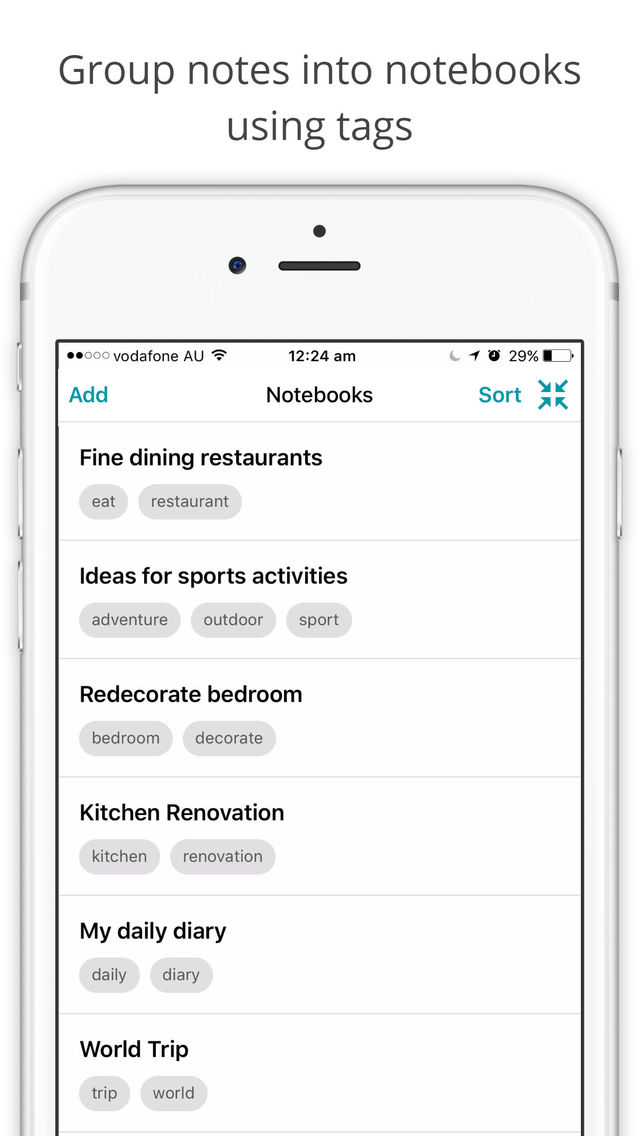
- Group notes into notebooks using tags
- Sync notes across iPhone, iPad and Mac using iCloud
- Organize important notes and notebooks by reordering
- Super quick full text search across all notes or within a notebook
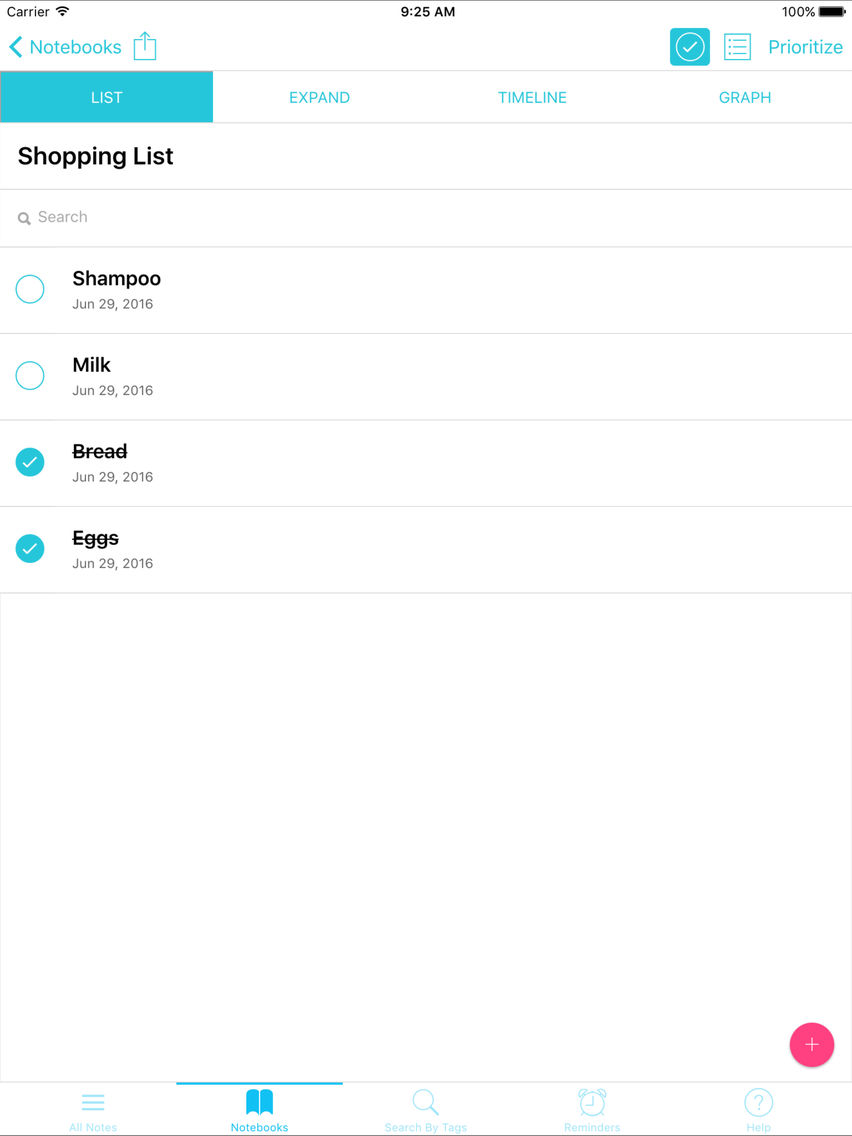
- Convert any note to a todo task
- Add Photos
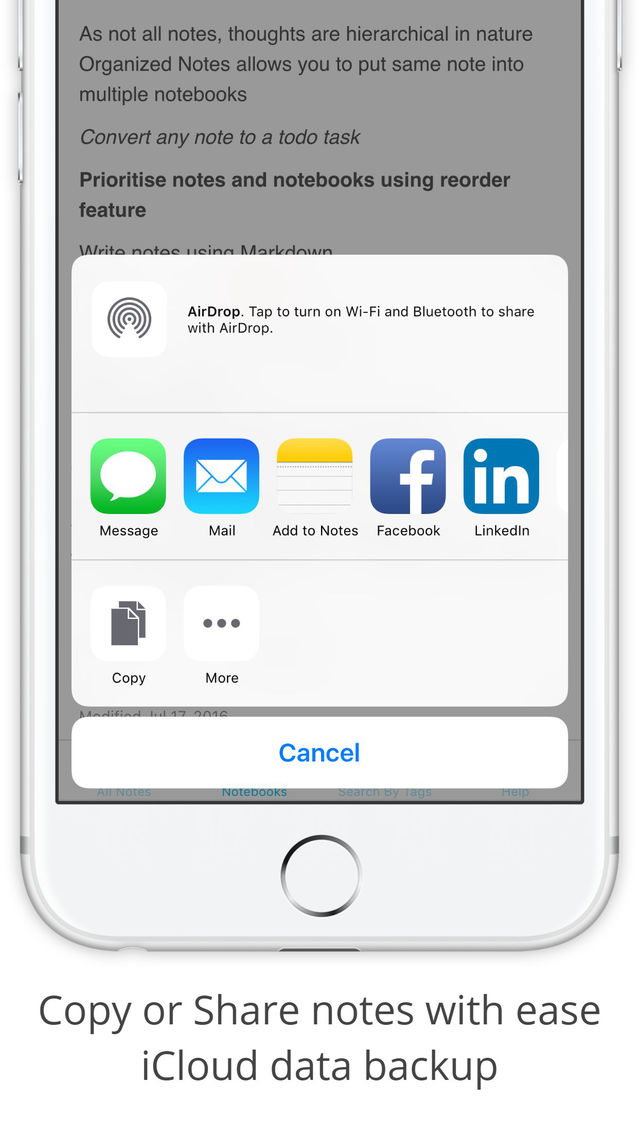
- Copy or Share notes with ease
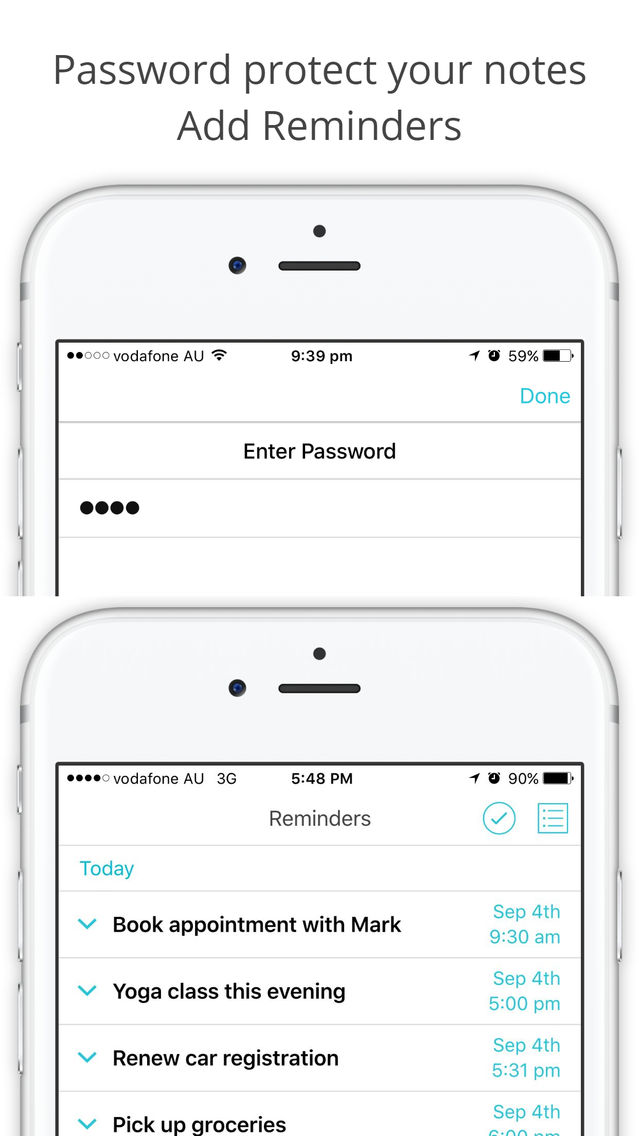
- Secure / Lock your notes using password
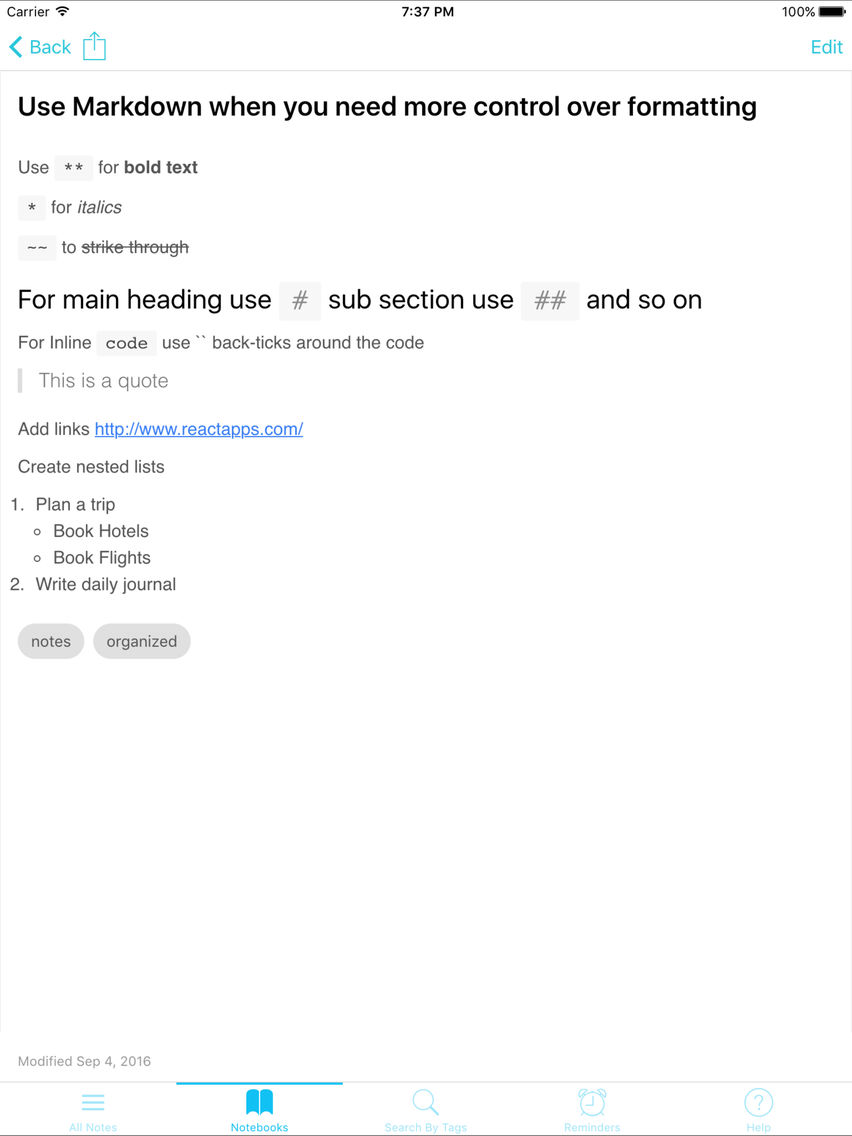
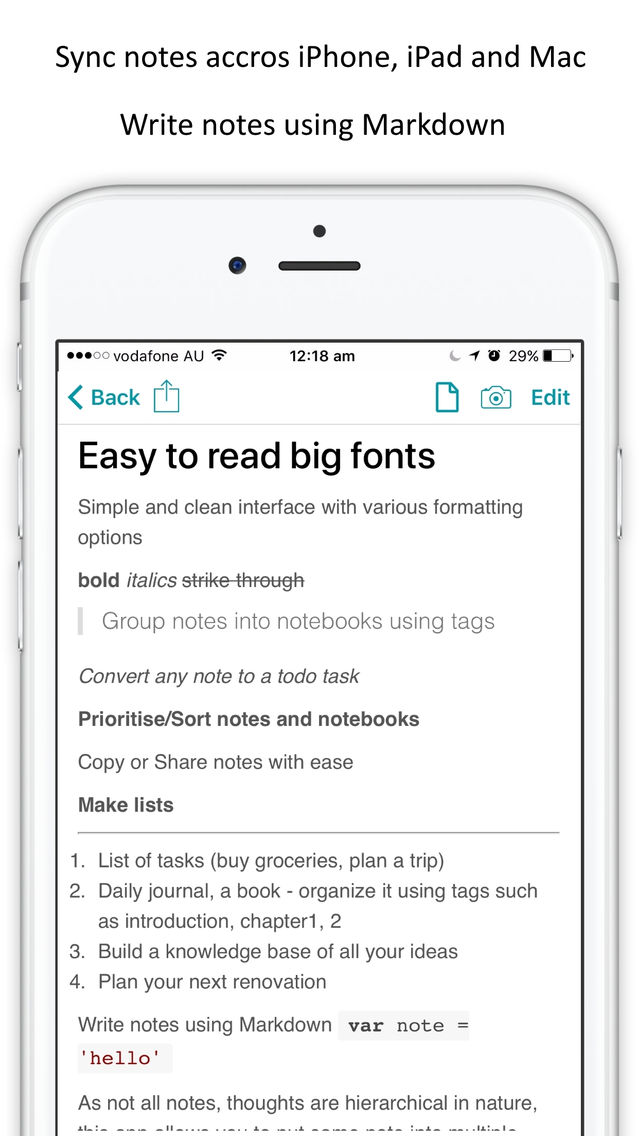
- Use Markdown including images, links and code with syntax highlighting
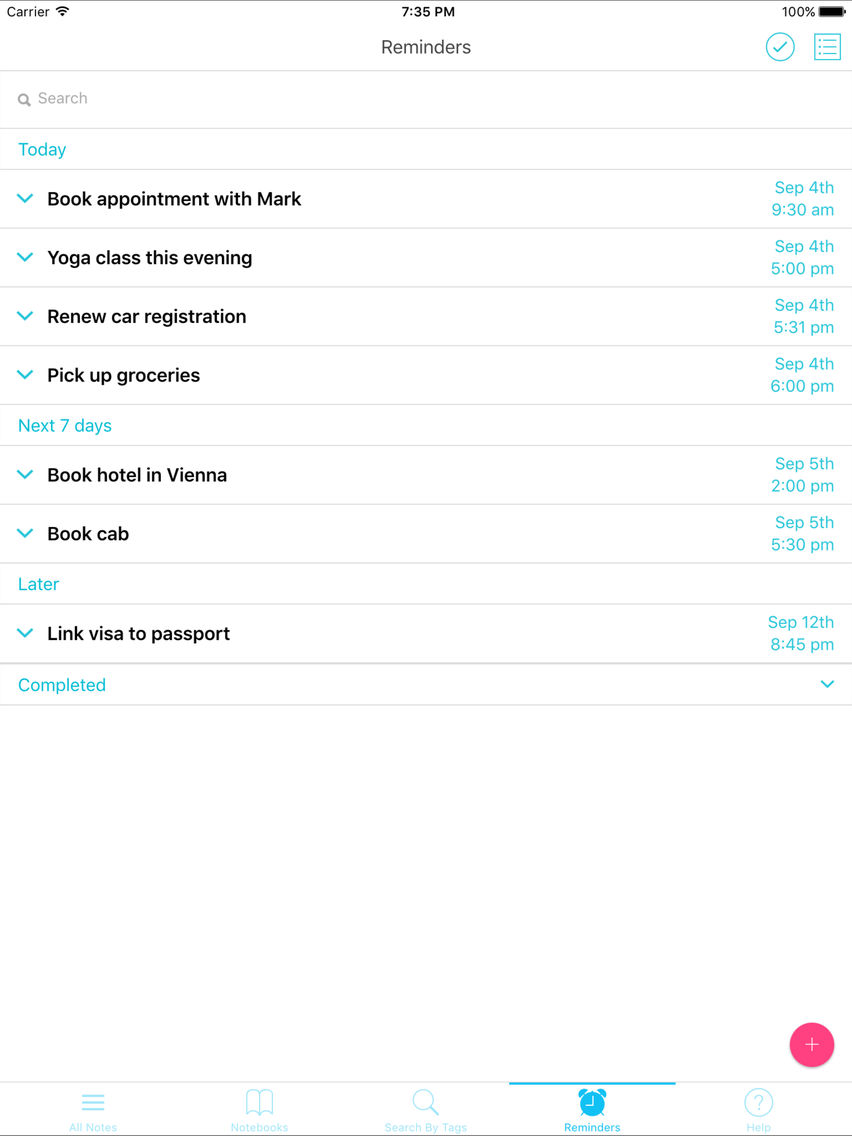
- Add reminders to any note or todo task
- As not all notes or thoughts are hierarchical in nature, we allow you to put same note into multiple notebooks
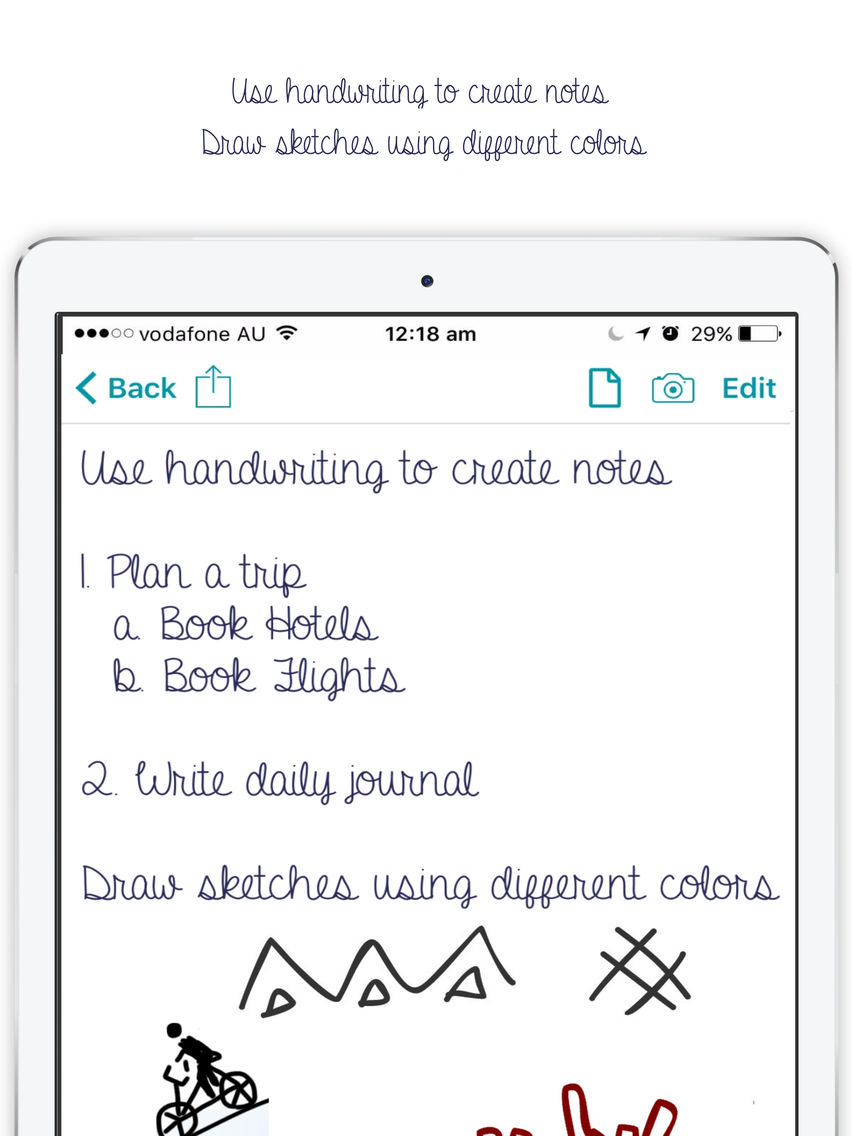
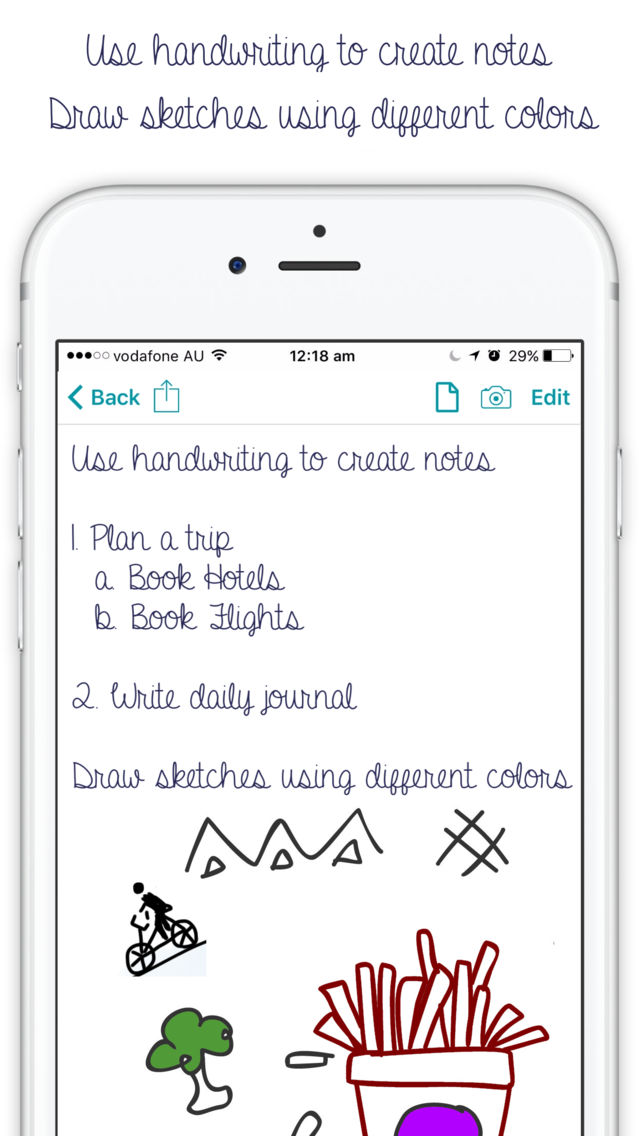
- Handwritten notes, write notes in your handwriting
- Draw and sketch using different color / colour
Examples of how you can best use this app
1. List of tasks, errands (plan a trip, prepare for conference talk or create a groceries list)
2. Daily journal, diary, your next book
3. Build an organized knowledge base of all your ideas
4. Plan your next big renovation
5 Bookmark or add a link to webpage within notes

The most intuitive and easiest way to access your notes using many different ways to search including full text search.
Main features
- Easy to read big fonts with simple and clean interface
- Group notes into notebooks using tags
- Sync notes across iPhone, iPad and Mac using iCloud
- Organize important notes and notebooks by reordering
- Super quick full text search across all notes or within a notebook
- Convert any note to a todo task
- Add Photos
- Copy or Share notes with ease
- Secure / Lock your notes using password
- Use Markdown including images, links and code with syntax highlighting
- Add reminders to any note or todo task
- As not all notes or thoughts are hierarchical in nature, we allow you to put same note into multiple notebooks
- Handwritten notes, write notes in your handwriting
- Draw and sketch using different color / colour
Examples of how you can best use this app
1. List of tasks, errands (plan a trip, prepare for conference talk or create a groceries list)
2. Daily journal, diary, your next book
3. Build an organized knowledge base of all your ideas
4. Plan your next big renovation
5 Bookmark or add a link to webpage within notes
Show More
What's New in the Latest Version 1.5.16
Last updated on Sep 10, 2018
Old Versions
Fixed minor bugs
Show More
Version History
1.5.16
Sep 10, 2018
Fixed minor bugs
1.5.15
Jul 30, 2018
Update markdown defaults
1.5.14
Jul 25, 2018
UI Enhancement - Show details as main text when title is not provided
1.5.13
Jul 23, 2018
Minor bug fixes
1.5.12
Jul 21, 2018
Highlight search and sort by created, updated date and alphabetically
1.5.11
Jul 14, 2018
Write text in bold, italics, different colors, identation, lists, headings, quotes and more and Minor bug fixes
1.5.10
Jul 12, 2018
Add rich text editor - Allow you to write text in bold, italics, different colors, identation, lists, headings, quotes and more
1.5.9
Jun 24, 2018
Add note creation date
1.5.8
Jun 19, 2018
Undo and redo for sketches
1.5.7
Jun 10, 2018
Draw sketches in different colors
Auto save notes
Auto save notes
1.5.6
Apr 8, 2018
Minor UI Updates
1.5.5
Feb 15, 2018
Minor UI Updates
1.5.4
Feb 9, 2018
Minor bug fixes
1.5.3
Feb 6, 2018
As per feedback we have added dark theme.
1.5.2
Feb 2, 2018
Fix Add Image Issue
1.5.1
May 31, 2017
Add more inline help
1.5
Mar 1, 2017
Sync notes across devices
1.4.2
Jan 9, 2017
Fixed bug where user couldn't delete notebook
1.4.1
Jan 3, 2017
Updated markdown styles
1.4
Dec 14, 2016
Redesigned Markdown keyboard
Ability to Pin notes to top
Easy to add images and links
Find out notes that do not have any tags
Ability to Pin notes to top

Easy to add images and links
Find out notes that do not have any tags
1.3.2
Nov 21, 2016
Minor bug fixes for reminders
1.3.1
Nov 12, 2016
Add custom data
Use graph to visualise custom data
1.3
Oct 26, 2016
Now you can add images
Group notebook into sub notebooks
1.2.3
Sep 16, 2016
Fix minor bugs
1.2.2
Sep 6, 2016
Editor now auto resizes
Share or copy full notebook
Note Taking: Notes & Notebook FAQ
Click here to learn how to download Note Taking: Notes & Notebook in restricted country or region.
Check the following list to see the minimum requirements of Note Taking: Notes & Notebook.
iPhone
iPad
Note Taking: Notes & Notebook supports English