PointPlot uses the GPS capability of an iOS device to make it simple to plot outdoor spaces and display this on a map and export to a variety of mapping systems, or share with others.
It is for anybody who has a need to record a real life location on a map or compare locations on a map back to real life. This could be farmers, builders, scientists, archaeologists, systems developers or anybody with an interest in maps.
At a glance:
+ Use your position on the ground to mark areas of a map
+ Use the app to perform length and area calculations of your survey
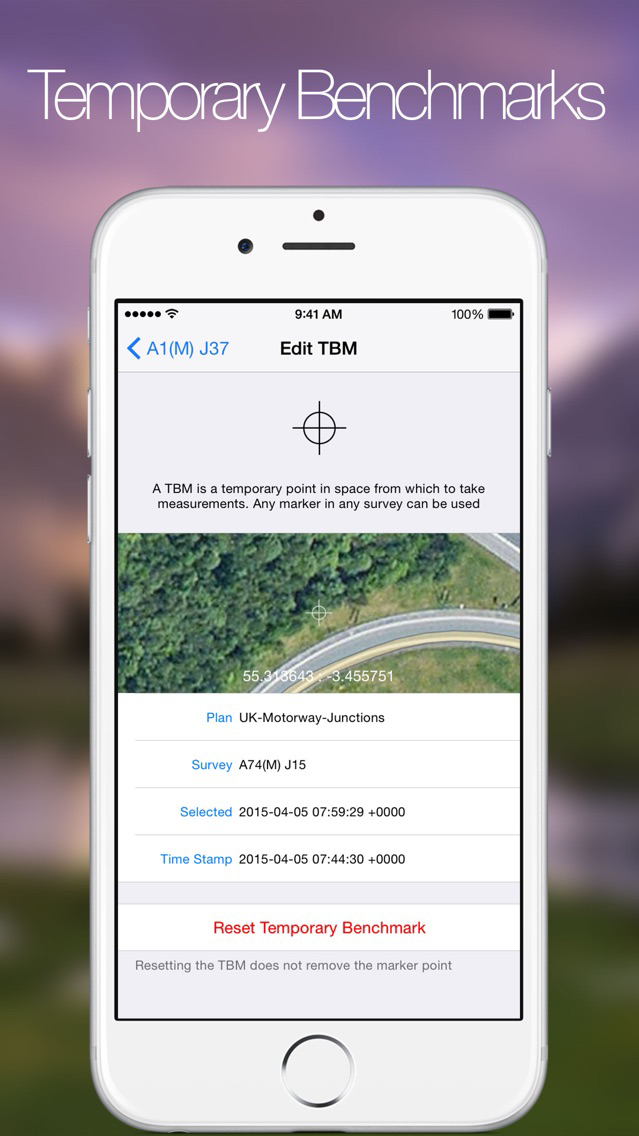
+ Use points on a map, or temporary benchmark, to mark out positions 'on the ground' from distance and bearings
+ Photograph the area and export photos to the device camera roll with coordinates watermark
+ Search for locations by address, coordinates or for UK locations OS Grid references
+ Multiple users and their devices can combine and work collaboratively to speed up large surveys
+ Share this information with others
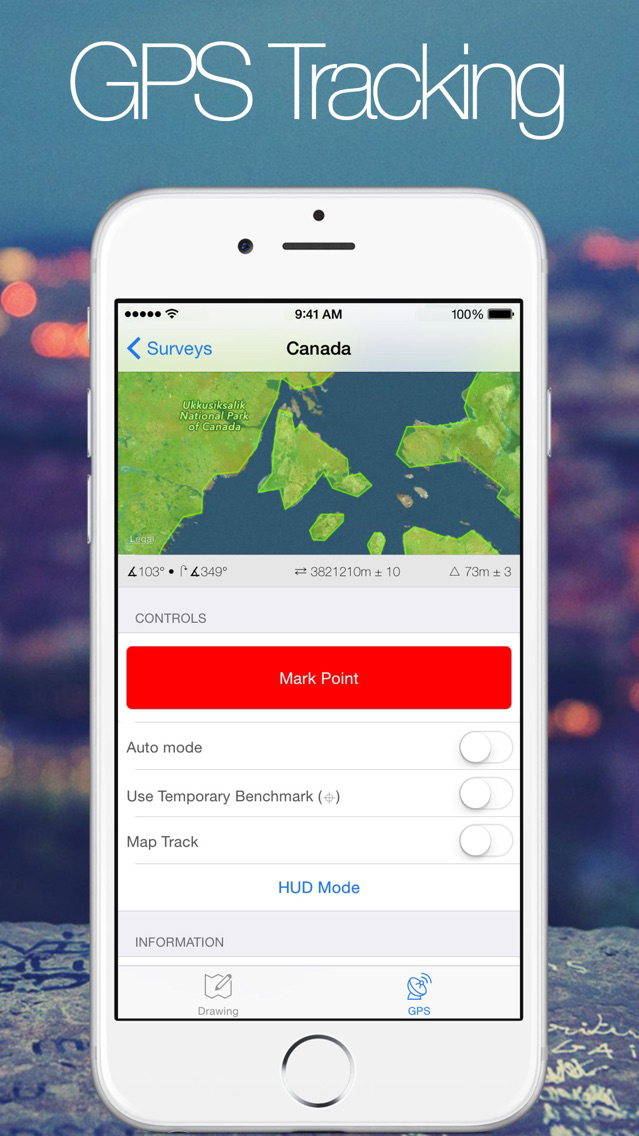
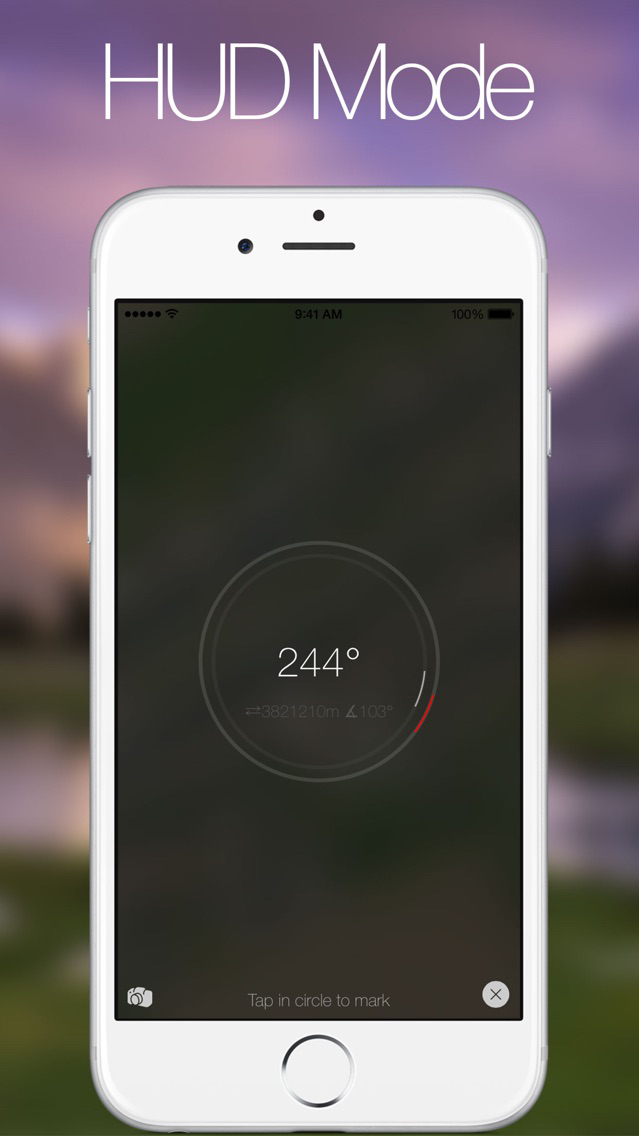
PointPlot also shows the users location in relation to the survey making it possible to make virtual boundaries and perimeters, for example to mark out a physical boundary where is is difficult or not possible to remain within line of sight of marker posts. The app also allows for the creation of temporary benchmarks, displaying the bearing and distance of the user from the point in a simplified 'Head Up Display' mode.
HUD mode simplifies the display, only showing the most relevant information and providing one large button to mark a point, ideal when working outside.
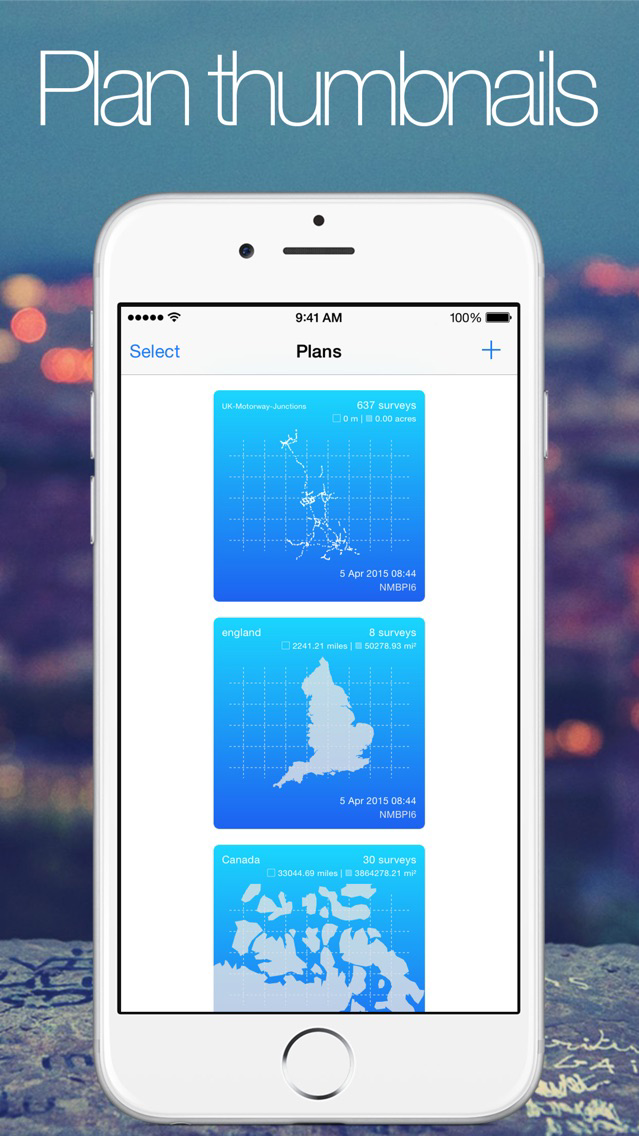
A plan is made up of multiple surveys. Each survey then maps out a portion of real ground according to a set of GPS coordinates. Surveys can be lines, polygons or even other shapes such as arcs. Surveys can be overlaid with geo-referenced images to add detail to satellite data.
Individual points can be adjusted with high accuracy or whole surveys can be simplified or straightened out automatically by the app.
Plans are color coded depending on how many different types of survey they contain and each plan displays length and area calculations. Each individual survey also includes length and area calculations.
For larger surveys, such as those mapped out in a vehicle the app provides and auto mode. Once auto mode is started the screen can be locked to save battery life and the app records your location as you move, making it simple to plot large areas.
The app provides a built in camera display for taking photos of and around surveys. The camera displays location information as well as bearing and distance from temporary benchmark, making it easy to record photos of features from a variety of angles.
Once plans are complete they can be shared with any AirDrop compatible device or packaged up into an email. Plans can be exported as KML, GeoJSON, GPX or native format.
In addition surveys can be shared with nearby PointPlot users, even without internet coverage or cell signal. PointPlot makes use of the Multipeer Connectivity framework to create a mesh network, using wifi or bluetooth, making it easy to pass surveys between up to 8 devices at once.
Disclaimer:
PointPlot uses a background mode to continue to map out surveys when the screen is locked. This happens when 'auto mode' is selected.
Please note
"Continued use of GPS running in the background can dramatically decrease battery life."