Punchthru
Free
1.9for iPhone
Age Rating
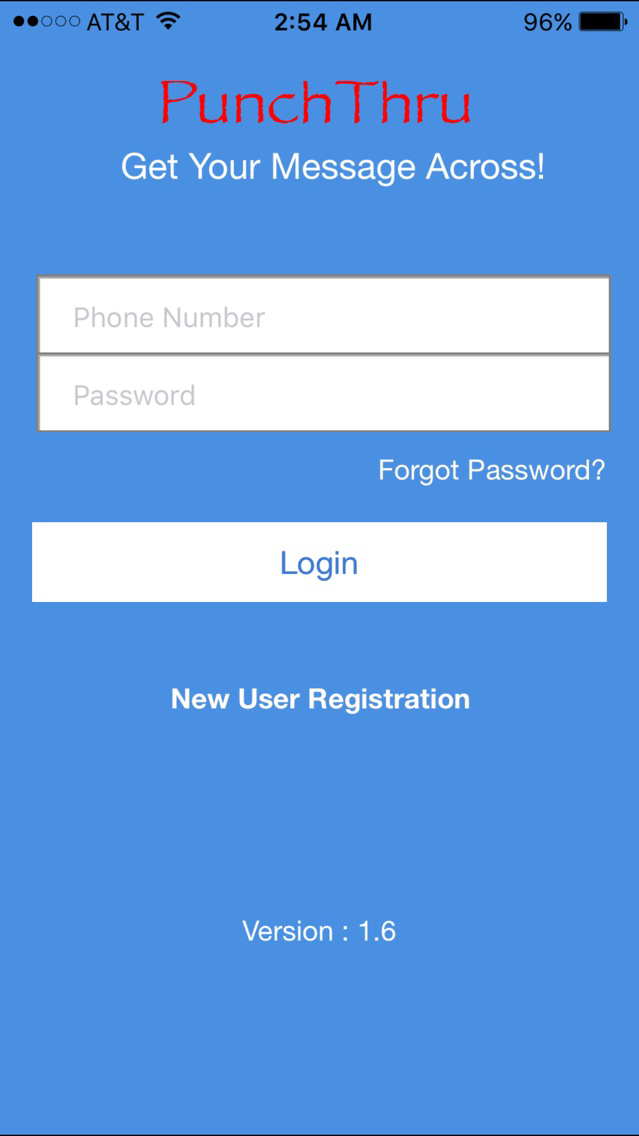
Punchthru Screenshots
About Punchthru
Punchthru (patent pending) Get your message across!
Don't txt and drive!
Do your part, don't txt your loved ones if you know they are driving!
Help us avoid the 1.3 Million txt and driving related accidents.
Punchthru lets you communicate with authorized family and close friends in a quick and effective way. You control who can communicate with you.
- Receive quick and effective messages with minimal distraction while driving.
- Handsfree auto reply
- Send quick and effective messages to family and friends on the road.
- Get notified without distraction and additional steps.
- Hands free auto reply feature
- Share quick and fun quotes with your approved contacts.
- Share audio clip previews.
_______________________________________________________
Quick use steps:
1) Launch app
2) Select a contact
3) Select
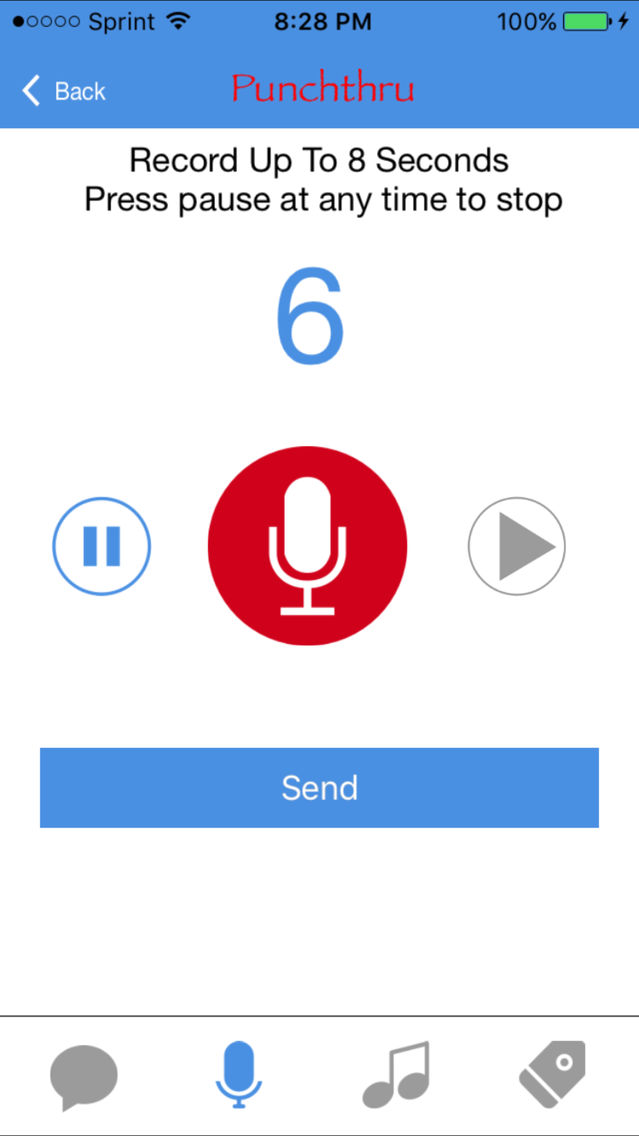
Tap RECORD
record your audio message
send
OR
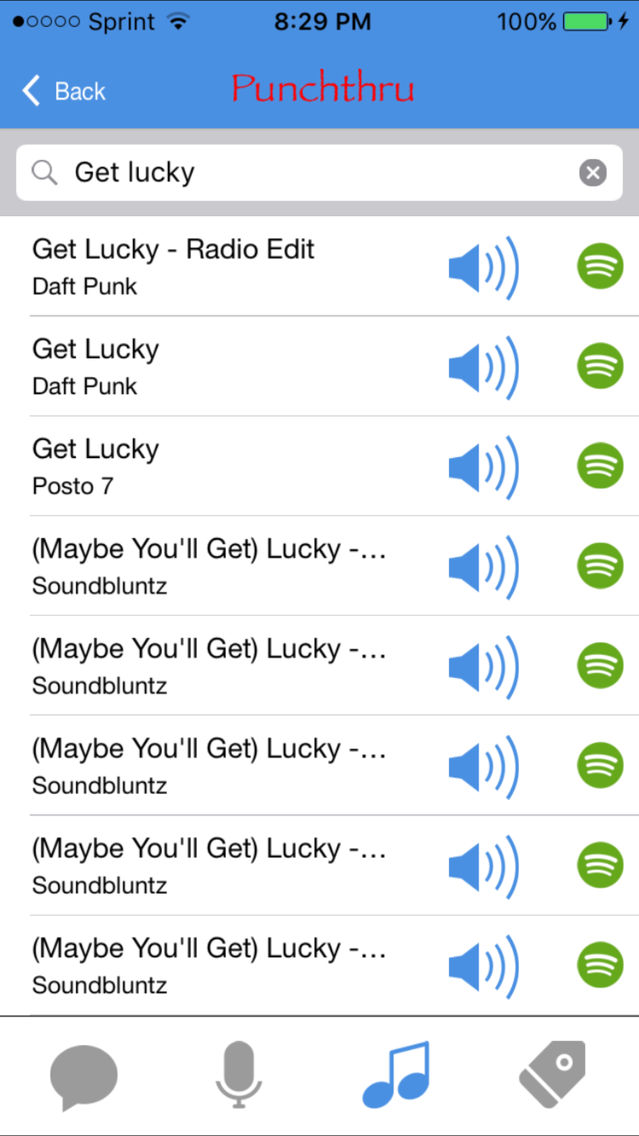
Tap SONG CLIP
enter song name or artist
select clip of choice
send
OR
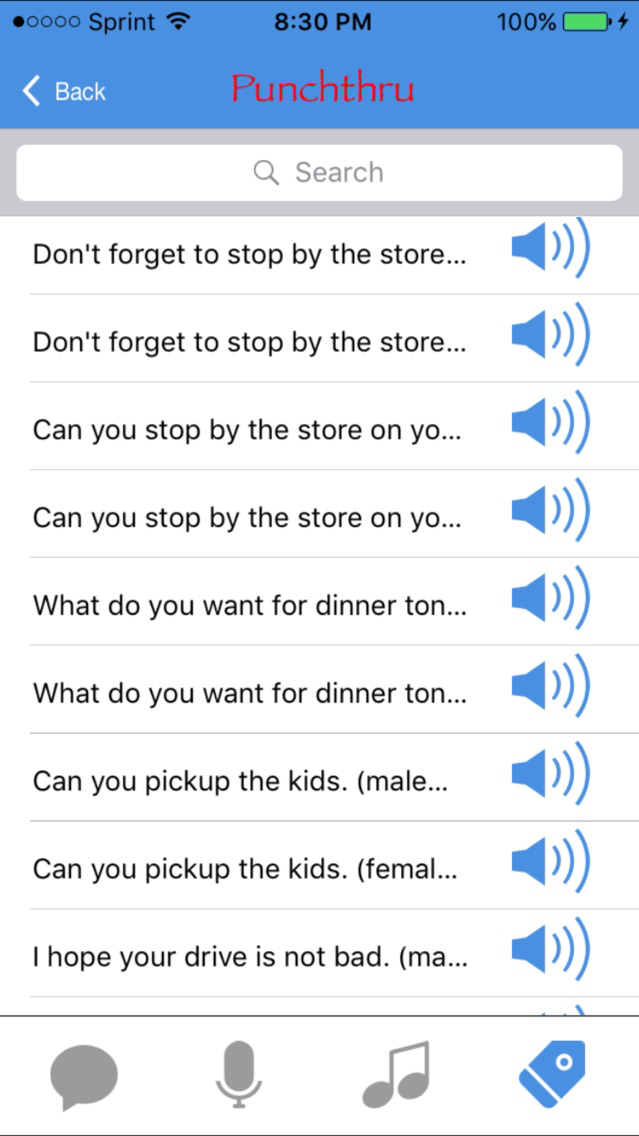
Tap SELECT Message
select a message of your choice
send
OR
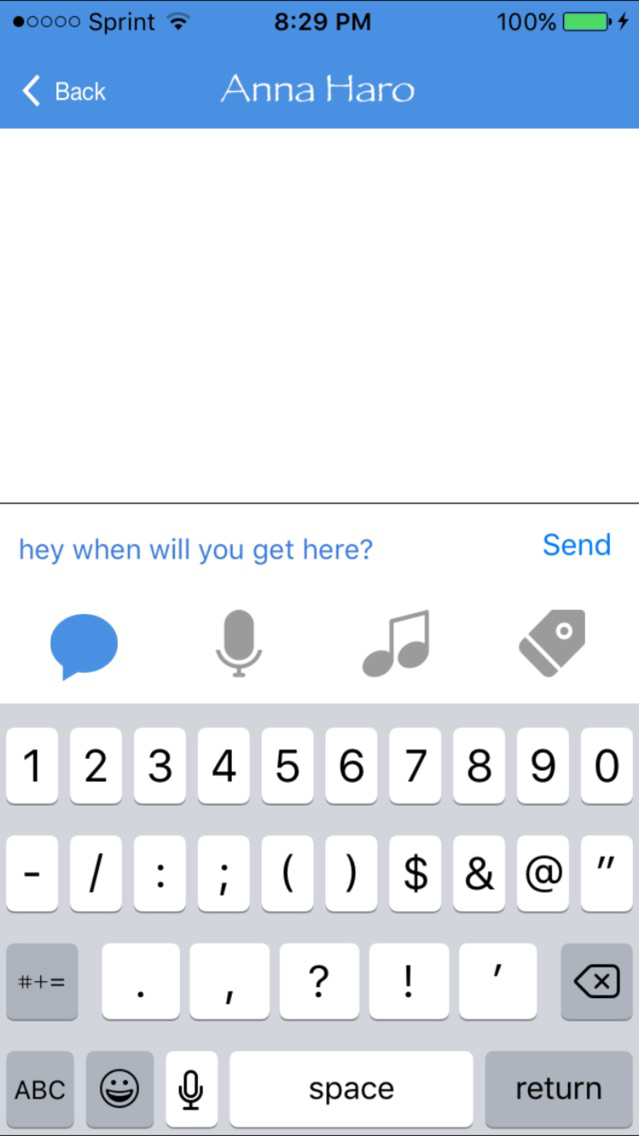
Tap txt and type in a message!
Note: Continued use of GPS running in the background can dramatically decrease battery life.
- You can turn off auto reply feature by turning the "auto reply" button off in the settings. You can access settings by clicking on the setting icon at the top of the app contacts screen.
- App will dial Punchthru servers to retrieve login credentials via sms

Don't txt and drive!
Do your part, don't txt your loved ones if you know they are driving!
Help us avoid the 1.3 Million txt and driving related accidents.
Punchthru lets you communicate with authorized family and close friends in a quick and effective way. You control who can communicate with you.
- Receive quick and effective messages with minimal distraction while driving.
- Handsfree auto reply
- Send quick and effective messages to family and friends on the road.
- Get notified without distraction and additional steps.
- Hands free auto reply feature
- Share quick and fun quotes with your approved contacts.
- Share audio clip previews.
_______________________________________________________
Quick use steps:
1) Launch app
2) Select a contact
3) Select
Tap RECORD
record your audio message
send
OR
Tap SONG CLIP
enter song name or artist
select clip of choice
send
OR
Tap SELECT Message
select a message of your choice
send
OR
Tap txt and type in a message!
Note: Continued use of GPS running in the background can dramatically decrease battery life.
- You can turn off auto reply feature by turning the "auto reply" button off in the settings. You can access settings by clicking on the setting icon at the top of the app contacts screen.
- App will dial Punchthru servers to retrieve login credentials via sms
Show More
What's New in the Latest Version 1.9
Last updated on Aug 13, 2016
Old Versions
registration bug fix
Show More
Version History
1.9
Aug 11, 2015
registration bug fix
Punchthru FAQ
Click here to learn how to download Punchthru in restricted country or region.
Check the following list to see the minimum requirements of Punchthru.
iPhone
Punchthru supports English