QrCode Utility
$0.99
1.2for iPhone
Age Rating
QrCode Utility Screenshots
About QrCode Utility
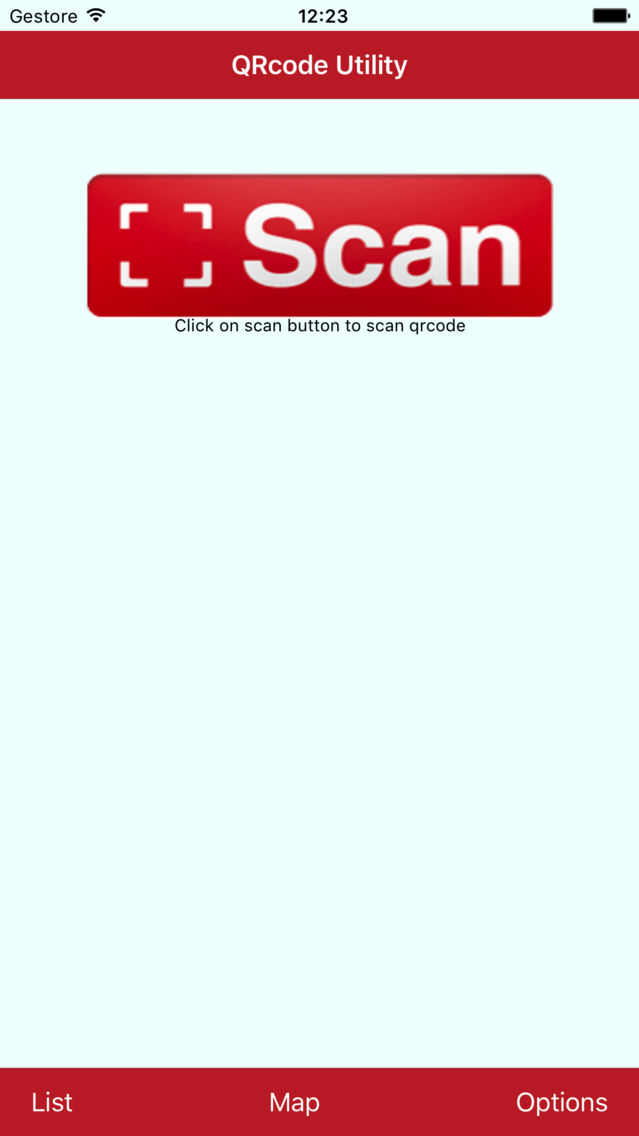
This utility scan a QR code or barcode simply open the app, press the 'Scan' button and point the camera at the code.There is no need to take a photo or press a button. QRCode Utility will automatically recognize any code pointed by the camera.
When scanning a QR code, if the code contains a website URL, it will automatically go to the site. If the code contains only text, it will be immediately visible.
QRCode Utility recognizes some popular types of barcodes (UPC, EAN and ISBN) and pricing, reviews, and information on all products that scans.

When scanning a QR code, if the code contains a website URL, it will automatically go to the site. If the code contains only text, it will be immediately visible.
QRCode Utility recognizes some popular types of barcodes (UPC, EAN and ISBN) and pricing, reviews, and information on all products that scans.
Show More
What's New in the Latest Version 1.2
Last updated on Nov 3, 2018
Old Versions
Update to iOS 12, bugs fixed
Show More
Version History
1.2
Sep 16, 2017
Update to iOS 12, bugs fixed
QrCode Utility FAQ
Click here to learn how to download QrCode Utility in restricted country or region.
Check the following list to see the minimum requirements of QrCode Utility.
iPhone
QrCode Utility supports English