ReadQuick - Speed Reader
50% off for one week
The world's first and best speed reading app has been fully redesigned and reimagined for your iPhone and iPad. Over the past year many thousands of you have written us asking for some killer new features. So we took our time and built just about every one of them that made sense.
During our first three years in The App Store the reviews have been amazing:
"... I read just fine the traditional way. But a lot of people don’t, and I find it fascinating that many people read better this way. I got a bunch of emails from readers back in January thanking me for linking to ReadQuick, because it works so well for their reading style." - John Gruber, DaringFireball.net
"With ReadQuick, I was able to knock out a fairly lengthy article in just a few minutes without getting distracted." - 9to5Mac
"... when my aging brain needs a kick in the ass, and I just want to ingest as much information and data as possible. When I want to guzzle down water. That's when ReadQuick is invaluable." - Rene Ritchie (iMore.com)
"I’m particularly impressed by its minimal and intuitive design." - Forbes
"For me personally, RQ is a great way to enforce focus and attention on what I'm reading; if I look away, daydream or get distracted, I'm going to miss something." - Engadget
One New App, Many New Features
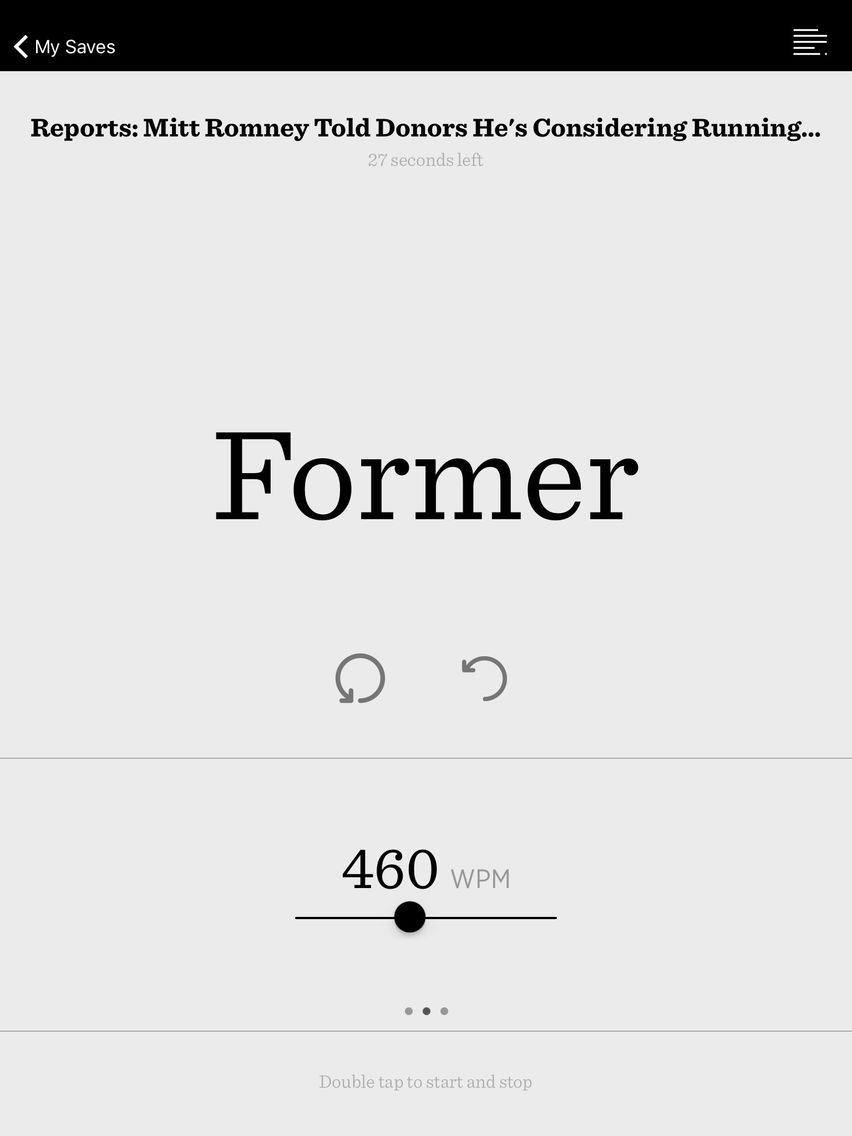
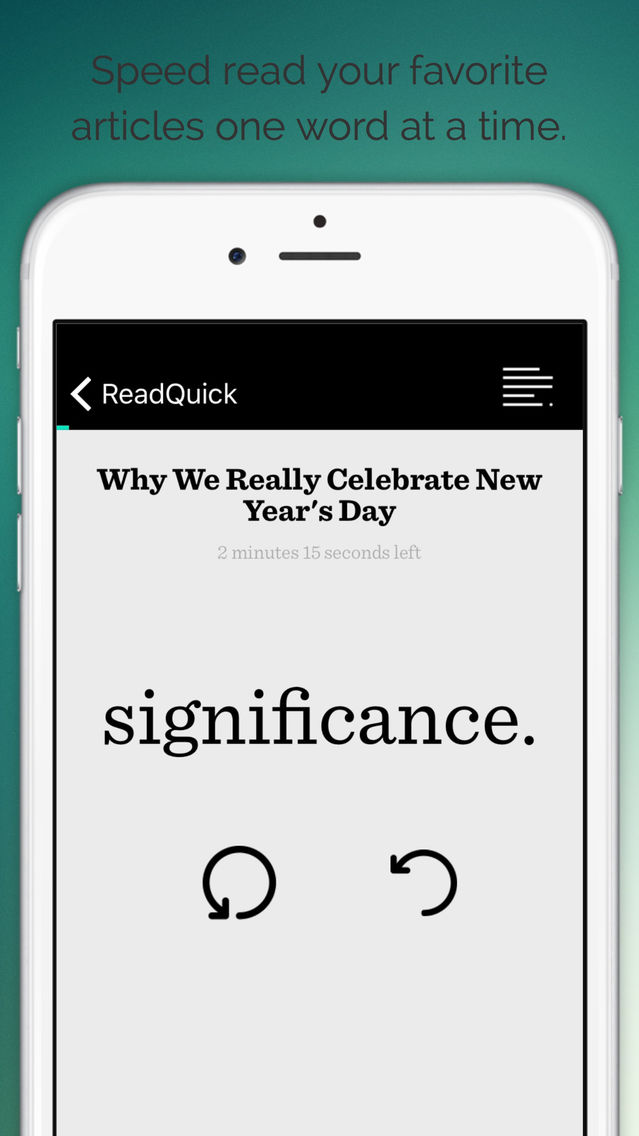
ReadQuick helps you read faster than ever before. Designed for iOS 9, this app helps you speed read while getting through your daily reading lists.
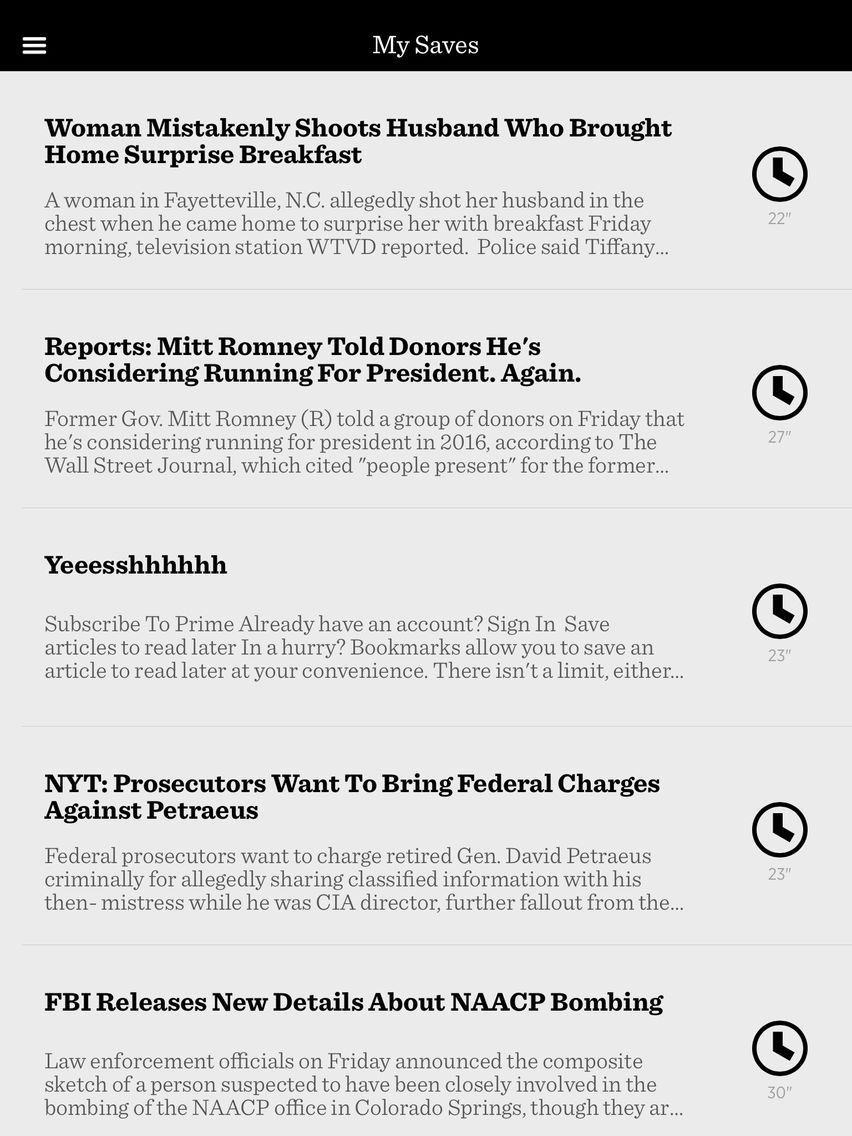
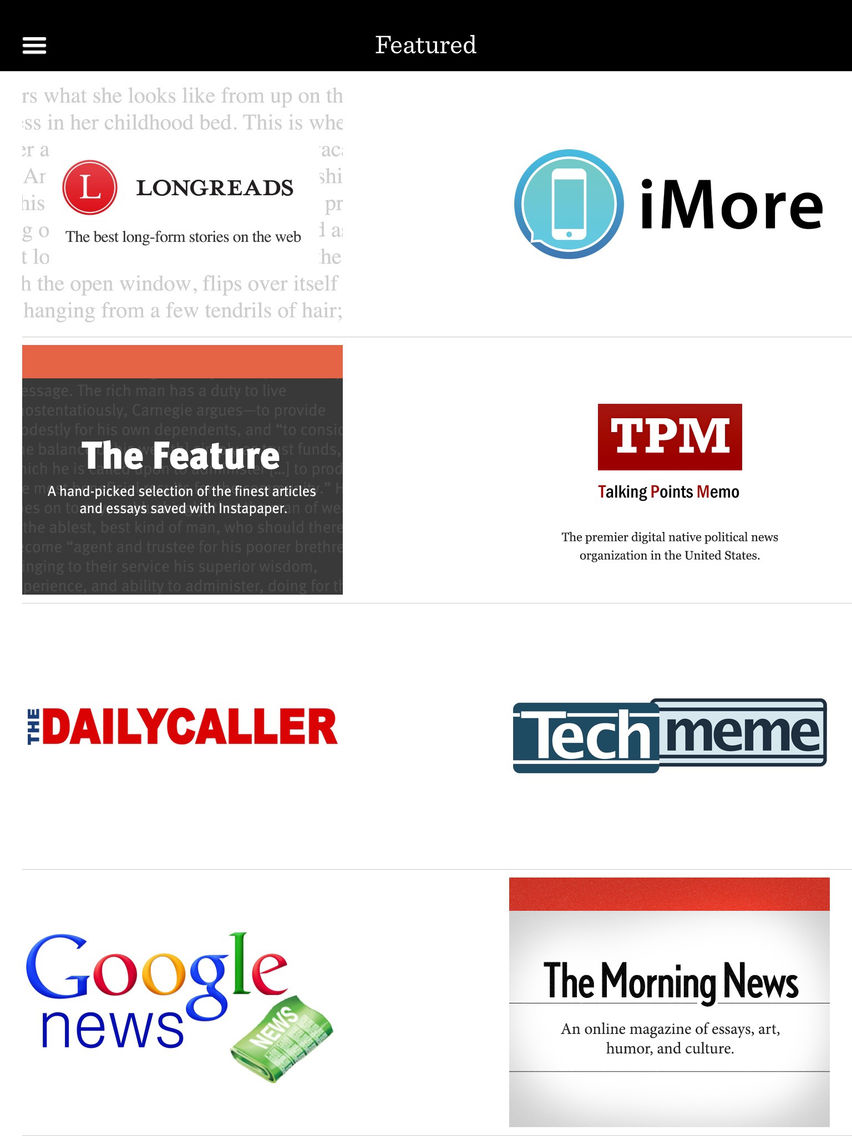
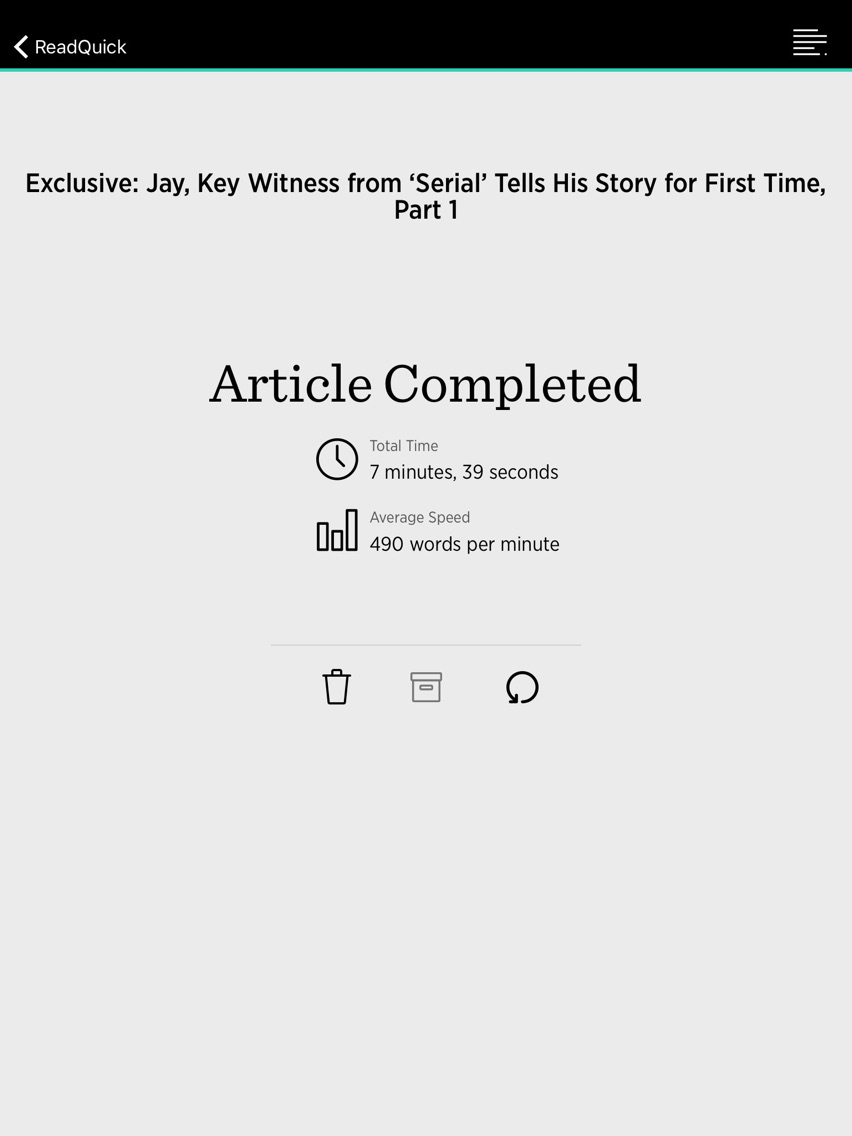
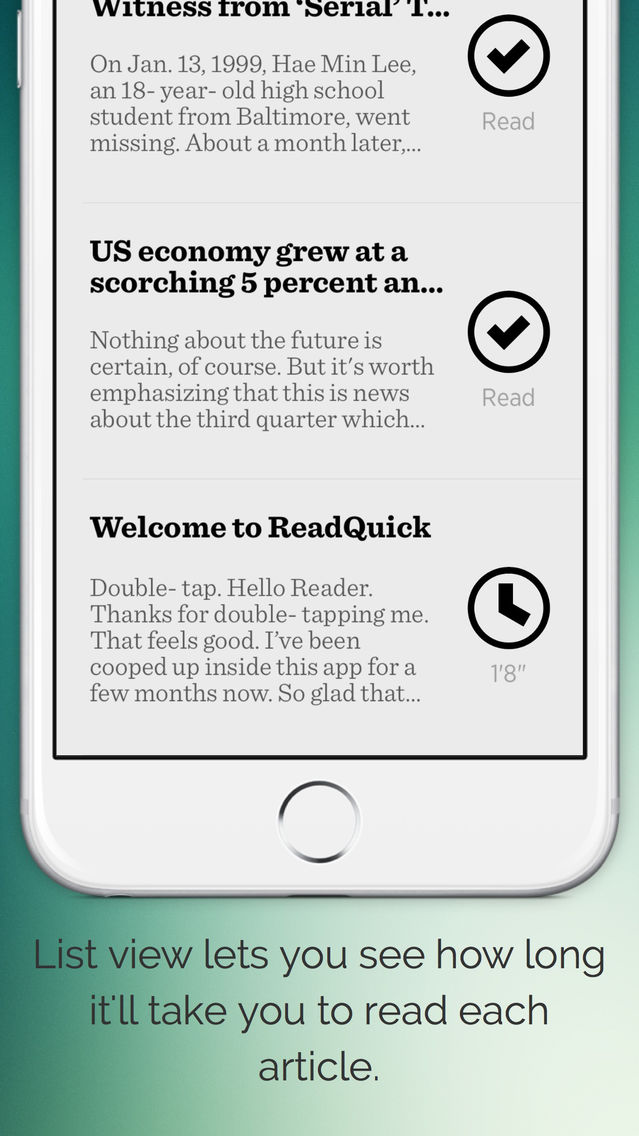
You can access articles you want to read through our partners like Pocket or find them yourself with the built-in browser. You can also choose to read think pieces by our great content partners such as iMore, Longreads, and more. ReadQuick will tell you how long each article will take you to complete based on your words per minute rate.
The more you use ReadQuick the faster your reading rate will become.
What's New in ReadQuick:
Brand New Layout and Design
- Inuitive new look feel that gets you closer to the reading experience.
- New control gestures for iPhone and iPad
- All new layout for larger screen iOS devices
Extension Support
- Save right to the ReadQuick List using the iOS extension!
Unified Inbox
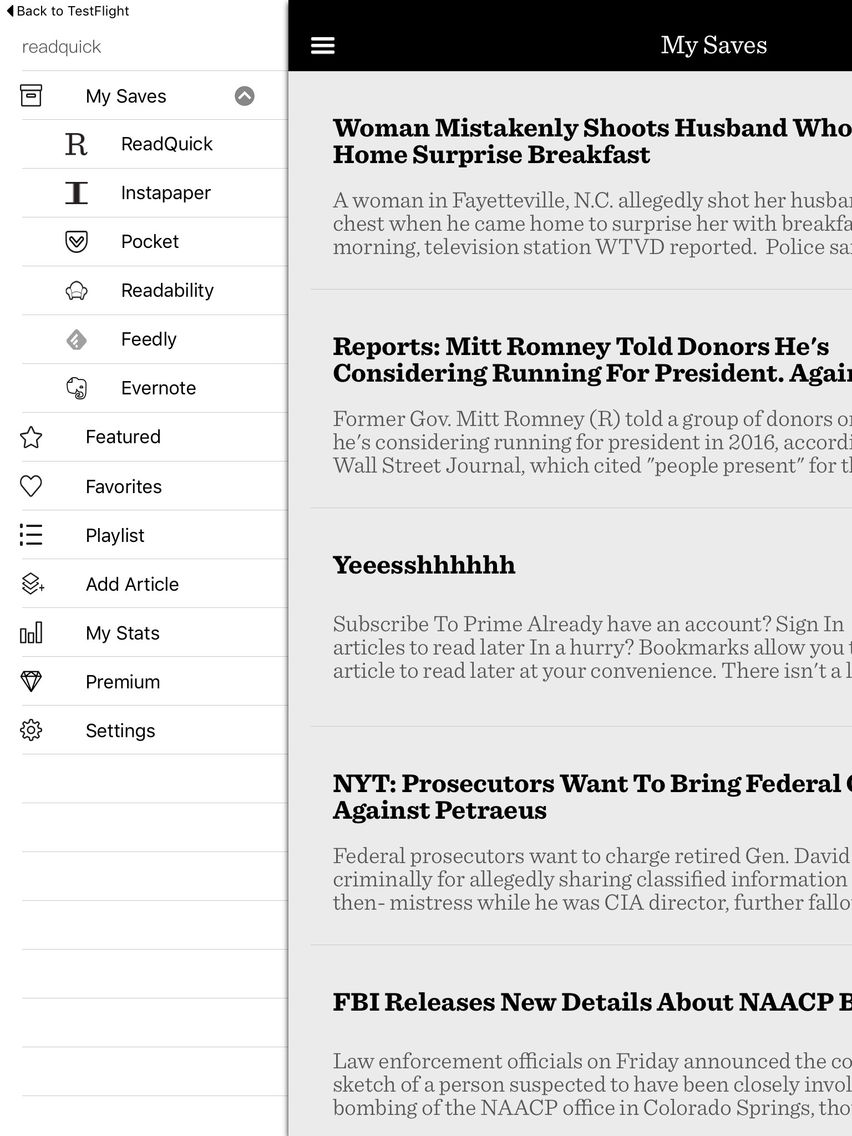
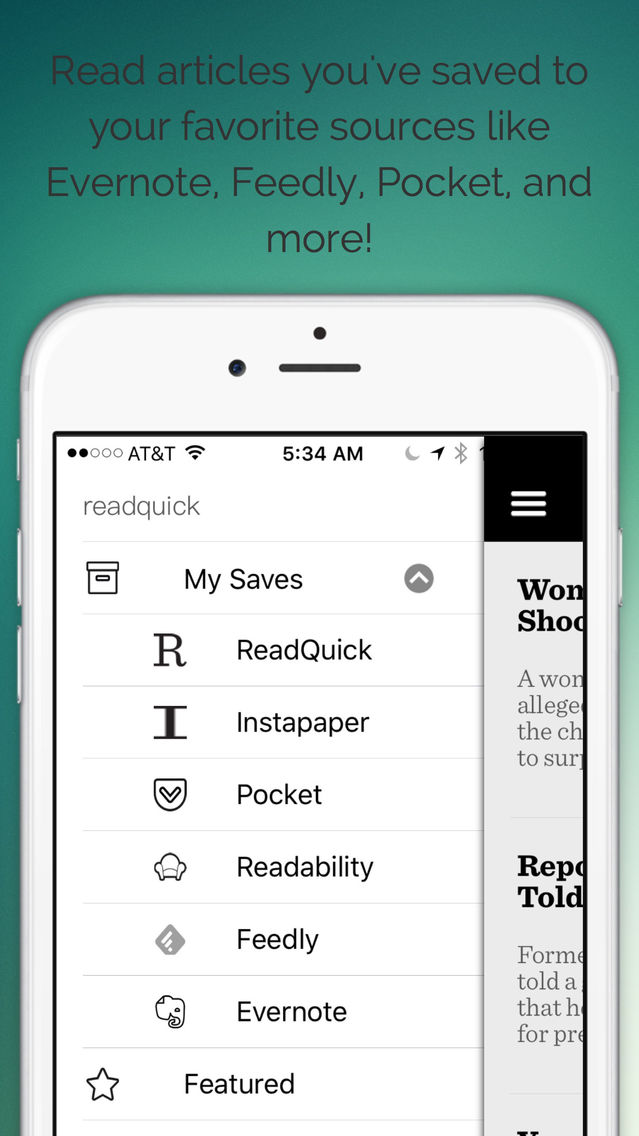
- All new My Saves inbox that pulls all of your read-it-later services into one place.
Syncing
- It's here! iCloud syncing between your devices.
- Delete an article on your iPad and it's gone from your iPhone
- Keeps all your playlists in sync
New Partners
- You wanted Evernote and Feedly integration.
- You got it.
Faster
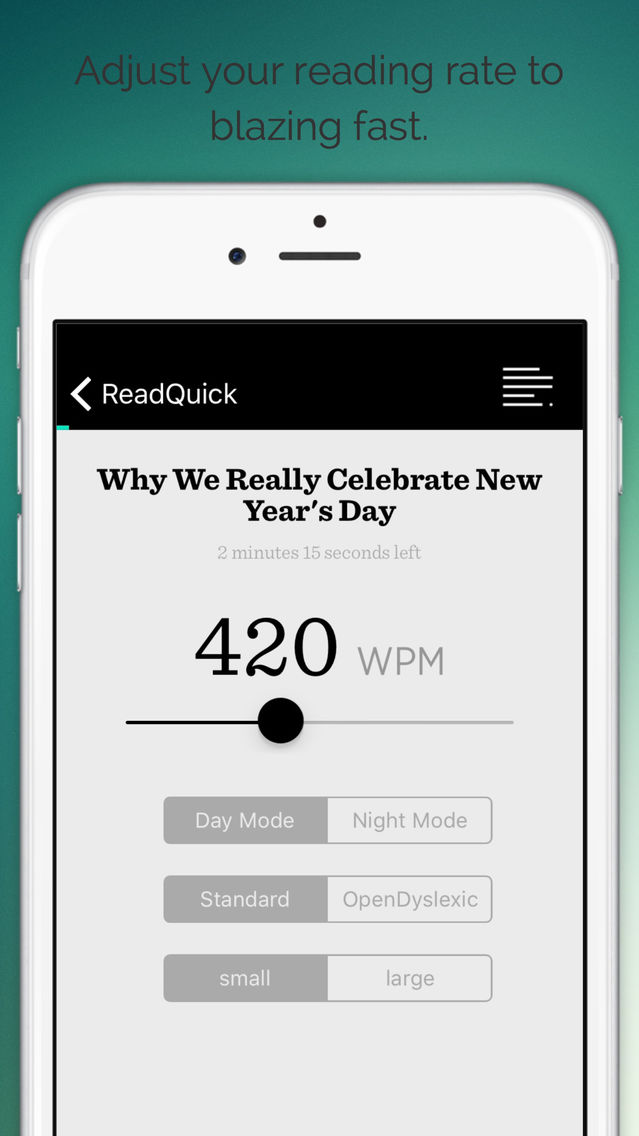
- Readers wanted to go faster than 800 words per minute so we increased the reading rate to 1,000 words per minute. Holy smokes!
Multiple Words
- ReadQuick has always presented one word at a time, now from the menu you can choose to speed read with multiple words at a time.
Full Article Viewer
- Tap the full article viewer to see where you are in a large article.
- Or maybe you just want to read the traditional way for a few minutes.
Sharing
- Instantly share your favorite articles with the built-in share sheet.
Text Copying
- since importing PDF's is a bag of hurt we found a way to copy the text you want from the clipboard and create an article complete with your own title.
Featured Partners
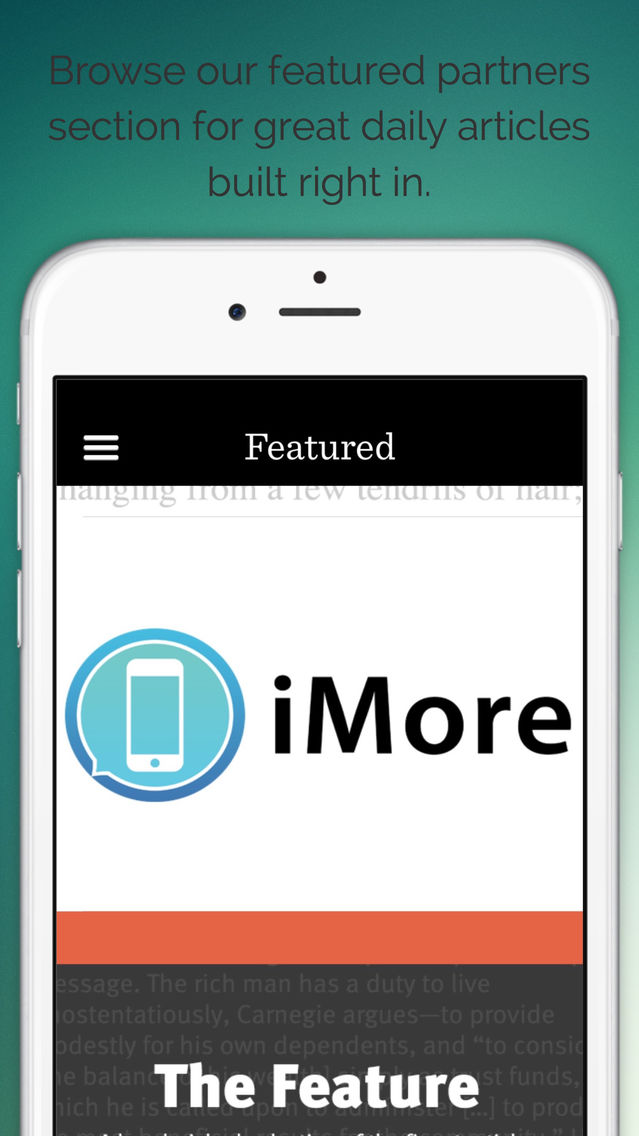
- All new featured partners like Google News, iMore, and more
- Pulls in the most recent articles from your favorite news websites