Remove Objects 〇
Free
1.0.3for iPhone, iPad
Age Rating
Remove Objects 〇 Screenshots
About Remove Objects 〇
Dissatisfied with the messy background in the photo?
A passerby appeared accidentally when taking a photo?
It doesn't matter, this app can realize your Image editing ideas!
A variety of image processing functions will bring you an excellent retouching effect.
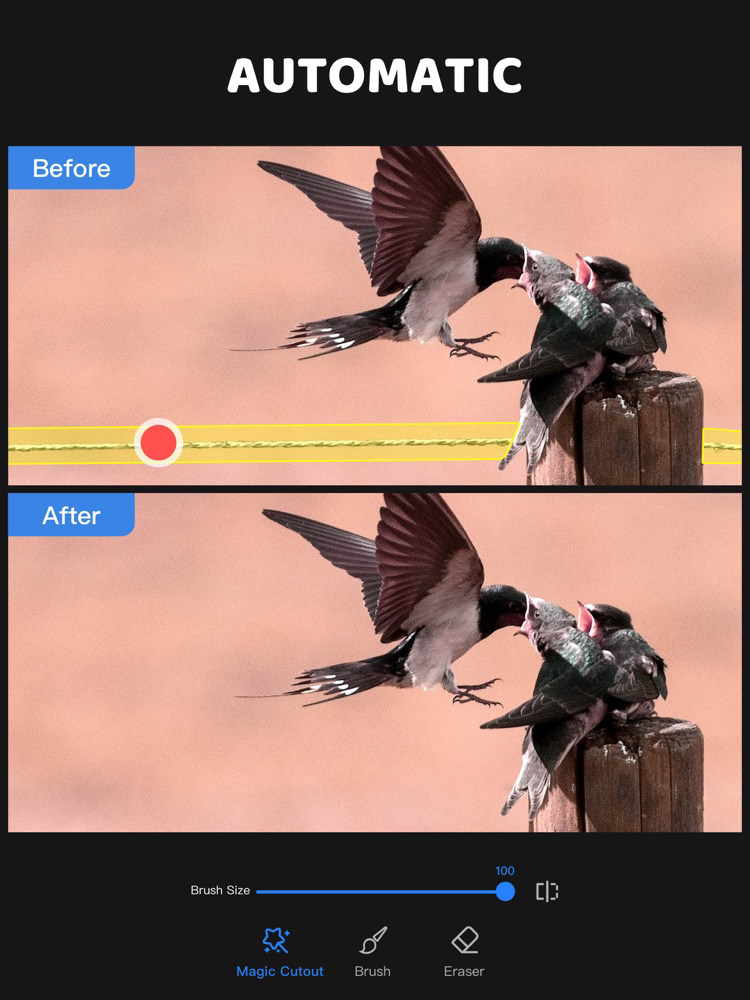
Either remove the objects on the picture or changing the background can be easily achieved within a few seconds.
Quickly remove objects and easily cut pictures. It will become your essential decoration artifact.
FUNCTION
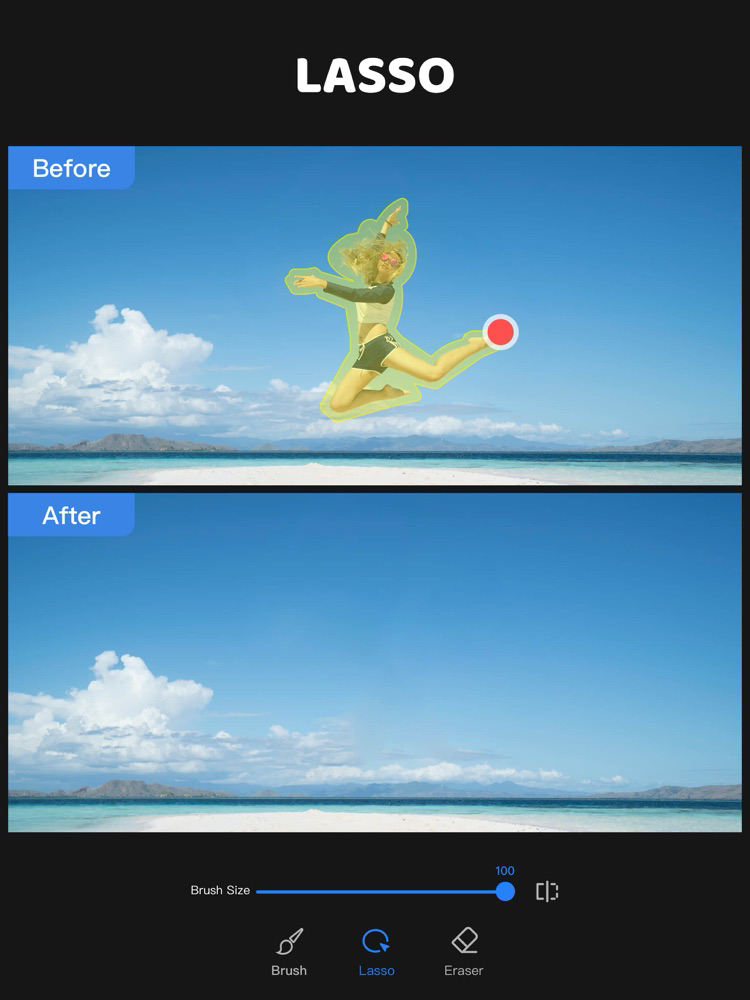
REMOVE OBJECTS
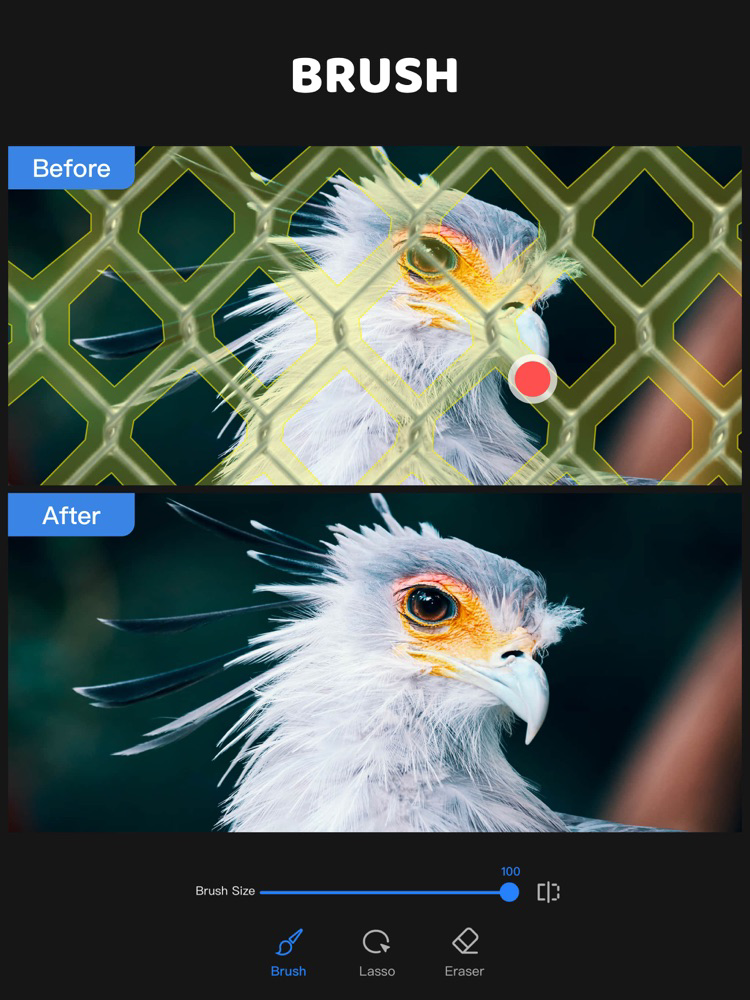
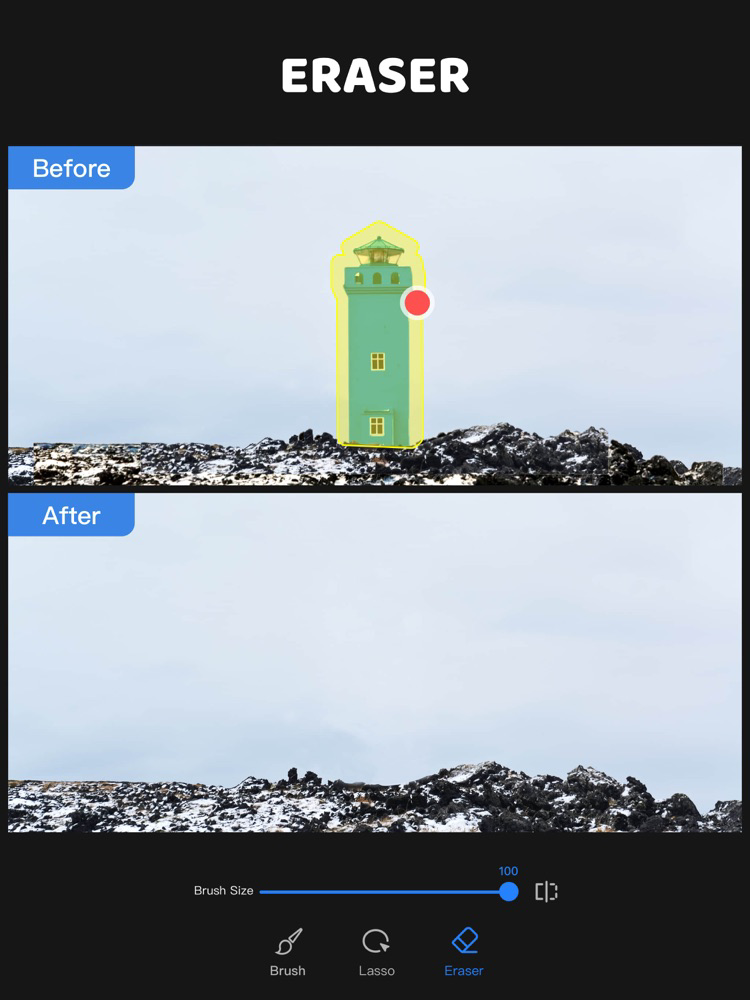
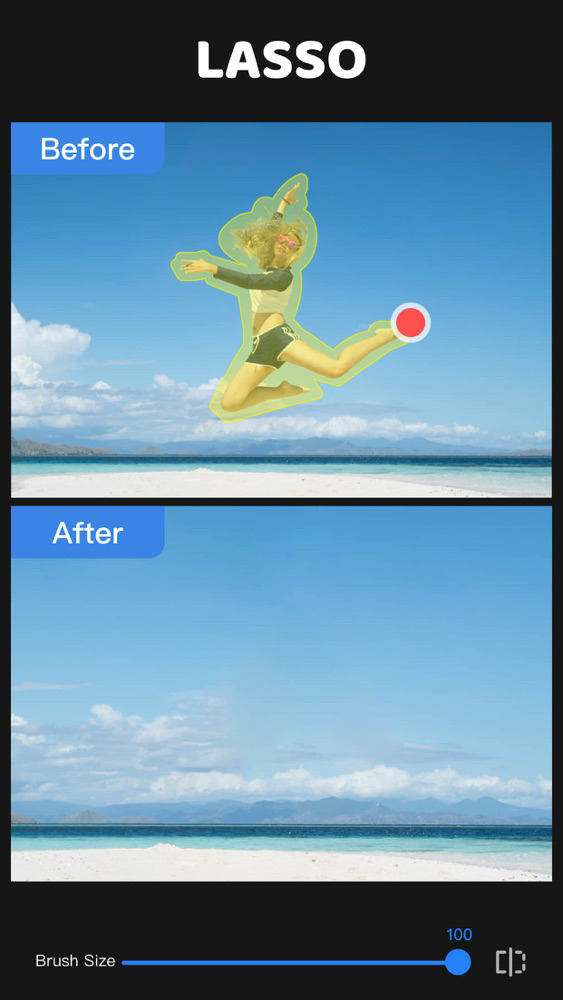
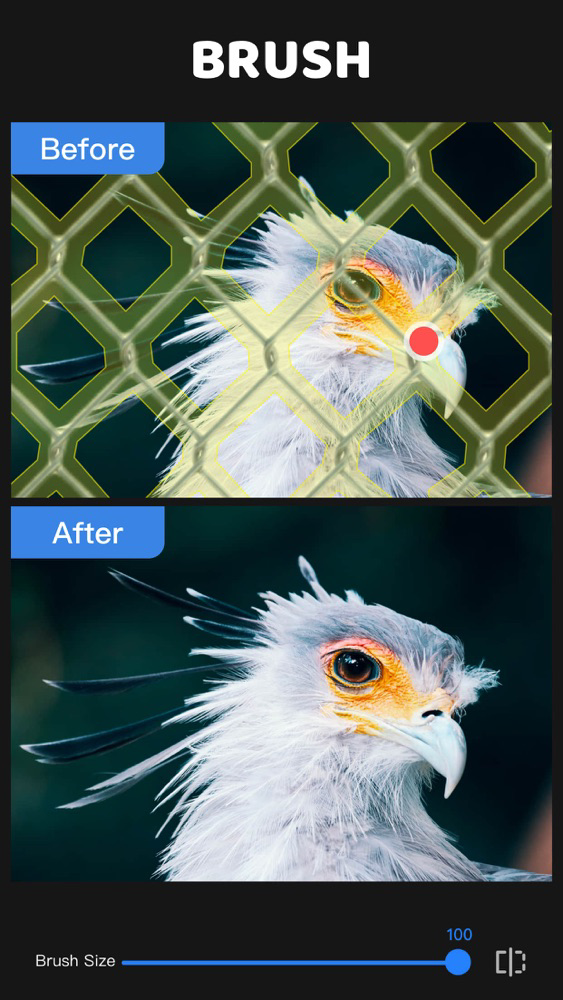
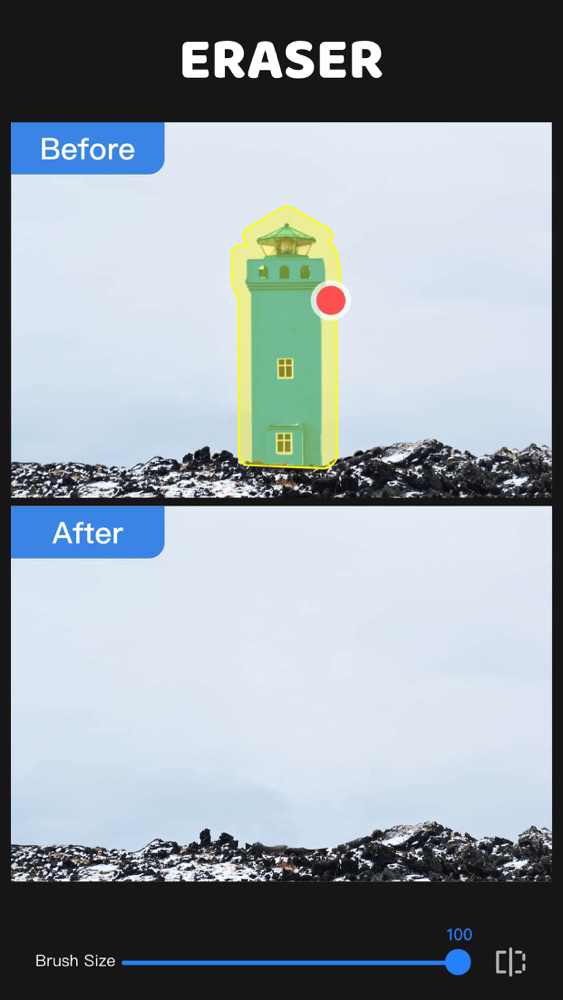
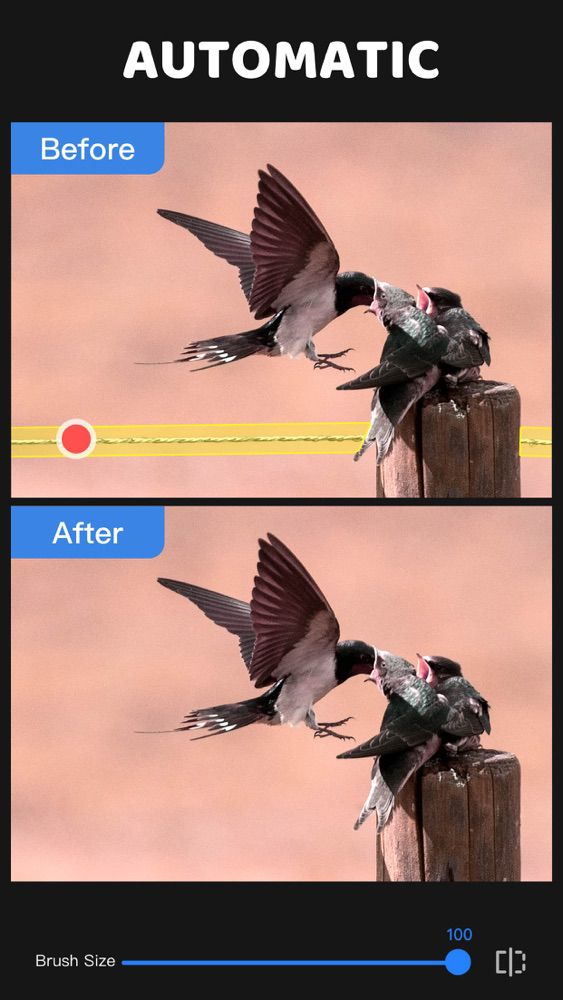
- You can remove passersby, acne on your face and any objects you don't want to appear in the picture with a simple operation
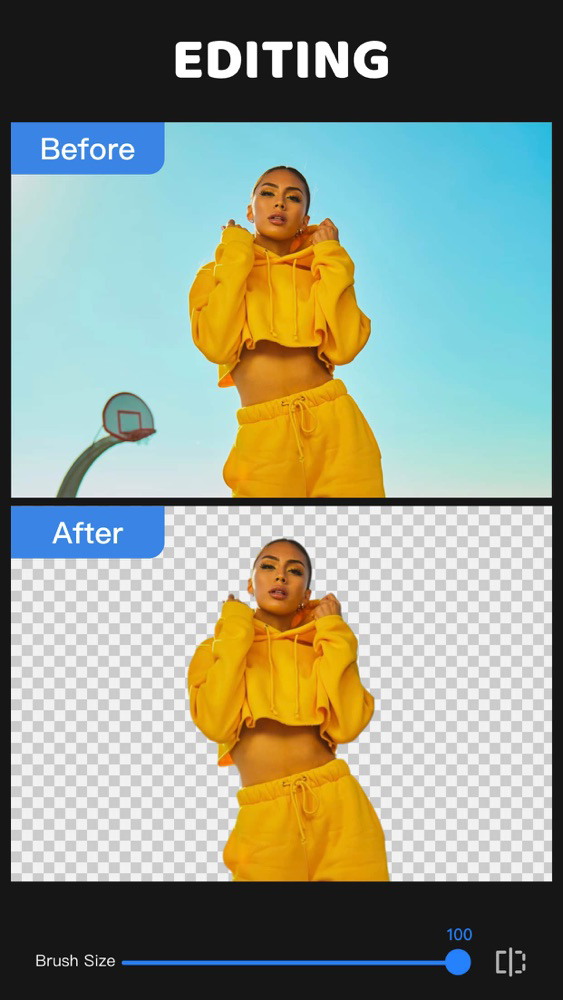
BACKGROUND ERASER
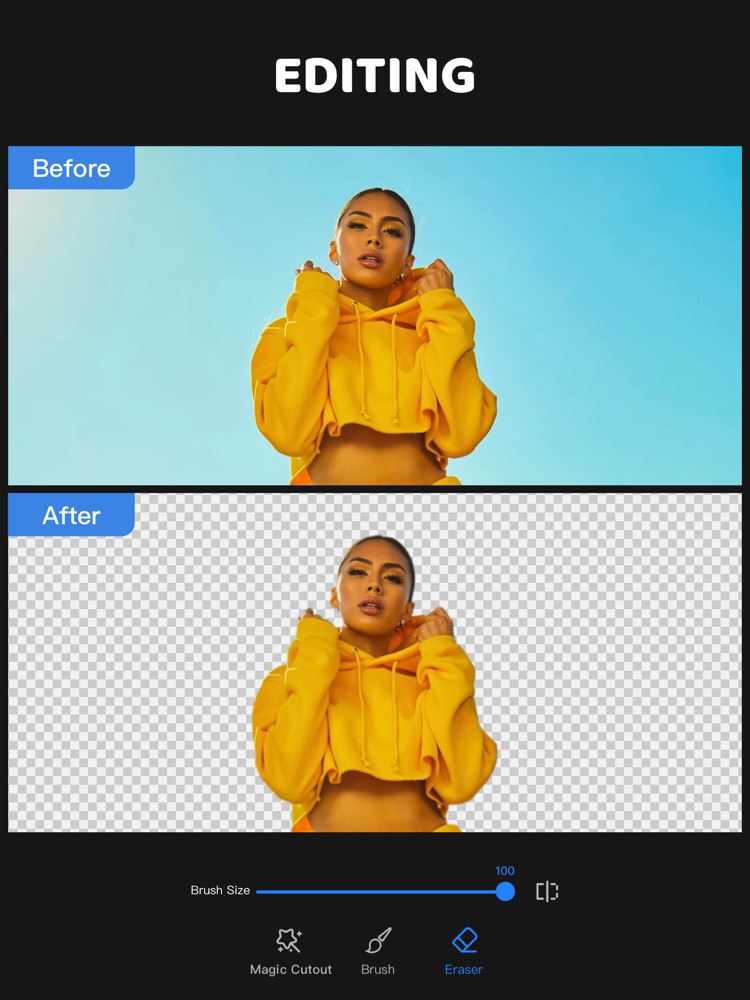
- Easily erase the picture background, cut out the objects, and change the background
FINE ERASE EFFECT
- The stroke can be adjusted in size freely, and with the magnifying glass function, it can help you achieve fine-to-hair erasing effects
EXPORT TRANSPARENT BACKGROUND
- After completing the cutout, save the picture as a transparent background image, and then superimpose it on other photos to create some more unique effects
SAVE AND SHARE EASILY
- One-tap save and easily share on social platforms to show everyone your work
If you have any questions or suggestions, please feel free to contact us in the app.

A passerby appeared accidentally when taking a photo?
It doesn't matter, this app can realize your Image editing ideas!
A variety of image processing functions will bring you an excellent retouching effect.
Either remove the objects on the picture or changing the background can be easily achieved within a few seconds.
Quickly remove objects and easily cut pictures. It will become your essential decoration artifact.
FUNCTION
REMOVE OBJECTS
- You can remove passersby, acne on your face and any objects you don't want to appear in the picture with a simple operation
BACKGROUND ERASER
- Easily erase the picture background, cut out the objects, and change the background
FINE ERASE EFFECT
- The stroke can be adjusted in size freely, and with the magnifying glass function, it can help you achieve fine-to-hair erasing effects
EXPORT TRANSPARENT BACKGROUND
- After completing the cutout, save the picture as a transparent background image, and then superimpose it on other photos to create some more unique effects
SAVE AND SHARE EASILY
- One-tap save and easily share on social platforms to show everyone your work
If you have any questions or suggestions, please feel free to contact us in the app.
Show More
What's New in the Latest Version 1.0.3
Last updated on Feb 15, 2022
Old Versions
Fixes some minor bugs and general improvement.
Show More
Version History
1.0.3
Feb 15, 2022
Fixes some minor bugs and general improvement.
1.0.2
Jan 11, 2022
Fixes some minor bugs and general improvement.
Remove Objects 〇 FAQ
Click here to learn how to download Remove Objects 〇 in restricted country or region.
Check the following list to see the minimum requirements of Remove Objects 〇.
iPhone
iPad
Remove Objects 〇 supports Chinese, English, Japanese