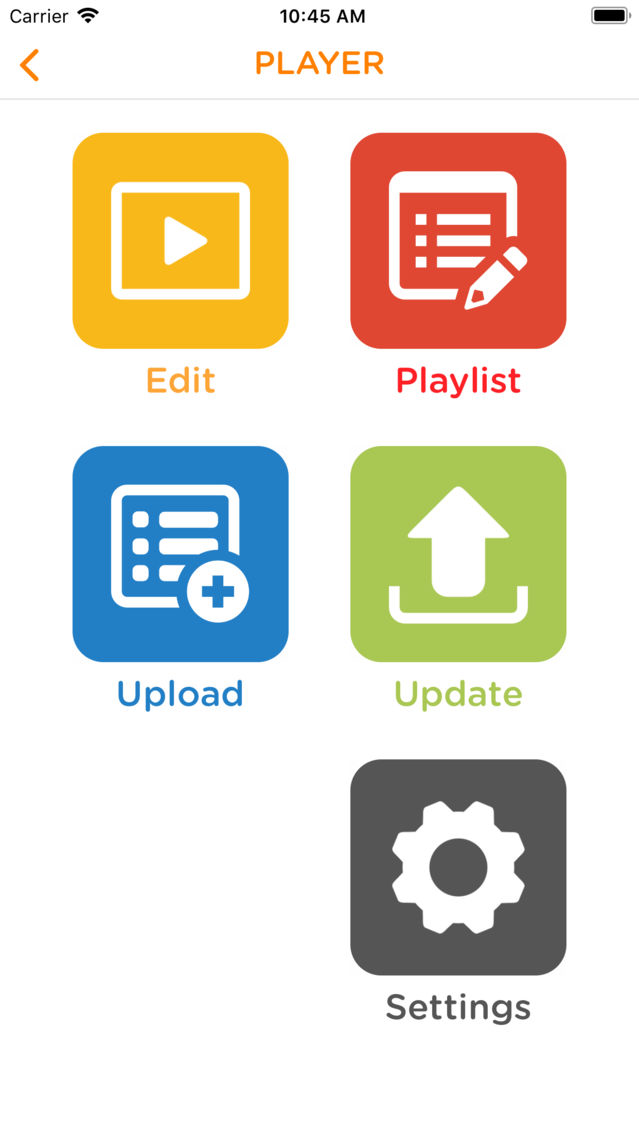
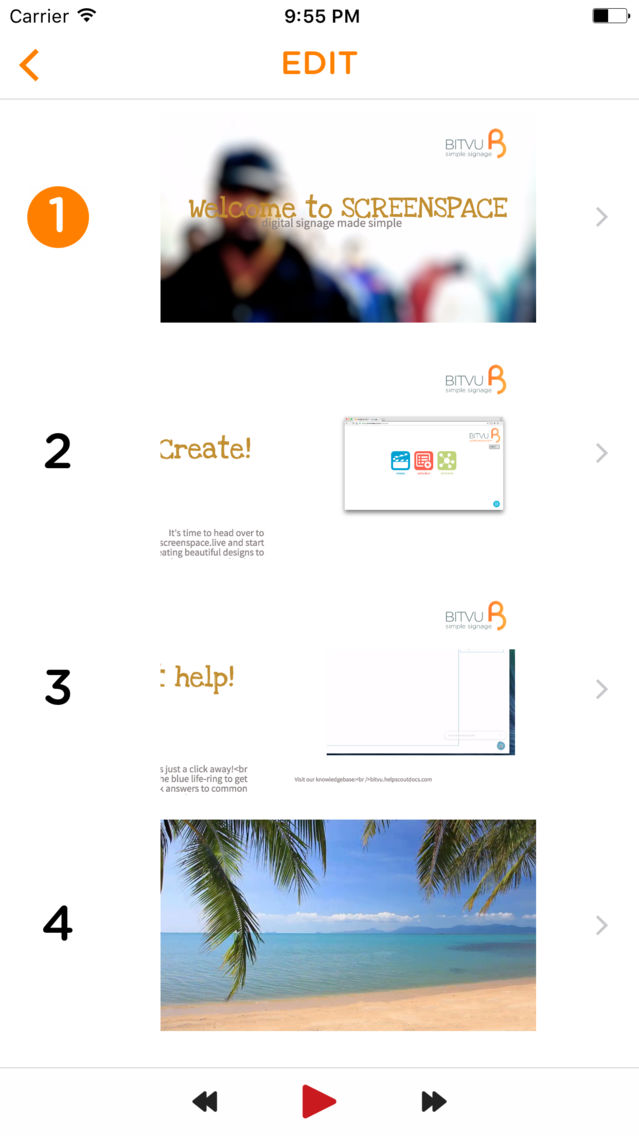
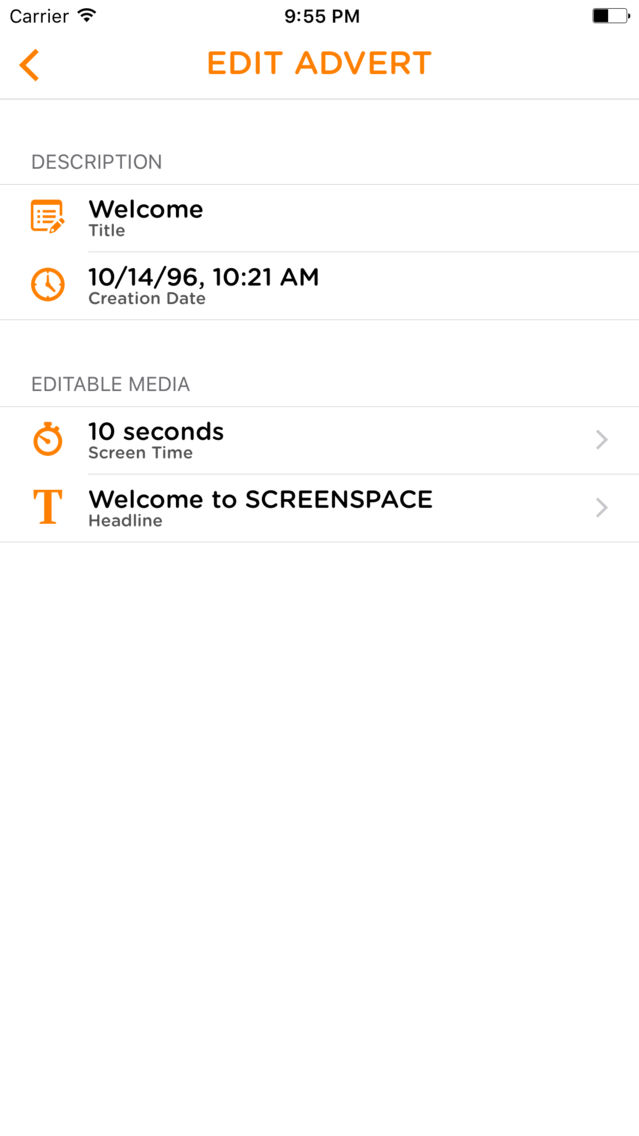
ScreenSpace Screenshots
About ScreenSpace
Simple, smart & affordable digital signage!
SCREENSPACE™ provides new users of digital signage with a clever, affordable and easy-to-use system that delivers unprecedented functionality at an amazing price point.
FEATURES:
- Create content from images, text and HD video in minutes
- Arrange your designs into any number of schedules for any number of screens
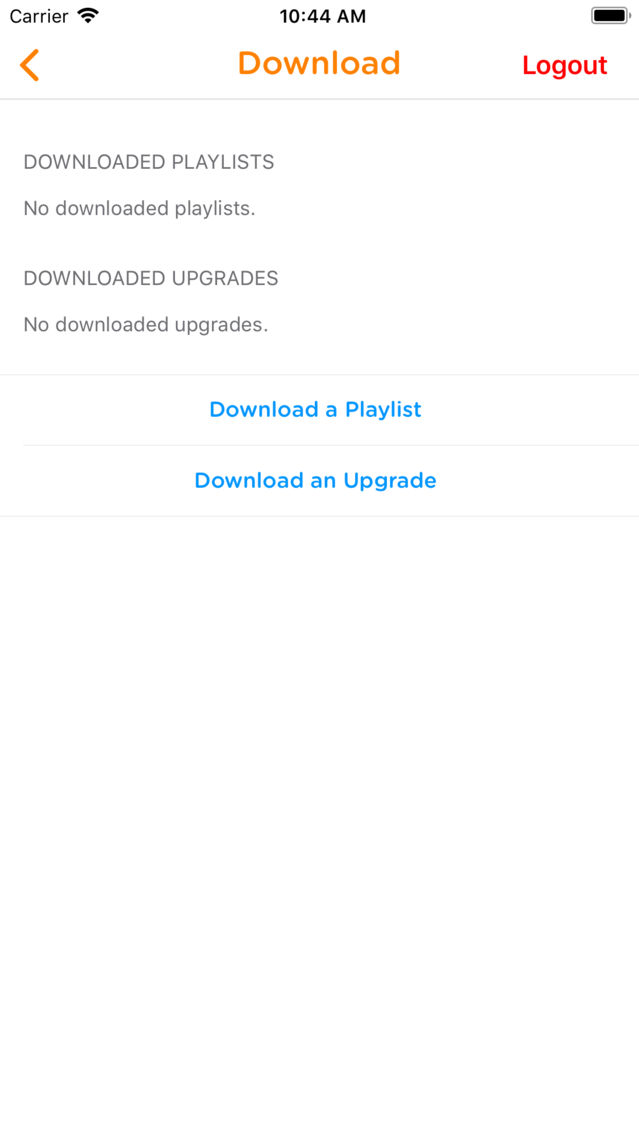
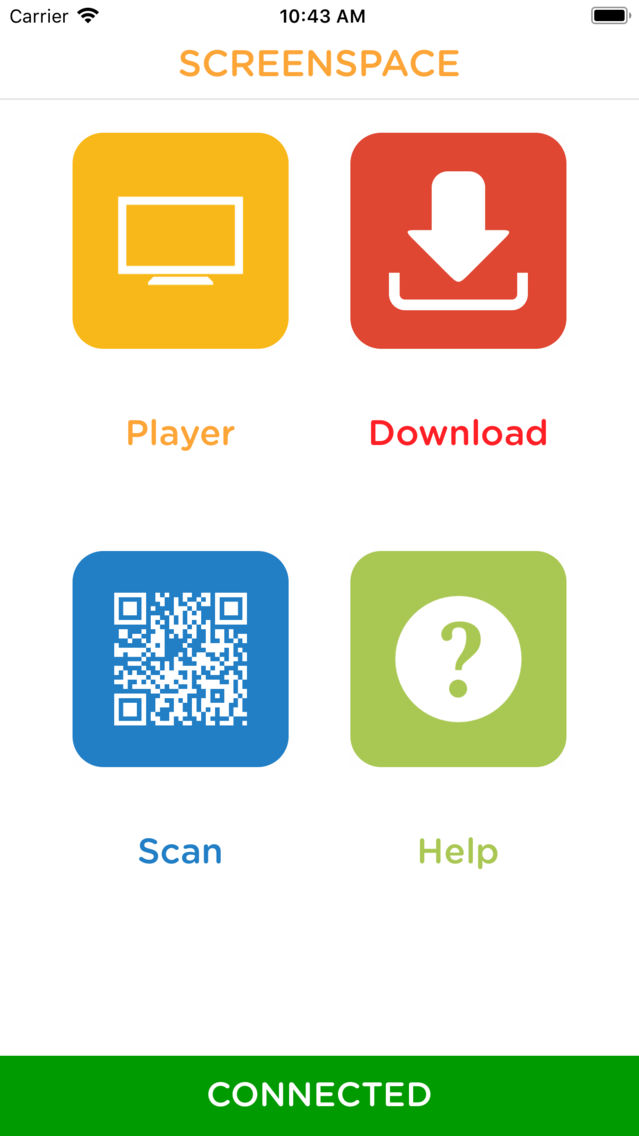
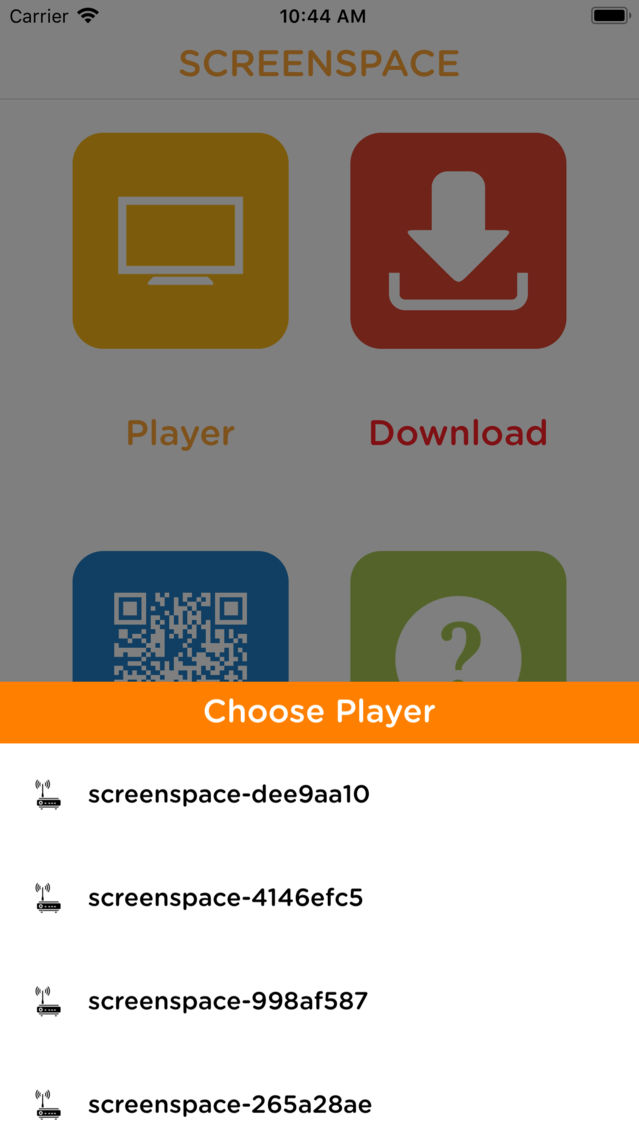
- Upload to your ScreenSpace players via this smartphone app or browser
SCREENSPACE™ works right out of the box, thanks to Bitvu’s own media players. Pre-loaded with our tried- and-tested software, you’ll be playing your content in minutes without the need for technical assistance! Just plug into the HDMI port on your TV and away you go!
Read more about our unique signage players at https://www.bitvu.com/screenspace
Show More
What's New in the Latest Version 2.0
Last updated on Jan 18, 2020
Old Versions
New UI - We have done a complete redesigned to the app to increase usability
Style Select - Now you are able to apply font styles to a individual letters (size, font, italic, bold, underline, strikethrough) in your ads
Add screen via IP address - Now you can add a screen to your library if you know the IP address of the network.
Screens database - The app now remembers the details of the screens you have added before, making easier to switch between them when managing more than one screens.
Bug Fixes

Style Select - Now you are able to apply font styles to a individual letters (size, font, italic, bold, underline, strikethrough) in your ads
Add screen via IP address - Now you can add a screen to your library if you know the IP address of the network.
Screens database - The app now remembers the details of the screens you have added before, making easier to switch between them when managing more than one screens.
Bug Fixes
Show More
Version History
2.0
Jan 18, 2020
New UI - We have done a complete redesigned to the app to increase usability
Style Select - Now you are able to apply font styles to a individual letters (size, font, italic, bold, underline, strikethrough) in your ads
Add screen via IP address - Now you can add a screen to your library if you know the IP address of the network.
Screens database - The app now remembers the details of the screens you have added before, making easier to switch between them when managing more than one screens.
Bug Fixes
Style Select - Now you are able to apply font styles to a individual letters (size, font, italic, bold, underline, strikethrough) in your ads
Add screen via IP address - Now you can add a screen to your library if you know the IP address of the network.
Screens database - The app now remembers the details of the screens you have added before, making easier to switch between them when managing more than one screens.
Bug Fixes
ScreenSpace FAQ
Click here to learn how to download ScreenSpace in restricted country or region.
Check the following list to see the minimum requirements of ScreenSpace.
iPhone
ScreenSpace supports English