SkeletonClock13

SkeletonClock13


$0.99

SkeletonClock 13 2.4for iPhone
Age Rating
4+
Apps in this category do not contain restricted content.
9+
Apps in this category may contain mild or occasional cartoon, fantasy or real-life violence, as well as occasional or mild adult, sexually suggestive or horrifying content and may not be suitable for children under 9 years of age.
12+
Apps in this category may contain occasional mild indecent language, frequent or intense cartoon or real-life violence, minor or occasional adult or sexually suggestive material, and simulated gambling, and may be for children under 12 years of age.
17+
You must be at least 17 years old to access this App.
Apps in this category may contain frequent and intense offensive language; Frequent and intense cartoon, fantasy or realistic violence: frequent and intense adult, scary and sexually suggestive subjects: as well as sexual content, nudity, tobacco, alcohol and drugs, may not be suitable for children under 17 years of age.
SkeletonClock13 Screenshots
SkeletonClock13 posterSkeletonClock13 posterSkeletonClock13 posterSkeletonClock13 posterSkeletonClock13 poster

About SkeletonClock13

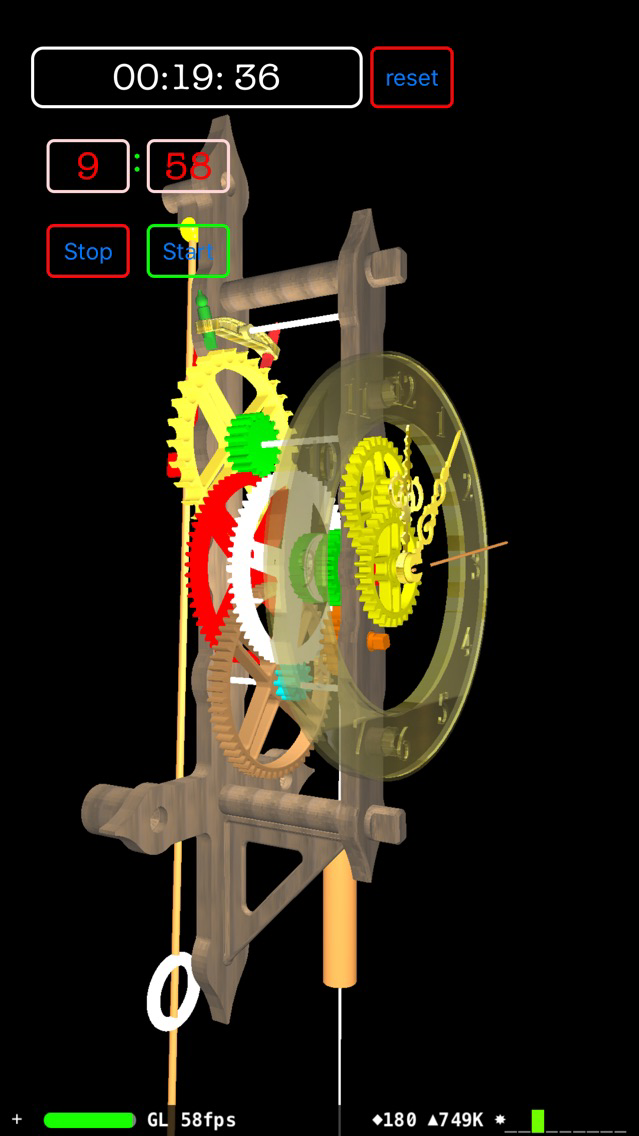
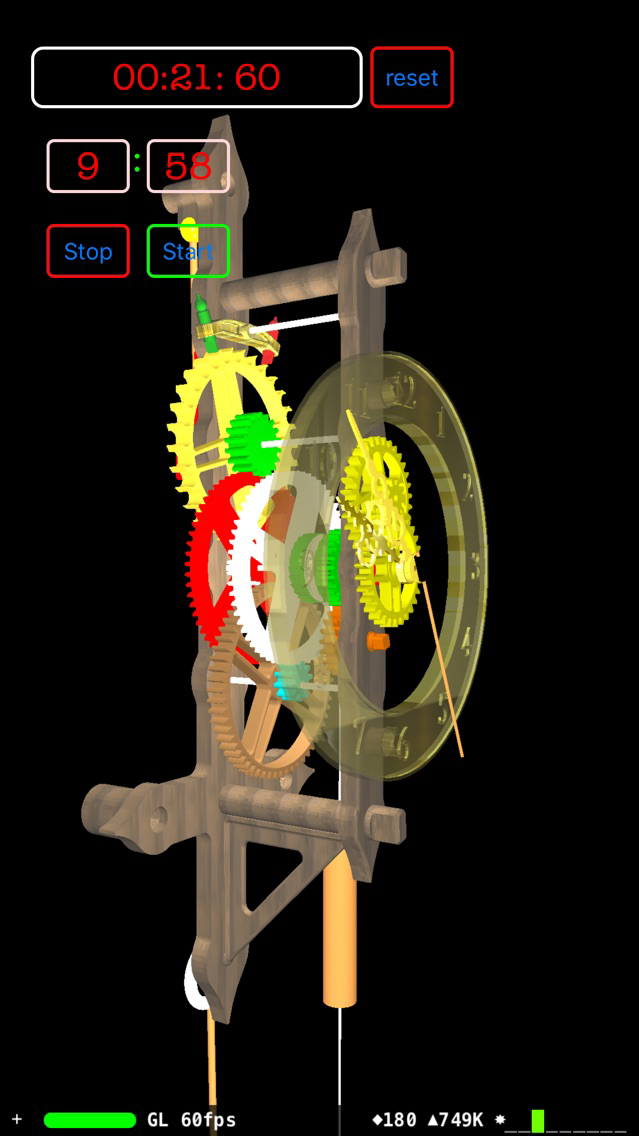
This 3D skeleton clock animation syncs with the realtime on your iPhone. All moving parts of this fully functional 3D Clock are animated. The clock is modeled from realistic designs just like a real full functional wall clock you can acquire in clock speciality stores.

In this version has added user interface features.
iOS 9 swipe gestures allow the user to view 3D - Animation all around. Swipe right and left moves the camera 360 degrees around this model of a Skeleton Wall Clock.

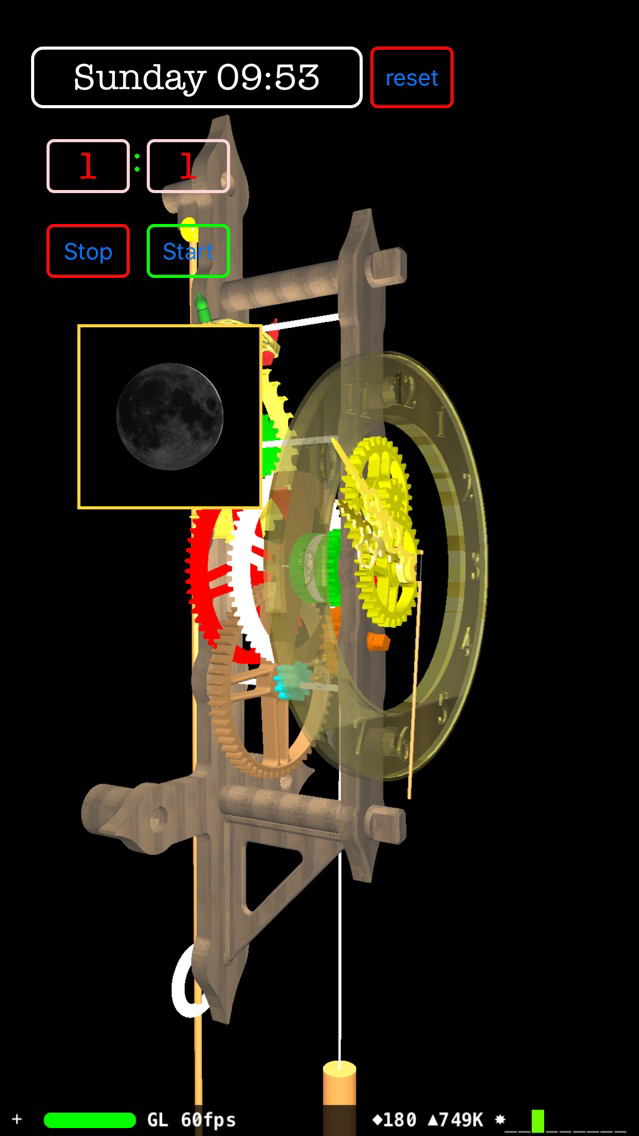
A swipe from edge right gesture creates a live view of the Current Moon Phase downloaded live from a public Domain Observatory.

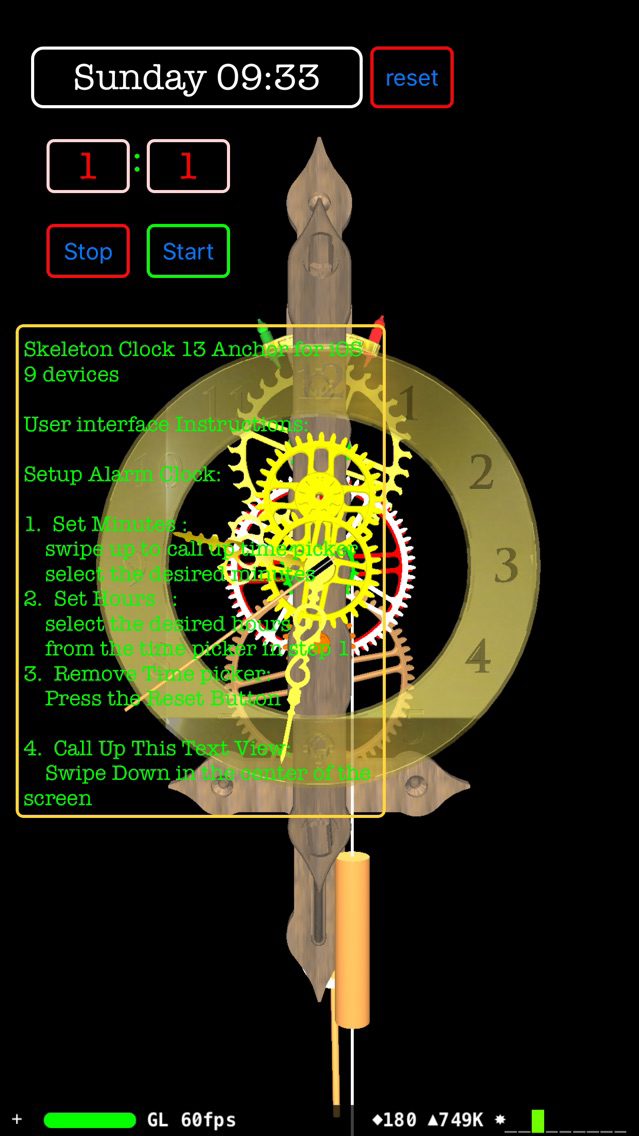
Swipe Down Gesture adds a "Text View" with simple user instructions and pendulum clock history information.

A reset button removes the "Text View". Or resets other optional user activated activities.

The new build has a stop watch Digital Display. A Text Field at the top right of the screen is shared by current day of the week and current time. When running the stop watch the same field will switch to show digital stop watch time. Pressing the stop button will display ell apes time in the same text field. While in stop watch mode the clock Dial Will function as an analog stop watch display. Pressing the Reset Button will return normal clock operation.

Show More

What's New in the Latest Version SkeletonClock 13 2.4

Last updated on Jun 6, 2016
Old Versions
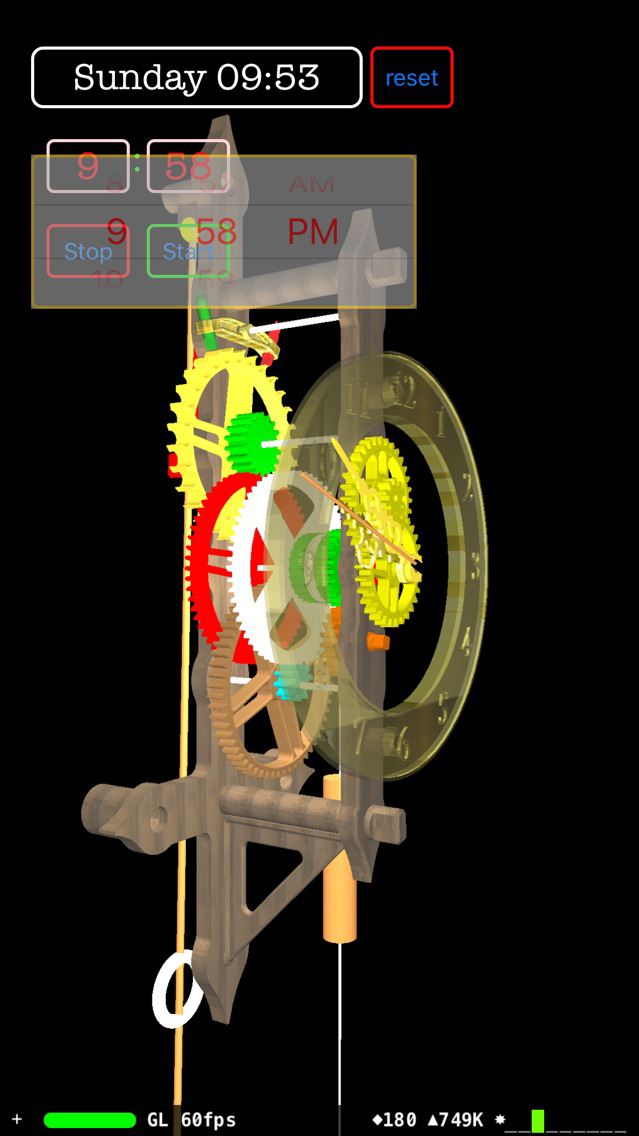
Added new swipe gesture interface for the user to access new features of the clock. WiFi connected iOS devices can display live view of the current moon phase. If no WiFi connection is available user will receive a pop up information. User can clear the information textview and correct WiFi connectivity of the iOS device. Digital Stop Watch with stop and start buttons. Stop watch Analog simulation on clock Dial. Alarm Clock setting swipe up gesture opens Hour Minute Date Picker Reset Button removes Alarm hour minute picker and stores new alarm clock time in hour and minute fields Bug fixes and changes: Code is now using new SceneKit optimized SCN-Files 9.3 3D - Graphic Object instead of of DAE - File formats. Converted swift 2 depreciated C style Select Calls that will no longer be supported in Swift 3.
Show More
Version History
SkeletonClock 13 2.4
Nov 13, 2015
Added new swipe gesture interface for the user to access new features of the clock. WiFi connected iOS devices can display live view of the current moon phase. If no WiFi connection is available user will receive a pop up information. User can clear the information textview and correct WiFi connectivity of the iOS device. Digital Stop Watch with stop and start buttons. Stop watch Analog simulation on clock Dial. Alarm Clock setting swipe up gesture opens Hour Minute Date Picker Reset Button removes Alarm hour minute picker and stores new alarm clock time in hour and minute fields Bug fixes and changes: Code is now using new SceneKit optimized SCN-Files 9.3 3D - Graphic Object instead of of DAE - File formats. Converted swift 2 depreciated C style Select Calls that will no longer be supported in Swift 3.

SkeletonClock13 FAQ

Click here to learn how to download SkeletonClock13 in restricted country or region.
Check the following list to see the minimum requirements of SkeletonClock13.
iPhone
SkeletonClock13 supports English

SkeletonClock13 Alternative

You May Also Like

Get more from Elizabeth Taylor