Syntax App

Syntax App


Free

1.7for iPhone, iPad
Age Rating
4+
Apps in this category do not contain restricted content.
9+
Apps in this category may contain mild or occasional cartoon, fantasy or real-life violence, as well as occasional or mild adult, sexually suggestive or horrifying content and may not be suitable for children under 9 years of age.
12+
Apps in this category may contain occasional mild indecent language, frequent or intense cartoon or real-life violence, minor or occasional adult or sexually suggestive material, and simulated gambling, and may be for children under 12 years of age.
17+
You must be at least 17 years old to access this App.
Apps in this category may contain frequent and intense offensive language; Frequent and intense cartoon, fantasy or realistic violence: frequent and intense adult, scary and sexually suggestive subjects: as well as sexual content, nudity, tobacco, alcohol and drugs, may not be suitable for children under 17 years of age.
Syntax App Screenshots
Syntax App posterSyntax App posterSyntax App posterSyntax App posterSyntax App poster
Syntax App posterSyntax App posterSyntax App posterSyntax App posterSyntax App posterSyntax App posterSyntax App poster

About Syntax App

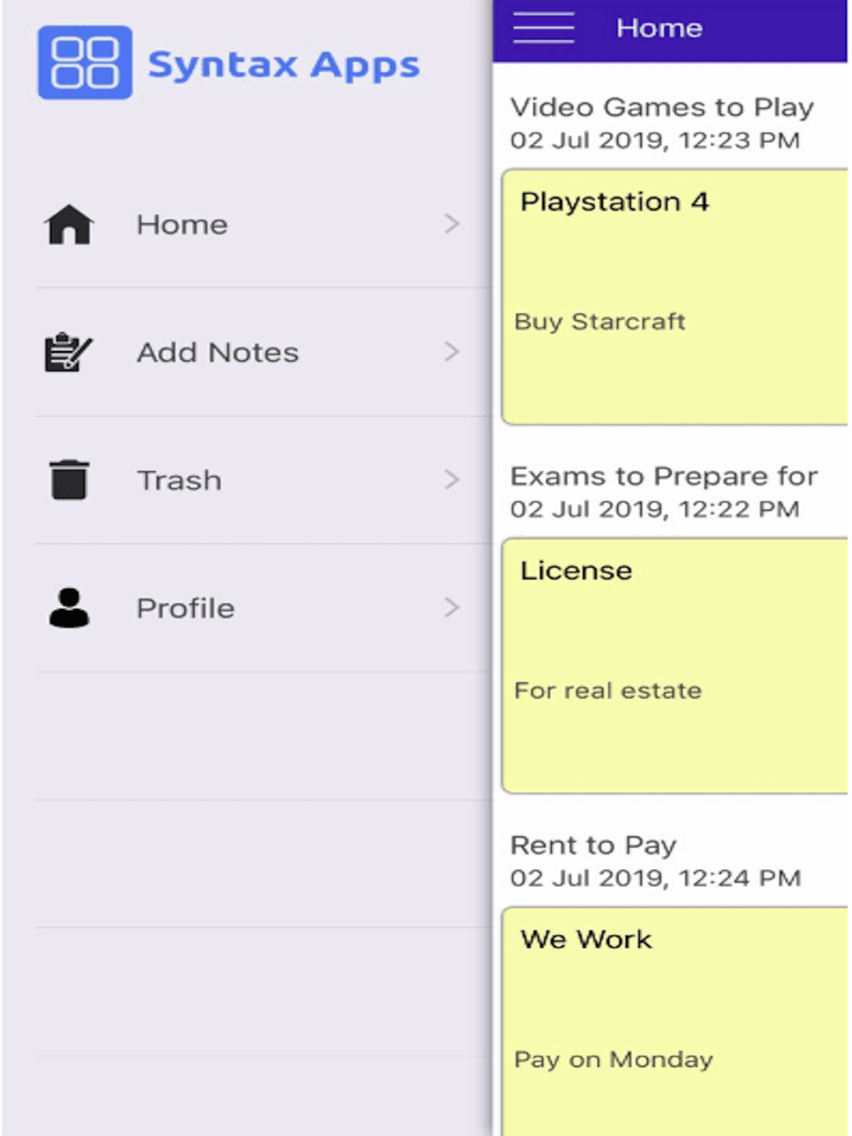
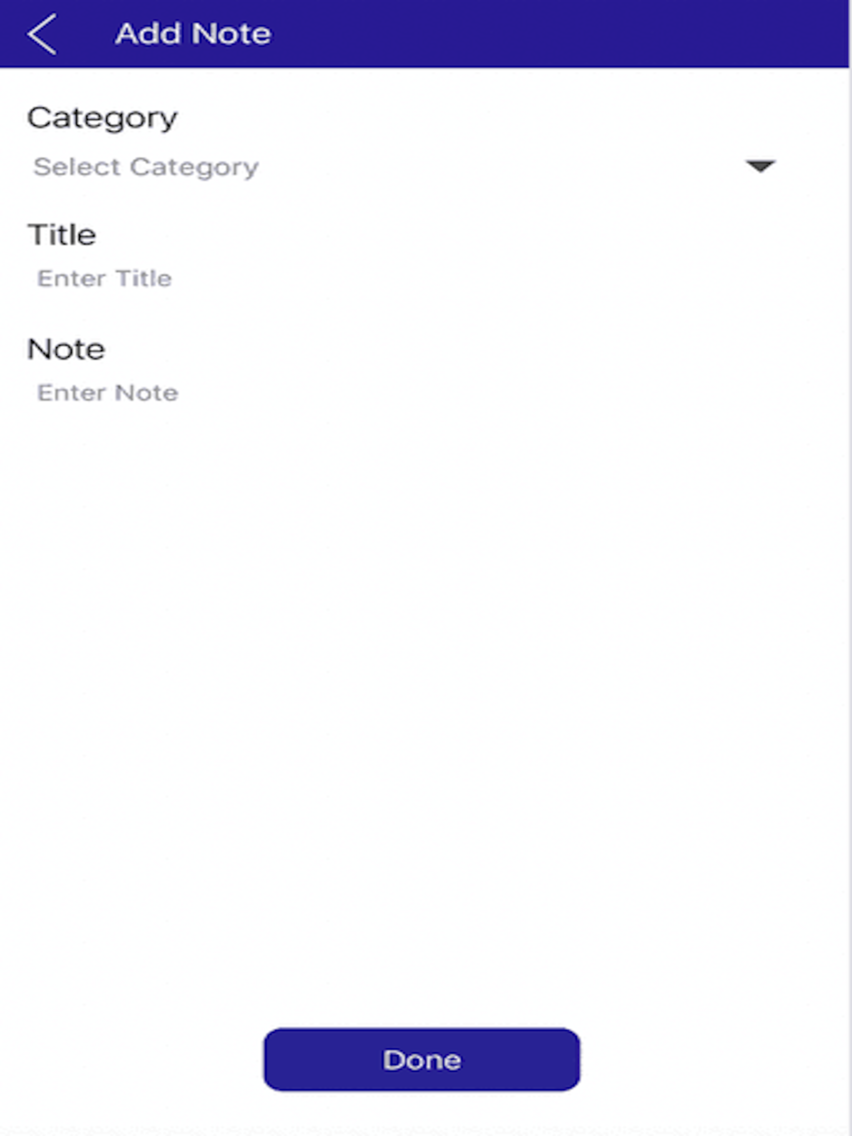
1. Create Notes, Press Done, all in a jiffy

2. Simplest Way to Make Notes by Creating an Account on the App

3. Share Notes with Anyone and from Anywhere

4. Delete Notes, Restore them or Permanently Delete Them

5. Clean, Simple and Minimal Note and Task Management

6. Notes & Tasks Synced on Unlimited Devices

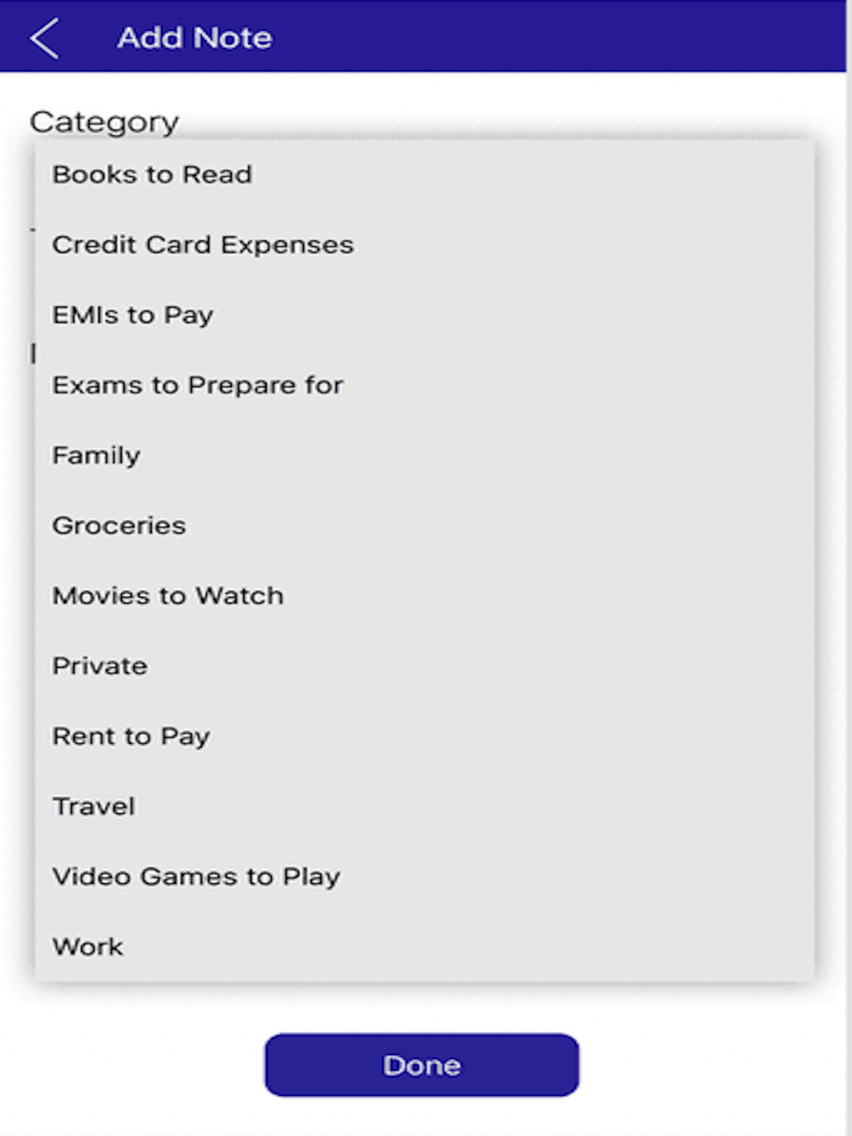
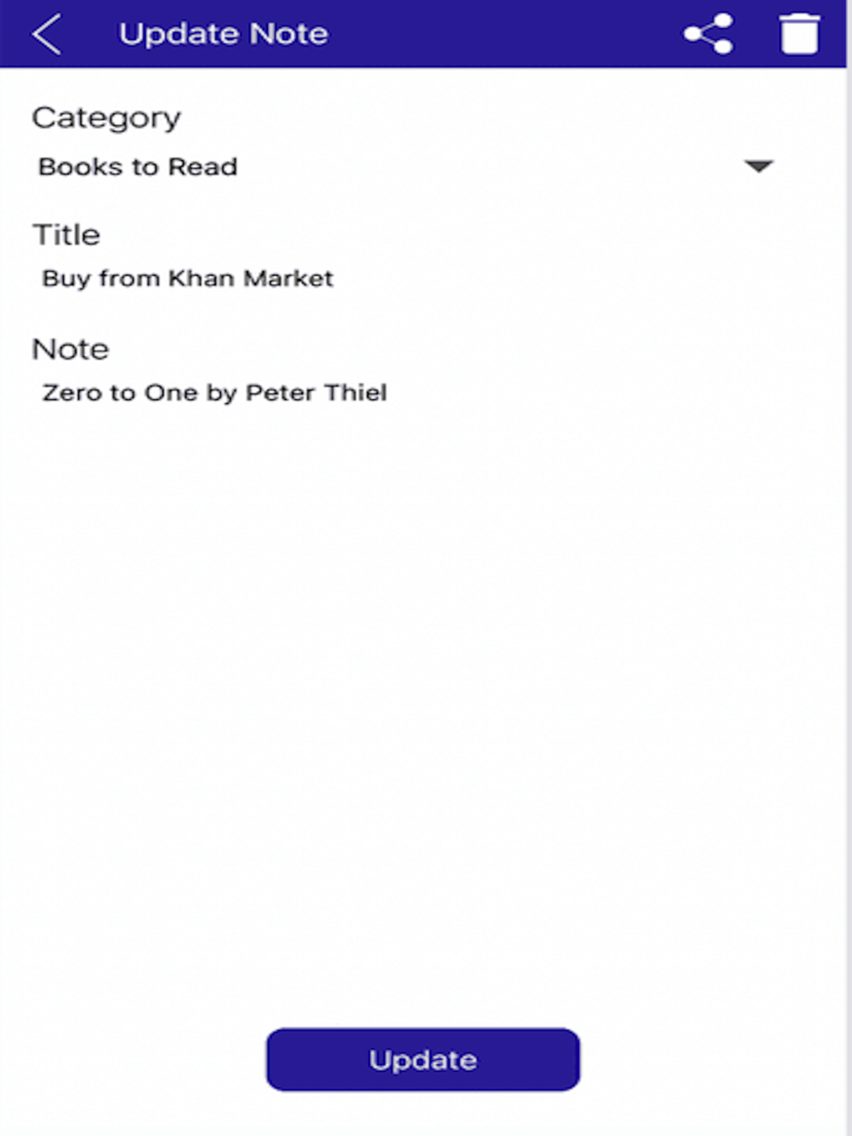
7. Simplest Way to Add Short Notes with Specific Categories and Title

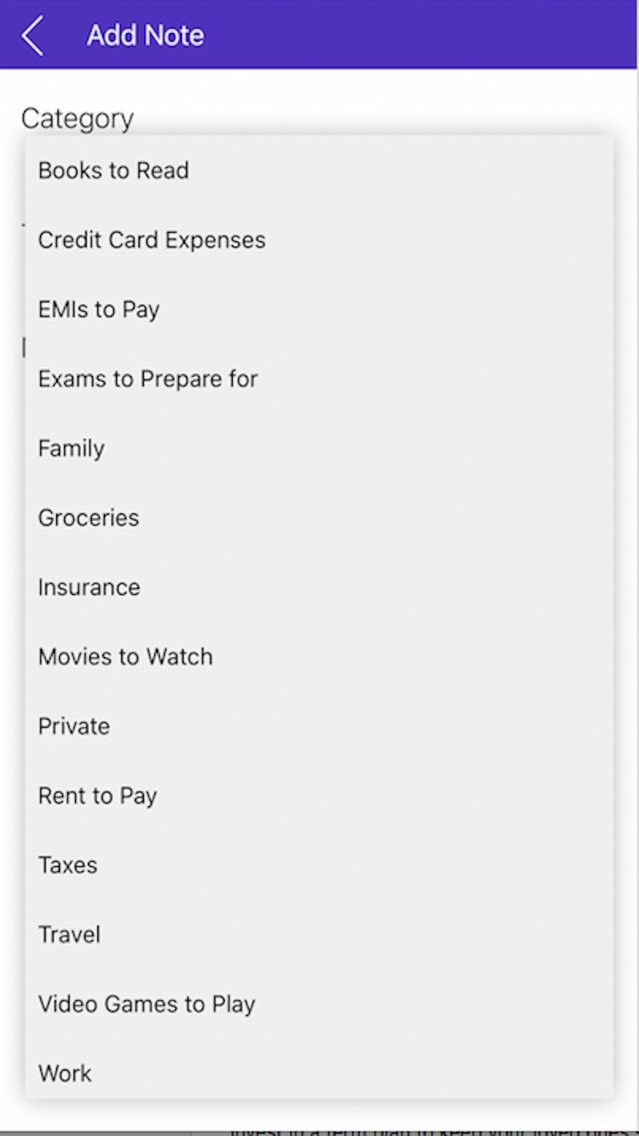
8. Create Unlimited Note, Task Categories from your Daily Chores and Routine

9. Advanced Search, Filter, Sorting of Notes , Note Title, Description and Category for a faster experience

10. Share Notes with anyone and from anywhere for free for basic collaboration with your friends, relatives and colleagues. Sharing is caring.

11. Delete Notes, Maintain a Trash, Restore Them or Permanently Delete them without the 30 Days Time Limit. Update and View Notes even when in the Trashed Section

12. Multiple Selection Action for Notes: Select Specific, Select All, Delete Specific, Delete All

13. Multiple Selection Action for Notes in the Trash Section: Select Specific, Select All, Delete Specific, Delete All

Show More

What's New in the Latest Version 1.7

Last updated on Jul 24, 2019
Old Versions
We squashed two errors:

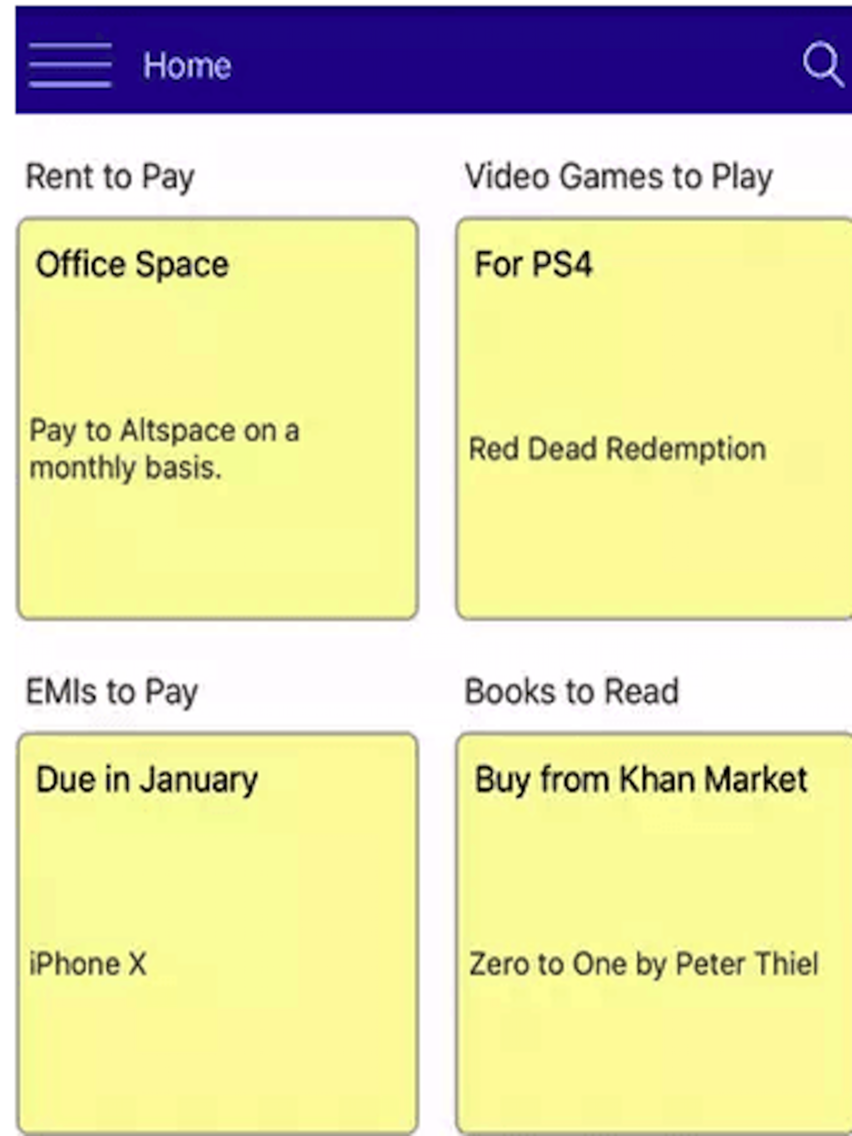
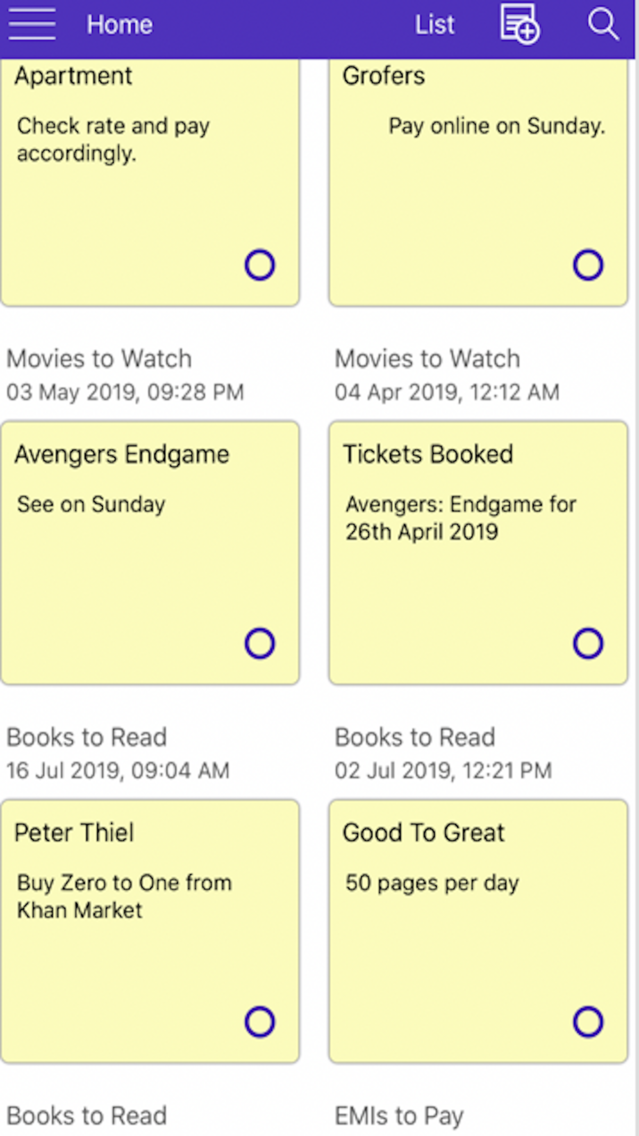
1. When you see the Grid View, only the title of the respective notes are clickable. We have made the whole square note clickable.

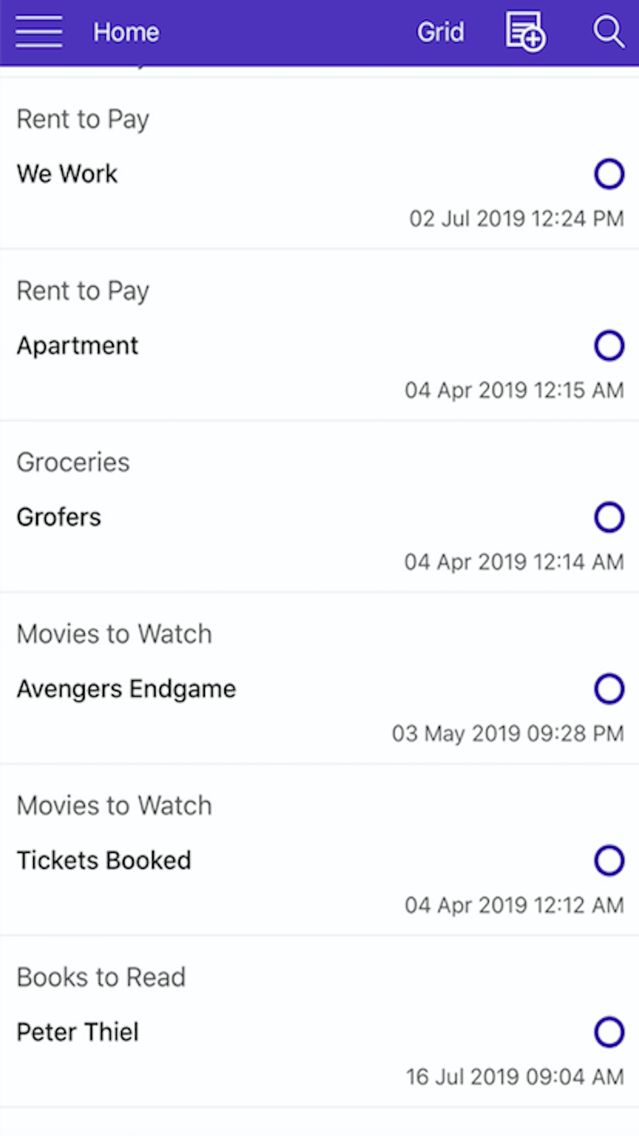
2. Now coming to the List View, we noticed that while scrolling down notes, while editing them, only the last updated/added notes with category were showing. Suppose the last updated note was "Exams to Prepare for", and I edit "Credit Card Expenses", it's still showing the details of "Exams to Prepare for", once again this issue is in the List View of notes only.
Show More
Version History
1.7
Jul 24, 2019
We squashed two errors:

1. When you see the Grid View, only the title of the respective notes are clickable. We have made the whole square note clickable.

2. Now coming to the List View, we noticed that while scrolling down notes, while editing them, only the last updated/added notes with category were showing. Suppose the last updated note was "Exams to Prepare for", and I edit "Credit Card Expenses", it's still showing the details of "Exams to Prepare for", once again this issue is in the List View of notes only.
1.6
Jul 21, 2019
1. List View of Notes introduced for those who prefer it simple.

2. Switching between List and Grid View implemented. Your notes, your choice.


3. Selection on Notes preset through blue circles. Select/Deselect/Cancel Notes. For those who like to be guided before use.


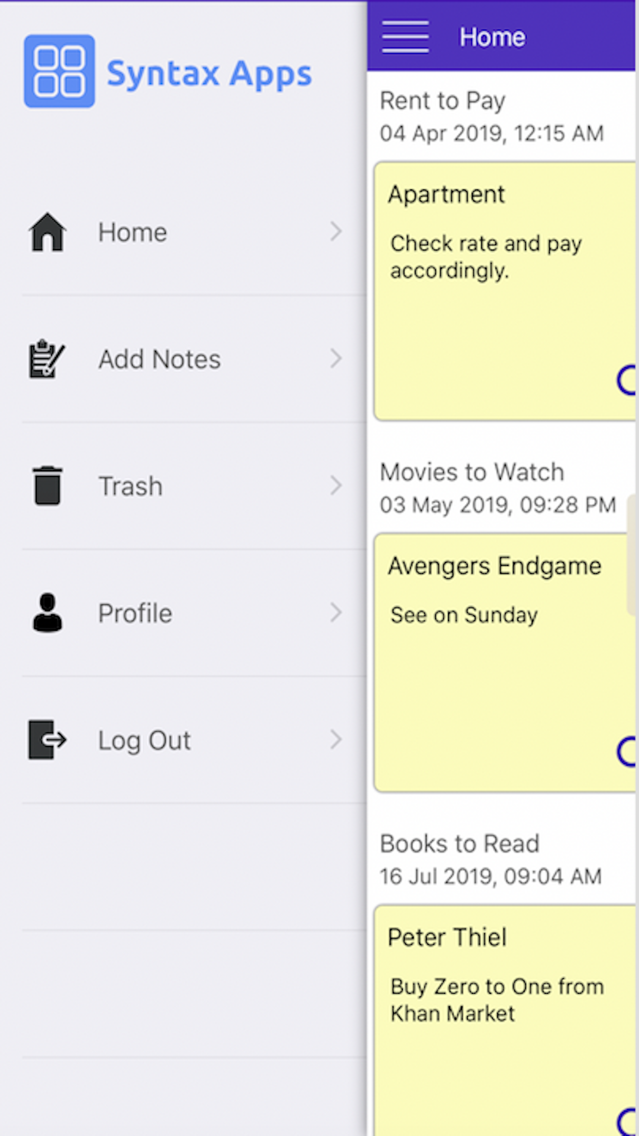
4. Log Out Link added to the left panel menu, in addition to the one in the Profile Section, which was earlier missing. Log Out when you want to.
1.5
Jul 7, 2019
Features mostly remain the same. Changes are:

1. App Screenshots have been updated.
2. App Support URL has been updated.
3. Promotional Text has been updated.
4. App Description has been updated.
5. Marketing URL has been updated.
1.4
May 3, 2019
Bugs Fix. UI, Logo and app icon changed.

Syntax App FAQ

Click here to learn how to download Syntax App in restricted country or region.
Check the following list to see the minimum requirements of Syntax App.
iPhone
iPad
Syntax App supports English

Syntax App Alternative

You May Also Like