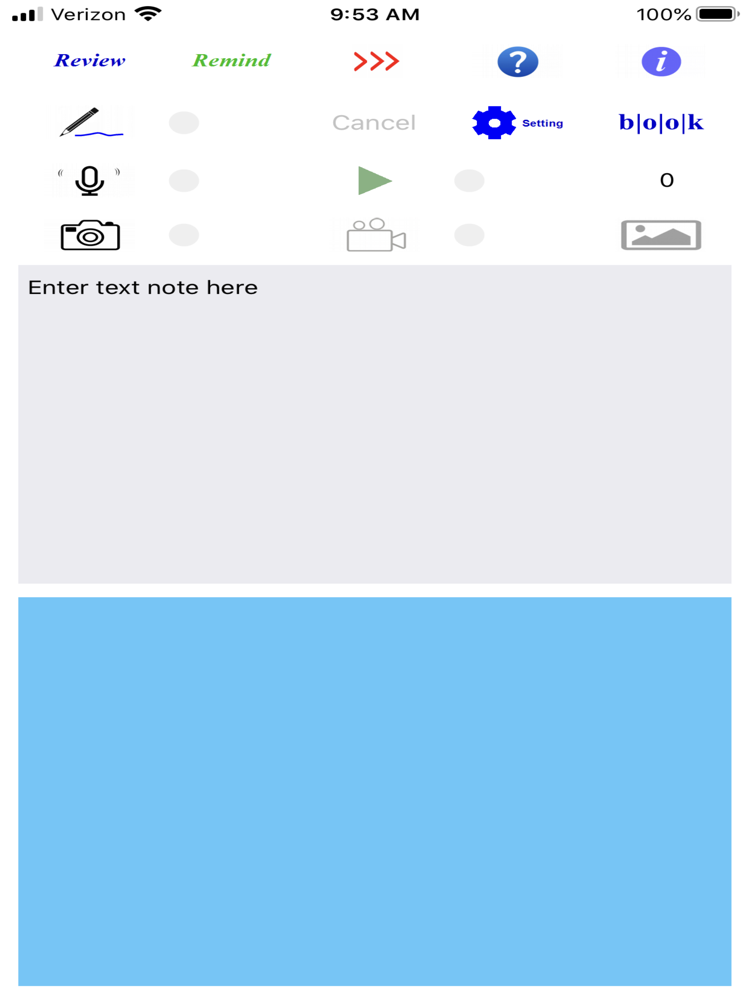
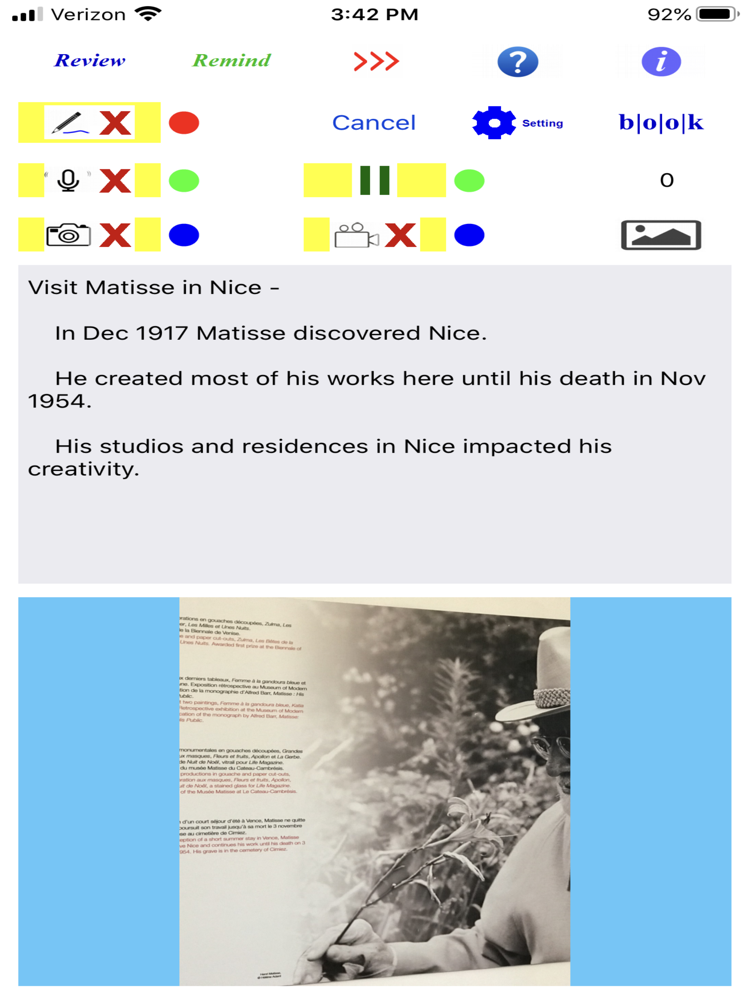
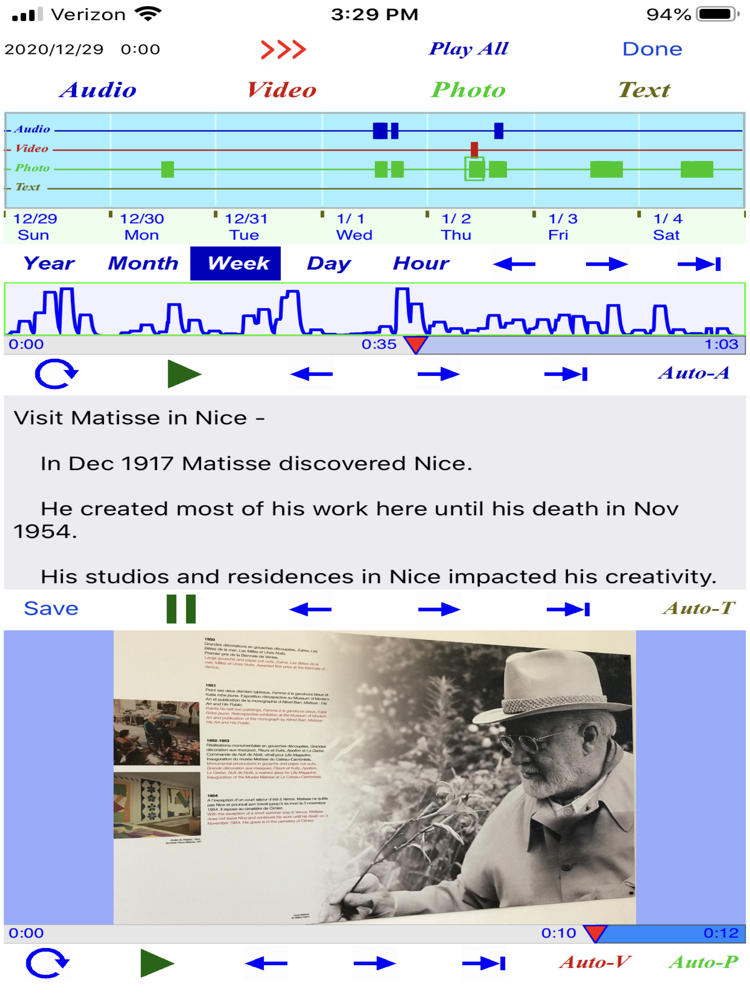
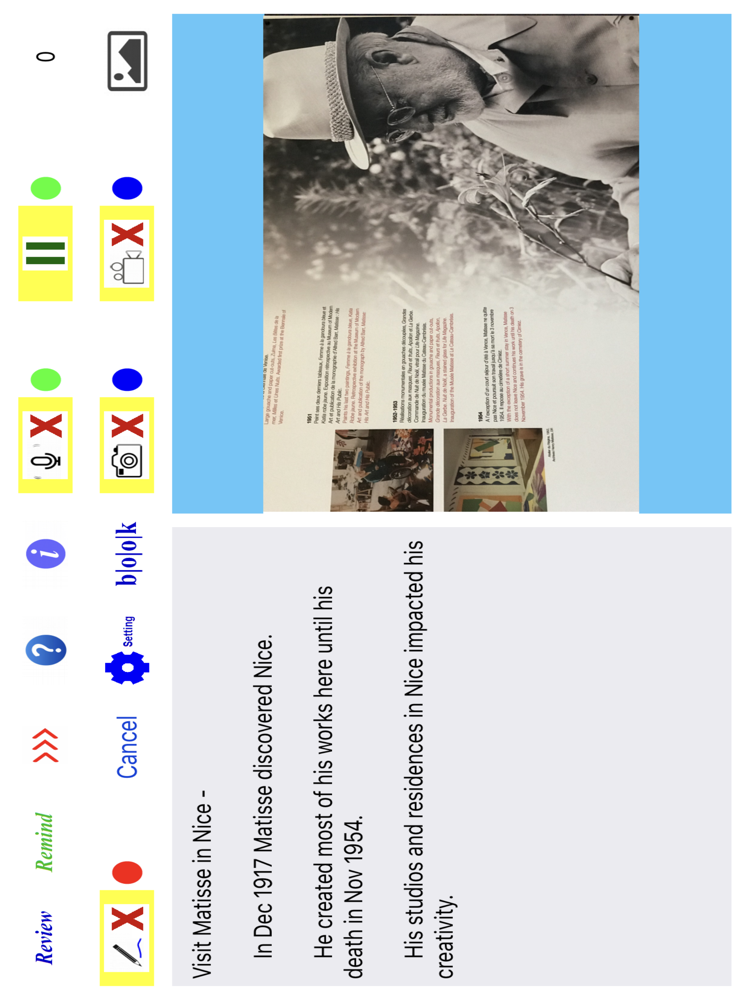
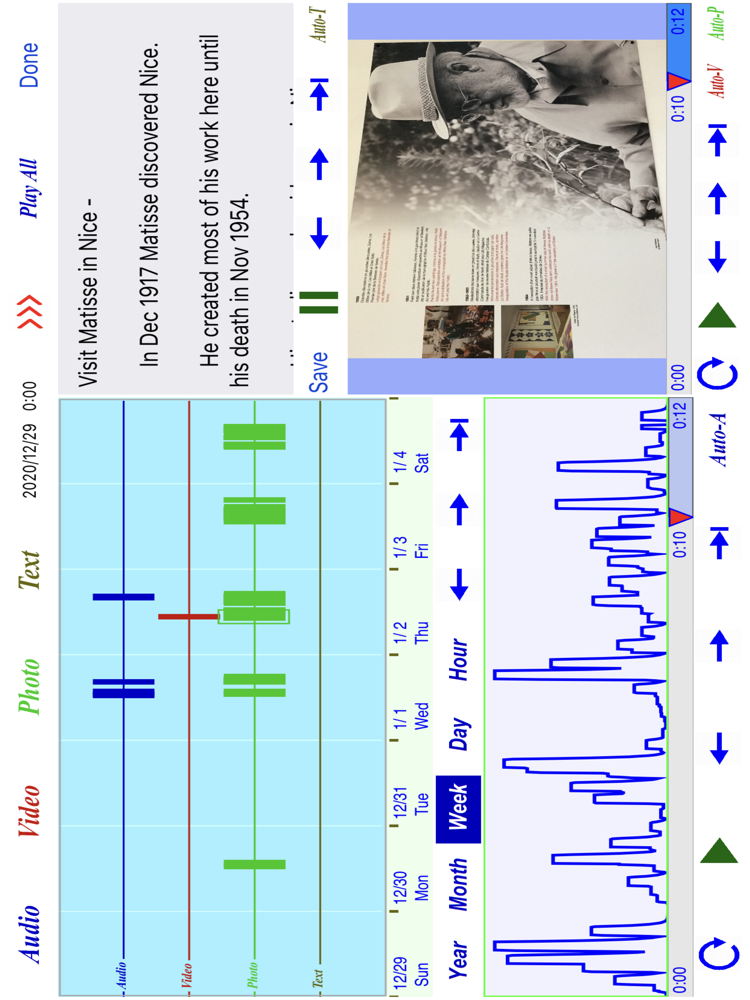
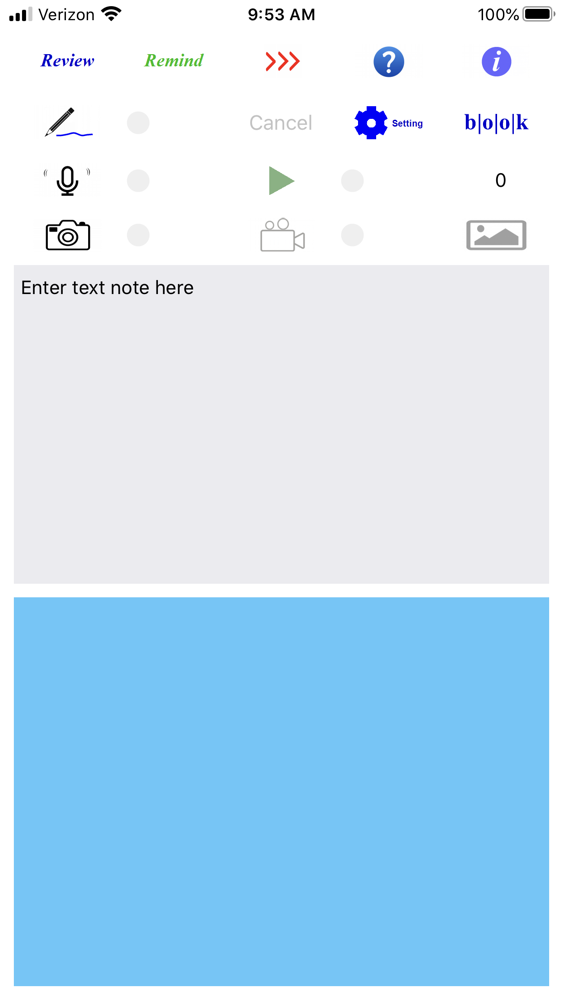
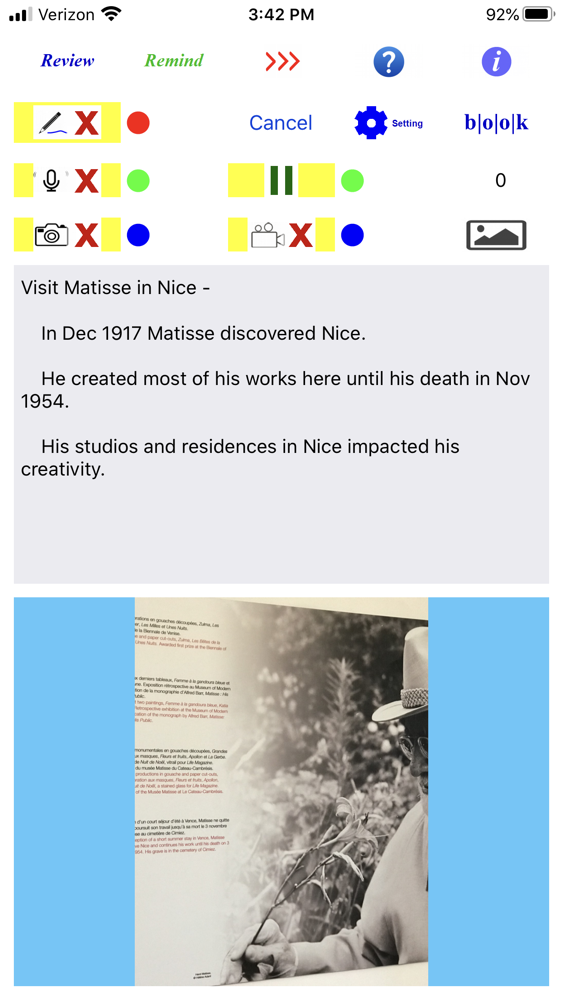
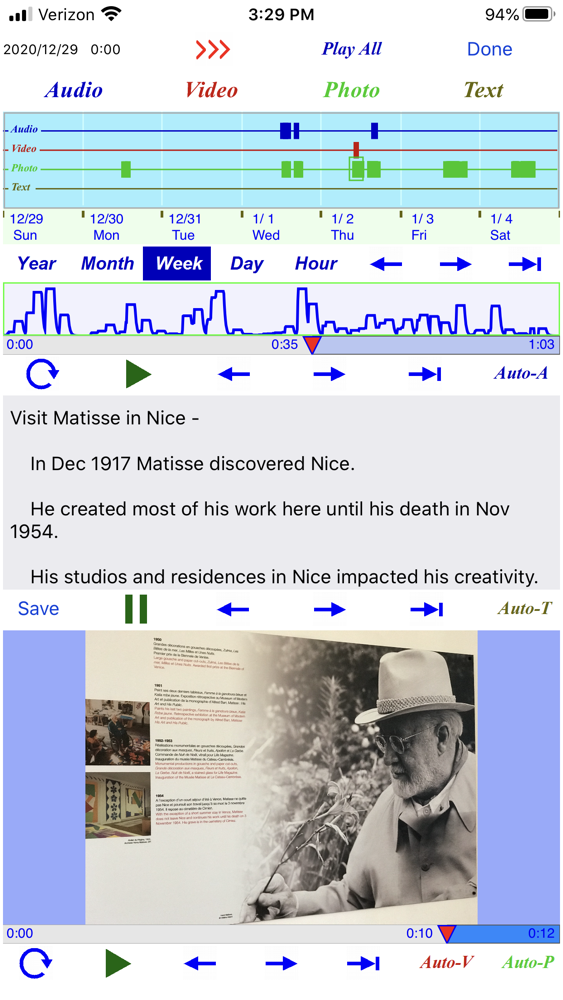
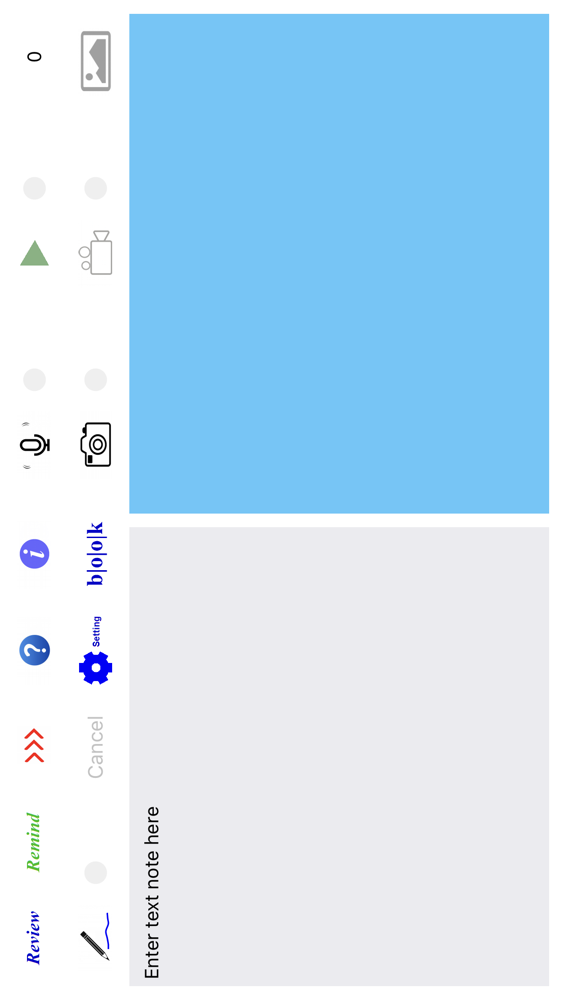
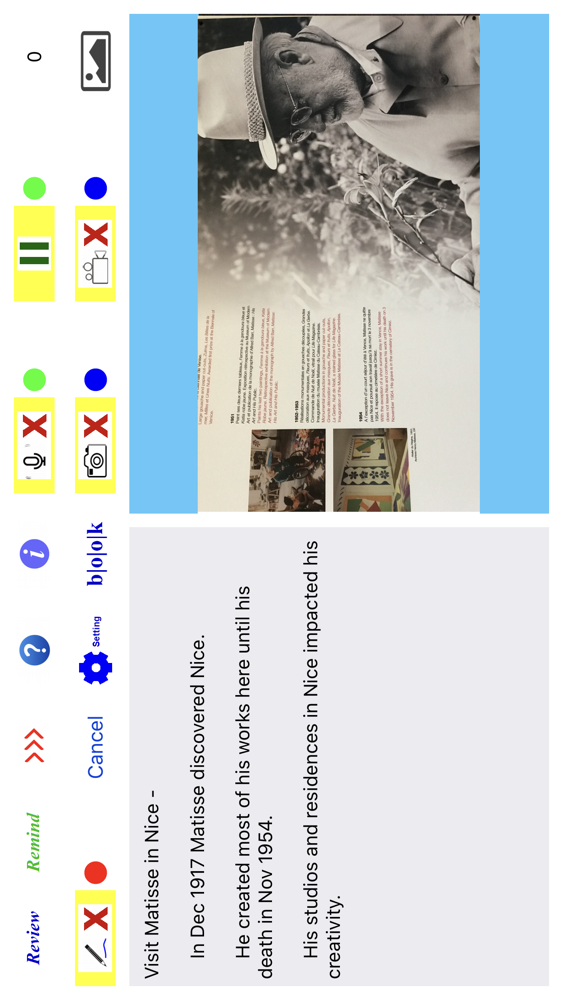
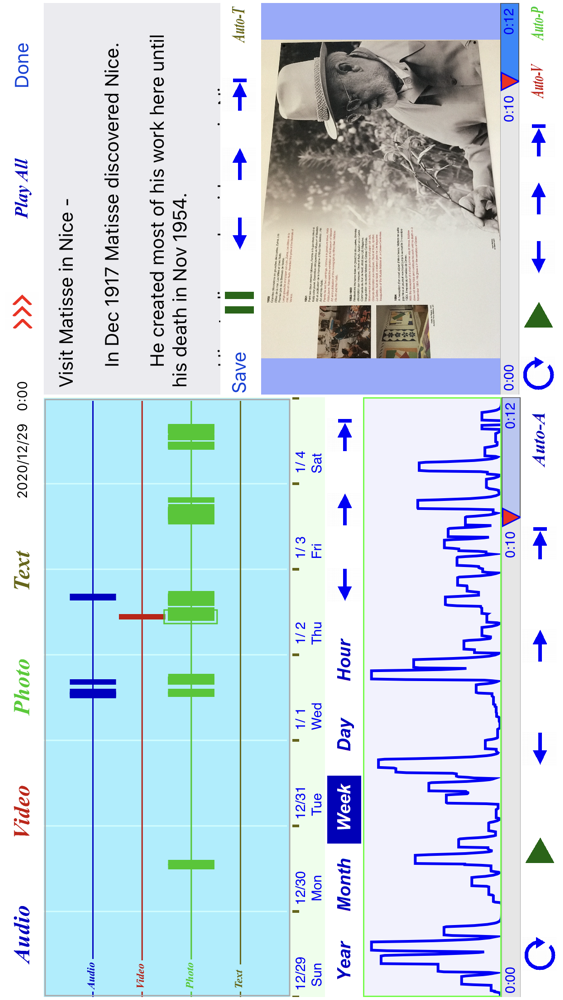
This app can take note in the form of text, audio, video, and photo. These multimedia notes are stored in the iCloud or in the device. They are shown together on a time-line chart. To read back a note, it can be selected from a file list or from the time-line chart. The notes can be played back automatically in sequential order. A note can be classified to a category, referred to as a bookmark here. The user has the option to select a bookmark as a filter to limit the file list, in which only those notes classified to this bookmark name are included in the list. This makes easy for the user to find and retrieve the note of interest.
A note can be converted to a reminder as one-time, annual, monthly, weekly, or daily note. With the exception of one-time note, a reminder works as periodic note on the file list, and on the time-line chart, over a number of future months.
This app can be used for both iPhone and iPad. Besides the help page in the app, a video guide is available in the link
https://youtu.be/De0PKMcFDco
with title: Usage of iPhone App “TakingNote”.