Tapping Test

Tapping Test


$1.99

1.0for iPhone, iPad
Age Rating
4+
Apps in this category do not contain restricted content.
9+
Apps in this category may contain mild or occasional cartoon, fantasy or real-life violence, as well as occasional or mild adult, sexually suggestive or horrifying content and may not be suitable for children under 9 years of age.
12+
Apps in this category may contain occasional mild indecent language, frequent or intense cartoon or real-life violence, minor or occasional adult or sexually suggestive material, and simulated gambling, and may be for children under 12 years of age.
17+
You must be at least 17 years old to access this App.
Apps in this category may contain frequent and intense offensive language; Frequent and intense cartoon, fantasy or realistic violence: frequent and intense adult, scary and sexually suggestive subjects: as well as sexual content, nudity, tobacco, alcohol and drugs, may not be suitable for children under 17 years of age.
Tapping Test Screenshots
Tapping Test posterTapping Test posterTapping Test posterTapping Test poster

About Tapping Test

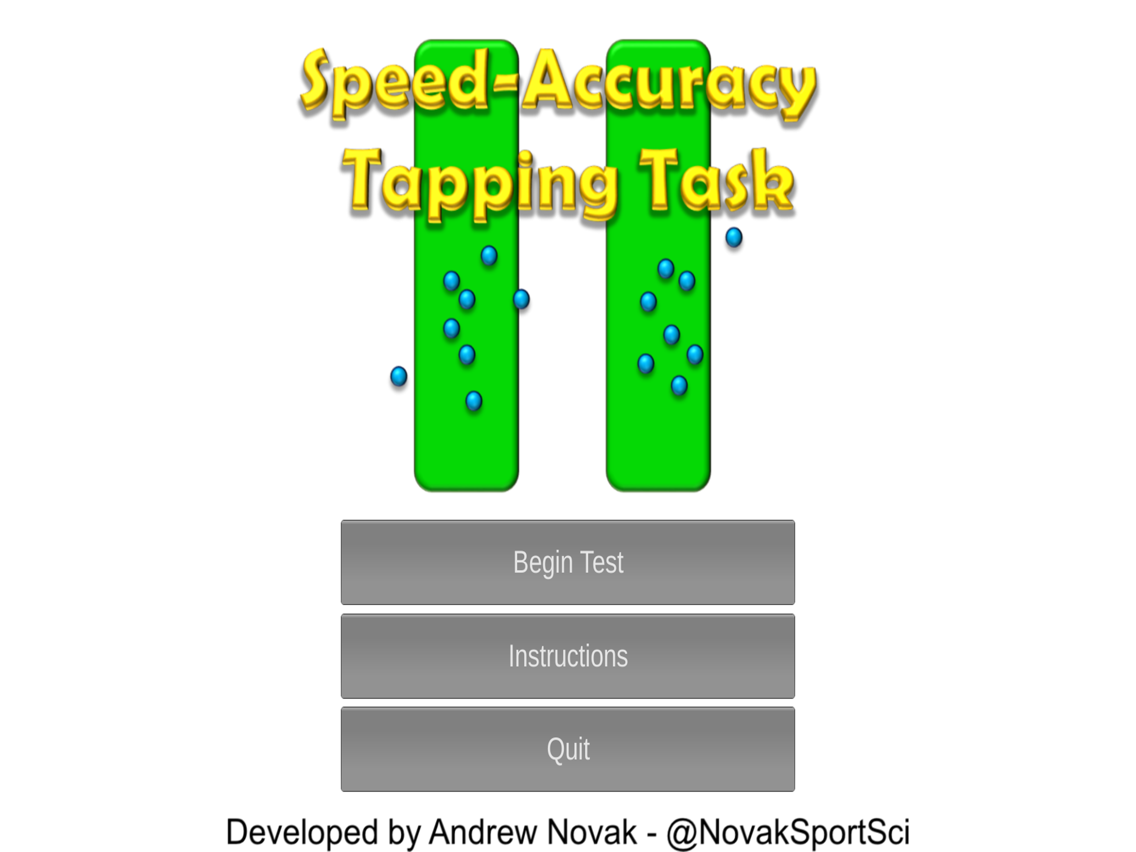
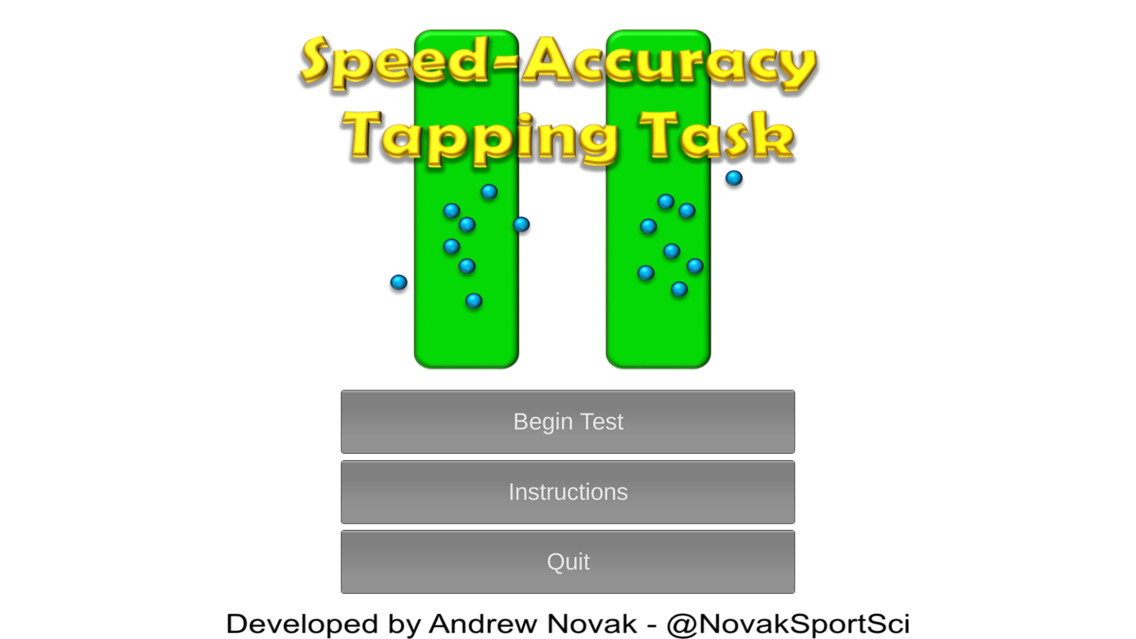
This App has been designed to demonstrate Fitts' Law - also referred to as the speed-accuracy trade-off i.e. when moving between targets, speed and/or accuracy must be sacrificed for greater distances and smaller targets. The app has been designed primarily for research and teaching purposes.

Button widths and distances will vary depending on screen size, however the ratios are based on:
"Fitts P. M. (1954). The information capacity of the human motor system in controlling the amplitude of movement. Journal of Experimental Psychology. 47(6):381-391".
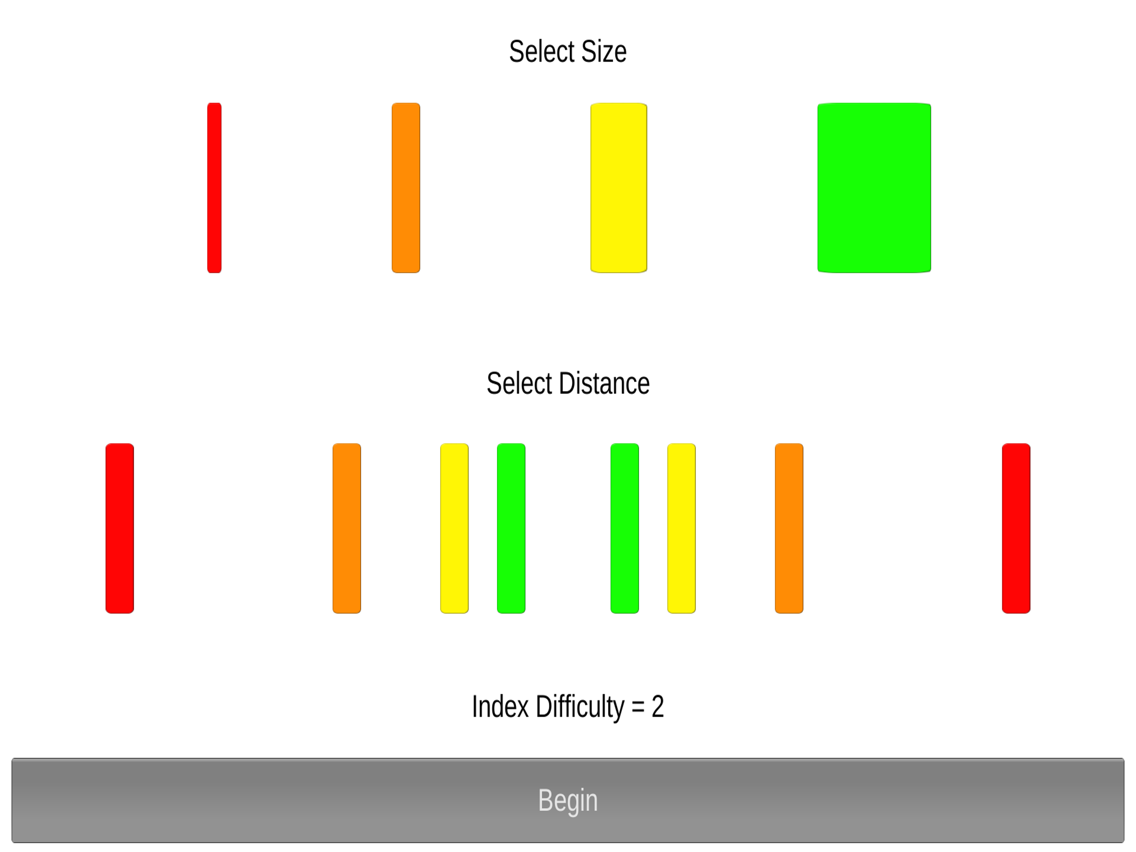
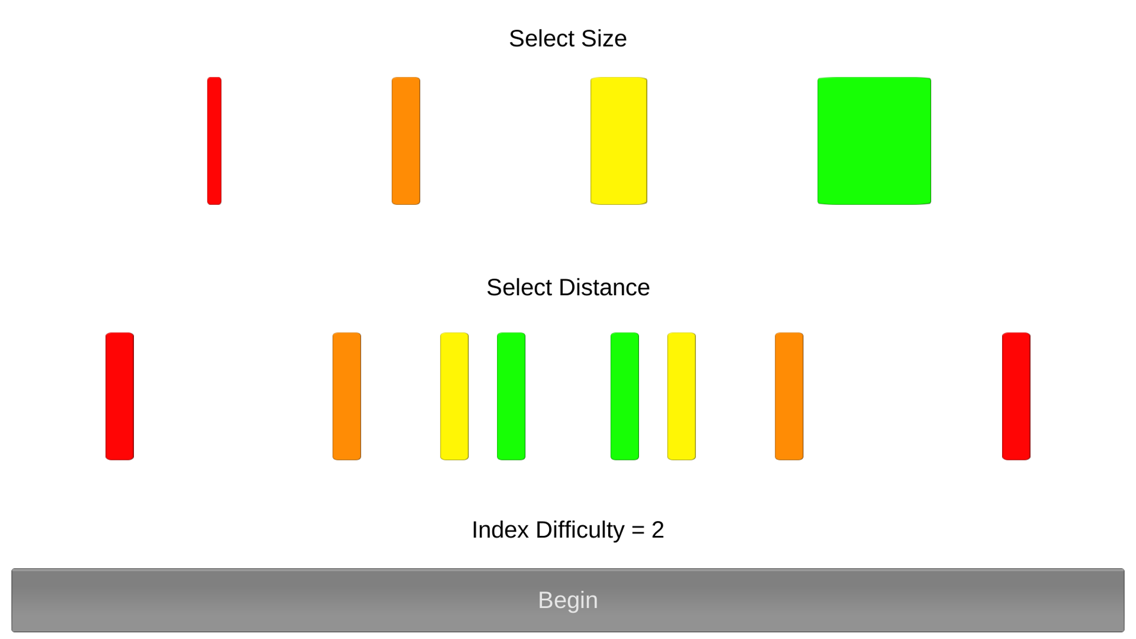
There are 16 possible combinations with index difficulty ratings between 1-7 as per Fitts (1954).

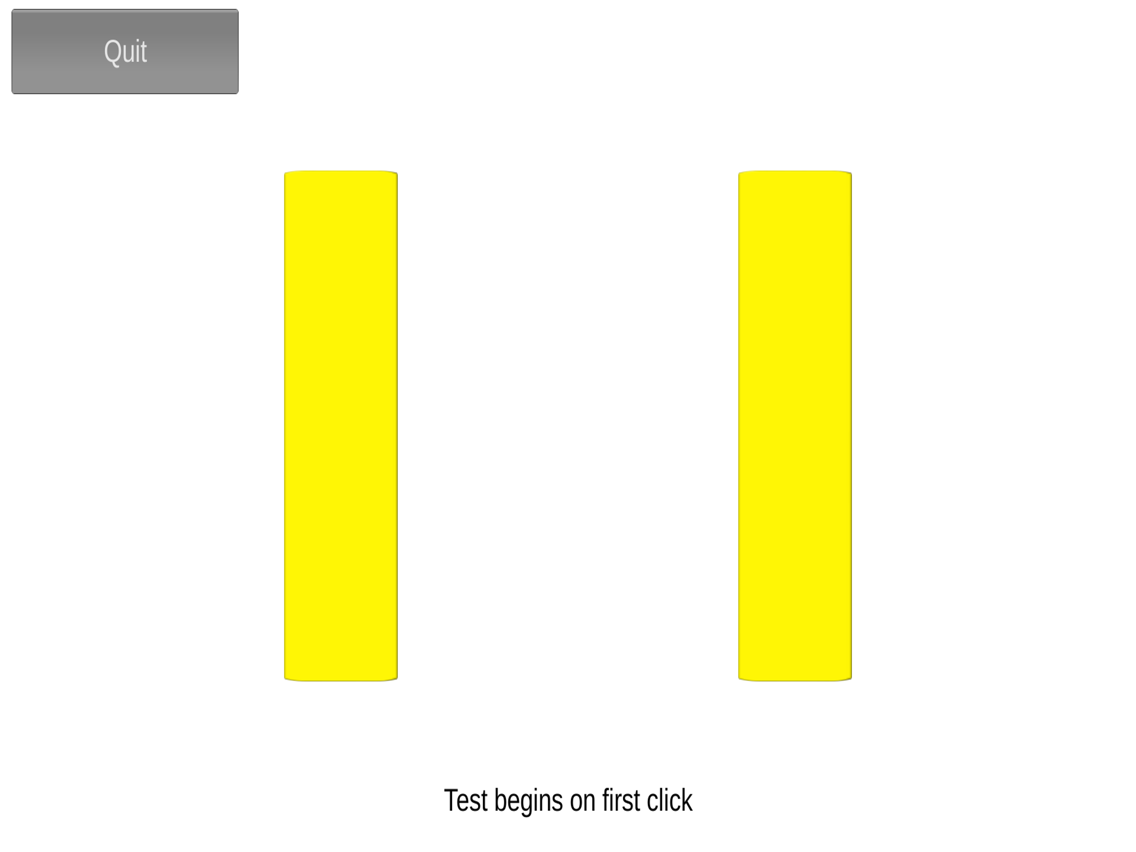
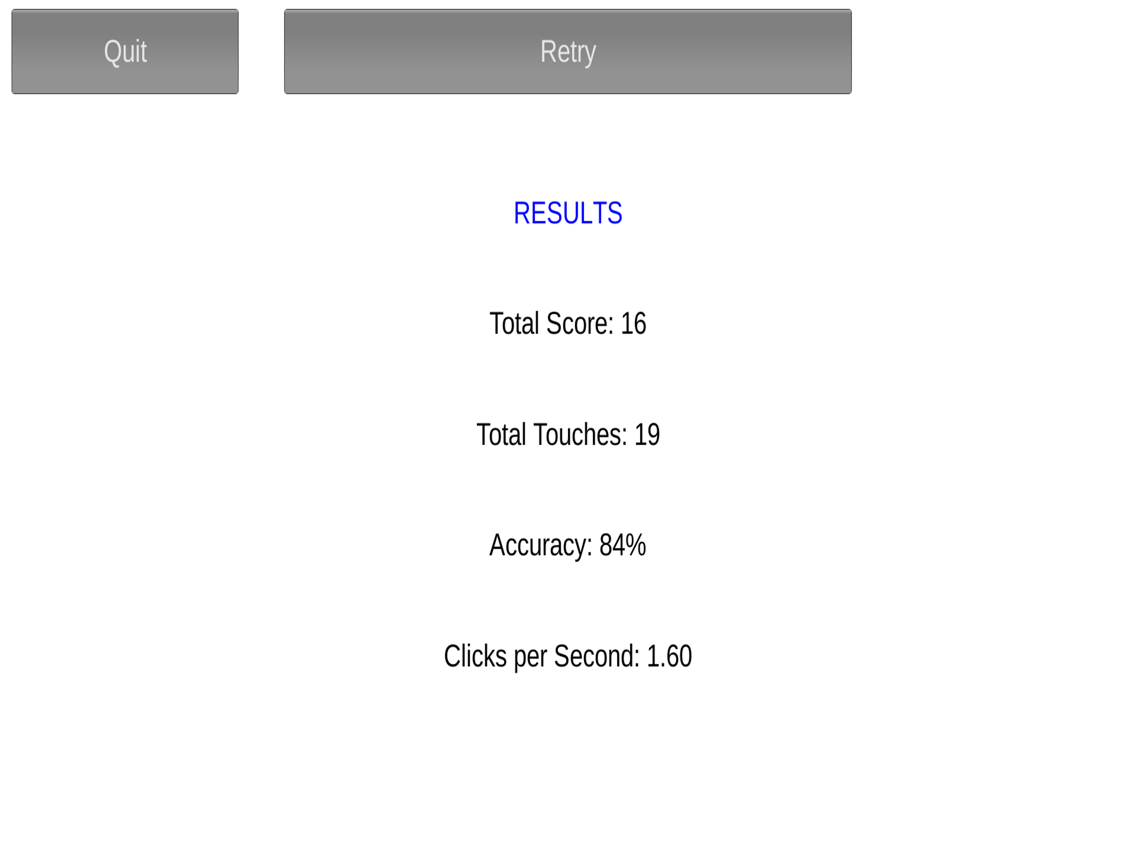
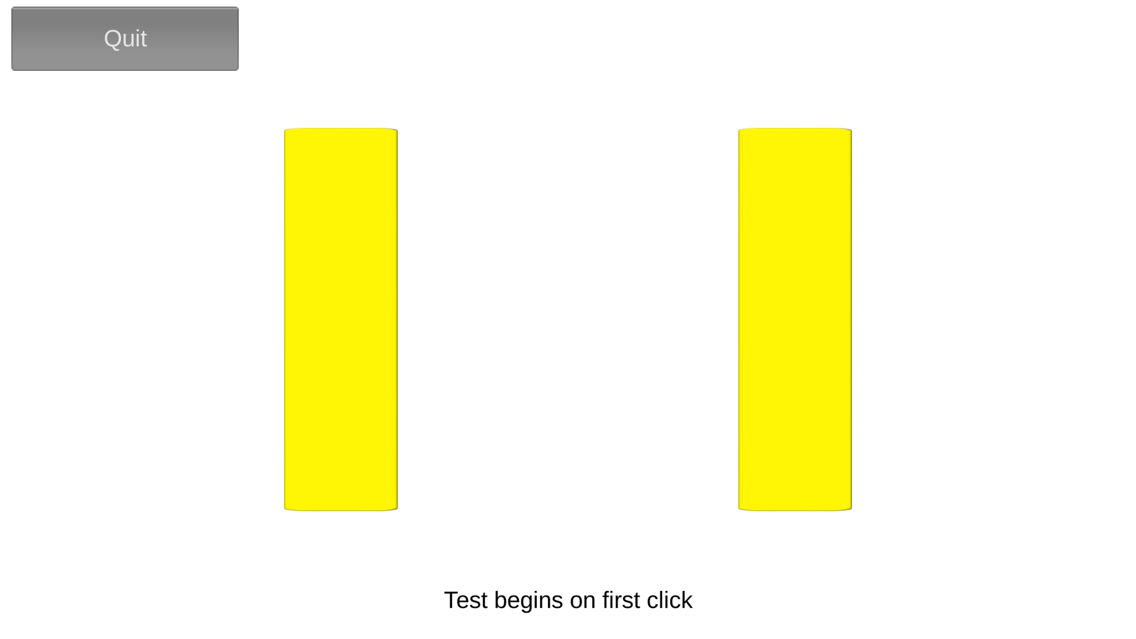
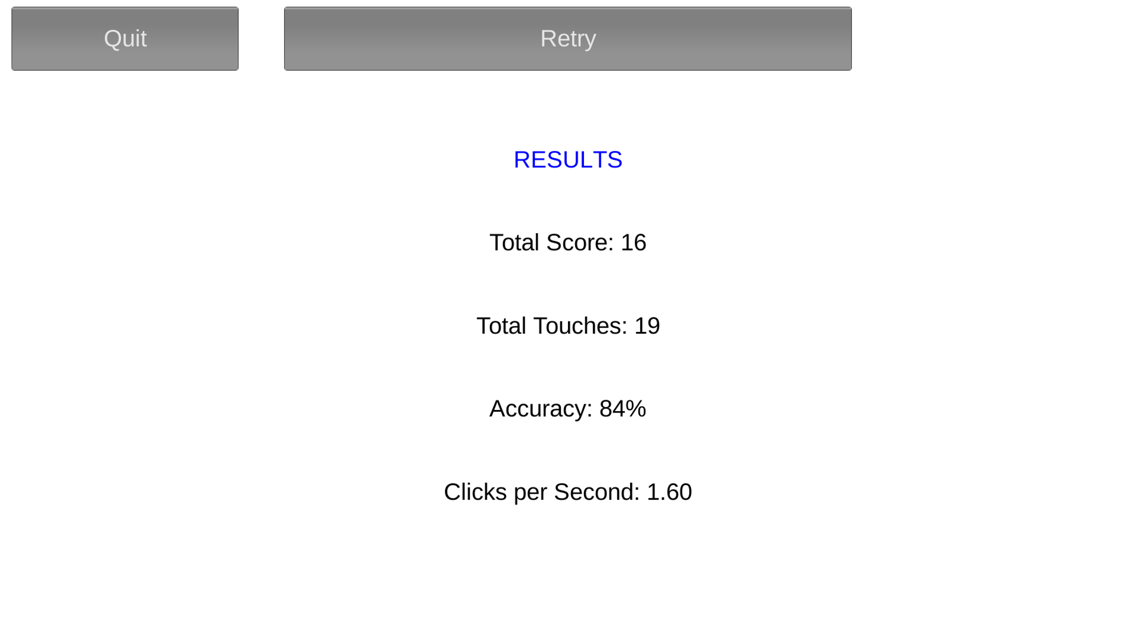
For each test, select the desired button size and distance between buttons - the resultant index difficulty will be displayed prior to the test. During the test, two buttons will be presented on the screen in the chosen dimensions. Using only one finger of one hand, touch the buttons in an alternating sequence as quickly as possible for 10 seconds. You should notice that the greater the distance between the buttons and the smaller the buttons are, the less clicks you will achieve during the 10 seconds and/or with reduced accuracy.

Note: if using a touch screen, this test is best suited for use with a stylus pen i.e. if you have large fingers, take care to only contact the screen within the borders of the button. Pressing down within the button but lifting up outside of the button will not register as an accurate press. Importantly, be careful of your screen if using a stylus, impacts may cause damage!

If you would like more information regarding dimensions etc, you can email me at novaksportsci@gmail.com

Show More

What's New in the Latest Version 1.0

Last updated on Sep 9, 2016
Old Versions
This update is signed with Apple’s latest signing certificate. No new features are included.
Show More
Version History
1.0
Sep 9, 2016
This update is signed with Apple’s latest signing certificate. No new features are included.

Tapping Test FAQ

Click here to learn how to download Tapping Test in restricted country or region.
Check the following list to see the minimum requirements of Tapping Test.
iPhone
iPad
Tapping Test supports English

Tapping Test Alternative

Get more from Andrew Novak